Wedding album designers often work under tight deadlines, especially during the busy Indian wedding season. When several clients are waiting for their albums, creating every spread from scratch can take valuable time that could be spent selecting photographs, refining layouts, and checking print quality.
A 12X36 Wedding Album Design provides a useful starting point for arranging wedding photographs in a wide album layout. Designers can plan photo placement, balance traditional wedding moments with candid shots, and create a consistent visual story from ceremonies such as Mehendi and Sangeet to the wedding day and reception.
At PSDPix.com, designers and photographers can explore Wedding Album Design resources to support their creative workflow. Before selecting a template, it is important to confirm its file format, dimensions, editing requirements, and license terms. These checks help you choose a suitable resource for your studio’s needs.
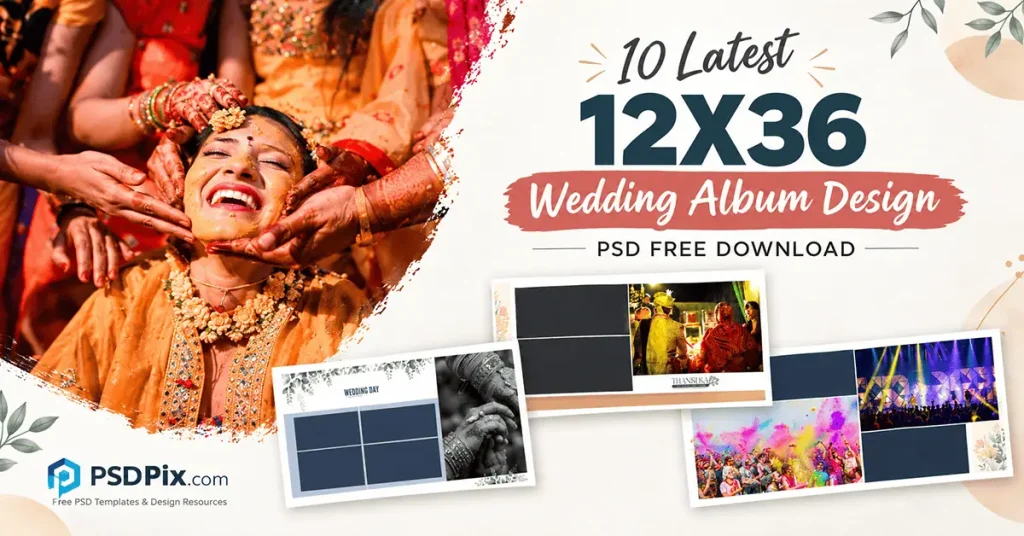
Table of Contents
12X36 Wedding Album Design — Understanding the Wide Album Format
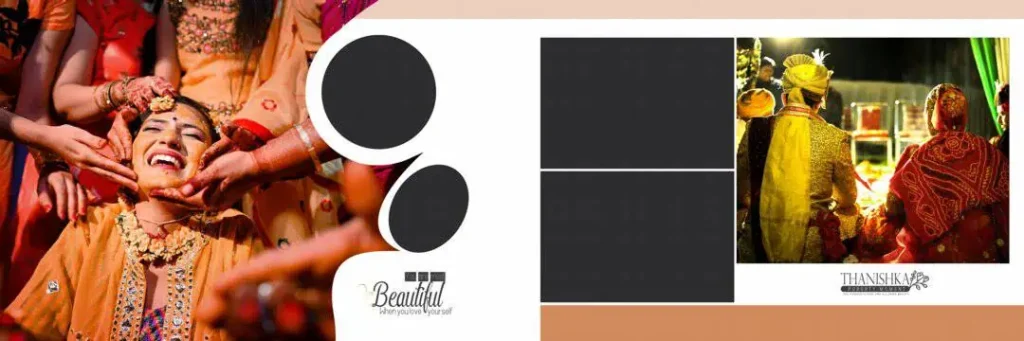
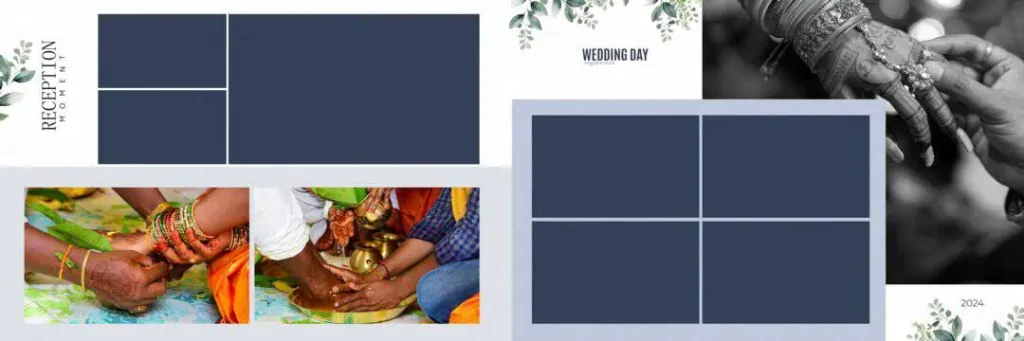
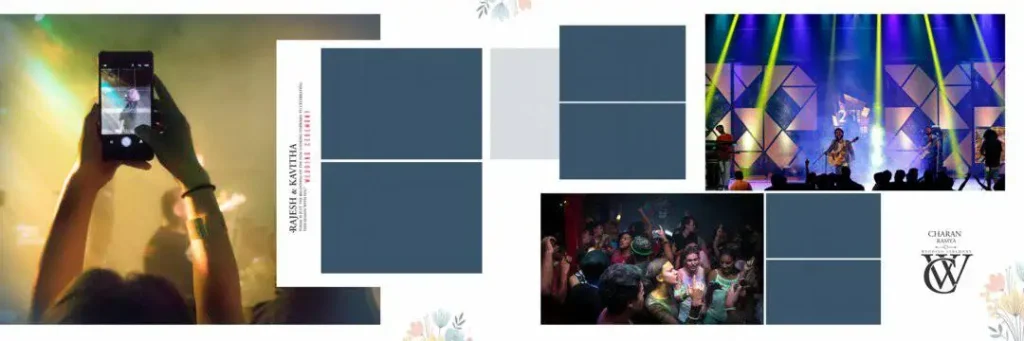
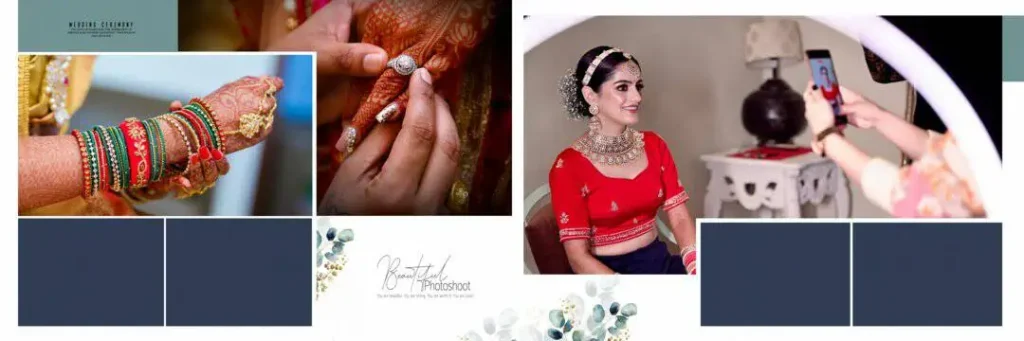
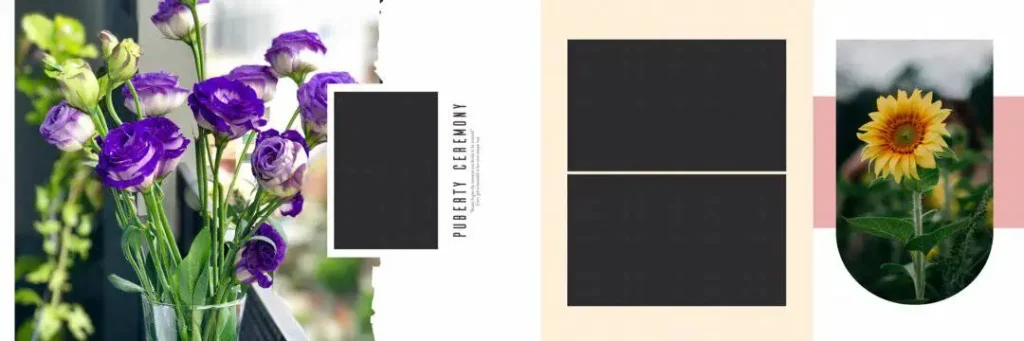
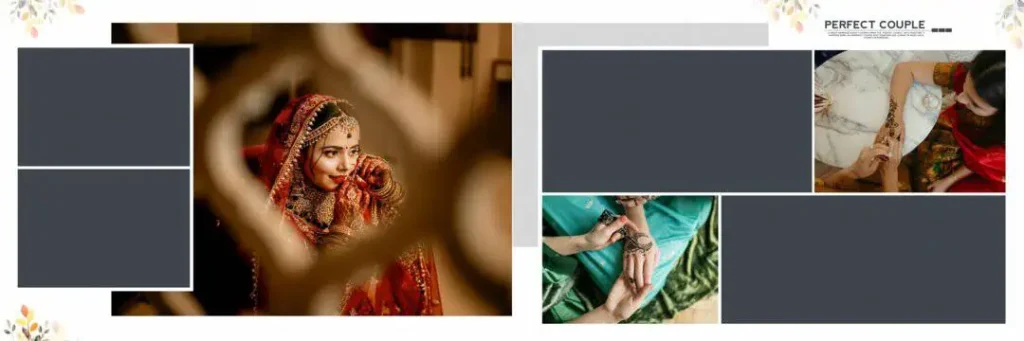
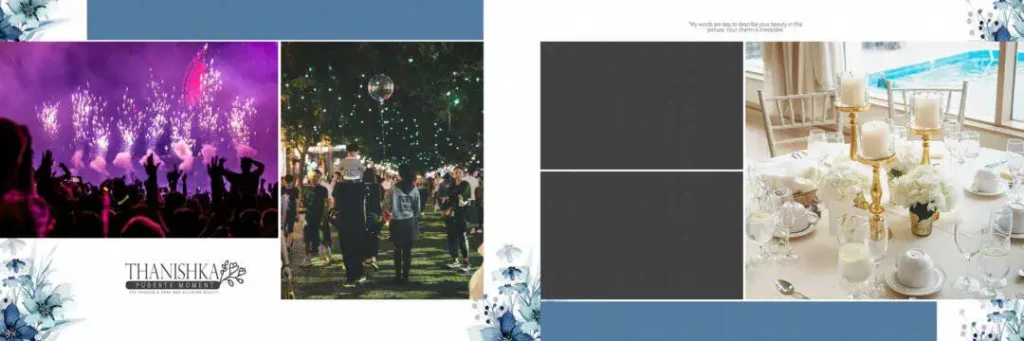
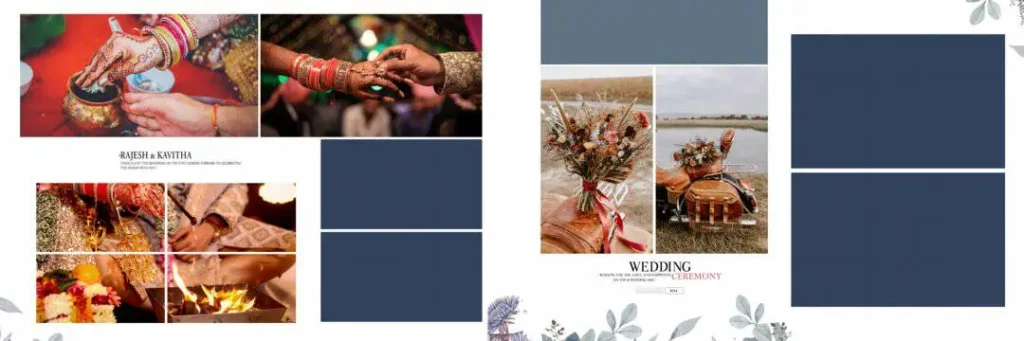
A 12X36 Wedding Album Design is a wide-format layout used to arrange wedding photographs across a panoramic album spread. The format is useful for presenting group portraits, couple photographs, ceremony highlights, and decorative compositions across a broad visual space.
The term “12X36” commonly describes a nominal layout size of 12 by 36 inches, although the exact dimensions of a digital template must be checked before use. A designer should also confirm whether the measurements refer to an open spread, a finished page, or another production specification.
A Photoshop template may provide an existing arrangement of photographs, backgrounds, decorative elements, and text. However, the actual contents depend on the individual file. Some PSD files contain editable layers, while others may have limited editing options. Checking the document before beginning work helps avoid unnecessary adjustments later.
#01
#02
#03

#04

#05
#06

#07
#08
#09

#10

Explore Wedding Album Design Resources on PSDPix.com
For designers searching for a 12×36 Wedding Album Design PSD, PSDPix.com is a relevant place to explore wedding album design resources. Choose a resource that matches your preferred visual style, project requirements, and editing software.
A collection intended for Indian wedding photography may be useful for layouts featuring couple portraits, family photographs, wedding rituals, and reception highlights. The best choice depends on the photographs you have, the client’s preferences, and the way the album will be printed.
The specific download URL, available files, and verified technical specifications have not been provided for this article. Therefore, the availability of ten individual templates, free downloads, layered editing features, and particular resolutions cannot be confirmed here. Check the relevant resource page before downloading or advertising any file as free.
When evaluating a 12×36 Wedding Album PSD free download, review the preview images, file extension, document dimensions, and license conditions. These details help you decide whether the resource is appropriate for your workflow and whether it can legally be used in a paid client project.
#11

#12

#13
#14
#15

#16
#17

#18

#19

#20

How to Use a 12X36 Wedding Album PSD in Photoshop
Follow these six steps to prepare a wedding album design for your project.
1. Step 1: Download the resource. Visit the relevant PSDPix.com resource page and follow its download instructions. Confirm that the file is available and that its format suits your editing needs.
2. Step 2: Extract the archive. If the download comes as a ZIP file, extract it using a suitable archive utility. Check the extracted folder for the PSD file, preview images, and any included instructions.
3. Step 3: Open the file. Open the PSD in a compatible version of Adobe Photoshop. Check the canvas dimensions, resolution setting, color mode, and available layers before making changes.
4. Step 4: Replace the photographs. Add your selected wedding images to the layout. If the file uses Smart Objects, follow the appropriate editing workflow. Otherwise, replace photographs using the available layers or image placeholders.
5. Step 5: Customize the design. Adjust image placement, backgrounds, colors, decorative elements, and text where editable. Keep the couple as the visual focus and avoid overcrowding the spread with too many photographs.
6. Step 6: Prepare the final output. Confirm the printer’s required dimensions, resolution, color profile, bleed, and binding allowance. Save an editable PSD copy and export the final file in the format requested by your album printer.
Managing Album Deadlines Without Sacrificing Design Quality
A reusable layout can help reduce repetitive work when a studio has several wedding albums to complete. However, speed should come from an organized process rather than placing photographs into a template without considering the story they tell.
Start by sorting images into groups such as pre-wedding portraits, Mehendi, Sangeet, Baraat, wedding rituals, and reception. This makes it easier to assign photographs to individual spreads and maintain a logical sequence throughout the album.
For a panoramic spread, consider how the viewer’s attention moves from one side to the other. Use a strong hero photograph, support it with complementary images, and avoid placing important faces or text near the central binding area. These decisions can make a 12×36 Wedding Album Design PSD more useful as a starting point while preserving the photographer’s individual style.
Before beginning a large project, test your workflow on one spread. Confirm that the photographs fit the layout, the text remains readable, and the design can meet the printer’s specifications. This small check can help prevent repeated corrections across the remaining pages.
Practical Tips for Better 12X36 Album Designs
– Check image resolution and dimensions. A document set to 300 DPI does not automatically contain enough photographic detail for a high-quality print. Check the actual pixel dimensions of each photograph and its intended printed size.
– Confirm color and export settings. Ask your printer which color profile and output format are required. Do not assume that every Photoshop template is supplied in CMYK or is ready for printing without adjustments.
– Allow for binding and bleed. Keep faces, captions, and important details away from the binding area. Follow the printer’s specified bleed and trim measurements rather than relying on a generic margin.
– Keep an editable backup. Save the working PSD separately before flattening layers or exporting the final album. This makes later client revisions easier and helps preserve the original layout.
Frequently Asked Questions
Are 12X36 wedding album PSD files free to download?
Download conditions depend on the individual resource. Check the relevant PSDPix.com page for pricing, access requirements, and any other download conditions before assuming that a file is free.
Which software is needed to edit a 12×36 wedding album PSD?
Adobe Photoshop is a common choice for PSD editing. Compatibility with other applications depends on the file’s features, layer structure, and software version.
Can I use these designs for paid client projects?
Commercial use depends on the individual file’s license. Review the applicable terms before using a template in a paid wedding album or redistributing any included design elements.
Why is the 12X36 format useful for Indian wedding albums?
Its wide layout can accommodate panoramic compositions, couple portraits, family group photographs, and multiple ceremony moments. The final suitability depends on the album’s actual dimensions and binding requirements.
How can I prepare a 12×36 wedding album for printing?
Check the final dimensions, image detail, color profile, bleed, and binding allowance with your printer. Save an editable copy and export the final artwork according to the printer’s specifications.
Conclusion
A well-planned 12X36 Wedding Album Design can help photographers and designers organize wedding photographs into a balanced visual story. Choosing an appropriate layout, checking technical details, and customizing the composition for each client can make album production more efficient without losing creative flexibility.
Explore the wedding album design resources on PSDPix.com to find a suitable starting point for your next project. If you are looking for a 12×36 Wedding Album Design PSD, verify the available download, file specifications, and usage license before incorporating it into your studio workflow.
You might also enjoy these resources on PSDPix.com:
Comments are closed.