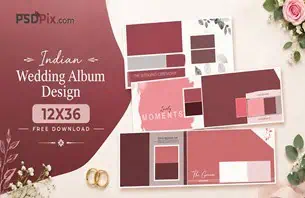
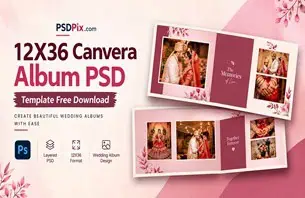
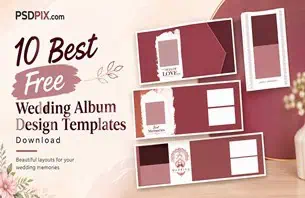
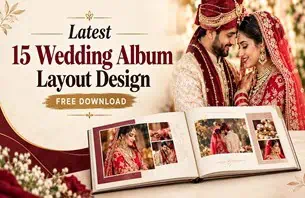
A wedding album cover is the first thing a client sees when opening a finished wedding album. For photographers and album designers, choosing the right layout means balancing attractive photographs, elegant typography, and a style that reflects the couple’s story. A well-planned cover can make the entire album feel more personal and complete.
A Wedding Album Cover Design in the 12×36 format gives designers a wide canvas to explore different compositions. Depending on the layout, the design may feature a couple’s portrait, a combination of photographs, decorative elements, or a simple title. The best choice depends on the photographs available and the client’s preferred style.
At PSDPix.com, this topic is relevant to wedding photographers, graphic designers, photo studio owners, and Photoshop users looking for practical design resources. Before selecting a template, check its actual dimensions, editing options, download conditions, and license to make sure it suits your project.
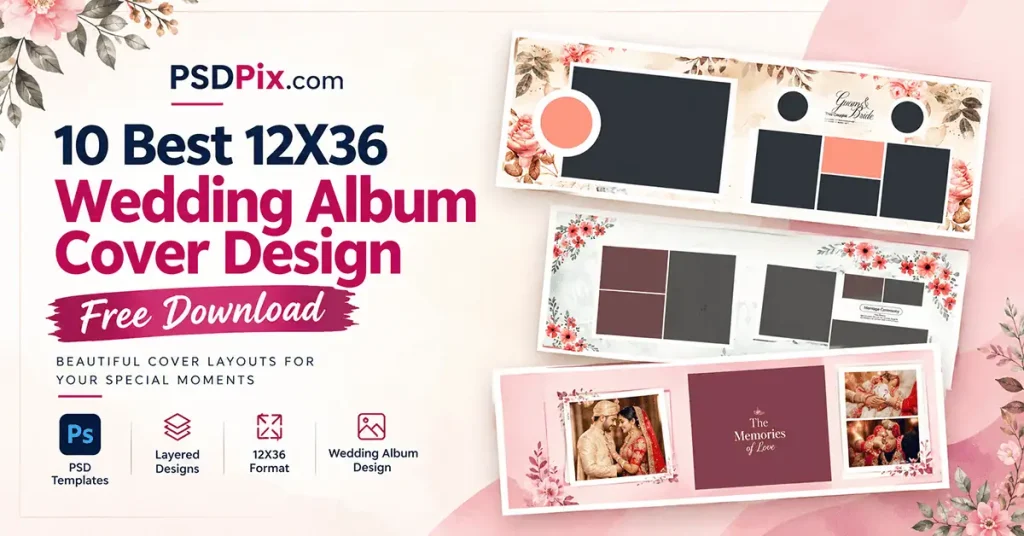
Wedding Album Cover Design
Wedding Album Cover Design — Understanding the 12×36 Format
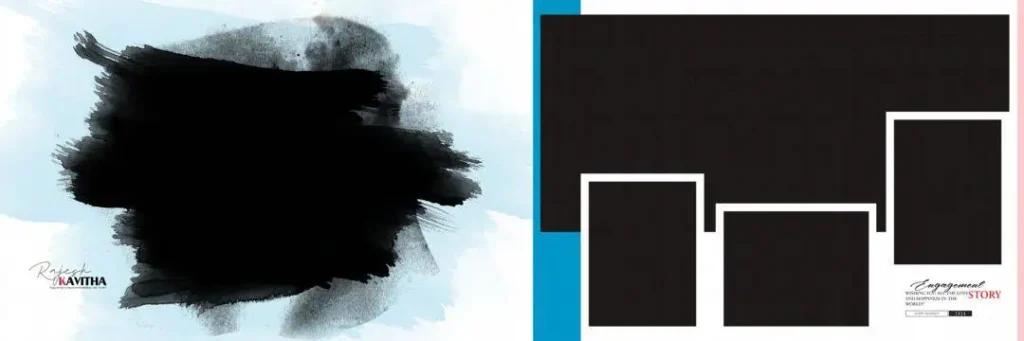
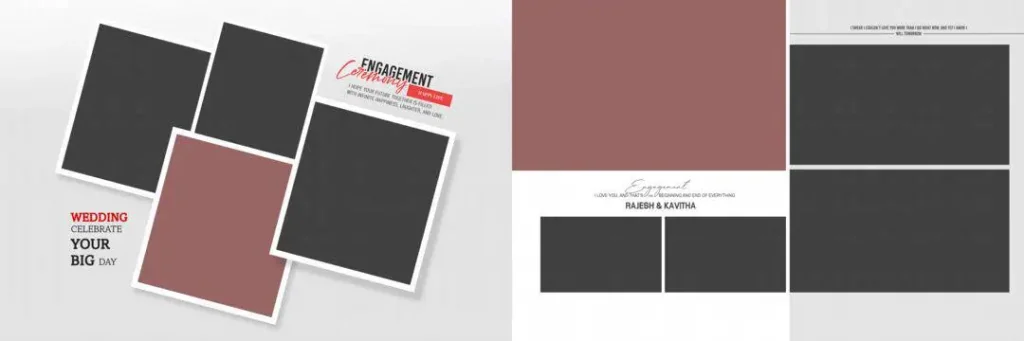
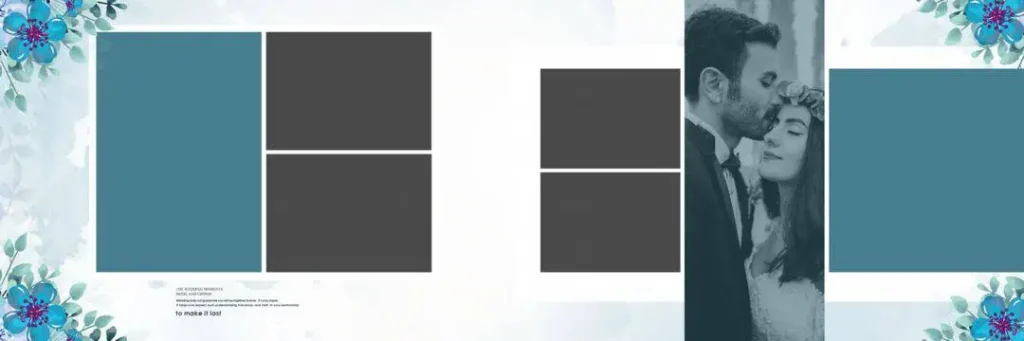
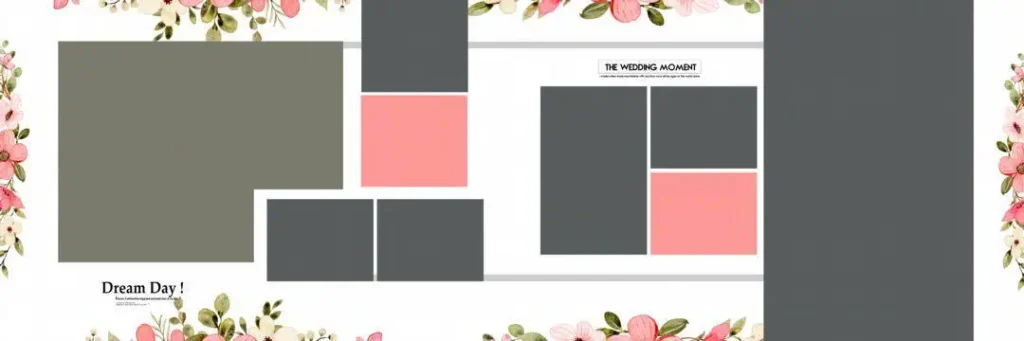
A 12×36 wedding album cover design is a layout intended for a wide-format wedding album cover or spread. It provides space to combine photographs, names, wedding dates, and decorative elements in a balanced composition. The exact use depends on whether the specified dimensions describe the complete spread or another part of the album.
A suitable Photoshop template can help designers arrange these elements without building every part of the composition from scratch. If the file contains editable layers, users may be able to adjust individual elements. However, the actual file structure must be checked before assuming that text, backgrounds, and photographs can be changed independently.
The terms 12 * 36 album cover, 12×36 album cover design, and album cover design 12×36 are commonly used to describe this wide layout format. Before editing, confirm the document’s measurements and the album manufacturer’s requirements so that the artwork fits the intended cover correctly.
#01
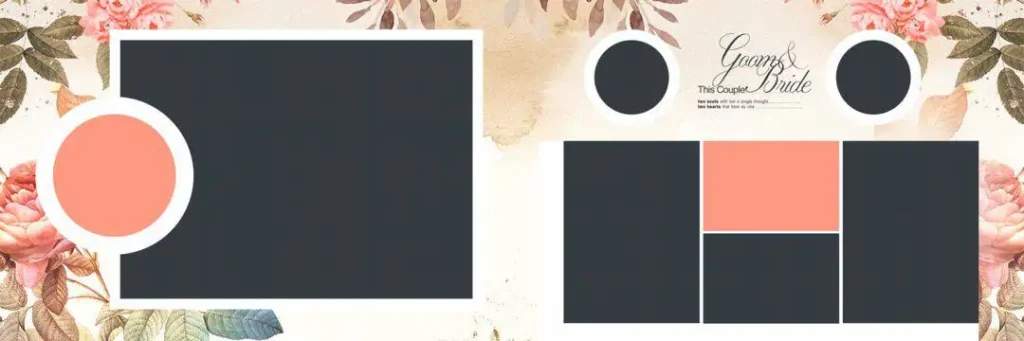
#02
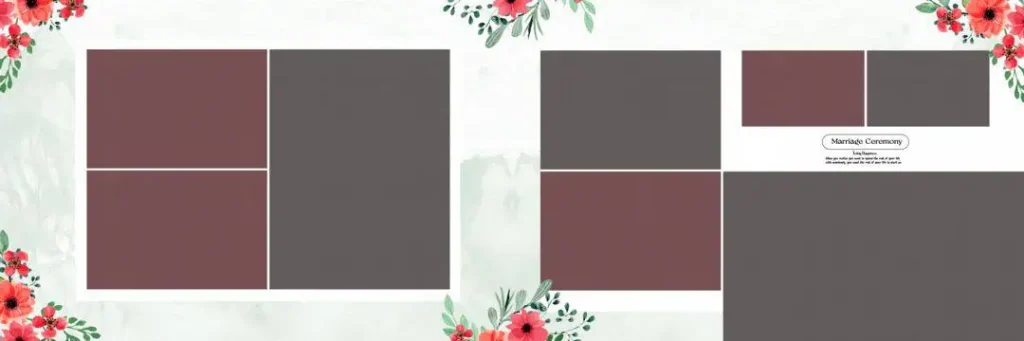
#03

#04

#05
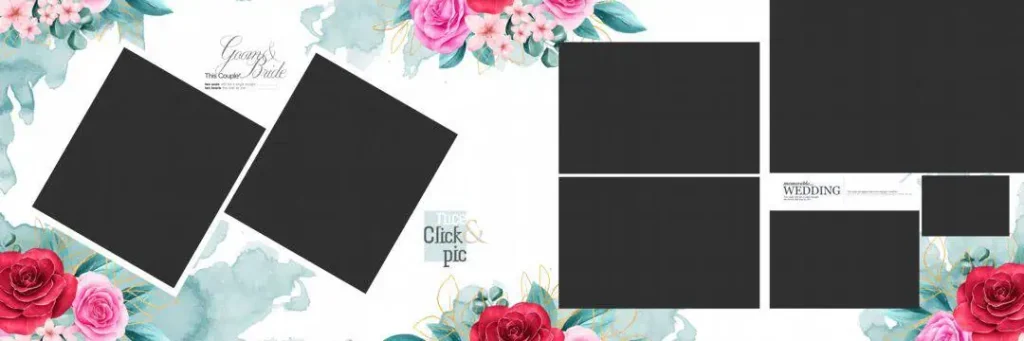
#06
#07
#08

#09
#10
Choosing a Suitable Wedding Album Cover Resource on PSDPix.com
When searching for a 12×36 wedding album cover page, start by deciding how the couple’s photographs should appear. A single large portrait can create a clean, classic look, while a layout with several photographs can highlight different moments from the wedding day.
Consider these design approaches when evaluating available resources:
- Portrait-focused layouts: Give one important photograph most of the attention, with minimal text and decoration.
- Multi-photo layouts: Combine selected portraits to represent different parts of the celebration.
- Minimal cover designs: Use restrained typography, simple borders, and open space for an elegant finish.
- Decorative layouts: Include floral details, patterns, or ornamental accents when they complement the photographs.
These are general design approaches, not a verified list of downloadable PSDPix.com templates. Visit the relevant PSDPix.com resource page, if available, to check the actual designs and file details. Confirm whether the resource is supplied as a PSD, image file, or compressed archive, and check its dimensions, resolution, software requirements, and license.
The word “free” in a search query does not confirm that a particular file is free to download. Follow the published download instructions and check the usage terms before incorporating a design into a paid album project.
How to Select, Customize, and Prepare a 12×36 Album Cover
Follow these six steps to prepare a wedding album cover for your project.
1. Find the relevant resource. Visit the appropriate PSDPix.com page, if available, and review the design preview and download instructions. Confirm that the resource matches your intended cover format.
2. Extract the downloaded archive. If the resource arrives as a ZIP file, extract it using compatible software. Keep the original archive until you have confirmed that the files open correctly.
3. Open the design file. Open the PSD in Adobe Photoshop or another compatible editor. Check the canvas dimensions, resolution setting, color mode, and layer structure before making changes.
4. Add the couple’s photographs. Replace sample images using the available layers or Smart Objects, if supported. Choose a photograph with clear faces and suitable lighting, and position it so that important details are not cropped.
5. Personalize the cover. Add the couple’s names or wedding date if requested. Choose readable fonts and colors that work with the photographs. Keep decorative elements balanced rather than allowing them to compete with the main image.
6. Prepare the final artwork. Confirm the cover dimensions, image detail, color profile, bleed, and safe areas with the album manufacturer. Save an editable copy and export the final file in the format requested by the printer.
These steps provide a general workflow. The exact editing process depends on the template’s structure and the printing provider’s specifications.
Designing a Cover That Matches the Couple’s Expectations
A wedding album cover should reflect the couple’s preferences rather than simply follow a decorative style. Some clients may prefer a traditional portrait with subtle floral details, while others may want a modern layout with bold typography and minimal decoration.
Before finalizing the design, ask the client which photograph they consider most important. A formal couple portrait may suit a classic cover, while a candid photograph can create a more relaxed and personal feeling. For Indian weddings, the colors and visual details of the ceremony may also help guide the overall design.
Pay attention to the relationship between the photograph and the text. Names and dates should remain easy to read against the background. Avoid placing essential text close to the trim edges or across areas that may be hidden by the album’s construction.
If you are presenting several cover concepts, keep the photograph and text placement clear enough for the client to compare them. A thoughtful design process makes revisions more focused and helps ensure that the finished album reflects the agreed brief.
Practical Tips for Better Wedding Album Cover Results
– Choose the right photograph. Select an image that suits the cover’s composition and has enough detail for the intended print size. Check the actual pixel dimensions instead of relying only on the DPI setting.
– Keep typography readable. Use fonts that complement the wedding style, and make sure names and dates remain legible against the background. Avoid using too many font styles on one cover.
– Check printing and binding requirements. Ask the album manufacturer about bleed, trimming, safe margins, and any areas affected by the cover’s construction. Do not assume that every 12×36 template uses the same production specifications.
– Preserve an editable backup. Save the original file separately from your customized design. Keep a working PSD when available, and export the final artwork according to the printer’s requirements.
Frequently Asked Questions
1. Are 12×36 wedding album cover designs free to download?
Download availability and pricing depend on the individual resource. Check the relevant PSDPix.com page for current conditions before downloading a template.
2. Which software can I use to edit a wedding album cover PSD?
Adobe Photoshop is the primary application for PSD files. Other editors may support PSDs, but compatibility with layers, fonts, effects, and Smart Objects can vary.
3. Can I use a wedding album cover design for paid client work?
Commercial use depends on the resource’s license. Review the applicable terms before using a template in a paid photography or album design project.
4. What should a 12×36 wedding album cover include?
Depending on the client’s preferences, it may include a couple’s photograph, names, wedding date, and decorative elements. The final composition should suit the actual cover dimensions and printing requirements.
5. How do I prepare a 12×36 wedding album cover for printing?
Confirm the final dimensions, image resolution, color profile, bleed, and safe areas with the album manufacturer. Save an editable version when available and export the artwork in the required format.
Conclusion
Choosing the right Wedding Album Cover Design involves more than finding an attractive template. The photograph, typography, spacing, and finishing requirements should work together to create a cover that suits the couple and the intended album format. A suitable 12×36 layout can provide a useful starting point for a personalized design.
Explore the relevant resources on PSDPix.com to find a suitable option for your next project. If you are looking for a 12×36 album cover design, verify the file specifications, download conditions, and license before editing or using it for client work.