Wedding album designers often work with hundreds of photographs from different wedding ceremonies. Arranging these images into an attractive album while meeting client deadlines can be challenging. A well-planned wedding album layout design helps organize photographs, highlight important moments, and create a consistent visual story.
For graphic designers, wedding photographers, and photo studio owners, ready-made layouts can provide a useful starting point. Instead of arranging every photograph from scratch, designers can explore different compositions and adapt suitable designs to match the client’s preferences.
At PSDPix.com, readers can explore graphic design resources and wedding album design ideas for their creative projects. Before selecting a layout for a client album, check the available file details, editing requirements, download conditions, and license terms to ensure the resource suits your workflow.
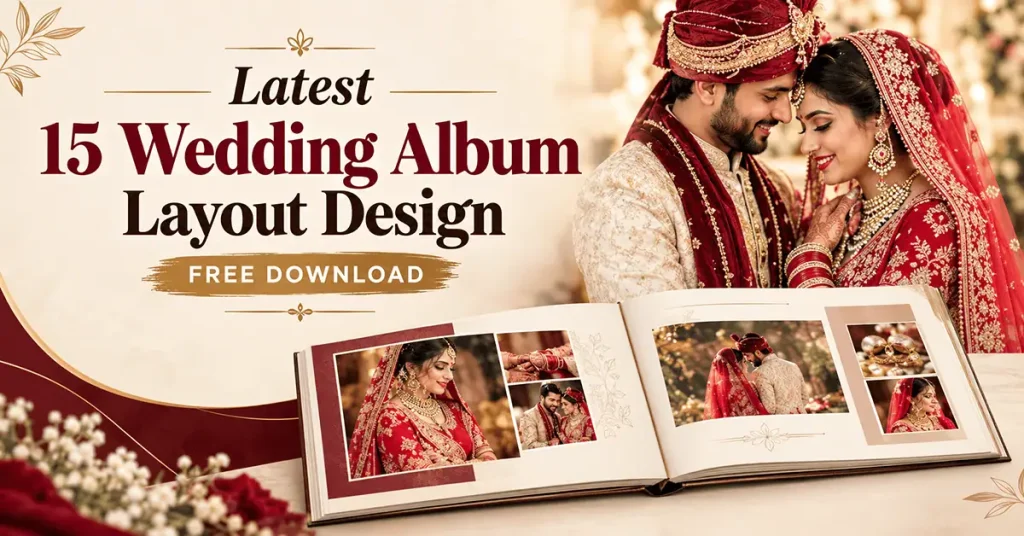
Wedding Album Layout Design
Table of Contents
Wedding Album Layout Design for Professional Photo Albums
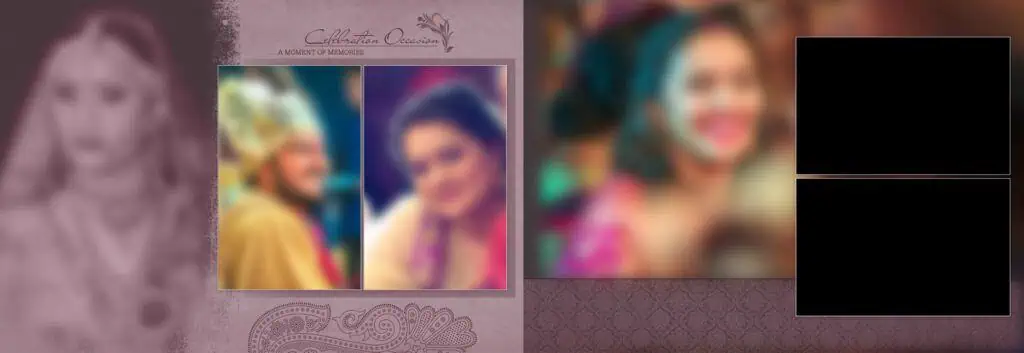
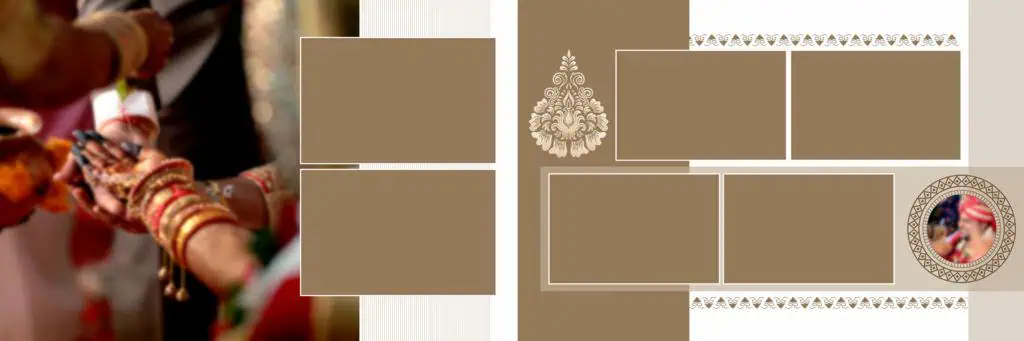
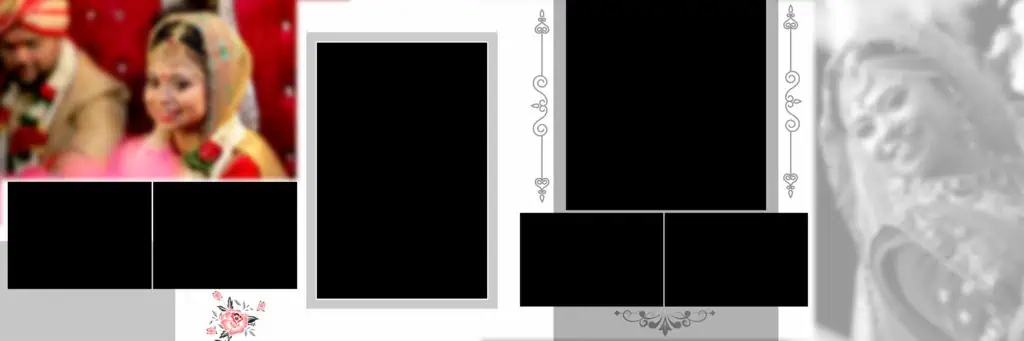
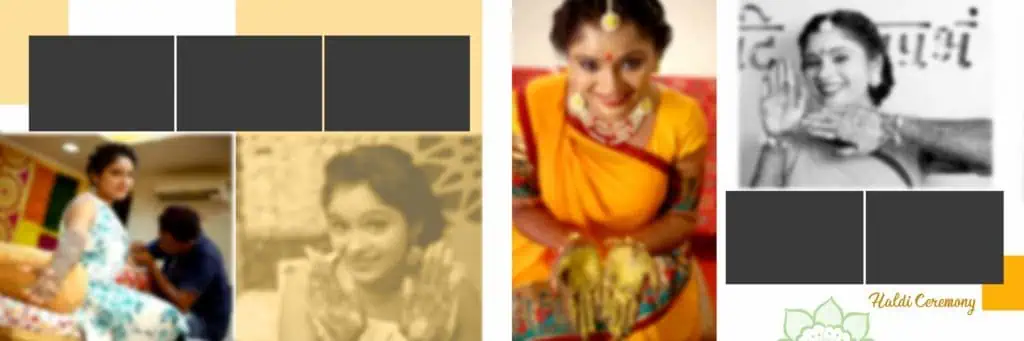
Wedding album layout design is the process of arranging wedding photographs, decorative elements, text, and backgrounds into a balanced page or spread. It helps designers present wedding memories in a clear sequence while maintaining visual consistency across the album.
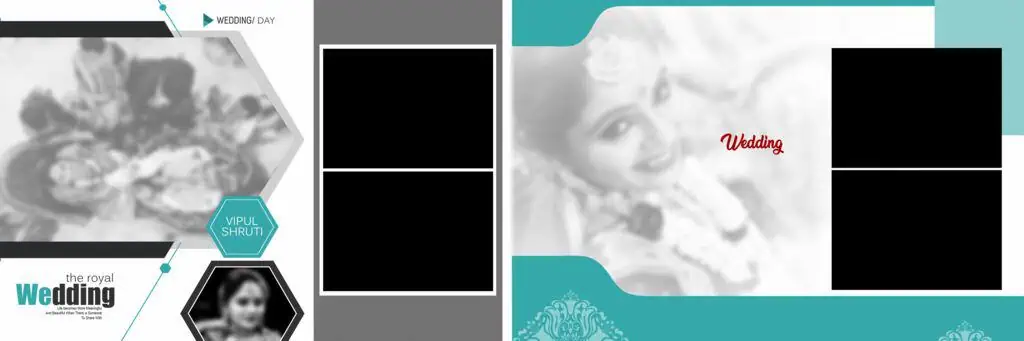
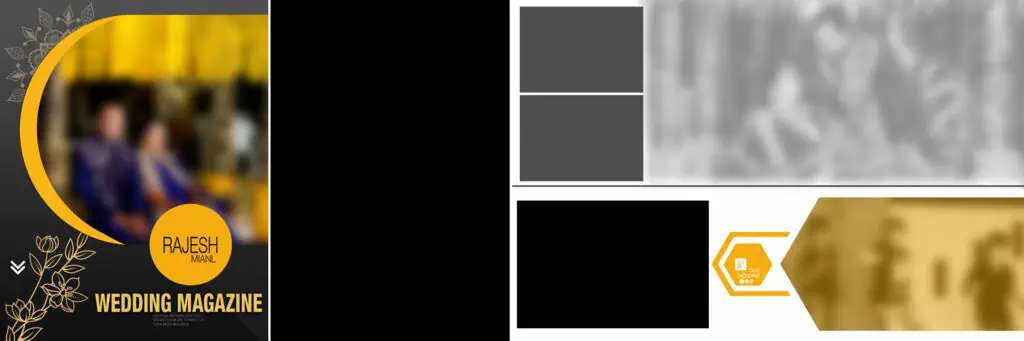
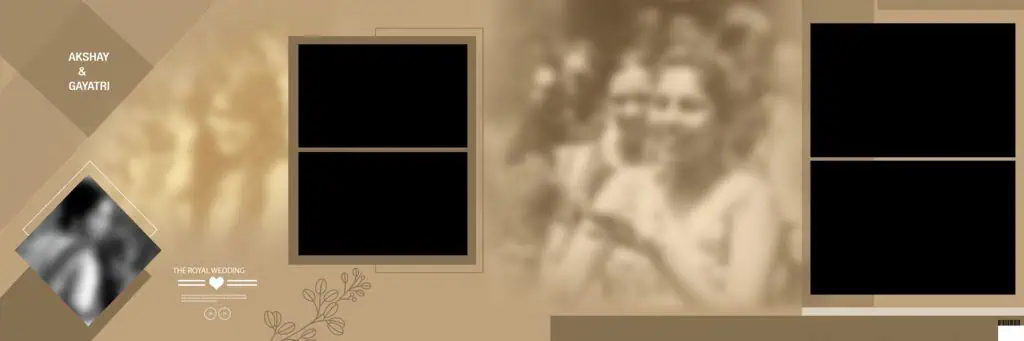
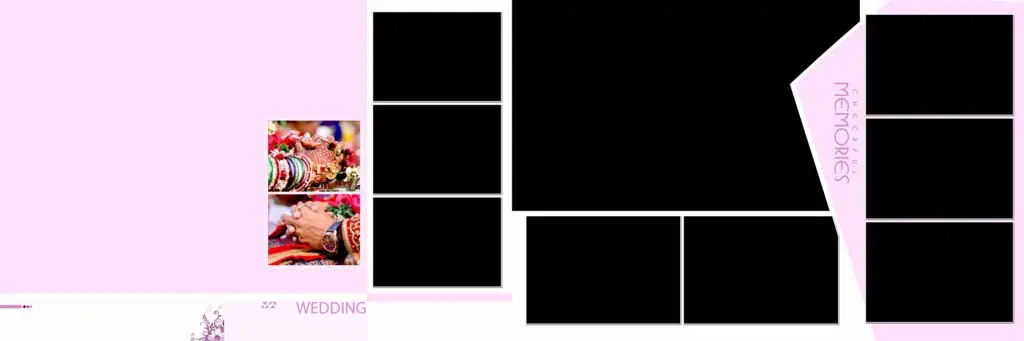
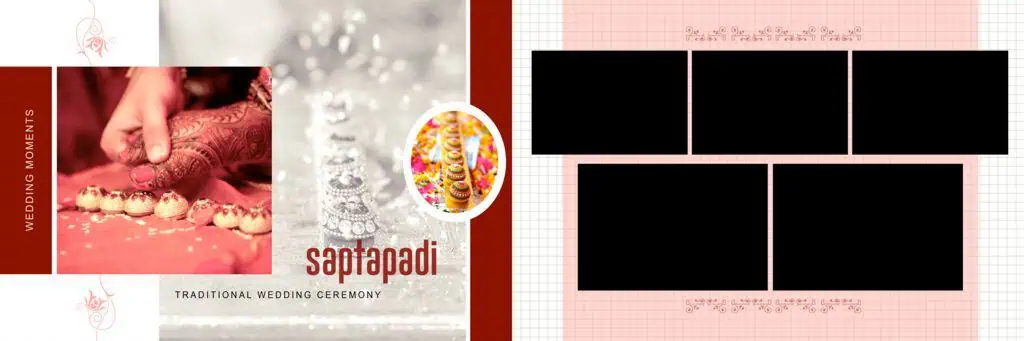
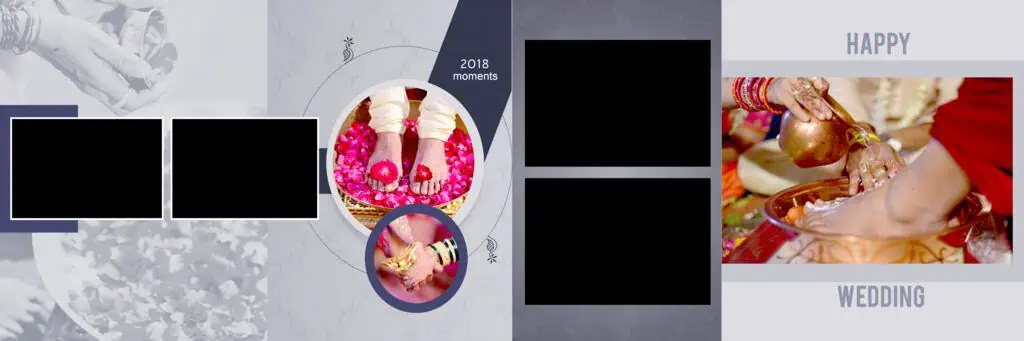
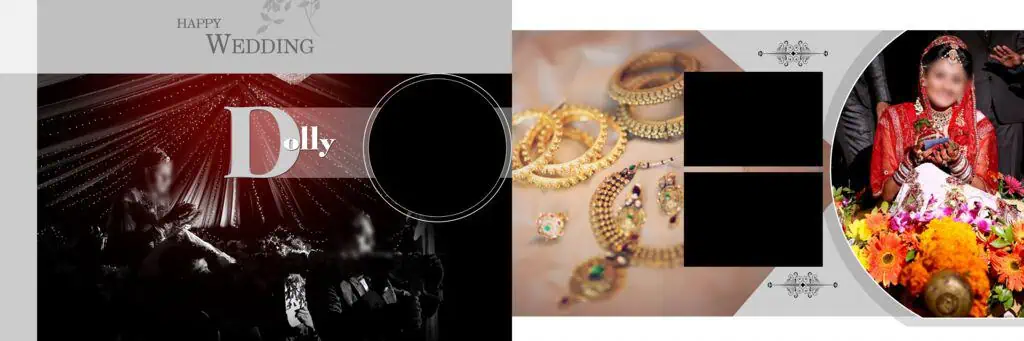
A wedding photo album layout may include a single hero photograph, a collection of smaller images, decorative frames, or a combination of candid and traditional wedding portraits. The best arrangement depends on the photographs, the story being told, and the final album format.
For Indian weddings, a thoughtful layout can highlight moments from the Mehendi, Sangeet, Baraat, wedding ceremony, and reception. Designers should give important moments enough space while avoiding unnecessary decorations that compete with the photographs.
The 12×36 album layout is another format designers may encounter in panoramic wedding albums. Before using any template, confirm its actual document dimensions and intended print size rather than relying on its name alone.
#01
#02
#03
#04
#05

#06

#07
#08
#09
#10
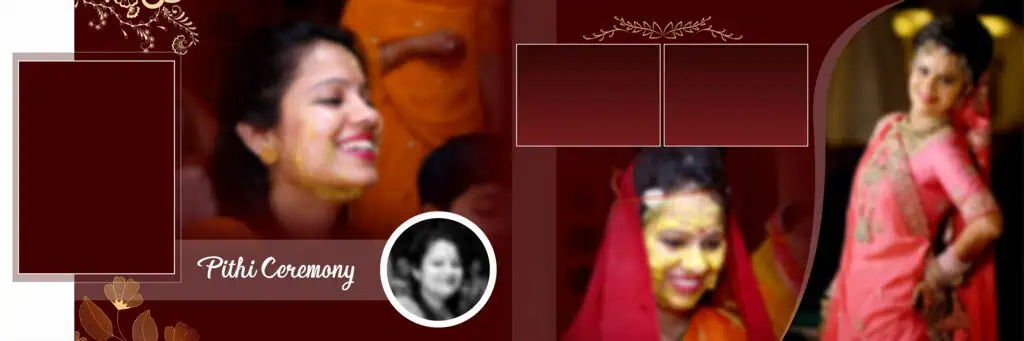
Exploring Wedding Album Layout Resources on PSDPix.com
When exploring the wedding album layout resources on PSDPix.com, look for designs that match your project requirements. A collection of 15 layouts can offer a range of starting points, but the number of available designs and their specifications should be confirmed on the actual resource page before publication.
Consider the following factors when choosing a suitable layout:
- Photograph arrangement: Select a composition that accommodates the number and orientation of your images.
- Album format: Check whether the document dimensions suit your intended album size and spread.
- Editing flexibility: Review the file format and available layers before assuming that individual elements can be changed.
- Visual style: Choose a layout that complements the wedding photography, clothing, decorations, and overall album theme.
- Printing requirements: Confirm the binding area, bleed settings, resolution, and color requirements with your album printer.
PSDPix.com can serve as a starting point for discovering relevant design resources. However, the specific download page should be checked for the actual files, supported software, pricing or download conditions, and licensing information. Do not assume every resource is free for commercial use simply because the article title includes “free download.”
#11
#12

#13
#14
#15
How to Download and Customize a Wedding Album Layout
Follow these steps to incorporate a suitable wedding album layout into your design workflow.
- Find the relevant resource. Visit the applicable PSDPix.com page and review the available layout previews and download instructions. Confirm that the resource matches your intended album format.
- Download and extract the file. Follow the page’s download instructions. If the resource arrives as a ZIP archive, extract it using compatible software before opening the design files.
- Open the design in compatible software. If the download includes a PSD file, open it in compatible image-editing software. Check the canvas dimensions, resolution setting, color mode, and layer structure.
- Replace the photographs. Place the selected wedding images into the available frames or layers. If the document uses Smart Objects, follow the appropriate editing workflow. Otherwise, use the image-replacement method supported by the file.
- Customize the composition. Adjust image placement, cropping, colors, text, and decorative elements to suit the couple’s preferences. Maintain a consistent visual style throughout the album.
- Prepare the final output. Confirm the document size, image detail, binding allowance, bleed requirements, and printer-specified color settings. Save an editable backup and export the final file in the format requested by your printing service.
These steps should be adapted to the actual resource. Not every design includes editable layers, Smart Objects, or print-ready settings.
Meeting Wedding Album Deadlines Without Sacrificing Design Quality
Wedding album projects often involve tight delivery schedules, multiple revision requests, and large photo collections. A reusable layout can reduce repetitive arrangement work, leaving more time for selecting photographs, refining compositions, and reviewing the final design.
Start by organizing photographs into groups based on the wedding events. Keep portraits, family photographs, ceremony highlights, and reception images together where practical. This makes it easier to select images that belong on the same spread.
Next, establish a consistent visual direction. Use complementary colors, balanced spacing, and readable typography throughout the album. A creative layout wedding album design should support the photographs rather than overwhelm them with excessive frames, ornaments, or text.
When a client requests changes, keep an editable working copy and use clear file names for revised versions. Before delivery, review the album from beginning to end to identify repeated photographs, awkward crops, inconsistent margins, and gaps in the visual story.
Reusable templates can help improve workflow efficiency, but every spread still requires careful attention. The photographs, client preferences, and printing requirements should guide the final design decisions.
Practical Tips for Better Wedding Album Layouts
- Check image resolution and dimensions. Use photographs with sufficient image detail for the intended print size. A high resolution setting cannot restore detail missing from a low-quality source image.
- Confirm the printer’s specifications. Ask about the required color profile, export format, bleed, and document dimensions before preparing the final album.
- Protect the binding area. Keep faces, important text, and other essential details away from the center fold and any printer-specified safety margins.
- Maintain an editable backup. Save the working PSD or other editable source file, when available, before exporting the final version. This makes later client revisions easier to manage.
Frequently Asked Questions
Are wedding album layout designs free to download?
Download conditions depend on the individual resource. Check the relevant PSDPix.com page for pricing, access requirements, and any restrictions before downloading.
Which software is needed to edit a wedding album layout?
The software depends on the supplied file format. PSD files generally require compatible image-editing software, such as Adobe Photoshop or another application that supports the file’s features.
Can I use a wedding album layout for paid client projects?
Commercial use depends on the resource’s license. Review the applicable terms before using a downloaded design in an album delivered to a paying client.
What makes a 12×36 album layout useful?
A 12×36 layout can suit panoramic wedding album spreads. Confirm the document’s actual dimensions, binding allowance, and printer requirements before preparing it for production.
How can I prepare a wedding album layout for printing?
Check the final dimensions, photograph quality, color settings, bleed, and binding area. Follow the printing service’s specifications and export the document in its requested format.
Conclusion
Choosing the right wedding album layout design helps photographers, studio owners, and graphic designers arrange wedding memories into an attractive and consistent presentation. A suitable wedding photo album layout can also simplify repetitive design tasks and make revisions easier when working under deadlines.
Explore relevant wedding album design resources on PSDPix.com, compare their available features, and choose a layout that suits your photographs and printing requirements. Before publishing or using a download, verify its availability, file specifications, and license terms.