A birthday album project can become challenging when a client wants many photographs arranged in a limited number of pages. Designers must balance portraits, family moments, decorations, and birthday highlights without making the layout look crowded. A suitable 15X24 Birthday Album Design PSD can help simplify this process.
For graphic designers and photo studio owners, a consistent album format makes it easier to organize photographs and create a professional presentation. A 15X24 layout is a useful starting point when planning a birthday album, especially when the client expects a collection of memorable moments from the celebration.
PSDPix.com focuses on graphic design resources, including Photoshop templates and album design materials. This article explains how to approach a 15X24 birthday album design PSD, customize a suitable layout, and prepare the final album for its intended use.
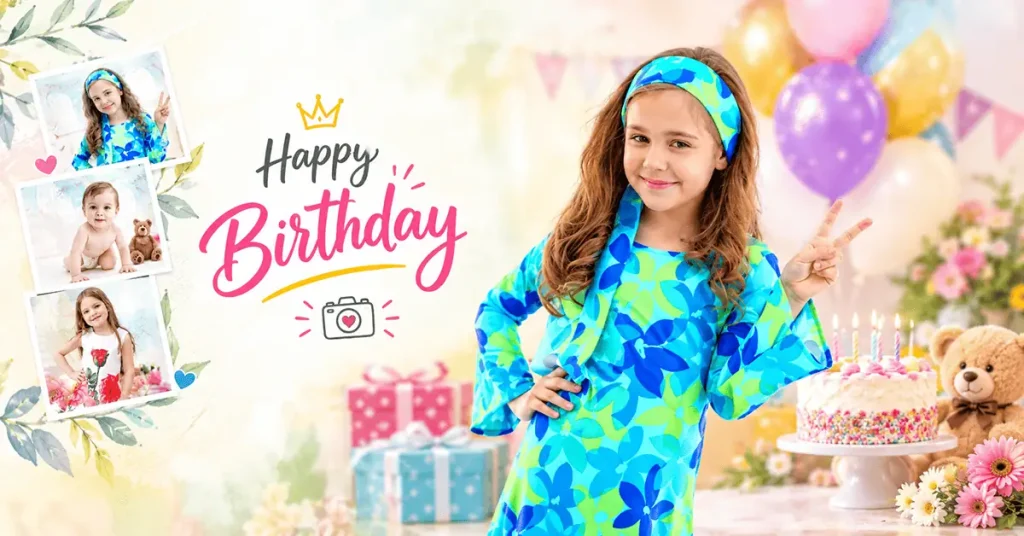
Birthday Album Design PSD
Table of Contents
15X24 Birthday Album Design PSD — Understanding the Album Format
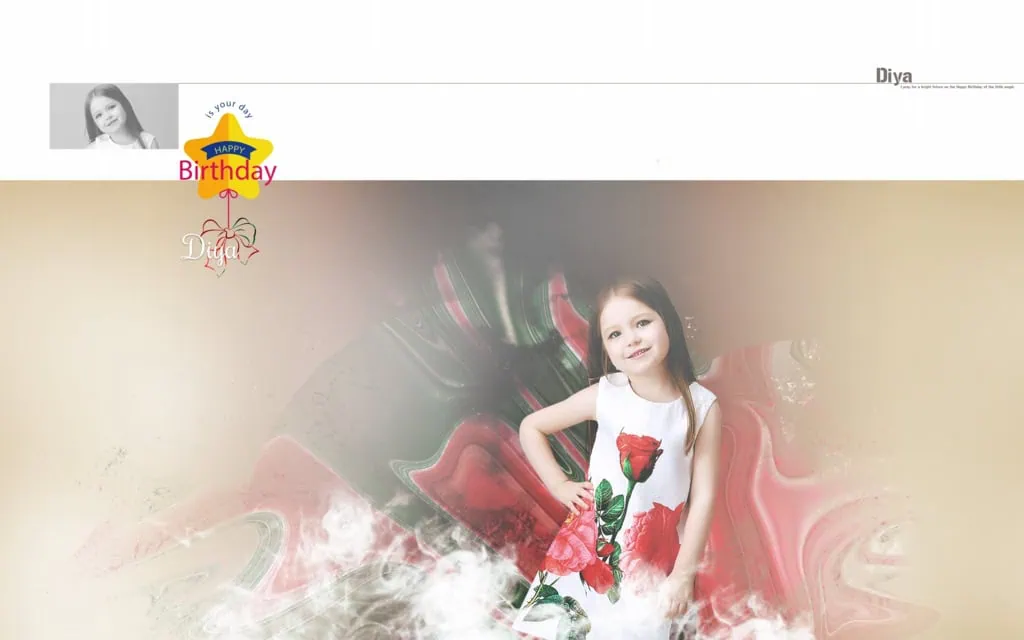
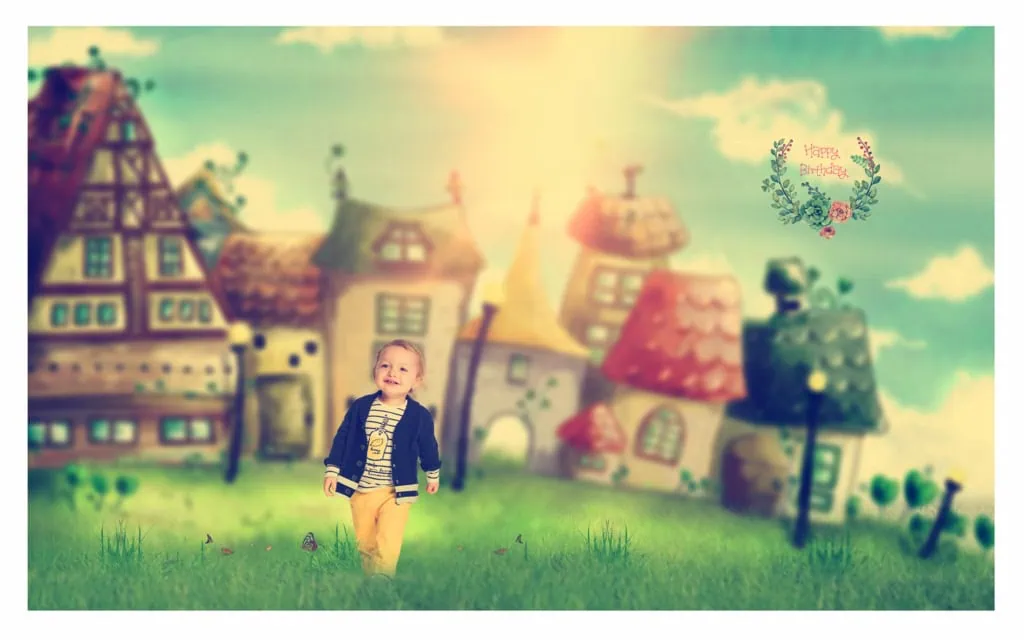
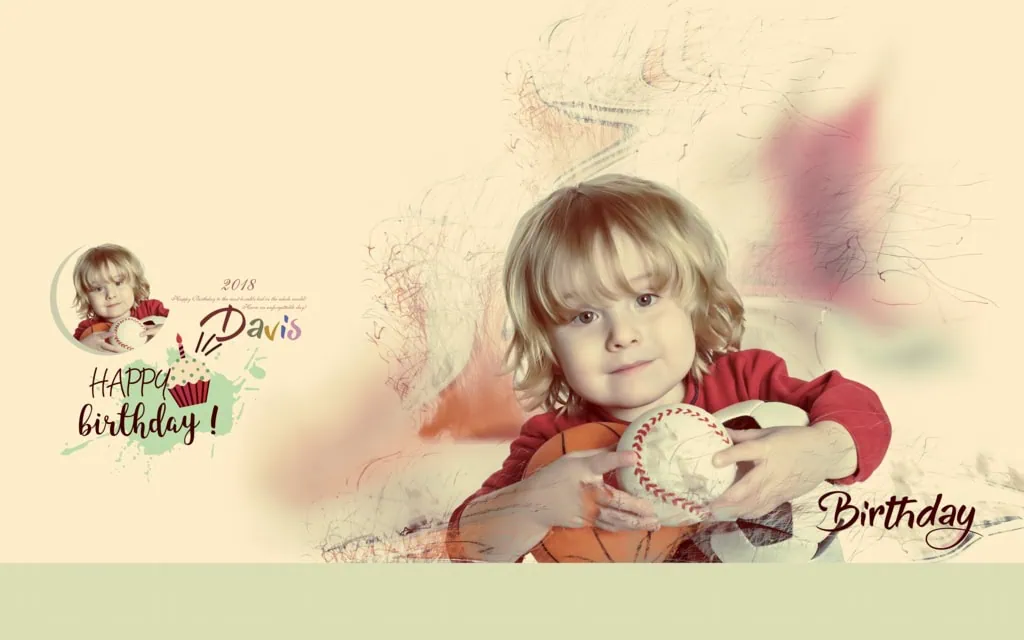
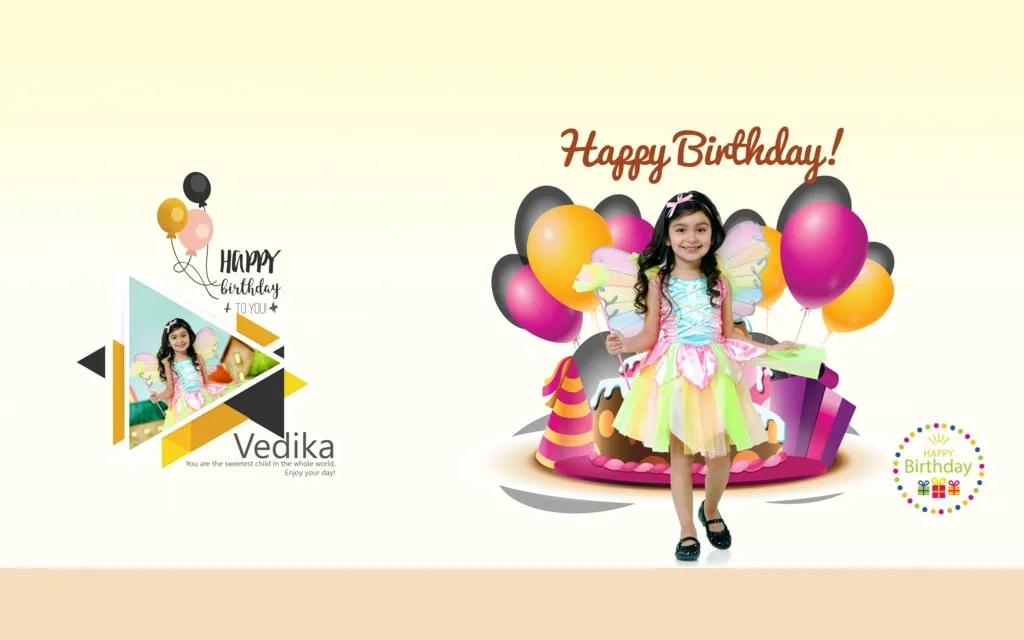
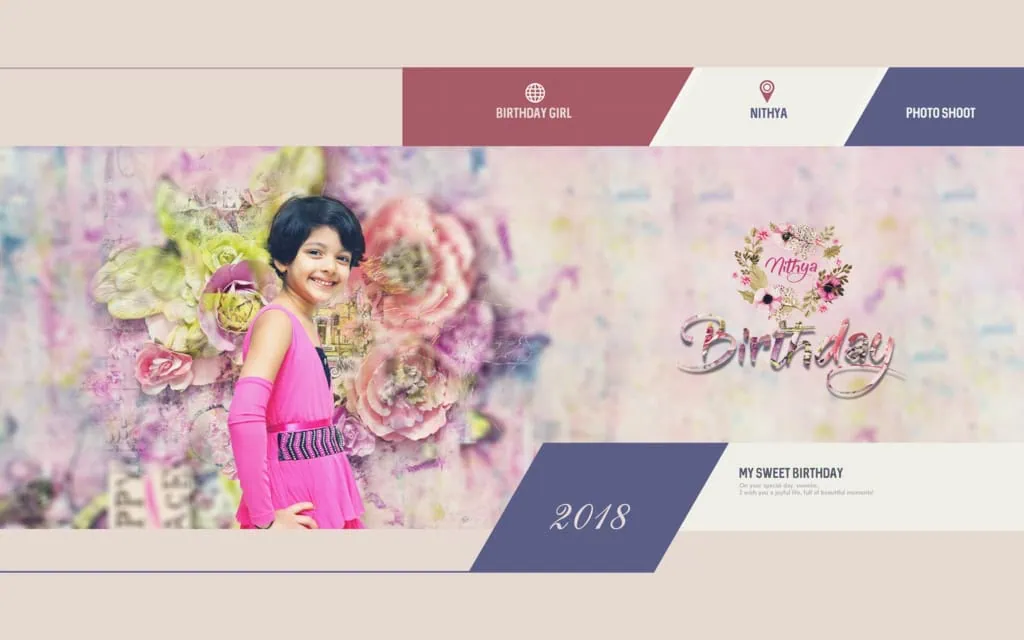
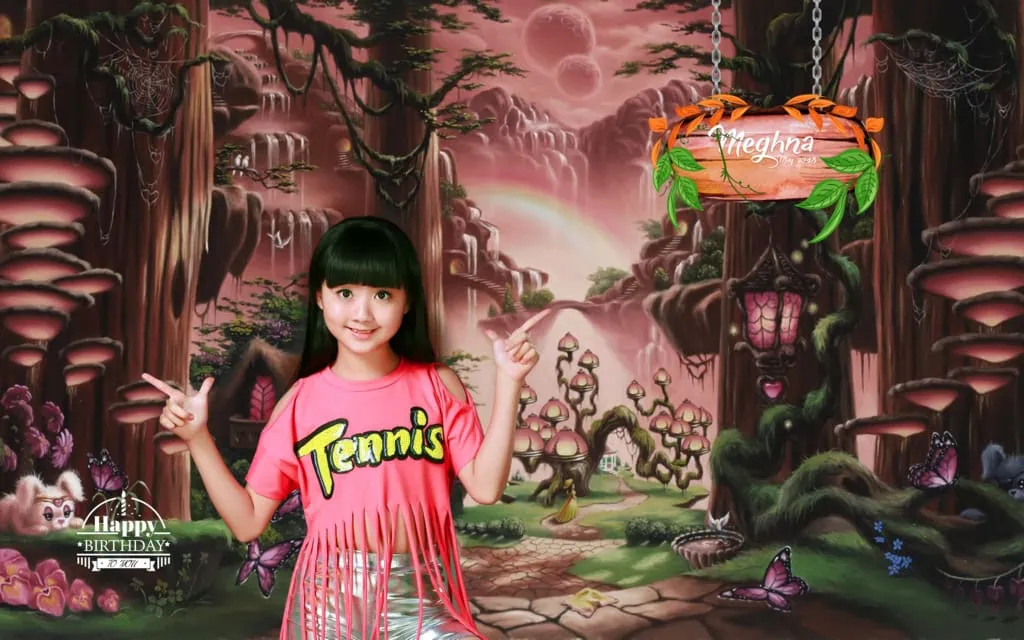
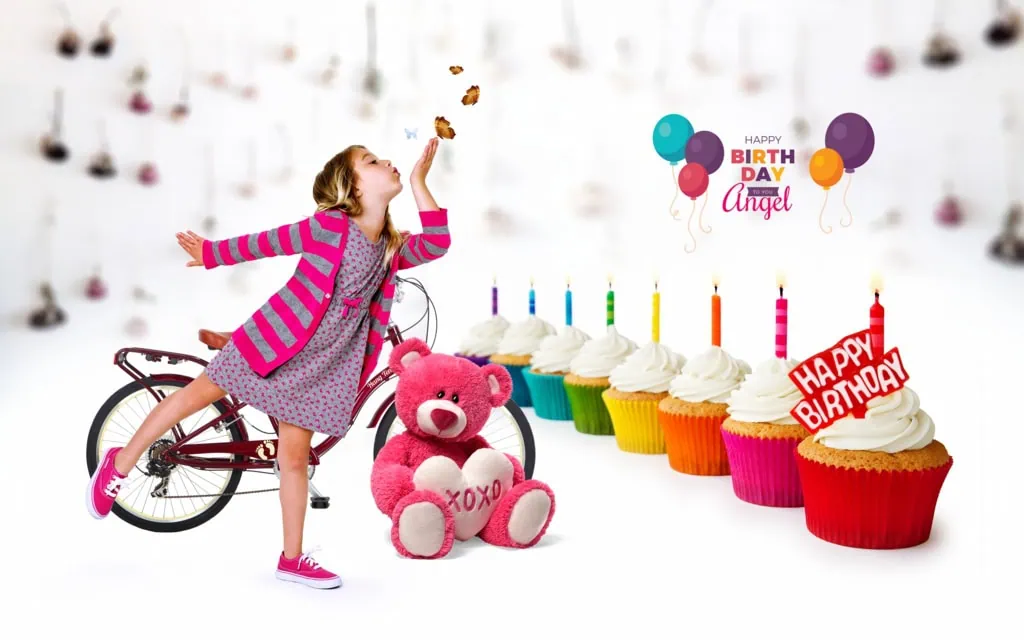
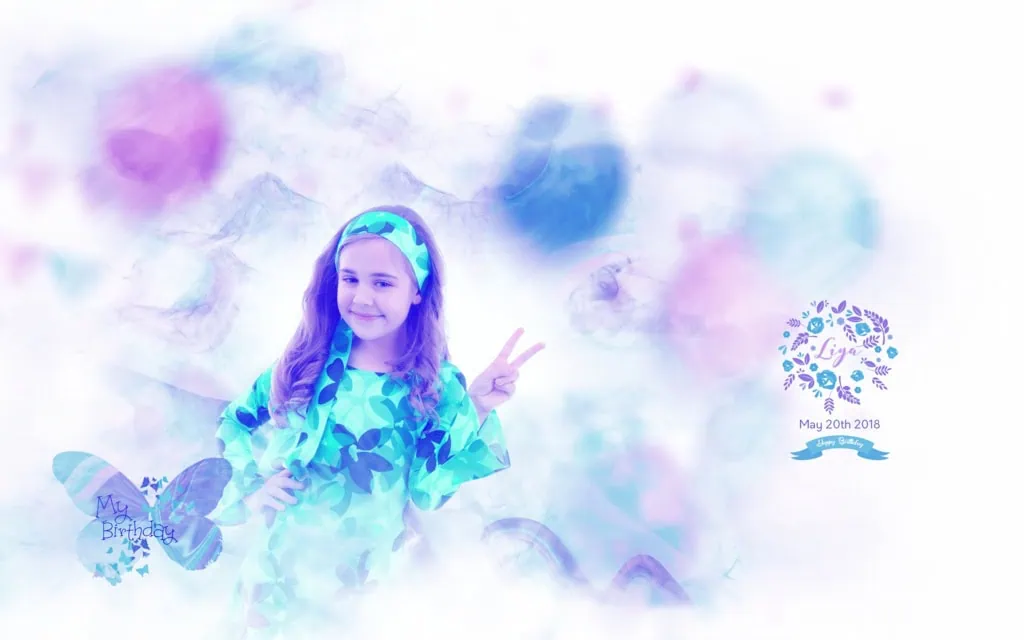
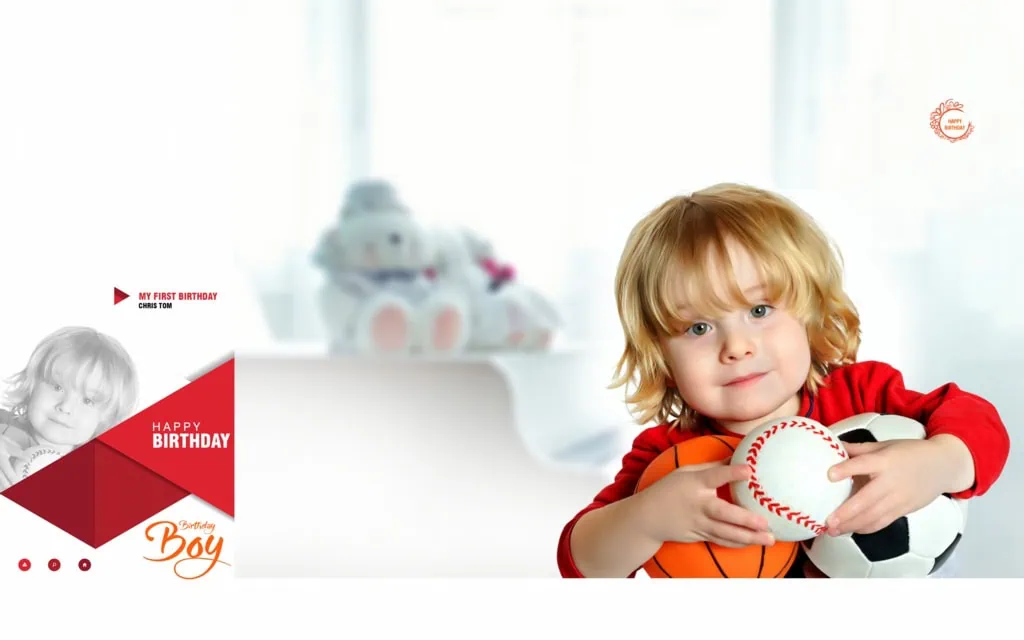
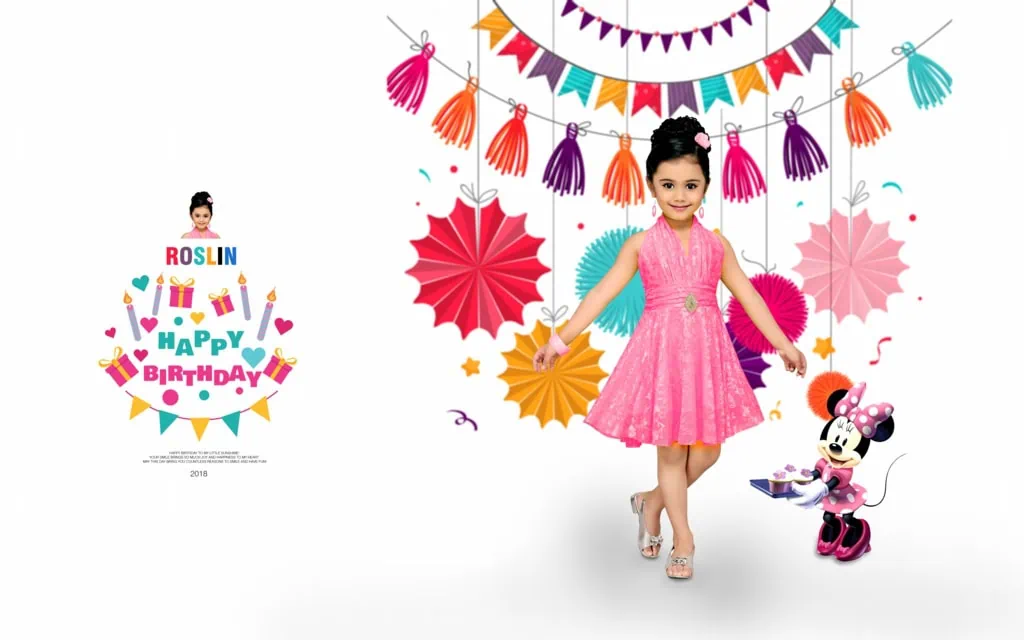
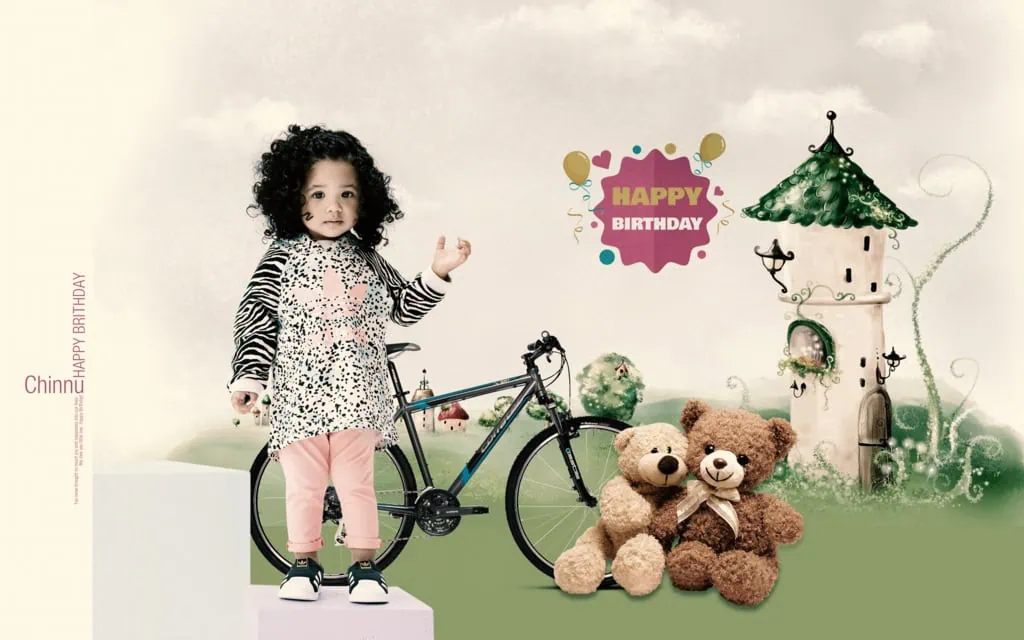
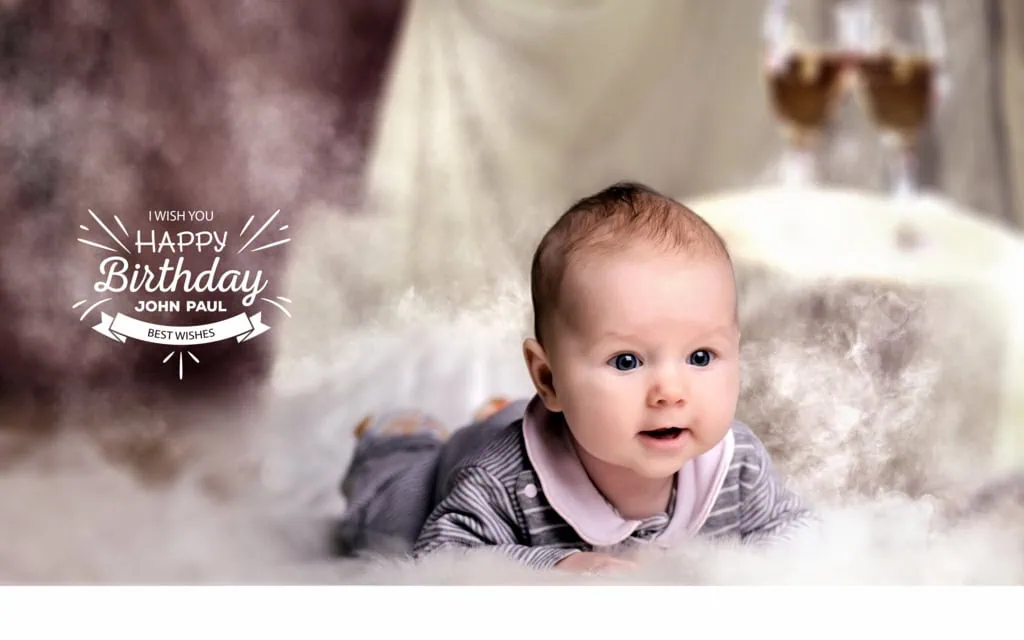
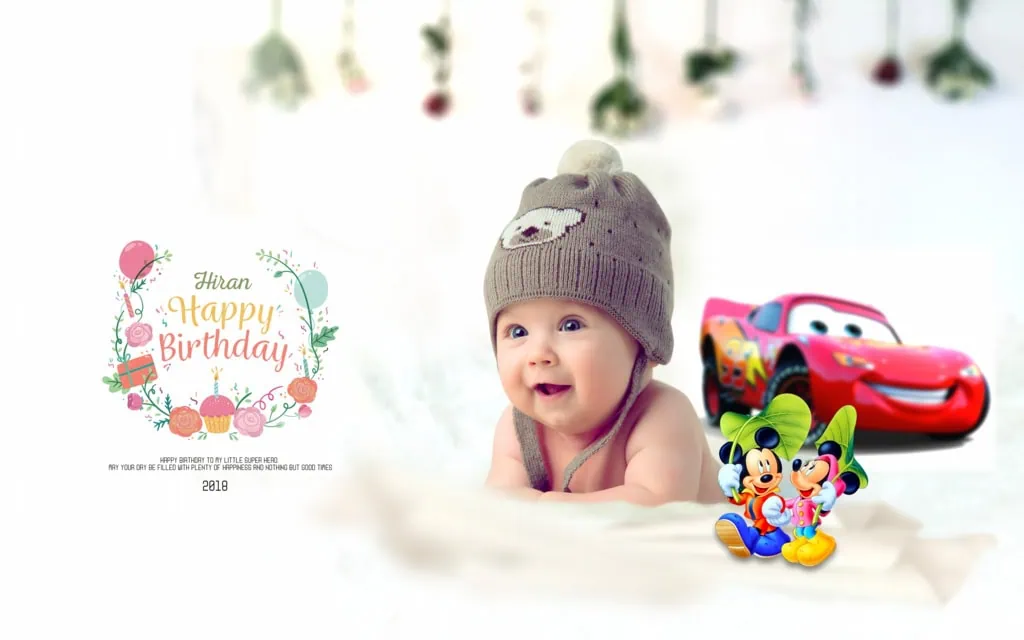
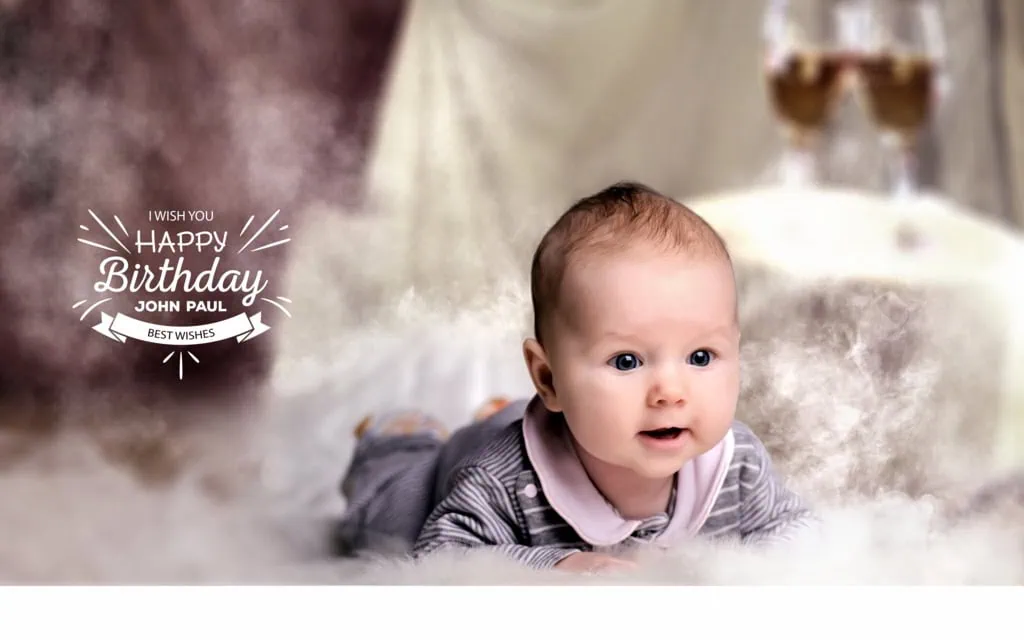
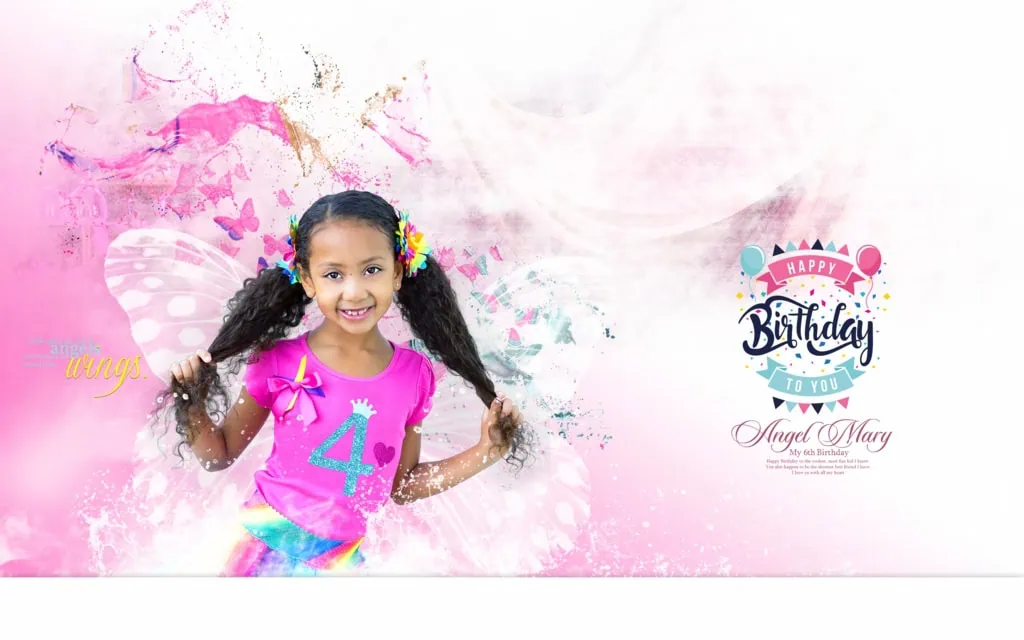
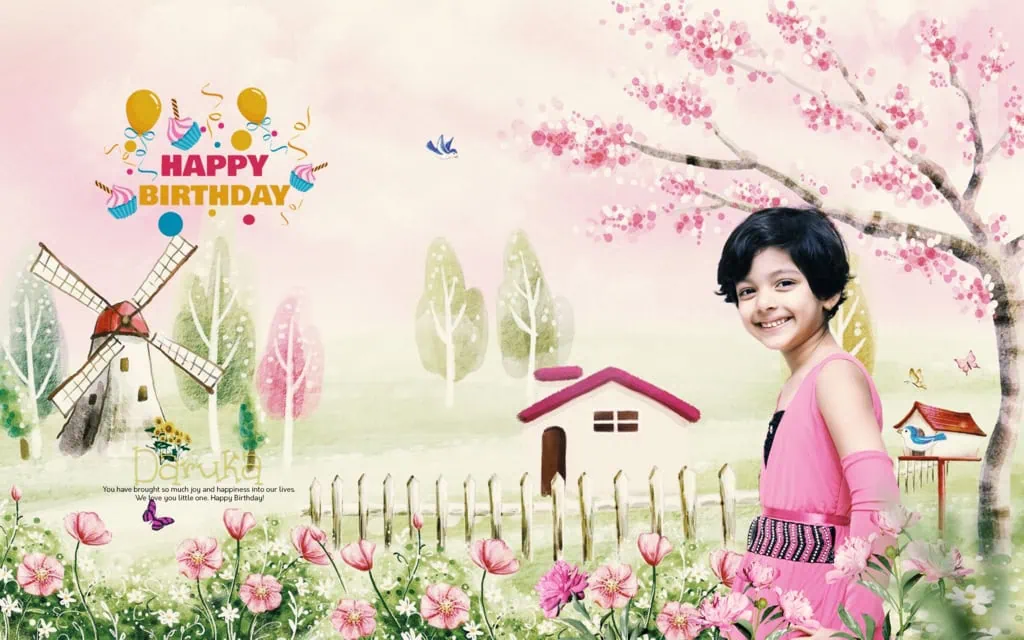
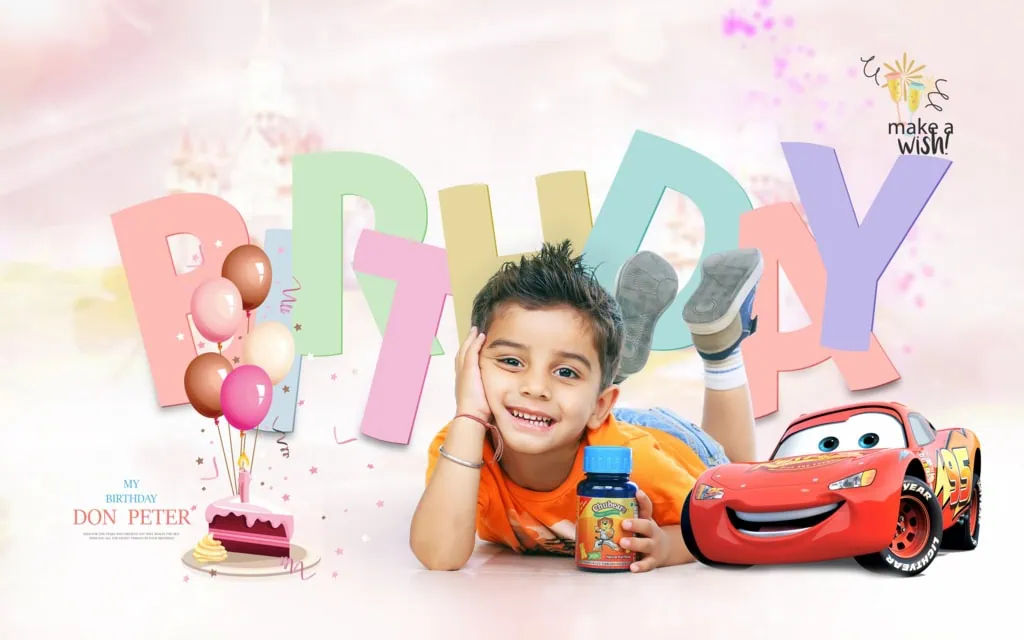
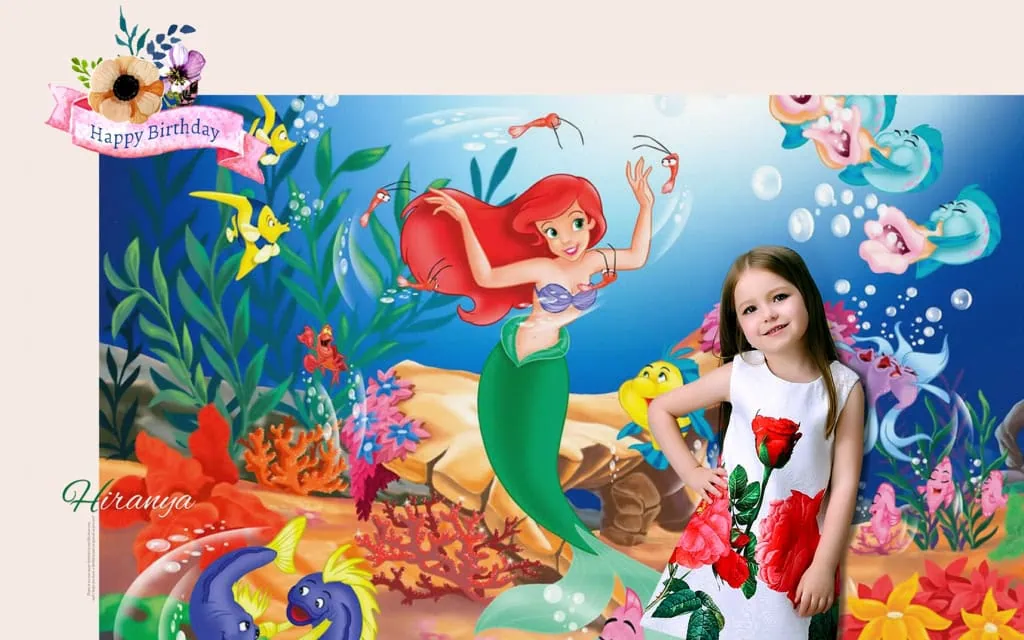
A 15X24 birthday album design PSD is a Photoshop design resource intended for creating birthday album layouts in a 15-by-24 format. It can help designers arrange birthday photographs, decorative elements, and text into a planned album composition.
The 15X24 format is commonly associated with wide album spreads. However, the actual document orientation, dimensions, and page arrangement depend on the individual file. Designers should always check the document properties before beginning their work.
Birthday albums often include photographs from cake cutting, family gatherings, decorations, games, and other special moments. A well-planned layout helps these photographs tell a story rather than appearing as a random collection of images.
Photoshop provides tools for adjusting image placement, colors, text, and decorative elements. The available editing options depend on the structure of the PSD file.
#01
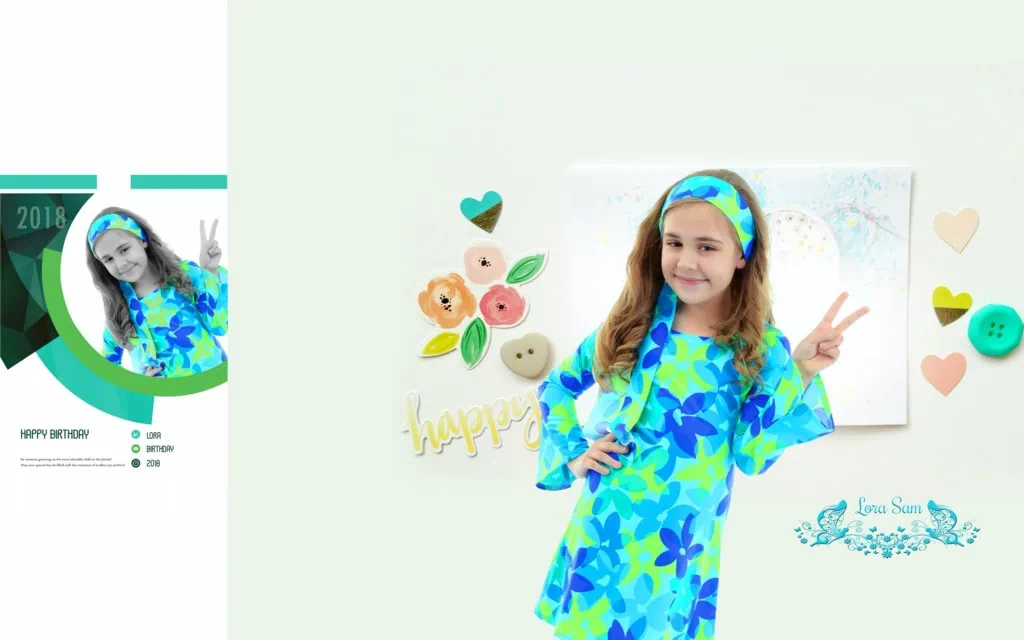
#02
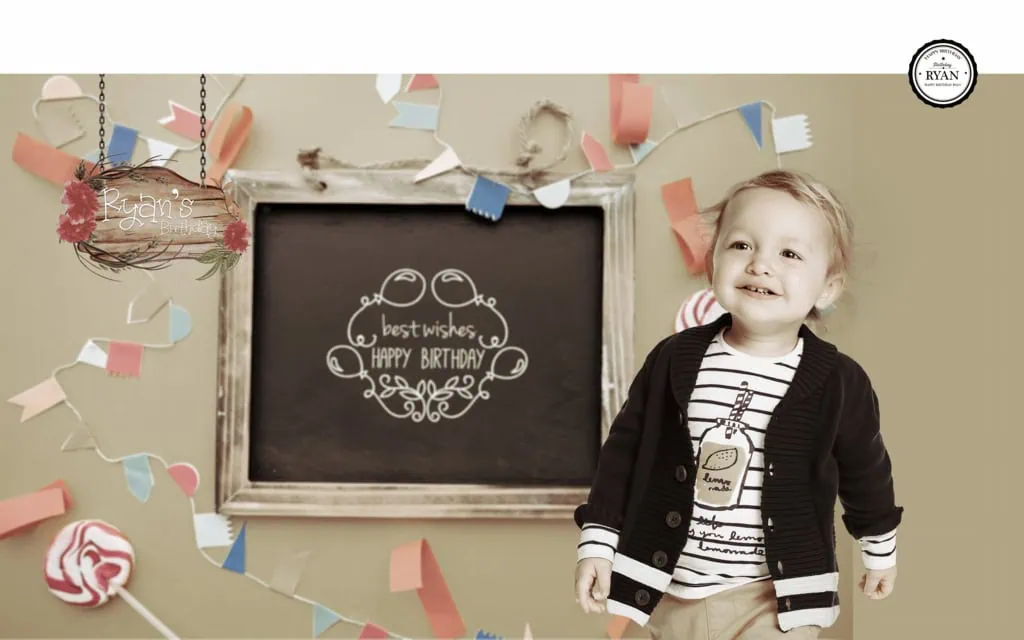
#03
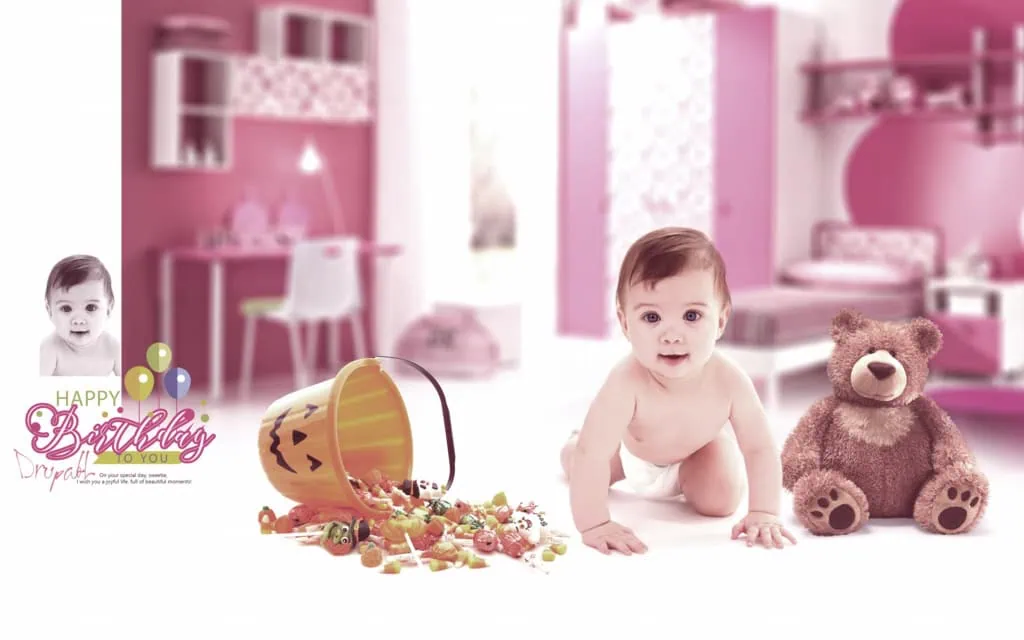
#04
#05
#06
#07
#08

#09
#10
#11
Explore Birthday Album Design Resources on PSDPix.com
Creating a birthday album from a blank document can take time, particularly when a studio has several client projects waiting for completion.
A suitable birthday album design PSD can provide a starting point for organizing photographs and planning the overall appearance of the album. Designers can focus on selecting meaningful pictures, improving composition, and matching the design to the client’s preferences.
When looking for a 15×24 birthday album design PSD free download, check the resource information carefully. The exact document size, file format, editing structure, and download conditions should be confirmed on the individual resource page.
PSDPix.com is a place to explore graphic design resources relevant to Photoshop users. Before using a particular resource, review its available details and licensing terms.
The right design should suit the birthday occasion and the photographs provided by the client. A child’s birthday album may use playful colors and decorative elements, while an adult birthday album may benefit from a more elegant and balanced appearance.
#12
#13
#14
#15
#16
#17
#18
#19
#20
#21
#22
How to Use a 15X24 Birthday Album Design PSD in Photoshop
A consistent editing process helps designers avoid mistakes and manage birthday album projects more efficiently.
Follow these six steps when working with a compatible PSD resource.
1. Download the design resource. Visit the relevant PSDPix.com resource page, review its details, and follow the available download instructions. Confirm that the resource is suitable for your project before proceeding.
2. Extract the archive if required. If the downloaded resource is supplied as a ZIP file, extract it using a suitable archive utility. Keep the original archive as a backup.
3. Open the PSD in Photoshop. Open the file in compatible editing software. Check the document dimensions, resolution settings, color mode, and available layers before making changes.
4. Replace the photographs. Add the client’s birthday photographs to the layout. If the file contains Smart Objects or image placeholders, use the available editing method. Otherwise, adjust the images manually.
5. Customize the design. Change text, colors, image placement, and decorative elements according to the birthday theme. Make sure the photographs remain the main focus of the composition.
6. Prepare the final output. Review the complete layout, check the document settings, and confirm the printer’s requirements. Save an editable PSD copy and export the final file in the format requested by the client or printing service.
This workflow can be adapted to different birthday themes, album sizes, and client requirements.
Managing Birthday Album Projects Under Studio Deadlines
Photo studios often receive large collections of birthday photographs that need to be arranged within a limited delivery period. Repeating the same layout work for every project can increase editing time.
A reusable birthday album design PSD can help establish a consistent starting point. Designers can organize photographs according to the event timeline, such as decorations, guest arrivals, cake cutting, family portraits, and the final celebration.
However, a template should not replace thoughtful photo selection. Too many photographs on one page can make the album difficult to view. Choose images that communicate the most important moments and give special photographs enough space.
For example, a birthday album may include a full-page portrait of the birthday person alongside smaller photographs of family members and guests. This creates a visual hierarchy and helps the album feel more organized.
Keeping project files in clearly named folders also supports a smoother workflow. Separate original photographs, working PSD files, and final exports to reduce confusion during revisions.
Practical Tips for Better Birthday Album Design Results
Small design decisions can make a major difference in the final album presentation.
- Check the actual document dimensions. Confirm that the Photoshop canvas matches the intended album format. Do not assume that every 15X24 PSD uses the same orientation or page setup.
- Choose photographs with enough detail. Review the original image dimensions and quality before enlarging photographs. A high resolution setting cannot restore missing image detail.
- Keep the layout balanced. Avoid placing too many photographs, decorative elements, or text blocks on one page. Maintain a clear visual focus.
- Save an editable backup. Preserve the original PSD and create a separate final export. This makes later corrections easier without rebuilding the entire design.
These practices are useful for both experienced album designers and Photoshop users who are learning to create birthday album layouts.
Frequently Asked Questions
Are 15X24 birthday album design PSD files free to download?
Download conditions depend on the individual resource. Check the relevant PSDPix.com page to confirm whether a file is free, requires payment, or has other download conditions.
Which software is needed to edit a birthday album PSD?
Adobe Photoshop is commonly used to edit PSD files. Compatibility with other applications depends on the file’s structure and the software’s PSD support.
Can I use a birthday album PSD for paid client projects?
Commercial use depends on the resource’s license. Review the applicable terms before using a design in a paid client project or redistributing any included assets.
Why is the 15X24 format useful for birthday albums?
The format provides a wide layout for arranging birthday photographs and highlighting important moments. The actual orientation and dimensions should be checked in the individual document.
How can I prepare a birthday album PSD for printing?
Check the document dimensions, image detail, color profile, and printer requirements. Confirm bleed and binding margins with the printing service before exporting the final album.
Conclusion
A 15X24 Birthday Album Design PSD can provide a practical starting point for creating organized and attractive birthday albums. By selecting suitable photographs, maintaining balanced compositions, and customizing the design to match the occasion, designers can create meaningful albums for their clients.
Explore birthday album design resources on PSDPix.com to support your Photoshop workflow. Whether you are creating a child’s birthday album or a family celebration album, review the available file details and licensing terms before using a birthday album design PSD in your next project.