A wedding photographer may have hundreds of beautiful photographs ready for a client’s album, but arranging them into an attractive and balanced layout can take considerable time. Choosing the right album format and organizing photographs properly are important parts of the design process.
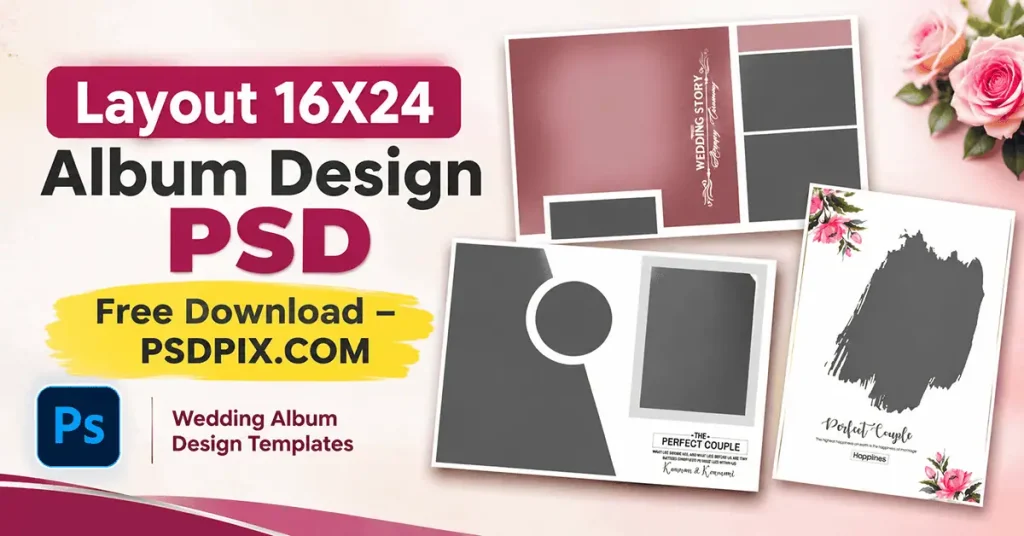
Layout 16X24 Album Design PSD is a useful search topic for designers and photographers who want to work with a 16 x 24 album format in Photoshop. This size provides space for combining wedding portraits, family photographs, ceremony moments, and creative compositions.
At PSDPix.com, this article helps graphic designers, photo studio owners, and Photoshop users understand how to select, customize, and prepare a 16×24 wedding album layout. It also explains important points to check before downloading or sending a design for printing.
Layout 16X24 Album Design PSD
Table of Contents
Layout 16X24 Album Design PSD — Understanding the Album Format
A 16X24 album design generally refers to a photographic album layout intended for a 16 x 24-inch page or spread, depending on the printer’s specifications. A Photoshop PSD version is an editable document format that can be used to arrange wedding photographs, add text, and customize the overall composition when its file structure supports those edits.
This format is suitable for wedding photography projects where designers need enough space to present multiple photographs in a well-organized composition. It can be used for different wedding occasions, including Mehendi, Sangeet, Baraat, wedding ceremonies, and reception celebrations.
A well-planned 16 x 24 wedding album design PSD should balance photographs, decorative elements, and empty space. The actual document dimensions, resolution, layers, and editing features should always be checked in the individual file before starting a project.
#01
#02
#03
#04
#05
#06
#07
#08
#09
#10
Explore 16X24 Wedding Album Design Resources on PSDPix.com
Finding a suitable layout can make the album creation process easier, especially when a studio is handling several client projects. PSDPix.com focuses on graphic design resources, including wedding album designs and Photoshop-related creative assets.
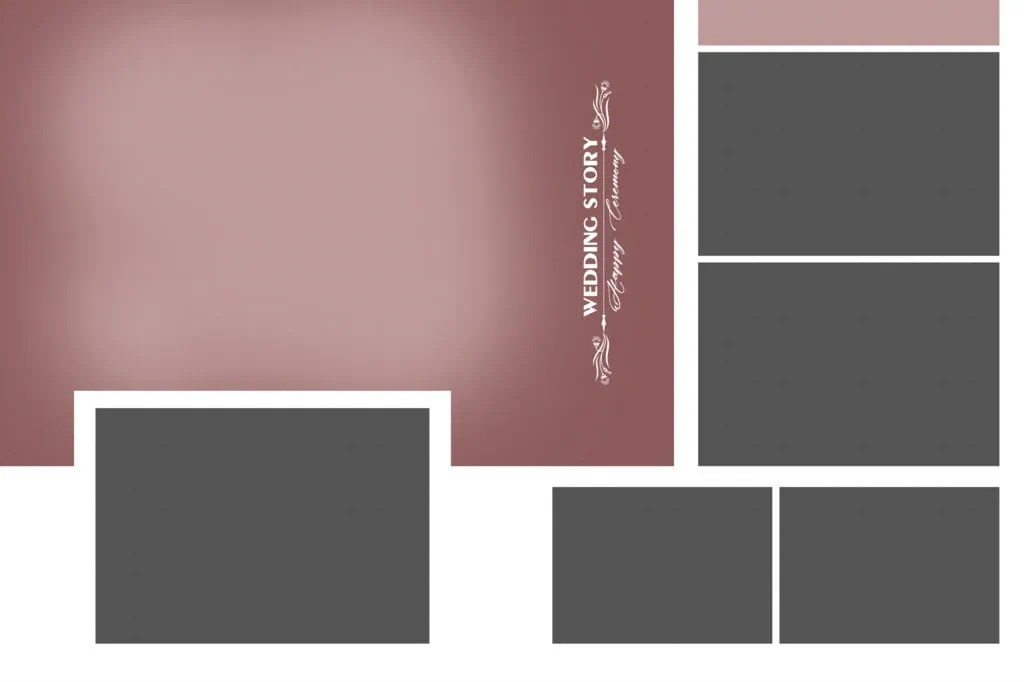
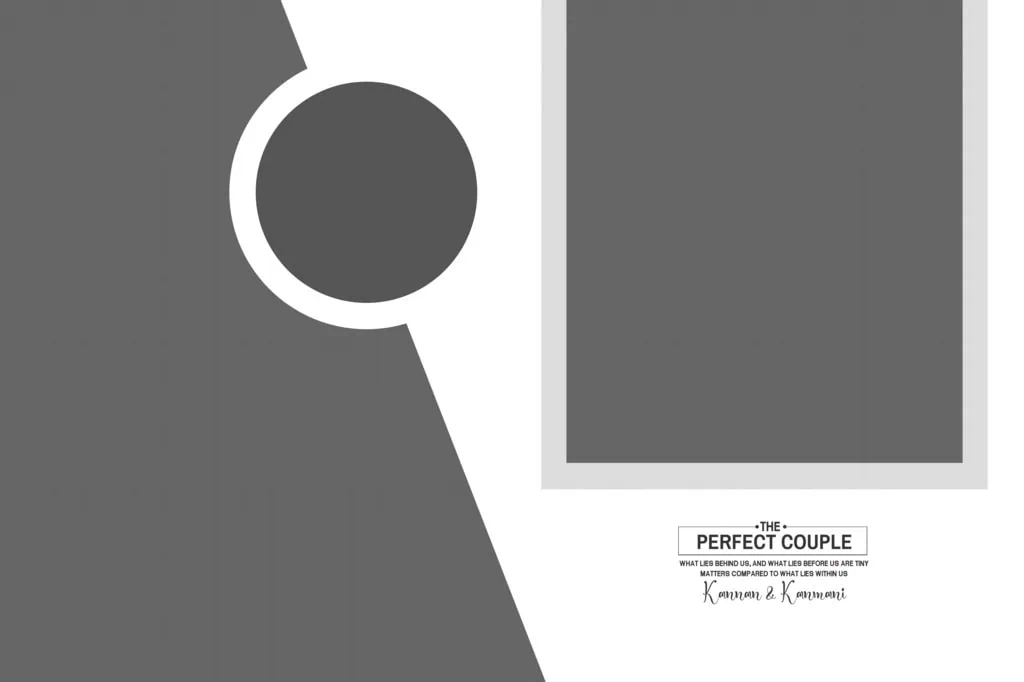
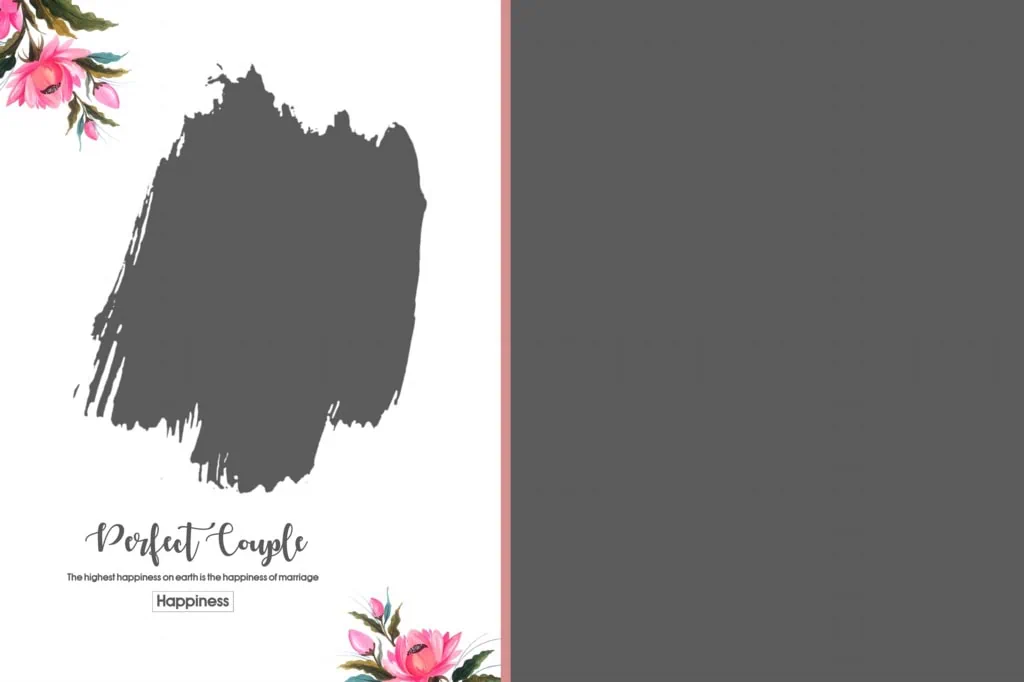
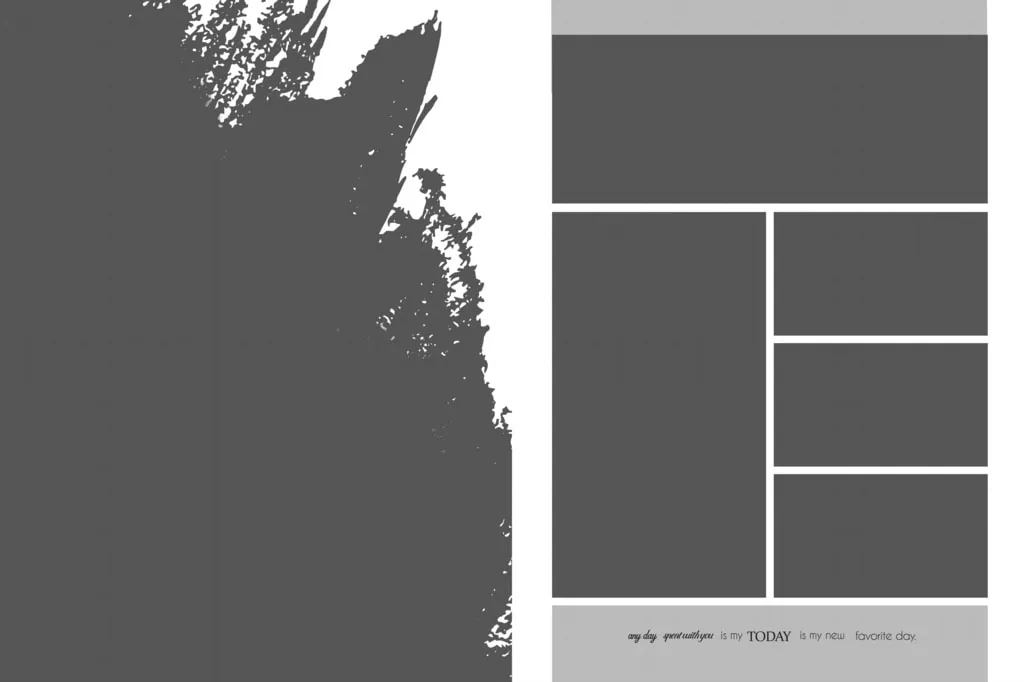
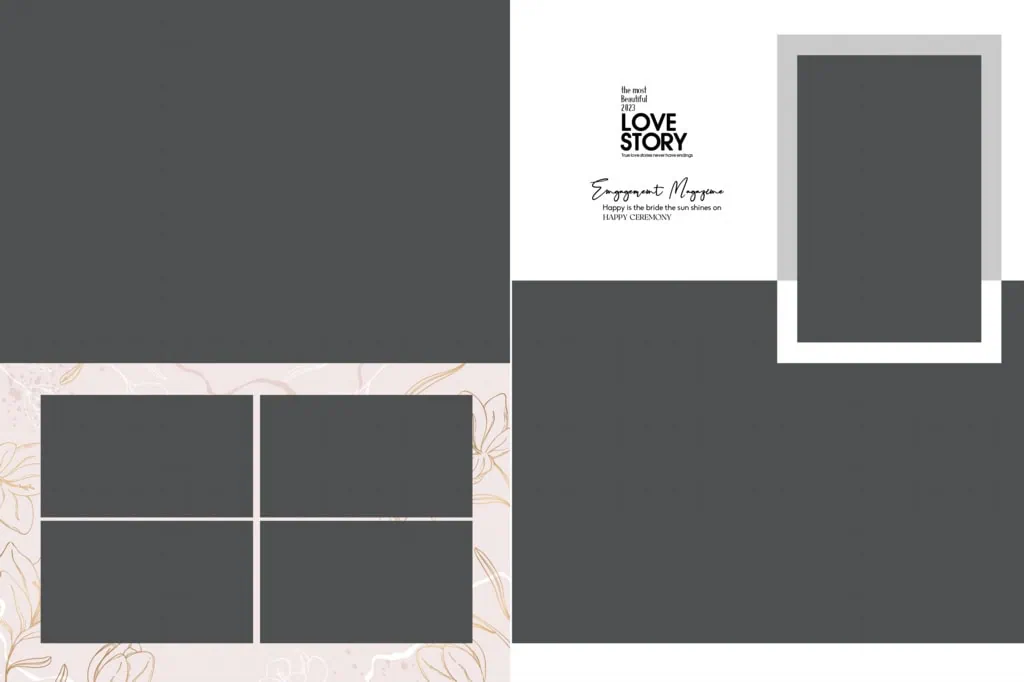
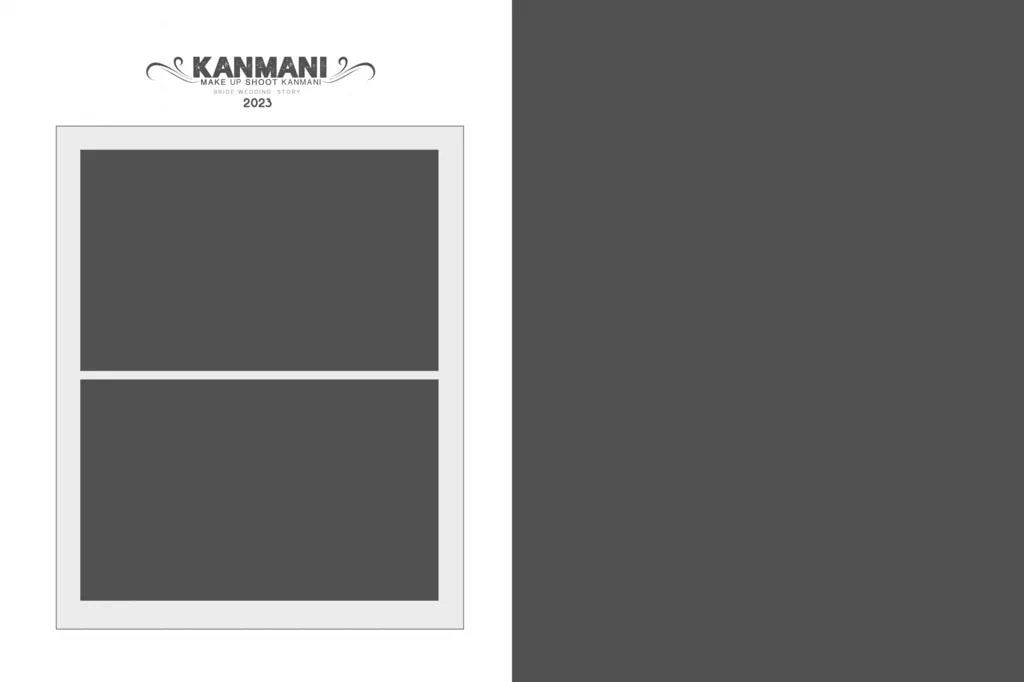
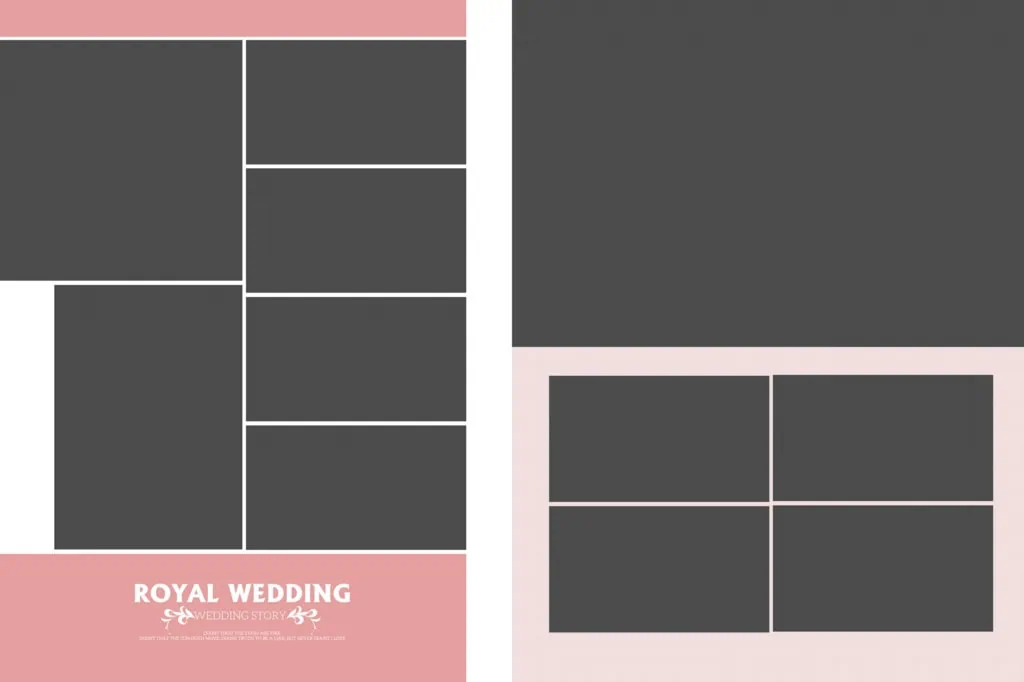
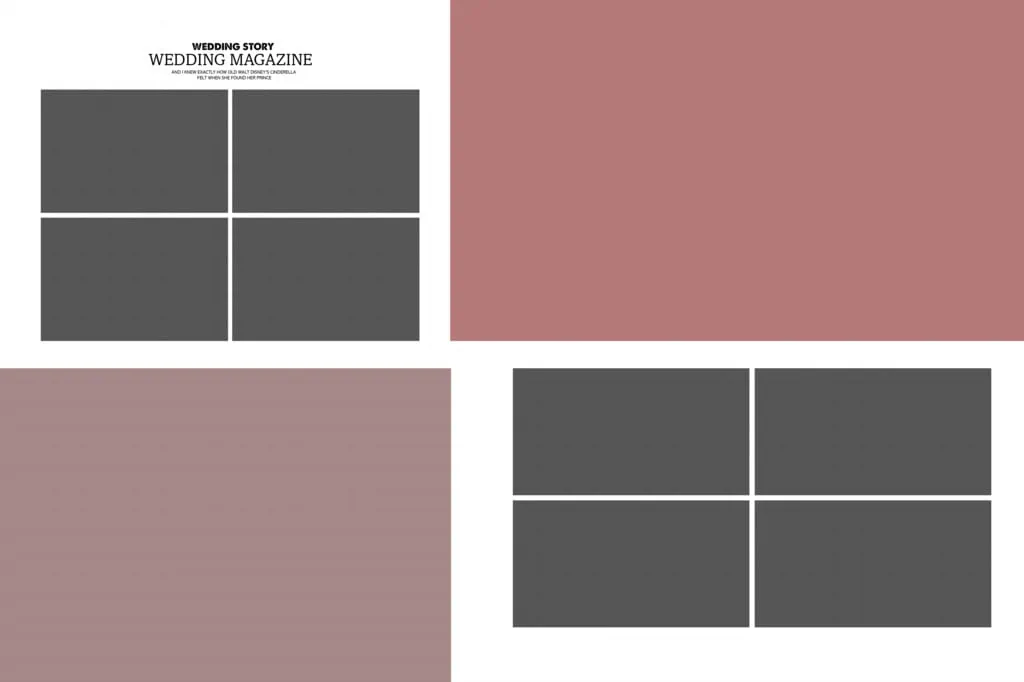
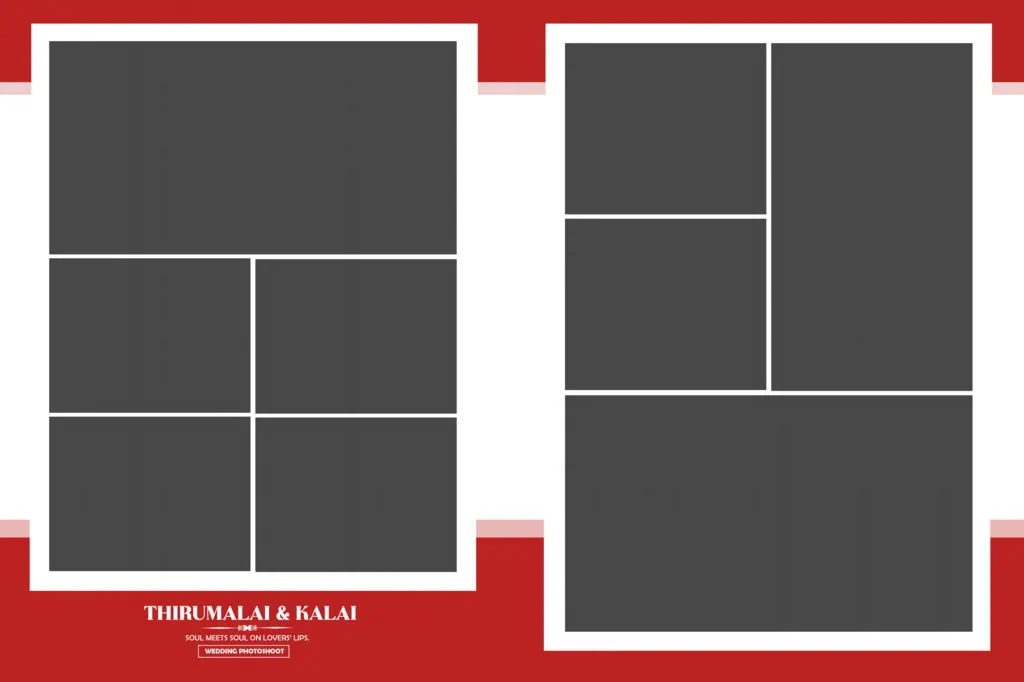
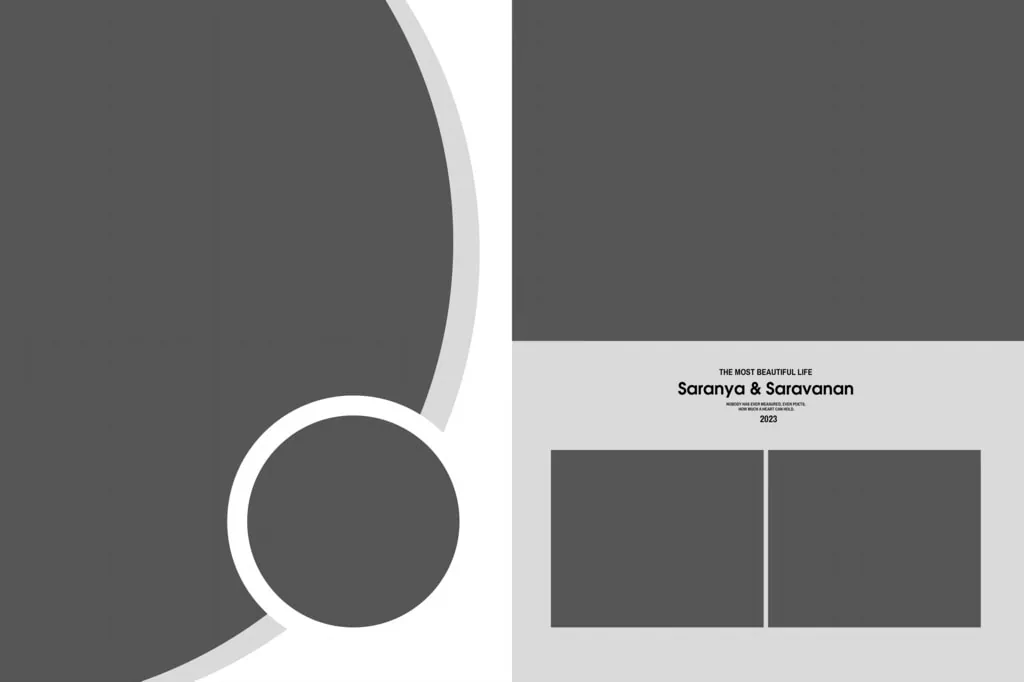
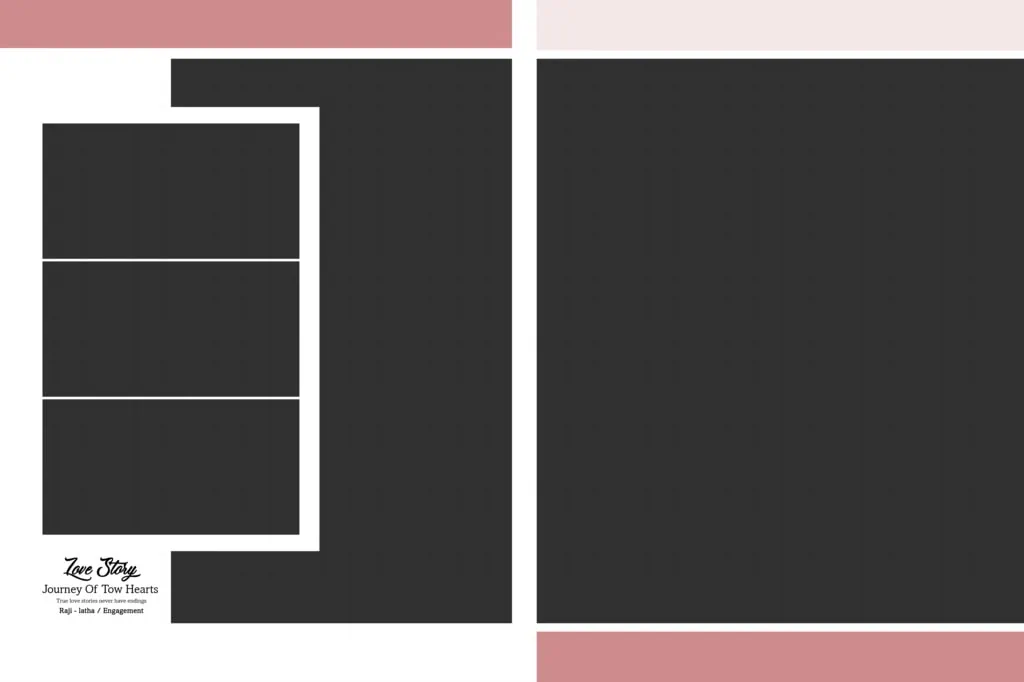
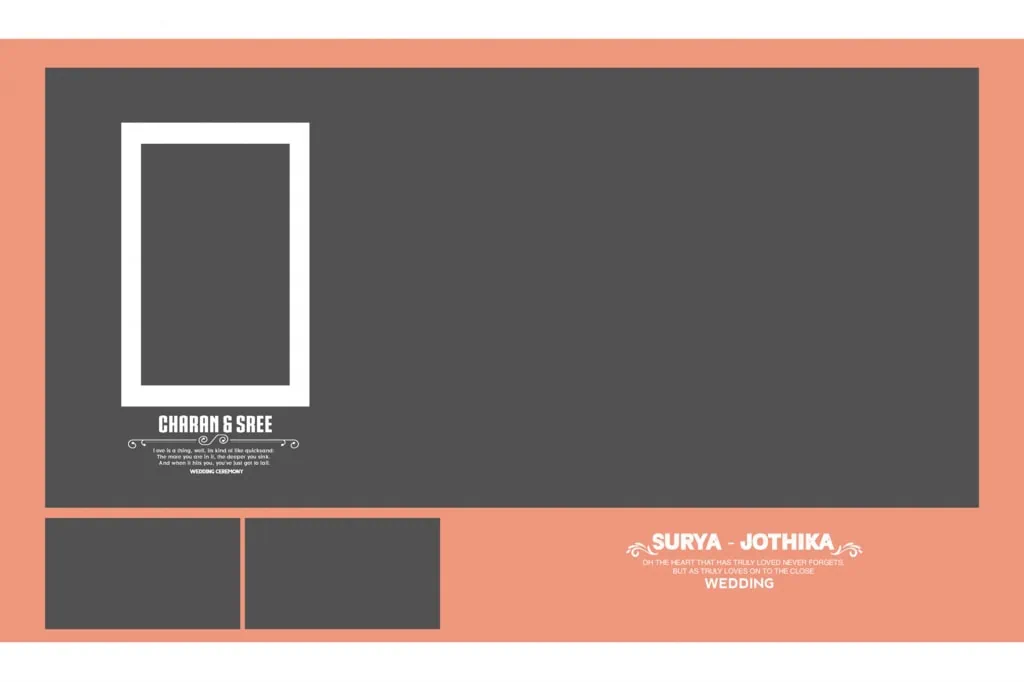
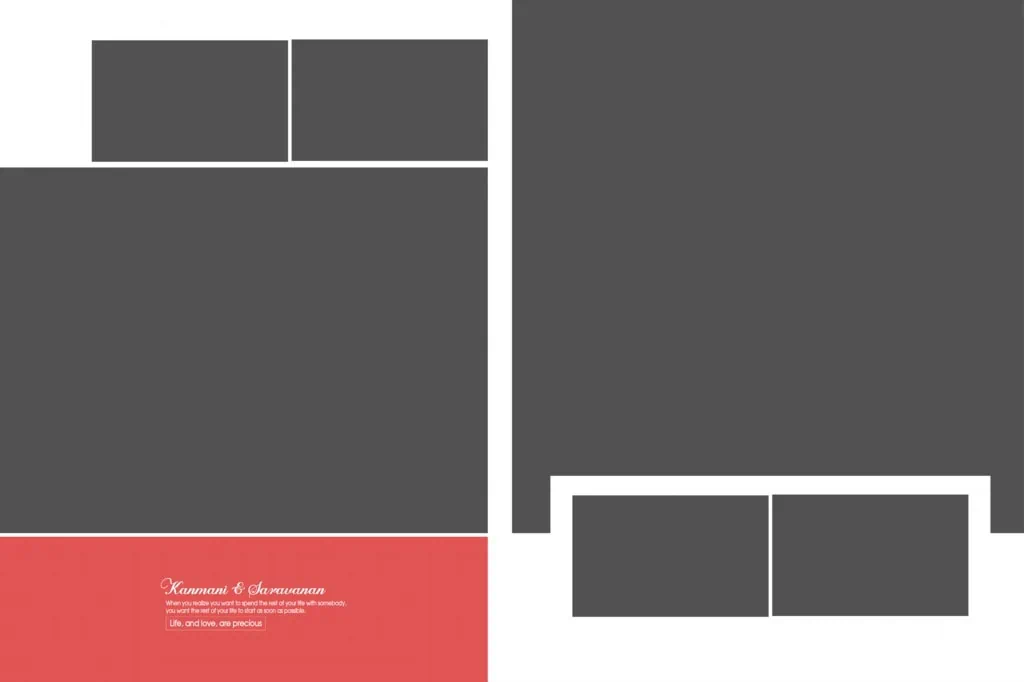
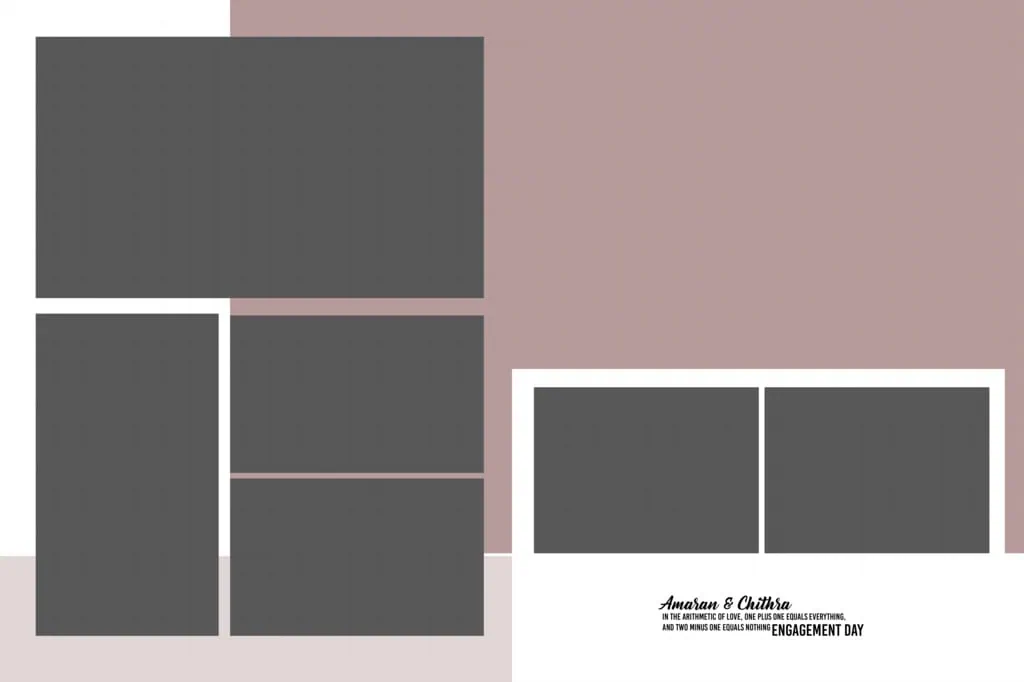
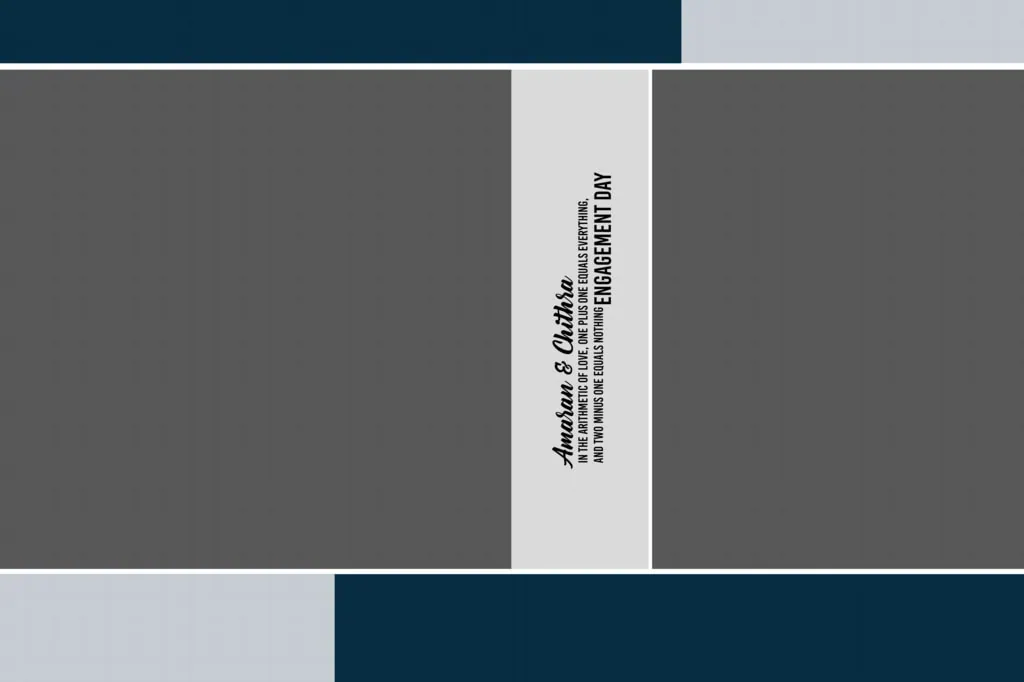
When exploring a Layout 16X24 Album Design PSD resource, check the available preview images to understand its composition. Look at how photographs are arranged, whether the layout uses single or multiple image placements, and whether its visual style matches the wedding project.
Before downloading, verify the following details on the individual resource page:
- File format: Confirm whether the downloadable resource is provided as a PSD file or another format.
- Document dimensions: Check whether the actual canvas matches your required 16 x 24-inch layout.
- Resolution: Verify the document’s pixel dimensions and resolution settings.
- Editable elements: Check whether photographs, text, backgrounds, and decorative elements can be modified.
- Download conditions: Follow the instructions provided on the resource page.
- License information: Review the permitted personal and commercial uses before using the design for paid client work.
The specific download URL and file specifications have not been provided for this article. Readers should confirm these details on the relevant PSDPix.com resource page before proceeding.
#11
#12
#13
#14
#15
#16
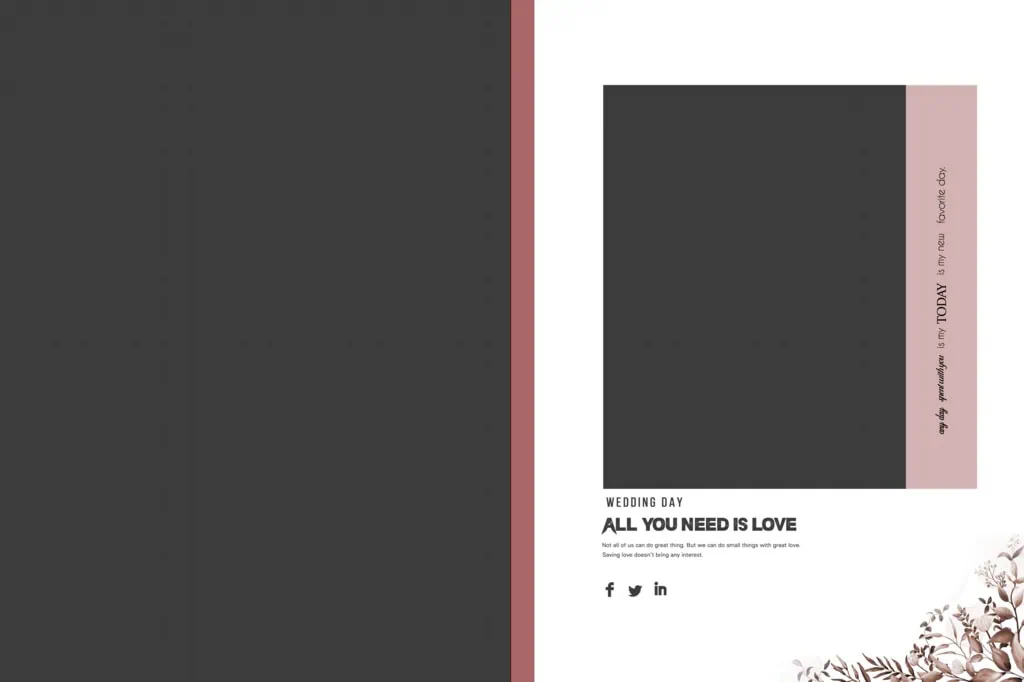
#17
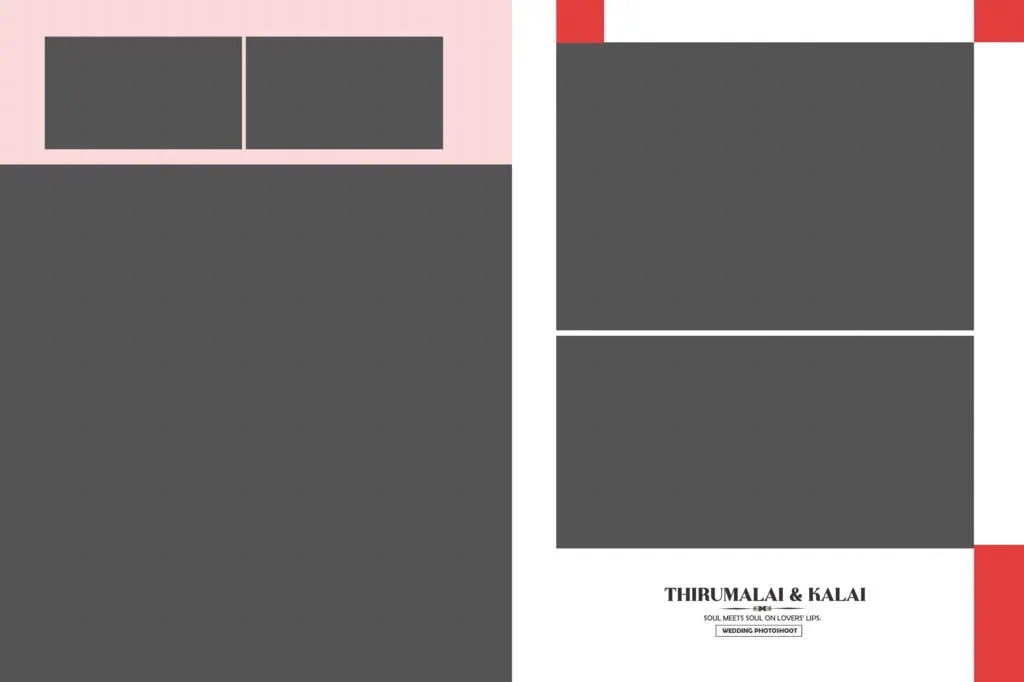
#18
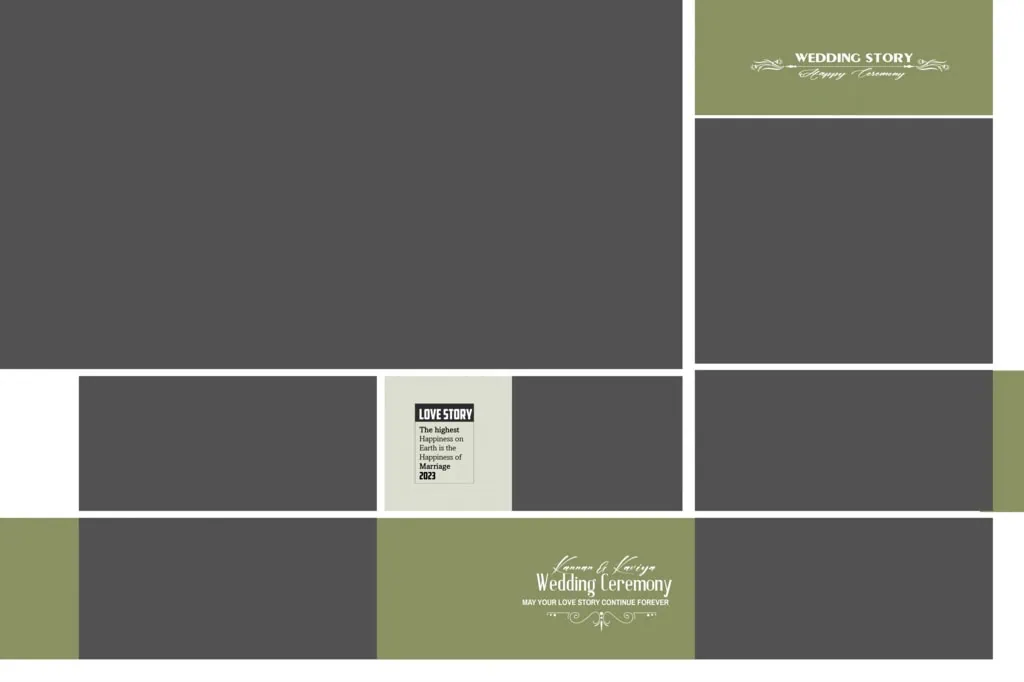
#19
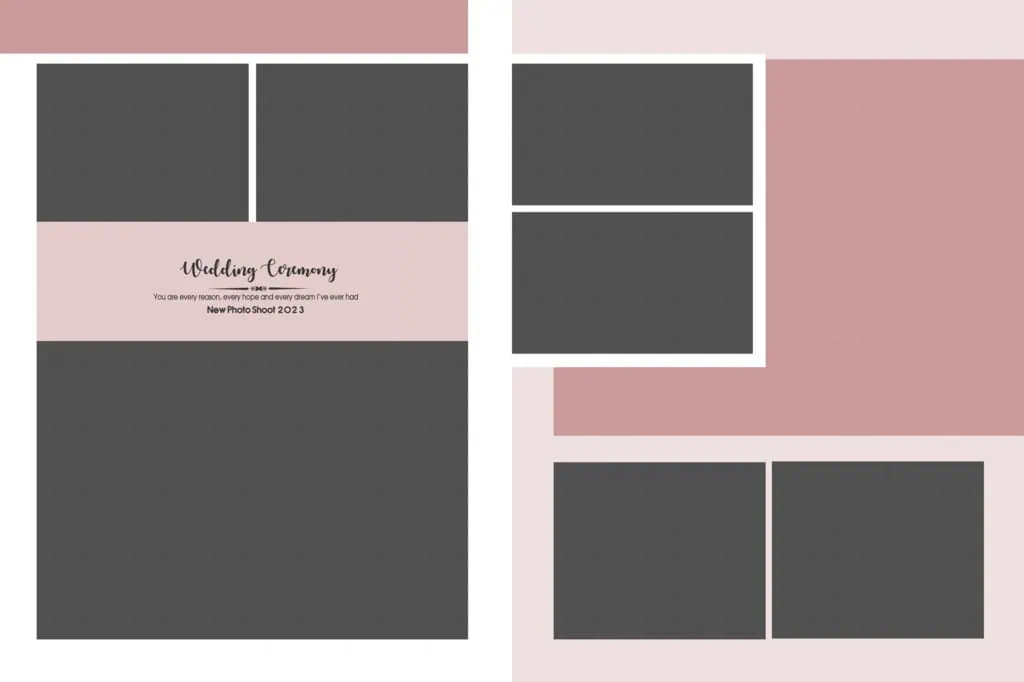
#20
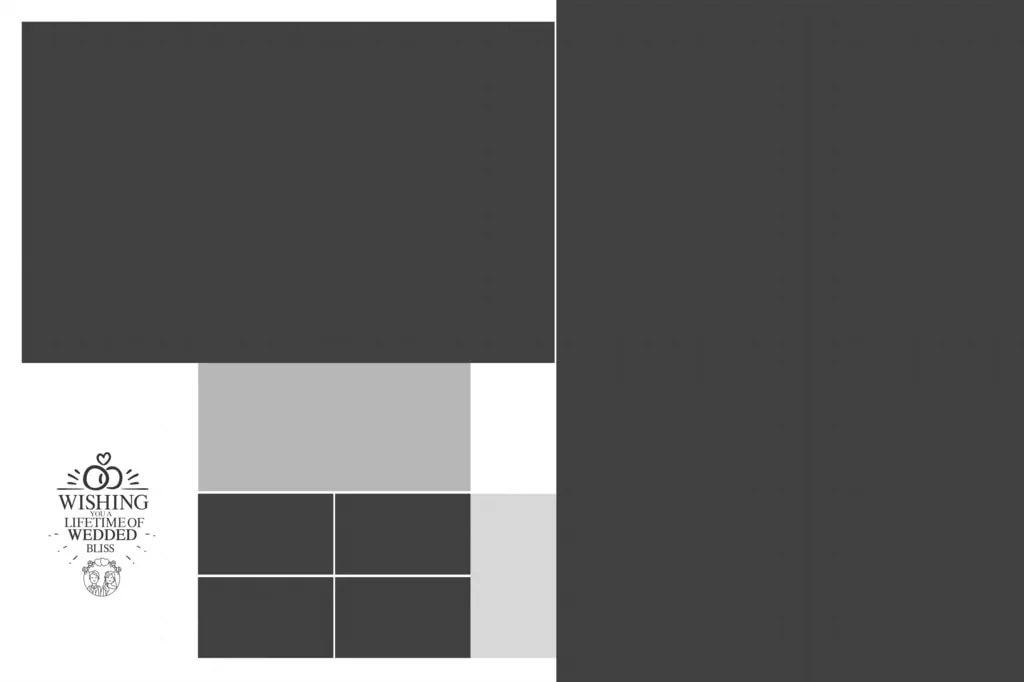
How to Download and Customize a 16X24 Album PSD
Once you have selected a suitable layout, follow these steps to prepare it for your wedding album project.
1. Find and download the resource: Visit the relevant PSDPix.com resource page, review the available preview and file information, and follow the listed download instructions. Confirm the format before downloading.
2. Extract the downloaded archive: If the resource comes in ZIP format, extract it using a compatible utility such as WinRAR or 7-Zip. Keep the original archive as a backup.
3. Open the PSD in Photoshop: Open the downloaded document in Adobe Photoshop or compatible editing software. Check Image Size and Document Properties to confirm the canvas dimensions and resolution.
4. Replace the photographs: Identify the available image layers and replace the sample photographs with the client’s wedding pictures. If Smart Objects are included, use their editing options. Otherwise, follow the file’s existing layer structure.
5. Customize the album layout: Adjust image placement, cropping, text, colors, and decorative elements according to the project. Maintain consistent spacing and make sure important details are not hidden near the binding area.
6. Prepare the final design: Review the complete layout, check image quality, confirm the printer’s color-profile requirements, and export the document in the format requested by the album printer.
Following these steps can help reduce common editing mistakes and make the final album easier to review.
Creating Wedding Album Layouts That Match Client Expectations
An attractive album is not simply a collection of photographs placed on a page. The arrangement should help tell the story of the wedding while keeping the client’s most important memories easy to view.
For example, a wedding album may begin with a couple’s portrait, followed by family photographs, ceremony highlights, and reception moments. A larger photograph can be used as the main visual element, while smaller images provide additional details and context.
When working with a 16×24 album design, consider the number of photographs on each page. Too many images can make the composition feel crowded, while too few may leave unnecessary empty areas. The best arrangement depends on the photographs, the client’s preferences, and the overall album theme.
Before completing the project, share a preview with the client if the studio’s workflow allows it. This gives the client an opportunity to request changes to photograph selection, placement, or text before the album goes to print.
Practical Tips for Better 16X24 Album Design Results
A few technical checks can make a meaningful difference to the final album.
- Check the image resolution: Use photographs with enough pixel detail for their intended print size. A 300 DPI document setting does not automatically improve a low-resolution photograph.
- Confirm the color profile: Ask the printing service whether it requires RGB or CMYK files. Follow its specific color-management instructions instead of changing modes without checking.
- Allow for bleed and binding: Confirm the printer’s bleed, trim, and binding requirements. Keep faces, important text, and other essential details away from areas that may be trimmed or covered.
- Save an editable backup: Keep the original PSD file and save a separate final version. This makes future corrections easier without rebuilding the entire album.
These checks are useful for both experienced album designers and beginners learning professional Photoshop workflows.
Frequently Asked Questions
1. Are Layout 16X24 Album Design PSD files free to download?
Download conditions depend on the individual resource page. Check the download instructions on PSDPix.com to confirm whether a particular file is available without payment or has other access requirements.
2. Which software is needed to edit a 16X24 album PSD?
Adobe Photoshop is a common choice for editing PSD files. Other compatible applications may also open PSD documents, but some advanced effects or layer features may not be fully supported.
3. Can I use a 16X24 album design for paid client projects?
Commercial usage depends on the resource’s license. Always review the applicable terms before using a downloaded design in a paid wedding photography or album printing project.
4. Why is the 16 x 24 format useful for wedding albums?
The format provides a large canvas for presenting wedding portraits, family photographs, and ceremony highlights. It allows designers to create balanced compositions with different photograph arrangements.
5. How can I prepare a 16X24 album PSD for printing?
Check the actual document dimensions, image resolution, color profile, bleed margins, and binding area. Export the final design according to the printing service’s specifications.
Conclusion
A well-organized Layout 16X24 Album Design PSD can provide a useful starting point for creating attractive wedding albums in Photoshop. By selecting suitable photographs, maintaining balanced compositions, and checking technical requirements, designers can prepare layouts that reflect the client’s expectations.
If you are looking for a layout 16×24 album design, explore the relevant wedding album design resources on PSDPix.com. Review the available previews, download conditions, file specifications, and licensing information before choosing a resource for your next album project.