A 12×18 album cover is a popular format to consider when preparing wedding album artwork for photography clients. Unlike a regular photograph layout, an album cover needs careful attention to image placement, decorative elements, typography, and the final printing dimensions. Choosing the right Photoshop template can help designers organize these elements and create a balanced presentation.
A 12X18 Album Cover PSD is particularly relevant for graphic designers and photo studio owners who regularly prepare wedding album designs. PSD files can be useful because Photoshop supports different editing methods, including layers, text adjustments, and image replacement, depending on how the original document is structured.
At PSDPix.com, we cover creative resources and design ideas for Photoshop users. This article explains how to approach a 12×18 album cover, customize its appearance, and prepare the artwork for wedding album printing. You will also learn what to check before using a downloaded PSD file in a client project.
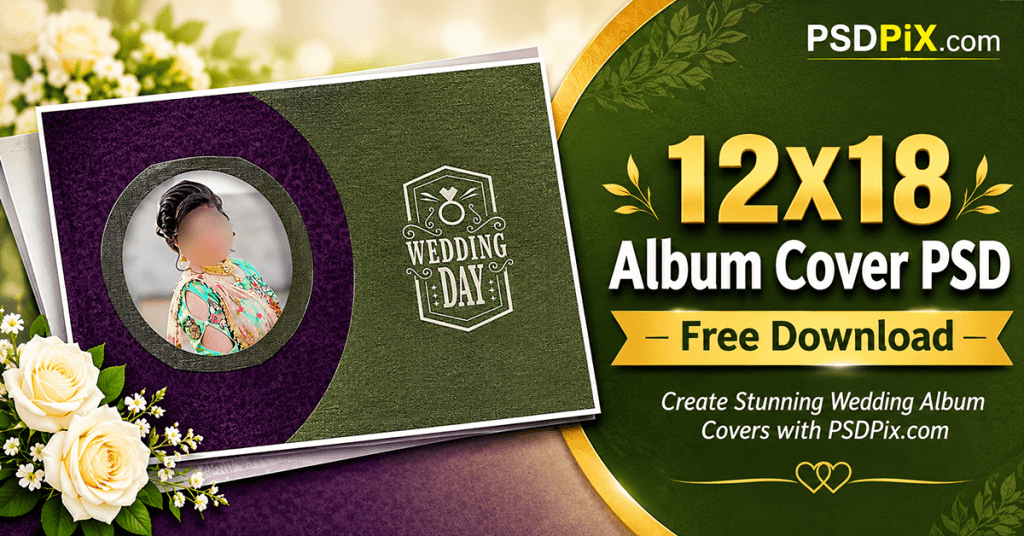
12X18 Album Cover PSD
Table of Contents
12X18 Album Cover PSD — Understanding the Format and Its Purpose
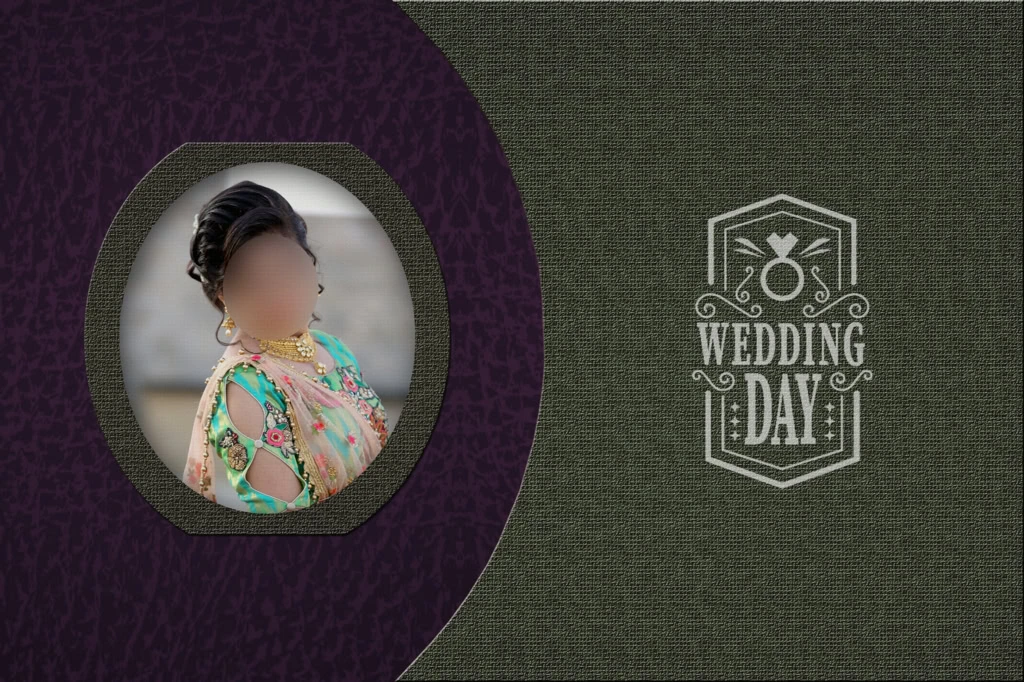
A 12X18 Album Cover PSD is a Photoshop document intended for designing or customizing a wedding album cover around a 12-by-18-inch format. It can provide a starting layout for arranging wedding photographs, names, decorative graphics, and other cover elements.
The PSD format is useful because Photoshop can preserve editable elements when they are included in the original file. Depending on its structure, a template may contain separate image layers, text elements, backgrounds, and decorative objects.
Designers should understand that a 12×18-inch document and a 12×18-inch finished album cover are not always the same thing. Some printers use different specifications for covers, spreads, trimming, and binding. Always confirm the intended document arrangement before beginning customization.
#01
#02
#03
#04
#05
#06
#07
#08
#09
#10
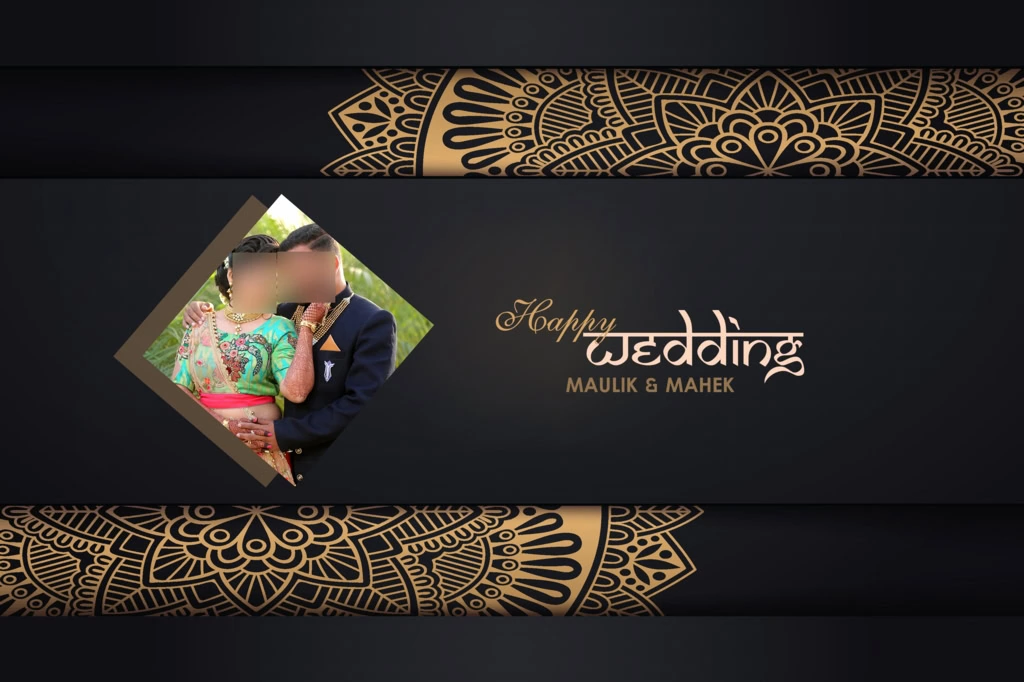
Explore 12×18 Wedding Album Cover Design Resources on PSDPix.com
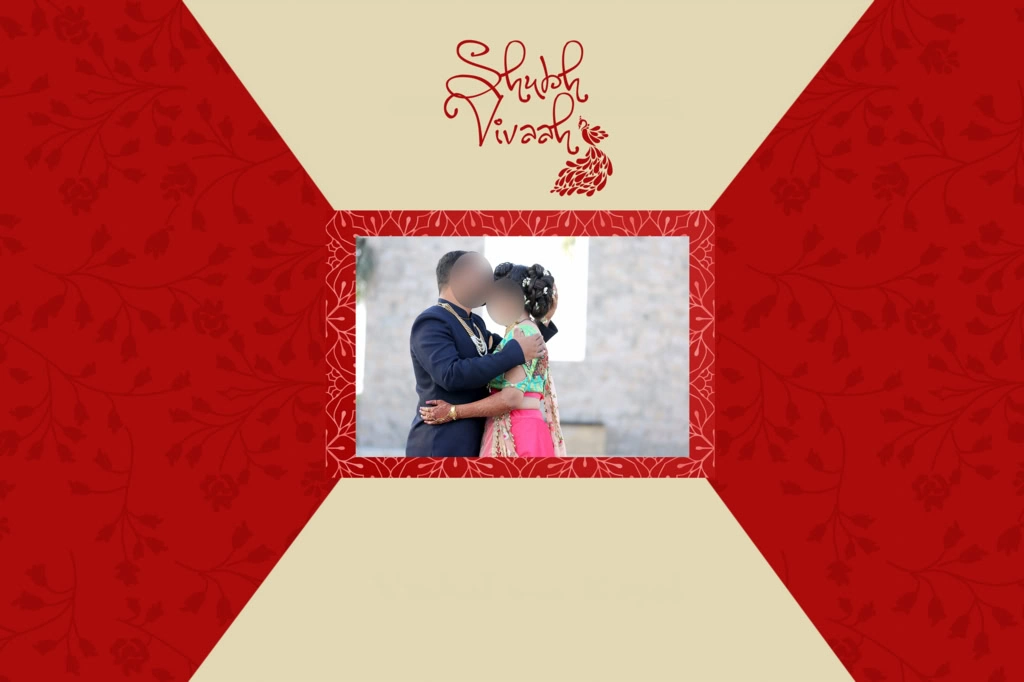
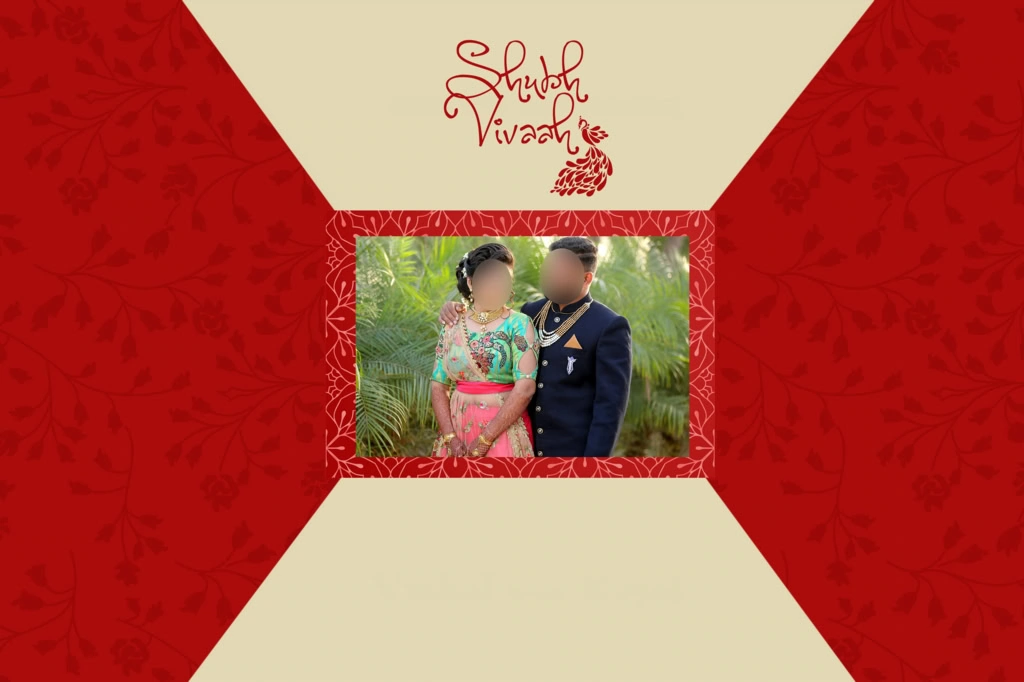
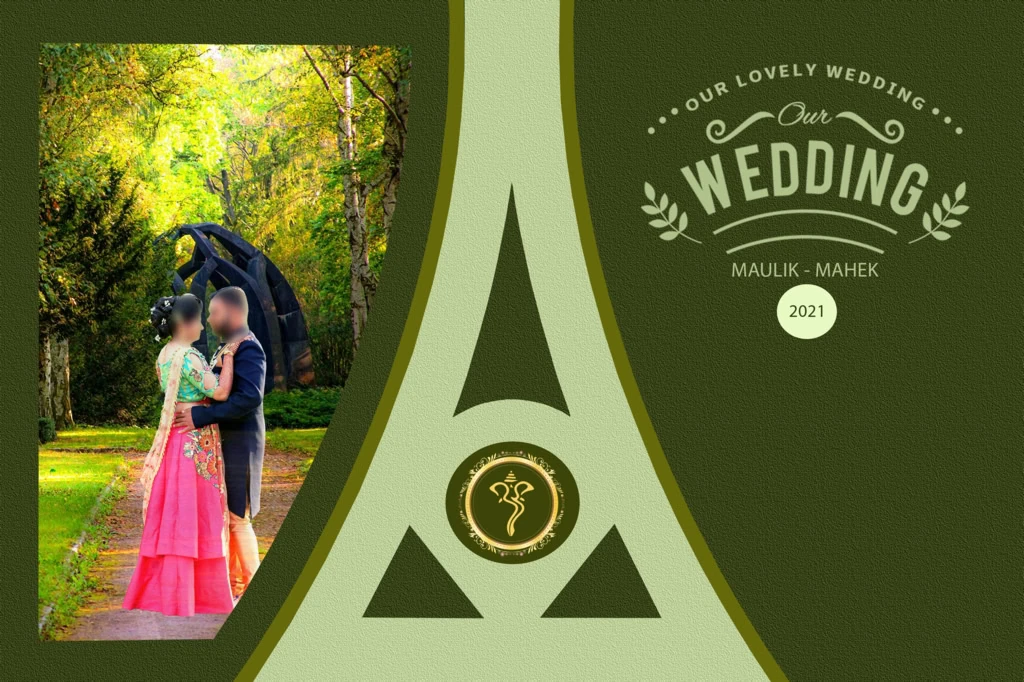
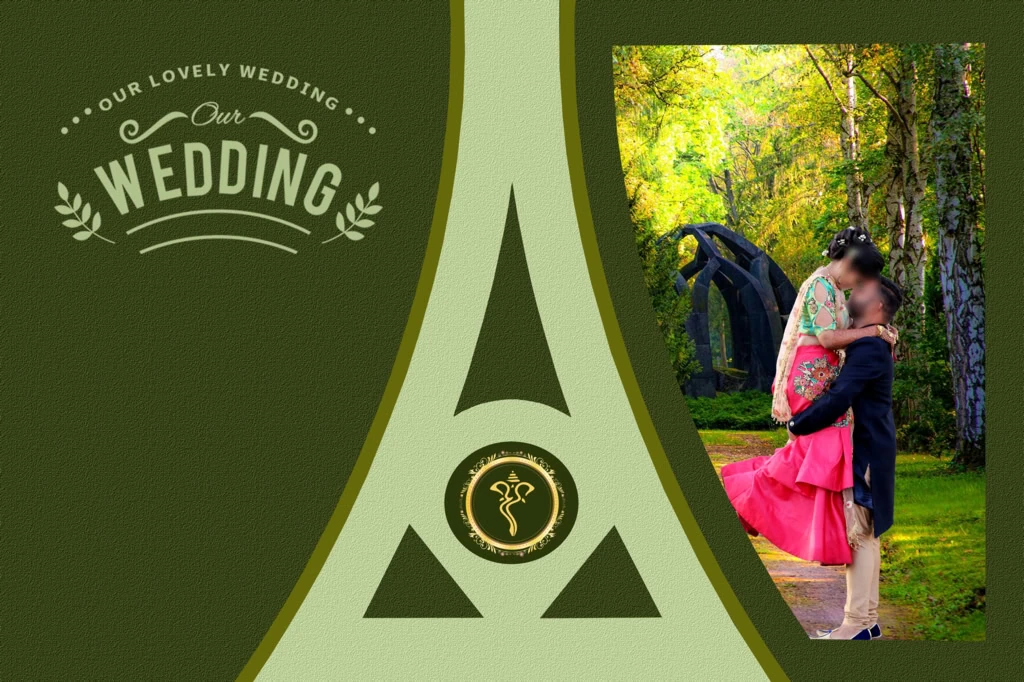
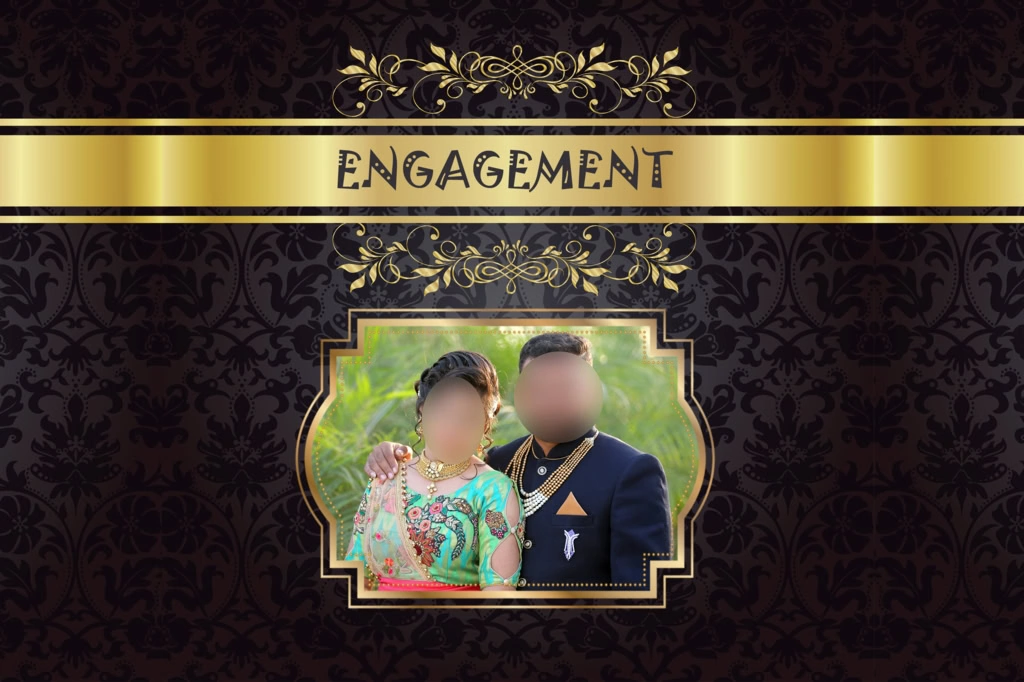
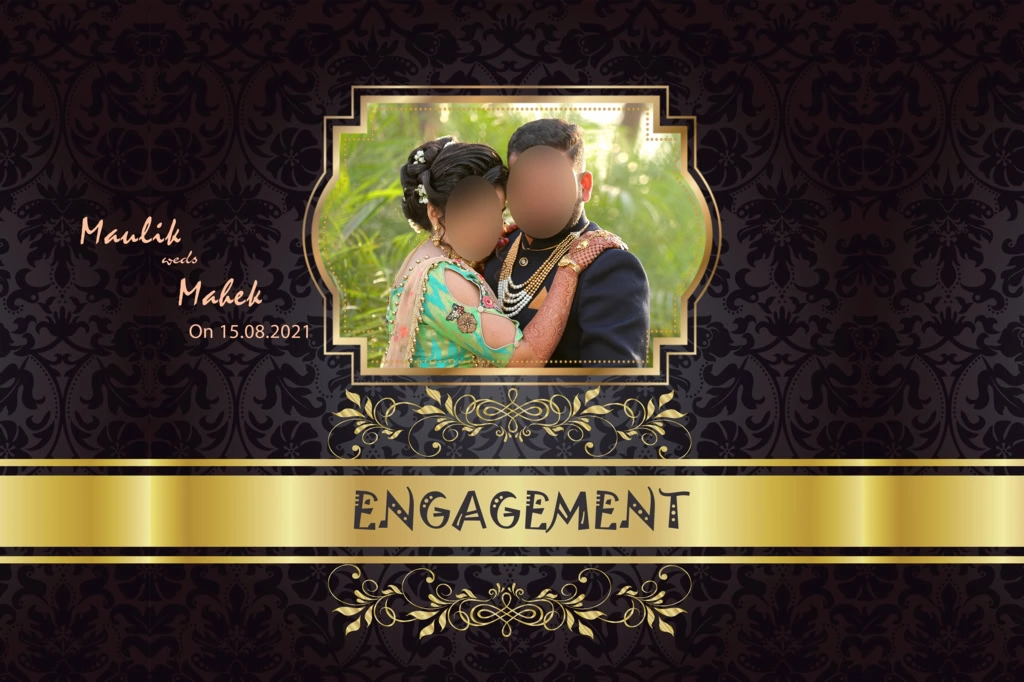
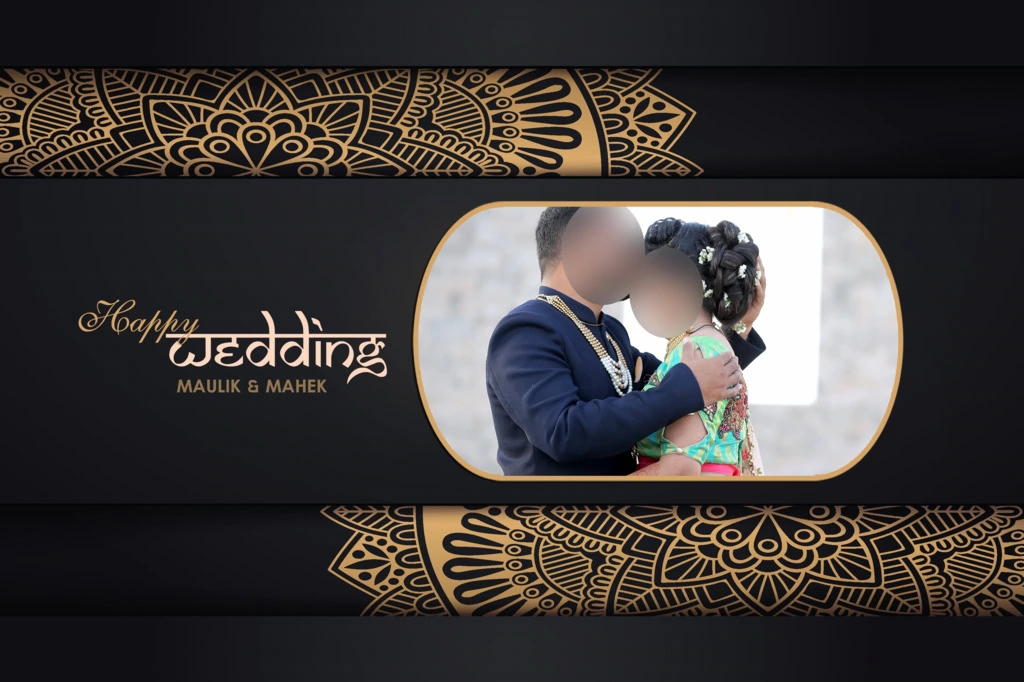
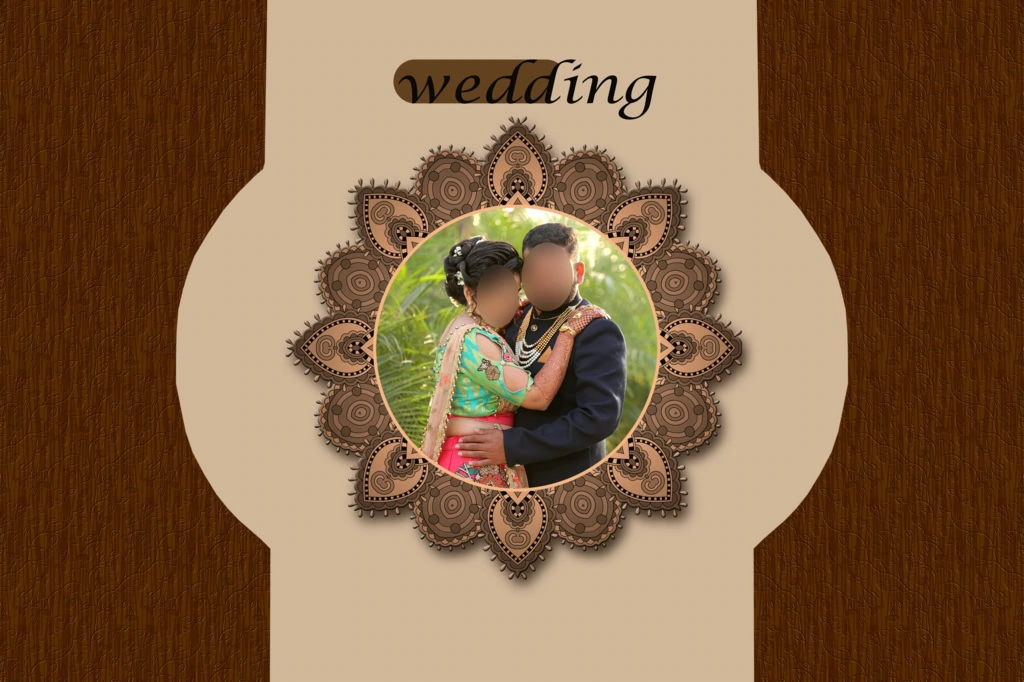
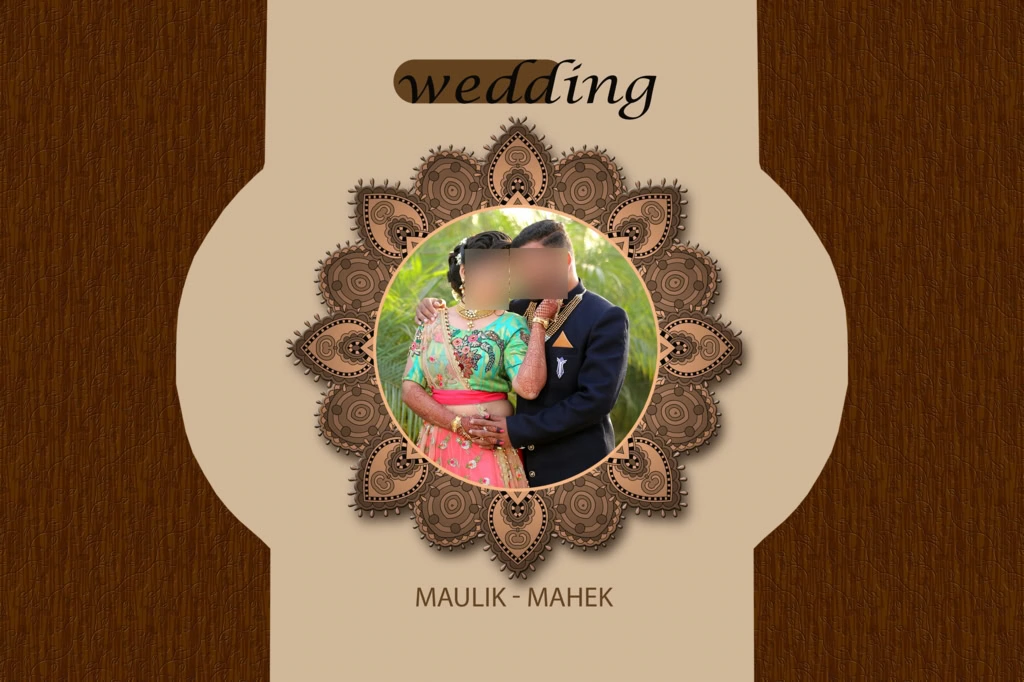
A wedding album cover should represent the style of the photographs inside the album. For example, a traditional Indian wedding may look attractive with ornamental patterns, rich colors, and elegant typography. A contemporary wedding collection may work better with a simple background and a prominent couple portrait.
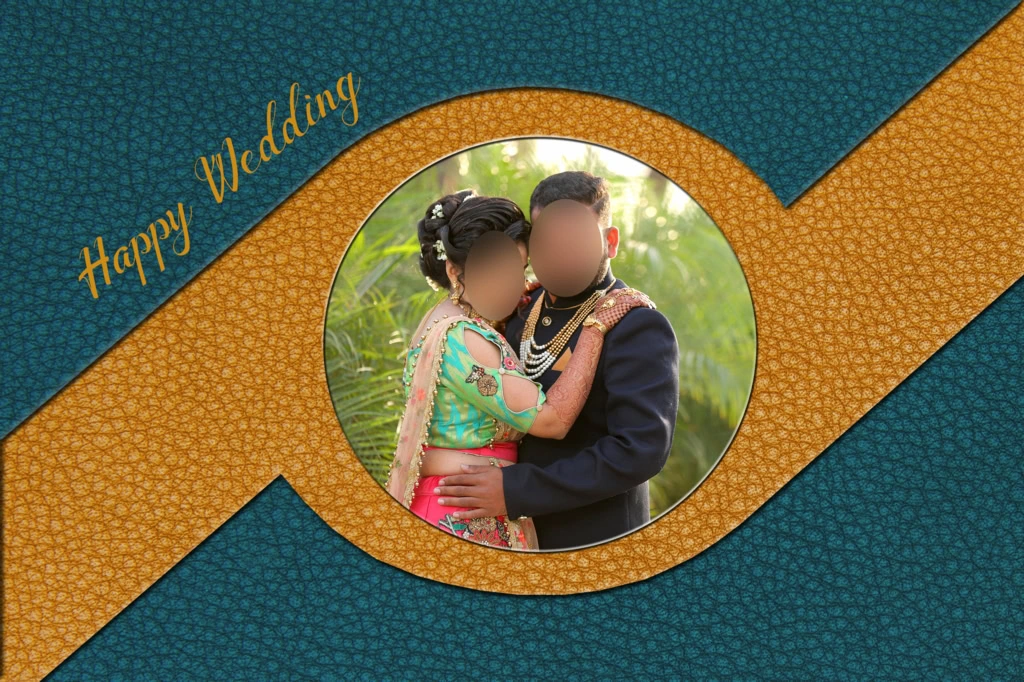
When selecting a 12×18 album cover design, consider the following creative approaches:
- Traditional design: Decorative borders, cultural patterns, and elegant color combinations for Indian wedding photography.
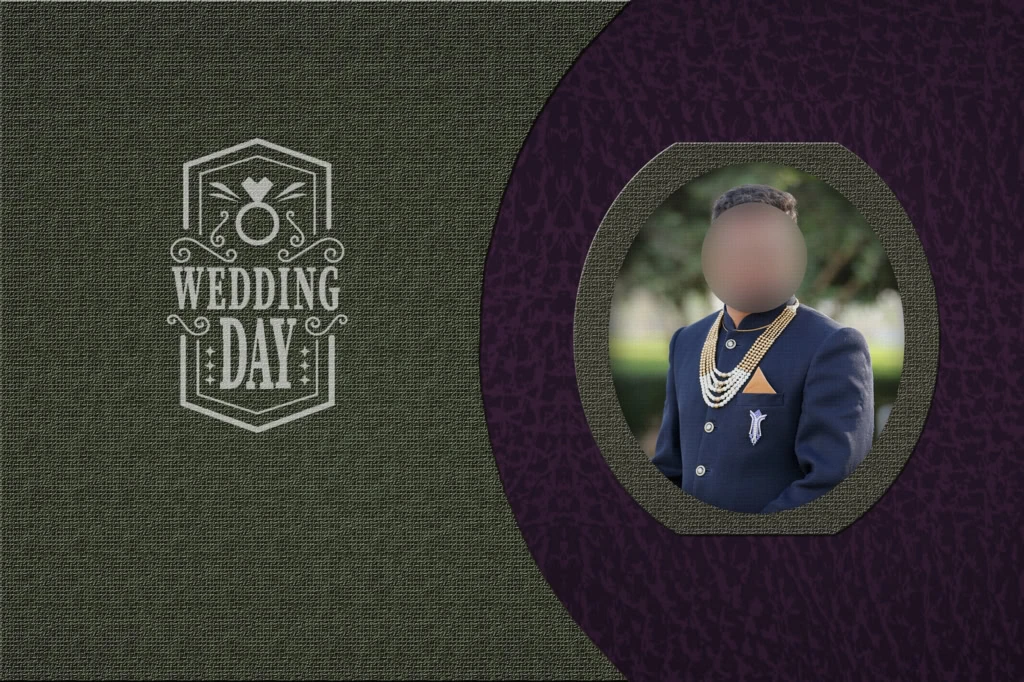
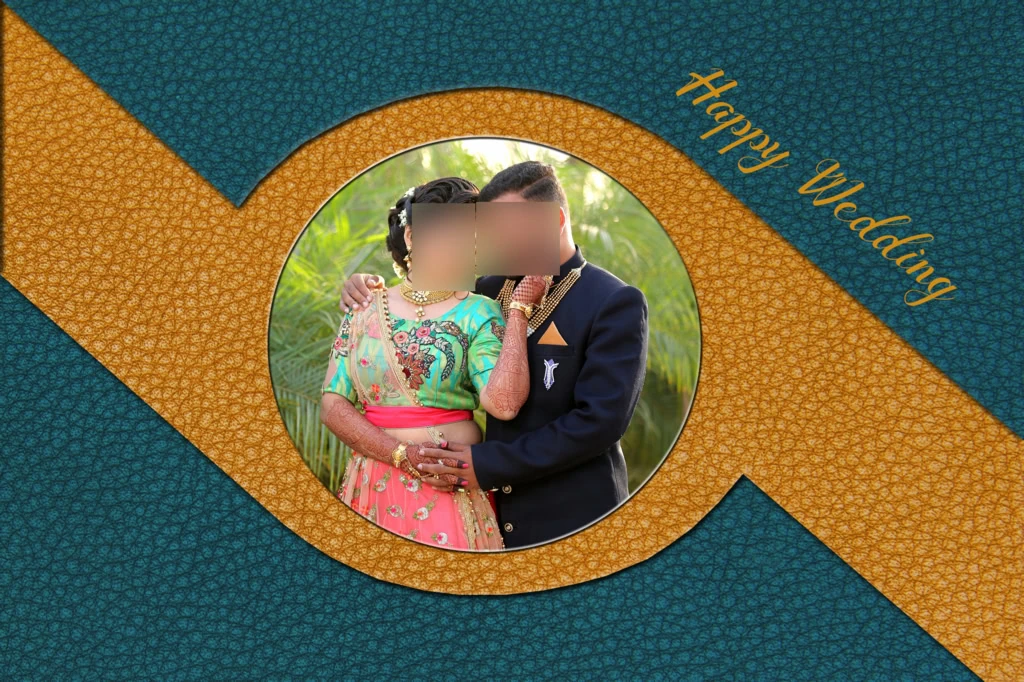
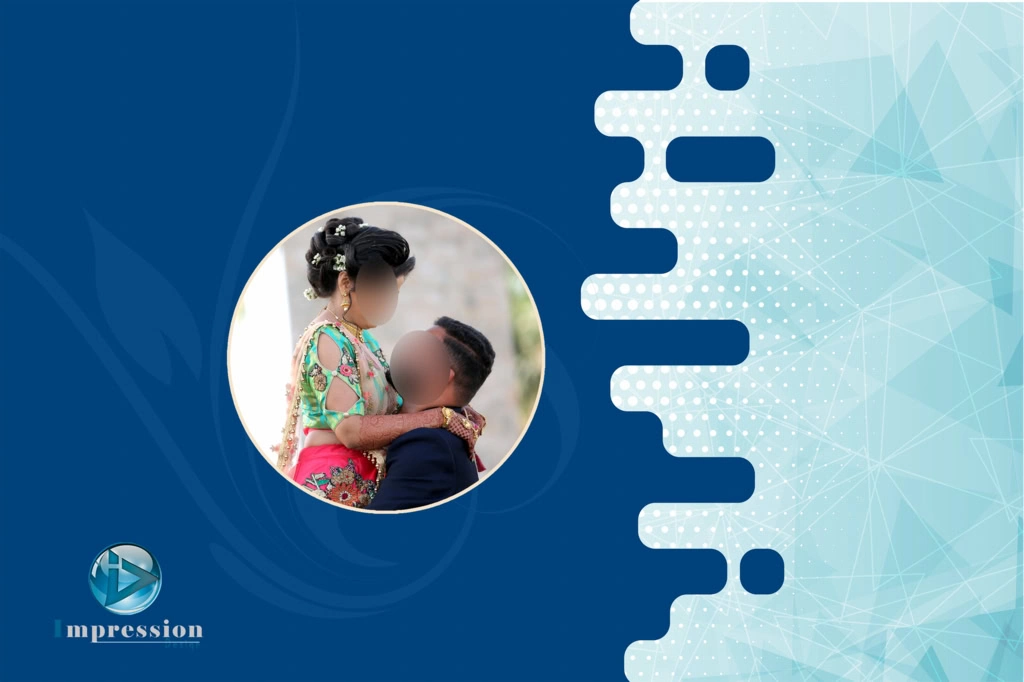
- Modern geometric design: Clean shapes, creative photo frames, and structured compositions.
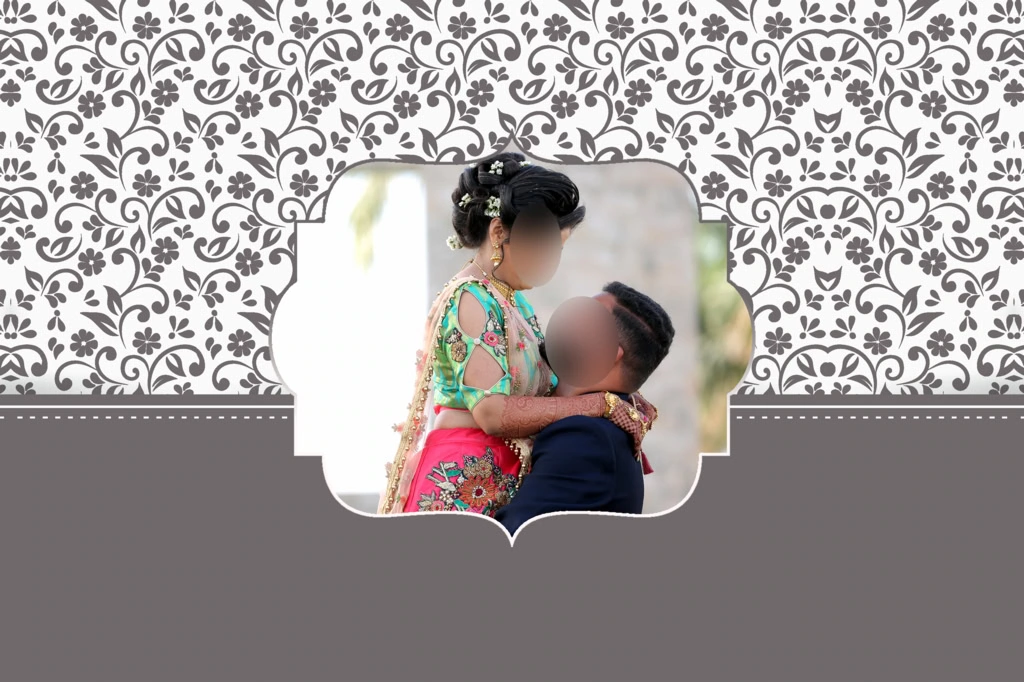
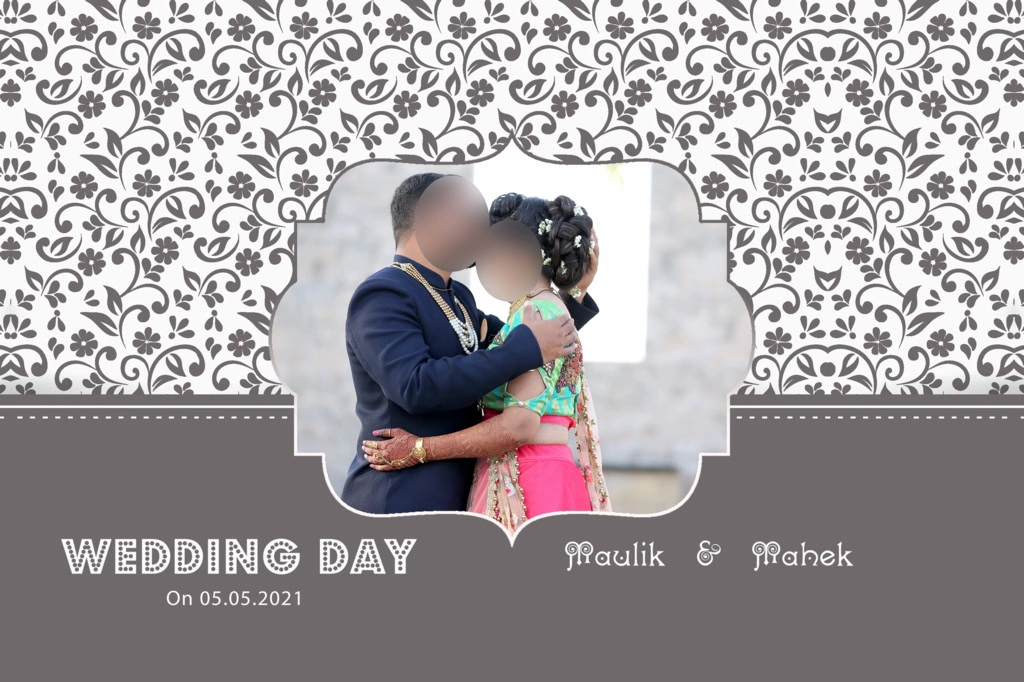
- Floral wedding design: Decorative flowers, soft backgrounds, and romantic visual elements.
- Minimalist cover: A large couple photograph with simple text and limited decoration.
- Luxury-inspired layout: Carefully balanced typography, sophisticated backgrounds, and subtle ornamental details.
PSDPix.com is the destination for this article, but the specific download URL and verified file information were not supplied. Before publishing, insert the actual resource page and confirm that the file is available for download.
Check whether the resource includes a PSD file, its actual document dimensions, resolution, layer structure, and software compatibility. Also review the individual download conditions and license before using it for commercial photography projects.
#11
#12
#13
#14
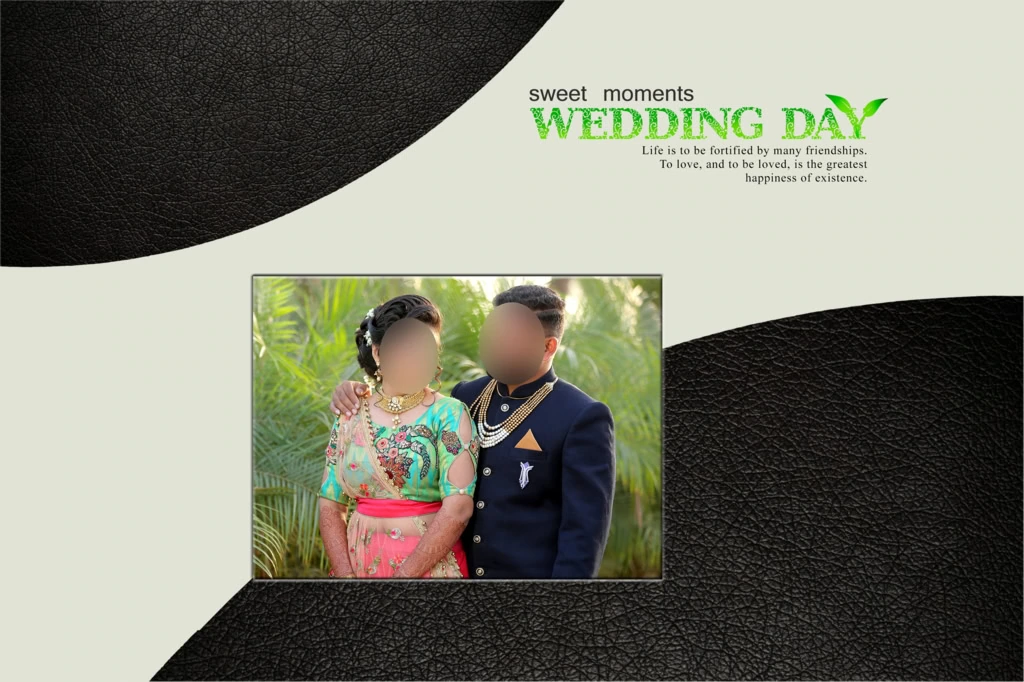
#15
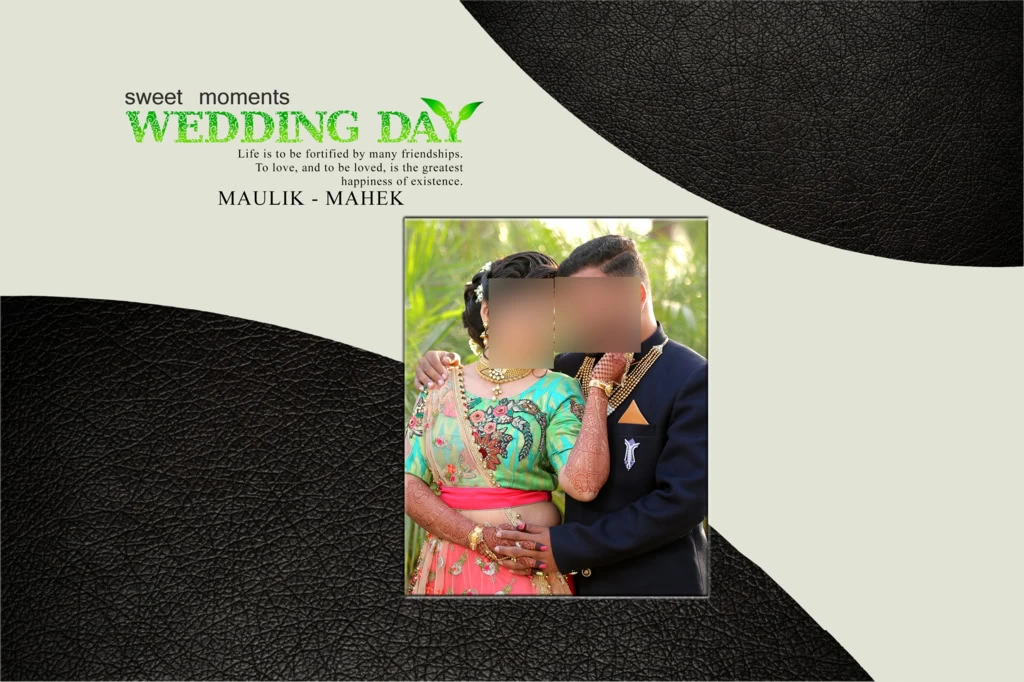
#16
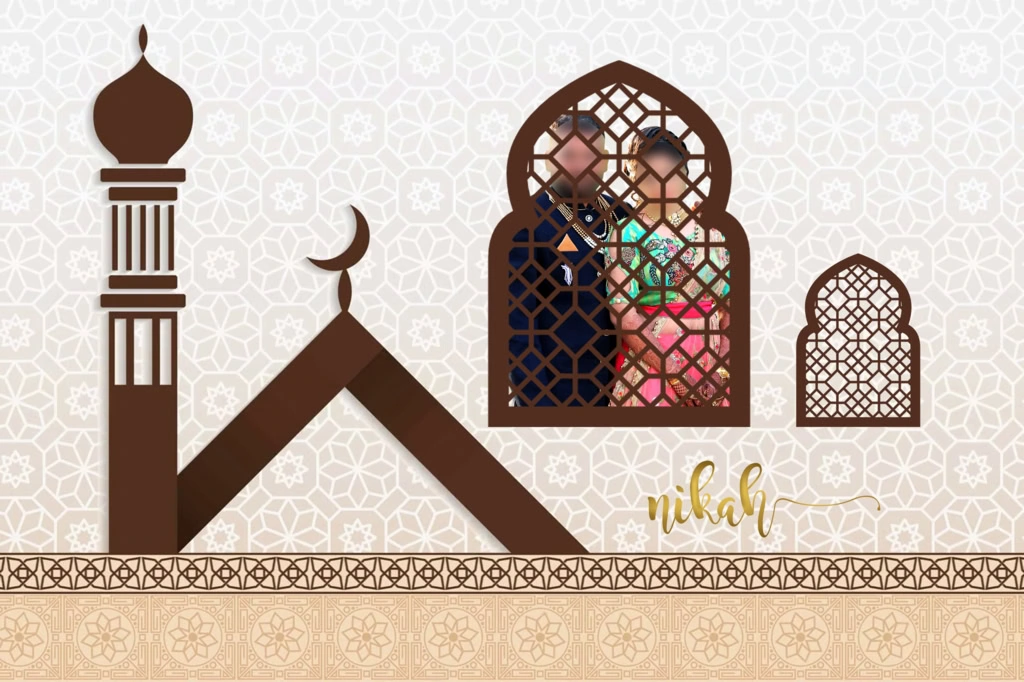
#17
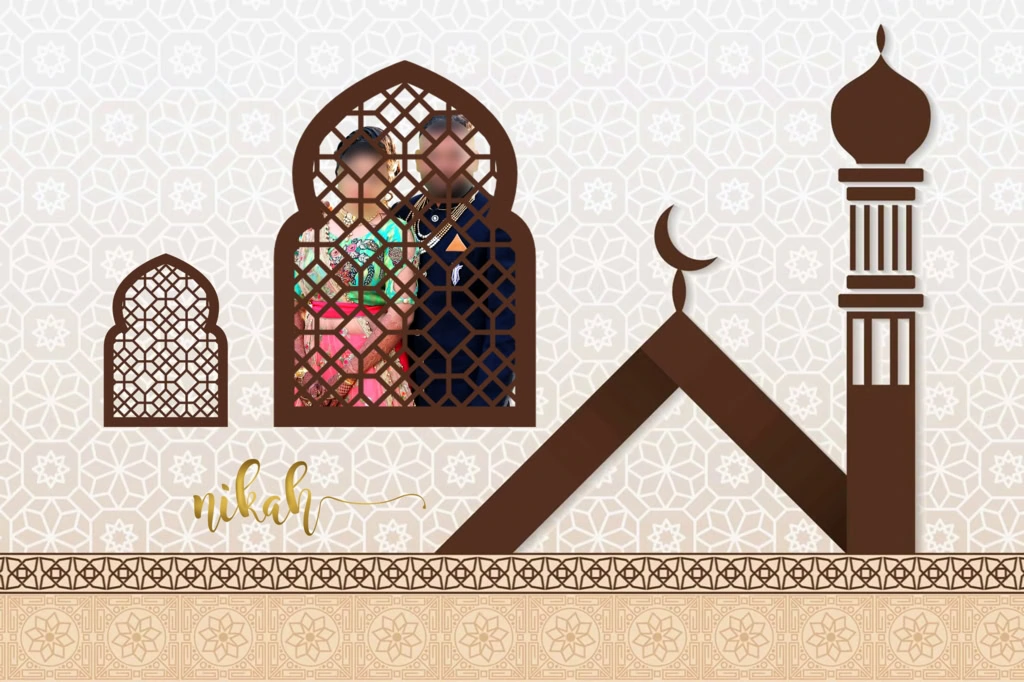
#18
#19
#20
#21
How to Download and Customize a 12X18 Album Cover PSD
Once you have selected a suitable Photoshop resource, follow these steps to customize the artwork for your wedding album project.
1. Download the PSD file: Visit the relevant PSDPix.com resource page and follow its download instructions. Check the file format and license conditions before using the resource.
2. Extract the downloaded archive: If the file comes in ZIP format, extract it using compatible archive software. Keep the original archive as a backup in case you need it later.
3. Open the document in Photoshop: Open the PSD file and inspect the Layers panel. Check the document size, resolution, color mode, and available editing elements before making changes.
4. Replace the wedding photographs: Select suitable images from the client’s wedding collection. If the document contains Smart Objects, use the available replacement method. Otherwise, place photographs manually and adjust their size and position.
5. Customize the design: Add the couple’s names, wedding date, and other required details. Adjust the background, typography, colors, and decorative elements to match the wedding theme. Keep the layout balanced and readable.
6. Prepare the final artwork: Confirm the required dimensions, image resolution, color profile, bleed, and binding-safe areas with the album printer. Save an editable PSD copy and export the final artwork in the requested format.
Following these steps can help reduce editing mistakes and make the customization process easier for photo studios.
Maintaining Print Quality in a 12×18 Wedding Album Cover
A good-looking Photoshop design on a computer screen does not always produce the same result in a printed album. Image quality, document dimensions, color management, and printing specifications all affect the final appearance.
For example, a 12×18-inch document set to 300 pixels per inch (PPI) would require 3600 × 5400 pixels for that page size, before adding any printer-specific bleed. This is a general calculation, not a confirmed specification for every 12×18 album template.
Remember that changing the resolution setting does not create additional photographic detail. If the original wedding photograph has insufficient pixel information, increasing its resolution may not restore sharp facial details or fine textures.
Color management is another important part of the process. A design created in RGB may look different when converted for a printing workflow that uses CMYK. Ask the printing provider for its preferred color profile and export settings before preparing the final file.
For a professional Karizma album cover page design, check the specific album model and printing requirements rather than assuming that every printer uses the same document setup.
Practical Tips for Better 12×18 Album Cover Results
Keep these points in mind when preparing wedding album artwork:
- Use suitable photographs: Select clear, high-quality wedding images with enough original pixel detail for the intended print size.
- Check the document dimensions: Confirm whether 12×18 refers to one page, a complete spread, or another cover arrangement before editing.
- Maintain safe printing areas: Keep important text, faces, and decorative details away from trimming and binding zones. Follow the printer’s specified bleed requirements.
- Preserve an editable backup: Save the original PSD and your customized version separately so future client changes can be made without rebuilding the design.
These small checks can help maintain a consistent photo studio workflow and reduce avoidable printing issues.
Frequently Asked Questions
Are 12×18 Album Cover PSD files free to download?
Download conditions depend on the individual resource page. Check the PSDPix.com listing for availability, download instructions, and any applicable conditions.
Which software is required to edit a 12×18 album cover PSD?
Adobe Photoshop is commonly used to edit PSD documents. Other compatible applications may support basic editing, but some effects or advanced features may not work identically.
Can I use a 12×18 wedding album PSD for commercial projects?
Commercial use depends on the individual resource license. Review its terms before using the design in paid wedding photography or album printing projects.
What is the advantage of using a 12×18 album cover design?
It provides a defined layout size for organizing wedding photographs and cover elements. Designers can customize the composition according to the album printer’s requirements.
How do I prepare a 12×18 album cover for printing?
Confirm the final dimensions, resolution, color profile, bleed, and binding margins with your printer. Export the artwork using the recommended settings and preserve an editable PSD backup.
Conclusion
A 12X18 Album Cover PSD can provide a useful starting point for creating customized wedding album covers. With suitable photographs, balanced typography, and thoughtful decoration, designers can prepare covers that complement traditional and modern Indian wedding photography. Understanding the document dimensions and printing requirements is equally important for achieving the intended result.
If you are looking for creative wedding design resources, explore the relevant collections on PSDPix.com. Choose a suitable 12×18 album cover design, customize it according to your client’s requirements, and check the individual file specifications and licensing conditions before using it in a professional project.