A wedding album cover is the first thing clients notice when they receive their wedding photographs. When a couple visits your studio to select their album, they usually expect a cover that reflects the beauty, emotions, and style of their special day. A well-designed cover helps create a strong first impression before anyone opens the album.
Creating a beautiful Wedding Album Cover Page Design requires more than placing a couple’s photograph on a background. The right combination of typography, photo composition, decorative elements, colors, and spacing can make the entire album look more attractive. For photographers and graphic designers, having a suitable Photoshop design resource can also make the creative process easier.
At PSDPix.com, we focus on graphic design resources that help Photoshop users with their creative projects. In this article, we explore wedding album cover design ideas, editing considerations, and practical ways to customize a cover for Indian wedding photography projects.
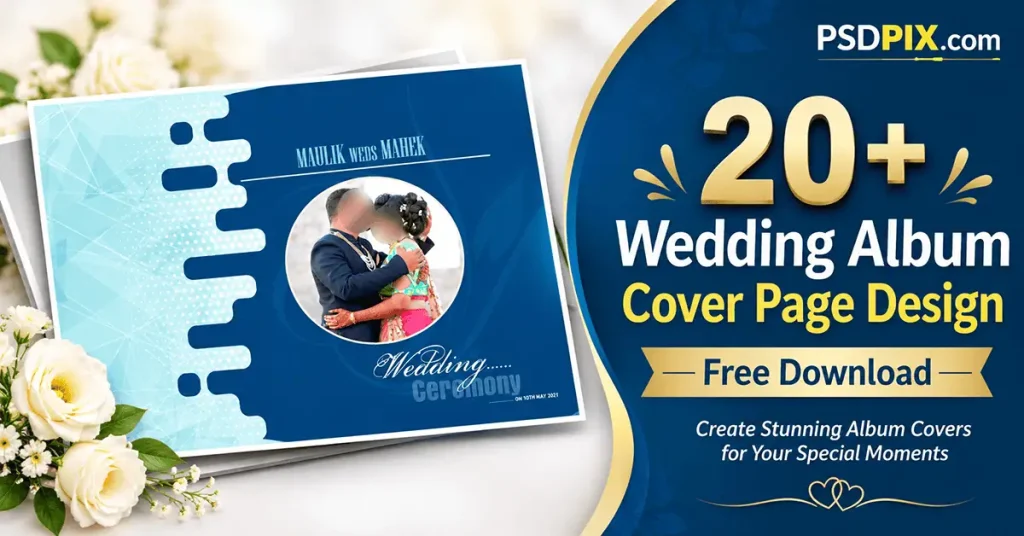
Wedding Album Cover Page Design
Table of Contents
Wedding Album Cover Page Design — Understanding the Layout and Purpose
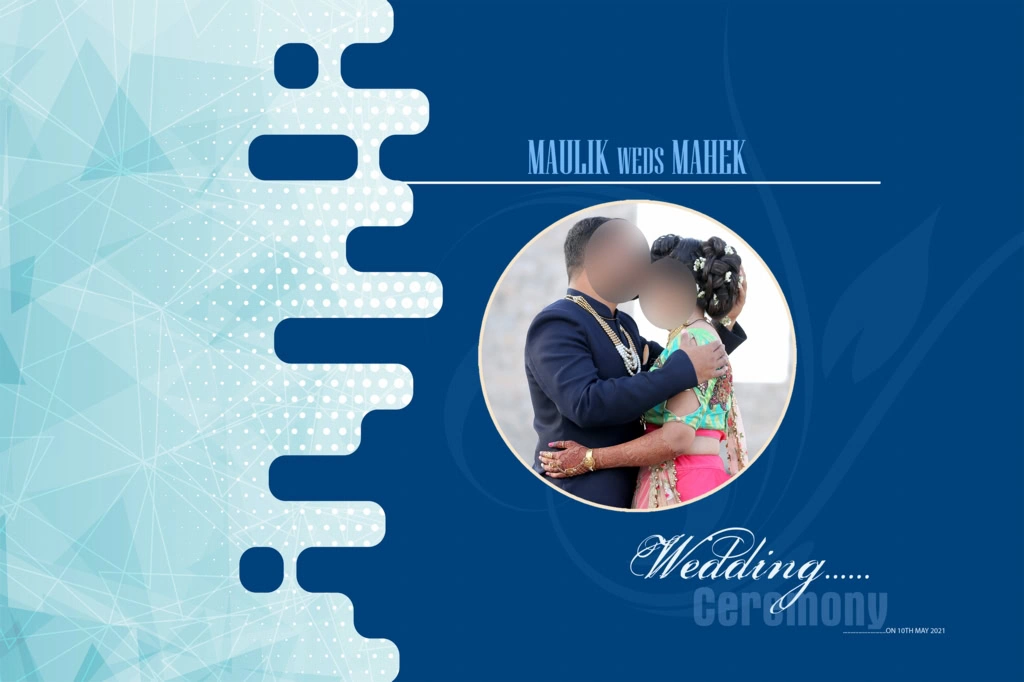
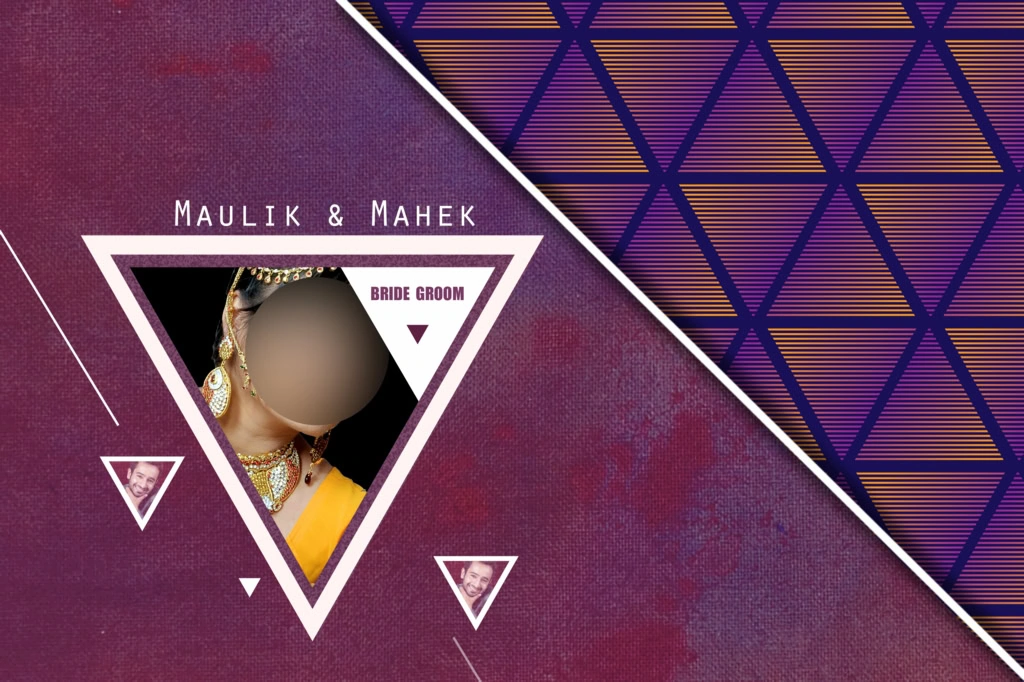
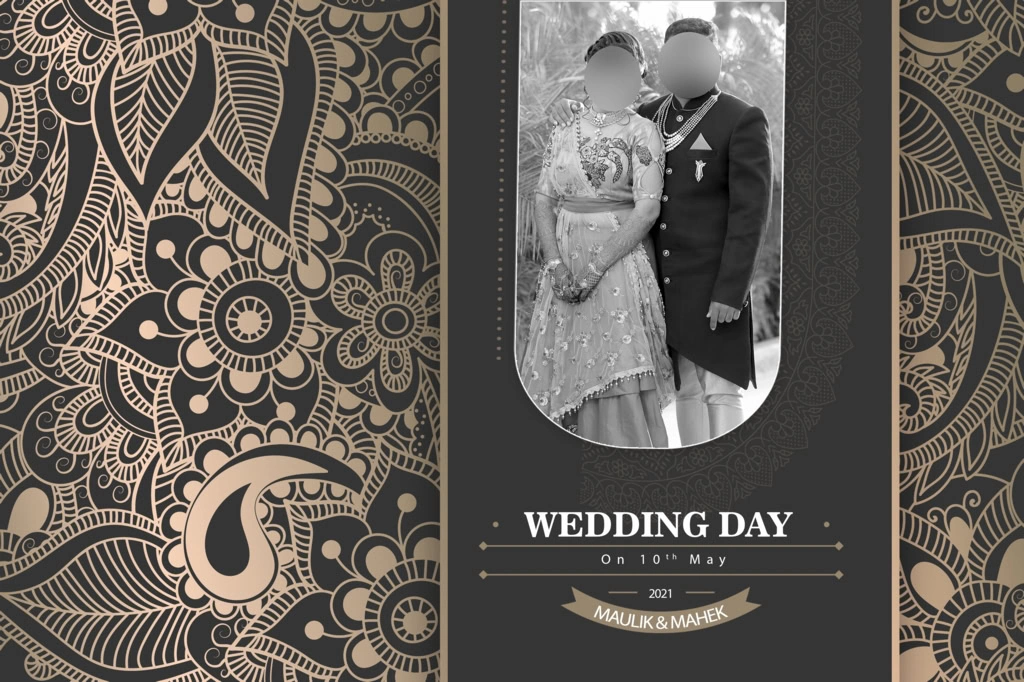
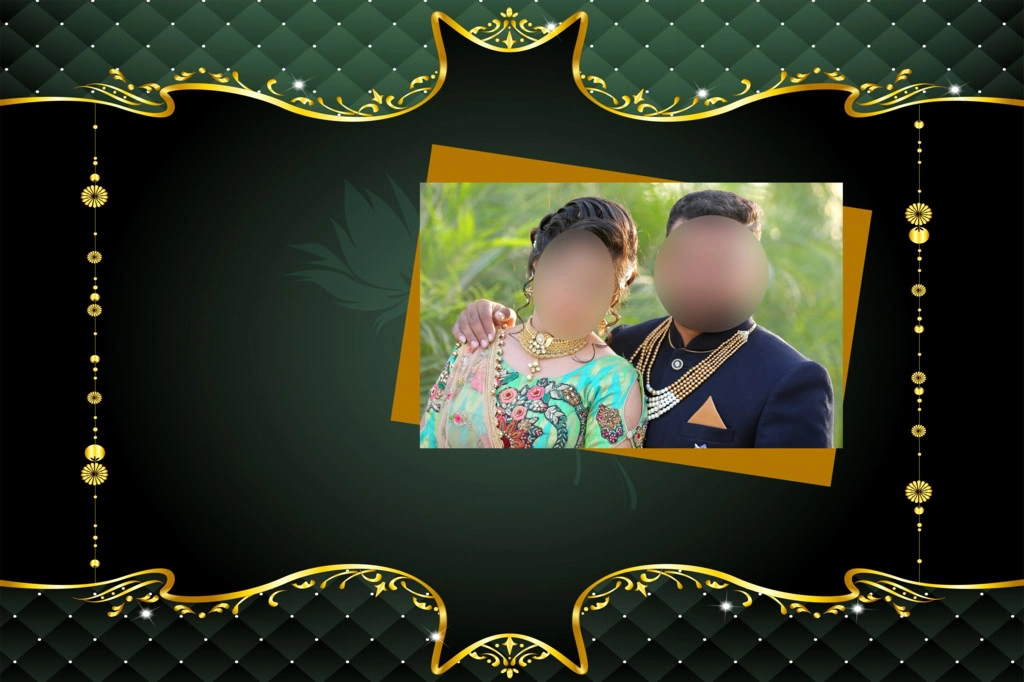
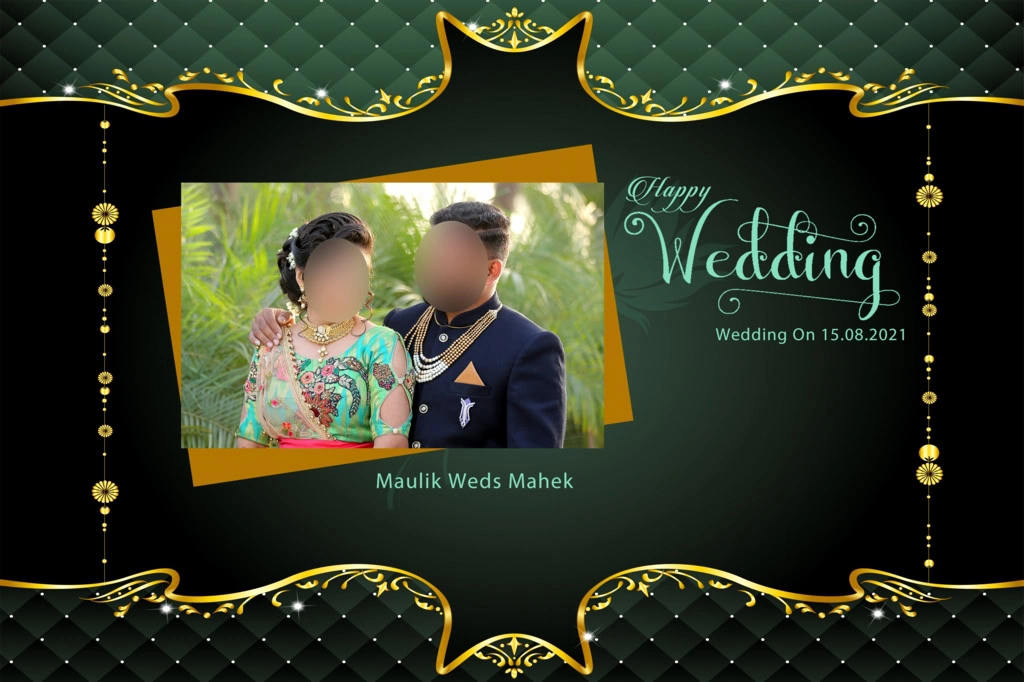
A Wedding Album Cover Page Design is the front layout used to present a couple’s wedding photographs in a printed album. It combines selected photographs, decorative backgrounds, typography, and visual elements to create an attractive introduction to the wedding story.
These covers are commonly used for Indian wedding albums, pre-wedding photography collections, and professional photo studio projects. Designers can choose different layouts depending on the couple’s preferences, wedding theme, album dimensions, and printing requirements.
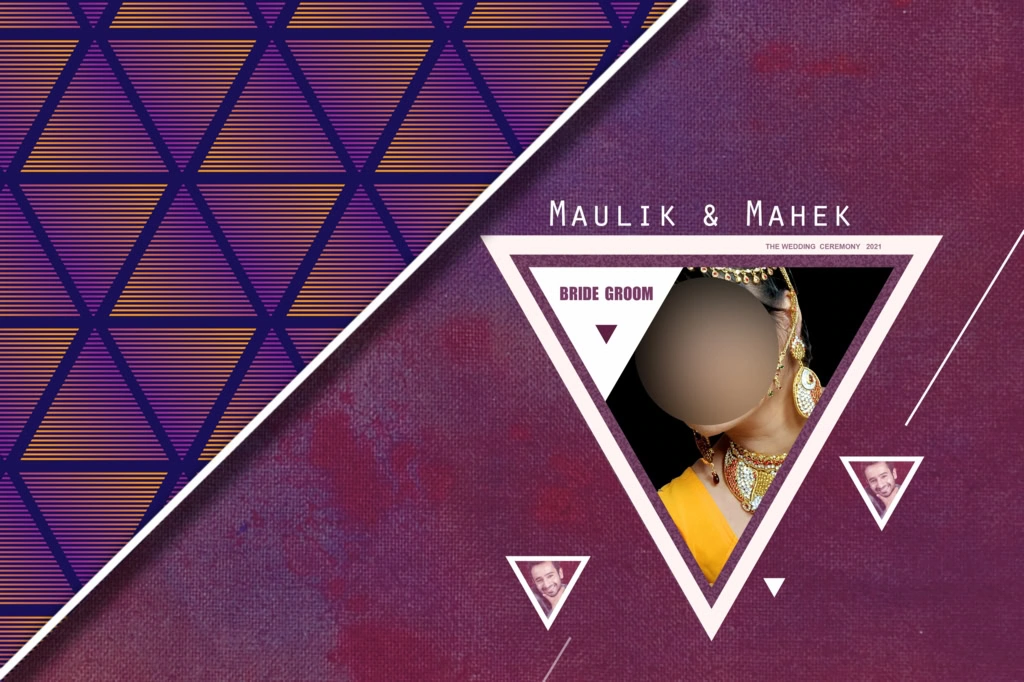
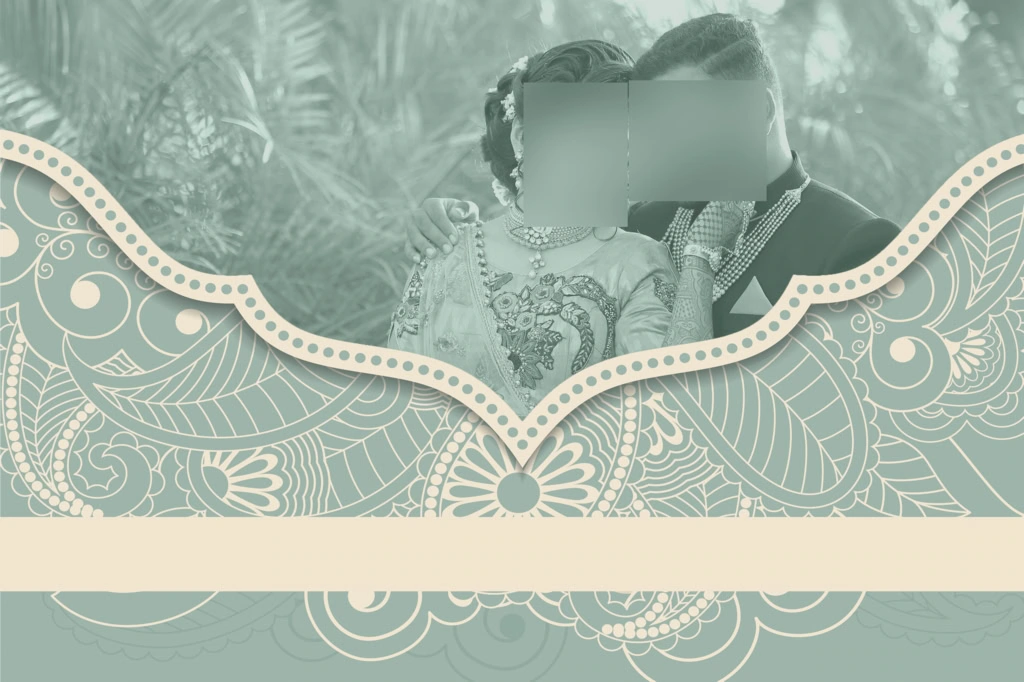
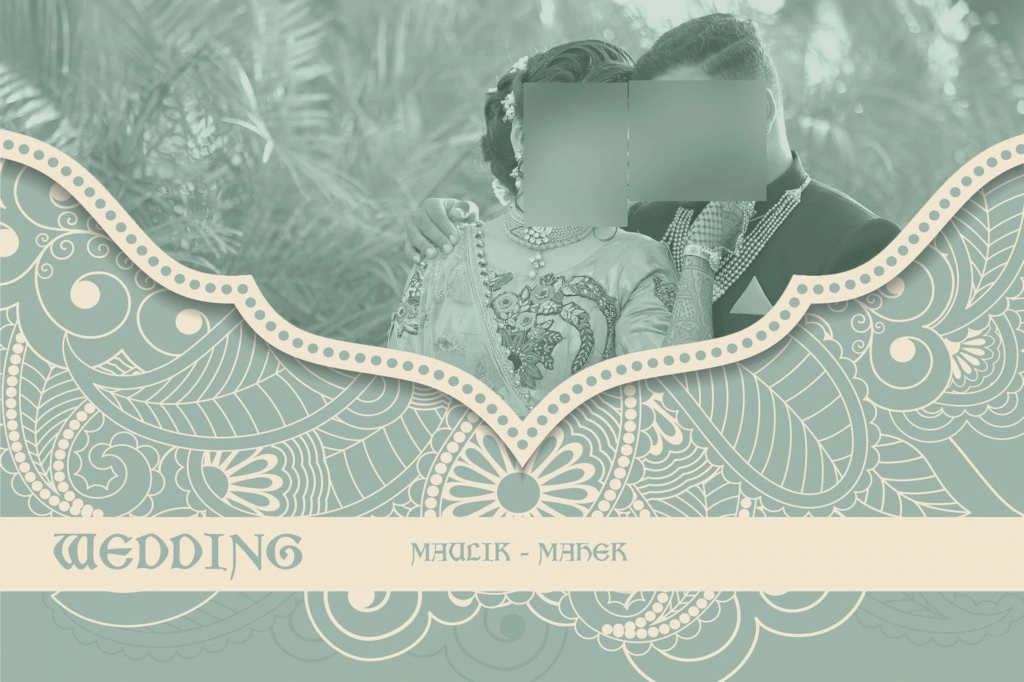
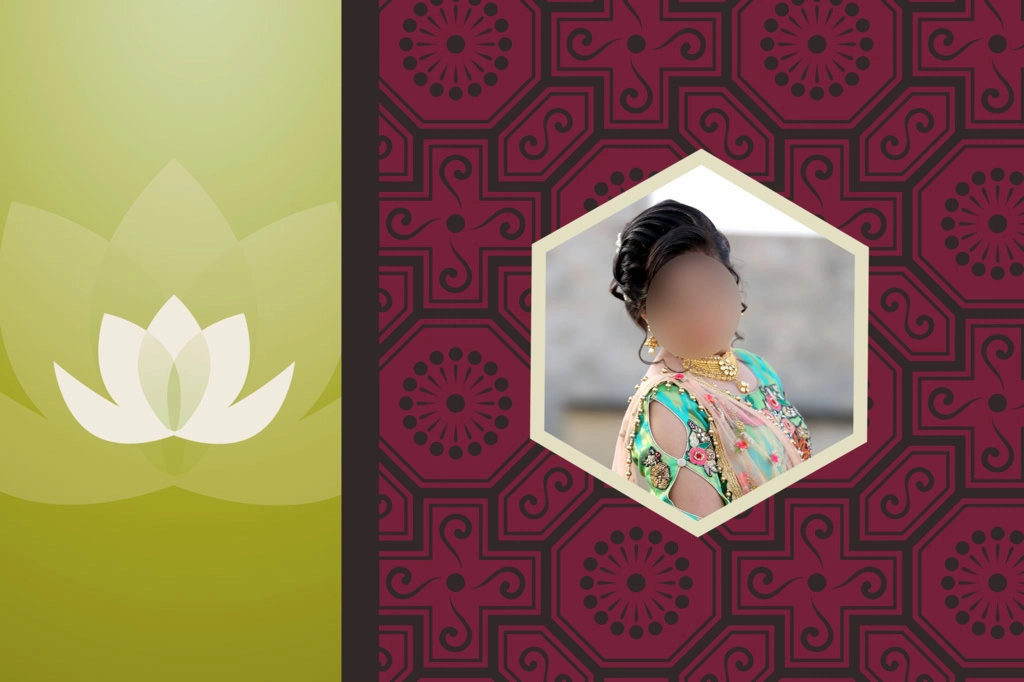
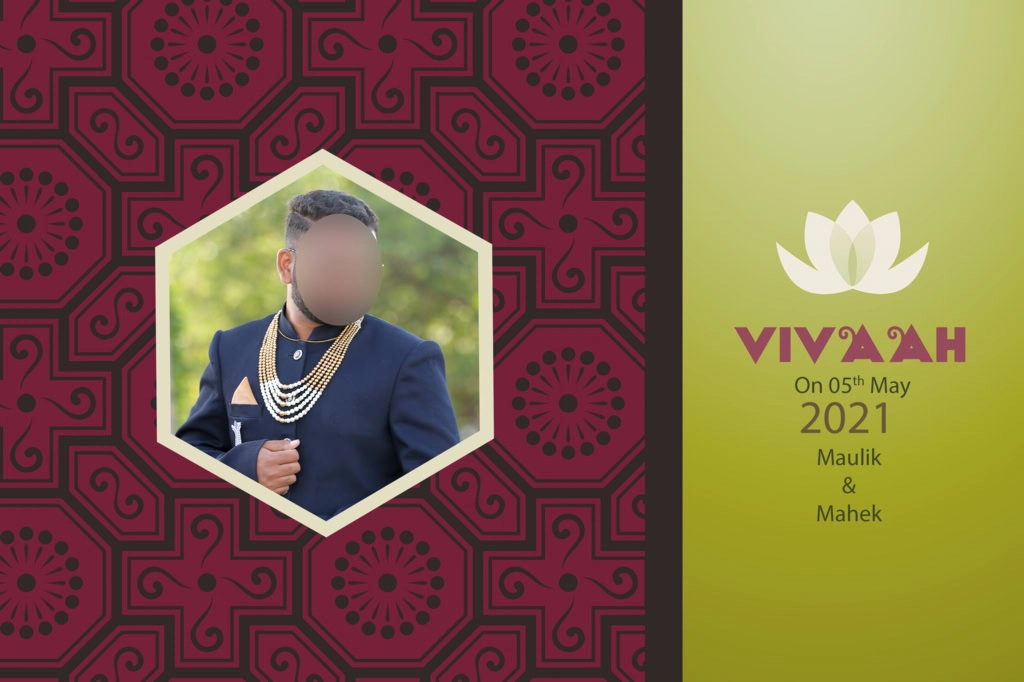
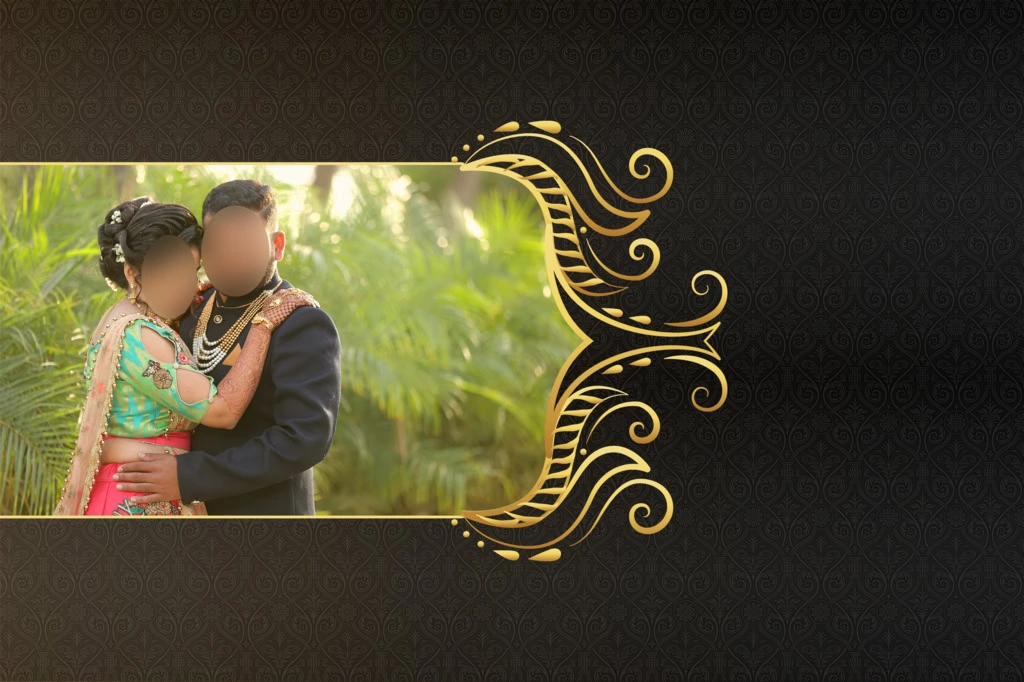
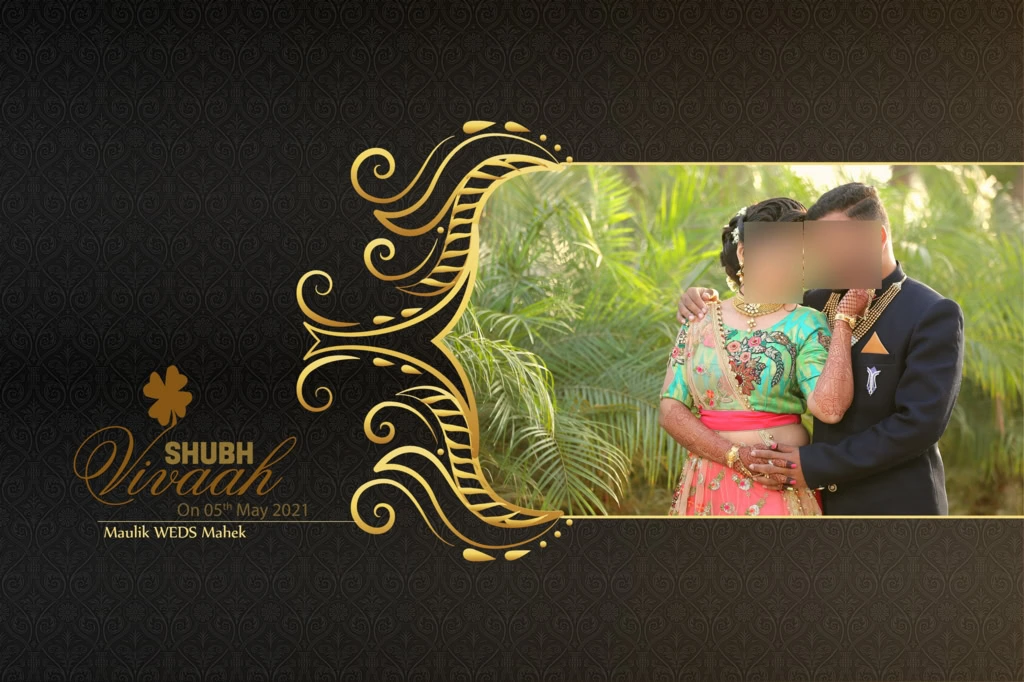
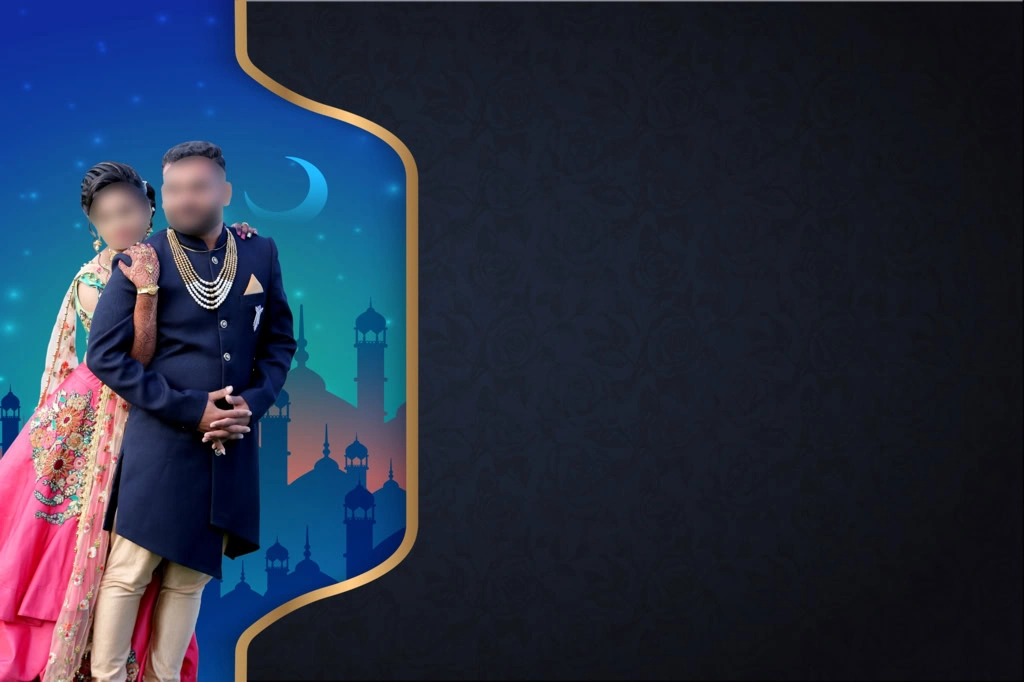
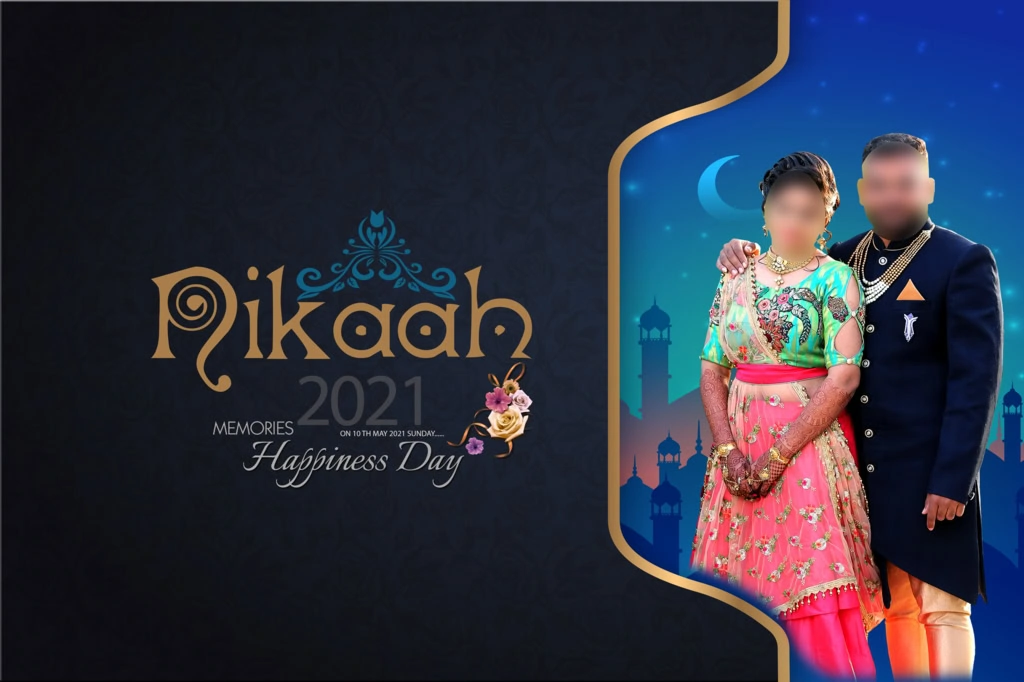
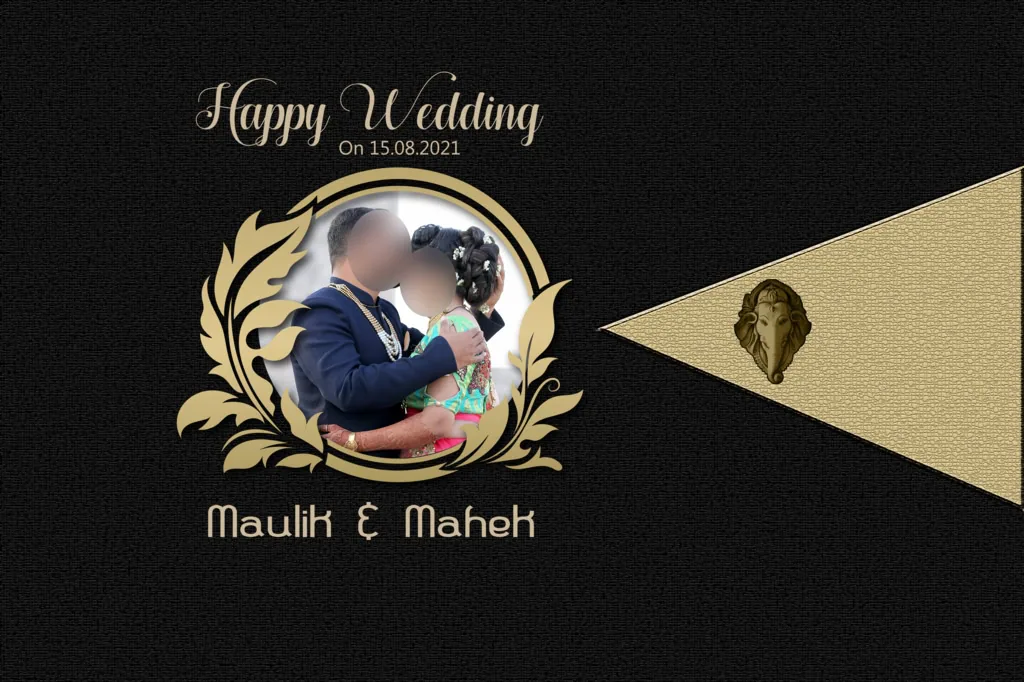
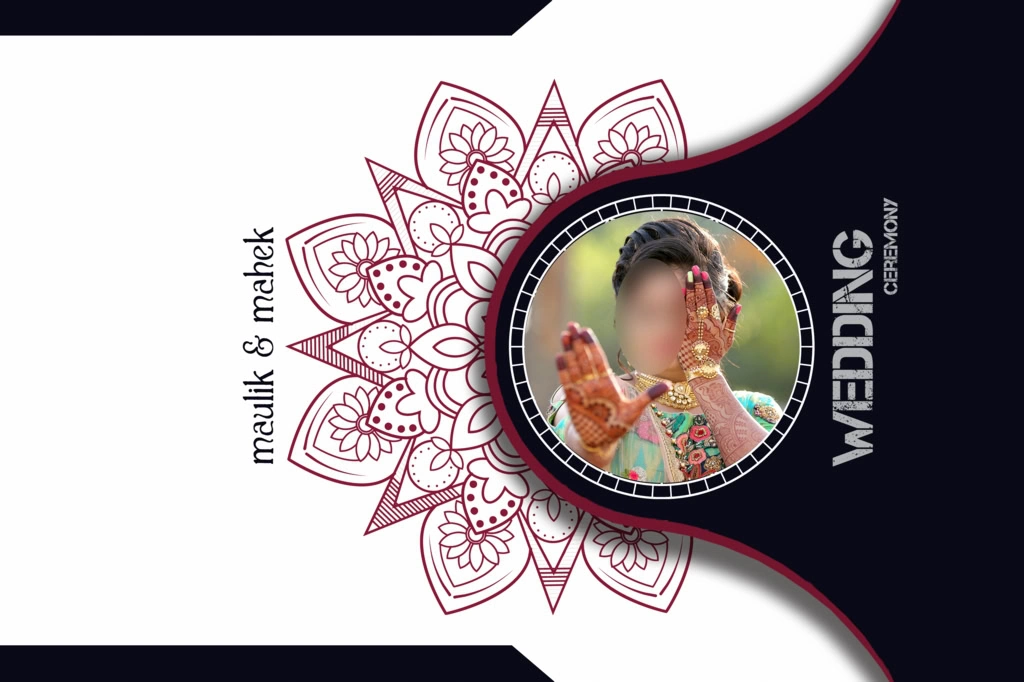
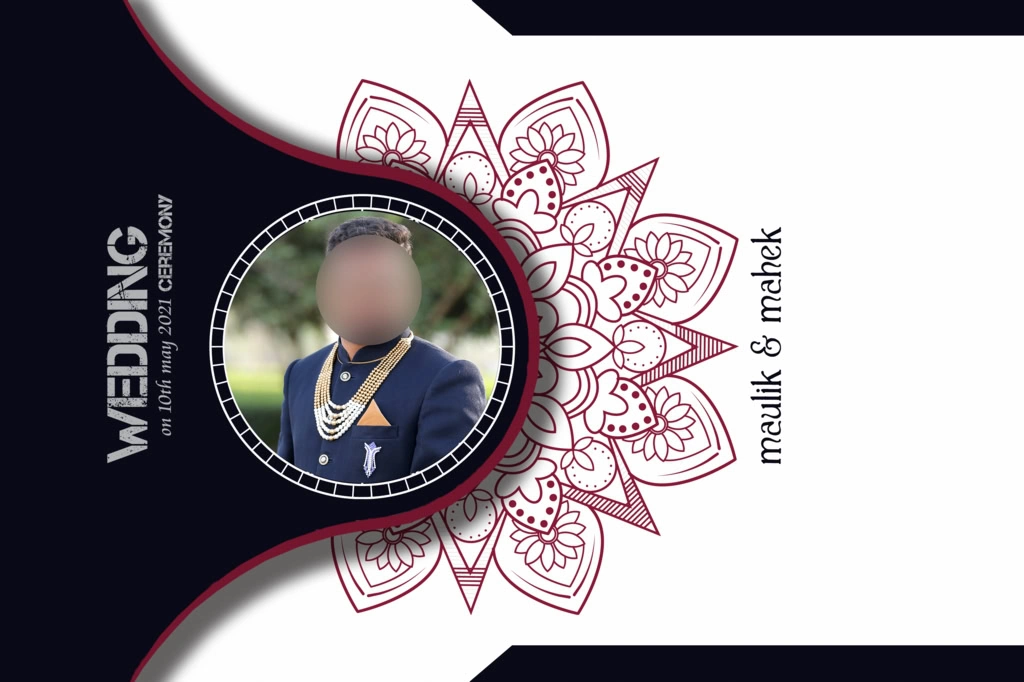
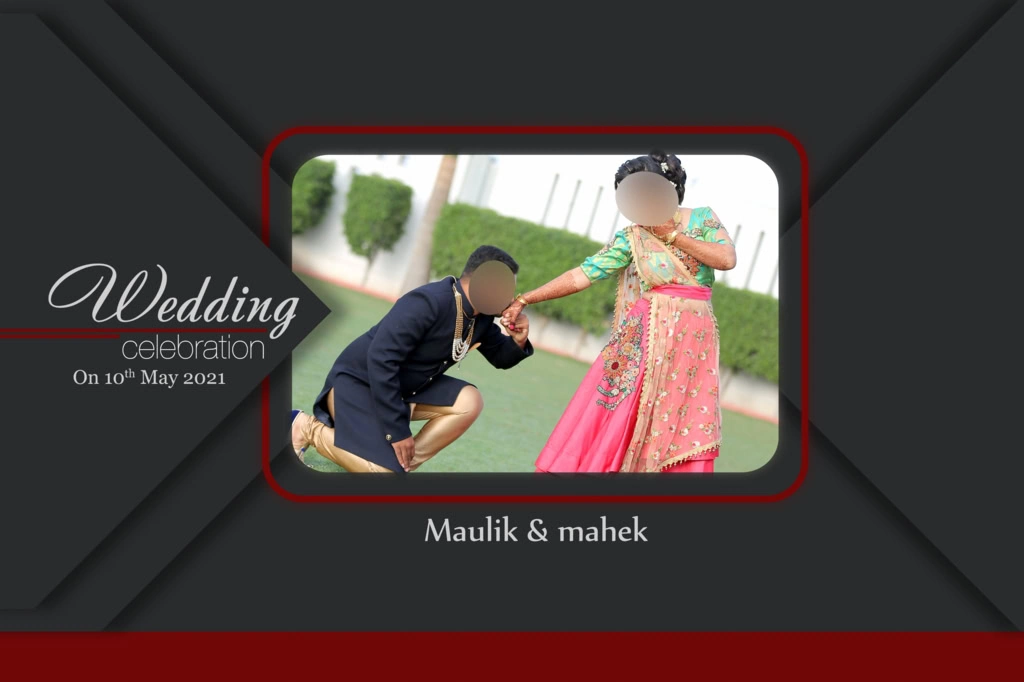
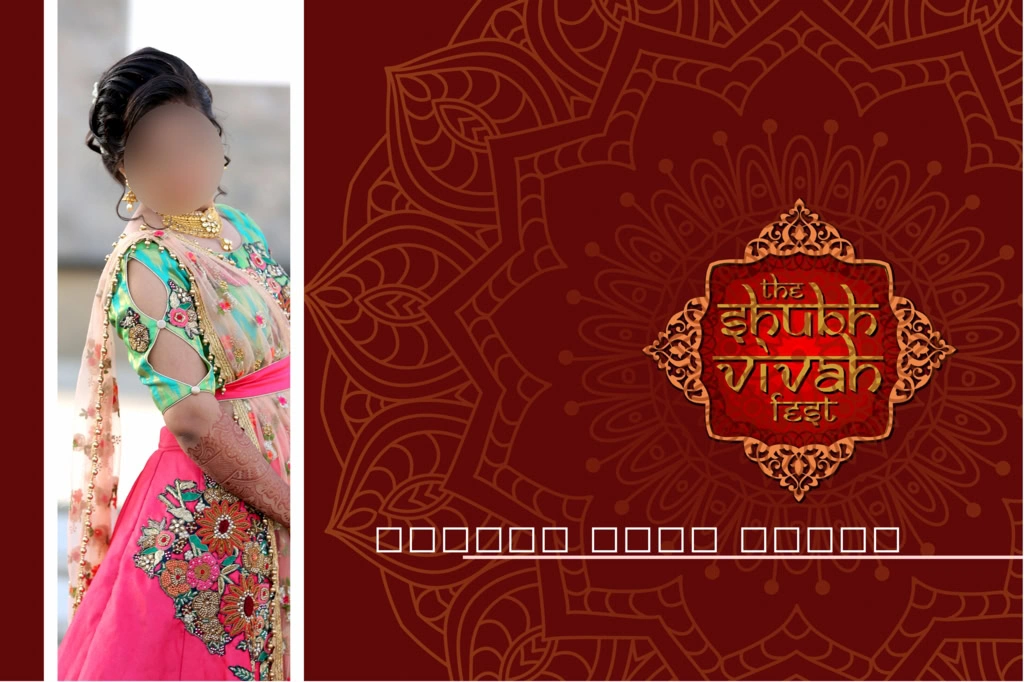
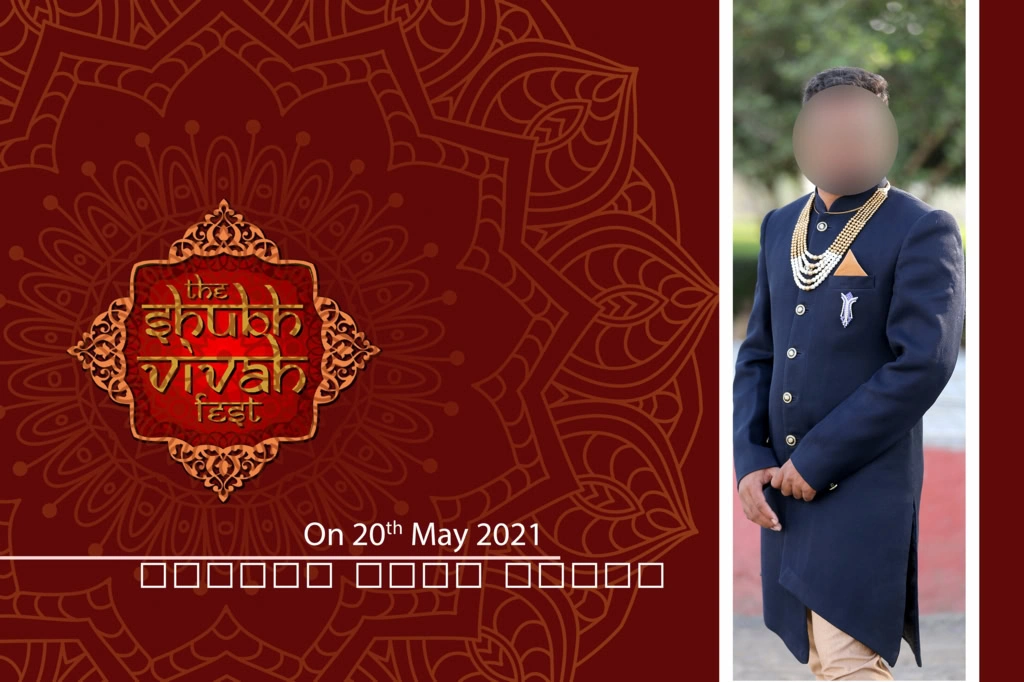
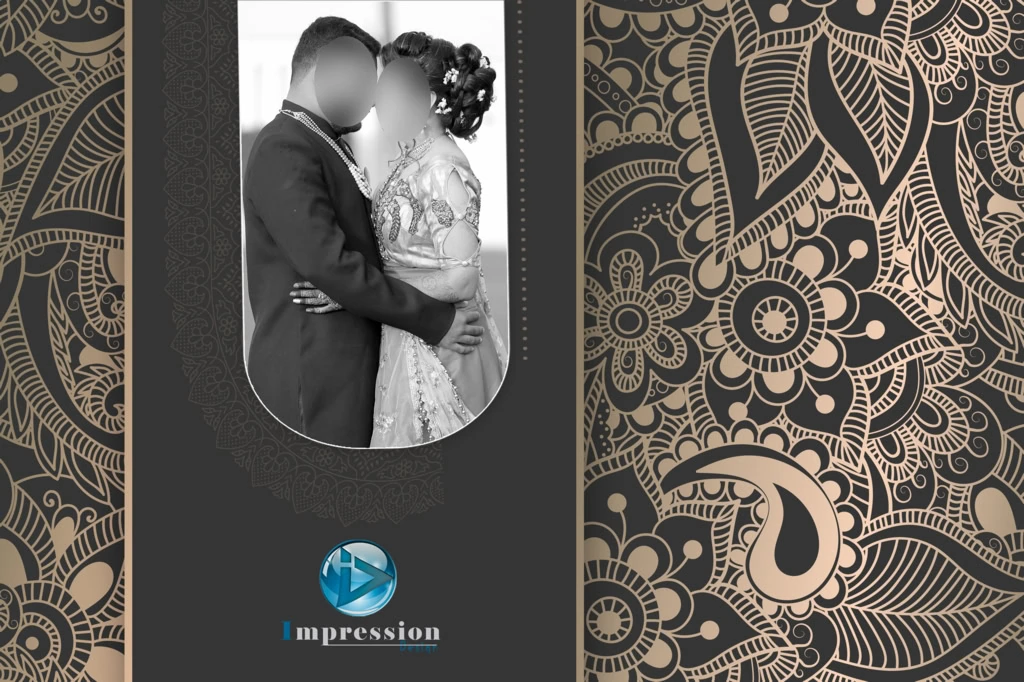
Popular design elements include romantic couple portraits, floral decorations, elegant borders, traditional Indian patterns, gold accents, and creative typography. Some covers use a single large photograph, while others combine multiple pictures into a balanced composition.
#01
#02
#03
#04
#05
#06
#07
#08
#09
#10
Explore Wedding Album Cover Designs for Indian Wedding Projects
Wedding photography includes several important occasions, such as Mehendi, Haldi, Sangeet, Baraat, and the wedding ceremony. A thoughtfully selected cover can reflect the overall theme of these celebrations.
For a traditional wedding album, designers may prefer rich colors, decorative patterns, floral arrangements, and elegant typography. For modern wedding photography, minimal layouts with a prominent couple portrait and subtle design elements can create a refined appearance.
When searching for a cover page design for marriage album projects, consider the following creative approaches:
- Traditional wedding style: Use decorative borders, ornamental details, and colors that complement Indian wedding photography.
- Modern romantic style: Focus on the couple’s portrait with clean typography and balanced spacing.
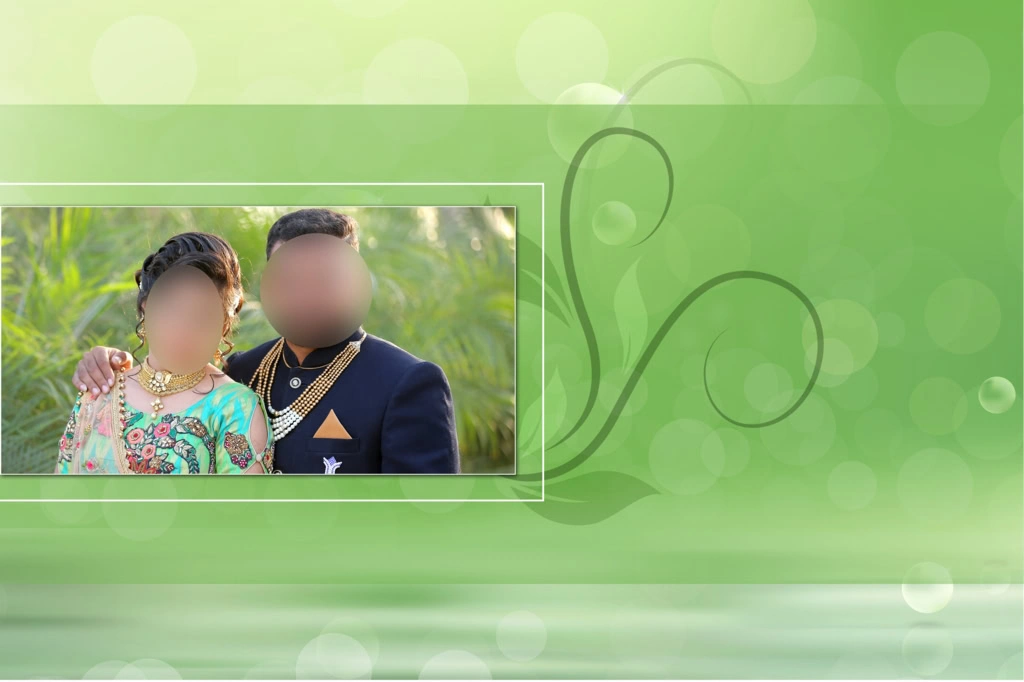
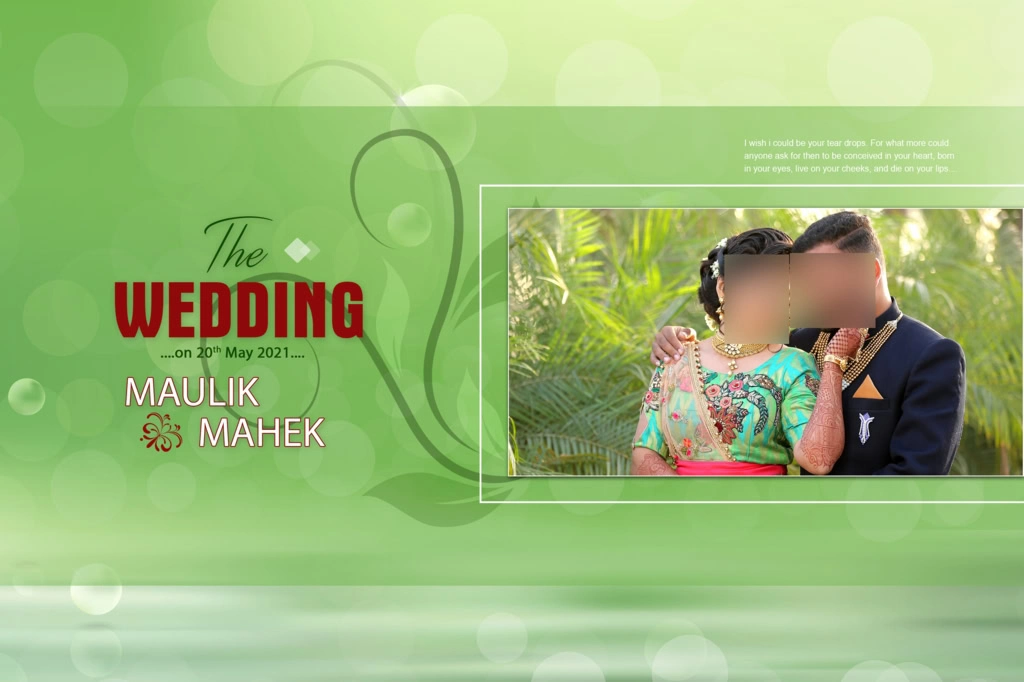
- Floral cover layout: Combine wedding photographs with floral backgrounds and soft decorative elements.
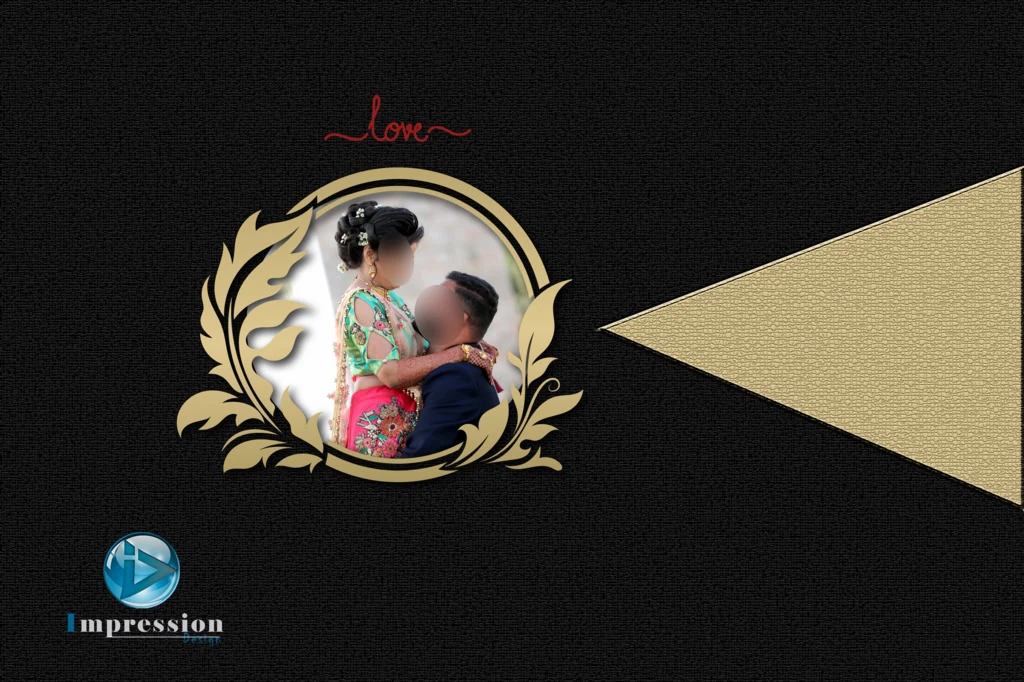
- Luxury-inspired appearance: Use carefully balanced metallic-style accents, elegant fonts, and sophisticated compositions.
- Minimal photo cover: Highlight one memorable wedding photograph without adding unnecessary decorations.
PSDPix.com readers can use these ideas when selecting or preparing suitable wedding album resources.
Download information for the editor: The specific collection URL, individual PSD files, file count, dimensions, resolution, and licensing information were not supplied with this brief. Add the verified PSDPix.com download page here before publication. Confirm that the collection contains at least 20 designs before retaining the “20+” claim as a factual collection statement.
#11
#12
#13
#14
#15
#16
#17
#18
#19
#20
How to Edit and Customize a Wedding Album Cover in Photoshop
After selecting a suitable design resource, follow these steps to customize the cover for a wedding photography project.
1. Download the design file: Visit the relevant PSDPix.com resource page and follow its available download instructions. Check the file format and usage conditions before downloading.
2. Extract the archive: If the downloaded resource is provided as a ZIP archive, extract it using compatible archive software. Keep the original compressed file as a backup.
3. Open the Photoshop file: Open the PSD in Adobe Photoshop or compatible software. Check the document dimensions, resolution, color mode, and available layers before making changes.
4. Replace the wedding photographs: If the file contains editable image layers or Smart Objects, use the available replacement method. Otherwise, import your selected couple photographs and adjust their placement manually.
5. Customize the cover layout: Edit text, names, wedding dates, colors, decorative elements, and photograph positioning according to the client’s requirements. Maintain a balanced composition.
6. Prepare the final design: Confirm the album dimensions, image quality, color settings, bleed requirements, and binding-safe areas. Save an editable PSD backup and export the final file in the format requested by the printing service.
These steps help designers maintain a consistent workflow while adapting a design to different wedding photography projects.
#21
#22
#23
#24
#25
Creating a Wedding Album Cover That Matches Client Expectations
A wedding album is a personal collection of memories. Therefore, the cover should reflect the couple’s preferences rather than simply follow a designer’s favorite visual style.
Before starting the design, ask clients which photographs they want to highlight. Some couples prefer their wedding ceremony portrait, while others choose a romantic pre-wedding photograph. Selecting the right image early makes the remaining design decisions easier.
For a 12×18 album cover design, photograph placement deserves special attention. The designer should understand the complete document layout and the printer’s specifications before positioning important elements.
A 12×18 album cover may require a different arrangement depending on whether the supplied dimensions refer to one page, a full spread, or another production format. Always confirm the exact template measurements instead of assuming that every album uses the same layout.
The same principle applies when preparing a 12×18 album cover for printing. Keep important text and facial details away from areas that may be affected by trimming or binding.
Practical Tips for Better Wedding Album Cover Results
A beautiful design also needs proper technical preparation. Keep these points in mind before sending the final artwork for printing.
- Choose high-quality photographs: Use original wedding photographs with sufficient pixel detail for the intended print dimensions. Increasing the DPI setting cannot restore missing image detail.
- Check the color profile: Ask the printing service whether it requires RGB or CMYK artwork and follow its recommended color settings.
- Maintain safe margins: Keep names, text, and important facial details away from trimming edges and binding areas. Confirm the required bleed with the printer.
- Save an editable backup: Preserve the original PSD file with its available layers before exporting the final artwork. This makes future client revisions easier.
For a professional Karizma album cover page design, also confirm the exact album specifications with the printing provider. Do not assume that every album model uses identical dimensions or production settings.
Frequently Asked Questions
Are wedding album cover designs free to download from PSDPix.com?
Download availability and conditions depend on the individual resource page. Check the relevant PSDPix.com listing for its download instructions and any applicable conditions.
Which software is needed to edit a wedding album cover PSD?
Adobe Photoshop is commonly used for editing PSD files. Compatible alternatives may also work, depending on the file’s features, effects, and layer structure.
Can I use wedding album cover designs for paid client projects?
Commercial usage depends on the individual resource license. Review the applicable terms before using any downloaded design in paid photography or album projects.
What makes a 12×18 wedding album cover different?
The 12×18 measurement describes a particular album layout dimension, but the exact document arrangement depends on the printer’s specifications and whether the measurement refers to a page or spread.
How can I prepare a wedding album cover for printing?
Confirm the final dimensions, image resolution, color profile, bleed, and binding-safe areas with your printer. Save an editable PSD backup before exporting the final artwork.
Conclusion
A well-planned Wedding Album Cover Page Design gives wedding photographs an attractive presentation and helps create a memorable first impression. From traditional Indian wedding layouts to modern romantic compositions, the right combination of photographs, typography, and decorative elements can make a cover more meaningful. Understanding album dimensions and printing requirements is equally important for designers and photo studios.
If you are looking for creative inspiration for your next wedding photography project, explore the wedding album design resources on PSDPix.com. Select a suitable cover page design for marriage album projects, customize it according to your client’s preferences, and prepare the final artwork using the printer’s specifications. Check the individual resource details and license before using any downloaded file.