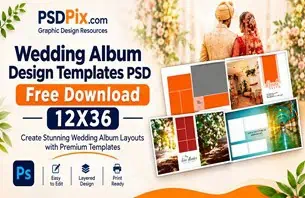
A Photoshop background can change the entire appearance of a photograph or design. For wedding photographers and graphic designers, choosing the right background is important when creating attractive photo compositions, album pages, posters, and other creative projects. A suitable background helps bring photographs and decorative elements together.
A PSD file background for Photoshop offers a useful starting point for users who want to customize their designs. Unlike a simple flattened image, a PSD document may contain separate layers that allow users to adjust individual elements, depending on how the original file was created.
At PSDPix.com, this topic is relevant to photographers, photo studio owners, album designers, and Photoshop users looking for creative background design ideas. Understanding how PSD backgrounds work can help you select suitable resources and use them more effectively in your projects.
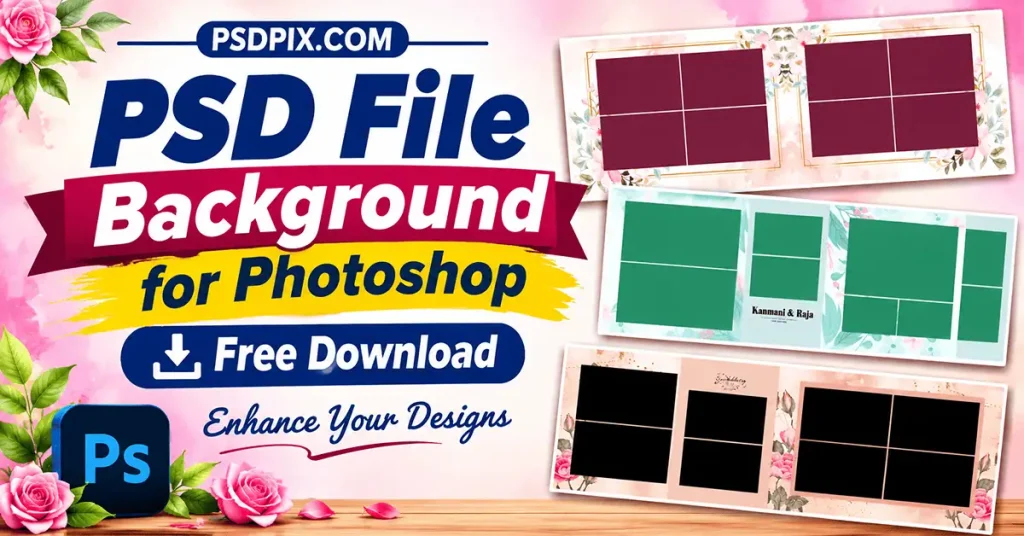
PSD File Background for Photoshop
Table of Contents
PSD File Background for Photoshop — Understanding the Format and Its Uses
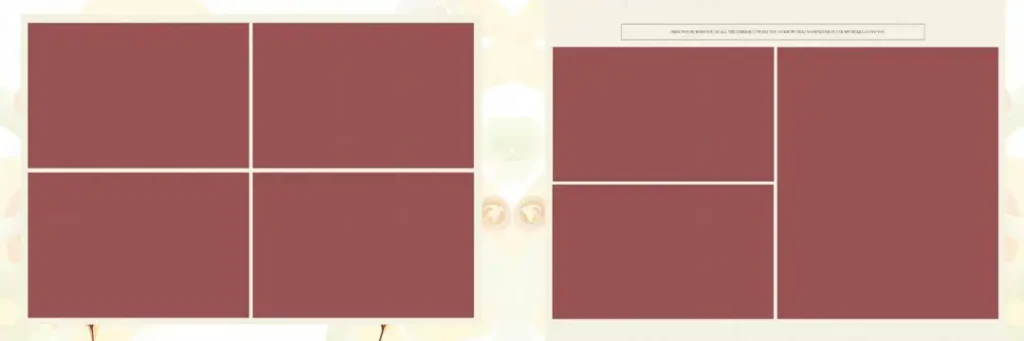
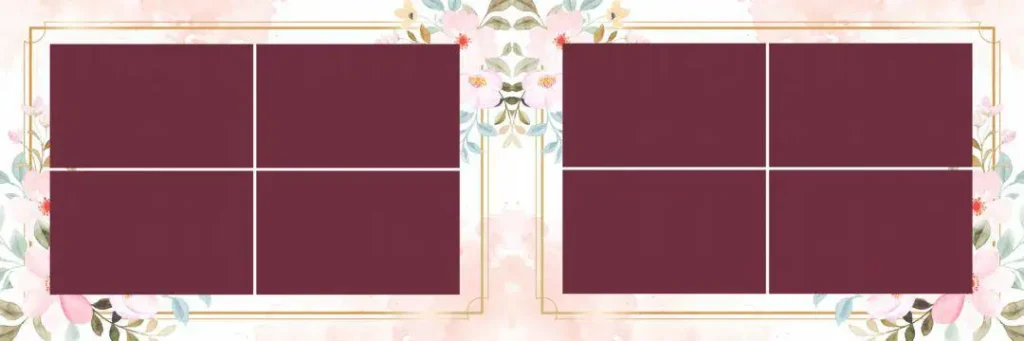
A PSD file background for Photoshop is a background design saved in Adobe Photoshop’s native PSD format. It can be used as a base for photo editing, wedding album pages, graphic compositions, and other visual projects. Depending on its structure, a PSD file may contain editable layers, text, shapes, and decorative elements.
One important advantage of the PSD format is its ability to preserve separate design elements. This gives users more flexibility than a flattened JPG or PNG image when the document contains properly organized layers.
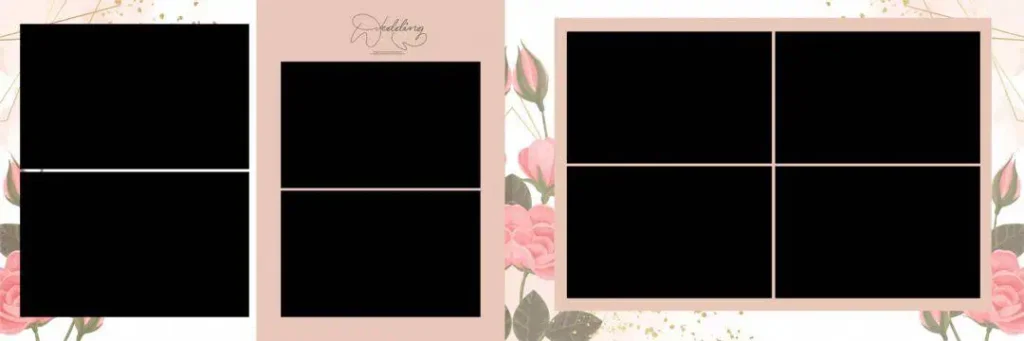
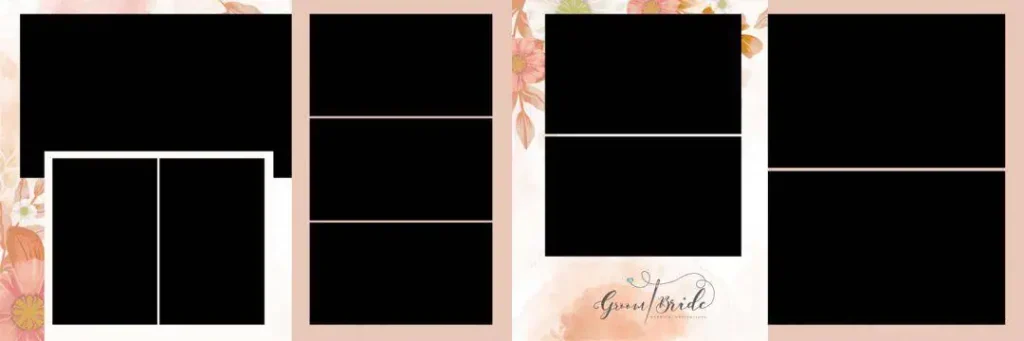
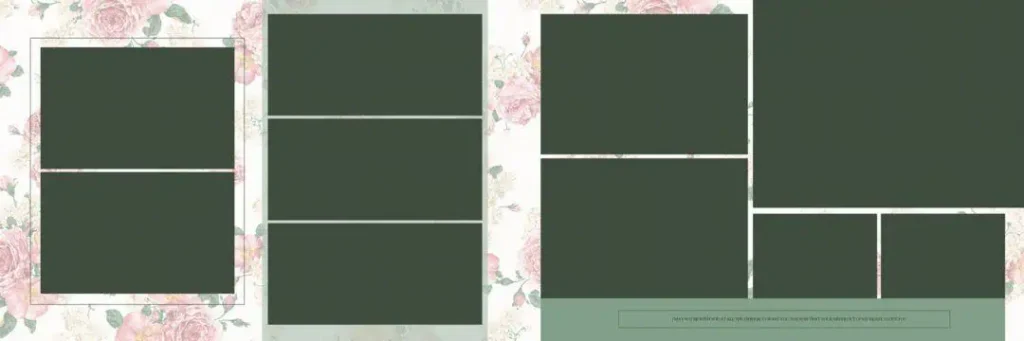
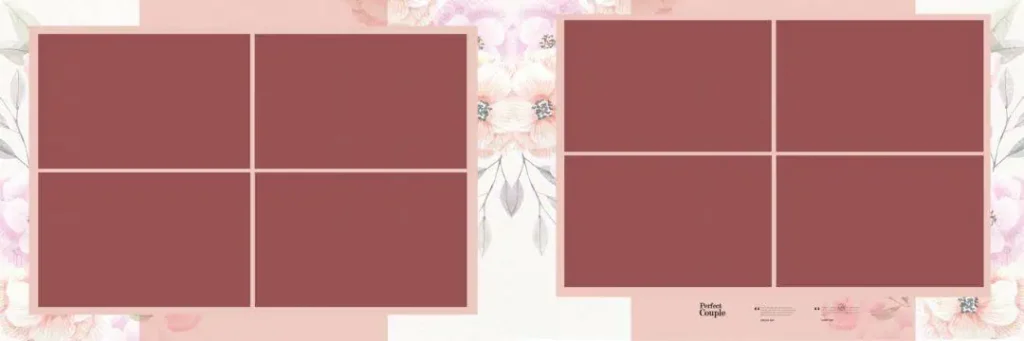
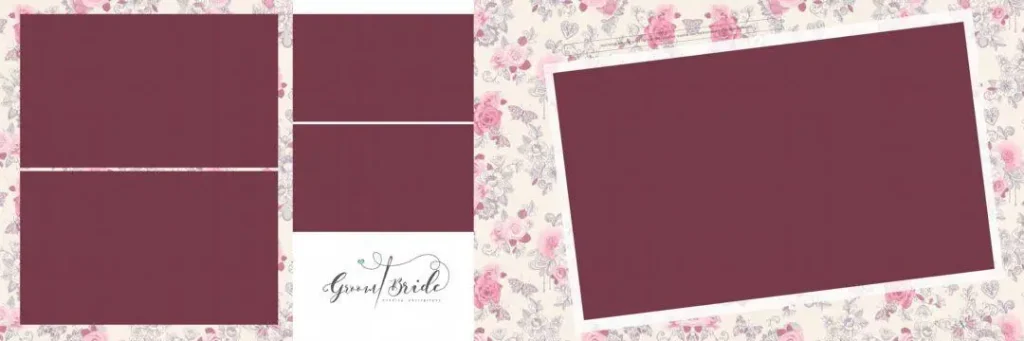
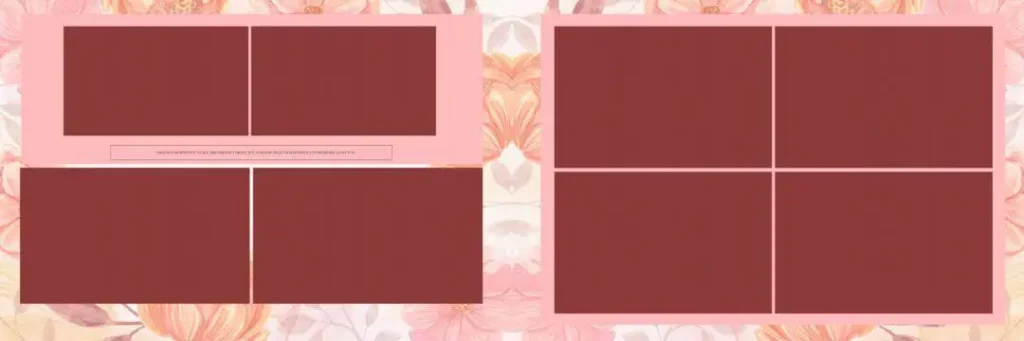
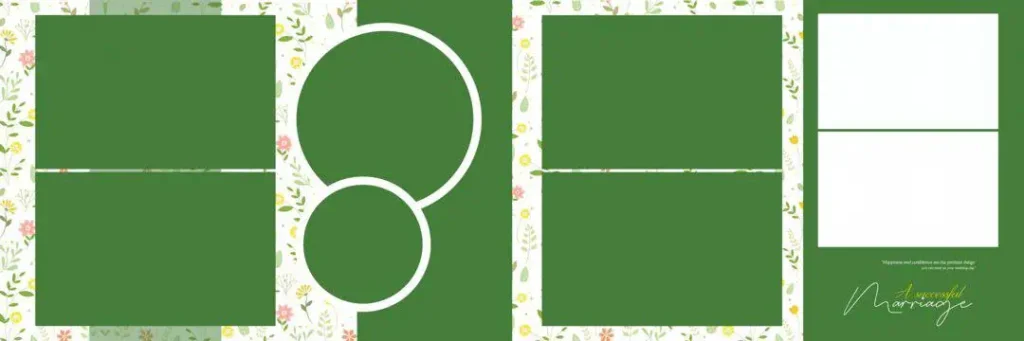
For example, a wedding album designer may use a decorative floral background behind couple photographs. A graphic designer may use a textured or abstract background for a promotional poster. The appropriate background depends on the subject, project dimensions, and desired visual style.
However, not every PSD background is fully editable. Some files may contain flattened elements or limited layers, so checking the document structure before starting work is important.
#01
#02
#03

#04
#05
#06
#07
#08

#09
#10
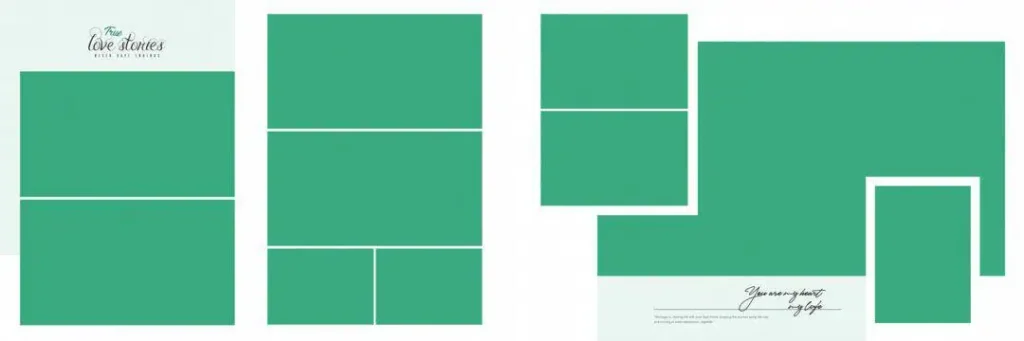
Exploring Photoshop Background Design Resources on PSDPix.com
Selecting a suitable background is an important step in creating an attractive composition. PSDPix.com focuses on graphic design resources, including PSD templates, wedding album designs, Photoshop backgrounds, and related creative assets.
When exploring a background design PSD file free download, consider how you intend to use the design. A background for a wedding album may require a different visual approach from one intended for a social media graphic or photo manipulation project.
You can explore different background styles, such as:
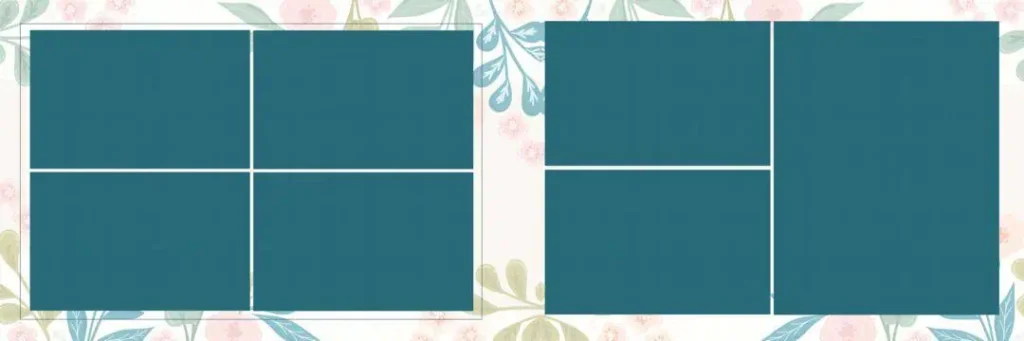
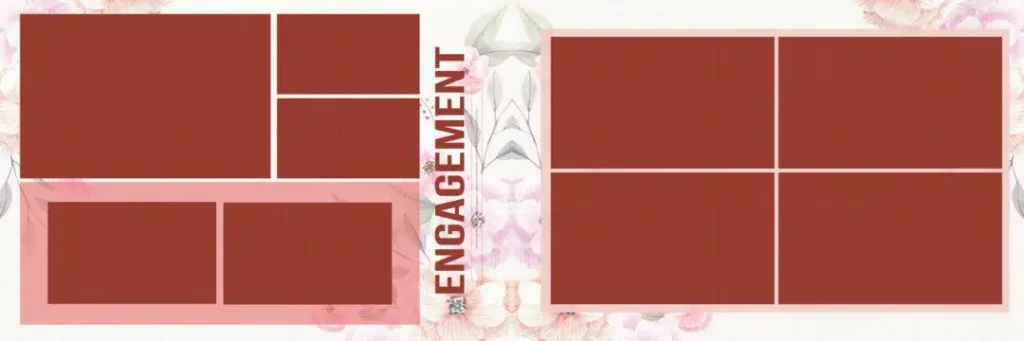
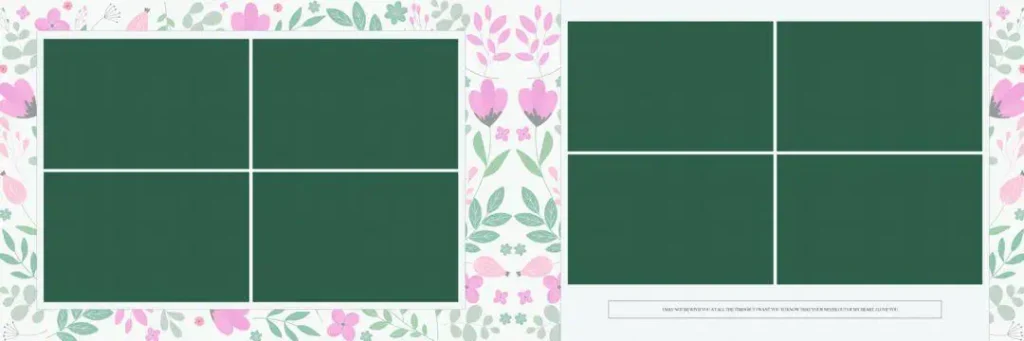
- Floral Backgrounds: Suitable for wedding photographs, couple portraits, and decorative album pages.
- Abstract Backgrounds: Useful for modern graphic compositions and creative photo editing.
- Texture Backgrounds: Can add depth and visual interest to different design projects.
- Minimal Backgrounds: Provide a clean appearance and help photographs remain the main focus.
The available file formats, dimensions, resolution, layer structure, and download conditions should be checked on the individual resource page. Specific file availability and licensing details are not provided in this article brief.
#11

#12

#13
#14

#15
#16
#17
#18
#19
#20
How to Download and Edit Photoshop Background PSD Files
Once you find a suitable background resource, follow these steps to prepare it for your project.
- Find the Relevant Resource: Visit the appropriate PSDPix.com resource page and review its description. Check whether the background is available in PSD format and follow the download instructions provided there.
- Extract the Downloaded File: If the resource comes in a ZIP archive, extract it using compatible software. Keep the original archive as a backup in case you need to restore the downloaded file.
- Open the PSD in Photoshop: Launch Adobe Photoshop and open the extracted PSD document. Check the image dimensions, resolution, colour mode, and Layers panel before making changes.
- Add Your Photographs: Place your selected photographs above the background layer. Resize and position them according to the composition. If the document includes Smart Objects, use them where appropriate to replace images.
- Customize the Background: Adjust colours, brightness, decorative elements, text, and other available layers. Make sure the background complements the photographs instead of distracting from the main subject.
- Save and Export Your Design: Save an editable PSD copy before exporting. Choose the required output format, dimensions, colour profile, and export settings according to the final project’s requirements.
Learning Photoshop Through Background Design and Layer Editing
Working with a PSD background is also a useful way to understand how Photoshop documents are organized. Beginners can study the relationship between background layers, photographs, text, masks, and decorative elements.
For example, when creating an Indian wedding album, a designer might combine a floral background with couple portraits and small decorative details. Learning how these elements interact can improve composition skills and make future editing projects easier to manage.
Layer organization is particularly important when working on large projects. Clear layer names help users locate individual elements quickly. Grouping related objects can also make complicated designs easier to manage.
Another useful skill is understanding image placement. A photograph should fit naturally within the available space without covering important decorative details. Designers can experiment with alignment, spacing, transparency, and layer order to develop a balanced composition.
For new Photoshop users, studying different background styles can provide practical experience with design principles. It also helps develop a better understanding of how colours, textures, and image placement affect the final appearance.
Practical Tips for Better Photoshop Background Designs
Keep these points in mind when selecting and editing a background:
- Check the Document Dimensions: Choose a background that matches your intended project size. Avoid stretching a small image excessively because this can reduce visual quality.
- Maintain Suitable Image Resolution: Check the actual pixel dimensions of the background and photographs. A resolution setting alone cannot create missing image detail.
- Maintain Colour Balance: Select background colours that complement the photographs. Avoid excessive contrast or decorative elements that compete with the main subject.
- Save an Editable Backup: Keep the original PSD document before exporting the final JPG or PNG. This allows you to make corrections later without rebuilding the entire composition.
Frequently Asked Questions
1. What is a PSD file background for Photoshop?
It is a background design saved in Photoshop’s PSD format. It can be used for photo editing, wedding albums, posters, and other graphic design projects.
2. Can beginners edit Photoshop background PSD files?
Yes. Beginners can open compatible PSD files in Photoshop and learn to adjust layers, colours, photographs, and other available elements.
3. Which software is needed to edit PSD backgrounds?
Adobe Photoshop is commonly used to edit PSD files. Other applications may support PSD documents, but compatibility with specific layers and effects can vary.
4. Can I use PSD backgrounds for wedding album design?
Yes. Suitable backgrounds can be used behind wedding photographs, couple portraits, and decorative album elements. Select a design that complements the photographs and album theme.
5. Can I use downloaded PSD backgrounds for commercial projects?
Commercial usage depends on the individual resource’s licence. Always review the applicable usage terms before including a downloaded background in paid client work.
Conclusion
A PSD file background for Photoshop provides a flexible starting point for photo editing, graphic compositions, and wedding album design. Understanding layers, image placement, colours, and document settings can help designers make better use of available background resources.
Explore the relevant Photoshop background resources on PSDPix.com to find design inspiration for your next creative project. Before downloading or using any background, check its available format, specifications, and licence conditions. With careful customization, a suitable background design PSD file can become a useful part of your Photoshop workflow.