A birthday album often contains dozens of photographs, but arranging them into an attractive story can be challenging. Photo studio owners and album designers need to select the right moments, organize different expressions, and create layouts that make every page interesting. Repeating the same photo arrangement can also make an album feel less personal.
This is where candid birthday album design becomes useful. Instead of relying only on posed portraits, designers can focus on natural smiles, cake-cutting moments, surprise reactions, family interactions, and photographs captured during the celebration. These moments help create a more personal visual story.
For designers looking for creative inspiration and Photoshop resources, PSDPix.com is a place to explore birthday album design ideas. This article explains how to approach candid birthday layouts, choose suitable photographs, and customize a PSD template for different birthday celebrations.
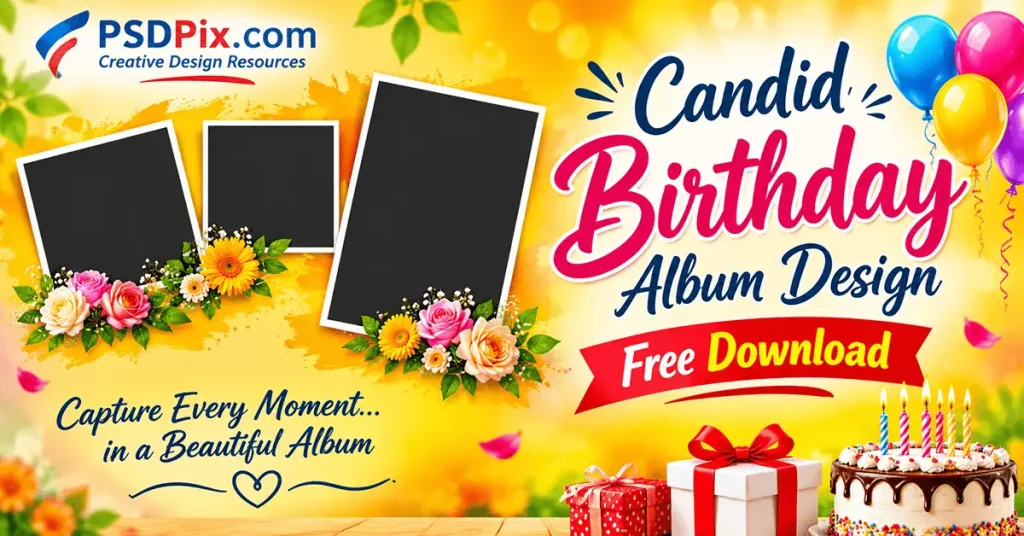
Candid Birthday Album Design Free Download
Table of Contents
Candid Birthday Album Design Free Download – Understanding the Concept
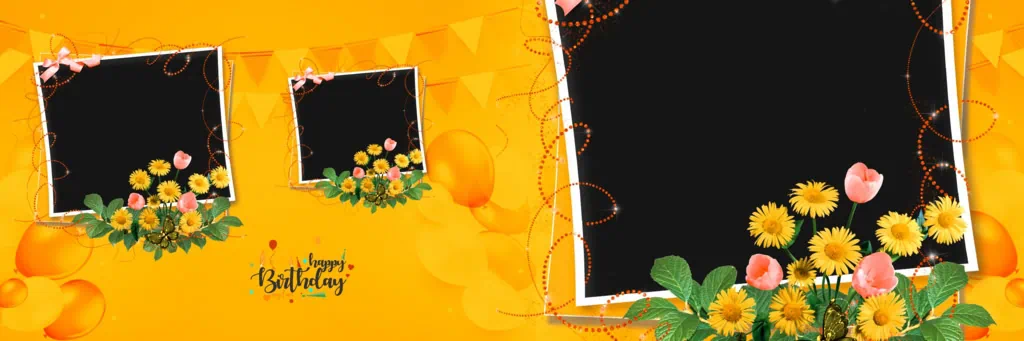
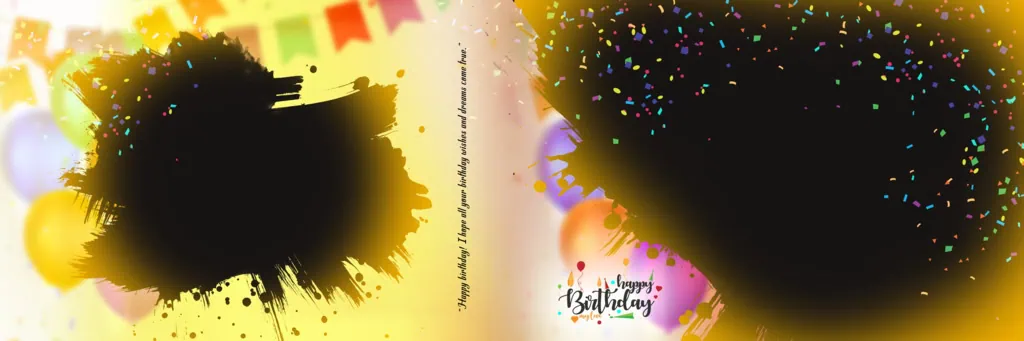
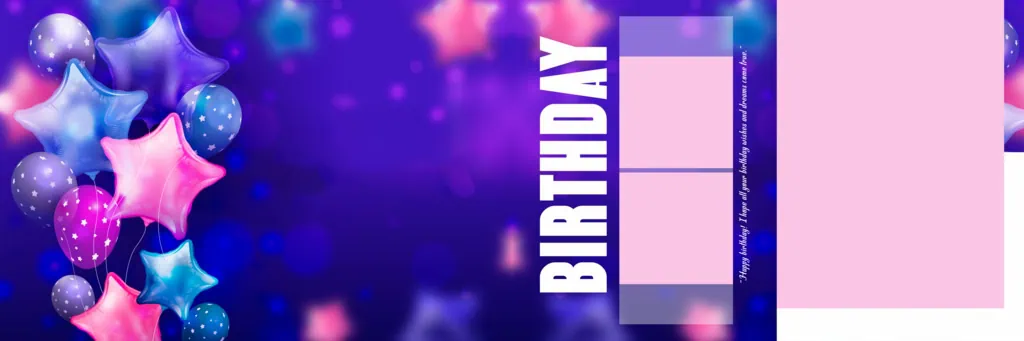
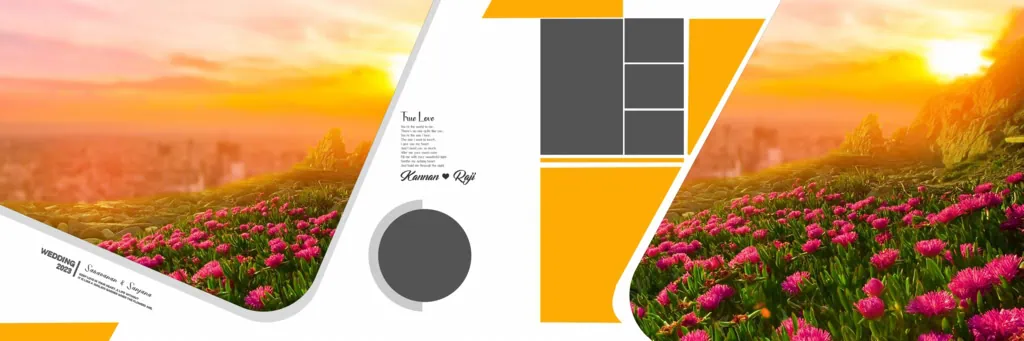
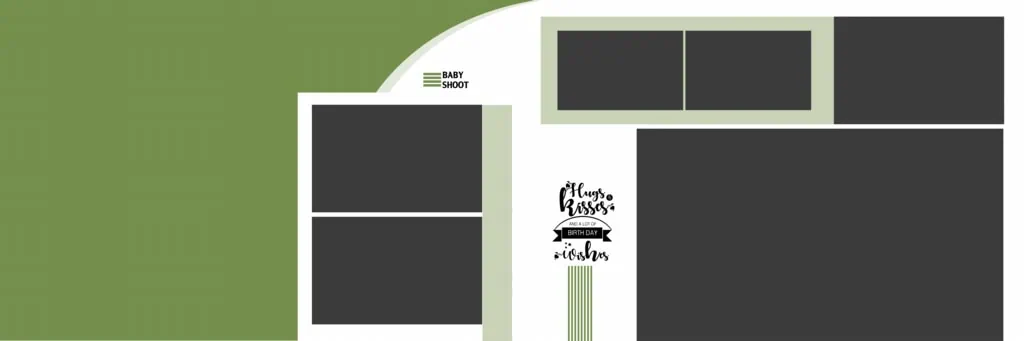
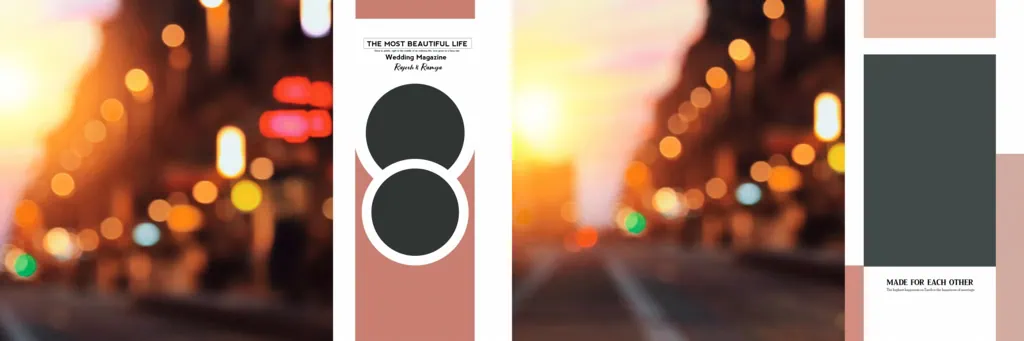
Candid birthday album design is a photo album layout approach that focuses on natural, unposed moments from a birthday celebration. It combines photographs, backgrounds, typography, and decorative elements to present the event as a visual story rather than a collection of unrelated pictures.
Unlike traditional portrait-focused layouts, candid album pages give attention to real expressions and activities. A child’s excitement while opening a gift, a family laughing together, friends enjoying a party, or the moment a birthday cake is cut can become the main focus of a page.
A Photoshop PSD template can provide a starting structure for arranging these photographs. Depending on the actual file, designers may be able to modify image placeholders, text, colors, and decorative elements. Always check the available layers and editing features before downloading a resource.
#01
#02
#03
#04

#05
#06
#07

#08
#09
#10
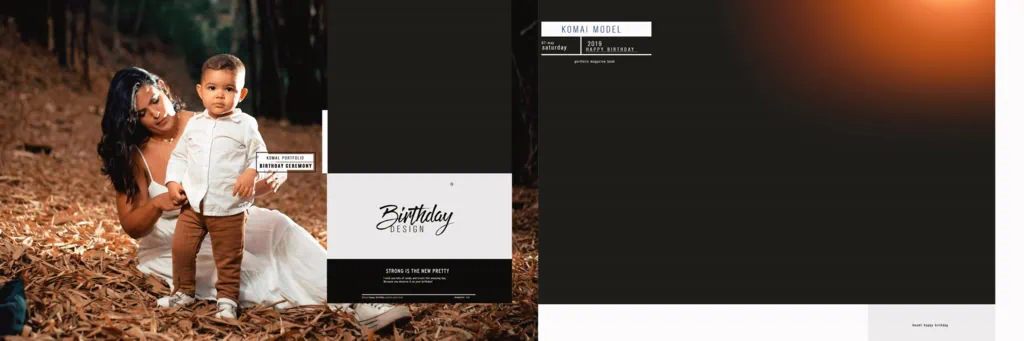
Explore Birthday Album Design Inspiration on PSDPix.com
Choosing a suitable layout is an important part of preparing a birthday album. PSDPix.com offers graphic design resources and Photoshop-related creative materials that can help designers explore different approaches to birthday artwork.
When looking for a birthday template PSD free download, consider the type of celebration and the photographs available. A children’s birthday album may benefit from colorful backgrounds, playful typography, and creative photo arrangements. An adult birthday album may look better with elegant colors, balanced spacing, and simple decorative details.
A birth day PSD can also serve as a useful starting point for creating individual album pages or birthday photo compositions. If you are exploring a birthday background PSD, select one that supports the photographs instead of overpowering them.
The title of this article refers to 15 new design resources, but individual file names, download links, dimensions, resolution, and included features have not been supplied. Visit the relevant PSDPix.com resource page and verify these details before downloading. Also review the license conditions before using any resource in paid client projects.
#11

#12
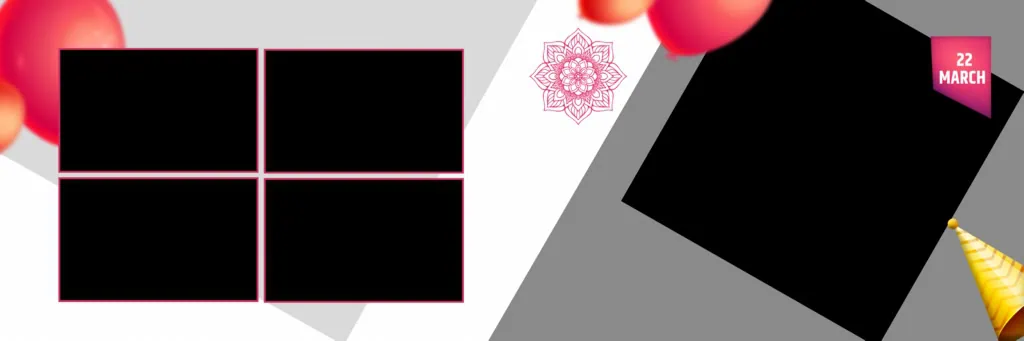
#13
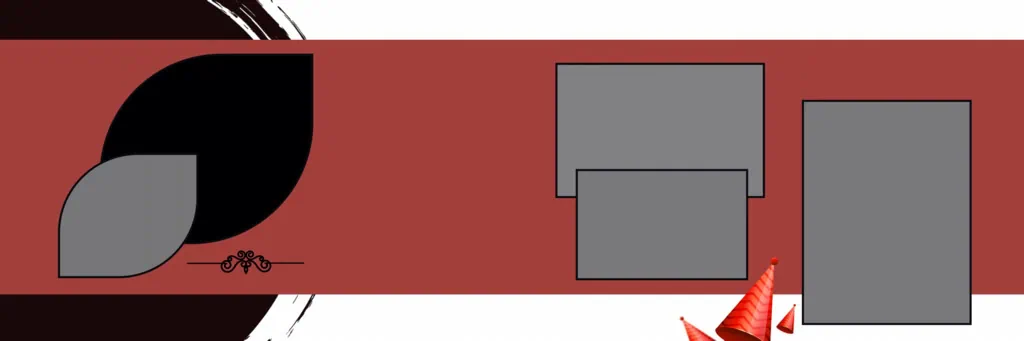
#14
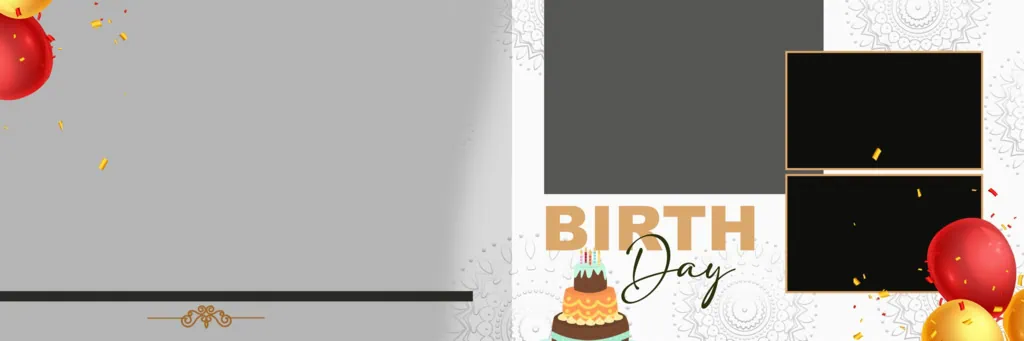
#15
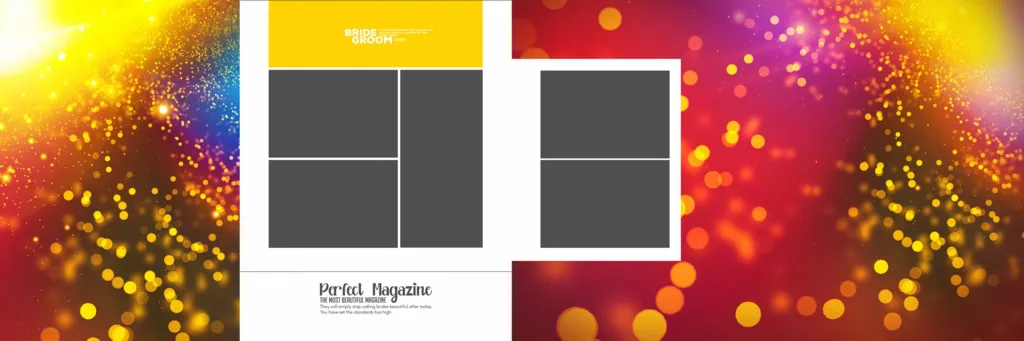
How to Customize a Candid Birthday Album PSD
Once you have selected a suitable Photoshop resource, follow these steps to create a personalized birthday album.
- Step 1: Find and Download the Resource. Visit PSDPix.com and locate the relevant birthday album design page. Follow the instructions provided on the individual resource page and check its download conditions.
- Step 2: Extract the Downloaded File. If the resource comes in ZIP format, extract it using compatible archive software. Locate the PSD document and check whether additional fonts or image assets are included.
- Step 3: Open the PSD in Photoshop. Open the document in Adobe Photoshop or compatible editing software. Review its dimensions, resolution, color mode, and available layers before starting the editing process.
- Step 4: Select and Replace Photographs. Choose clear candid photographs from the birthday celebration. Add them to the appropriate image areas. If the file uses Smart Objects, follow the available replacement method. Otherwise, work with its existing layer structure.
- Step 5: Customize the Album Layout. Adjust photographs, text, background colors, and decorative elements wherever editing is supported. Use the birthday person’s name, age, or a short message to give the design a personal touch.
- Step 6: Save and Prepare the Final Album. Keep an editable PSD backup before exporting. Check page dimensions, image quality, color profile, and bleed requirements. Confirm the printer’s specifications before preparing the final album files.
Managing Birthday Album Projects Under Tight Deadlines
Photo studios often receive birthday photographs in different groups. Some pictures arrive immediately after the party, while others may be selected later by family members. Without a clear workflow, arranging these photographs can consume more time than expected.
Start by dividing the photographs into event-based groups. For example, keep cake cutting, decoration, family portraits, gift opening, and guest interactions in separate folders. This makes it easier to find suitable images when building individual album pages.
A reusable Photoshop layout can also help reduce repetitive work. However, avoid placing every photograph into the same arrangement. Use larger image spaces for important moments and smaller supporting photographs for background activities. This creates variety while keeping the album visually consistent.
Before sharing the design with a client, check the sequence of events. The album should feel natural, with photographs arranged in a way that helps viewers follow the celebration. This approach saves unnecessary revisions and improves the overall presentation.
Practical Tips for Better Candid Birthday Albums
- Prioritize Natural Expressions: Select photographs that show genuine smiles, reactions, and interactions. These moments often communicate more than several similar posed portraits.
- Maintain a Balanced Composition: Avoid placing too many photographs on one page. Give important moments enough space and use smaller images to support the main story.
- Use Suitable Background Colors: Match background colors with the birthday theme and photograph tones. Keep text readable and avoid excessive decorative elements.
- Check Print Requirements: Confirm document dimensions, image resolution, color settings, and bleed margins with the album printer. Save an editable backup before final export.
Frequently Asked Questions
1. What is candid birthday album design?
It is an album design approach that highlights natural birthday moments, such as cake cutting, laughter, family interactions, and surprise expressions, using creative photo layouts.
2. Where can I find candid birthday album PSD resources?
You can explore Photoshop-related birthday design resources on PSDPix.com. Check the individual resource page for available downloads and file specifications.
3. Which software is required to edit birthday album PSD files?
Adobe Photoshop is the standard application for PSD editing. Other compatible applications may also open these files, although some features may not work identically.
4. Can I use birthday album designs for commercial projects?
Commercial usage depends on the individual resource license. Review the applicable terms before using any downloaded design for paid customer projects.
5. How many photographs should I include on each album page?
There is no fixed number. Choose the layout according to photograph orientation, image importance, and available space. Prioritize clear storytelling over fitting as many pictures as possible.
Conclusion
A well-planned candid birthday album design can turn everyday celebration photographs into a meaningful visual story. By focusing on natural expressions, creative photo arrangements, and balanced backgrounds, designers can create personalized albums for children’s birthdays, family celebrations, and special occasions.
Explore birthday design inspiration and Photoshop resources on PSDPix.com to develop your next album project. Whether you are searching for a birth day PSD, birthday background PSD, or happy birthday PSD free download, always check the individual file details and license conditions before using a resource.