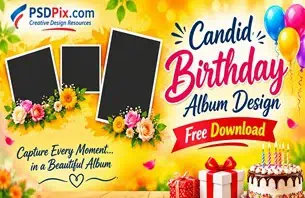
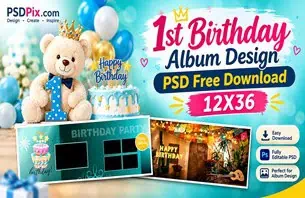
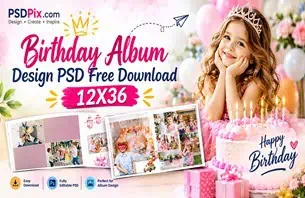
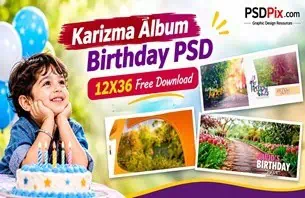
Birthdays are special occasions, and a well-designed birthday greeting makes the celebration even more memorable. Whether it is a child’s birthday, a family celebration, or a surprise party for a friend, attractive photo designs help turn ordinary pictures into meaningful memories.
For graphic designers and photo studio owners, creating birthday designs from scratch can take time. Choosing the right background, arranging photographs, selecting fonts, and matching colors requires careful attention. A ready-to-edit Photoshop template can simplify these tasks while leaving room for creative customization.
If you are searching for a Happy Birthday PSD Template Free Download, PSDPix.com is a resource to explore for birthday-related design inspiration and Photoshop templates. These resources can help designers develop personalized birthday artwork for different occasions and creative projects.
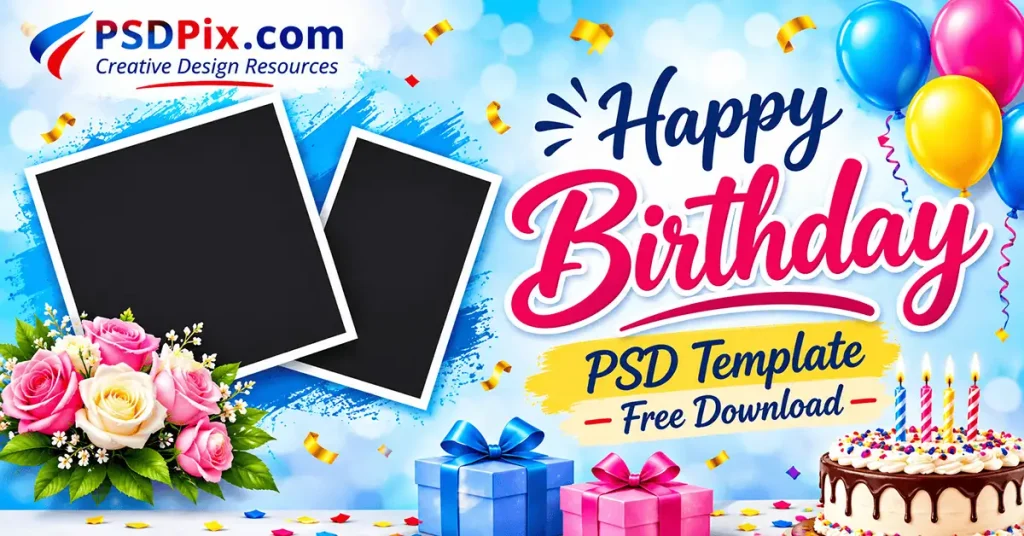
Happy Birthday PSD Template Free Download
Table of Contents
Happy Birthday PSD Template Free Download – Understanding the Design Format
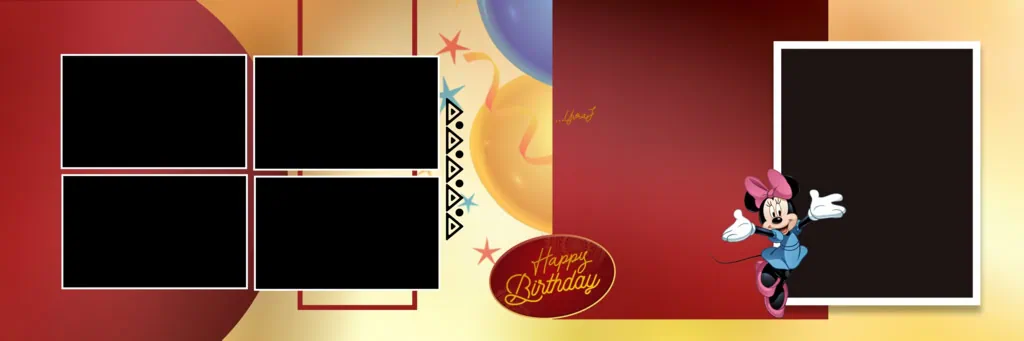
A Happy Birthday PSD template is a Photoshop design file intended to help users create personalized birthday graphics. It can provide a starting layout for arranging photographs, birthday messages, decorative elements, and background designs. The actual editing options depend on the structure of the individual PSD file.
PSD is Adobe Photoshop’s native document format. Unlike a standard JPG image, a PSD may contain separate layers that allow designers to adjust available design elements independently. However, the presence of editable layers, Smart Objects, and other features depends on the specific file.
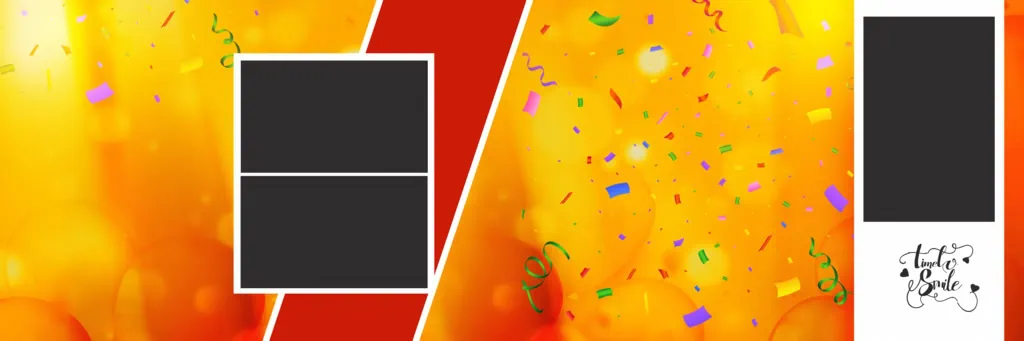
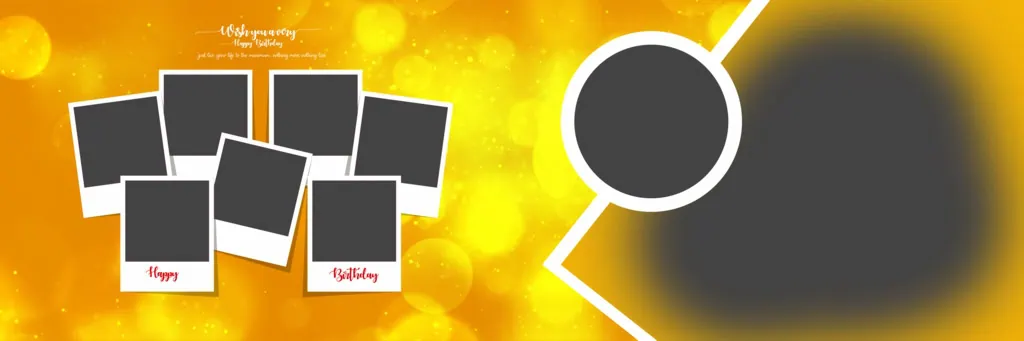
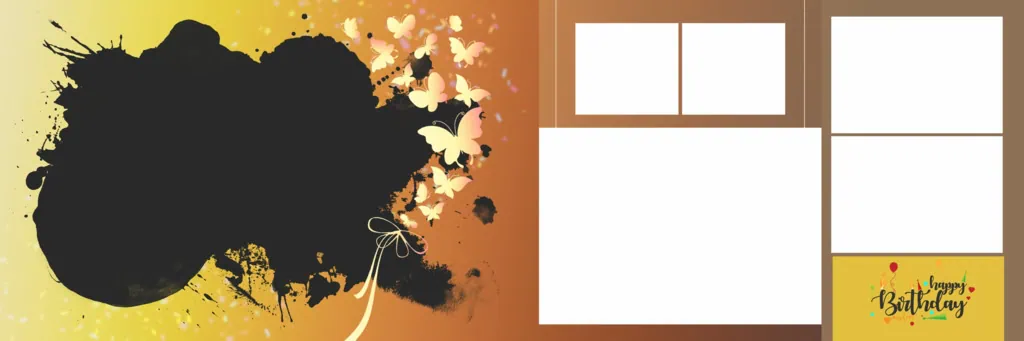
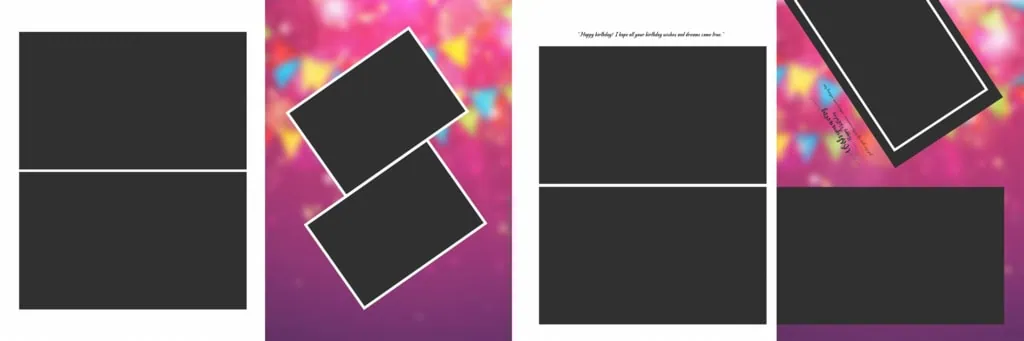
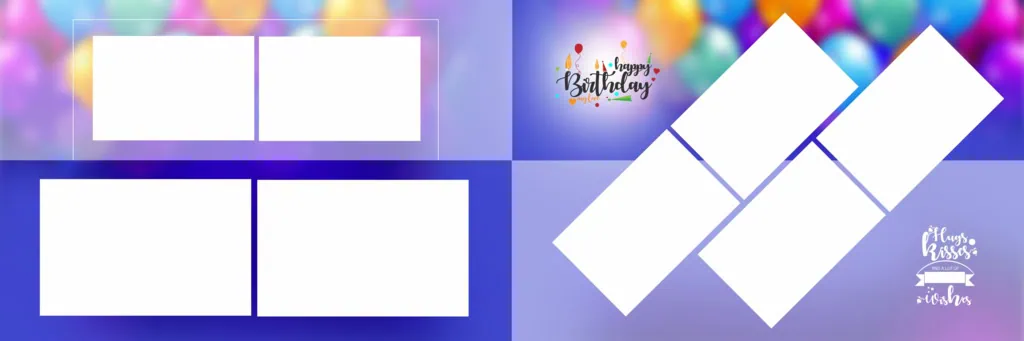
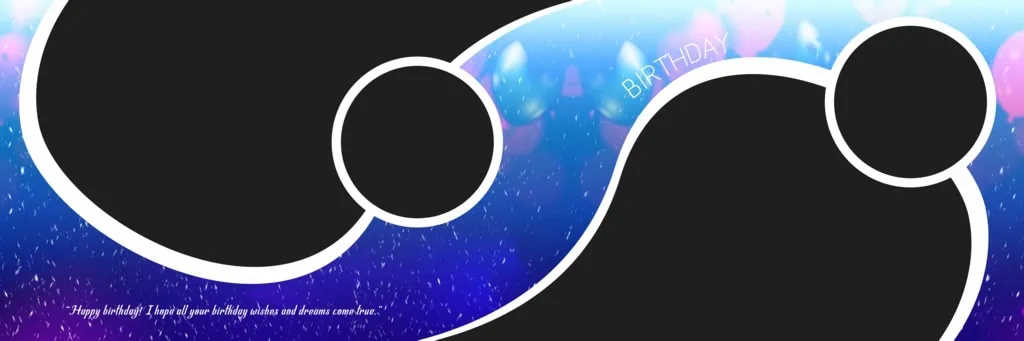
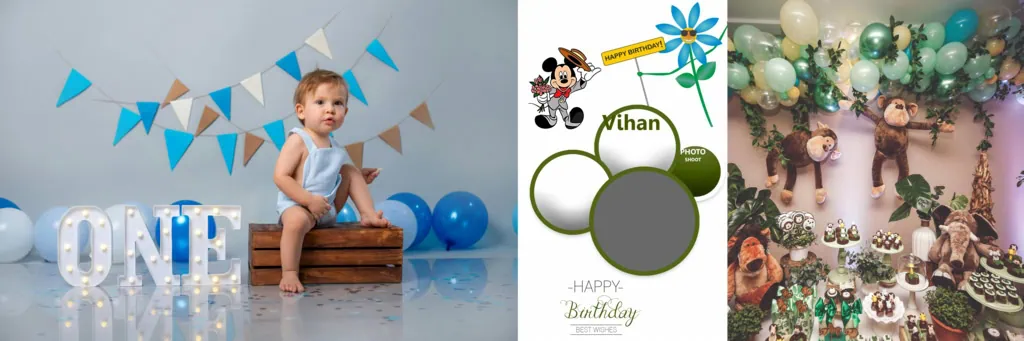
A birthday PSD design can be adapted for different creative purposes, including birthday photo editing, greeting cards, personalized posters, and album pages. Designers can change the photographs, update names, modify birthday messages, and adjust colors wherever the supplied file structure allows.
#01

#02
#03
#04
#05
#06
#07
#08
#09
#10
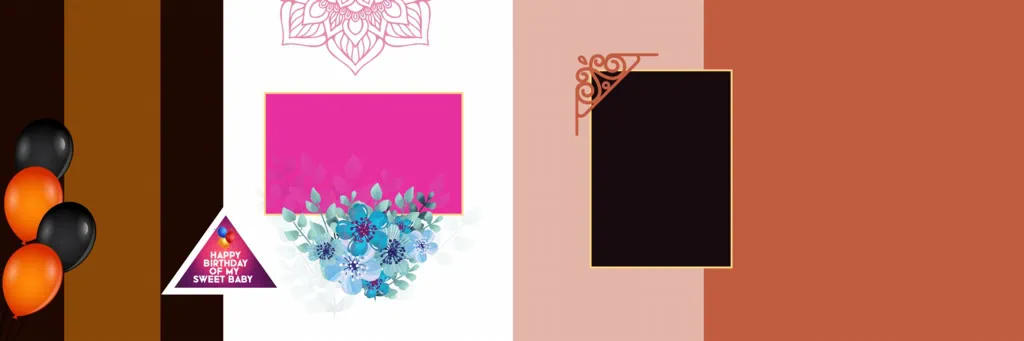
Explore Birthday Design Resources on PSDPix.com
Finding a suitable birthday background PSD can make the design process easier, especially when working with multiple customer requirements. PSDPix.com provides a platform to explore graphic design resources, including Photoshop-related templates and creative materials.
When selecting a birthday template PSD free download, consider the intended purpose of your project. A design for a child’s birthday may need colorful decorations and playful typography, while an adult birthday design may work better with a more elegant composition.
Before downloading any resource, review the information provided on its individual page. Check the available file format, dimensions, resolution, editing requirements, and download conditions. These details are important because the specifications of individual resources can vary.
Also, check the applicable license before using a design in paid client projects. Free access to a resource does not automatically mean unrestricted commercial usage.
#11
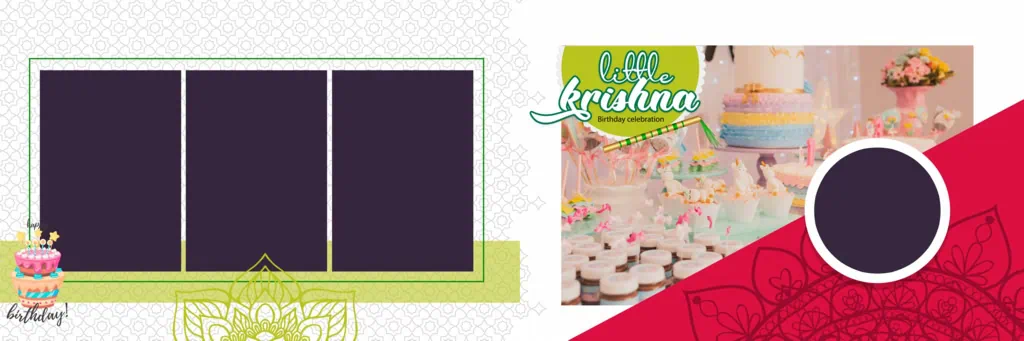
#12
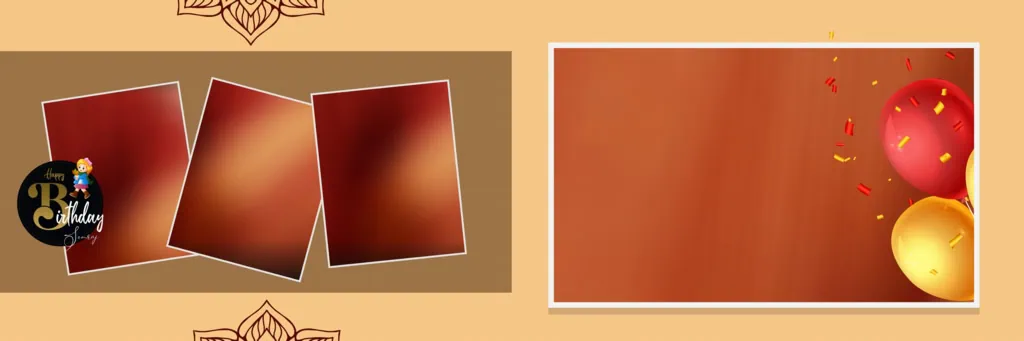
#13
#14
#15
How to Download and Customize a Birthday PSD Template
Once you find a suitable birth day PSD resource, follow these steps to prepare your personalized design.
- Step 1: Find and Download the Template. Visit PSDPix.com and explore the available birthday design resources. Open the relevant resource page and follow its provided download instructions. Confirm the download conditions before proceeding.
- Step 2: Extract the Downloaded Archive. If the resource is supplied as a ZIP file, extract it using compatible archive software. Locate the PSD document and any accompanying assets included in the package.
- Step 3: Open the PSD in Photoshop. Open the downloaded document in Adobe Photoshop or compatible software. Check the document dimensions, image resolution, color mode, and available layers before making changes.
- Step 4: Replace the Photographs. Add your selected birthday photographs to the layout. If the PSD contains Smart Objects, use the provided editing method to replace their images. Otherwise, follow the available layer structure.
- Step 5: Customize Text and Decorations. Update the birthday person’s name, age, greeting message, and other text elements. Adjust fonts, colors, and decorative details to match the celebration. Check the spelling and alignment carefully.
- Step 6: Save and Export the Final Design. Save an editable PSD copy for future changes. Export the completed artwork in a suitable format, such as JPG or PNG for digital sharing. For printing, confirm the required dimensions, resolution, color profile, and bleed settings with the printer.
Improve Your Photoshop Skills Through Birthday Design Projects
Birthday designs offer a useful opportunity to develop practical Photoshop skills. Beginners can learn how different design elements work together, while experienced designers can experiment with more advanced compositions.
Start by observing the relationship between photographs and background elements. A good layout should make the main photograph noticeable without allowing decorations to distract from the subject. Text should also remain readable at the final display or print size.
Studying an available layered PSD can help beginners understand layer organization, image placement, typography, and visual balance. You can experiment with different color combinations and photograph arrangements to develop your own creative approach.
For photo studio owners, maintaining a collection of suitable birthday backgrounds and design references can also make it easier to respond to different customer preferences. The goal is not simply to reuse a layout but to create artwork that feels appropriate for each celebration.
Practical Tips for Better Birthday Designs
Keep these design considerations in mind when customizing a happy birth day PSD:
- Choose High-Quality Photographs: Use clear, well-lit images with sufficient pixel detail. Avoid enlarging small photographs excessively because this can reduce image quality.
- Maintain Readable Typography: Choose fonts that match the birthday theme. Make important information, such as the person’s name and birthday message, easy to read.
- Balance Colors and Decorations: Use a consistent color combination. Too many decorative elements can make the composition look crowded and reduce attention on the main photograph.
- Check the Final Dimensions: Confirm the required document size and resolution before exporting. If the artwork is intended for printing, ask the printer about color profiles, bleed margins, and binding or trimming requirements where applicable.
Frequently Asked Questions
1. Are Happy Birthday PSD templates free to download?
Download availability and conditions depend on the individual resource. Check the relevant PSDPix.com page for its current download information before accessing a template.
2. Which software is required to edit a birthday PSD file?
Adobe Photoshop is the standard software for editing PSD files. Other compatible applications may also open PSD documents, although some effects or features may not be fully supported.
3. Can I use birthday PSD designs for paid client projects?
Commercial usage depends on the license attached to each resource. Always review the individual licensing terms before using a downloaded design for paid work.
4. What can I customize in a Happy Birthday PSD template?
Depending on the available layers, you may be able to change photographs, names, birthday messages, fonts, colors, backgrounds, and decorative elements.
5. How can I prepare a birthday PSD design for printing?
Check the document dimensions, photograph quality, resolution, color mode, and bleed requirements. Confirm the printer’s specifications before exporting the final artwork.
Conclusion
A well-designed birthday graphic can make a personal celebration more memorable. A Happy Birthday PSD Template Free Download provides a useful starting point for creating customized birthday artwork, whether you are a beginner learning Photoshop or a designer working on client projects. Choosing suitable photographs, readable typography, and balanced colors will help improve the final composition.
Explore the birthday design resources available on PSDPix.com to find inspiration for your next project. You can also explore related birthday background PSD and happy birthday PSD free download resources, checking their individual file details and licensing conditions before use.