Wedding album layouts come in different sizes and styles, but a wide 12X36-inch spread offers designers plenty of room to create balanced photographic compositions. Choosing the right Photoshop template is important when preparing albums for wedding clients who expect an attractive presentation of their special moments.
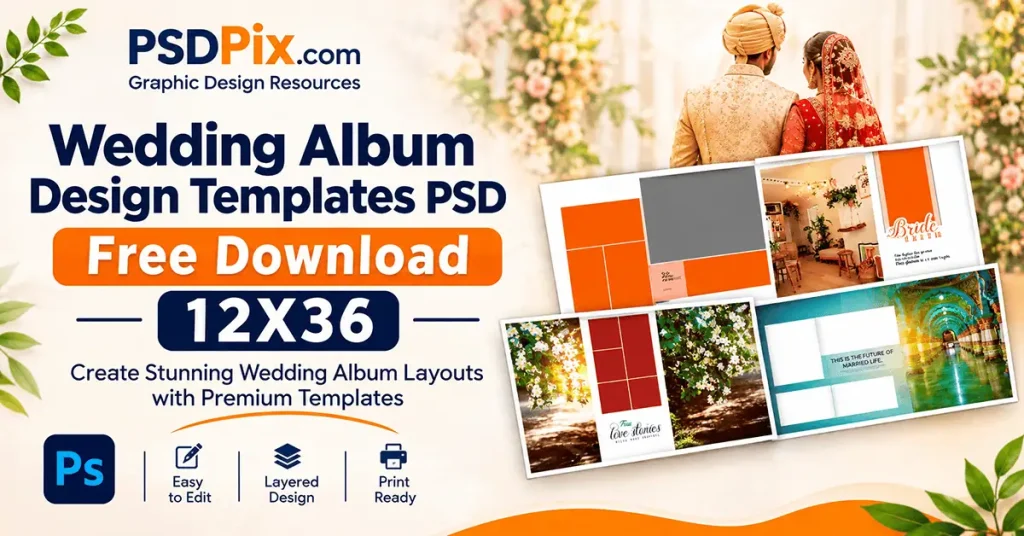
Wedding Album Design Templates PSD are useful resources for photographers, album designers, and graphic designers who want a structured starting point for their projects. Instead of building every layout from an empty canvas, designers can work with an existing composition and customize it according to the photographs and client’s preferences.
At PSDPix.com, this topic focuses on wedding album design resources and practical guidance for Photoshop users. Whether you manage a photo studio or work independently, understanding the 12X36 format can help you make better layout decisions and prepare your designs for printing.
Wedding Album Design Templates PSD
Table of Contents
Wedding Album Design Templates PSD — Understanding the 12X36 Format
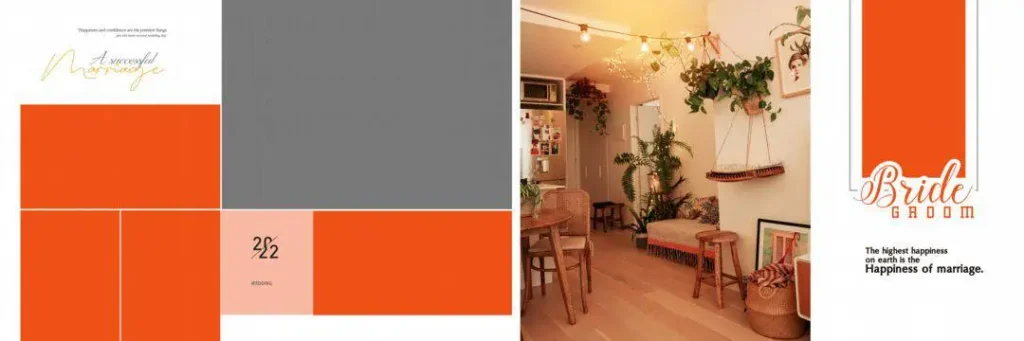
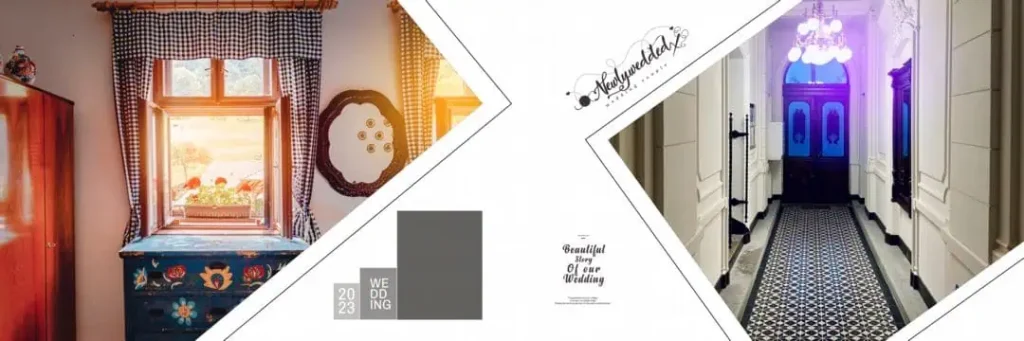
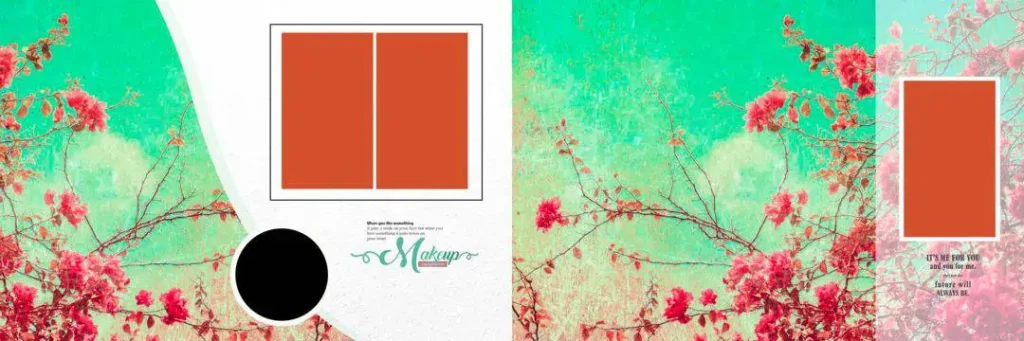
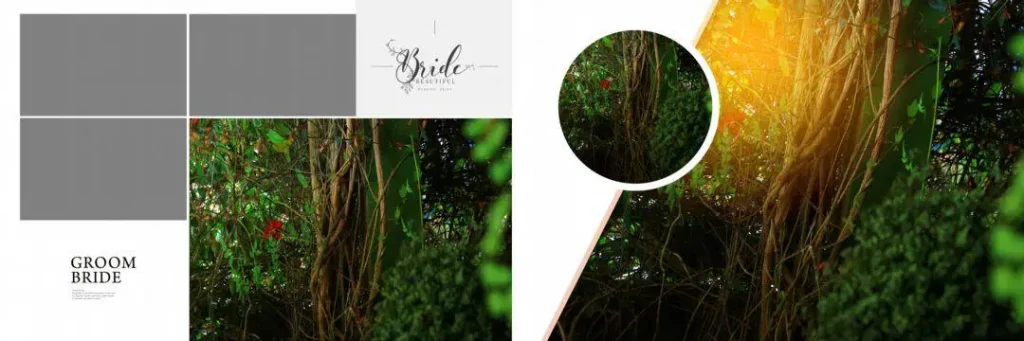
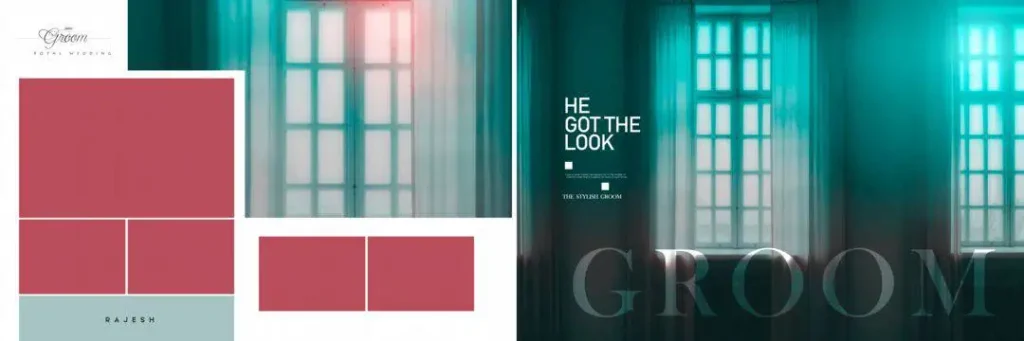
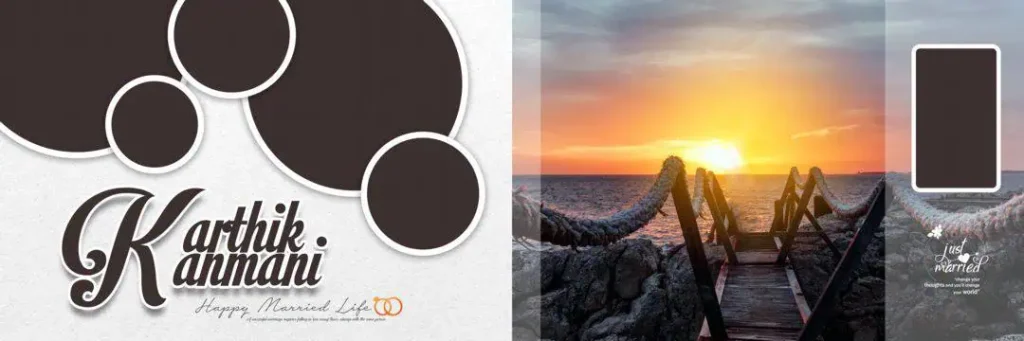
Wedding Album Design Templates PSD are Photoshop document layouts used to arrange wedding photographs, text, backgrounds, and decorative elements into album pages. The 12X36 format refers to a wide horizontal spread measuring 12 × 36 inches when those physical dimensions are specified by the designer.
This format provides a large working area for panoramic wedding compositions. It can accommodate a combination of individual portraits, couple photographs, family pictures, and decorative elements across a single spread.
For Indian wedding photography, this format can be useful for presenting different occasions, including Mehendi, Haldi, Sangeet, Baraat, and reception celebrations. Designers can organize photographs according to the wedding story while maintaining a consistent visual style.
However, the editing possibilities depend on the actual PSD file. Some Photoshop documents contain separate layers for photographs, text, and backgrounds, while others may have a different structure. Always inspect the Layers panel before starting customization.
#01
#02

#03

#04
#05
#06
#07
#08

#09

#10

Finding Suitable 12X36 Wedding Album Resources on PSDPix.com
Designers searching for wedding album design PSD resources often look for layouts that can be adapted to different photography projects. A suitable template should support the intended composition and match the technical requirements of the album printing process.
PSDPix.com covers graphic design resources and wedding album design topics for Photoshop users. Readers can explore the relevant resource page, when available, to check the available design information and download instructions.
When searching for a 12×36 album cover PSD free download, remember that an album cover and an interior album spread may serve different purposes. Check the document dimensions and intended use before selecting a file.
You may also encounter searches for 12×36 album dm psd and 12×36 album psd. Before choosing any resource, review these details:
- Canvas dimensions: Confirm whether the document is intended for a 12 × 36-inch spread.
- Resolution: Check the pixel dimensions and resolution setting.
- File format: Verify whether the resource includes a PSD document or a compressed ZIP archive.
- Editable elements: Check whether photographs, text, and decorative elements are separately editable.
- Software compatibility: Confirm that your editing software supports the document.
- Usage rights: Review the individual resource’s license before using it for commercial projects.
The specific download URL, file specifications, and licensing conditions have not been supplied for this article. Confirm them on the relevant PSDPix.com resource page before publishing download instructions.
#11

#12

#13

#14
#15

How to Download and Customize Wedding Album PSD Templates
Once you find a suitable resource, follow these steps to prepare it for your project.
- Download the selected template. Visit the relevant PSDPix.com resource page, if available, and follow its download instructions. Check the file description to confirm that it matches your intended album format.
- Extract the ZIP archive. If the downloaded resource comes in ZIP format, extract it using a suitable utility. Keep the original archive as a backup until you confirm that the extracted files are accessible.
- Open the PSD in Photoshop. Launch Adobe Photoshop and open the document. Check the canvas dimensions, image resolution, and color mode before making changes. Confirm that the document matches your album production requirements.
- Replace the sample photographs. Examine the Layers panel and locate the available image areas. If Smart Objects are included, use their replacement workflow. Otherwise, replace photographs according to the existing layer structure.
- Customize the composition. Adjust photographs, text, backgrounds, colors, and decorative elements. Maintain consistent spacing and make sure important details, especially faces, remain visible.
- Prepare the final design. Review the document size, resolution, color profile, bleed, and binding allowance. Save an editable PSD backup and export the final artwork using the specifications provided by your album printer.
Following a consistent process helps reduce editing mistakes and makes it easier to handle client revisions.
Print Quality and Layout Balance in 12X36 Wedding Albums
A visually attractive design needs more than decorative backgrounds and well-arranged photographs. Print preparation is equally important, especially when working with a wide album spread.
Start by selecting photographs with sufficient original pixel detail. A high DPI setting alone cannot improve a low-resolution photograph. For example, enlarging a small mobile image to cover a large album area may result in visible softness or pixelation.
Photo composition also matters. Avoid placing important subjects too close to the center fold, where the binding may hide parts of the image. Keep sufficient spacing between photographs and avoid overcrowding the layout with unnecessary decorative elements.
Color management is another important part of album production. The colors displayed on a monitor may differ from the printed result. Ask your printing service whether it requires an RGB or CMYK document and follow its recommended color profile.
A balanced 12X36 wedding album design should maintain a clear visual flow from one side of the spread to the other. Use larger photographs for important moments and smaller images to support the overall wedding story.
Practical Tips for Better Wedding Album Designs
Keep these points in mind before completing your next album project:
- Check the original photograph quality. Use images with sufficient pixel detail for their intended placement and print size.
- Maintain consistent photo spacing. Keep margins and gaps balanced across the spread to create a clean composition.
- Confirm printing requirements. Ask your printer about color profiles, bleed margins, safe areas, and binding allowances.
- Save editable working files. Keep a separate PSD backup so you can make changes if the client requests revisions.
These simple checks can help designers maintain consistency across multiple wedding album projects.
Frequently Asked Questions
1. Where can I find Wedding Album Design Templates PSD?
You can explore wedding album design resources and related Photoshop content on PSDPix.com. Check the relevant resource page for available files and download conditions.
2. What is the purpose of a 12X36 wedding album layout?
It provides a wide horizontal working area for arranging wedding photographs, portraits, and decorative elements across a panoramic album spread.
3. Can beginners edit 12X36 album PSD files?
Yes, beginners familiar with basic Photoshop tools can work with compatible PSD documents. Understanding layers, image replacement, text editing, and canvas settings will make customization easier.
4. Can I use wedding album PSD templates for commercial projects?
Commercial use depends on the individual resource license. Always review the usage conditions before using a downloaded template for paid client work.
5. How do I prepare a 12X36 album PSD for printing?
Check the physical dimensions, image resolution, color profile, bleed, and binding allowance. Follow your printing service’s export instructions before submitting the final design.
Conclusion
Wedding Album Design Templates PSD provide a useful starting point for photographers, graphic designers, and photo studio owners creating panoramic wedding albums. Understanding the 12X36 format, photograph placement, Photoshop editing, and print preparation helps you make informed design decisions.
If you are looking for wedding album design PSD resources, explore PSDPix.com and visit the relevant collection page when available. Review the file specifications and license information before using a template in your next wedding album project.