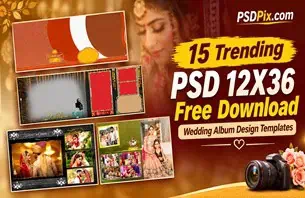
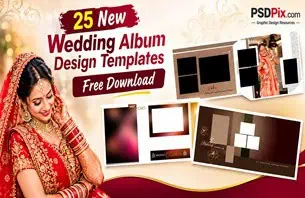
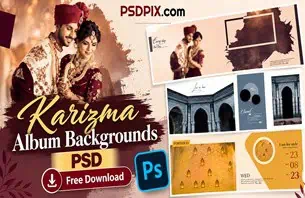
Wedding season brings a steady flow of album design projects for photographers and photo studios. From Mehendi and Sangeet celebrations to wedding ceremonies and receptions, every event produces photographs that deserve a thoughtful presentation. A well-planned album layout helps turn these memories into an attractive visual story.
Creating every page from scratch can take considerable time, especially when a studio is handling several client projects. This is where a Wedding Album Template PSD Free Download becomes a useful starting point for designers who work with Photoshop and need flexible layout ideas.
At PSDPix.com, designers can explore wedding album design resources and find inspiration for different album projects. Whether you are preparing a traditional Indian wedding album or a modern couple’s photo collection, choosing a suitable layout can make the editing process more organized.
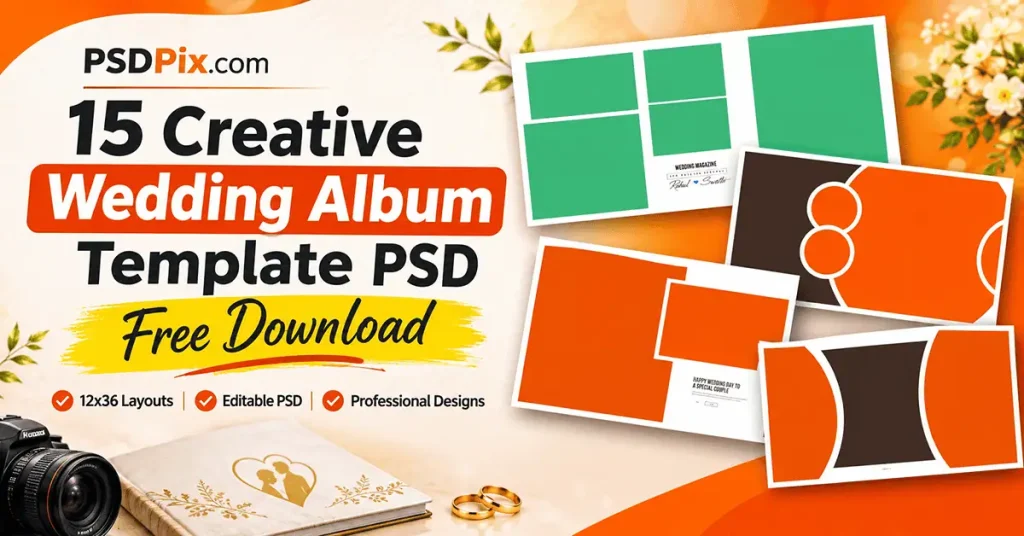
Wedding Album Template PSD Free Download
Table of Contents
Wedding Album Template PSD Free Download — Understanding the 12×36 Album Format
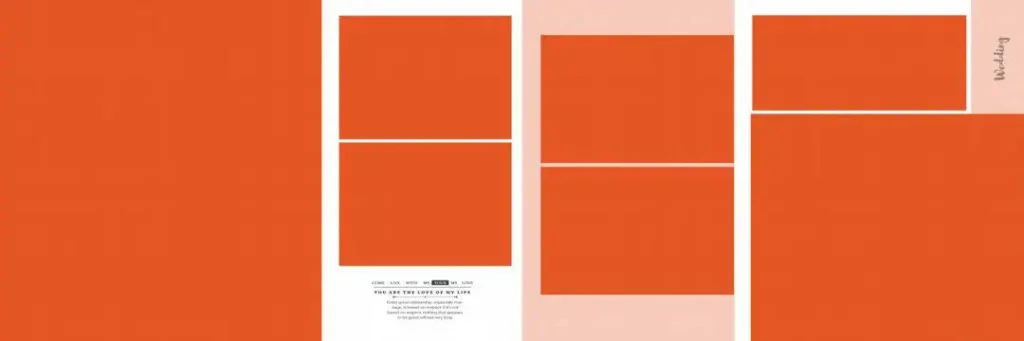
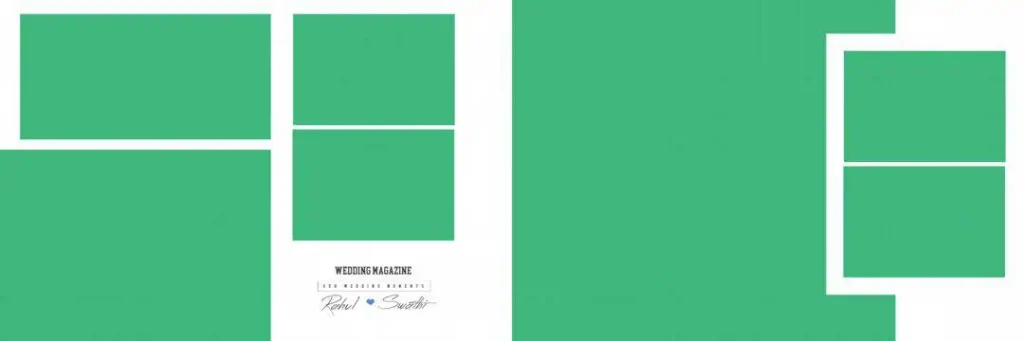
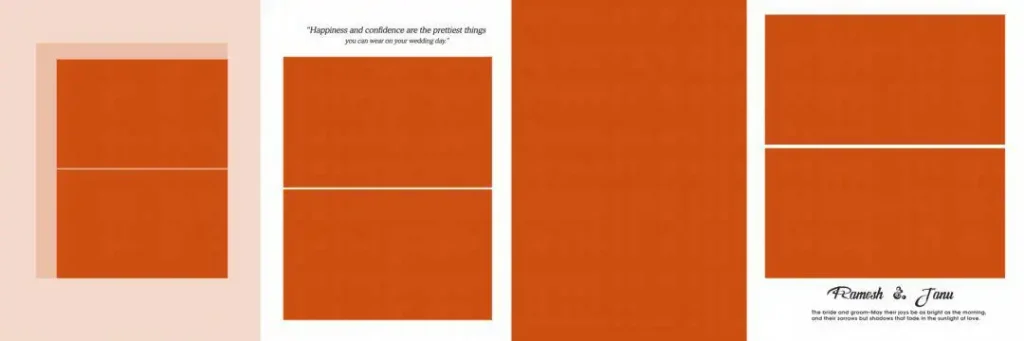
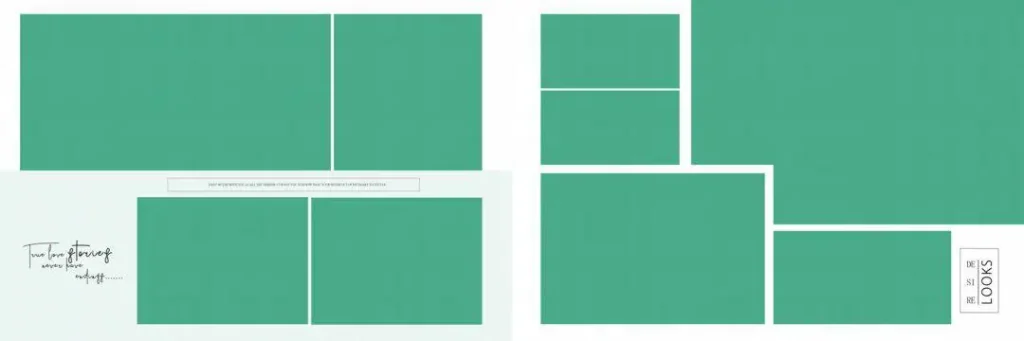
A wedding album template PSD is a Photoshop design file used as a starting layout for arranging wedding photographs, text, and decorative elements. It can help designers organize images across album pages while allowing customization according to the client’s preferences.
The 12×36 album format refers to a wide album layout measuring 12 inches by 36 inches when specified at the final document size. It is commonly considered for panoramic wedding album presentations, where multiple photographs can be arranged across a wider composition.
Designers searching for 12 * 36 album templates PSD should check the actual document dimensions before beginning their work. A 12 * 36 album PSD may have different pixel dimensions depending on its resolution setting, so the file properties should always be inspected rather than assumed.
#01
#02
#03

#04

#05

#06

#07

#08

#09

#10

Explore Wedding Album Design Resources on PSDPix.com
PSDPix.com focuses on graphic design resources, including wedding album designs and Photoshop-related creative assets. Its wedding album design category is relevant to photographers, studio owners, and graphic designers looking for layout inspiration.
When exploring a collection, consider how its designs fit your project. Some layouts may suit traditional wedding photography, while others may work better for couple portraits, family photographs, or reception highlights.
Before choosing a 12×36 album PSD, check the individual resource page for its available file format, document dimensions, resolution, and editing requirements. These details are important because they determine whether a particular resource fits your album production workflow.
Also review the download instructions and applicable license terms. Free downloading does not automatically mean that a design is approved for unrestricted commercial use.
#11

#12
#13

#14
#15
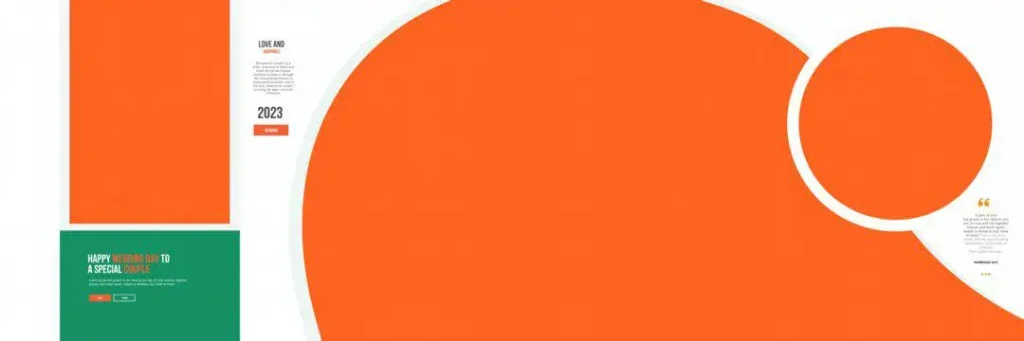
How to Download and Edit Wedding Album PSD Templates
Follow these six steps when working with a wedding album Photoshop template.
- Download the template: Visit the relevant resource page on PSDPix.com, review the available information, and follow the download instructions provided. Confirm that the selected design suits your required album format.
- Extract the archive: If the downloaded resource comes in ZIP format, extract it using a suitable archive utility. Keep the original compressed file as a backup until you confirm that the extracted files open correctly.
- Open the PSD file: Launch Adobe Photoshop or compatible editing software and open the PSD document. Check its width, height, resolution, and color mode before making changes.
- Replace the photographs: Locate the image placeholders or relevant layers. Replace sample photographs with the client’s wedding pictures. If the document uses Smart Objects, follow the appropriate editing process; otherwise, work with the available image layers.
- Customize the design: Adjust text, colors, backgrounds, decorative elements, and photograph placement. Maintain a consistent visual style throughout the album so that different pages feel connected.
- Prepare the final output: Review the document dimensions, image quality, color profile, and printer requirements. Check bleed and binding areas where applicable, then save an editable PSD backup before exporting the final printing file.
Print Quality Matters in 12×36 Wedding Album Designs
A beautiful screen layout does not automatically guarantee a good printed album. Print preparation is an important part of wedding album design, particularly when working with wide panoramic compositions.
When arranging photographs in a 12×36 wedding album PSD template, pay attention to the center binding area. Avoid placing important details such as faces, wedding jewellery, or text directly across the section that may be affected by album binding.
Image resolution also deserves attention. A document set to 300 DPI does not automatically make low-resolution photographs suitable for large prints. The original image dimensions and available pixel detail matter when photographs are enlarged.
Color management is another important consideration. Screen colors can appear different from printed colors, so confirm the printer’s preferred color profile and export settings before sending the final design.
A balanced composition is equally important. Avoid filling every available space with photographs and decorative elements. Give important wedding moments enough visual space to stand out.
Practical Tips for Better Wedding Album Results
- Check the document dimensions: Confirm that your selected 12×36 album PSD matches the printer’s required final size and resolution.
- Protect important photographs: Keep faces, jewellery, and essential details away from the binding area and trimming edges.
- Maintain consistent colors: Use a suitable color profile and confirm the printer’s requirements before exporting.
- Save editable backups: Keep the original PSD and a separate working copy so you can make corrections without rebuilding the design.
Frequently Asked Questions
1. Are wedding album PSD templates free to download?
Download conditions depend on the individual resource page. Check the information provided on PSDPix.com to confirm whether a particular template is available without charge.
2. Which software is required to edit wedding album PSD files?
Adobe Photoshop is commonly used for PSD editing. Other compatible applications may also open PSD files, but some layer effects or editing features may not work exactly the same way.
3. Can I use wedding album templates for paid client projects?
Commercial usage depends on the applicable license. Always review the individual resource’s licensing conditions before using a template in paid photography or album design projects.
4. Why is the 12×36 format useful for wedding albums?
The wide 12×36 format provides space for panoramic compositions, couple portraits, and multiple photographs arranged across a broad layout. It is useful when the album design calls for a wider visual presentation.
5. How do I prepare a 12×36 wedding album PSD for printing?
Check the final document dimensions, photograph resolution, color profile, bleed requirements, and binding margins. Follow your album printer’s specifications before exporting the final file.
Conclusion
Choosing a suitable Wedding Album Template PSD Free Download can help photographers and designers organize their album projects and develop attractive layouts without starting every page from an empty document. For 12×36 wedding album designs, always consider photograph placement, document dimensions, and printing requirements before finalizing the layout.
Explore the wedding album design resources on PSDPix.com to find suitable creative references for your next project. Whether you are searching for 12 * 36 album templates PSD or other 12×36 wedding album PSD templates, review the available file details and licensing terms before downloading and using a resource.