Wedding album designers often work with tight deadlines. After selecting hundreds of wedding photographs, arranging them into attractive layouts can take hours. A suitable background helps designers create a balanced composition without starting every page from scratch.
Karizma album backgrounds are useful for wedding photographers, graphic designers, and photo studio owners who want to create attractive album pages. These backgrounds can support different wedding moments, from traditional ceremonies to couple portraits and reception photography.
PSDPix.com focuses on graphic design resources for creative professionals. If you are searching for Karizma Album Backgrounds PSD, understanding how to select, customize, and prepare a background can help you build a more efficient wedding album design workflow.

Karizma Album Backgrounds PSD
Table of Contents
Karizma Album Backgrounds PSD for Wedding Album Design
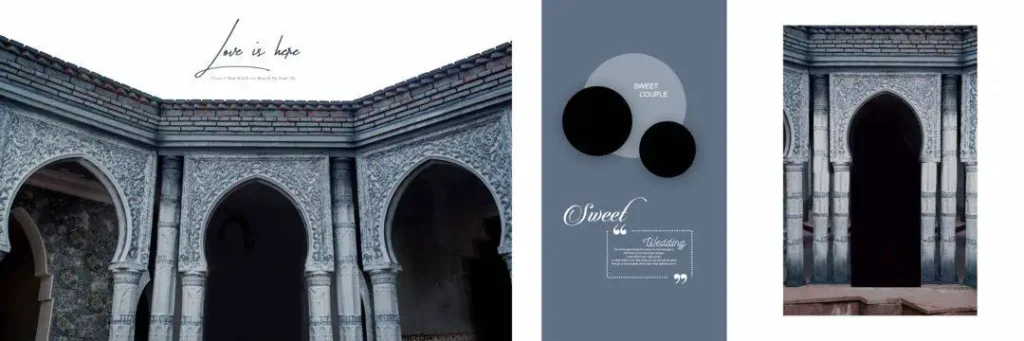
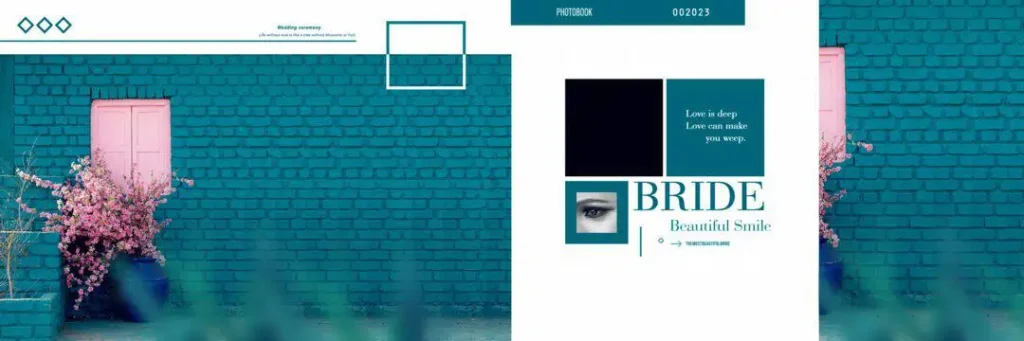
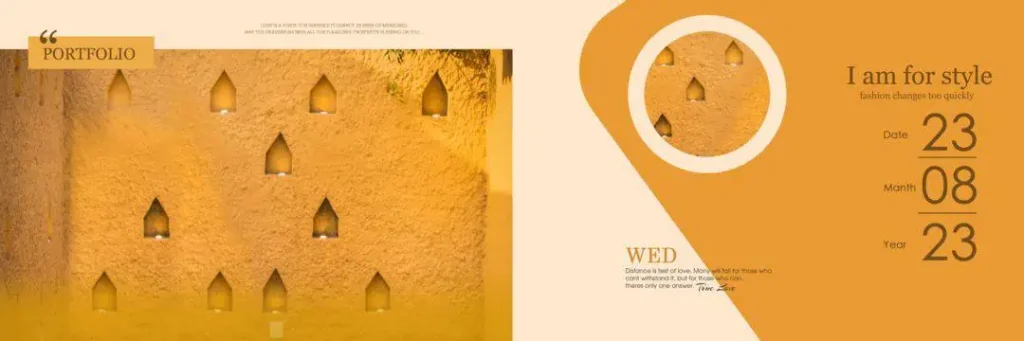
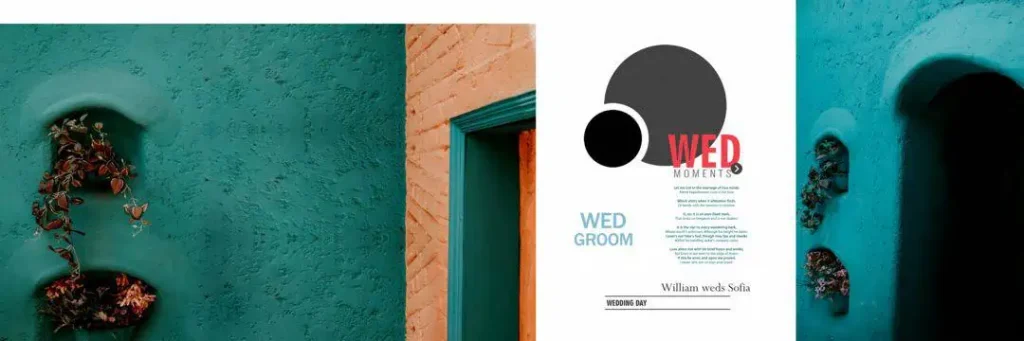
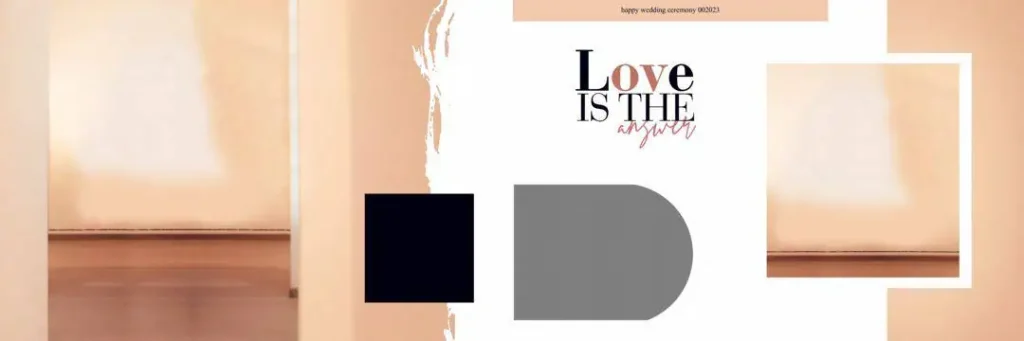
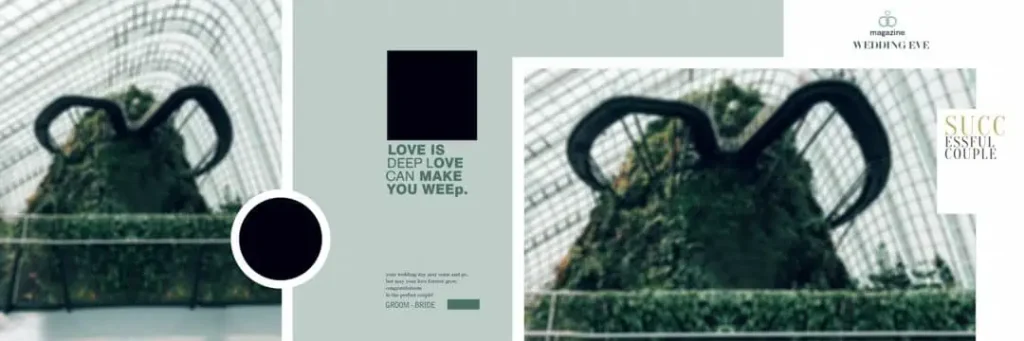
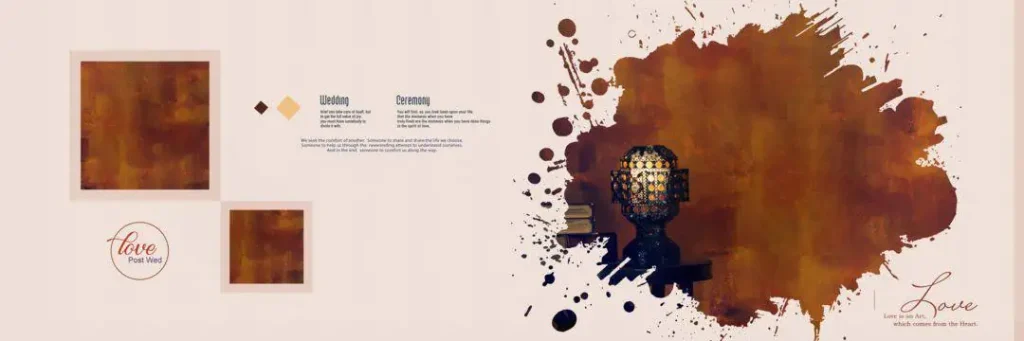
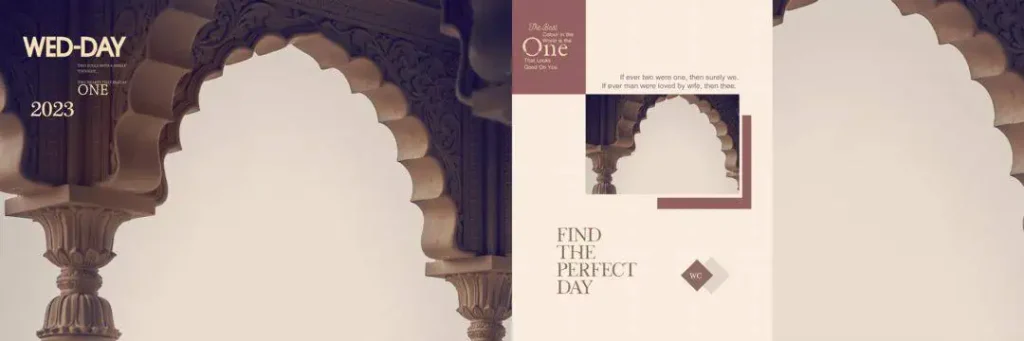
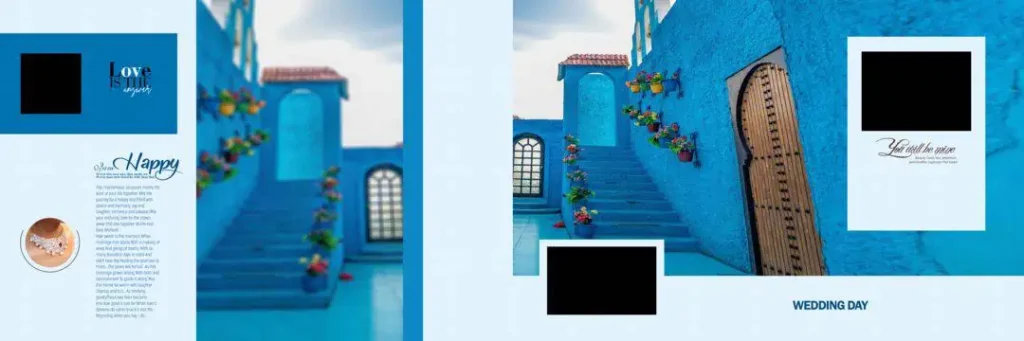
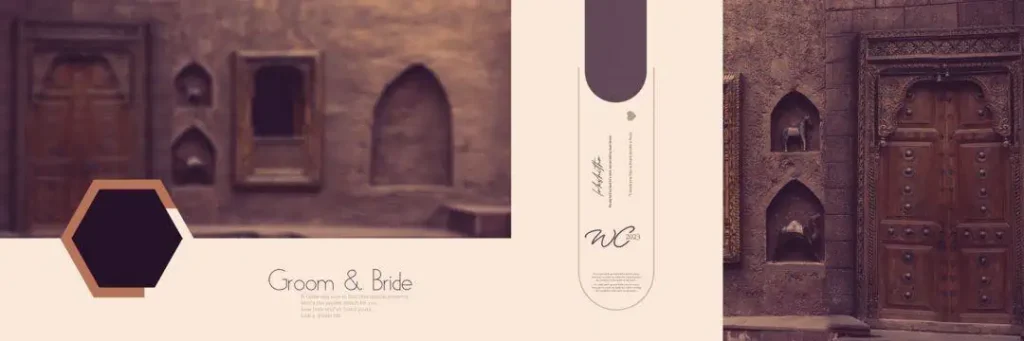
Karizma Album Backgrounds PSD are Photoshop background designs used to create wedding album pages. They provide a visual foundation for arranging photographs, decorative elements, and other design details in an album layout.
A background can include colors, textures, patterns, decorative shapes, or other visual elements. Designers can use these elements to support the photographs while maintaining a consistent style throughout the album.
For Indian wedding photography, backgrounds can help present different occasions such as Mehendi, Sangeet, Baraat, and reception ceremonies. The right background should complement the photographs rather than compete with them.
The PSD format is commonly used in Photoshop-based design workflows. However, the actual editing options depend on the file structure. Some PSD files contain separate layers, while others may have fewer editable elements. Always check the file before assuming that every part can be customized.
#01

#02

#03
#04
#05

#06
#07

#08
#09
#10
Explore Karizma Album Background Designs on PSDPix.com
A well-selected background can help designers maintain visual consistency across wedding album pages. It can also provide a starting point for experimenting with photo placement, color combinations, and decorative details.
When exploring Karizma Album Backgrounds PSD on PSDPix.com, look for designs that match the mood of the photographs and the album’s overall style.
For example, a traditional wedding album may benefit from rich colors and decorative patterns. Couple portraits may work better with softer backgrounds and more open space around the photographs.
The available download page should be checked for confirmed file details, including dimensions, resolution, format, and editing requirements. The supplied brief does not include a verified download URL, file specifications, or license information, so these details should be confirmed before publication.
Designers searching for a 12 * 36 Karizma album background should also verify the document dimensions before using the resource for a specific album project.
#11

#12
#13
#14
#15
How to Use Karizma Album Backgrounds PSD in Photoshop
Using a background in Photoshop involves more than placing photographs on a design. The following workflow can help you prepare an album page while keeping the original resource safe.
1. Download the background file. Visit the confirmed resource page on PSDPix.com and follow its download instructions. Check the file format and any stated requirements before downloading.
2. Extract the archive. If the background is provided in a ZIP file, extract it using your computer’s archive utility. Keep the original ZIP file as a backup.
3. Open the PSD in Photoshop. Open the extracted file in compatible editing software. Check the document dimensions, resolution, color mode, and available layers before editing.
4. Replace or add photographs. Place the selected wedding photographs into the document. If the PSD contains Smart Objects or image placeholder layers, use the available editing method to replace the images.
5. Customize the design. Adjust photo placement, colors, text, and decorative elements according to the album theme. Keep the background balanced so that the photographs remain the main focus.
6. Prepare the final output. Check the document dimensions, image detail, color profile, and printer requirements. Save an editable copy before exporting the final file.
This process can also be adapted for a 12×36 Karizma album PSD, provided the document dimensions and file structure support the intended project.
Organizing Karizma Album Backgrounds for a Faster Studio Workflow
A wedding album project may include photographs from several events. Using backgrounds without a clear workflow can create unnecessary editing work and make it harder to maintain a consistent visual style.
One practical approach is to organize backgrounds according to their intended use. For example, you can keep separate folders for traditional wedding layouts, couple portraits, family photographs, and reception designs.
This organization makes it easier to select a suitable background when working on a new client album.
You can also create a separate working copy of each background. Keep the original PSD unchanged and use the duplicate for photo placement, color adjustments, and other edits. This helps protect the source file and makes it easier to return to the original design.
When working with multiple album pages, maintain a consistent approach to spacing, photo sizes, and decorative elements. A coordinated design can make the complete album feel more organized without making every page look identical.
Practical Tips for Better Karizma Album Background Designs
– Check the actual image dimensions. A background intended for a 12×36 album should match the required document size. Avoid stretching a small image to fill a large print layout.
– Keep photographs visually dominant. Decorative patterns and background textures should support the photographs. Avoid placing busy elements behind important faces or wedding details.
– Confirm the printer’s color requirements. Photoshop documents may use different color modes. Ask the album printer whether RGB or CMYK is required and follow the specified color profile.
– Allow for bleed and binding areas. Important photographs, text, and decorative elements should stay within the printer’s safe area. Confirm the required bleed and center-binding allowance before finalizing the layout.
Frequently Asked Questions
Are Karizma Album Backgrounds PSD free to download?
Download conditions depend on the individual resource. Check the relevant PSDPix.com page for pricing and access information before downloading.
Which software is needed to edit Karizma album backgrounds?
Adobe Photoshop is commonly used for PSD files. Compatibility with other editing software depends on the file structure and the features used in the document.
Can I use Karizma album backgrounds for paid client projects?
Commercial use depends on the applicable license. Review the resource’s terms before using it in a paid wedding album or client project.
What makes a 12×36 Karizma album background useful?
A background designed for a 12×36 layout can provide a starting point for arranging wedding photographs across a wide album spread. Confirm the actual document dimensions before editing.
How can I prepare a Karizma background for album printing?
Check the final dimensions, photograph detail, color profile, bleed, and binding allowance. Follow the album printer’s specifications before exporting the finished design.
Conclusion
Karizma Album Backgrounds PSD can help wedding photographers, album designers, and Photoshop users create attractive album layouts with a more organized workflow. Selecting suitable backgrounds, maintaining balanced photo placement, and checking the document properties are important parts of the design process.
Explore the relevant Karizma Album Design resources on PSDPix.com to find a background that suits your project. Before using a free Karizma PSD background download in a client album, confirm its file details and license terms.