A birthday album is more than a collection of photographs. It brings together special moments, family memories, and the excitement of a celebration. For photographers and graphic designers, creating an attractive album means choosing the right photos, arranging them carefully, and adding creative elements that match the occasion.
A Creative Birthday Album Design helps make this process easier. A well-planned layout gives photographs a clear place, balances decorative elements, and creates a consistent visual style. Whether you are designing a child’s first birthday album or a memorable birthday celebration for an adult, the right design approach can make the final album more personal.
PSDPix.com focuses on graphic design resources for Photoshop users, photographers, and album designers. If you are looking for creative birthday album design PSD free download options, understanding the layout structure and editing process can help you prepare an album that suits your client’s needs.
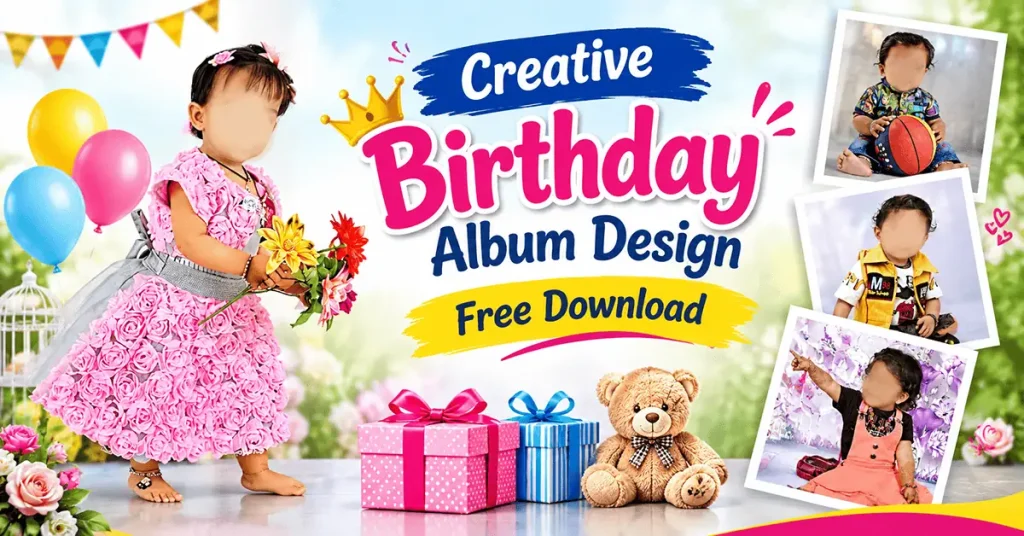
Creative Birthday Album Design
Table of Contents
Creative Birthday Album Design — A Simple Explanation
Creative birthday album design is the process of arranging birthday photographs, text, colors, backgrounds, and decorative elements into an attractive photo album layout. It helps photographers present birthday memories in a structured and visually appealing way.
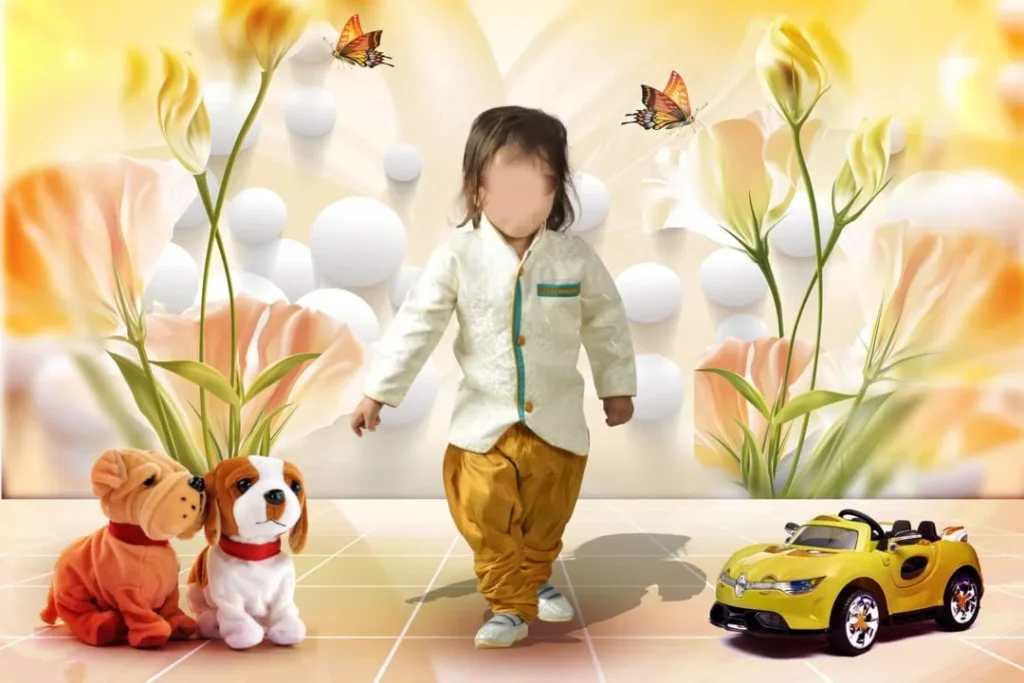
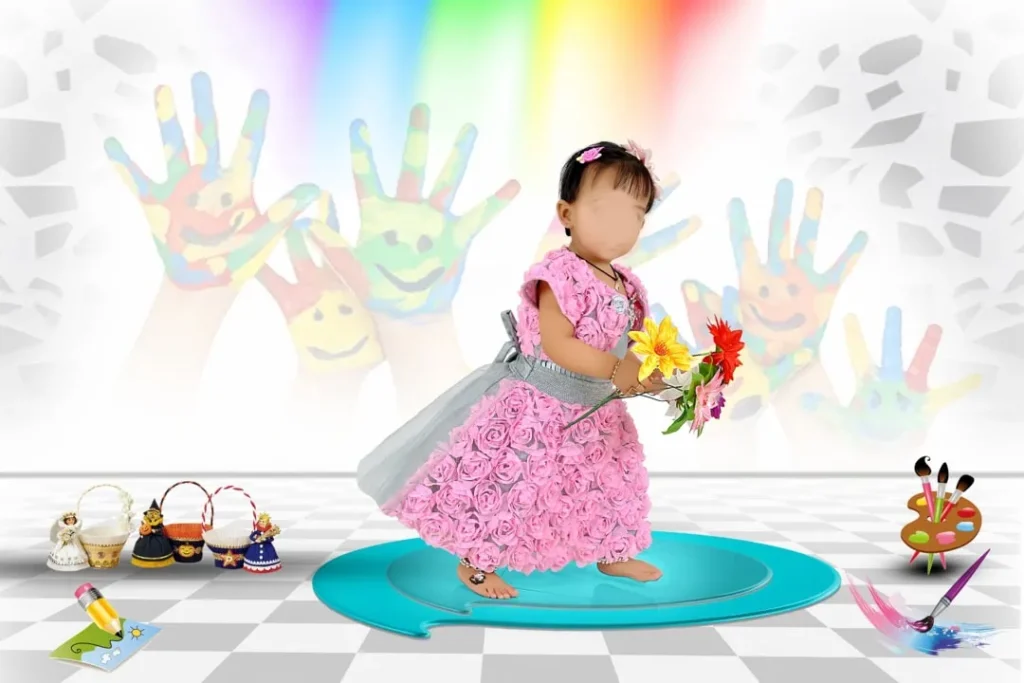
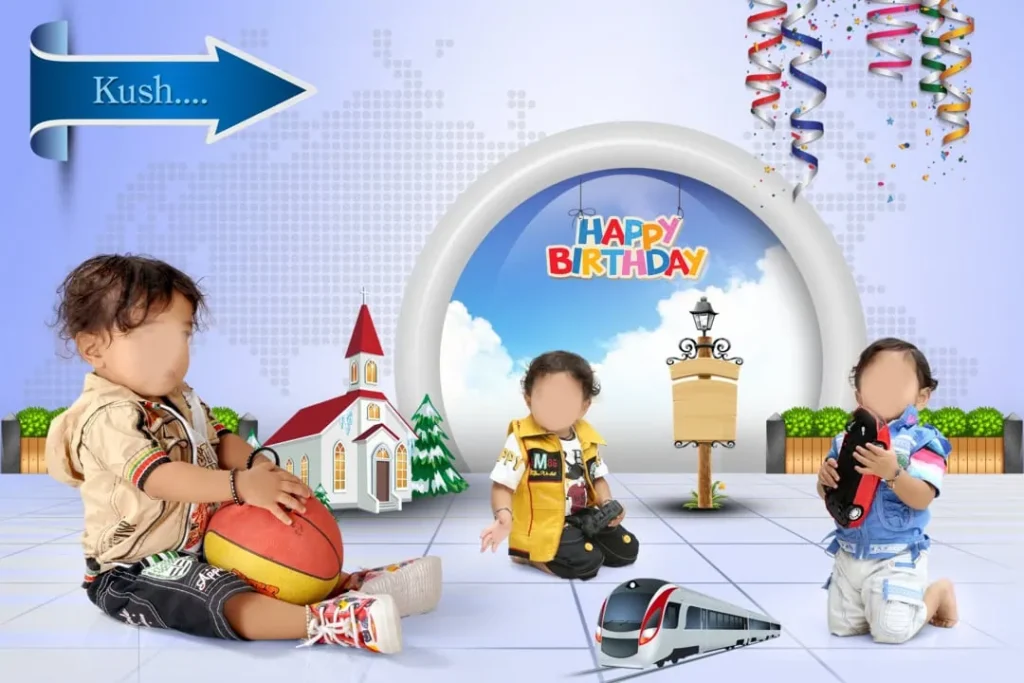
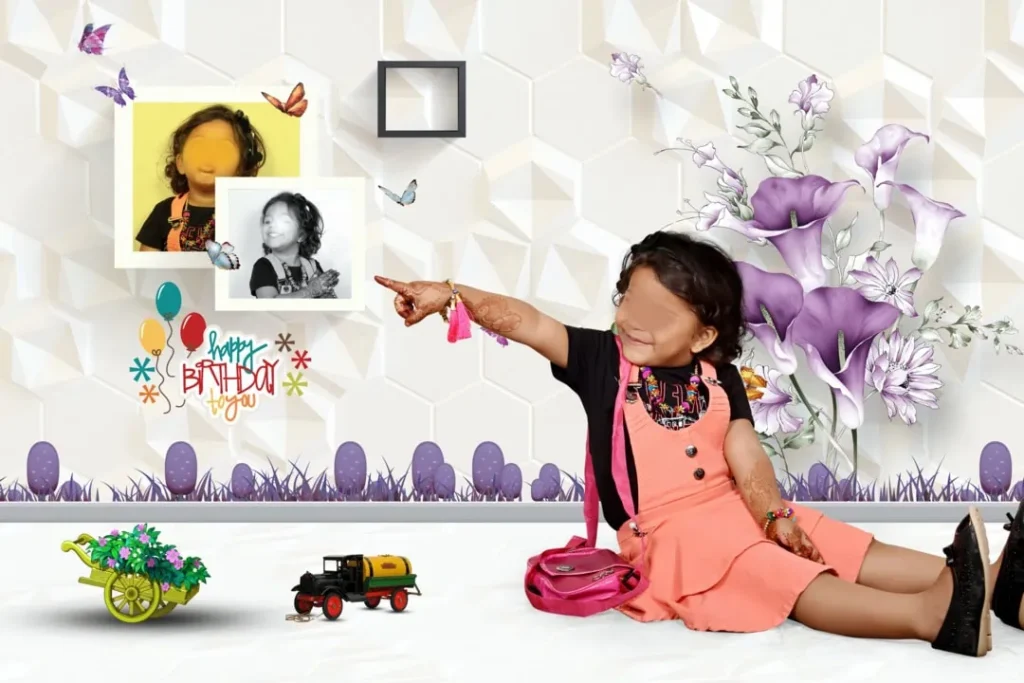
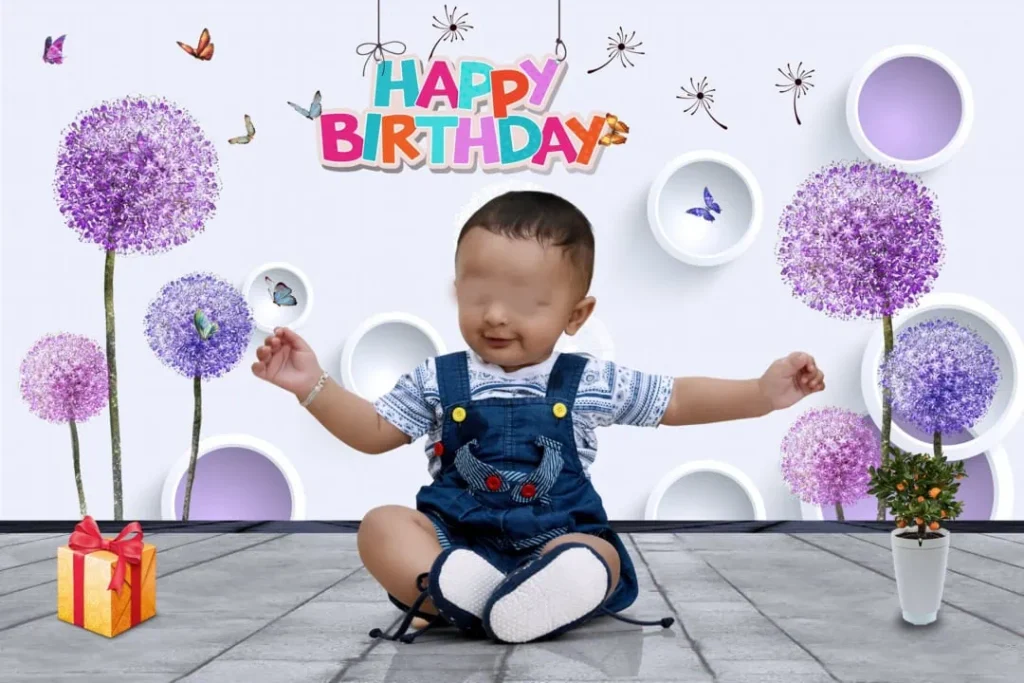
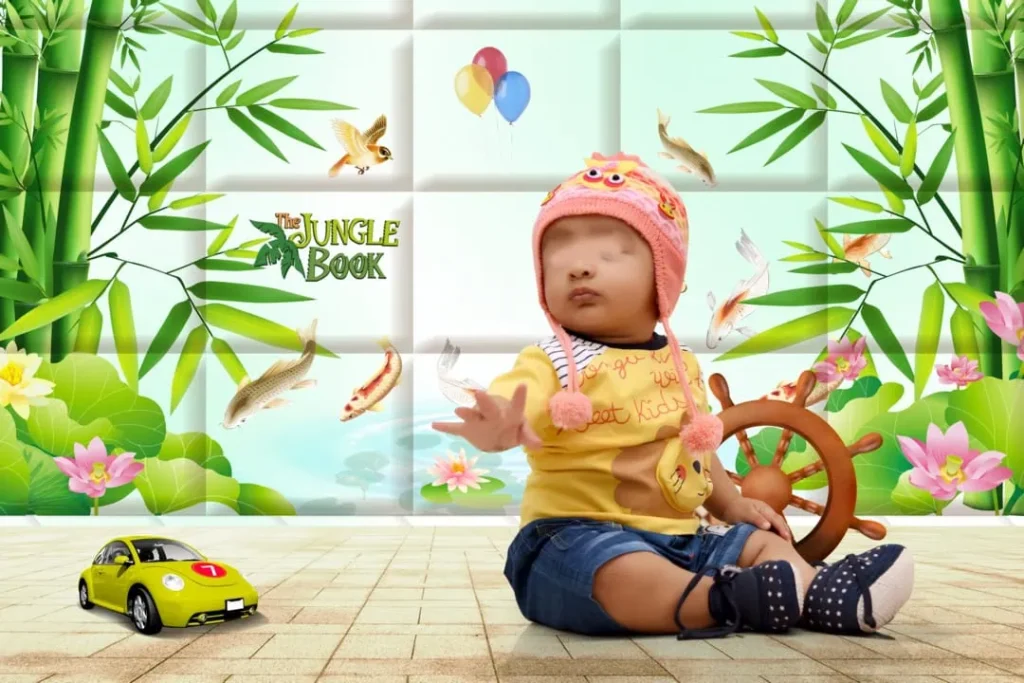
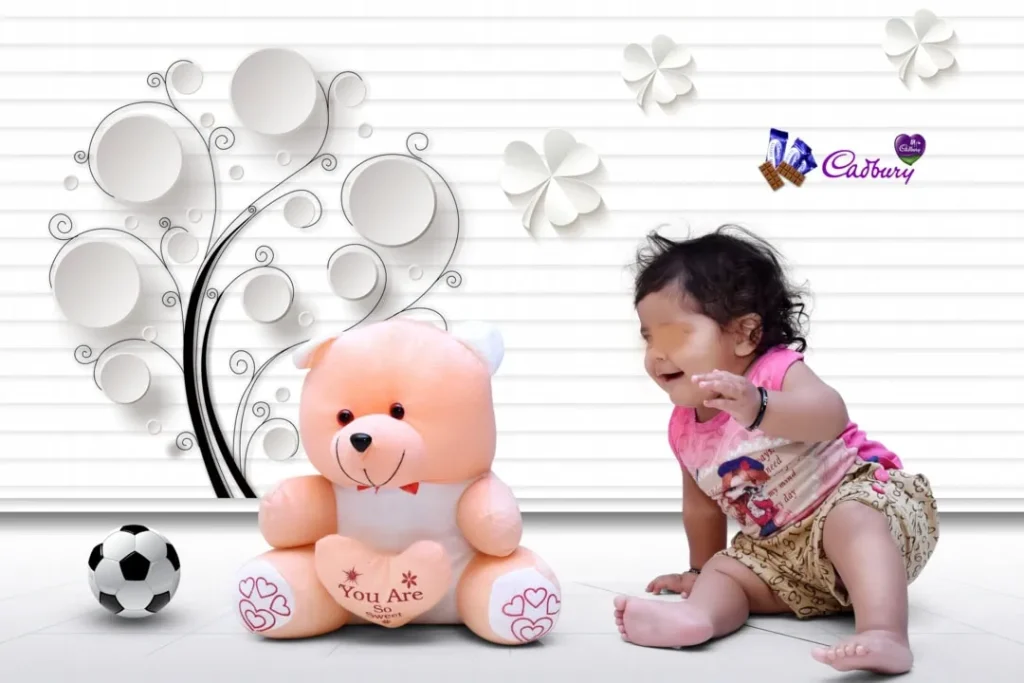
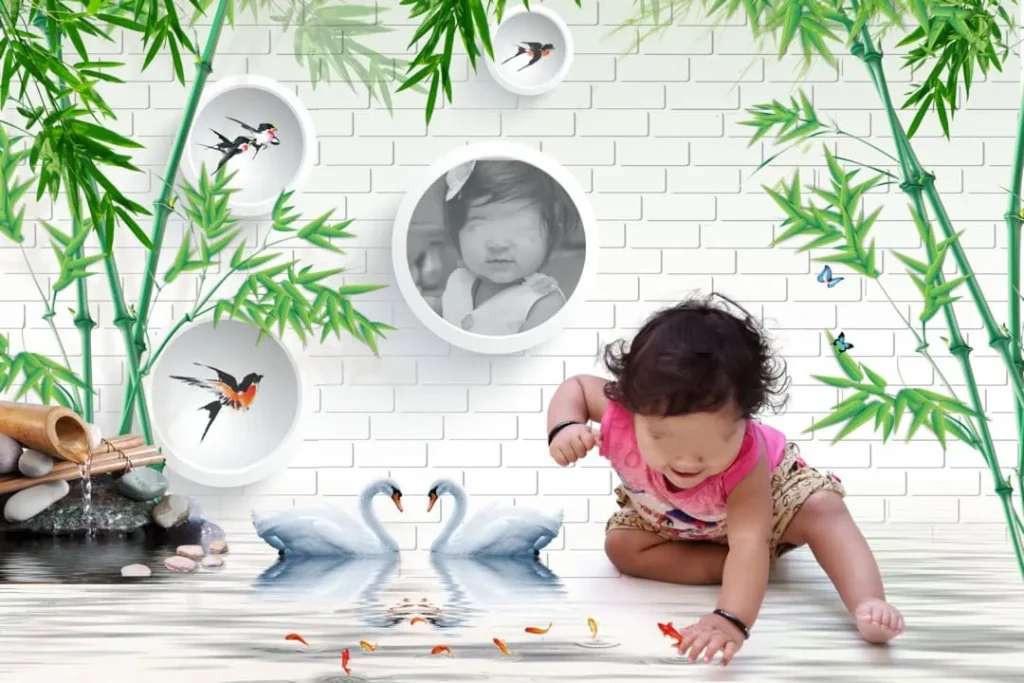
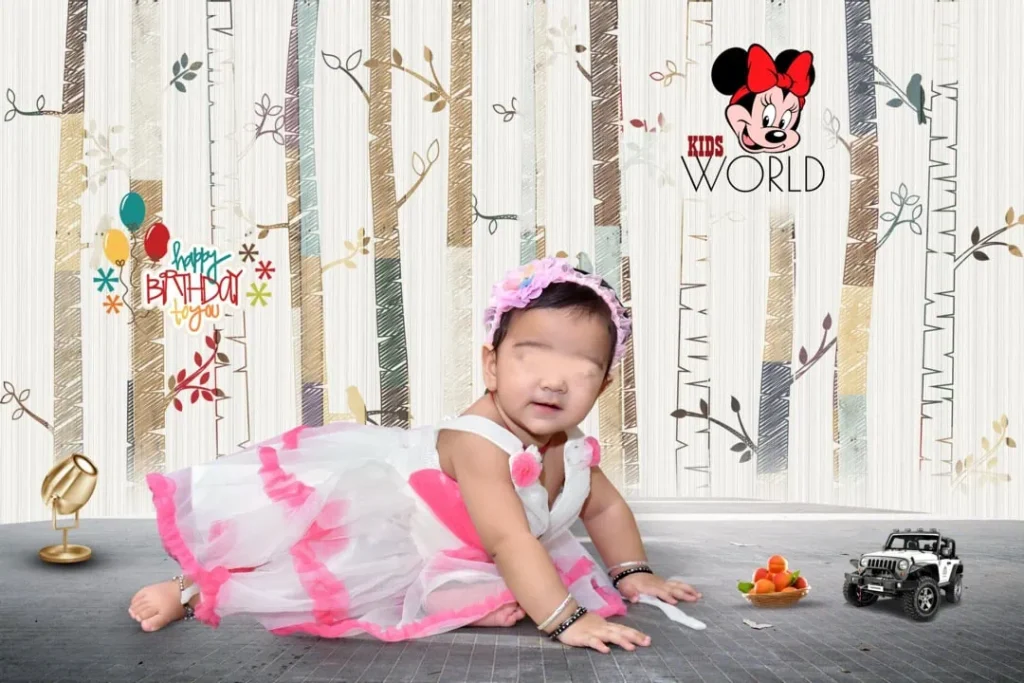
Birthday album designs can include photographs from cake-cutting ceremonies, family gatherings, birthday parties, games, and candid moments. The layout may use a single large photograph, multiple smaller images, or a combination of both.
Photoshop is commonly used for birthday album design because it provides tools for photo adjustment, text editing, background customization, and layout creation. Depending on the file structure, a PSD template may also allow designers to modify individual elements.
A birthday album design 12×18 layout is one format that designers may consider for album projects. However, the actual document dimensions, resolution, and printing requirements should always be checked before editing or exporting the final file.
#01
#02
#03
#04
#05
#06
#07
#08
#09
#10
Explore Birthday Album Design Resources on PSDPix.com
A suitable birthday album design can help reduce the time spent creating layouts from scratch. Designers can focus on selecting photographs, adjusting compositions, and adding personal details instead of building every element from the beginning.
PSDPix.com provides a platform for graphic design resources, including PSD templates and album design-related content. Readers interested in creative birthday album design can explore the relevant resource page to identify a suitable design for their project.
When selecting a birthday album design PSD, consider the occasion and the number of photographs you need to include. A first birthday album may benefit from soft colors and playful decorative elements, while an adult birthday album may look better with a clean layout and a more elegant style.
Before downloading a resource, review the available file details. Check whether the format is PSD, whether the document can be edited in your software, and whether the license permits your intended use.
The exact download URL, file specifications, and license terms have not been provided in the brief. Readers should confirm these details on the individual resource page before using a file for a paid project.
#11
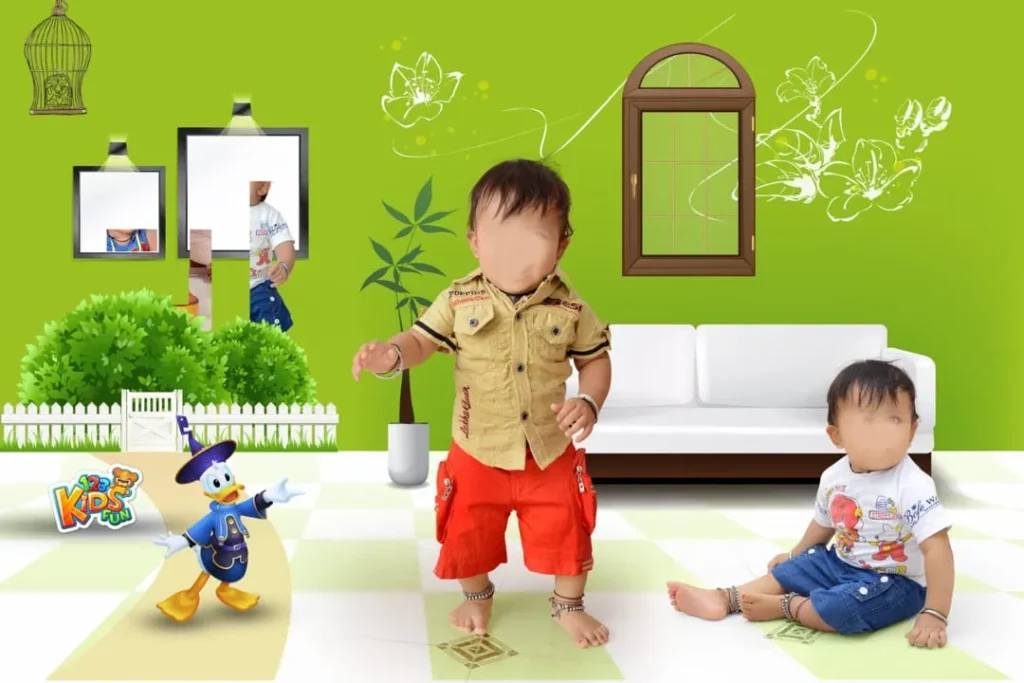
#12
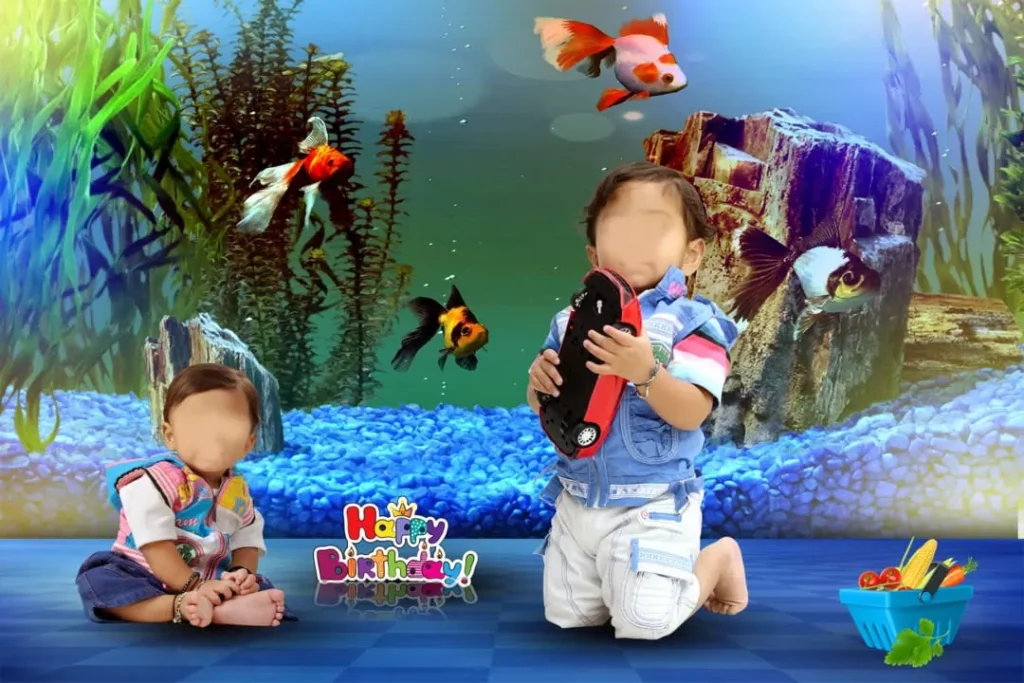
#13
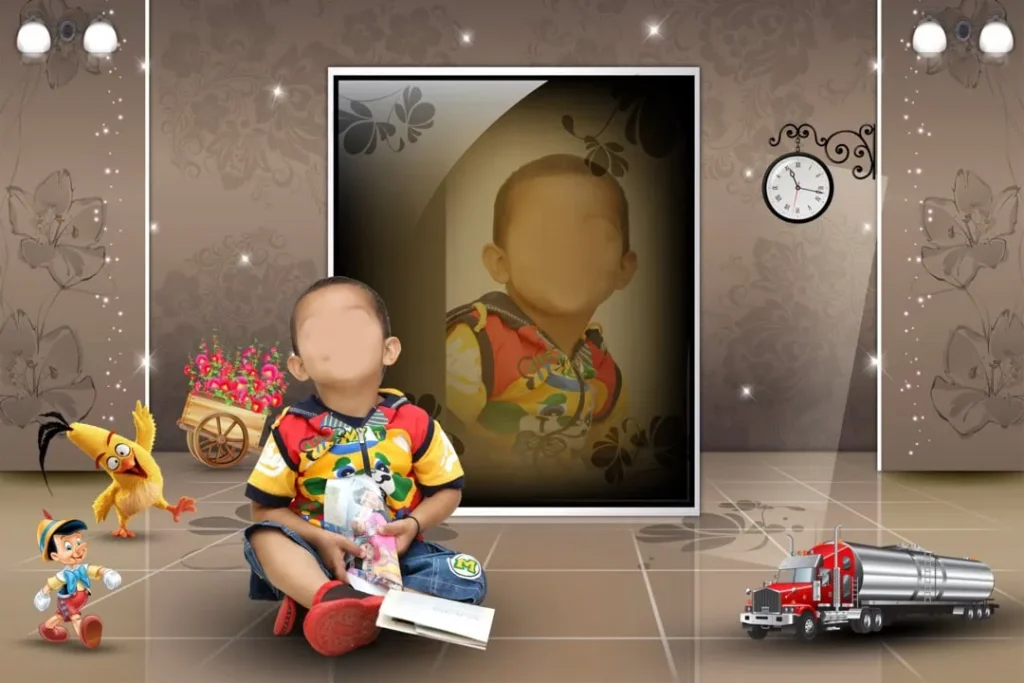
#14
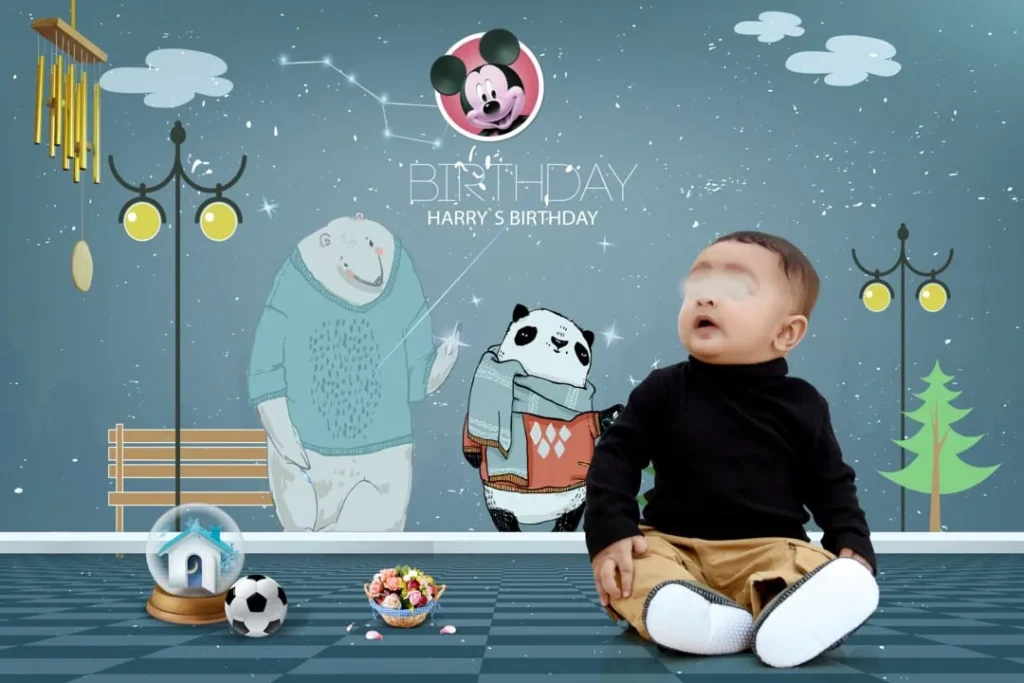
#15
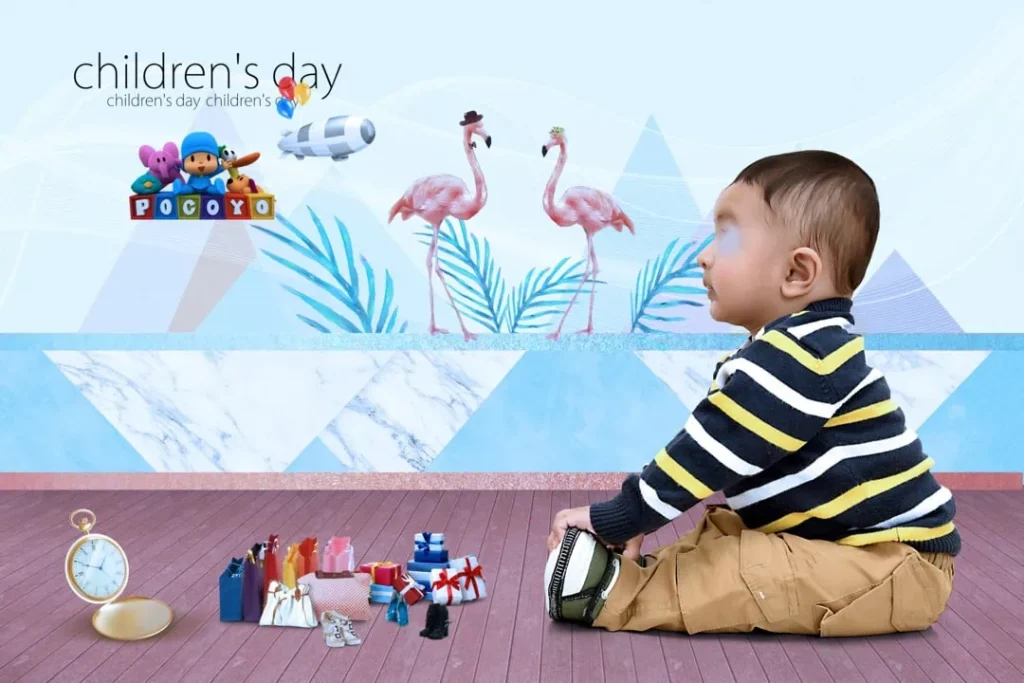
How to Use a Creative Birthday Album Design PSD
A birthday album template can become a useful starting point for a personalized project. Follow these steps to prepare your design.
1. Download the design resource. Visit the relevant PSDPix.com resource page and follow its available download instructions. Confirm the file format and any usage conditions before proceeding.
2. Extract the ZIP archive. If the downloaded resource is supplied in a ZIP file, extract it using a suitable archive utility. Keep the original archive as a backup in case you need it later.
3. Open the PSD file. Open the extracted file in Adobe Photoshop or compatible editing software. Check the document dimensions, resolution, color mode, and available layers before making changes.
4. Replace the birthday photographs. Add your selected birthday images to the layout. If the file contains Smart Objects, you may be able to replace their contents. Otherwise, use the available layers and clipping masks to position photographs correctly.
5. Customize the design elements. Adjust text, colors, backgrounds, and decorative details to match the birthday theme. Include the birthday person’s name, age, or a short message when appropriate.
6. Prepare the final output. Review the complete album for alignment, image quality, spelling, and layout balance. Confirm the printer’s requirements for dimensions, resolution, color profile, and bleed before exporting the final file.
These steps provide a general Photoshop workflow. The exact editing process may vary depending on the structure of the downloaded PSD file.
Learning Birthday Album Design Through Editable Layouts
For new designers, studying an existing album layout can be a useful way to understand visual composition. A birthday album design provides examples of how photographs, decorative elements, and text can work together.
Start by examining how the layout uses space. Notice whether the designer has placed the main photograph in a prominent position or used several images to tell a story. This can help you understand how to guide the viewer’s attention.
You can also study the relationship between colors and photographs. A birthday celebration may include bright decorations, colorful cakes, and different lighting conditions. A consistent background and carefully chosen accent colors can help the album feel more organized.
Creative birthday album design ideas can also come from the photographs themselves. For example, a child’s birthday album may include a sequence of preparation, cake-cutting, family portraits, and candid moments. Arranging these photographs in a natural order can make the album easier to follow.
When learning from a PSD template, avoid changing every element at once. Start with the photograph placement, then adjust typography, colors, and decorative details. This approach helps you understand how each design decision affects the final result.
Practical Tips for Better Birthday Album Results
A thoughtful layout can improve the appearance of a birthday album and make the editing process easier.
– Choose photographs carefully. Select clear images that capture important moments. Avoid using too many similar photographs on the same page.
– Maintain a consistent visual style. Use a suitable color palette, font combination, and decorative approach throughout the album.
– Keep important details readable. Birthday names, ages, dates, and messages should remain easy to read, even when the layout contains several photographs.
– Check the final document before printing. Confirm the album dimensions, image resolution, color profile, and printer-specific bleed requirements. Save an editable backup before exporting the final version.
These practices are useful for both personal birthday albums and professional photo studio projects.
Frequently Asked Questions
Are creative birthday album design PSD files free to download?
Download conditions depend on the individual resource. Check the relevant PSDPix.com page to confirm whether the file is free, requires registration, or has other download conditions.
Which software is needed to edit a birthday album PSD?
Adobe Photoshop is commonly used to edit PSD files. Compatibility with other software depends on the file’s features, layers, and effects.
Can I use a birthday album design for paid client projects?
Commercial use depends on the applicable license. Review the resource’s terms before using it in a paid photography or album design project.
What makes a creative birthday album design useful?
A well-organized design helps present birthday photographs in an attractive way. It can also provide a useful starting point for customizing layouts with personal details and decorative elements.
How can I prepare a birthday album for printing?
Check the final document dimensions, image resolution, color profile, and printer-specific bleed requirements. Export the file in the format requested by your album printing service.
Conclusion
A Creative Birthday Album Design can help photographers and graphic designers turn birthday photographs into a memorable visual story. By choosing suitable layouts, organizing photographs carefully, and customizing colors and text, you can create an album that reflects the personality of the celebration.
If you are searching for creative birthday album design PSD free download resources, explore the relevant collection on PSDPix.com. Review the file specifications and license terms before downloading, then customize the design to suit your project and prepare the final album according to your printer’s requirements.