Birthday photography projects often come with tight deadlines. After a birthday celebration, photographers need to select the best pictures, arrange them into attractive album pages, and prepare the final design for printing. Creating every page from scratch can take a lot of time, especially when several client projects are waiting.
A 12X36 Birthday Album PSD can help designers organize birthday photographs into a wide album layout. This format is useful for creating memorable birthday albums for children, adults, and family celebrations. A well-planned layout helps bring together portraits, candid moments, decorations, and special memories.
For photographers, graphic designers, and photo studio owners, PSDPix.com is a resource for exploring creative design ideas. Before selecting a template, it is important to understand the layout format, editing process, and print preparation requirements. These details help you create a birthday album that matches your client’s expectations.
12X36 Birthday Album PSD
Table of Contents
12X36 Birthday Album PSD — A Wide Layout for Birthday Memories
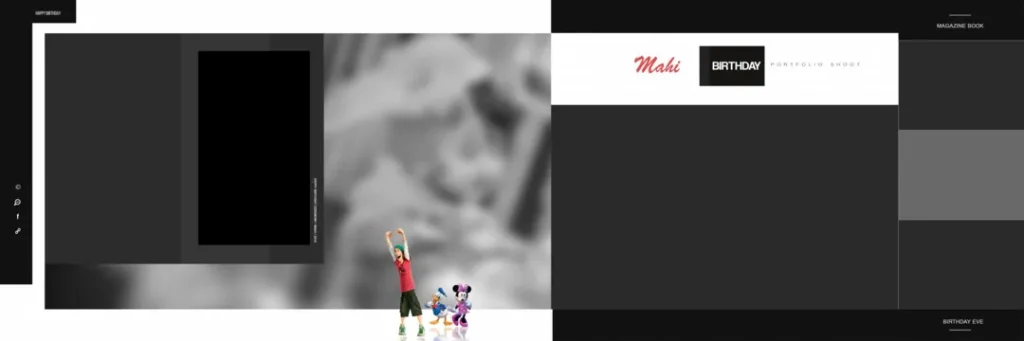
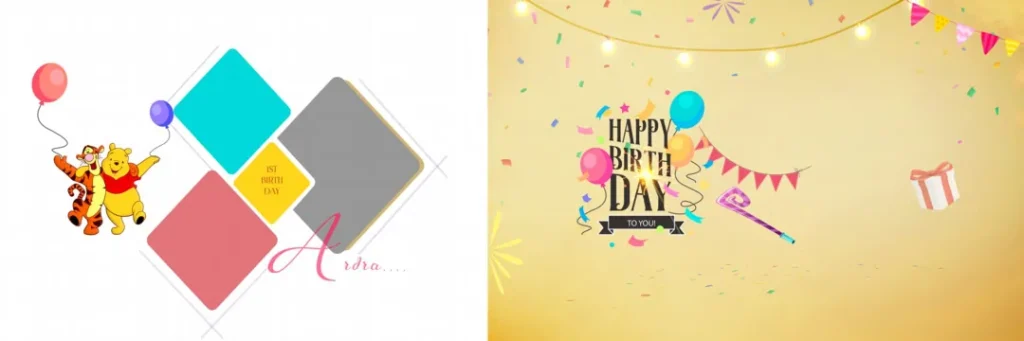
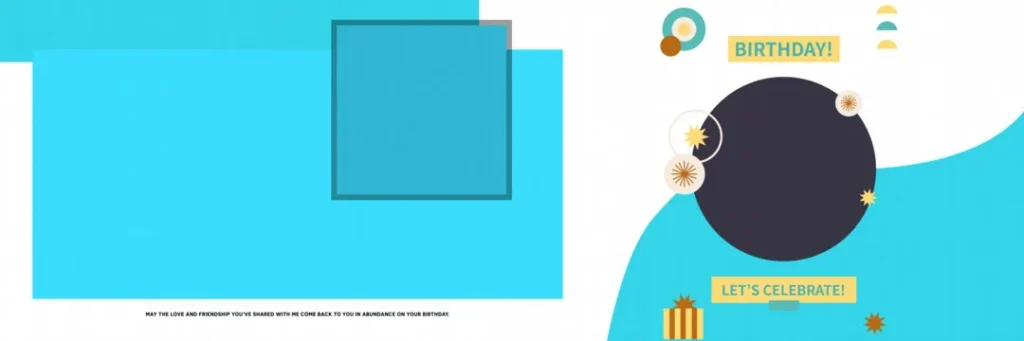
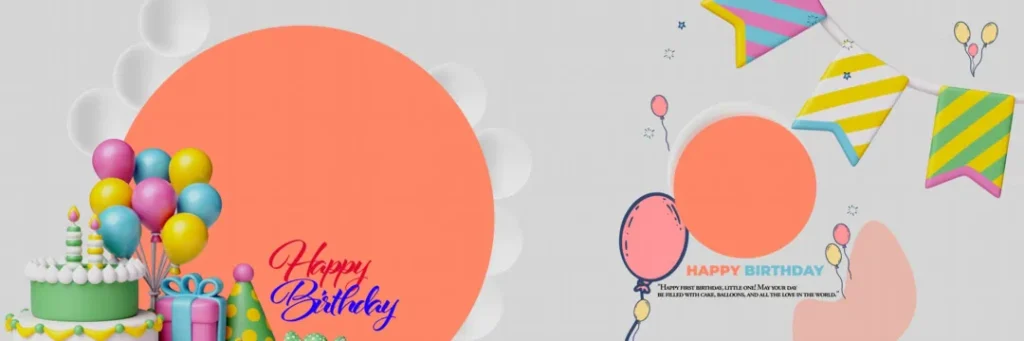
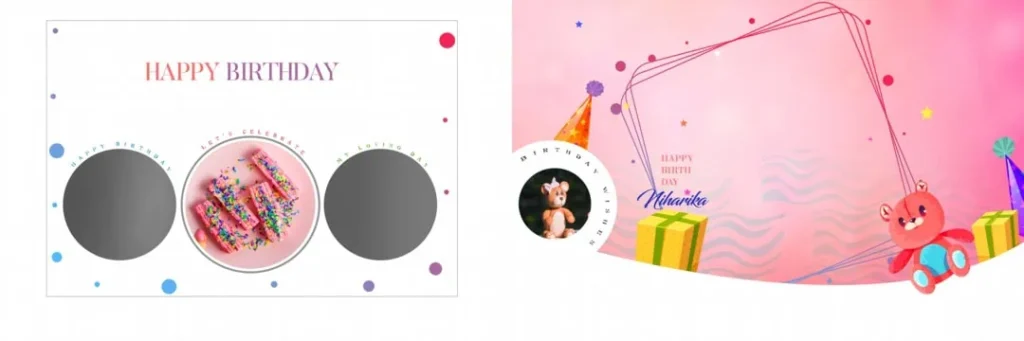
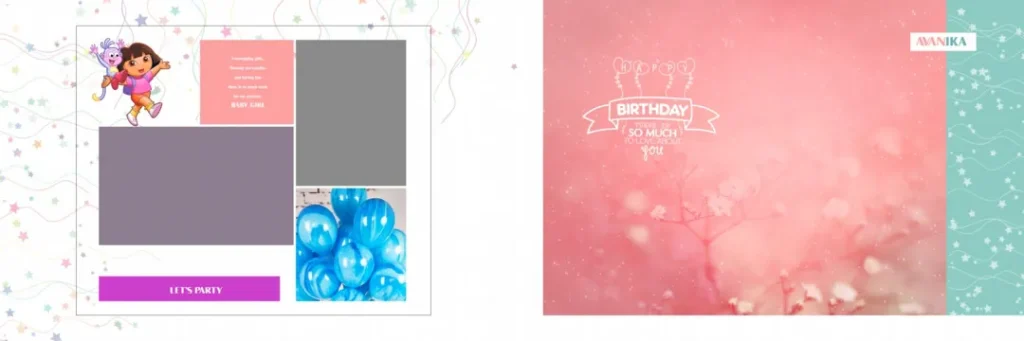
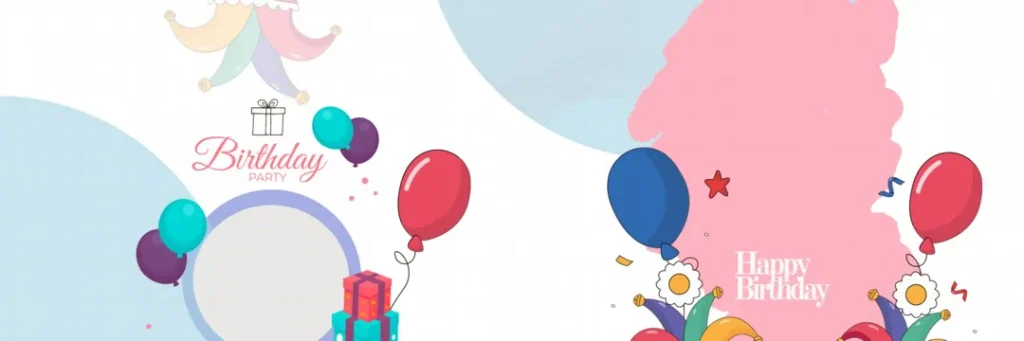
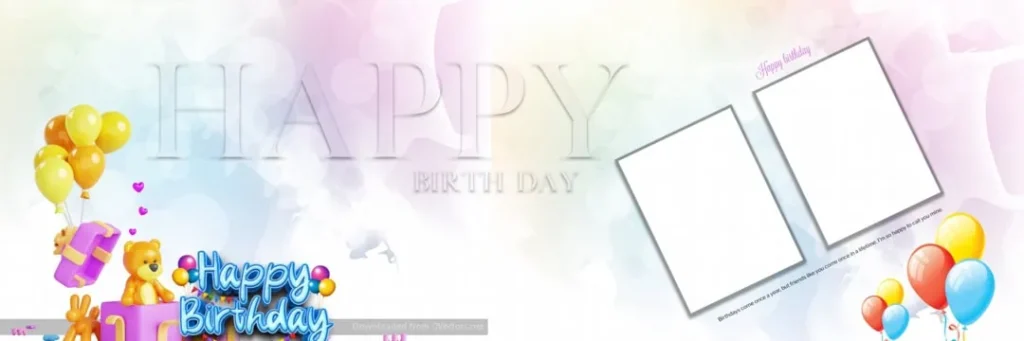
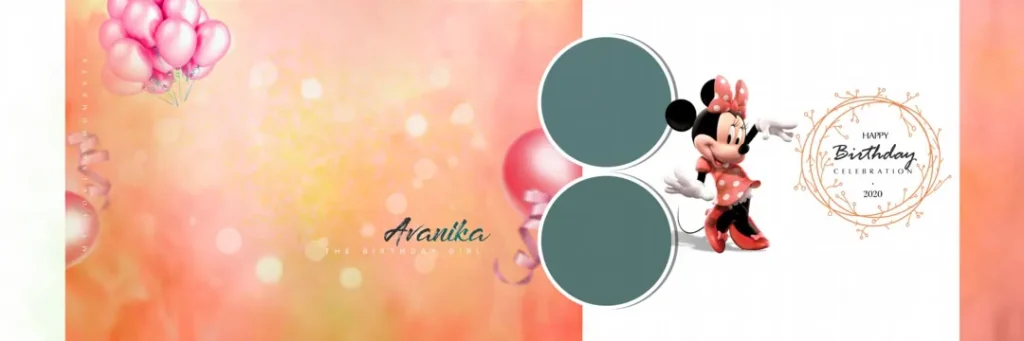
A 12X36 Birthday Album PSD is a Photoshop document intended for designing wide birthday album spreads. The 12X36 format is commonly used for panoramic album layouts, allowing designers to arrange multiple photographs across a single spread.
Birthday albums often include cake-cutting photographs, family portraits, party decorations, and candid moments. A wide layout provides space to combine these images while maintaining a clear visual flow.
The PSD format can support flexible editing, depending on how the original file is structured. Designers may be able to adjust photographs, text, colors, backgrounds, and decorative elements. However, the available editing features depend on the actual document.
A 12×36 birthday album cover page PSD template can also help designers create a coordinated cover for the album. The cover should reflect the celebration while keeping the birthday person’s name, age, and other details easy to read.
#01
#02

#03

#04
#05

#06
#07
#08
#09

#10
Explore Birthday Album Design Resources on PSDPix.com
Birthday album design requires a balance between creativity and simplicity. A layout should highlight important photographs without making the page feel crowded.
When exploring birthday album design resources on PSDPix.com, look for layouts that suit the photographs and the client’s preferred style. A child’s birthday album may include playful colors and decorative elements, while an adult birthday album may use a cleaner and more elegant design.
The 12×36 birthday album PSD format can be useful for:
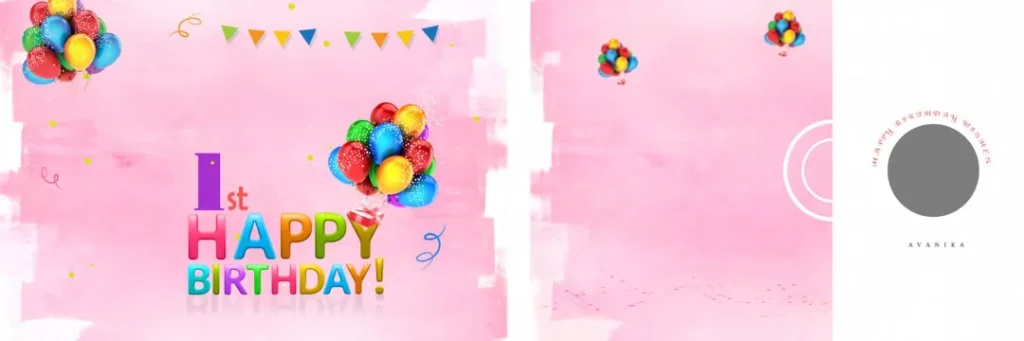
- First birthday photography albums.
- Birthday celebrations for children.
- Family birthday photo collections.
- Milestone birthday albums.
- Birthday party photography projects.
The supplied brief does not include a confirmed download URL, file specifications, or license terms. Check the individual resource page for availability, document dimensions, resolution, software requirements, and usage conditions before downloading or using a design for paid client work.
#11
#12
#13
#14

#15
How to Use a 12X36 Birthday Album PSD
A Photoshop birthday album template can help simplify the design process. Follow these steps when working with a compatible PSD resource.
1. Download the file. Visit the confirmed resource page on PSDPix.com and follow the available download instructions. Check the file format and download conditions before proceeding.
2. Extract the archive. If the resource is provided as a ZIP file, extract it using a suitable archive utility. Keep the original archive as a backup in case you need to access it again.
3. Open the PSD file. Open the document in Adobe Photoshop or another compatible editor. Review the document properties, including width, height, resolution, and color mode. Confirm that the file matches your intended album format.
4. Replace the photographs. Select the available image layers and replace the sample photographs with the client’s birthday pictures. If the file uses Smart Objects, follow the appropriate editing method. Otherwise, use the available image layers.
5. Customize the design. Adjust text, colors, photo placement, and decorative elements. Add the birthday person’s name, age, or a short message where appropriate. Keep the layout consistent across the album.
6. Prepare the final output. Review the complete design, check image quality, and confirm the printer’s requirements. Save an editable PSD backup and export the final version in the format requested by the printing service.
Following this process can help reduce editing mistakes and keep the birthday album project organized.
Managing Birthday Album Projects Under Tight Deadlines
Photo studios often handle several birthday album projects at the same time. Each client may have different photographs, color preferences, and delivery expectations. A reusable design resource can help reduce repetitive work, but the final album still needs careful customization.
Start by organizing the photographs before opening the template. Separate portraits, family pictures, cake-cutting moments, and group photographs into folders. This makes it easier to select suitable images for each spread.
Next, plan the album’s visual flow. The opening pages can introduce the birthday celebration, while the middle spreads can highlight important moments. The final pages can include family photographs or a memorable closing image.
When working with a 12×36 PSD birthday album, avoid placing too many photographs in one spread. A few well-selected images can create a stronger visual impact than a crowded arrangement.
Design consistency also matters. Use similar spacing, text styles, and color combinations across the album. This helps the pages feel connected while allowing important photographs to stand out.
A prepared workflow can make album editing more manageable, especially when a studio needs to deliver several client projects within a short period.
Practical Tips for Better Birthday Album Designs
– Check the actual image resolution. Confirm that the photographs contain enough pixel detail for the final print size. A resolution setting alone cannot improve a low-quality image.
– Keep important details away from the edges. Names, faces, and essential design elements should remain within the printer’s safe area. Confirm the required bleed and binding margins before finalizing the layout.
– Choose colors that suit the celebration. Bright colors can work well for children’s birthdays, while softer or more restrained colors may suit other occasions. Keep text readable against the background.
– Save an editable backup. Keep the original PSD file before making major changes. This allows you to revise photographs, text, and other elements if the client requests adjustments.
Frequently Asked Questions
Are 12X36 Birthday Album PSD files free to download?
Download conditions depend on the individual resource. Check the relevant PSDPix.com page for confirmed pricing, access requirements, and any applicable download restrictions.
Which software is needed to edit a birthday album PSD?
Adobe Photoshop is commonly used to edit PSD files. Other applications may support the format, but compatibility with layers, effects, and Smart Objects can vary.
Can I use a birthday album PSD for paid client projects?
Commercial usage depends on the applicable license. Review the individual resource’s terms before using it in a paid photography or design project.
What makes the 12X36 format useful for birthday albums?
The wide layout provides space to arrange multiple photographs across a spread. It can be useful for combining portraits, candid moments, and birthday celebration details.
How can I prepare a 12X36 birthday album for printing?
Check the document dimensions, image resolution, color profile, bleed, and binding requirements. Follow the printing service’s specifications before exporting the final album.
Conclusion
A 12X36 Birthday Album PSD can help photographers and graphic designers create attractive birthday photo albums with an organized workflow. The wide format provides room for memorable photographs, creative compositions, and personalized birthday details.
Explore the relevant birthday album design resources on PSDPix.com to find a suitable starting point for your next project. Before downloading, confirm the file details and license terms. With thoughtful photo selection, careful customization, and proper print preparation, you can create a birthday album that preserves special memories in a meaningful way.