When a photo studio receives several wedding album projects at once, creating a fresh background for every page can take a lot of time. Designers need suitable colors, textures, and decorative elements that match the photographs without making the layout look crowded. A ready-made PSD background can help simplify this process.
A PSD file background for Photoshop gives designers a starting point for creating attractive photo compositions. It can be useful for wedding albums, pre-wedding photoshoots, studio portraits, invitations, and other graphic design projects. The right background helps bring the photographs and decorative elements together.
PSDPix.com provides a platform focused on graphic design resources, including Photoshop backgrounds and wedding album designs. In this article, you will learn what PSD backgrounds are, how to select a suitable design, and how to customize a background for your creative projects.
PSD File Background for Photoshop
Table of Contents
PSD File Background for Photoshop — A Useful Design Resource
A PSD file background for Photoshop is a background design saved in Adobe Photoshop’s PSD document format. It can be used as a visual base for photo editing, album layouts, posters, and other creative compositions.
PSD backgrounds may include colors, patterns, textures, decorative shapes, or other design elements. Depending on the actual file structure, some backgrounds may contain separate editable layers, while others may use a single background layer.
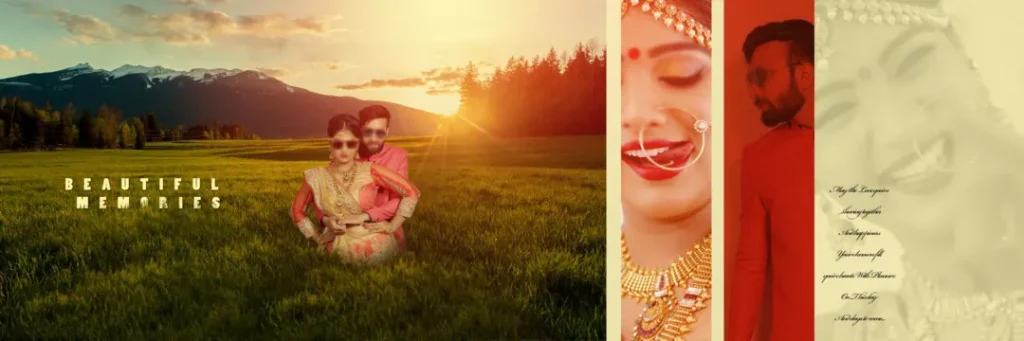
For wedding photographers and album designers, backgrounds can help create a consistent visual style across different pages. A floral background may suit a traditional wedding album, while a simple textured background may work better for modern portraits.
The best background is not always the most detailed one. It should support the subject, keep important photographs visible, and match the purpose of the final design.
#01
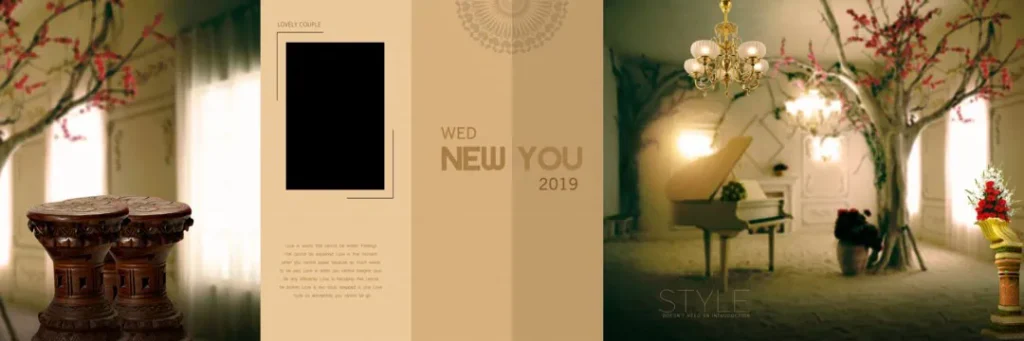
#02
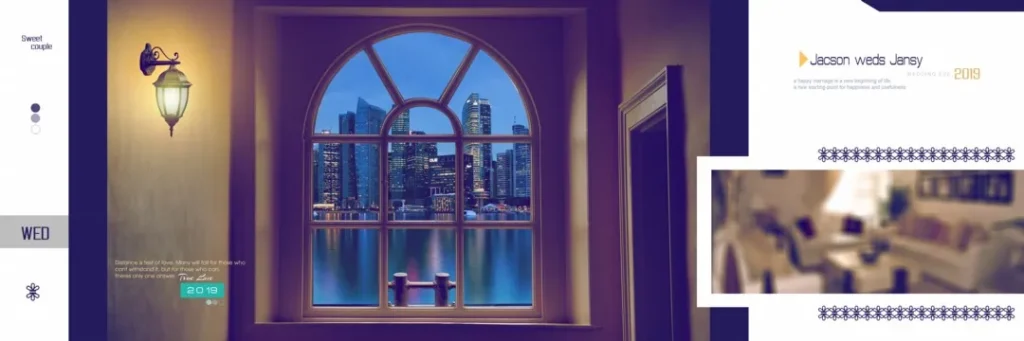
#03

#04
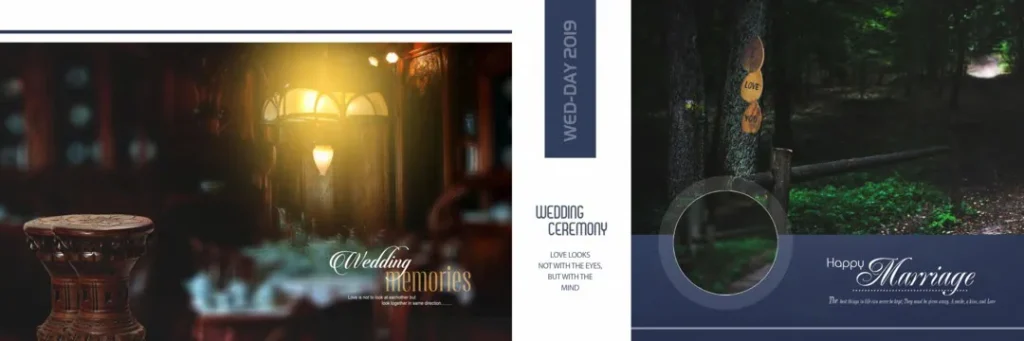
#05

#06

#07

#08

#09

#10

Explore Photoshop Background Resources on PSDPix.com
Choosing a suitable background is an important part of creating an appealing design. A background should complement the photographs instead of competing with them.
PSDPix.com focuses on creative resources for Photoshop users, including background designs and wedding album design materials. Visitors looking for a PSD file background template can explore the relevant resource pages and review the available designs.
When selecting a background, consider the following points:
- Design style: Choose a background that matches the mood of your photographs.
- Color combination: Look for colors that complement the subject and clothing.
- Layout requirements: Make sure the background suits your intended composition.
- Editing flexibility: Check whether the available file structure supports the changes you need.
- Usage terms: Review the individual resource’s download conditions and license information.
If you are searching for a PSD file background for Photoshop free download, check the resource page for the actual download conditions. Do not assume that every downloadable design is free for commercial use.
#11

#12
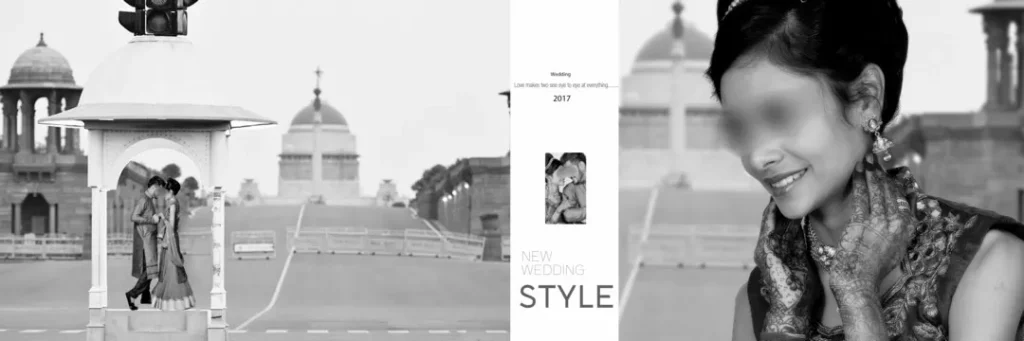
#13

#14
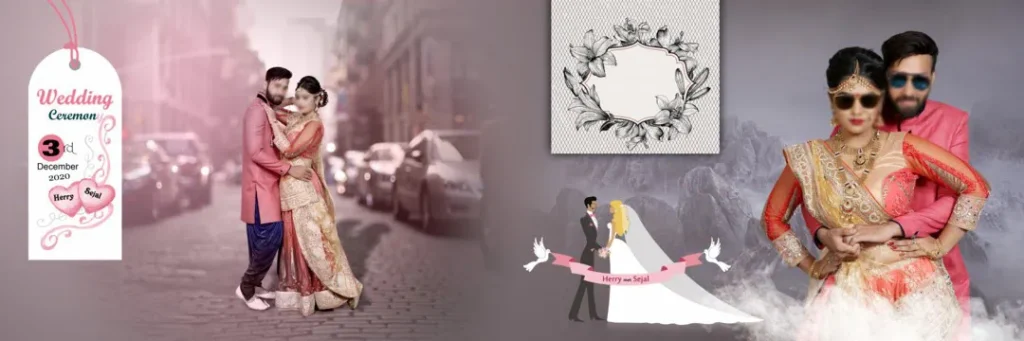
#15

#16

#17
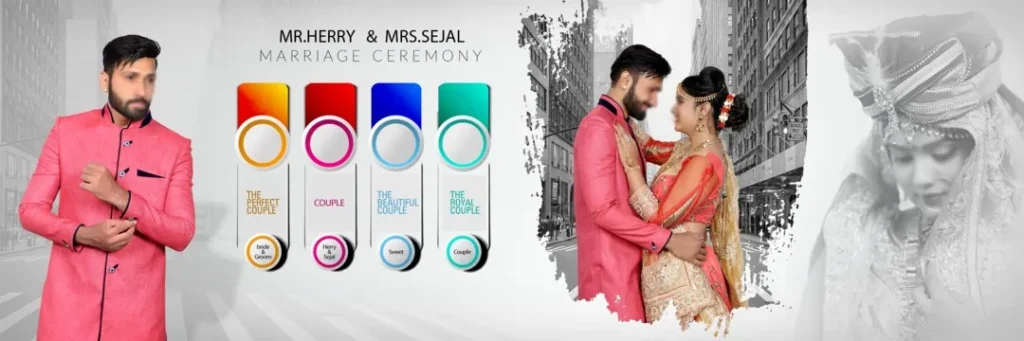
#18

#19

#20
How to Download and Edit a PSD Background in Photoshop
Using a background in Photoshop involves more than opening a file. You should also check its properties and adjust the composition to suit your project.
Follow these six steps when the selected resource is supplied as a PSD file.
1. Download the background file. Visit the relevant PSDPix.com resource page and follow its available download instructions. Check the file description before downloading so you know what format is provided.
2. Extract the archive if required. If the downloaded resource is supplied as a ZIP file, extract it using a compatible archive utility. Locate the PSD file and any accompanying instructions.
3. Open the file in Photoshop. Launch Adobe Photoshop and open the PSD document. Review the document dimensions, image resolution, and available layers before making changes.
4. Add your photographs. Place your selected images into the composition. If the document contains editable layers or Smart Objects, use them according to the file structure. Otherwise, add your photographs using suitable Photoshop tools.
5. Customize the background. Adjust colors, text, decorative elements, and image placement where editing is supported. Keep the main subject clear and avoid adding too many visual elements.
6. Prepare the final design. Check the document dimensions, image quality, and color settings. Save an editable copy before exporting the final image in the format required for your project or printer.
These steps provide a general workflow. The exact editing process depends on the structure of the selected PSD file.
How PSD Backgrounds Help New Designers Improve Their Skills
A ready-made background can also be a useful learning resource for someone developing Photoshop skills.
New designers often find it difficult to balance photographs, colors, and decorative elements. Studying an existing background can help them understand how different visual elements work together.
For example, a wedding album design may use a soft texture behind a couple’s portrait. The designer can observe how the background supports the photograph and then experiment with similar techniques in a new composition.
Working with different backgrounds also helps designers understand visual hierarchy. A strong composition directs attention toward the most important subject. This is especially useful when creating wedding albums, where photographs often carry emotional meaning.
Designers should avoid copying every element without considering the purpose of the project. Instead, use the background as a starting point and make thoughtful changes to suit the photographs and client requirements.
Practical Tips for Better Photoshop Background Designs
A suitable background can improve the overall appearance of a design, but careful editing is still important.
– Check the document dimensions before editing. Make sure the background fits your intended layout. Changing the canvas size may affect the placement of existing elements.
– Keep the photographs as the main focus. Avoid using strong patterns or bright decorations behind important faces and wedding portraits.
– Review color and contrast. A background should help photographs remain clear. Adjust the design if the subject blends into the surrounding colors.
– Save an editable backup. Keep a separate PSD copy before making major changes. This allows you to return to the original composition if needed.
For wedding album printing, also confirm the printer’s color profile, bleed requirements, and binding area before preparing the final output. These details depend on the album format and the printing service.
Frequently Asked Questions
1. What is a PSD file background for Photoshop?
A PSD background is a Photoshop document used as a visual base for creative projects. It may contain colors, textures, patterns, and decorative elements that support photographs or other design content.
2. Are PSD backgrounds free to download?
Download conditions vary by resource. Check the individual PSDPix.com resource page to confirm whether a background is available for free or requires another type of access.
3. Which software is needed to edit PSD backgrounds?
Adobe Photoshop is commonly used to edit PSD documents. Other applications may support PSD files, but compatibility with layers, effects, and specific features can vary.
4. Can I use PSD backgrounds for paid client projects?
Commercial use depends on the license provided with the resource. Review the applicable terms before using a background in paid wedding albums, advertisements, or other client work.
5. How do I choose a background for a wedding album?
Choose a background that matches the wedding theme, complements the photographs, and supports the album layout. Check the document dimensions and printing requirements before preparing the final design.
Conclusion
A PSD file background for Photoshop can help designers create attractive compositions for wedding albums, portraits, and other creative projects. By selecting a suitable background and making thoughtful adjustments, you can improve the visual balance of your design while developing your Photoshop skills.
Explore the relevant background resources on PSDPix.com to find a design that suits your next project. Whether you are looking for a PSD file background template or HD background PSD files free download options, review the available file details and usage terms before starting your work.