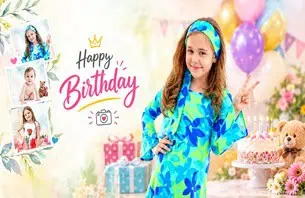
Creating a birthday album in Photoshop can feel difficult when you are new to photo album design. You may have beautiful photographs from a birthday celebration, but arranging them into an attractive layout requires planning, creativity, and a clear understanding of composition. A Birthday Album Design PSD can provide a useful starting point for this process.
Birthday albums are more than collections of photographs. They preserve special moments, including cake cutting, family gatherings, decorations, and birthday portraits. A well-designed album helps these memories look organized and enjoyable to revisit.
PSDPix.com focuses on Photoshop templates, album designs, and creative resources for designers. If you are exploring birthday album design, understanding the format, editing process, and layout techniques can help you create more appealing designs for your clients.
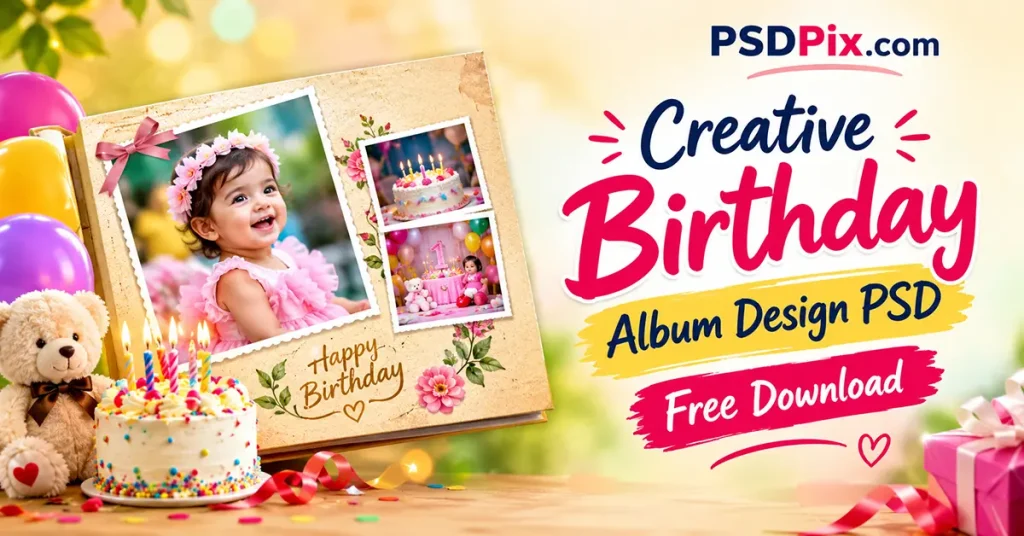
Birthday Album Design
Table of Contents
Birthday Album Design PSD — A Creative Approach to Birthday Memories
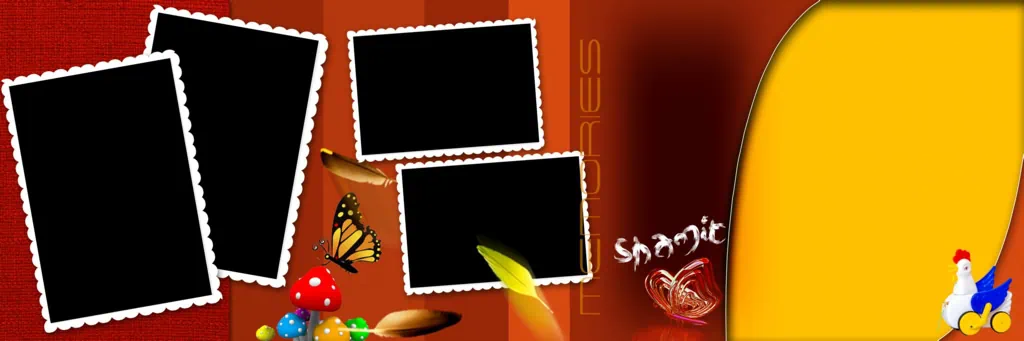
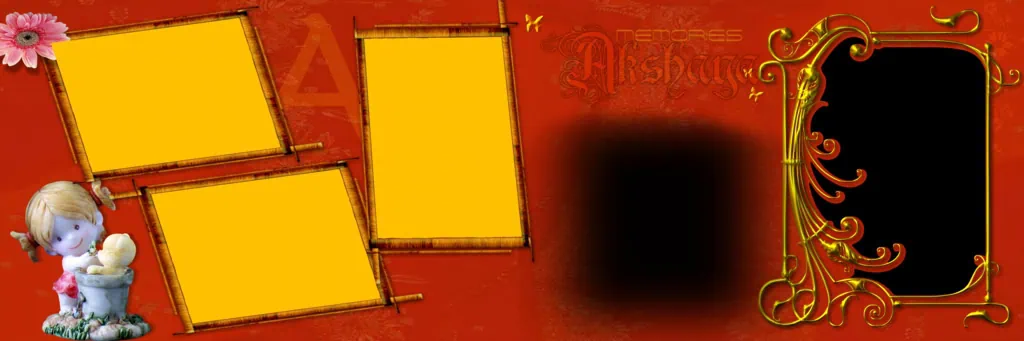
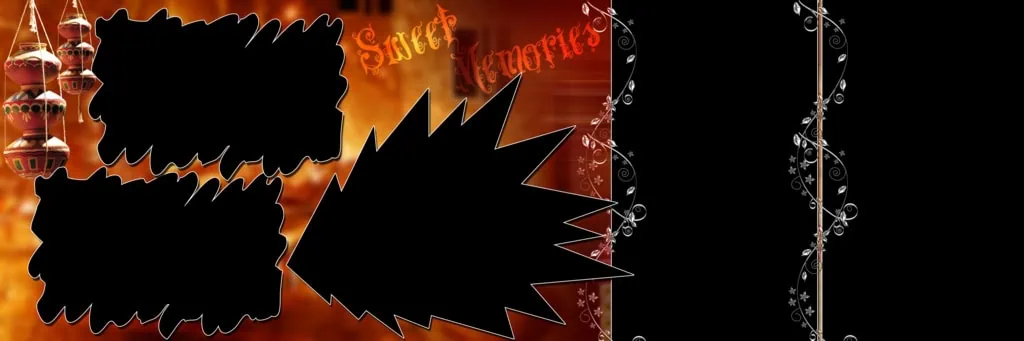
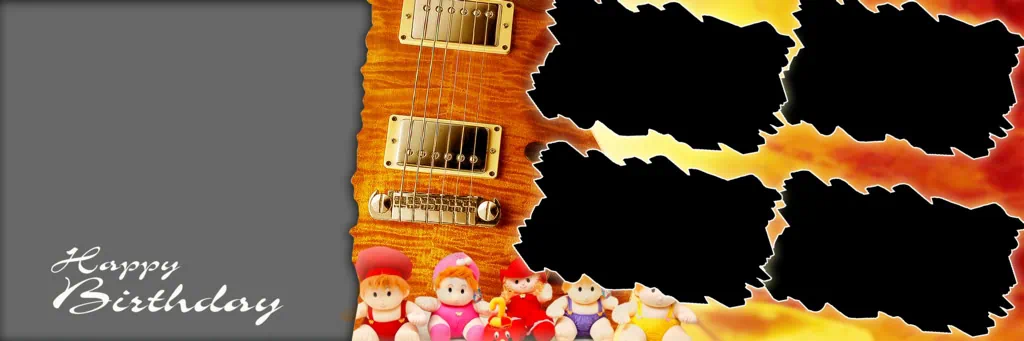
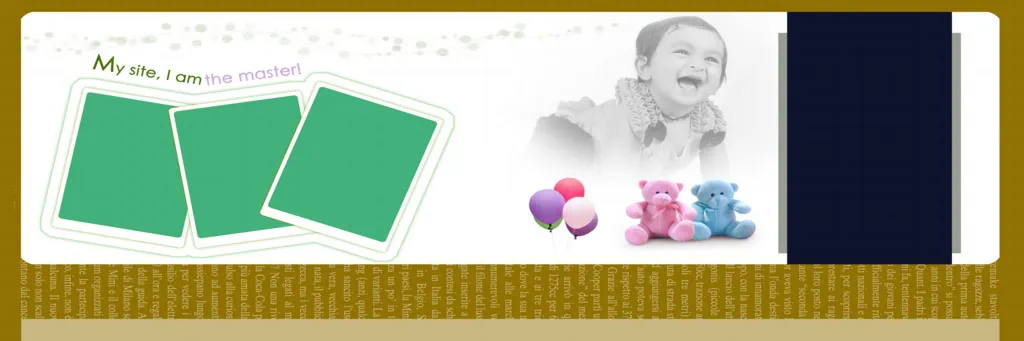
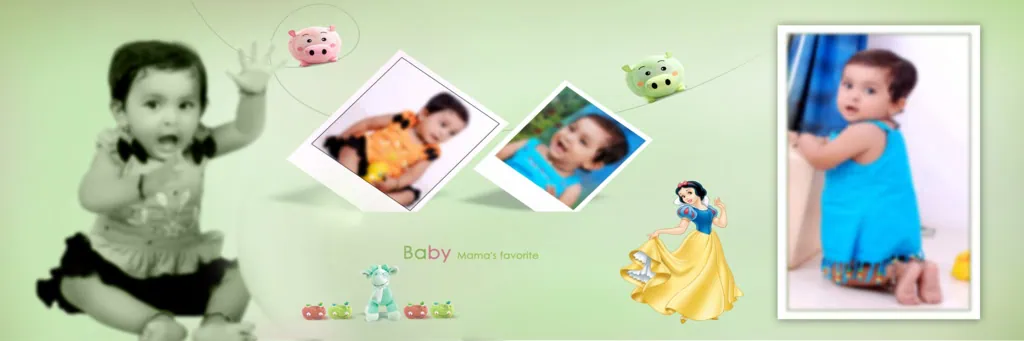
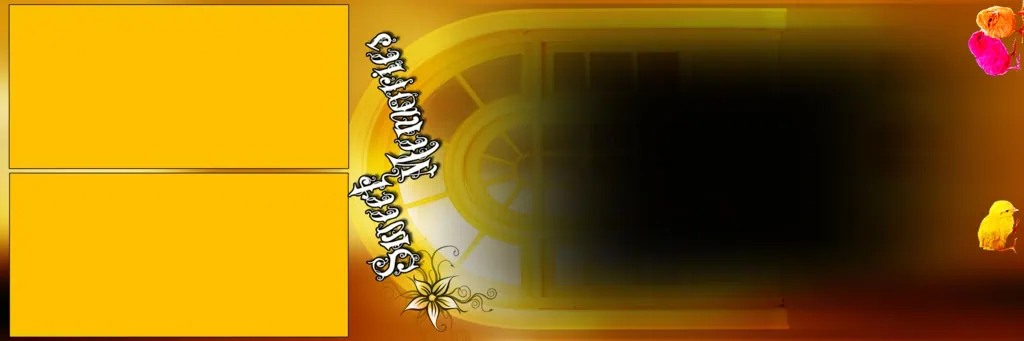
A Birthday Album Design PSD is a Photoshop design resource used to arrange birthday photographs, text, and decorative elements into an album layout. It can help designers organize images and customize the visual appearance of a birthday album.
The PSD format is associated with Adobe Photoshop and can preserve different editing elements, depending on how the file was created. Some PSD resources may contain separate layers, while others may have a more limited structure. Always check the individual file before assuming that every element is editable.
Birthday album layouts can be designed for different occasions. A child’s first birthday may use soft colors, playful illustrations, and cute decorations. An adult birthday album may feature elegant typography, simple backgrounds, and larger portraits.
The purpose of the design is to make the photographs stand out while maintaining a balanced composition.
#01

#02

#03

#04
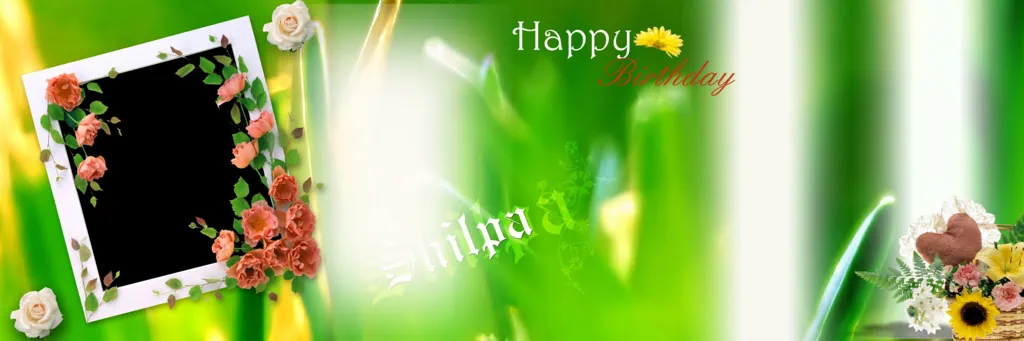
#05
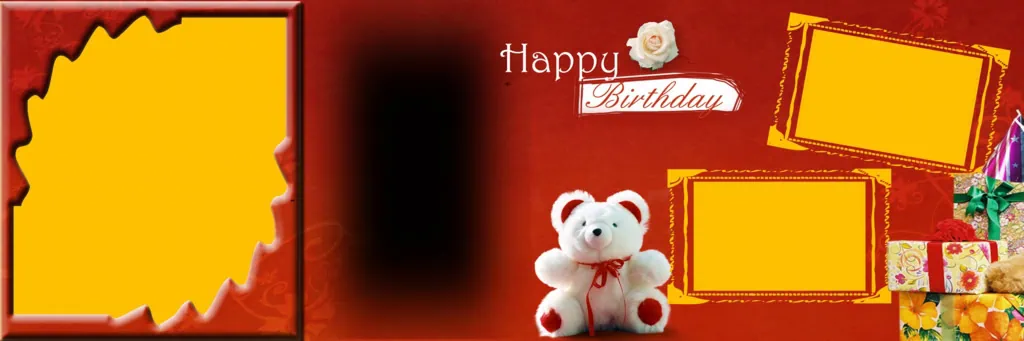
#06
#07

#08

#09
#10
Discover Creative Birthday Album Design Resources on PSDPix.com
When designing an album, the layout should support the photographs rather than distract from them. A suitable birthday album background PSD can help establish the visual theme of the page.
For example, a birthday album may use balloons, flowers, birthday cakes, confetti, or simple decorative shapes. These elements can create a festive appearance, but they should not compete with the main photographs.
Designers searching for a birthday album cover page design PSD free download should also consider the album’s overall theme. The cover introduces the collection, so it should include a suitable photograph, birthday text, and a clear visual focus.
PSDPix.com provides a platform for exploring graphic design resources relevant to Photoshop users. Before using a specific resource, review its available information to confirm the file format, editing options, download conditions, and license.
A creative design should also match the client’s preferences. Some clients may prefer colorful birthday layouts, while others may want a minimal style that focuses on photographs.
#11

#12
#13
#14
#15
How to Create a Birthday Album Design in Photoshop
A birthday album design in Photoshop becomes easier when the work is divided into simple steps. The following process can help beginners and experienced designers organize their projects.
1. Choose a suitable design resource. Explore the available birthday album design resources and select a layout that matches the occasion. Consider the number of photographs and the preferred visual style.
2. Download and extract the file. Follow the resource page’s download instructions. If the file is provided in a ZIP archive, extract it using a suitable utility.
3. Open the PSD in Photoshop. Open the file in compatible software and review the document dimensions, resolution settings, color mode, and available layers.
4. Add the birthday photographs. Select meaningful images from the celebration. Arrange them according to the event, such as family portraits, cake cutting, decorations, and candid moments.
5. Customize the design elements. Adjust text, colors, backgrounds, and image placement. Use decorative elements carefully to maintain a clear visual hierarchy.
6. Prepare the final album. Review the complete layout, check image detail, and confirm the intended output settings. Save an editable copy and export the final file according to the requirements of the client or printing service.
This process can be adapted to different album sizes, birthday themes, and design preferences.
Learning Better Composition Through Birthday Album Design
A birthday album design PSD can also help Photoshop users understand how different design elements work together.
When studying a layout, pay attention to the placement of photographs, the use of empty space, and the relationship between text and images. These decisions affect how the viewer moves through the page.
For example, a large birthday portrait can serve as the main focal point. Smaller photographs can show supporting moments, such as family members celebrating or guests enjoying the event. This creates a visual story instead of a crowded collection of images.
Designers can also learn how colors influence the mood of an album. Bright colors may suit a playful birthday theme, while neutral shades can create a more refined appearance.
When working with an editable PSD, inspect the available layers and understand how the design is organized. If the file contains separate elements, studying them can provide useful insight into composition and Photoshop editing.
Practical Tips for Better Birthday Album Designs
A few simple practices can improve the appearance and usability of a birthday album.
- Choose photographs carefully. Select images that show important moments and avoid repeating similar photographs across multiple pages.
- Maintain a clear visual hierarchy. Make the main birthday portrait or special moment easy to notice. Keep supporting photographs smaller when appropriate.
- Use decorative elements thoughtfully. Balloons, flowers, and birthday illustrations can support the theme, but excessive decoration may make the layout feel crowded.
- Check the final document settings. Confirm the dimensions, image detail, color profile, and printing requirements before preparing the final output.
These practices help create birthday albums that are visually balanced and easier to review.
Frequently Asked Questions
What is a Birthday Album Design PSD?
A Birthday Album Design PSD is a Photoshop resource used to arrange birthday photographs and decorative elements into an album layout. Its editing options depend on the structure of the individual file.
Can I create a 12 x 36 birthday album PSD in Photoshop?
Yes. Photoshop can be used to create a document with suitable dimensions for a 12 x 36 album layout. Confirm the required orientation and printing specifications before creating the document.
Where can I find a birthday album background PSD?
You can explore graphic design resources on PSDPix.com. Review the individual resource details to confirm its format, availability, and usage conditions.
Can I use a birthday album design PSD for client projects?
Commercial use depends on the license associated with the resource. Check the applicable terms before using the design in paid work.
How can I improve my birthday album design in Photoshop?
Focus on photograph selection, balanced composition, suitable colors, readable text, and consistent spacing. Review the complete layout before exporting the final album.
Conclusion
A creative Birthday Album Design PSD can provide a useful starting point for organizing birthday photographs and developing attractive album layouts. By understanding composition, customizing the design, and choosing suitable images, designers can create albums that preserve meaningful memories.
Explore birthday album design resources on PSDPix.com to support your Photoshop workflow. Whether you are learning album design or preparing a client project, use a suitable birthday album background PSD and thoughtful editing techniques to create a design that matches the occasion.