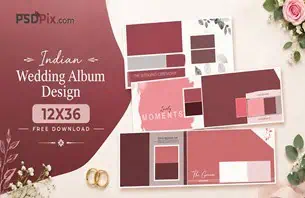
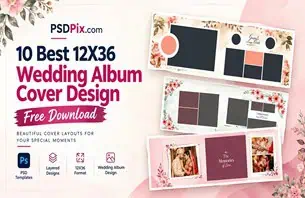
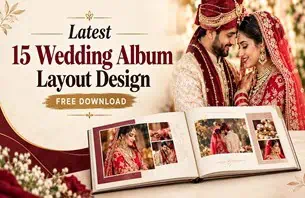
Wedding photographers often face a common challenge: turning hundreds of wedding photographs into a beautiful album without spending too much time on every page. A well-planned layout can make this process easier while keeping the final album attractive and meaningful.
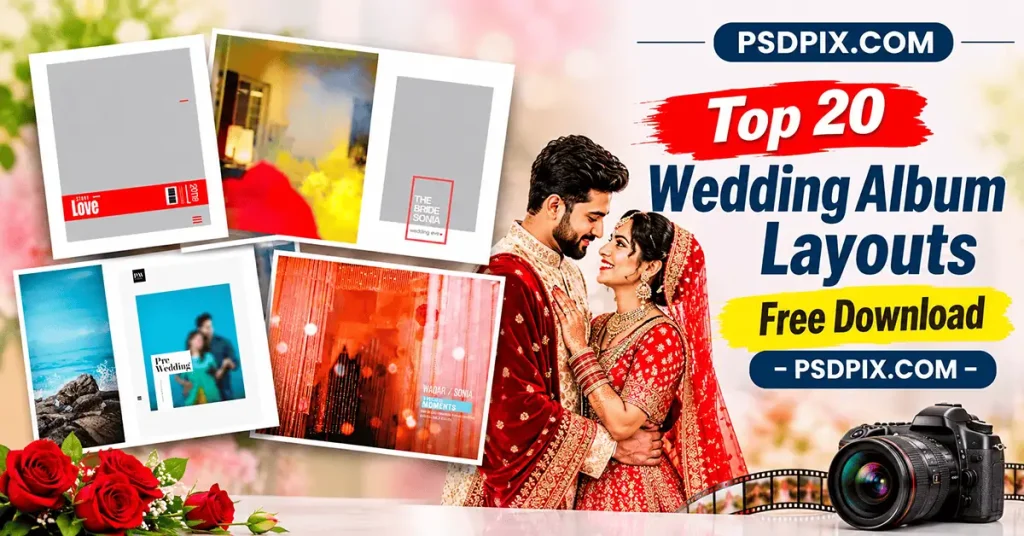
Wedding Album Layouts help designers arrange photographs in a clear and creative way. From traditional Indian wedding ceremonies to modern couple portraits, the right wedding photo layout can improve the storytelling and visual balance of an album.
PSDPix.com is a resource website for graphic designers, photographers, and Photoshop users. This article explores useful wedding album layout ideas, explains how to work with layout templates, and shares practical tips for creating attractive wedding albums for clients.
Wedding Album Layouts
Table of Contents
Wedding Album Layouts — A Practical Way to Arrange Wedding Photographs
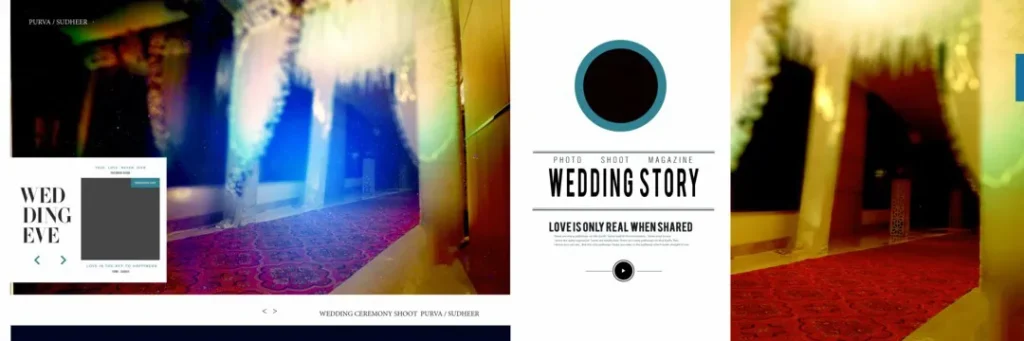
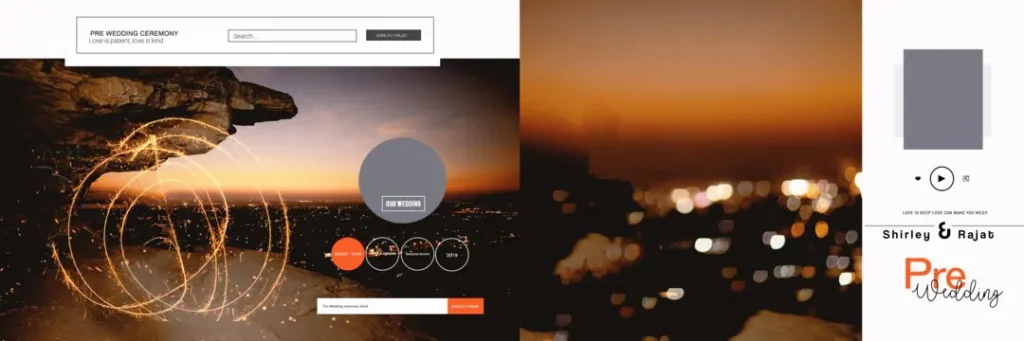
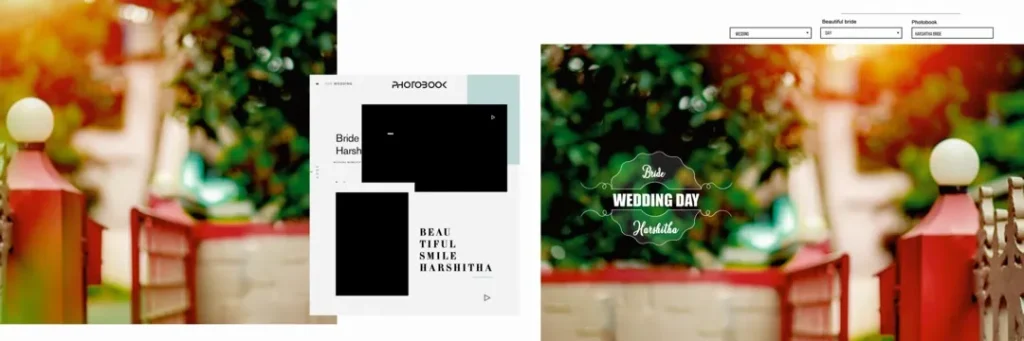
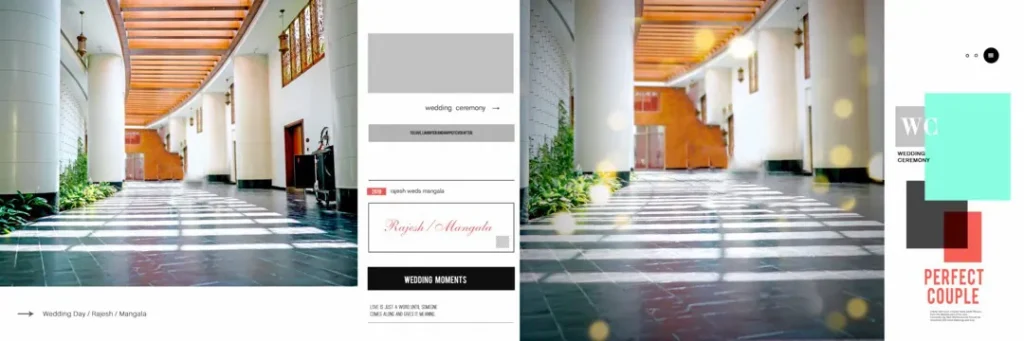
Wedding Album Layouts are organized arrangements of photographs, backgrounds, decorative elements, and other visual details used to create wedding album pages. They help photographers and album designers present wedding memories in a structured and attractive format.
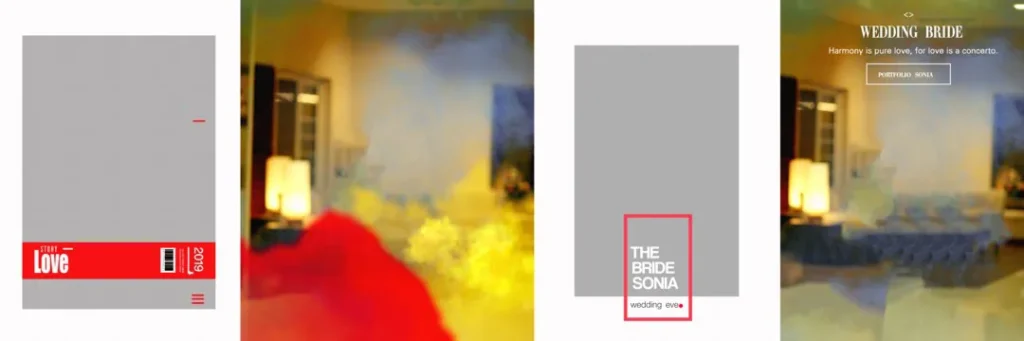
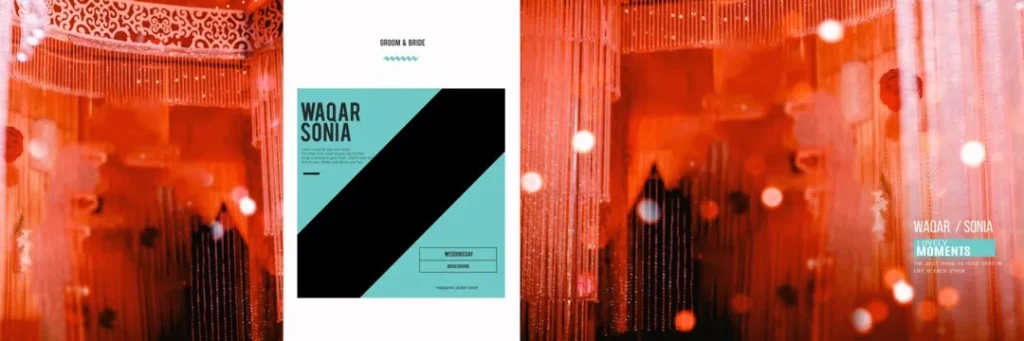
A wedding album layout design can include a single large photograph, multiple smaller images, decorative borders, or a combination of different photo sizes. The arrangement depends on the story being told and the number of photographs selected.
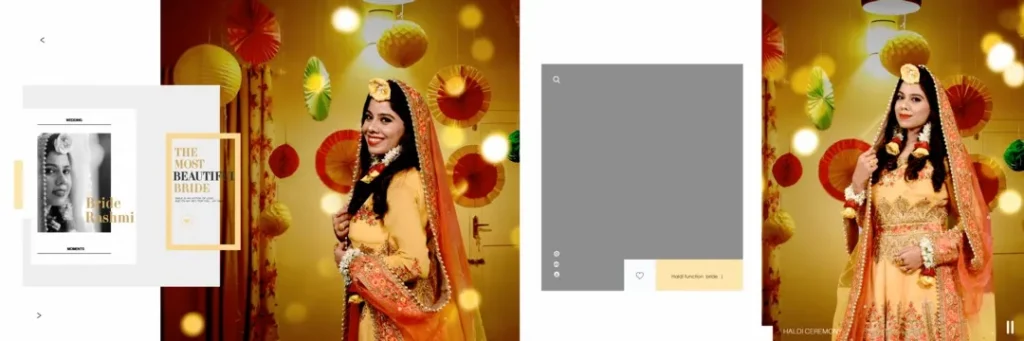
For example, a couple’s portrait may look best as a full-page image, while a Mehendi ceremony can include several smaller photographs showing different moments. A suitable layout makes each photograph easier to appreciate without making the page feel crowded.
Wedding album layout templates can also help designers maintain consistency across multiple pages. They provide a starting point for arranging photographs while allowing creative changes based on the client’s preferences.
#01
#02
#03
#04
#05
#06

#07
#08
#09
#10

Explore Wedding Album Layout Ideas for Different Wedding Moments
Wedding albums include many important moments, and each one deserves a suitable presentation. Choosing the right layout helps create a natural flow from one ceremony to another.
Here are some useful layout approaches for wedding album designers:
- Traditional wedding layouts: Suitable for rituals, family portraits, and important ceremony photographs.
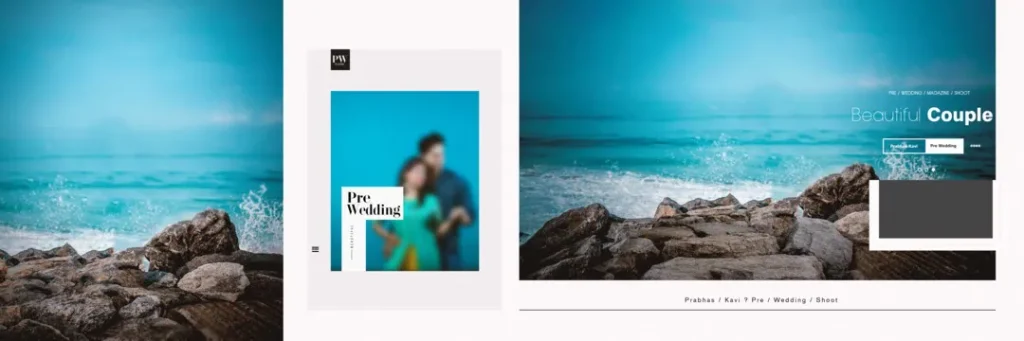
- Modern couple layouts: Focus on romantic portraits with clean backgrounds and balanced photo placement.
- Collage-style layouts: Combine several photographs to tell a story through multiple moments.
- Minimalist layouts: Use fewer photographs and more open space for a clean appearance.
- Ceremony-based layouts: Organize photographs from Mehendi, Sangeet, Baraat, wedding rituals, and reception.
The collection of wedding album layouts available for a project should match its intended style. Before choosing a template, review the available resource details on PSDPix.com and confirm its format, dimensions, and editing requirements.
The exact file specifications, download conditions, and license terms should be checked on the individual resource page before using a design for client work.
#11

#12

#13
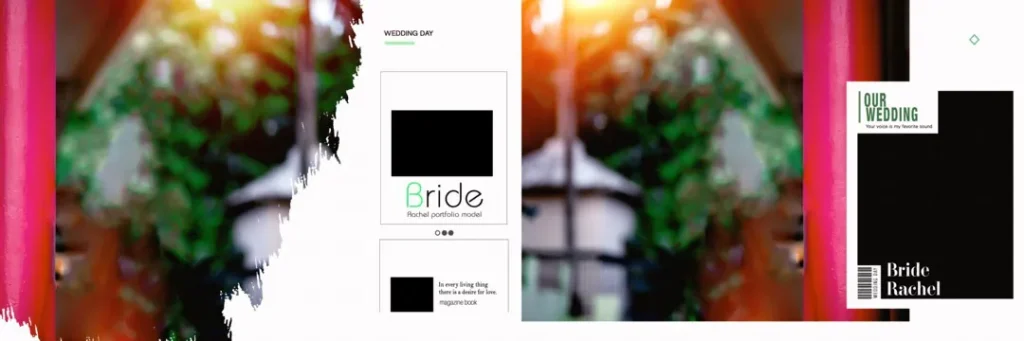
#14

#15
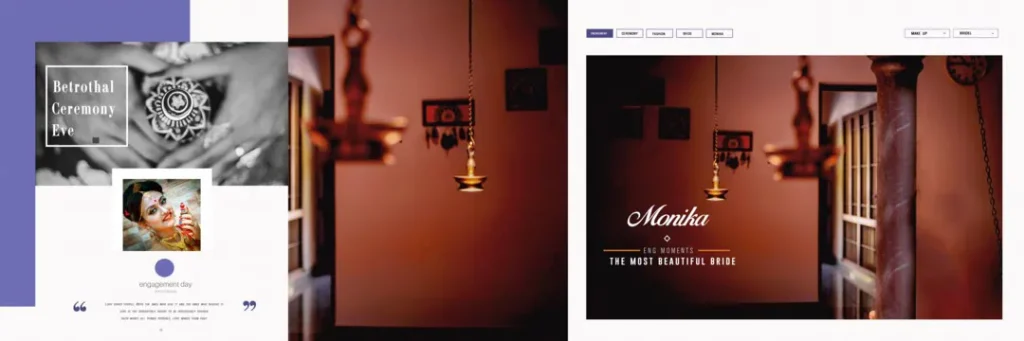
#16
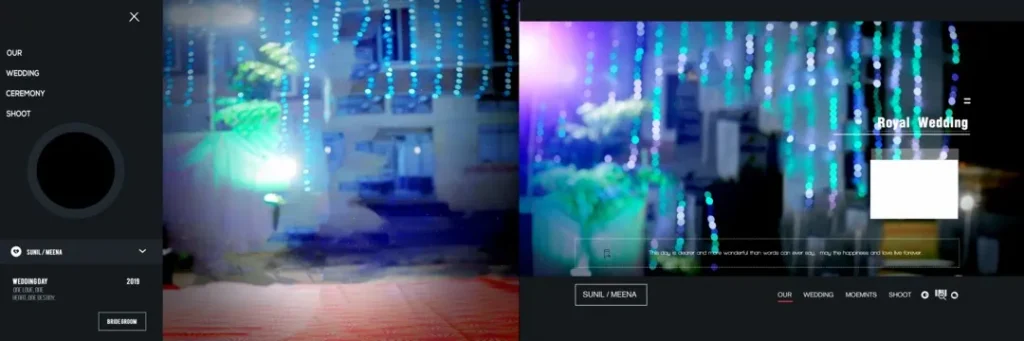
#17

#18

#19
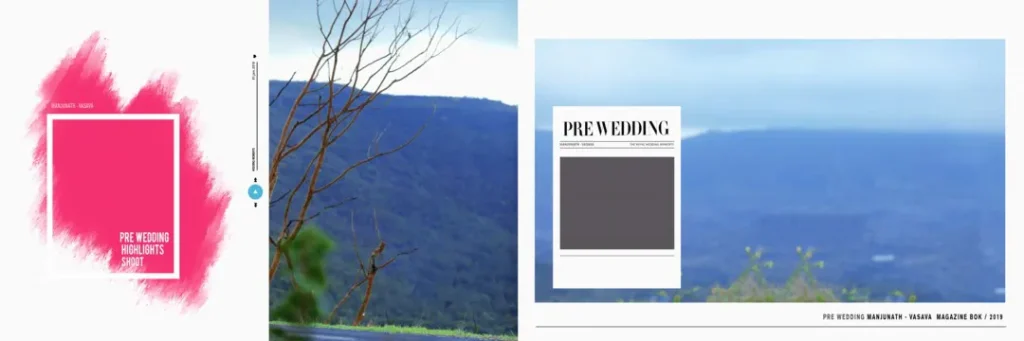
#20
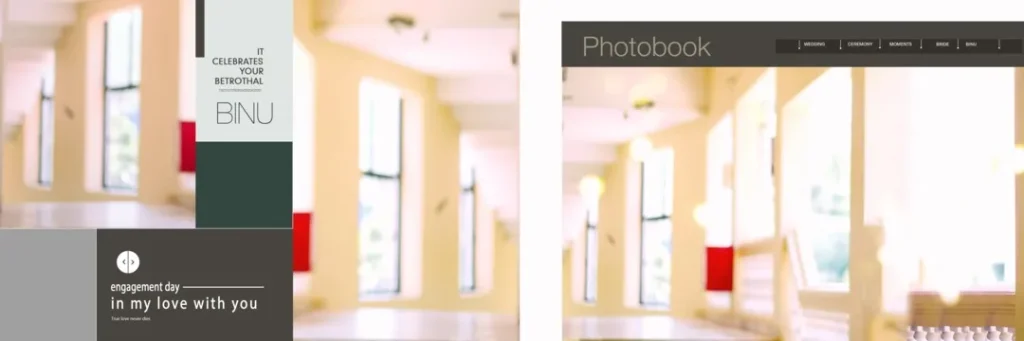
How to Use Wedding Album Layout Templates in Photoshop
Using a wedding album layout template can help reduce repetitive work. The following process explains how designers can work with a compatible PSD resource.
Step 1: Download the Resource
Visit the relevant PSDPix.com resource page and follow its available download instructions. Check the file description before downloading to understand the format and software requirements.
Step 2: Extract the Archive
If the resource is provided as a ZIP archive, extract it using a suitable file extraction tool. Keep the original archive as a backup in case you need to access it again.
Step 3: Open the File in Photoshop
Open the PSD file in Adobe Photoshop or compatible editing software. Check the document dimensions, resolution setting, and layer structure before making changes.
If the file contains multiple layers, review their names and visibility settings to understand how the design is organized.
Step 4: Replace the Photographs
Choose the photographs that best match the layout. Replace the existing images using the available layers or Smart Objects, if supported by the file.
Crop each photograph carefully so that important details, such as faces, wedding attire, and ceremony elements, remain visible.
Step 5: Customize the Design
Adjust the colors, text, image placement, and decorative elements according to the client’s preferences. Keep the overall design consistent across the album.
Avoid adding too many decorative elements, as they can distract viewers from the wedding photographs.
Step 6: Prepare the Final Output
Check the final document dimensions and image quality. Confirm the printer’s required color profile, bleed settings, and binding margins before exporting the album.
Save an editable PSD backup and export the final file in the format requested by the album printer.
Save Time on Wedding Album Projects Without Losing Creative Quality
Wedding album design often involves repetitive tasks, especially when a photographer needs to deliver several albums within a short period. Preparing layouts in advance can help make the workflow more organized.
A useful approach is to sort photographs by ceremony before starting the design. For example, separate the Mehendi, Sangeet, wedding rituals, couple portraits, and reception photographs into different folders.
This makes it easier to select suitable photographs for each page. It also helps maintain a logical sequence throughout the album.
Designers can use wedding album layout templates as a starting point rather than treating them as fixed designs. Changing the photo placement, spacing, and background details can make a familiar layout feel more suitable for a particular wedding.
Another helpful practice is to create a clear file-naming system. Names such as Wedding_Page_01, Wedding_Page_02, and Reception_Page_01 make it easier to locate files during revisions.
These small workflow improvements can reduce unnecessary editing time and help designers focus on photo selection, composition, and client expectations.
Practical Tips for Better Wedding Album Layout Design
- Check the image resolution and document size. A high resolution setting does not create missing image detail. Use photographs with enough original pixels for the intended print dimensions.
- Confirm the printer’s color requirements. Ask whether the album should be prepared in RGB or CMYK and follow the printer’s recommended color profile.
- Allow space for binding and bleed. Keep important faces and text away from the binding area. Use the printer’s specified bleed measurements.
- Keep an editable backup. Save the original PSD and a separate final export so future client revisions do not require rebuilding the design.
Frequently Asked Questions
Are wedding album layouts free to download?
Download conditions depend on the individual resource. Check the PSDPix.com resource page to confirm whether the selected layout is free and whether any additional conditions apply.
Which software is needed to edit wedding album layouts?
Adobe Photoshop is commonly used for PSD-based wedding album designs. Check the individual file details to confirm software compatibility and whether the file can be edited in another application.
Can I use wedding album layouts for paid client projects?
Commercial use depends on the applicable license. Review the resource’s license terms before using it in paid photography or album-design work.
What makes 12×36 album layouts useful for wedding photography?
A 12×36 layout is commonly associated with a wide album spread. It can provide space for large couple portraits, ceremony photographs, and multiple images arranged across a double-page composition.
How can I prepare wedding album layouts for printing?
Check the document dimensions, photograph resolution, color profile, bleed, and binding area. Follow the album printer’s specifications and export the final file in the requested format.
Conclusion
Wedding Album Layouts can help photographers and album designers create attractive, organized wedding albums. By choosing suitable photo arrangements, maintaining visual balance, and preparing files carefully, designers can improve their workflow and create meaningful wedding photo layouts.
Explore the relevant wedding album design resources on PSDPix.com to find a suitable starting point for your next project. Review the available file details and license terms before downloading or using a layout for client work.