A wedding photographer has captured hundreds of beautiful moments, from the couple’s first look to the Mehendi ceremony, Sangeet, Baraat, and reception. The next challenge is arranging those photographs into an album that tells the complete wedding story. A well-planned layout helps every important moment receive the attention it deserves.
Choosing suitable wedding album layouts can make this process easier for photographers, graphic designers, and photo studio owners. Instead of starting every page from a blank Photoshop document, designers can use layout references to plan photo placement, backgrounds, spacing, and visual balance.
At PSDPix.com, wedding album design resources help creative professionals explore different approaches to arranging wedding photographs. Whether you are preparing a traditional Indian wedding album or a modern couple’s photo book, understanding layout design can help you create a more organized and attractive presentation.
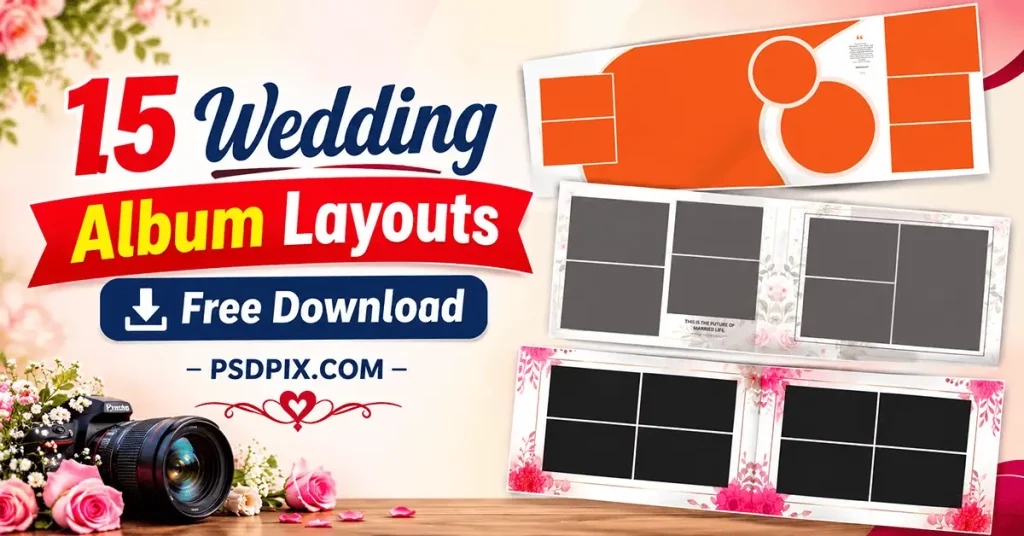
Wedding Album Layouts
Table of Contents
Wedding Album Layouts — Understanding Their Design and Purpose
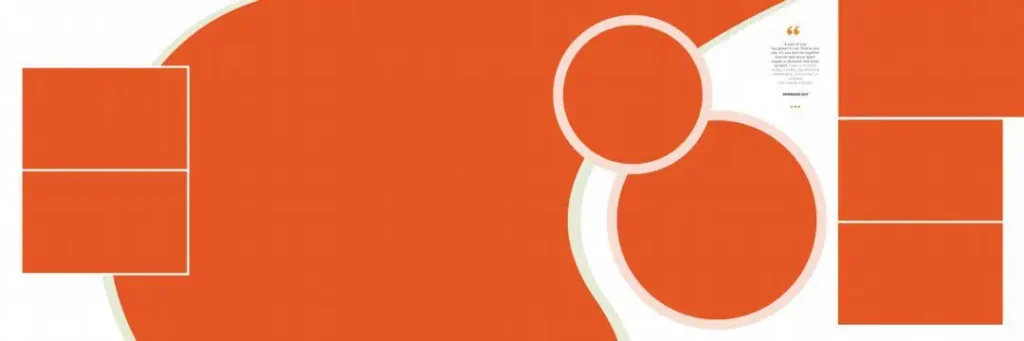
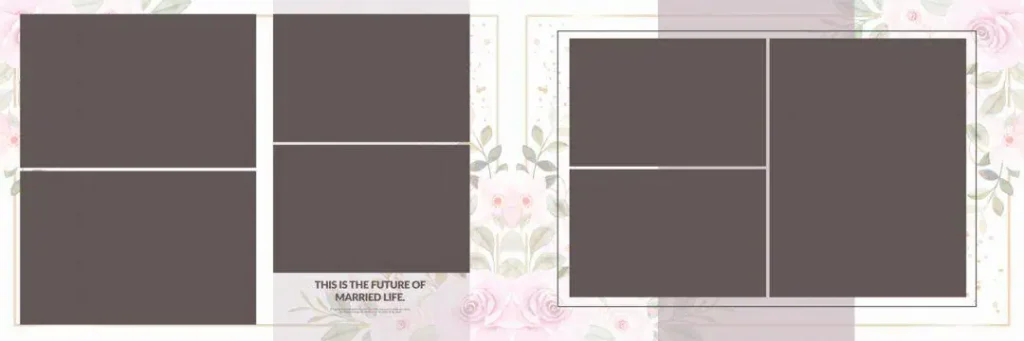
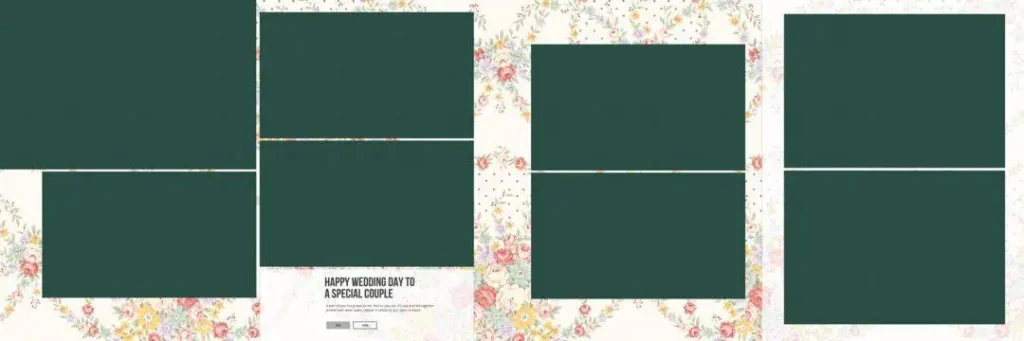
Wedding album layouts are organized arrangements of photographs, text, backgrounds, and decorative elements across album pages. They help designers present wedding memories in a logical sequence while maintaining visual balance and consistency throughout the album.
A wedding photo album layout can include a single large photograph, multiple smaller pictures, creative collages, or a combination of different image sizes. The right arrangement depends on the photographs, album dimensions, and the story the couple wants to tell.
For Indian wedding albums, layouts often need to accommodate several ceremonies, family portraits, couple photography, and traditional rituals. A thoughtful arrangement ensures that important photographs are highlighted without making the pages look overcrowded.
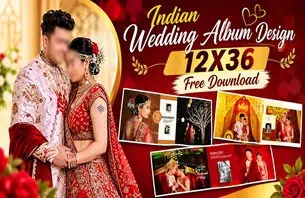
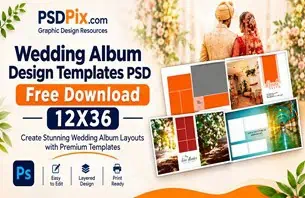
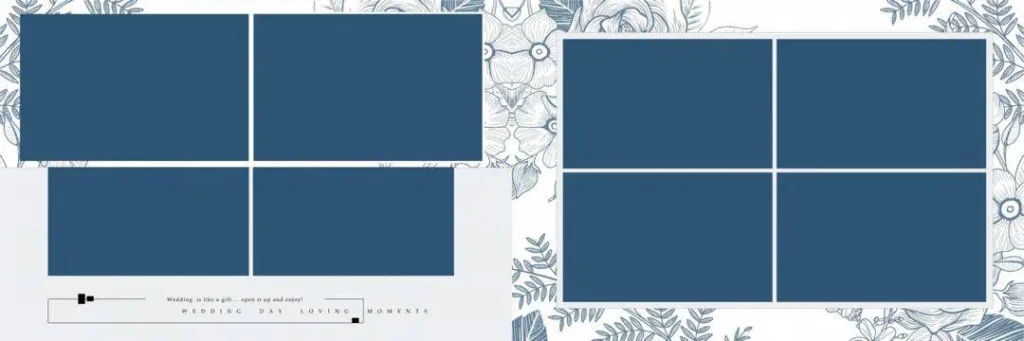
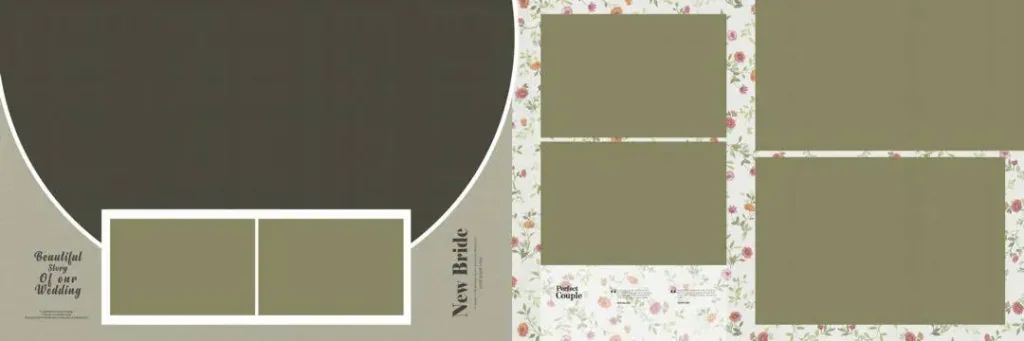
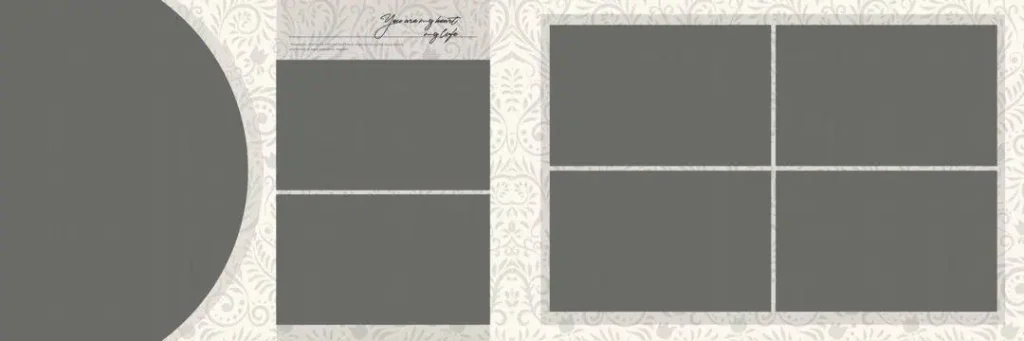
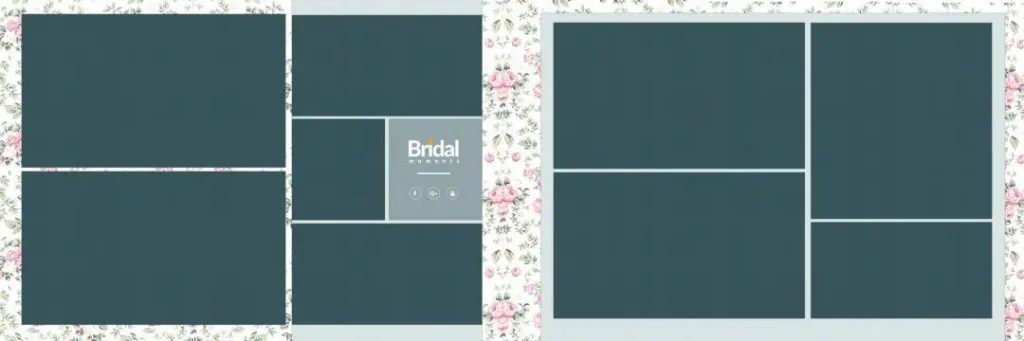
Designers should also consider the final album format. For example, a 12×36 album layout needs careful planning across its wide panoramic spread. Photograph placement should account for the centre binding area and the available printing space.
#01
#02
#03

#04

#05
#06
#07
#08

#09
#10
Explore Wedding Album Design Resources on PSDPix.com
Finding a suitable starting point can save time when preparing an album for a client. PSDPix.com provides a platform for exploring graphic design resources, including wedding album design inspiration and related creative materials.
When selecting a wedding album layout, consider the visual style of the photographs and the overall theme of the wedding. Some projects may need simple arrangements with plenty of open space, while others may benefit from detailed photo collages.
Before choosing or downloading a particular resource, check its individual page for available file formats, dimensions, resolution, editing requirements, and download conditions. These details are important because specifications can vary between resources.
The supplied collection title refers to 15 wedding album layouts, but individual design previews, file specifications, and download links should be confirmed on the relevant resource page before publication.
#11
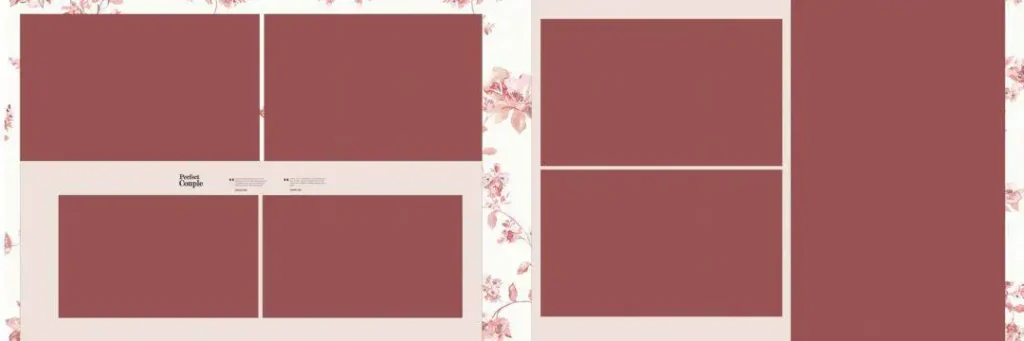
#12

#13

#14

#15

How to Download and Use Wedding Album Layouts
Once you have selected a suitable design resource, follow these steps to prepare it for your album project.
- Visit the Resource Page: Open the relevant wedding album design page on PSDPix.com. Check the available information and follow the download instructions provided on that page.
- Extract the Downloaded Archive: If the resource comes in ZIP format, extract it using compatible archive software. Keep the original downloaded file as a backup.
- Open the Design in Photoshop: If a PSD file is included, open it in Adobe Photoshop or compatible software. Check the document dimensions, resolution, colour mode, and available layers before editing.
- Replace the Wedding Photographs: Add the selected photographs to the layout. If the PSD contains Smart Objects or editable image layers, use the available structure to replace images. Otherwise, adjust the photographs manually.
- Customize the Layout: Modify text, colours, backgrounds, borders, and decorative elements according to the client’s preferences. Maintain consistent spacing and alignment across the album pages.
- Prepare the Final Design: Review the complete album before exporting. Confirm the printer’s required dimensions, image resolution, colour profile, bleed margins, and binding allowance. Save an editable PSD backup before creating the final output.
Creating Wedding Albums That Match Client Expectations
A beautiful album is not simply a collection of attractive photographs. It should communicate the couple’s story in a way that feels natural and meaningful. This is why selecting the right wedding album layout design is an important part of the creative process.
Start by understanding the client’s preferences. Some couples may want a traditional presentation featuring family photographs and ceremony highlights. Others may prefer a modern style with large portraits, minimal decoration, and creative photo combinations.
Photo selection also affects the layout. For example, a Sangeet spread may contain several action photographs, while a couple’s portrait section may look better with fewer, larger images. Using the same arrangement for every occasion can make an album feel repetitive.
Another important consideration is visual balance. Avoid placing too many photographs on one page simply to fit every image. Give important pictures enough space and use smaller supporting photographs where appropriate.
For a professional photo studio, maintaining consistency between different spreads also matters. Similar fonts, coordinated colours, and balanced spacing can help the complete wedding album feel like one connected project.
Practical Tips for Better Wedding Album Layout Design
Keep these points in mind when preparing wedding photo layouts for printing and client delivery:
- Check the Final Dimensions: Confirm the album size before beginning your design. A layout created for one format may need adjustments for another.
- Use High-Resolution Photographs: Select photographs with sufficient pixel detail for the intended print size. Changing the DPI setting alone cannot restore missing image detail.
- Check the Centre Binding: Keep important faces, text, and other essential elements away from the binding area, following the printer’s specifications.
- Maintain an Editable Backup: Save your original Photoshop project separately before exporting the final album pages. This makes future corrections easier.
Frequently Asked Questions
1. What are wedding album layouts?
Wedding album layouts are page arrangements that organize photographs, text, backgrounds, and decorative elements. They help photographers and designers create visually balanced wedding albums.
2. Can I use wedding album layouts for Indian wedding photography?
Yes. Layout concepts can be adapted for Mehendi, Haldi, Sangeet, Baraat, wedding ceremonies, and reception photographs according to the album’s theme.
3. Which software is needed to edit wedding album PSD files?
Adobe Photoshop is commonly used for editing PSD files. Compatibility and editing options depend on the individual file structure and software version.
4. Can I use wedding album designs for paid client projects?
Commercial usage depends on the individual resource’s licence. Always review the applicable terms before using a downloaded design in a paid photography or album project.
5. How do I prepare a 12×36 wedding album layout for printing?
Check the final document dimensions, image resolution, colour profile, bleed requirements, and centre binding allowance. Follow the printing company’s specifications before exporting.
Conclusion
Choosing suitable wedding album layouts helps photographers and graphic designers organize wedding photographs into meaningful visual stories. From traditional Indian ceremonies to modern couple portraits, a thoughtful wedding photo album layout can improve the presentation and overall consistency of an album.
Explore the wedding album design resources on PSDPix.com to find inspiration for your next project. Review the available file details, customize your selected design according to the client’s requirements, and prepare the final album carefully for printing.