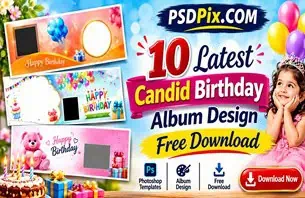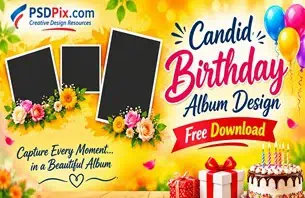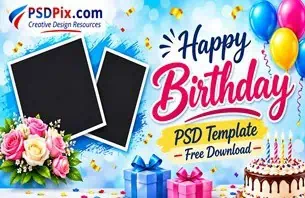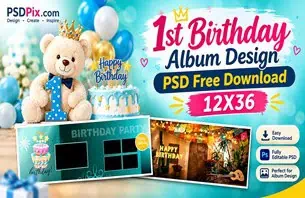
A birthday album is a collection of special memories, and its design plays an important role in how those moments are presented. A wide album layout gives photographers and designers room to arrange birthday portraits, family photographs, cake-cutting moments, and celebration pictures in an attractive composition.
Birthday PSD 12X36 Free Download is a useful search topic for Photoshop users looking for birthday album design resources in a wide format. Instead of creating every page from an empty document, designers can explore suitable PSD layouts and customise them according to their project requirements.
At PSDPix.com, this article explains the 12×36 birthday album format, how to work with PSD designs, and what to check before preparing an album for printing. It is intended for graphic designers, photo studio owners, birthday photographers, and general Photoshop users.
Birthday PSD 12X36 Free Download
Table of Contents
Birthday PSD 12X36 Free Download — Understanding the Format
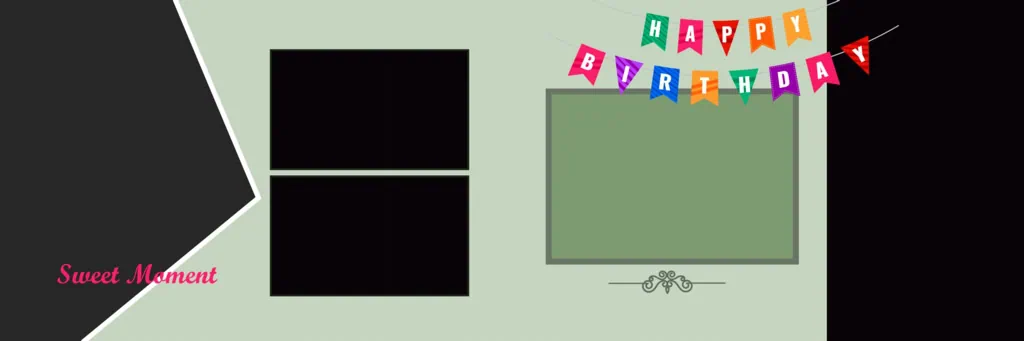
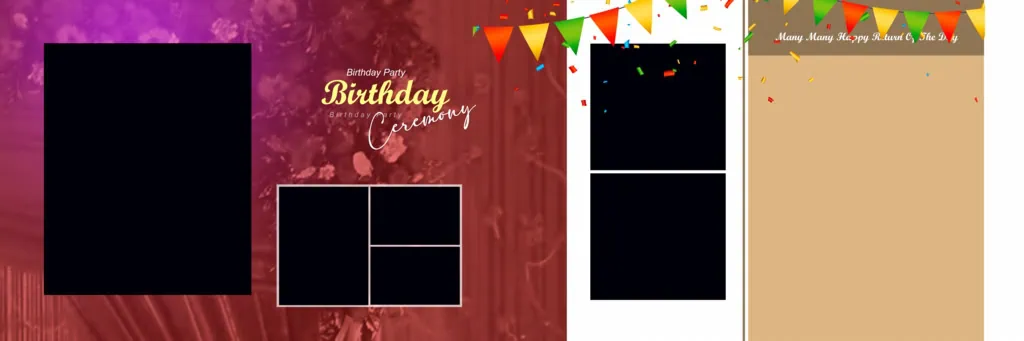
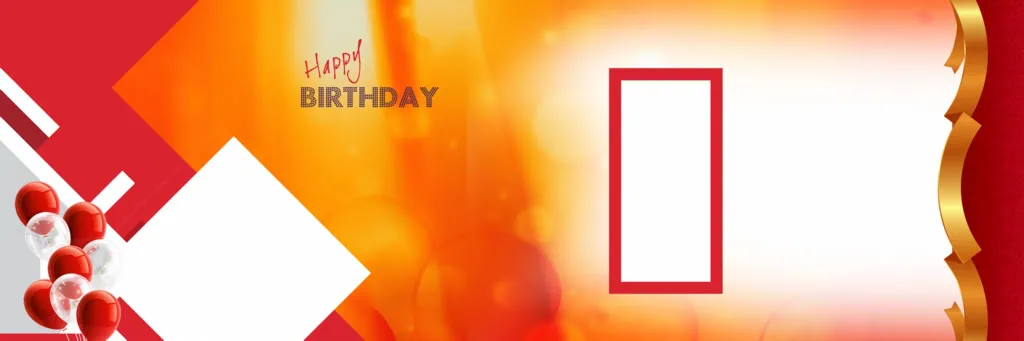
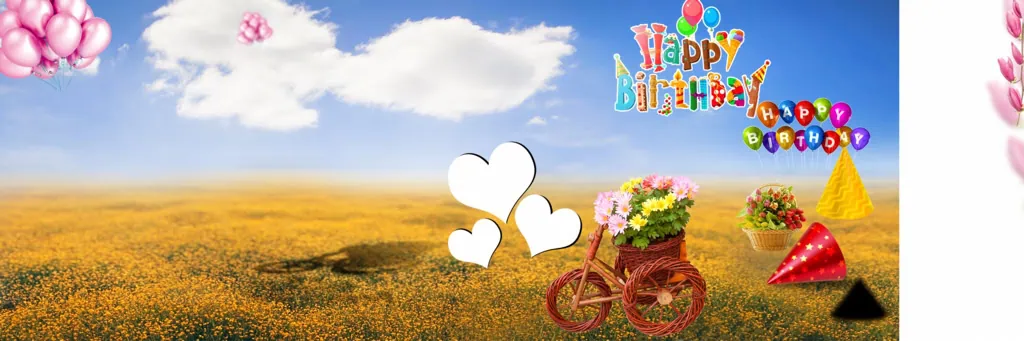
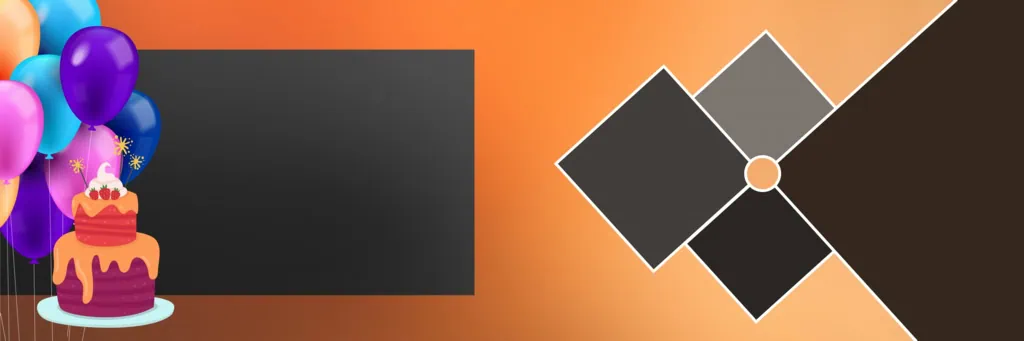
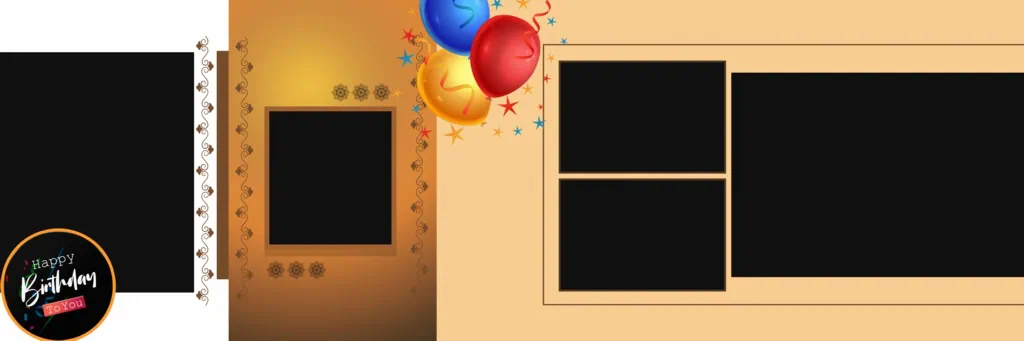
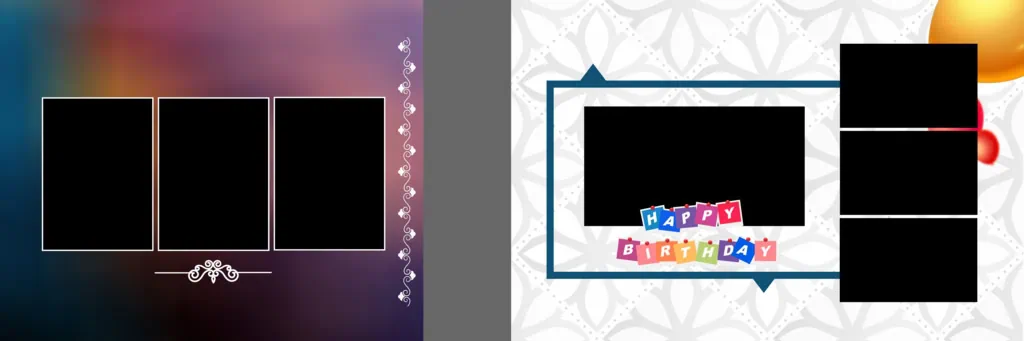
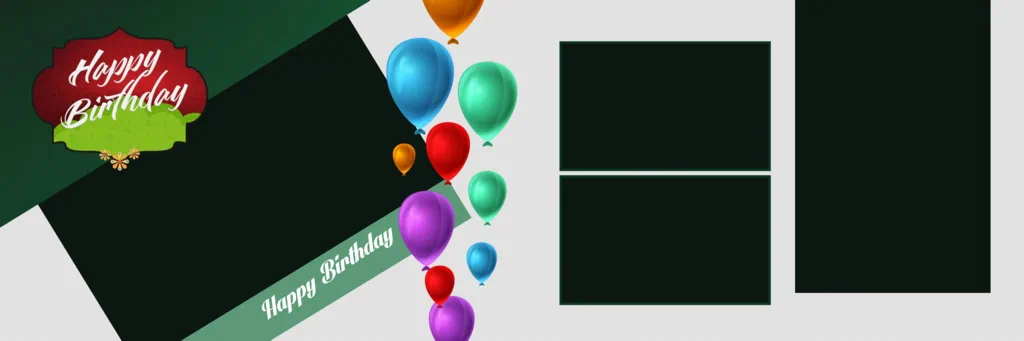
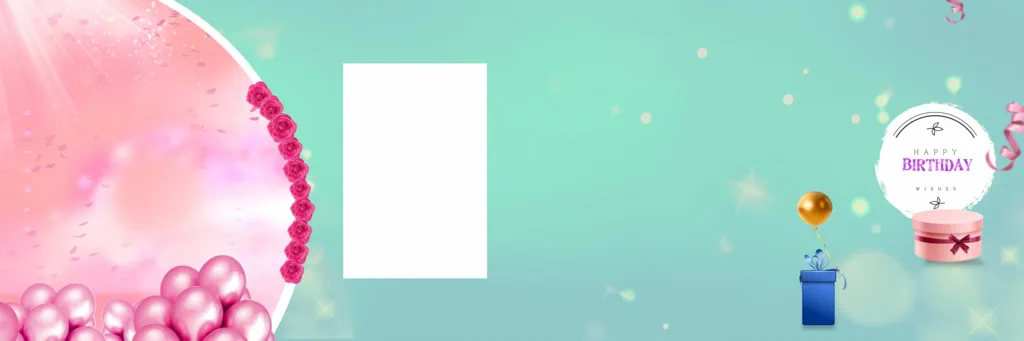
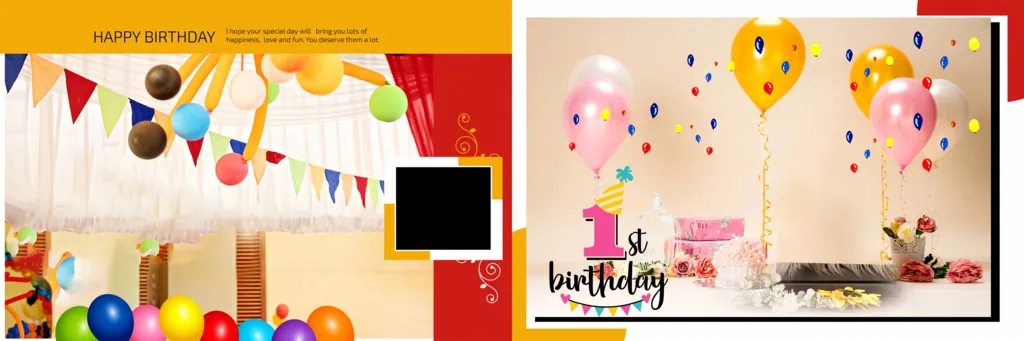
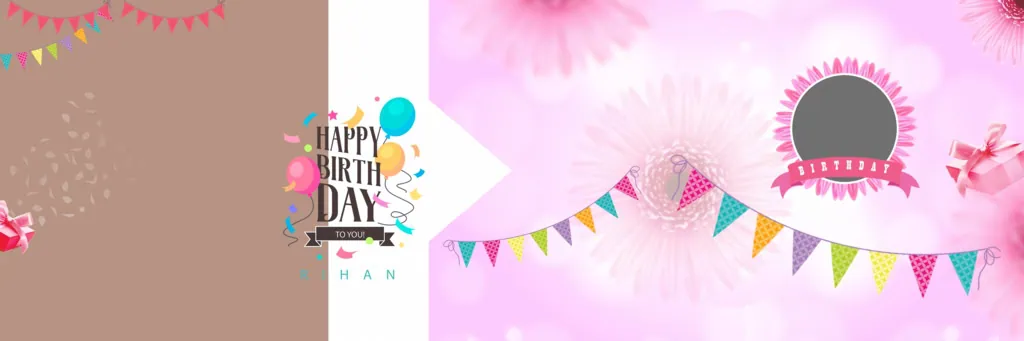
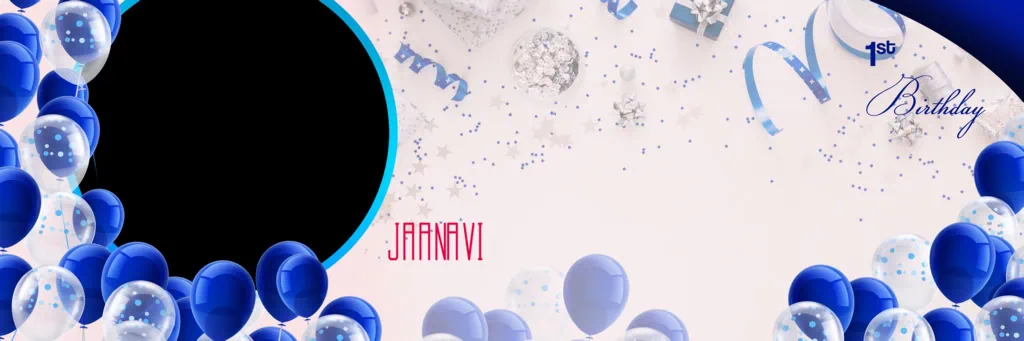
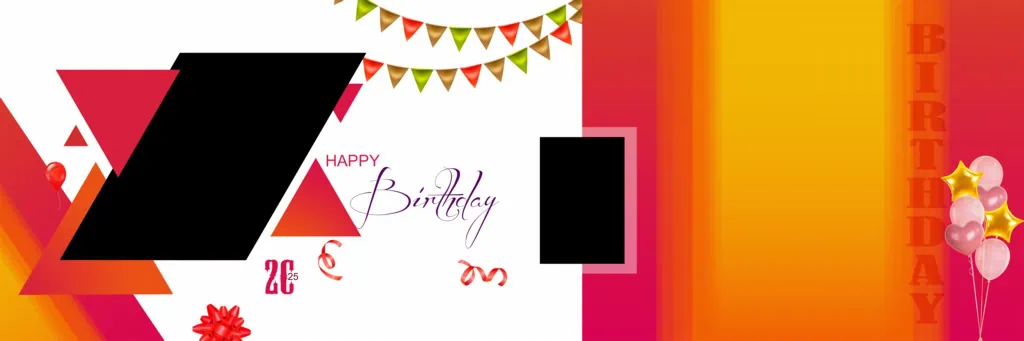
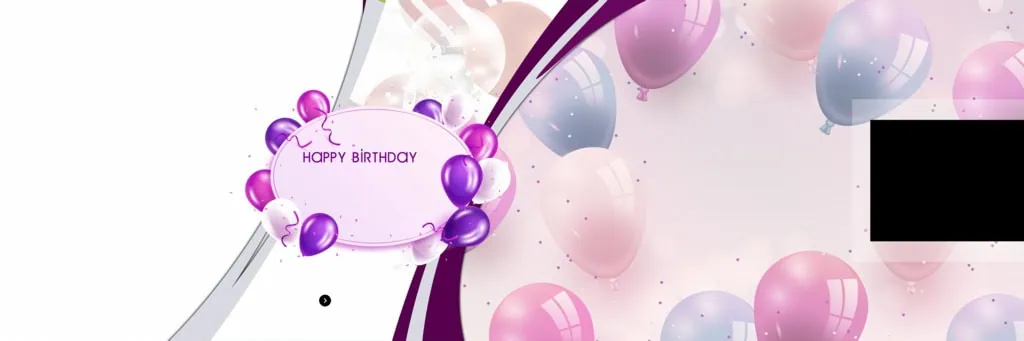
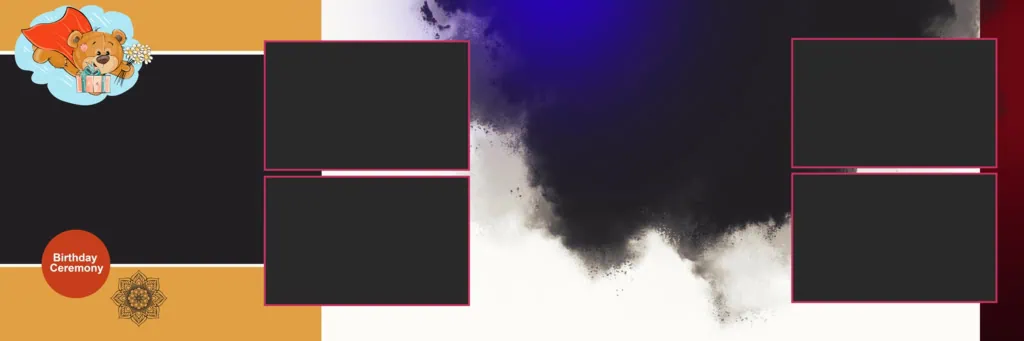
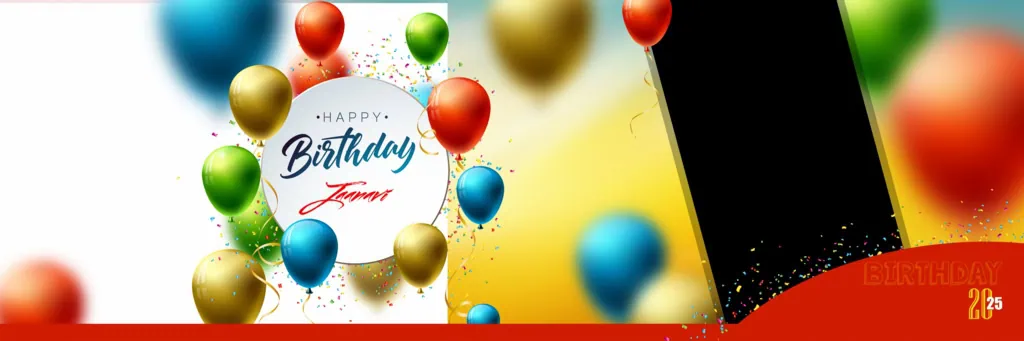
A 12×36 birthday album PSD is a Photoshop document designed around a wide 12×36-inch album layout. It can provide a starting point for arranging birthday photographs, decorative backgrounds, text, and other visual elements across a wide album spread.
The 12×36 format is commonly used for double-page album compositions. Its wide canvas gives designers room to create large birthday portraits, photo collages, and themed layouts. The actual document dimensions, resolution, and page arrangement should always be checked before editing.
A 12 x 36 birthday album PSD can be useful for different celebrations, including children’s birthdays, first birthdays, milestone birthdays, and family parties. Designers can adjust the composition to match the photographs, colours, and theme of each event.
#01
#02
#03
#04

#05

#06
#07
#08
#09

#10
Explore Birthday Album Design Resources on PSDPix.com
Choosing the right layout can make birthday album creation more organised. PSDPix.com focuses on graphic design resources, including PSD templates, album designs, Photoshop backgrounds, and other creative materials.
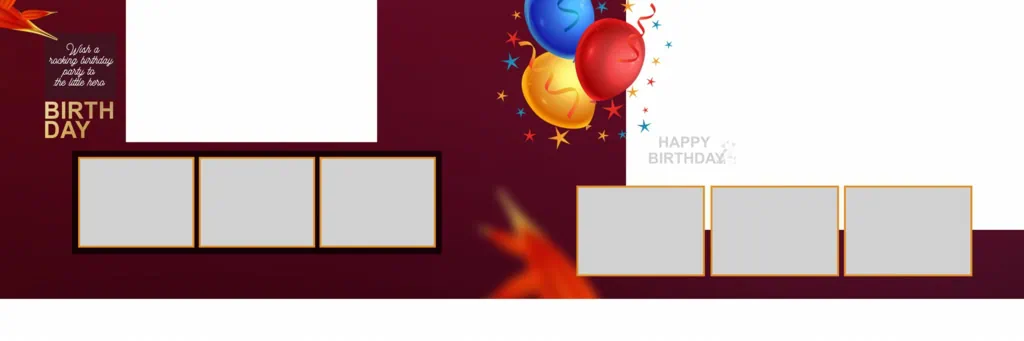
When exploring birthday 12×36 PSD resources, consider the type of photographs you want to include. A page with one large portrait may suit a birthday cover, while a composition with several image areas may work better for cake-cutting and family celebration photographs.
Before downloading a resource, check the following details:
- File Format: Confirm whether the available resource is supplied as a PSD file or another format.
- Document Dimensions: Check whether the canvas matches your required 12×36 album format.
- Image Resolution: Review the document resolution and available pixel detail before preparing the design for printing.
- Editable Elements: Check whether photographs, text, backgrounds, and decorative objects can be modified.
- Usage Permissions: Read the resource’s license terms before using the design in paid client projects.
The availability of individual files and their specifications should be confirmed on the relevant resource page. Do not assume that every resource includes the same editing features.
#11
#12
#13
#14
#15
#16
#17
#18
#19
#20
How to Download and Use 12×36 Birthday Album PSD Files
Once you find a suitable birthday album design resource, follow these steps to prepare it for your project.
- Find the Design Resource: Visit PSDPix.com and explore the relevant album design resources. Select a birthday layout that matches your preferred style and album format.
- Download the File: Open the individual resource page and follow its download instructions. Check the supplied file format and save the resource in your project folder.
- Extract the ZIP Archive: If the download comes in ZIP format, extract it using compatible archive software. Keep the original compressed file as a backup.
- Open the PSD in Photoshop: Launch Adobe Photoshop and open the downloaded document. Check the canvas dimensions, resolution, colour mode, and available layers before editing.
- Replace Photographs and Customize: Add your selected birthday photographs. If the PSD contains Smart Objects, edit them according to their structure. Otherwise, use the available layers to replace images and adjust text, colours, and backgrounds.
- Prepare the Final Album: Review the complete design for image quality, alignment, spelling, and spacing. Confirm the printing studio’s requirements for dimensions, colour profile, bleed margins, and binding allowance before exporting.
Learning Better Album Design Techniques with Birthday PSD Templates
A PSD template can also be useful for learning how different design elements work together. Beginners can study the available layers, photograph placement, background arrangements, and typography to understand the structure of a birthday album page.
For example, when working with a 12×36 birthday album PSD free download, examine how the photographs are arranged across the wide canvas. Notice how empty spaces, borders, and decorative elements help guide the viewer’s attention.
You can also experiment with different photo compositions. Try placing one large birthday portrait alongside smaller celebration photographs. Use suitable colours and readable fonts to maintain a consistent theme.
However, remember that the structure of each PSD file can vary. Some documents may contain separate editable layers, while others may have flattened elements. Understanding the available structure before editing will help you work more efficiently.
Practical Tips for Better Birthday Album Designs
Use these suggestions when preparing birthday album pages for clients or personal projects:
- Choose High-Quality Photographs: Use clear birthday pictures with sufficient pixel detail for their intended print size.
- Maintain Consistent Colours: Select background colours and decorative elements that complement the birthday theme and photographs.
- Check Printing Specifications: Confirm the final document dimensions, colour requirements, bleed margins, and binding area with your album printer.
- Save an Editable Backup: Keep the original PSD and your customised working file separately so future changes can be made easily.
Frequently Asked Questions
1. Is Birthday PSD 12X36 Free Download available on PSDPix.com?
Check the relevant PSDPix.com resource page for download availability and conditions. Individual resource pages may have different download requirements.
2. Which software is needed to edit a 12×36 birthday album PSD?
Adobe Photoshop is commonly used to edit PSD files. Other compatible applications may open PSD documents, but layer support and editing features can vary.
3. Can I use birthday album PSD designs for paid client projects?
Commercial usage depends on the individual resource’s license. Always review its terms before including a downloaded design in paid client work.
4. Why is the 12×36 format useful for birthday albums?
The wide format provides space for large birthday portraits, multiple photographs, and creative double-page compositions. It can help present different celebration moments together.
5. How can I prepare a birthday PSD for printing?
Check the document dimensions, image resolution, colour settings, bleed margins, and binding allowance. Follow your printing studio’s specifications before exporting the final design.
Conclusion
Birthday PSD 12X36 Free Download is a relevant resource search for graphic designers, birthday photographers, and photo studio owners who work with wide album layouts. A suitable birthday album PSD can provide design inspiration and a starting point for arranging portraits and celebration photographs.
Explore the relevant graphic design resources on PSDPix.com to find ideas for your next birthday album project. You can also explore 12×36 birthday album PSD designs and customise suitable layouts according to your photographs and printing requirements. Always check file specifications and usage permissions before using a resource.