A pre-wedding photoshoot gives couples an opportunity to capture beautiful moments before their wedding day. When a photographer delivers hundreds of pictures, the next challenge is arranging the best photographs into an attractive album. The right layout can turn these individual pictures into a memorable visual story.
A Creative Pre Wedding Album Design helps designers present romantic portraits, outdoor photography, candid moments, and couple poses in an organized way. However, creating every page from scratch can take considerable time, especially when a photography studio is handling multiple client projects.
PSDPix.com focuses on graphic design resources and wedding album design topics for creative professionals. This article explains how to approach pre-wedding album layouts, customize Photoshop designs, and prepare attractive album spreads for clients.
Creative Pre Wedding Album Design
Table of Contents
Creative Pre Wedding Album Design — Understanding Its Purpose
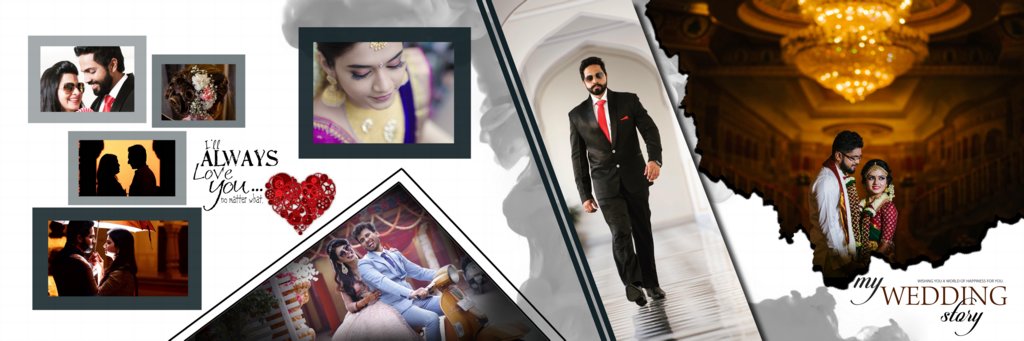
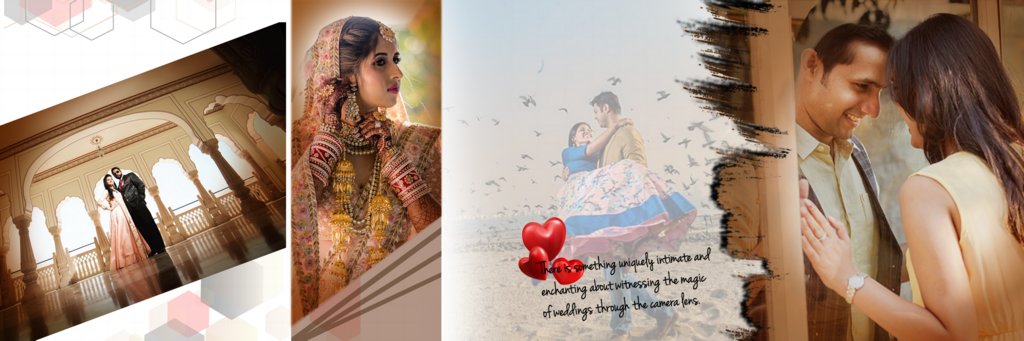
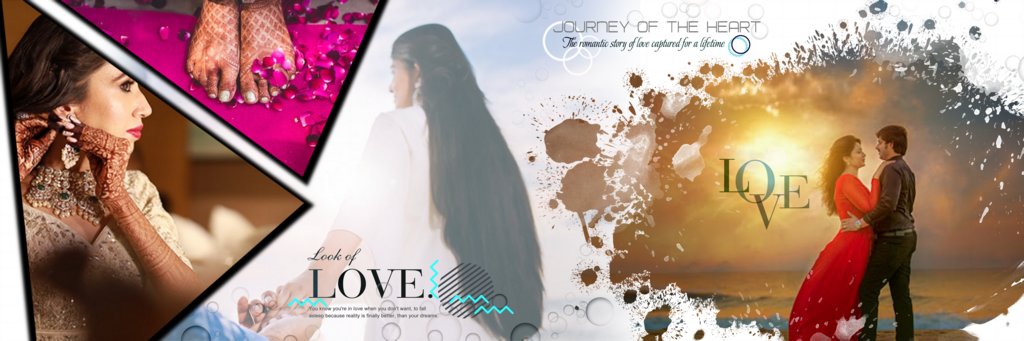
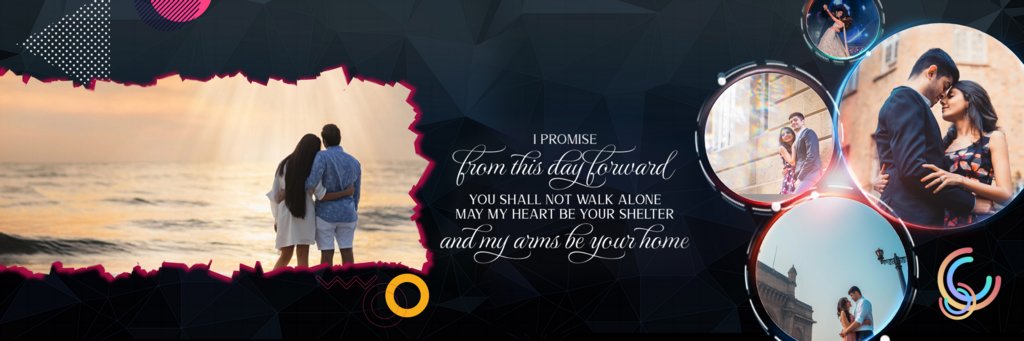
Creative Pre Wedding Album Design refers to arranging pre-wedding photographs into visually appealing album layouts using suitable backgrounds, photo frames, typography, and decorative elements. It helps photographers present a couple’s story through carefully selected pictures and balanced compositions.
Unlike a simple collection of photographs, a creative album layout uses visual elements to connect different moments. Designers can combine close-up portraits, full-length photographs, outdoor scenes, and romantic poses to create a consistent presentation.
A well-planned design should maintain a balance between photographs and decorative elements. Too many effects can distract viewers from the couple, while a clean composition helps important moments stand out.
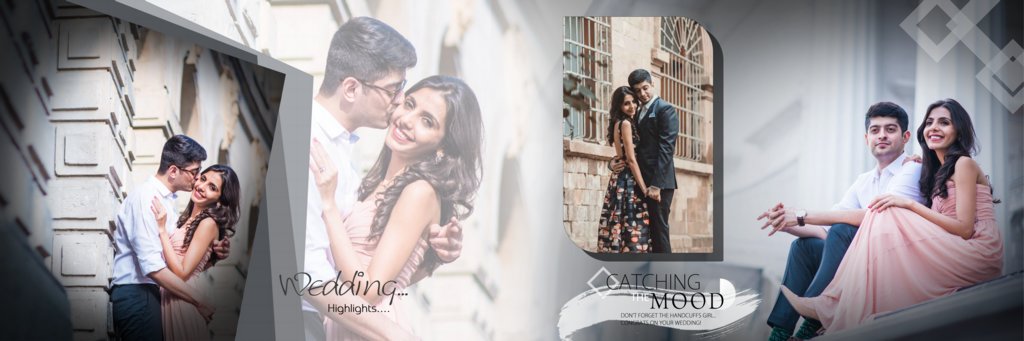
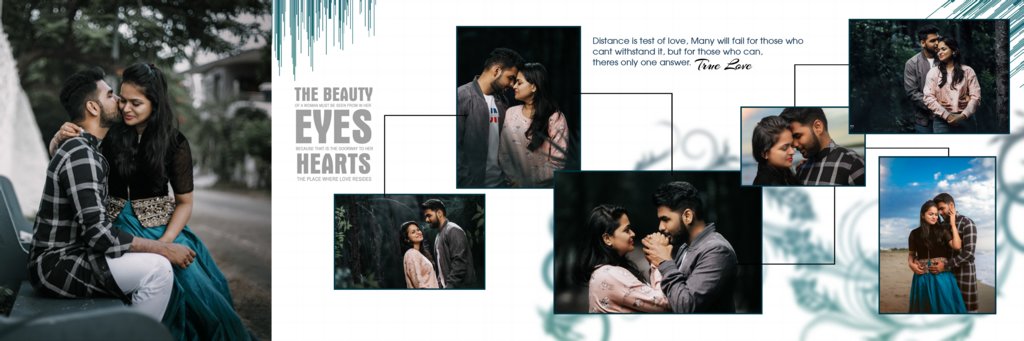
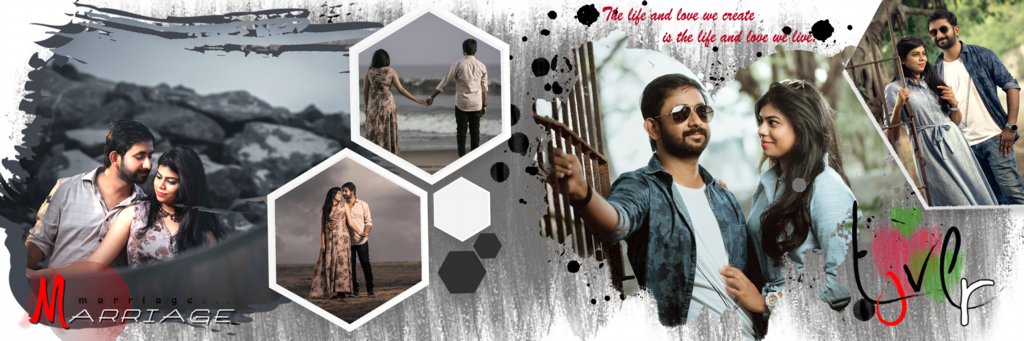
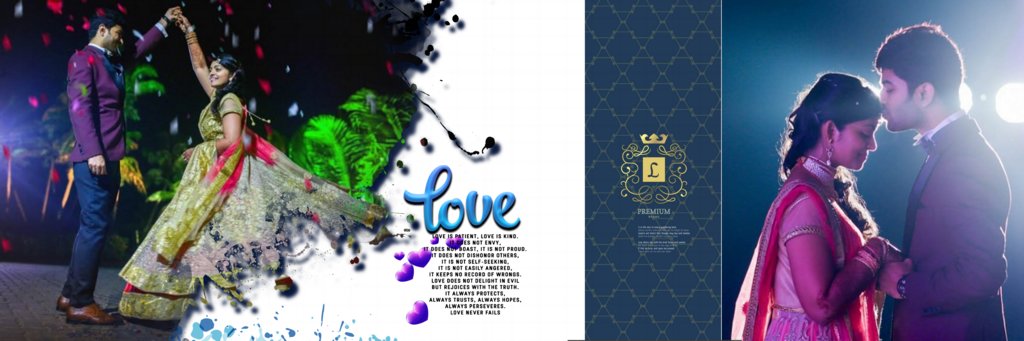
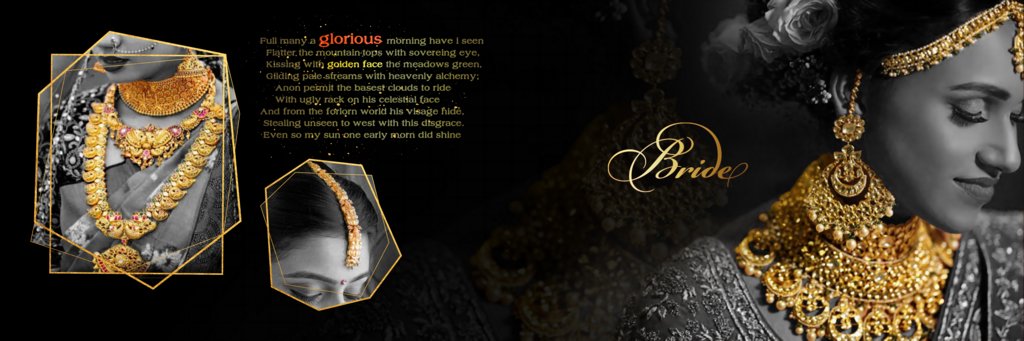
Designers working with a pre wedding album design 12×36 format should also consider the wide shape of the album spread. Photo placement, center binding, and visual balance are important when preparing layouts for printing.
#01
#02
#03
#04
#05
#06
#07
#08
#09
#10
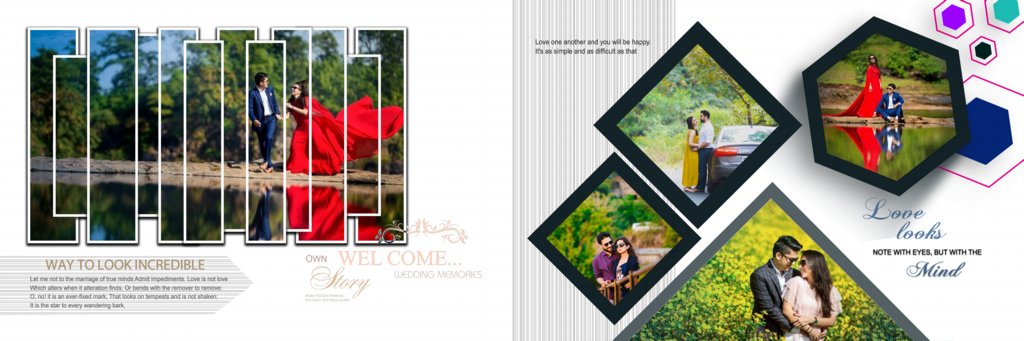
Exploring Creative Pre-Wedding Design Resources on PSDPix.com
Finding a suitable starting layout can make the album creation process easier. On PSDPix.com, readers can explore relevant graphic design and wedding album resources according to their project requirements.
When selecting a creative pre-wedding design, consider the photography style and the client’s expectations. Some couples may prefer colorful outdoor compositions, while others may want simple layouts with elegant backgrounds and minimal decoration.
A 12×36 pre wedding album PSD may be useful for designers working with wide album spreads, provided the individual resource supports the required dimensions. Before downloading, check the resource page for available file details, format, resolution, and editing requirements.
Do not assume that every PSD file contains editable layers or Smart Objects. Similarly, download conditions and commercial-use permissions depend on the individual resource’s terms. Review these details before using a design in paid client projects.
#11
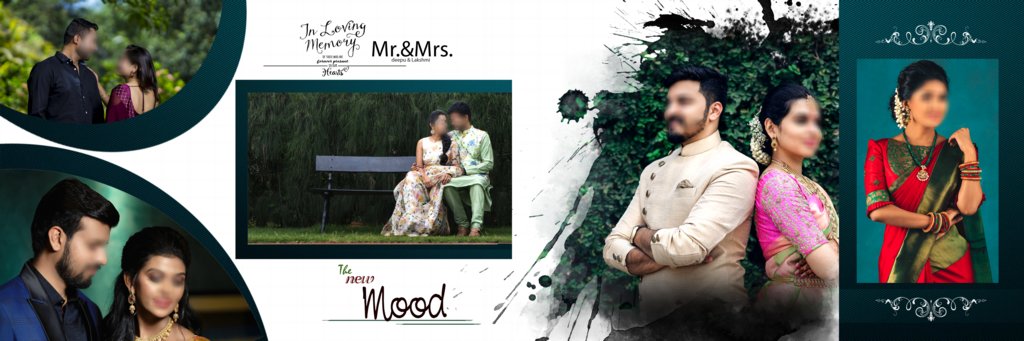
#12
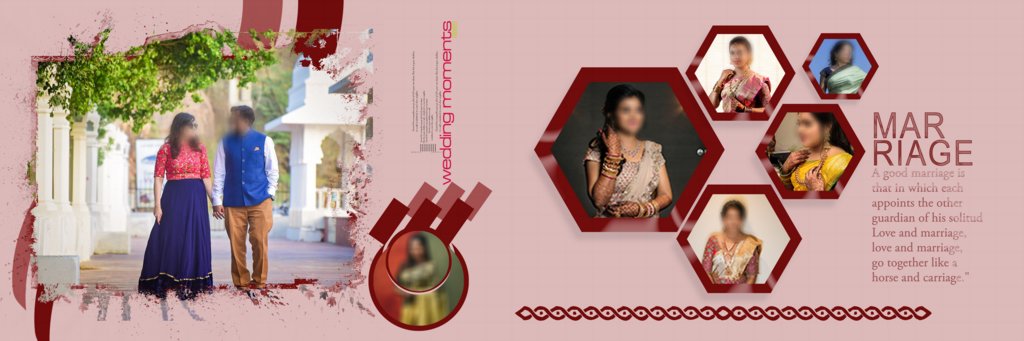
#13
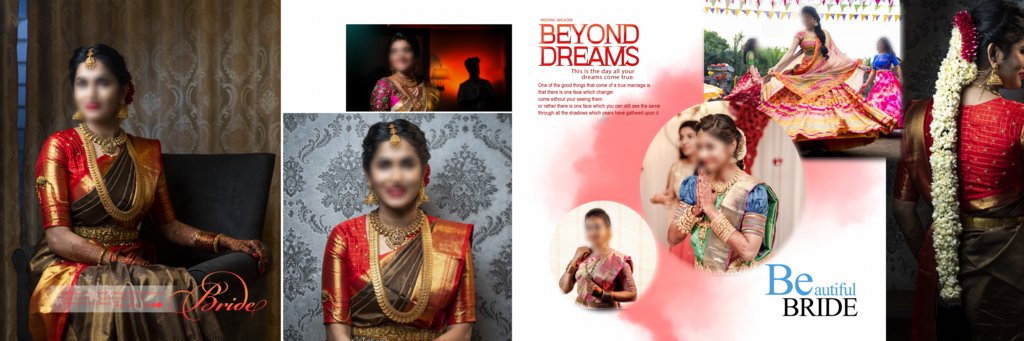
#14
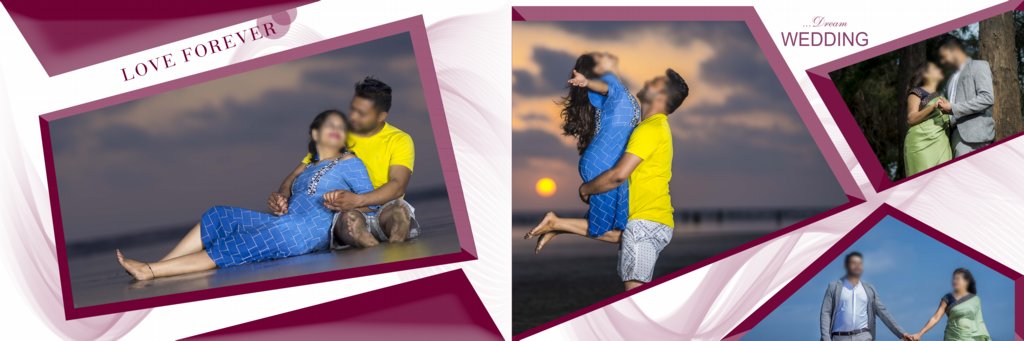
#15
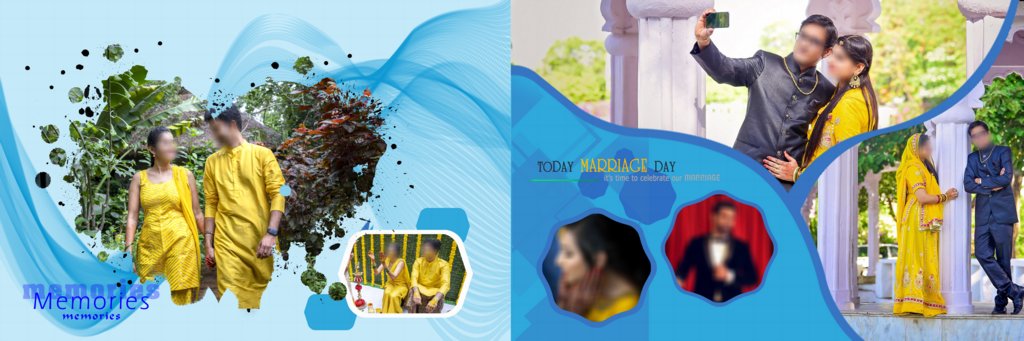
#16
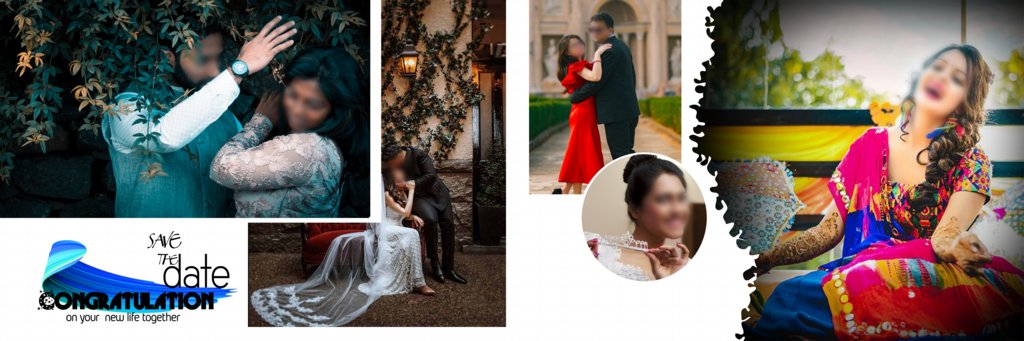
#17
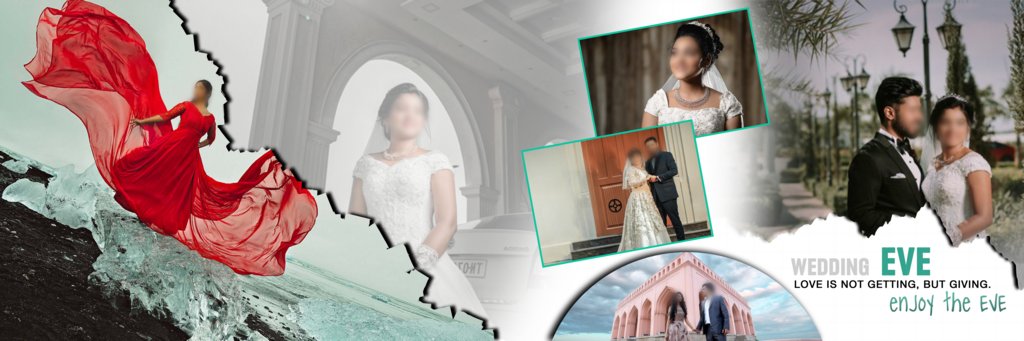
#18
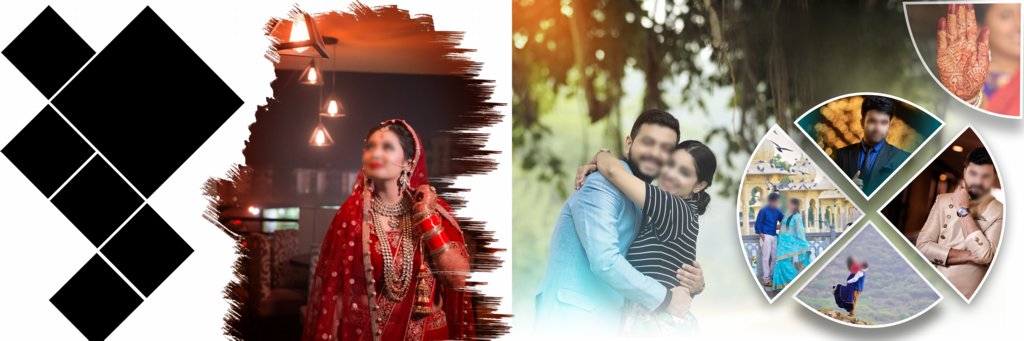
#19
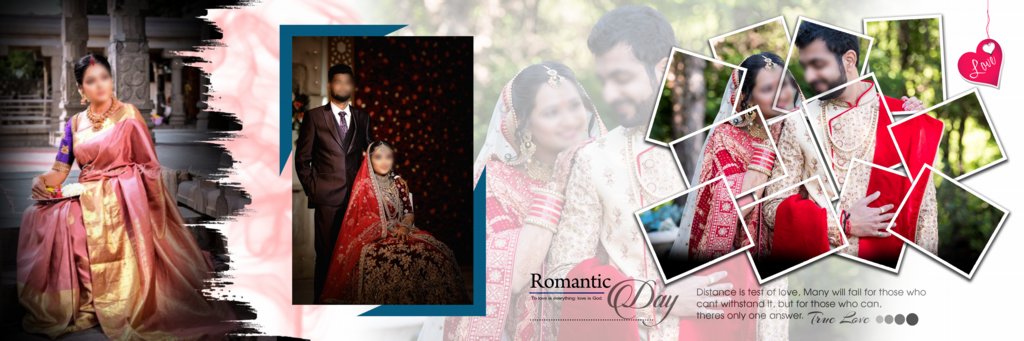
#20
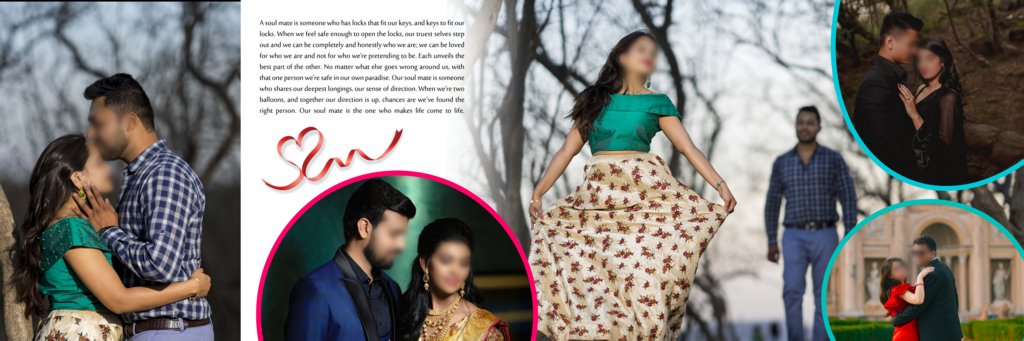
How to Download and Customize a Pre-Shoot Album Design
Follow these six steps to organize and customize a pre-wedding album design.
- Find the Relevant Design Resource: Visit PSDPix.com and explore the relevant pre-wedding album design resources. Open the individual resource page and follow its available download instructions.
- Extract the Downloaded File: If the resource is provided in ZIP format, extract it using suitable archive software. Keep the original archive as a backup for future use.
- Open the PSD in Photoshop: Open the downloaded PSD file in compatible editing software. Check its dimensions, resolution, color mode, and layer structure before making changes.
- Select and Replace Photographs: Choose the best pictures from the photoshoot. Use Smart Objects if they are available, or replace images according to the existing layer structure. Crop photographs carefully to maintain the subject’s appearance.
- Customize Design Elements: Adjust backgrounds, colors, typography, decorative shapes, and photo placement. Maintain a consistent visual style throughout the album. Avoid adding unnecessary effects that make the composition crowded.
- Prepare the Final Album: Review every spread and check the document dimensions, image quality, color profile, and printing margins. Confirm the required bleed and binding areas with the album printer before exporting the final design.
Building Better Design Skills Through Pre-Wedding Album Layouts
Studying different album compositions can help Photoshop users understand how professional-looking layouts are organized. A designer can learn how photographs are arranged, how negative space is used, and how colors influence the overall presentation.
For example, a romantic outdoor photoshoot may include forest backgrounds, natural lighting, and candid couple portraits. These photographs can be arranged using different frame shapes and background treatments while keeping the overall design consistent.
Working with a pre shoot album design also provides an opportunity to practice photo composition, typography, and image placement. Beginners can study available design elements to understand how different sections work together.
Rather than copying every decorative element, try to understand the purpose of each one. This approach helps designers develop their own creative style and make better decisions for different client requirements.
Practical Tips for Attractive Pre-Wedding Album Designs
- Select the Best Photographs: Choose clear, meaningful pictures that represent the couple’s story. Avoid using several photographs with nearly identical poses on the same spread.
- Maintain Consistent Colors: Match the background and decorative elements with the photographs. A consistent color palette creates a more organized album appearance.
- Check Image Resolution: Use photographs with enough pixel detail for the intended print size. A high resolution setting alone cannot improve a low-quality original image.
- Protect the Binding Area: Keep important faces, text, and design elements away from the center fold. Follow the album printer’s specifications for bleed and binding margins.
Frequently Asked Questions
1. What is a Creative Pre Wedding Album Design?
It is a customized album layout used to arrange pre-wedding photographs with backgrounds, frames, typography, and decorative elements to create an attractive visual story.
2. Can I use a 12×36 pre-wedding album PSD in Photoshop?
Yes, if the resource is supplied as a compatible PSD file. Check the document dimensions, software compatibility, and layer structure before editing.
3. What photographs work best for pre-wedding albums?
Couple portraits, candid moments, outdoor photographs, close-ups, and location-based pictures work well when selected and arranged thoughtfully.
4. Can I use downloaded designs for commercial projects?
Commercial usage depends on the individual resource’s license. Always review its terms before using a downloaded design for paid client work.
5. How can I prepare a pre-wedding album for printing?
Check the final dimensions, image resolution, color profile, bleed margins, and binding area. Confirm the export requirements with your album printer.
Conclusion
A Creative Pre Wedding Album Design helps photographers and graphic designers turn memorable couple photographs into attractive album presentations. Good photo selection, balanced compositions, suitable backgrounds, and careful Photoshop editing all contribute to a better result.
If you are exploring creative wedding album resources, visit PSDPix.com and check the available pre-wedding design collections. You can also explore relevant pre wedding album 12×36 layouts according to your project requirements. Always verify the file specifications and license before downloading and using a resource.