Pre-wedding photography often produces a large collection of beautiful pictures, but arranging them into an attractive album can take considerable time. Designers need to select the right photographs, maintain a consistent visual style, and create balanced layouts that tell the couple’s story.
A Pre Wedding Album Design 12X36 layout offers a useful format for presenting romantic photographs, outdoor sessions, couple portraits, and memorable moments. A well-planned design helps photographers turn individual pictures into an organized visual presentation.
At PSDPix.com, this guide explains how to approach 12X36 pre-wedding album layouts, what to check before downloading a Photoshop resource, and how to customize a design for different client projects. It also covers practical preparation tips for designers and photo studios in India.
Pre Wedding Album Design 12X36
Table of Contents
Pre Wedding Album Design 12X36 — Understanding the Album Format
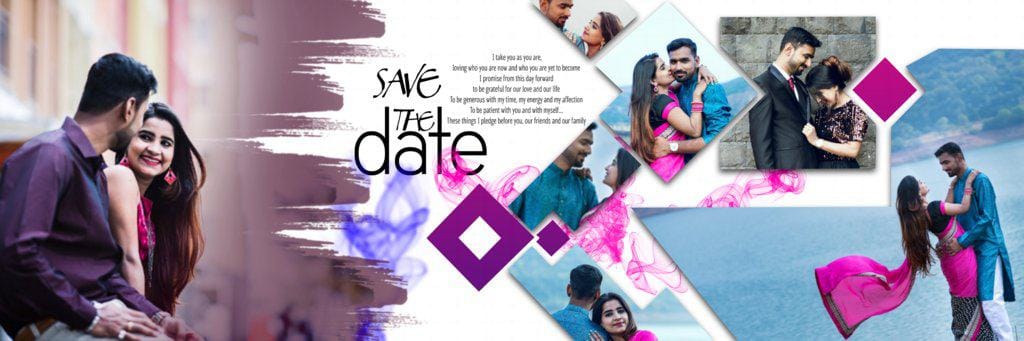
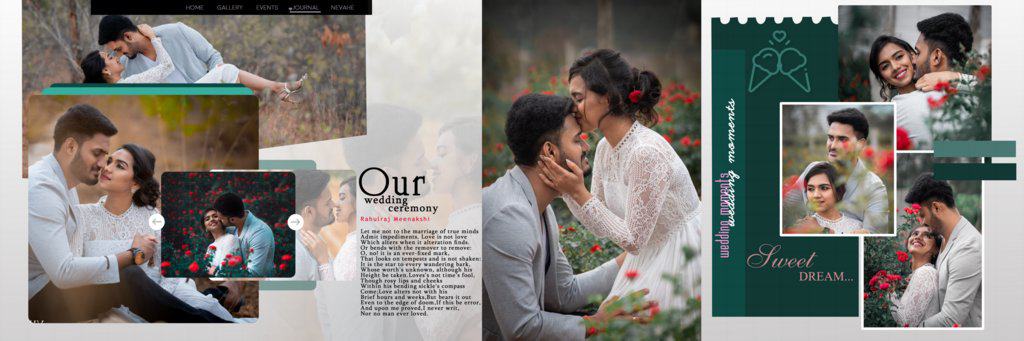
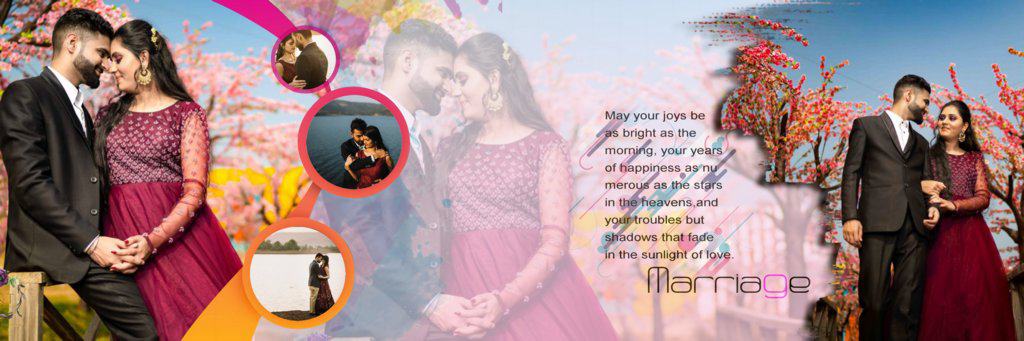
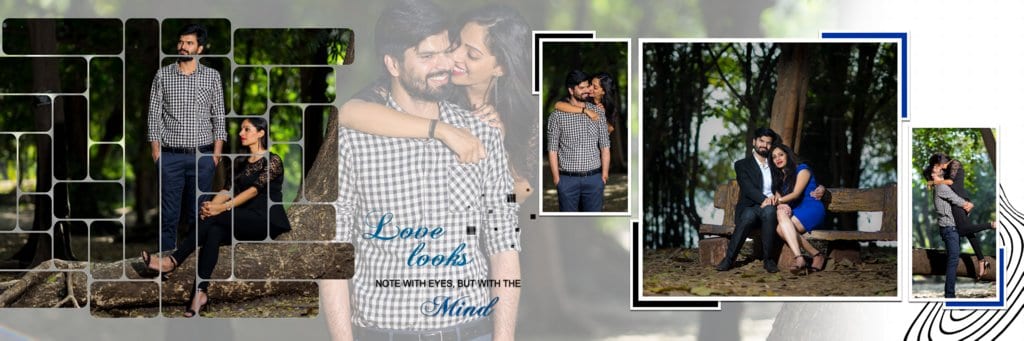
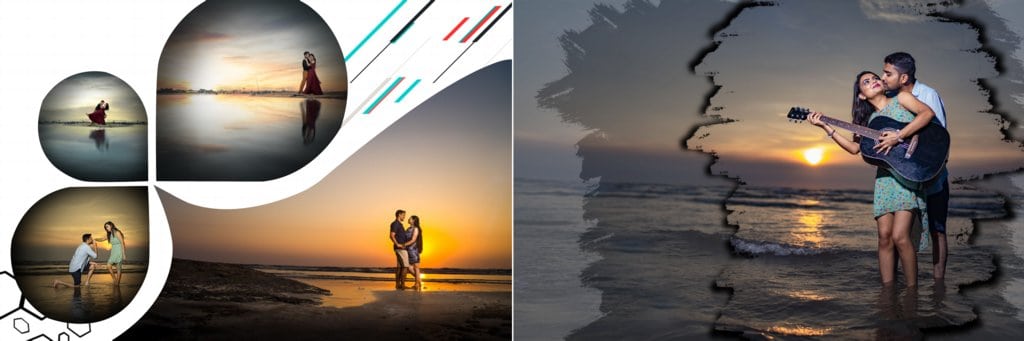
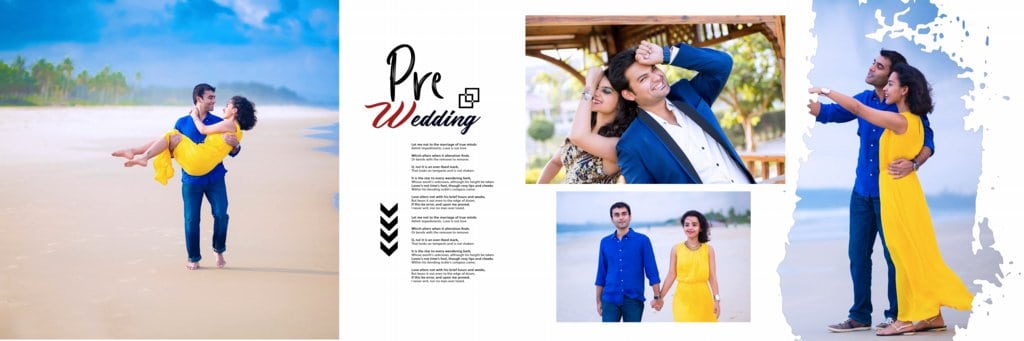
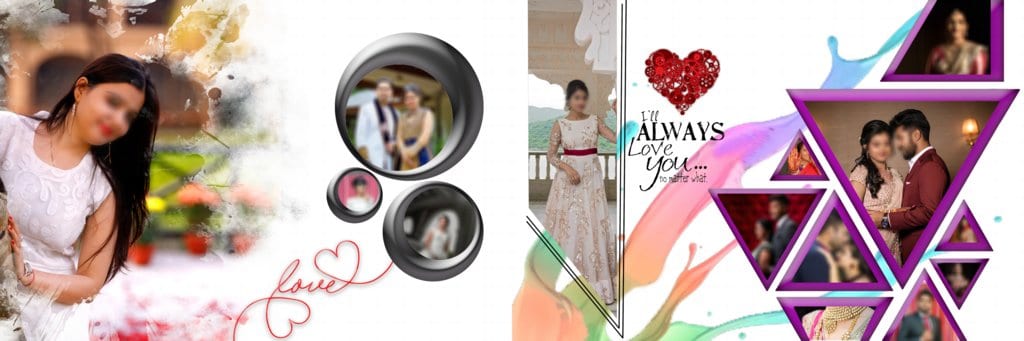
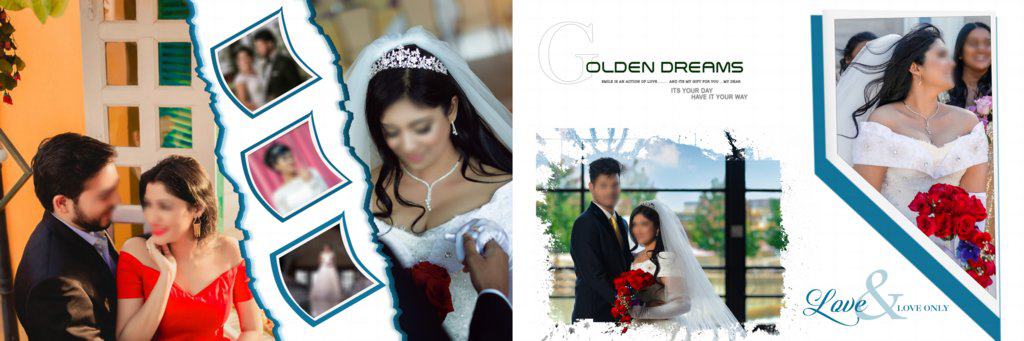
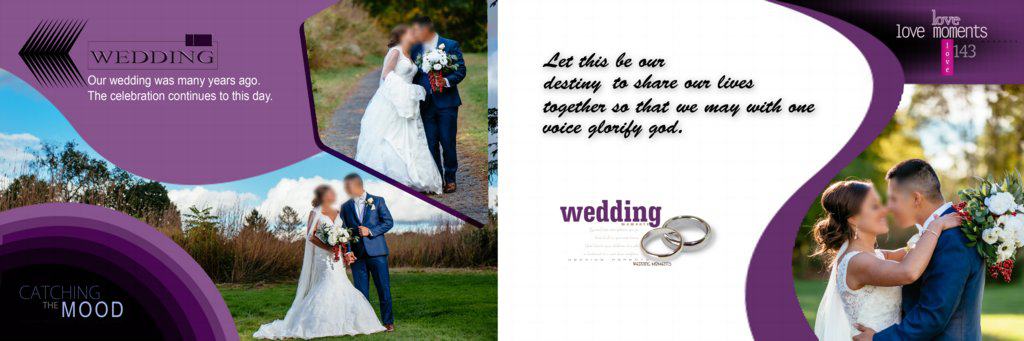
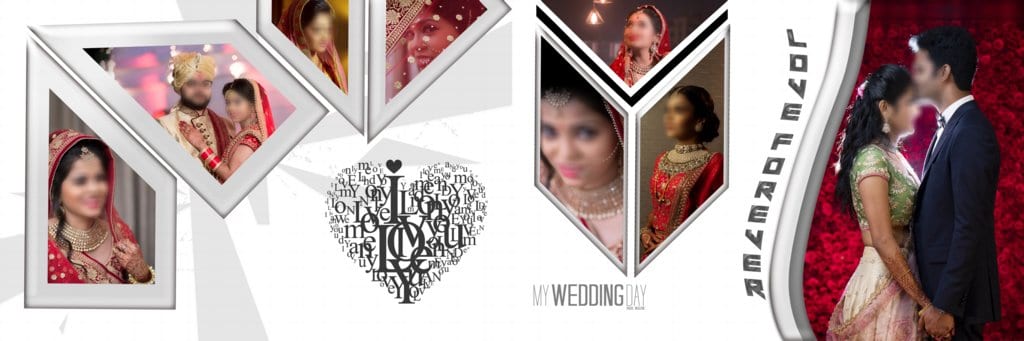
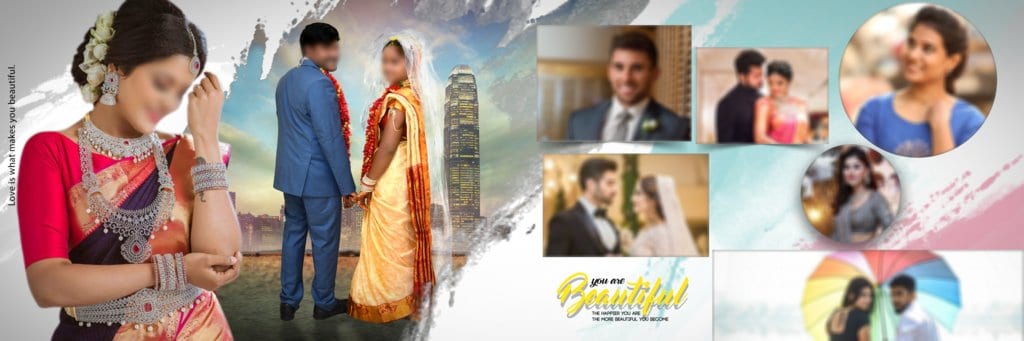
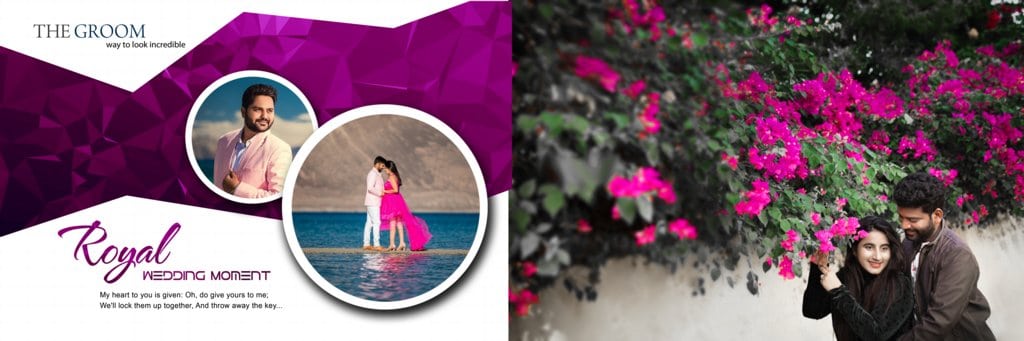
Pre Wedding Album Design 12X36 refers to a wedding photography album layout intended for a 12-by-36-inch sheet format. It is commonly associated with wide album spreads that provide space for arranging multiple photographs in a single composition. The format is useful for presenting pre-wedding stories, couple portraits, and location-based photography.
A 12X36 album design can combine large photographs with smaller supporting images, decorative elements, backgrounds, and text. The designer can organize the photographs to create a visual sequence rather than displaying every picture separately.
A 12×36 pre wedding album PSD can be useful when the supplied resource includes editable Photoshop elements. However, the actual layer structure, document dimensions, resolution, and compatibility should always be checked before starting the project.
#01

#02
#03
#04

#05

#06
#07

#08
#09
#10
Exploring Pre-Wedding Album Design Resources on PSDPix.com
Choosing a suitable design resource is an important part of the album-making process. A good layout should support the photographs instead of making the composition look crowded.
When exploring relevant resources on PSDPix.com, look for a design that matches your client’s photography style and intended album format. Romantic outdoor sessions, traditional couple portraits, and modern pre-wedding photography may each require a different visual approach.
Before using a downloaded resource, check the available file information carefully. Confirm whether it is supplied in PSD format, whether its elements are editable, and whether the document dimensions match your printing requirements.
Designers searching for 12×36 pre wedding album PSD files should also review the individual download page for available specifications and licensing conditions. File availability, included features, and usage permissions should never be assumed without confirmation.
#11
#12
#13
#14
#15
#16
#17

#18

#19

#20

How to Download and Customize a 12X36 Pre Wedding Album Design
Follow these six steps to prepare a suitable album layout for your project.
- Find the Relevant Resource: Visit PSDPix.com and look for the relevant pre-wedding album design resource. Open the individual resource page and follow its available download instructions. Check the file information before downloading.
- Extract the Downloaded Archive: If the resource comes in ZIP format, extract it using suitable archive software. Keep the original downloaded archive as a backup in case you need the files again.
- Open the Design in Photoshop: Open the PSD file in a compatible version of Adobe Photoshop. Check the document dimensions, resolution, color mode, and available layers before making changes.
- Replace the Photographs: Select suitable couple photographs from the pre-wedding session. If the file contains Smart Objects, use the available replacement option. Otherwise, follow its existing layer structure to insert and position your images.
- Customize the Layout: Adjust photo placement, text, colors, backgrounds, and decorative elements according to the client’s preferences. Maintain proper spacing and visual balance throughout the album spread.
- Prepare the Final Output: Review the complete design at its intended size. Check image detail, color settings, bleed margins, and binding areas with the album printer. Save an editable PSD copy and export the final file in the printer’s requested format.
Managing Album Projects Under Tight Studio Deadlines
Pre-wedding album projects often involve several photography locations, outfit changes, and different visual themes. Managing these photographs can become difficult when a studio has multiple client orders waiting for completion.
A reusable layout can help reduce repetitive design work. Instead of creating every composition from the beginning, designers can study an existing layout and adapt its structure to the photographs available for each project.
For example, a couple’s outdoor photography session may include wide landscape shots, close-up portraits, and candid moments. These photographs can be organized into different sections of the album while maintaining a consistent visual style.
When working with a pre wedding album design 12×36 sheet download, organize the photographs before editing. Create separate folders for selected images, background resources, working PSD files, and final exports. This simple process makes revisions easier and helps avoid confusion when clients request changes.
Practical Tips for Better 12X36 Album Results
- Choose High-Quality Photographs: Use original photographs with sufficient pixel detail for the intended print dimensions. Increasing the resolution setting cannot restore missing image detail.
- Maintain Visual Balance: Avoid placing too many photographs in one area. Combine larger portraits with supporting images to create a clean and attractive composition.
- Check Printing Requirements: Ask the printer about the required color profile, bleed margins, and binding area before preparing the final design. Do not assume every printer uses identical specifications.
- Keep an Editable Backup: Save the original PSD separately from the final exported file. This makes future corrections and client revisions easier.
Frequently Asked Questions
1. Are pre-wedding album design PSD files free to download?
Download conditions depend on the individual resource page. Check the available download information on PSDPix.com before assuming that a particular design is free.
2. Which software is required to edit a 12X36 pre-wedding album PSD?
Adobe Photoshop is commonly used for PSD editing. The compatible software version may depend on the file features and structure.
3. Can I use pre-wedding album designs for paid client projects?
Commercial usage depends on the resource’s license. Review the individual usage terms before including a downloaded design in a paid photography project.
4. Why is the 12X36 format useful for pre-wedding albums?
Its wide layout provides room for combining couple portraits, location photographs, and supporting images in a single album spread.
5. How can I prepare a 12X36 pre-wedding album for printing?
Check document dimensions, image resolution, color profile, bleed margins, and binding requirements. Confirm the final export settings with your album printer.
Conclusion
A well-organized Pre Wedding Album Design 12X36 layout can help photographers and graphic designers present pre-wedding photographs in an attractive and meaningful way. Proper photo selection, balanced composition, and careful Photoshop customization are important parts of the process.
If you are looking for a pre wedding album 12×36 design resource, explore the relevant collections on PSDPix.com. Check the available file details and license information before downloading and using a design in your next client project.