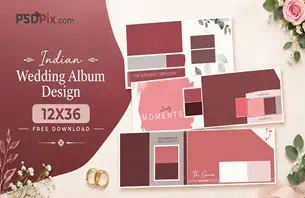
A couple has completed their pre-wedding photoshoot, and the photographer now needs to turn those memorable moments into an attractive album. Choosing the right layout is important because every photograph should have enough space to tell its story. A well-planned 12X36 sheet format offers a practical canvas for creating wide album compositions.
Pre Wedding Album Design 12X36 is a useful search topic for wedding photographers, graphic designers, and photo studio owners who want suitable layouts for pre-wedding photography. This format allows designers to arrange couple portraits, candid moments, outdoor photographs, and creative compositions across a wide album spread.
At PSDPix.com, designers can explore graphic design resources and wedding album design ideas for their creative projects. Before selecting a particular PSD resource, it is important to understand the layout format, editing requirements, and preparation needed for professional album printing.
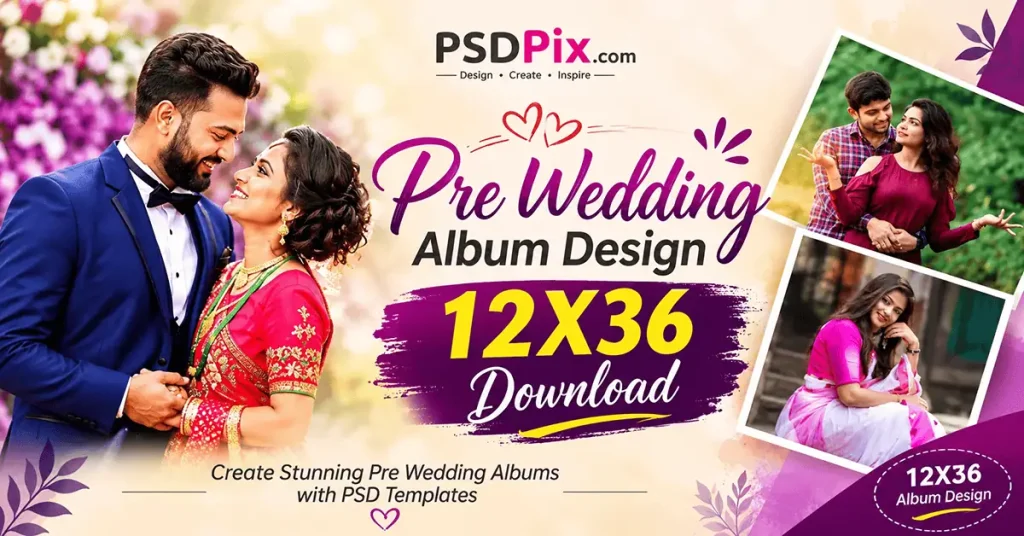
Pre Wedding Album Design 12X36
Table of Contents
Pre Wedding Album Design 12X36 and Its Wide Sheet Format
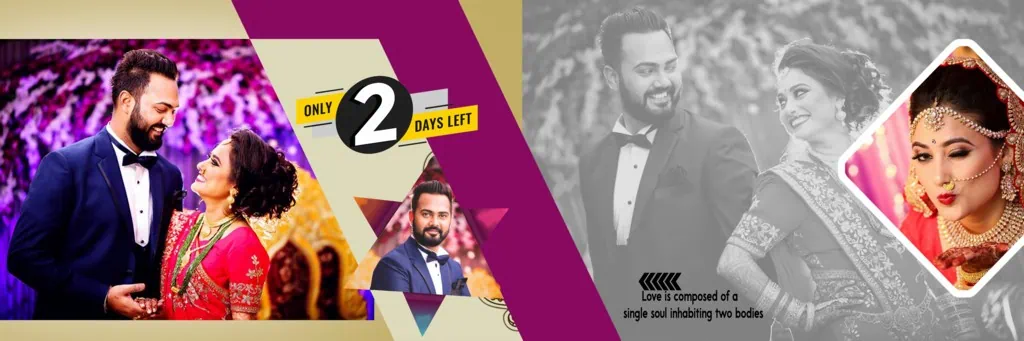
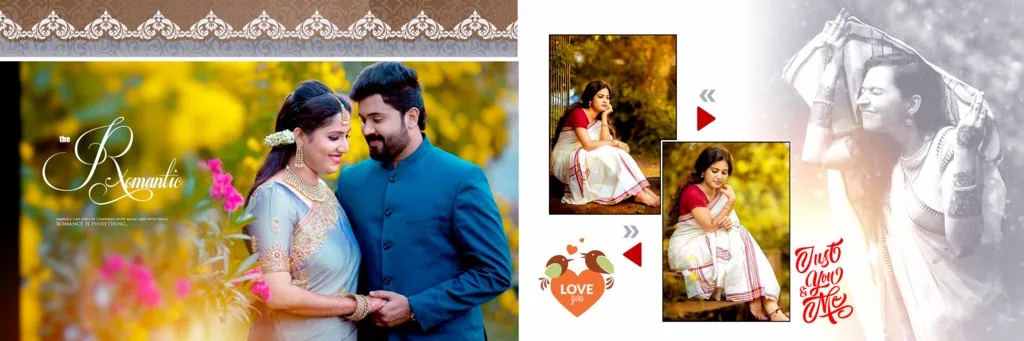
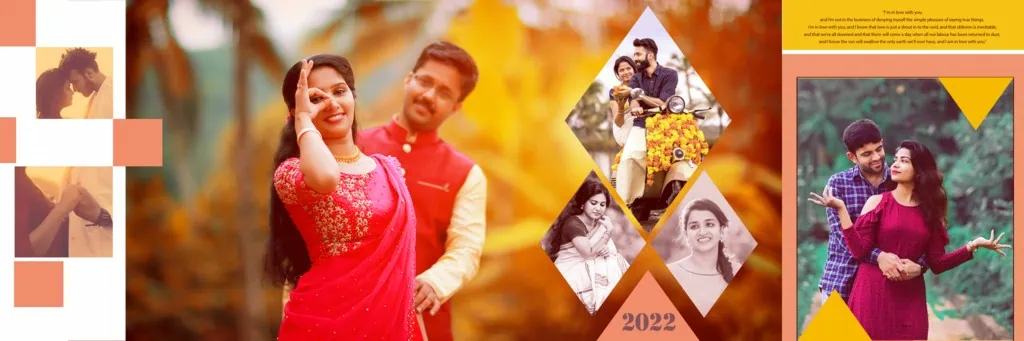
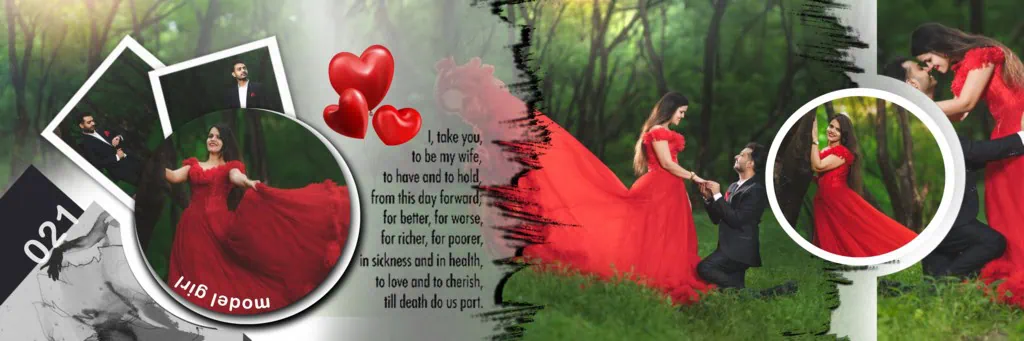
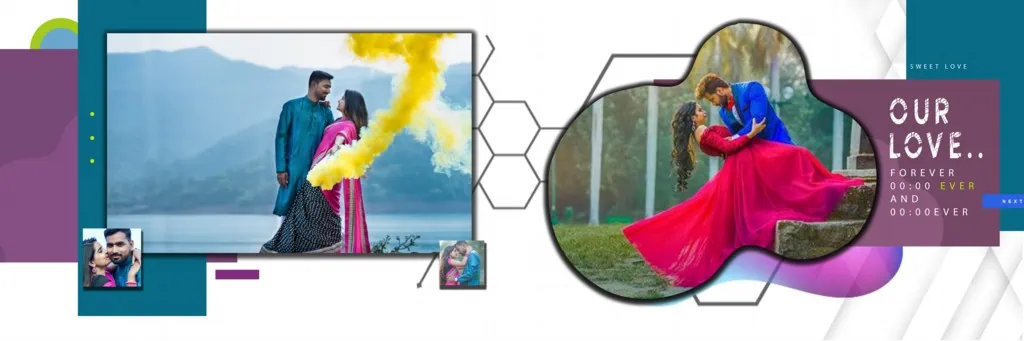
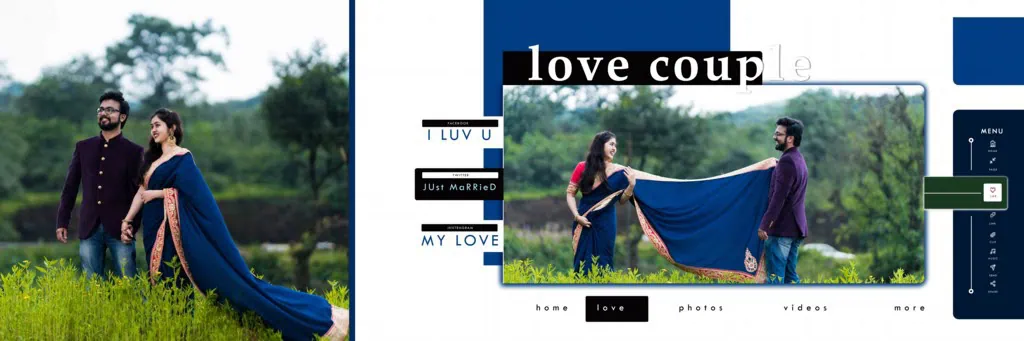
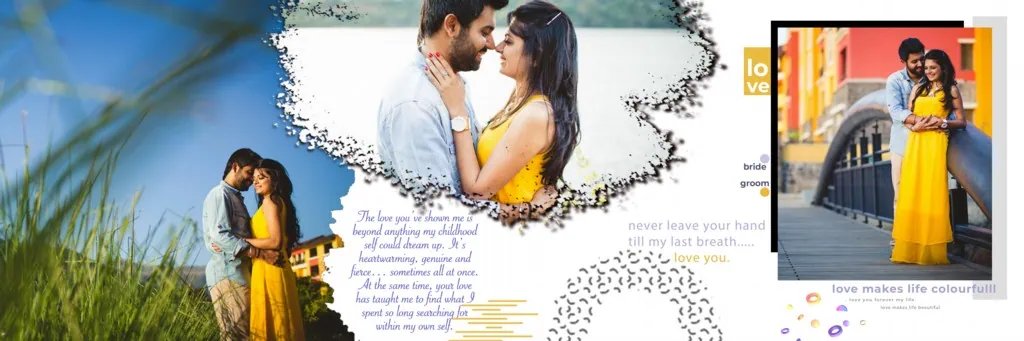
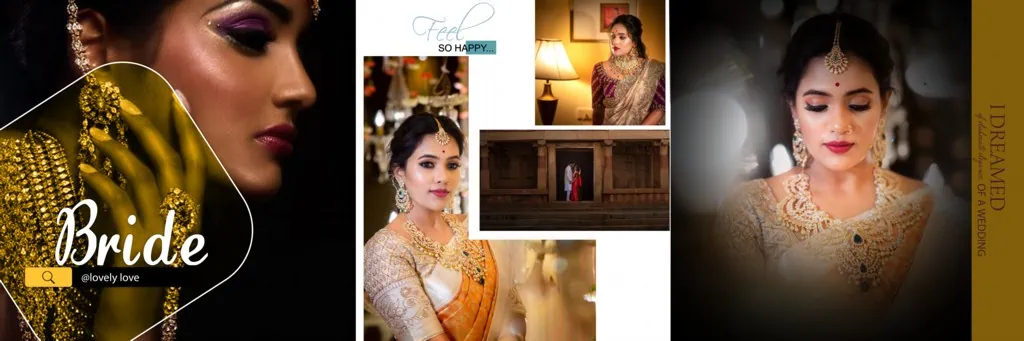
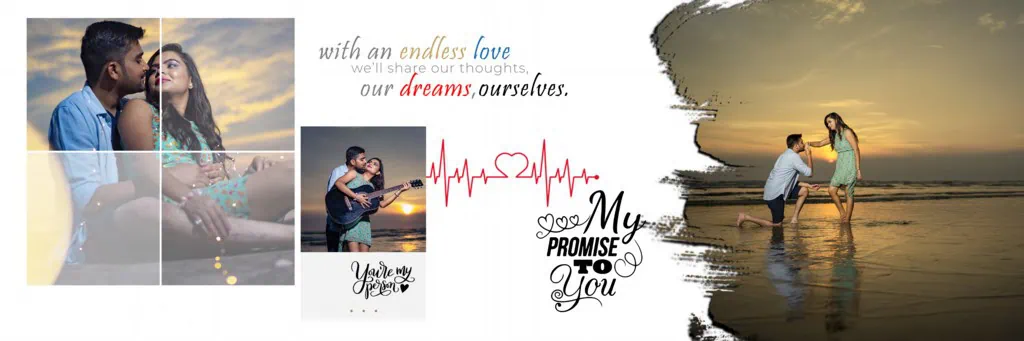
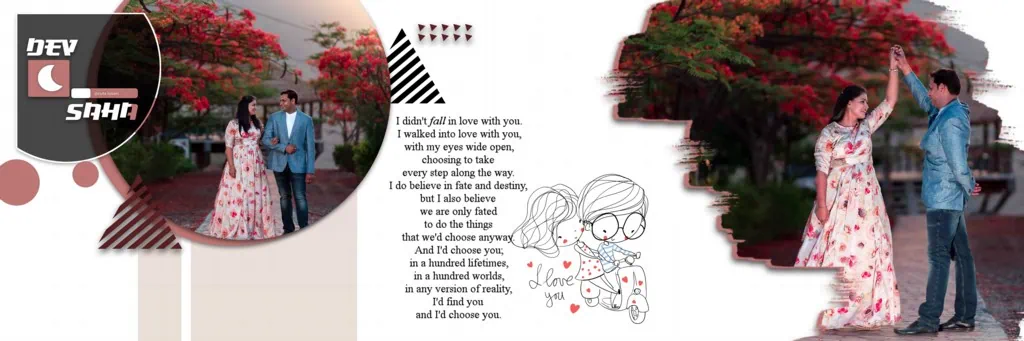
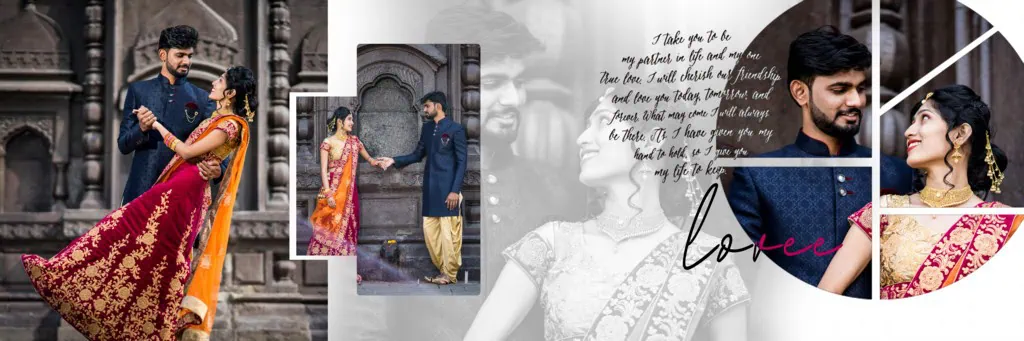
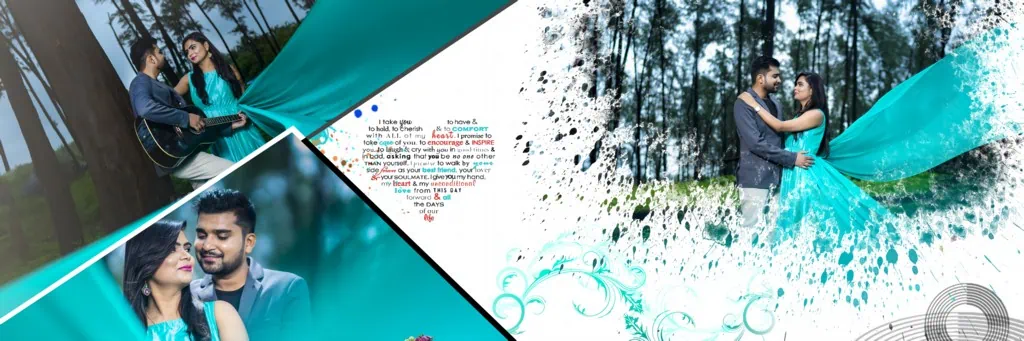
Pre Wedding Album Design 12X36 refers to a wide-format album layout intended for presenting pre-wedding photographs across a 12-by-36-inch sheet. It is commonly associated with panoramic wedding album spreads, where multiple photographs can be arranged within one continuous composition.
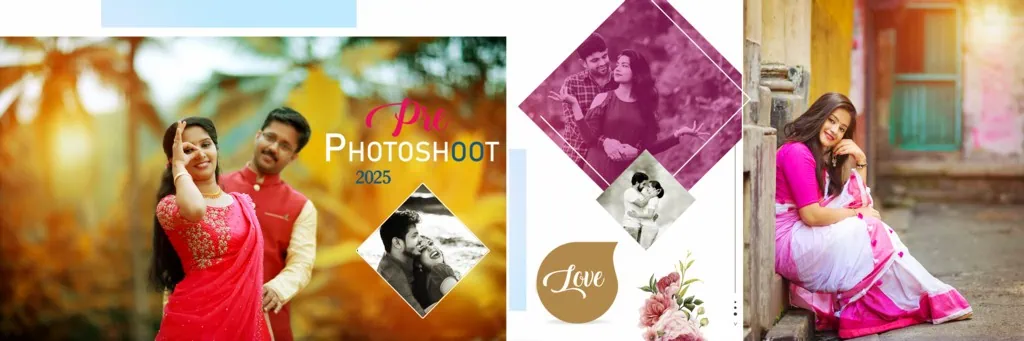
The wide canvas provides room for different photo arrangements, including large couple portraits, smaller supporting images, decorative elements, and text. Designers can use this format to create visually balanced spreads that present a couple’s photographs in an organized way.
A candid pre wedding album design can be especially suitable for storytelling. Natural expressions, walking photographs, romantic poses, and outdoor scenes can be arranged to create a visual sequence. However, the final appearance depends on the selected photographs, layout decisions, and available editing features.
#01

#02

#03

#04
#05
#06

#07
#08

#09

#10
Explore Pre-Wedding Album Design Resources on PSDPix.com
PSDPix.com focuses on graphic design resources, including wedding album designs and Photoshop-related creative materials. Designers looking for a 12X36 pre wedding album PSD can use the website’s relevant resource collection or individual download page when available.
Before downloading a particular design, check its description carefully. The exact document dimensions, pixel resolution, file format, layer structure, and software compatibility should be confirmed from the individual resource page.
A pre wedding album design 12×36 sheet download may be useful for photographers who want to prepare a consistent visual presentation for their clients. However, not every resource necessarily includes the same editing options or technical specifications.
Check the following details before choosing a file:
- File format: Confirm whether the resource is provided as PSD, JPEG, or another format.
- Document dimensions: Check whether the actual canvas matches your intended album sheet size.
- Layer structure: Verify whether photographs, backgrounds, and decorative elements can be edited separately.
- Software compatibility: Confirm that your editing software supports the supplied file.
- License conditions: Review the individual resource’s terms before using it in commercial client projects.
#11
#12
#13
#14

#15
#16
#17
#18
#19
#20
How to Download and Customize a 12X36 Pre-Wedding Album Design
Once you have identified a suitable resource, follow these steps to prepare it for your project.
- Find the relevant resource: Visit PSDPix.com and locate the applicable pre-wedding album design page. Read the resource description and follow the available download instructions.
- Extract the downloaded archive: If the file comes in ZIP format, extract it using compatible archive software. Keep the original compressed file as a backup.
- Open the design in Photoshop: Open the PSD file in a compatible version of Adobe Photoshop. Check the document properties, including dimensions, resolution, and color mode, before making changes.
- Replace the photographs: If the file contains editable image layers or Smart Objects, use the available features to insert your selected pre-wedding photographs. Otherwise, follow the layer structure to replace images manually.
- Customize the composition: Adjust photo placement, text, background colors, and decorative elements according to the couple’s preferences. Maintain visual balance and avoid overcrowding the sheet.
- Prepare the final output: Check the document dimensions, image detail, color settings, bleed requirements, and binding allowance. Save an editable PSD copy and export the final file according to your printer’s specifications.
Creating Better Visual Stories With Candid Pre-Wedding Photography
Pre-wedding albums are not simply collections of attractive photographs. They can also communicate the story of a couple through carefully selected images and thoughtful arrangements.
When working on a candid pre wedding album design, begin by sorting photographs into meaningful groups. For example, outdoor portraits, close-up expressions, walking shots, and location-based photographs can be organized into visual sequences.
Photo composition plays an important role in a wide 12X36 layout. A large photograph can serve as the main focus, while smaller supporting images provide additional details. Try to maintain consistent spacing and avoid placing important facial details near the center fold.
Typography should also support the photographs rather than compete with them. Simple names, wedding dates, and short captions can add a personal touch when appropriate. Use readable fonts and suitable contrast.
For Indian pre-wedding photography, designers may also consider the location, clothing, and overall theme of the photoshoot. A traditional outfit, modern casual session, or destination shoot may require different background colors and decorative treatments.
Practical Tips for Better 12X36 Album Printing Results
Before sending your completed album sheet for printing, review these important details:
- Check actual image resolution: A document set to 300 DPI does not automatically guarantee sharp photographs. The original images must contain enough pixel detail for the intended print size.
- Confirm color requirements: Ask your printing provider whether the final artwork should use RGB or a specific CMYK color profile. Follow the printer’s recommended export settings.
- Allow space for binding and trimming: Keep faces, important text, and other essential elements away from the center binding area and trimming edges. Confirm the required bleed margins with the printer.
- Maintain an editable backup: Save your working Photoshop document separately before exporting the final version. This makes future corrections and client-requested changes easier.
Frequently Asked Questions
Are pre-wedding album PSD designs free to download?
Download conditions depend on the individual resource. Check the relevant PSDPix.com download page for pricing, access requirements, and any applicable conditions.
Which software is needed to edit a 12X36 pre-wedding album PSD?
Adobe Photoshop is commonly used for PSD editing. Software compatibility may vary depending on the file features and version requirements.
Can I use these designs for paid client projects?
Commercial usage depends on the license attached to the individual resource. Always review its terms before using a design in paid photography or album projects.
What makes the 12X36 format useful for pre-wedding albums?
Its wide layout provides space for panoramic compositions, couple portraits, and multiple supporting photographs within one album spread.
How can I prepare a 12X36 album design for printing?
Confirm the final dimensions, image resolution, color profile, bleed margins, and binding allowance with your printing provider before exporting the artwork.
Conclusion
A carefully planned Pre Wedding Album Design 12X36 layout can help photographers and designers present pre-wedding photographs in an attractive and organized way. Choosing suitable images, maintaining balanced compositions, and checking print requirements are important parts of the design process. A suitable 12X36 pre wedding album PSD can also provide a starting point for customization, depending on its available editing features.
Explore the relevant wedding album design resources on PSDPix.com to find creative inspiration for your next project. Review the file details and licensing conditions before downloading and using any pre wedding album design 12×36 sheet download for client work.