Indian weddings bring together many memorable occasions, from Mehendi and Haldi to Sangeet, wedding rituals, and reception celebrations. Photographers capture hundreds of moments during these events, and presenting them in an attractive album requires careful photo selection and thoughtful page arrangements.
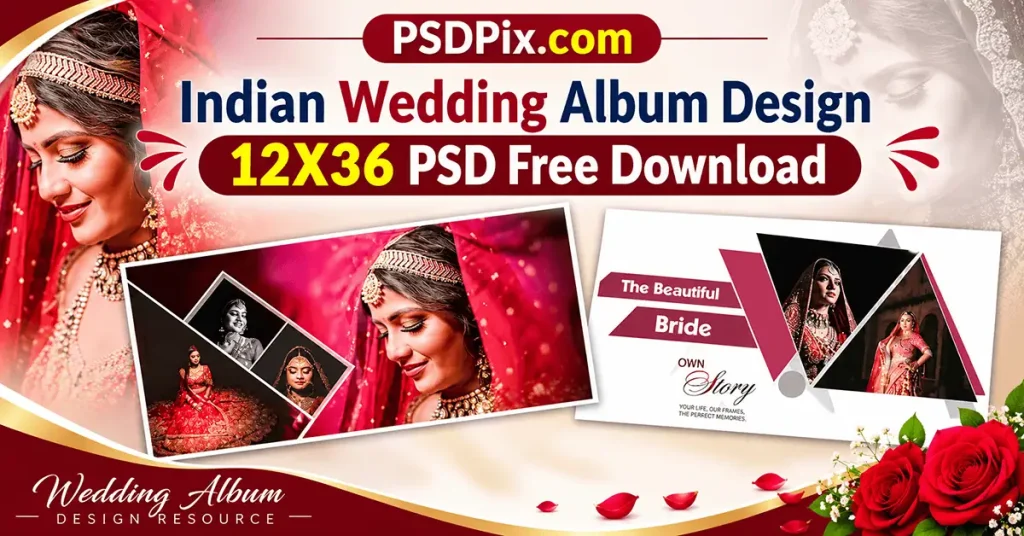
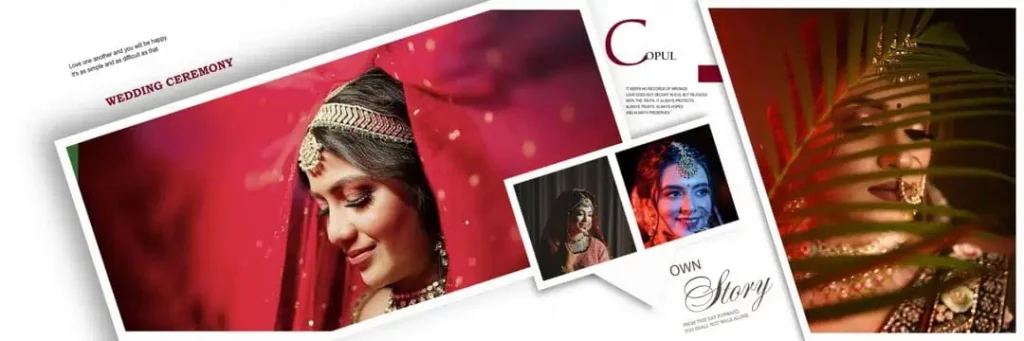
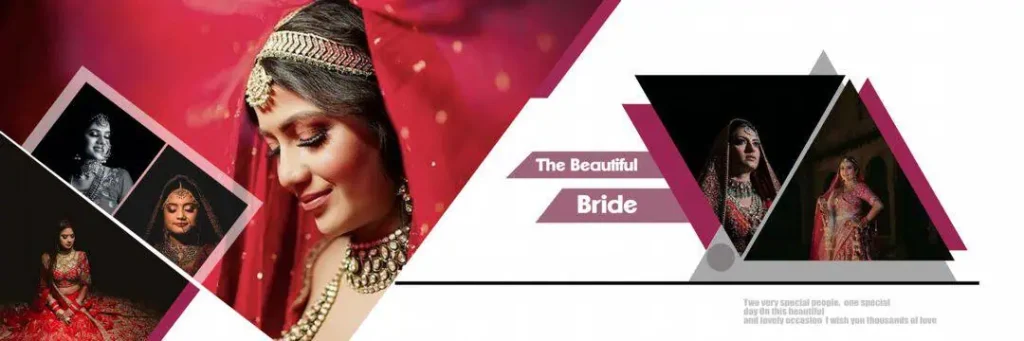
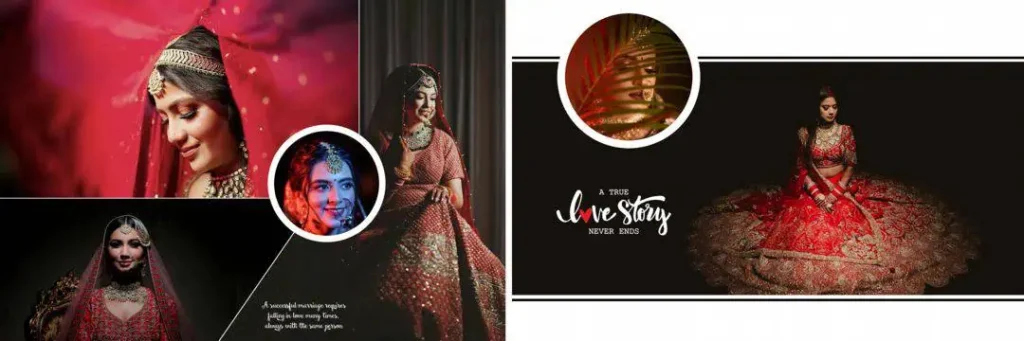
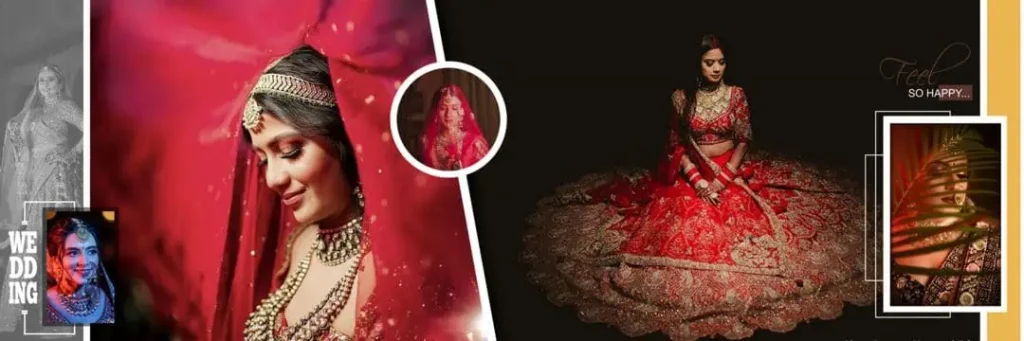
Indian Wedding Album Design 12X36 PSD is a relevant resource for designers and photographers who work with wide-format wedding album layouts. A 12×36 spread offers space to combine couple portraits, family photographs, traditional ceremonies, and decorative elements in one connected composition.
At PSDPix.com, wedding album design resources are the focus of this topic. This article explains how to evaluate an Indian wedding album layout, customize a PSD file in Photoshop, and prepare the final design for printing. It also covers important checks that help avoid common editing and production mistakes.
Indian Wedding Album Design 12X36 PSD
Table of Contents
Indian Wedding Album Design 12X36 PSD and Its Uses
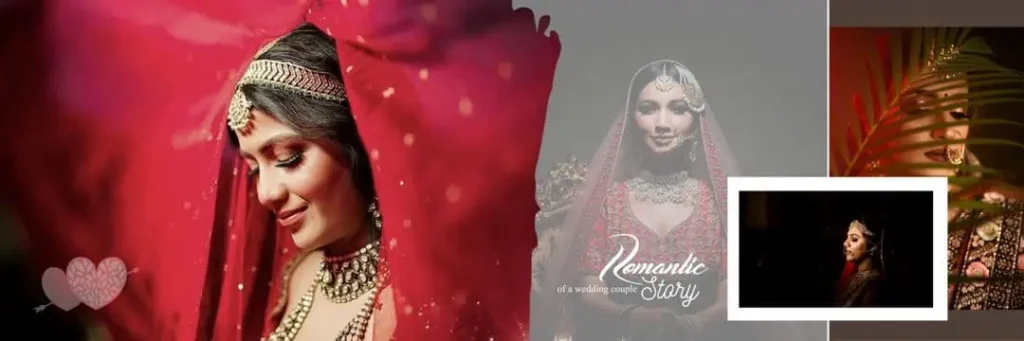
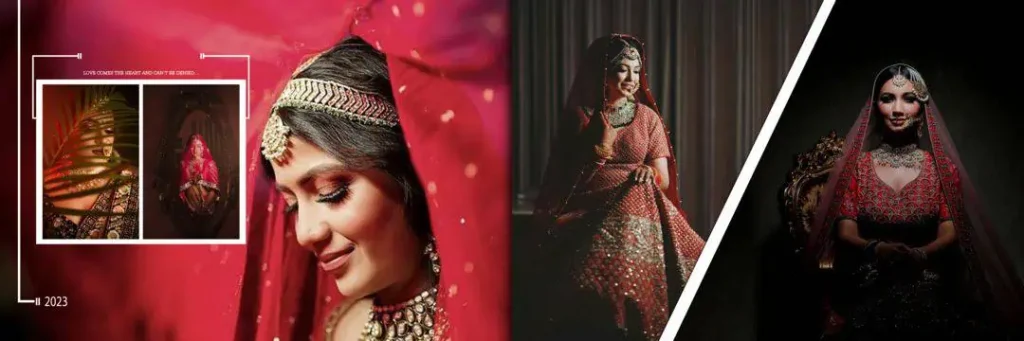
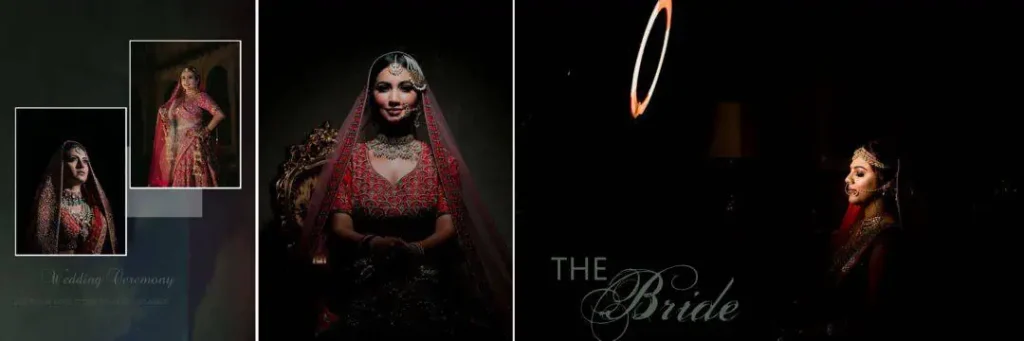
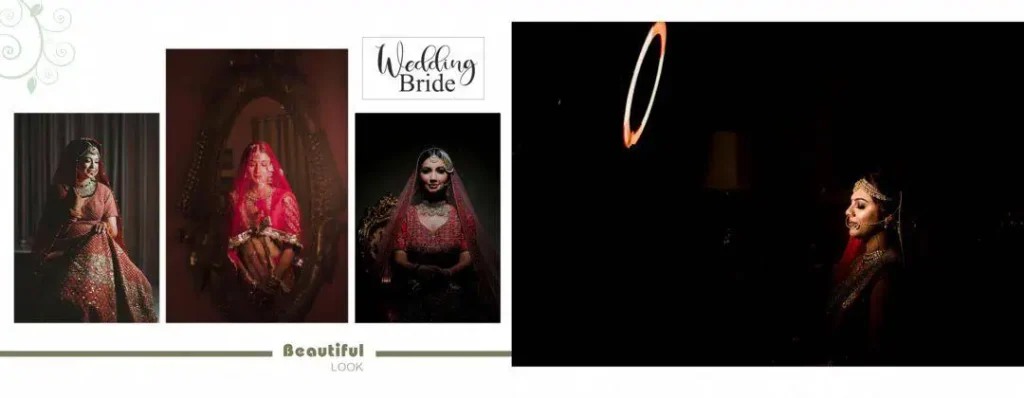
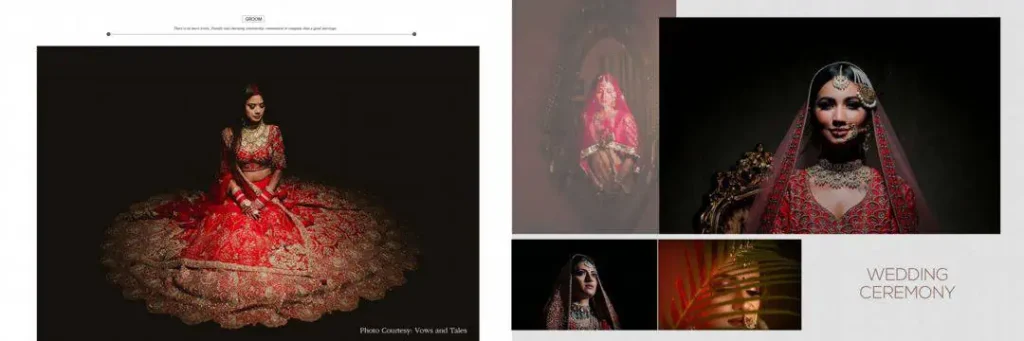
Indian Wedding Album Design 12X36 PSD refers to a Photoshop document intended for creating or editing a wide wedding album spread. The format is commonly associated with a 12-by-36-inch layout, allowing designers to arrange wedding photographs across a panoramic composition.
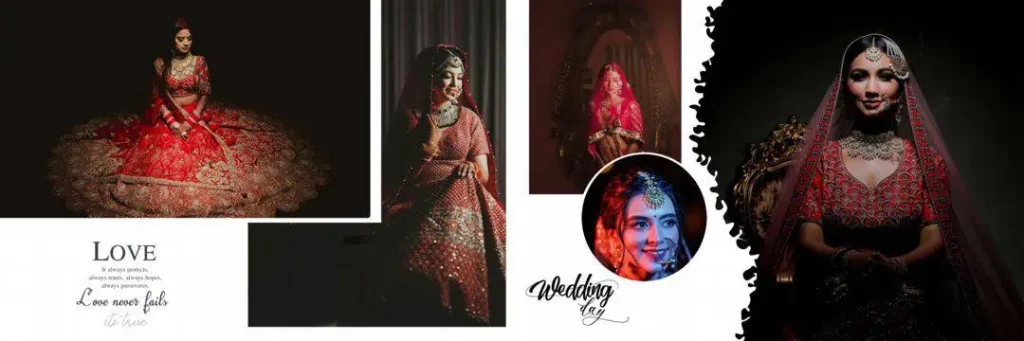
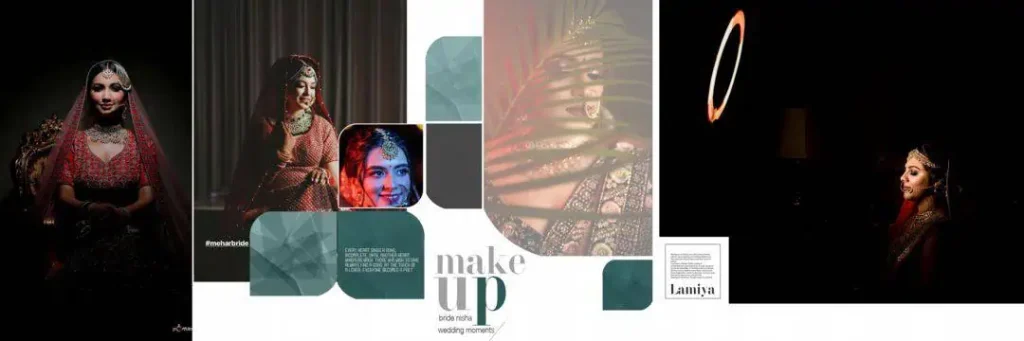
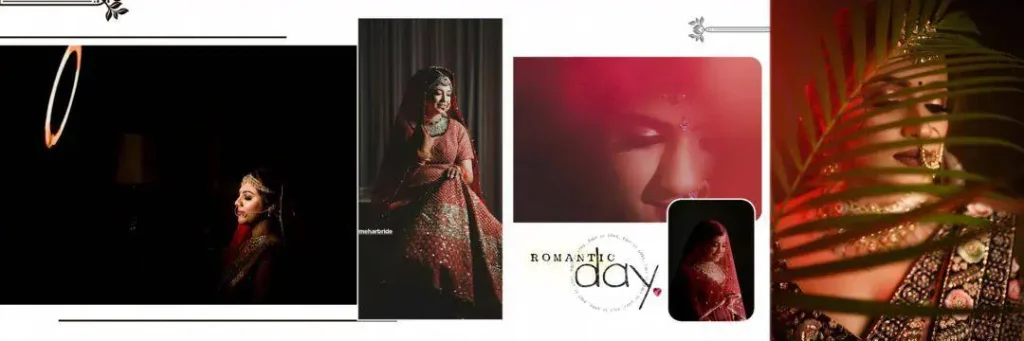
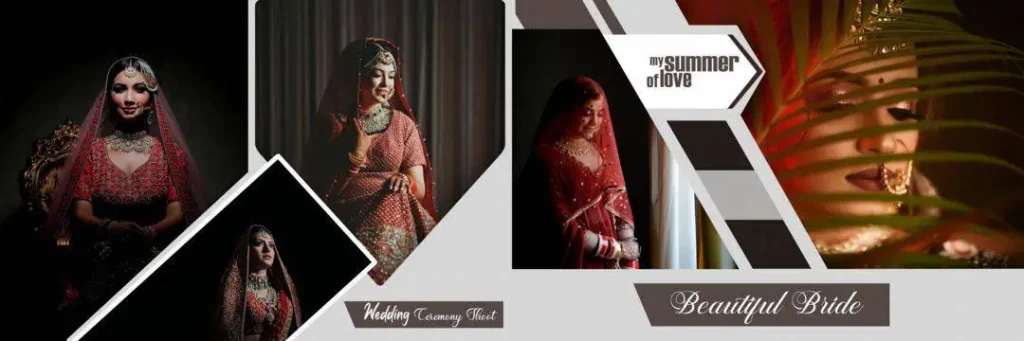
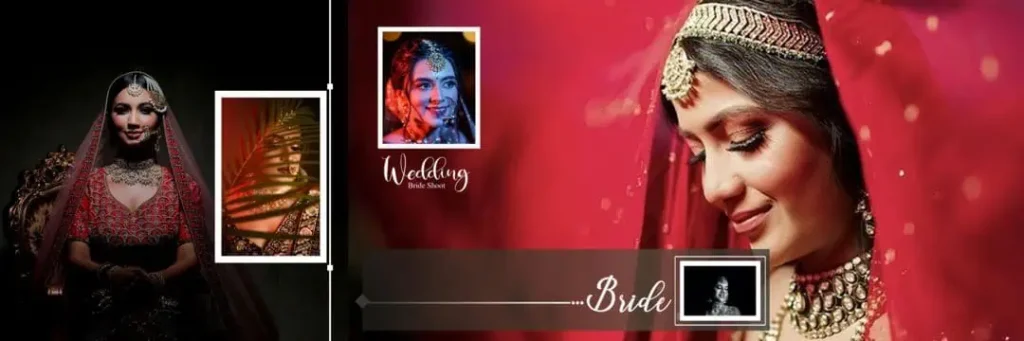
An Indian marriage album design often includes different visual elements, such as couple portraits, traditional wedding rituals, family photographs, decorative backgrounds, and text. The layout should present these elements in a balanced way while maintaining the visual story of the wedding.
The 12×36 format is particularly useful when a designer wants to display a large photograph alongside smaller supporting images. However, the actual dimensions, resolution, layer structure, and editing features must be checked in each individual PSD document.
A suitable Indian album 12×36 layout can help photographers organize wedding memories without making every spread look crowded. Designers can also adjust the composition according to the client’s preferred photographs and album style.
#01
#02
#03
#04
#05
#06
#07
#08

#09
#10
Explore Indian Wedding Album Design Resources on PSDPix.com
Wedding photographers and Photoshop designers often look for layouts that can support different Indian wedding occasions. A collection focused on Indian wedding album design can help users explore suitable compositions for couple portraits, family gatherings, wedding ceremonies, and reception photographs.
The Indian Wedding Album Design 12X36 PSD Free Download topic is intended for readers searching for relevant Photoshop design resources on PSDPix.com. Before choosing a particular file, review its resource information and confirm whether the required download is available.
Consider these details when evaluating an album design:
- Layout composition: Check whether the arrangement suits the number and orientation of your photographs.
- Document dimensions: Confirm whether the canvas matches your required album size.
- Layer structure: Check whether photographs, text, backgrounds, and decorative elements can be edited separately.
- Image resolution: Review the actual pixel dimensions and image quality before preparing a large print.
- Software compatibility: Confirm that your editing software can open the PSD correctly.
Not every PSD file contains the same features. Therefore, avoid assuming that all templates include Smart Objects, editable text, or print-ready settings.
#11
#12
#13
#14
#15
How to Download and Customize an Indian Wedding Album PSD
Once you find a suitable resource page, follow these steps to prepare the design for your project.
- Visit the resource page: Open the relevant PSDPix.com page when its download destination is available. Review the resource details and follow the provided download instructions.
- Extract the downloaded file: If the resource comes in ZIP format, extract the archive using suitable software. Locate the PSD document and check whether additional instructions or supporting files are included.
- Open the PSD in Photoshop: Launch Adobe Photoshop and open the document. Inspect its dimensions, resolution, color mode, and layer organization before starting the editing process.
- Replace the wedding photographs: Add the selected photographs from the client’s wedding. If the document contains Smart Objects, use their replacement options. Otherwise, work with the available image layers.
- Customize the layout: Adjust photo positions, backgrounds, decorative elements, and text. Make sure the main couple photograph receives suitable visual attention and supporting photographs remain easy to view.
- Prepare the final design: Check the document size, image resolution, color profile, and printer requirements. Save an editable PSD backup and export the final version using the format requested by your album printing provider.
Following this process helps maintain an organized workflow and reduces the chance of missing important details before delivery.
Designing Wedding Album Spreads Around Client Expectations
A wedding album is more than a collection of photographs. It presents the story of an important family occasion, so the layout should reflect the client’s memories and preferences.
For example, a Mehendi spread may focus on colourful photographs and family interactions, while a wedding ceremony spread may give more space to the bride and groom’s important rituals. A reception spread may require a different arrangement for stage photographs, group pictures, and couple portraits.
When preparing an Indian photo album design, consider the following factors:
- Photograph selection: Choose images that represent the important moments rather than filling every available space.
- Visual hierarchy: Give priority to the most meaningful photographs and use smaller images as supporting elements.
- Consistent styling: Maintain a suitable relationship between backgrounds, colours, text, and decorative details across connected pages.
- Client preferences: Consider the family’s preferred photographs and any requested names, dates, or wedding details.
A well-planned composition makes the album easier to follow and helps preserve the visual connection between different wedding events.
Practical Tips for Better 12×36 Wedding Album Results
Before sending an edited album for production, check these important points:
- Use suitable photographs: High-quality original images provide better detail than small or heavily compressed pictures.
- Confirm colour settings: Ask the printing provider whether RGB or CMYK is required and use its recommended colour profile.
- Check the binding area: Keep faces, names, and important details away from the centre fold. Follow the printer’s specified bleed and safety margins.
- Keep an editable backup: Save the original PSD separately from the final exported file so future corrections remain possible.
These checks are important for maintaining a consistent appearance across the complete wedding album.
Frequently Asked Questions
1. Where can I find Indian Wedding Album Design 12X36 PSD files?
You can explore relevant wedding album design resources on PSDPix.com. Check the individual resource page for confirmed file availability and download instructions.
2. Which software is required to edit a 12×36 wedding album PSD?
Adobe Photoshop is commonly used to edit PSD documents. Compatibility with other editing applications depends on their PSD support and the features used in the file.
3. Can I use Indian wedding album PSD designs for commercial projects?
Commercial use depends on the individual resource license. Review the applicable terms before using any downloaded design in paid photography or album projects.
4. Why is the 12×36 format suitable for Indian wedding albums?
Its wide layout provides room for large couple portraits, family photographs, and traditional wedding moments across a connected album spread.
5. What should I check before printing an Indian wedding album?
Check the canvas dimensions, actual image resolution, colour profile, bleed margins, and binding area. Confirm the final export settings with your album printing provider.
Conclusion
Indian Wedding Album Design 12X36 PSD is a useful resource topic for graphic designers, wedding photographers, and photo studio owners who create panoramic wedding albums. Understanding layout composition, photograph placement, Photoshop editing, and print preparation helps produce more organized and visually balanced designs.
Explore the relevant wedding album design resources on PSDPix.com and choose a suitable Indian album 12×36 layout for your next project. Before downloading or using a file, verify its specifications, availability, and license conditions to ensure it meets your requirements.