Wedding album designers often work with tight deadlines, especially during busy wedding seasons. Creating every page from the beginning can take considerable time, from arranging photographs to adjusting backgrounds, text, and decorative elements. A reusable album design resource can make this process more manageable.
Karizma Album Design 12X36 Free Download is a relevant search for graphic designers, wedding photographers, and photo studio owners looking for wedding album layout resources. The 12×36 format is commonly associated with panoramic wedding album spreads, making it useful for presenting multiple photographs in a connected layout.
At PSDPix.com, the focus is on helping creative professionals explore useful graphic design resources. This article explains what to look for in Karizma album PSD files, how to work with downloaded designs, and what to check before preparing an album for printing.
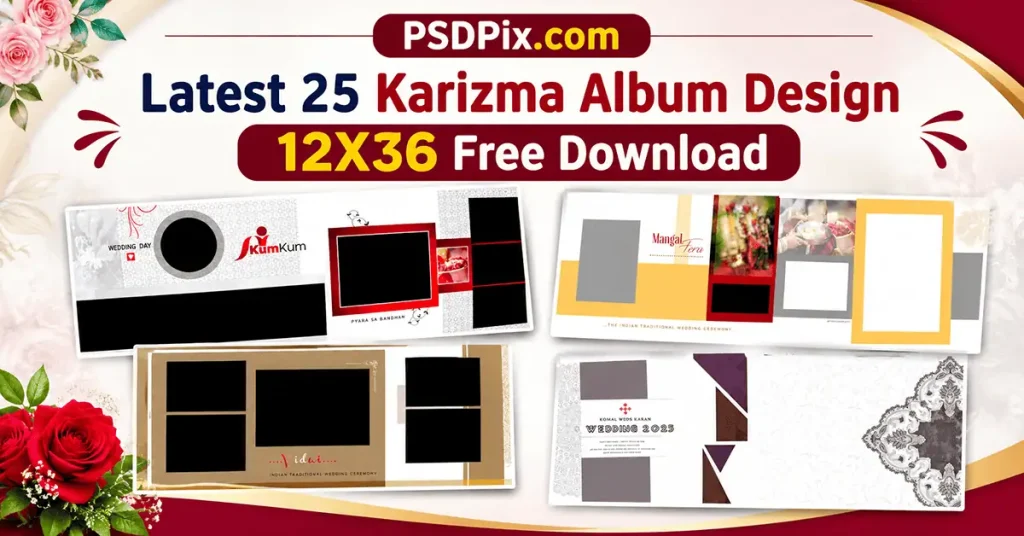
Karizma Album Design 12X36 Free Download
Table of Contents
Karizma Album Design 12X36 Free Download for Wedding Album Projects
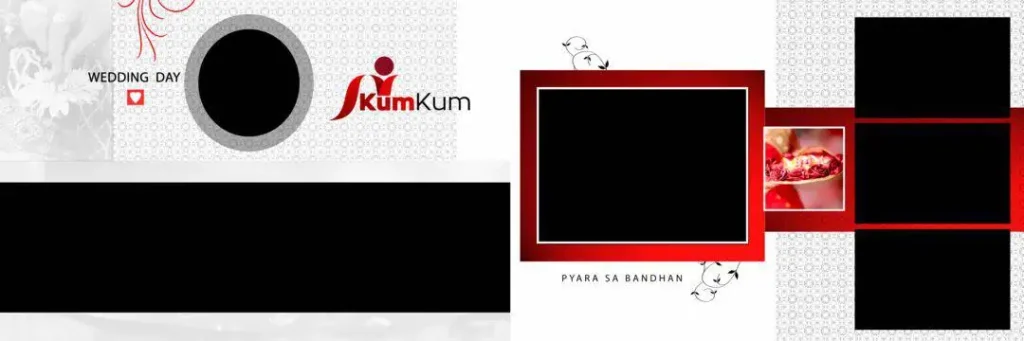
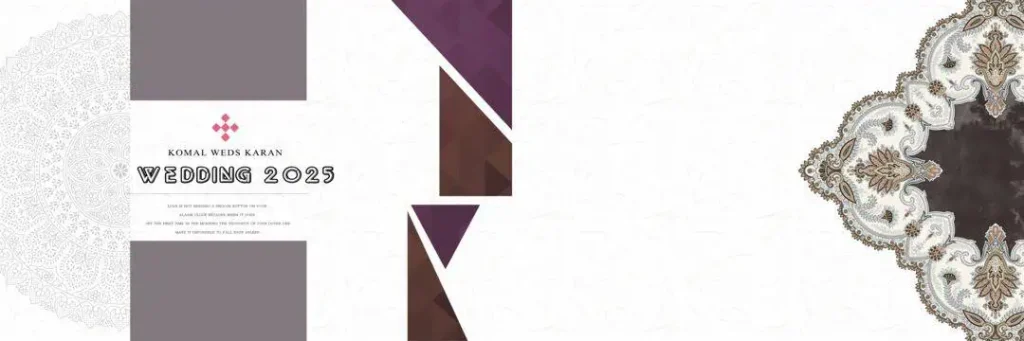
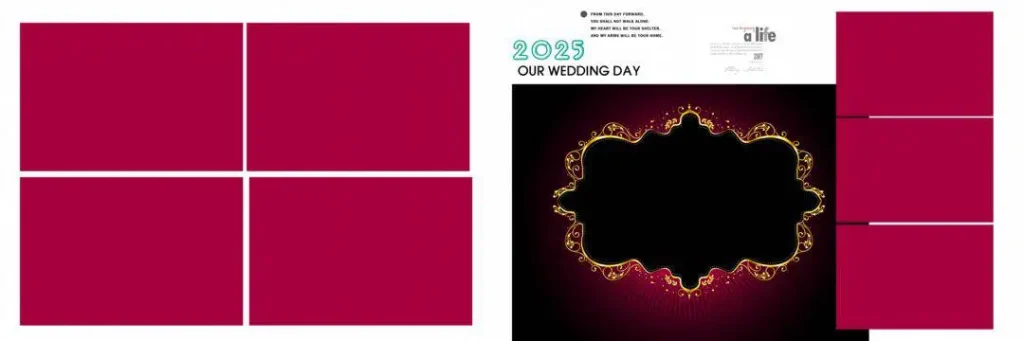
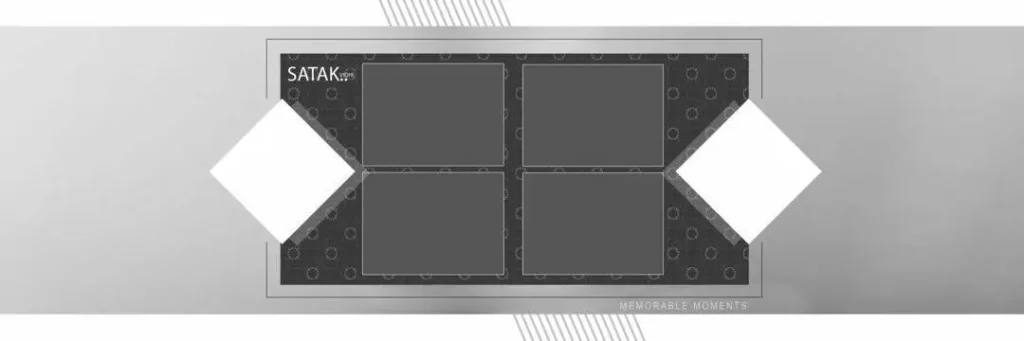
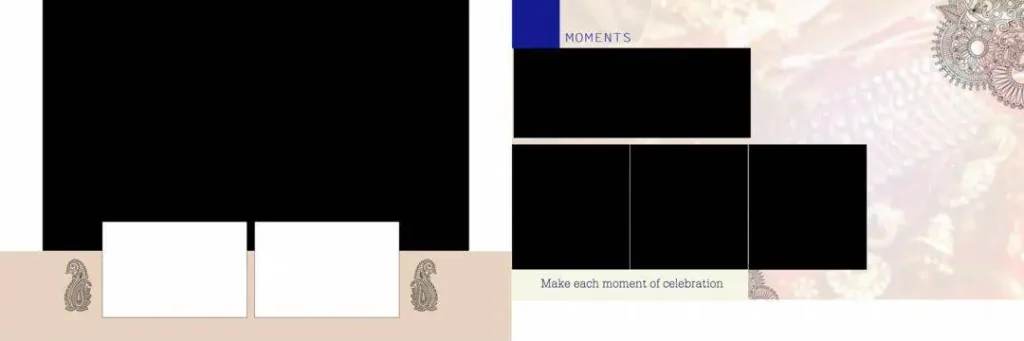
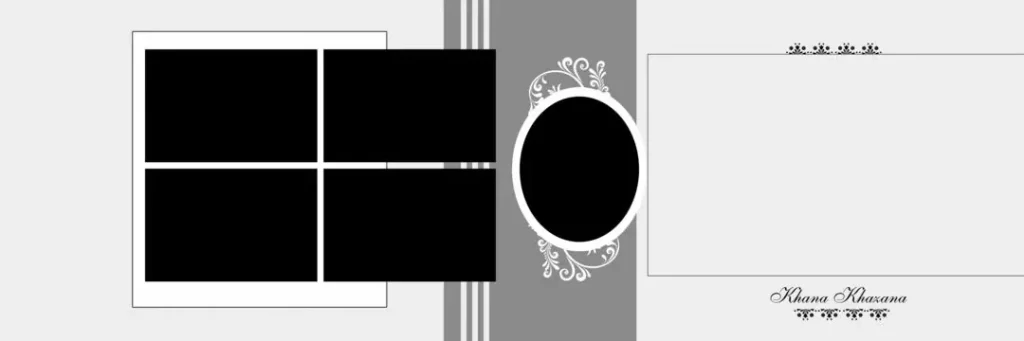
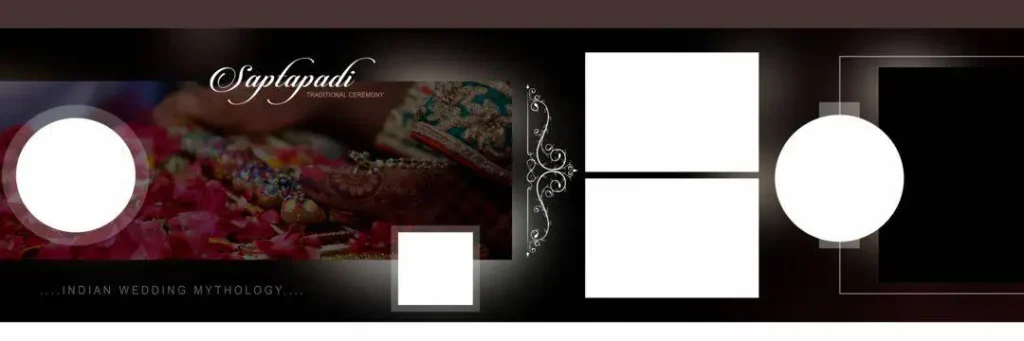
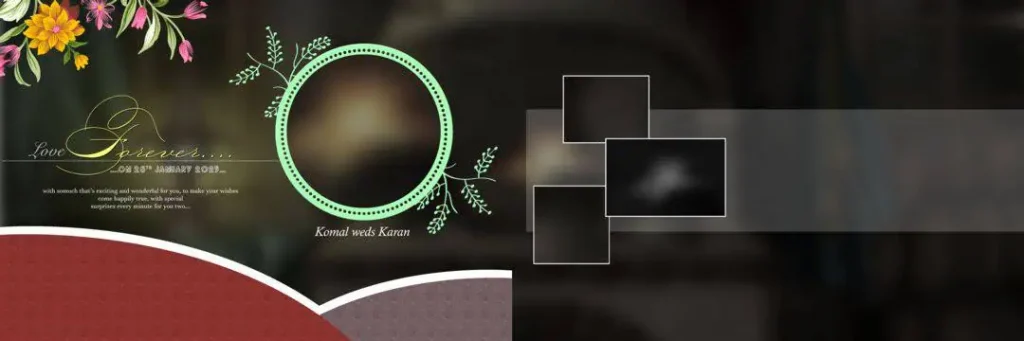
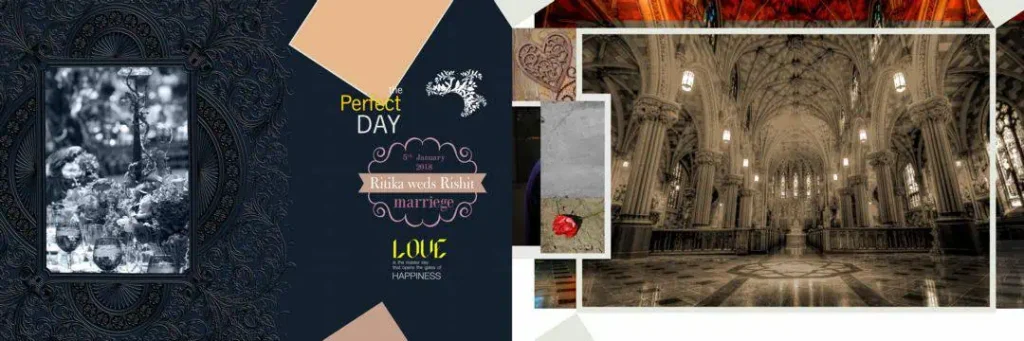
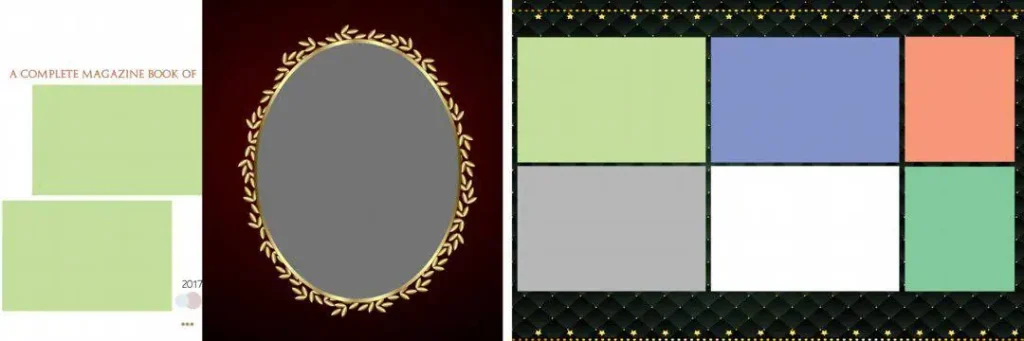
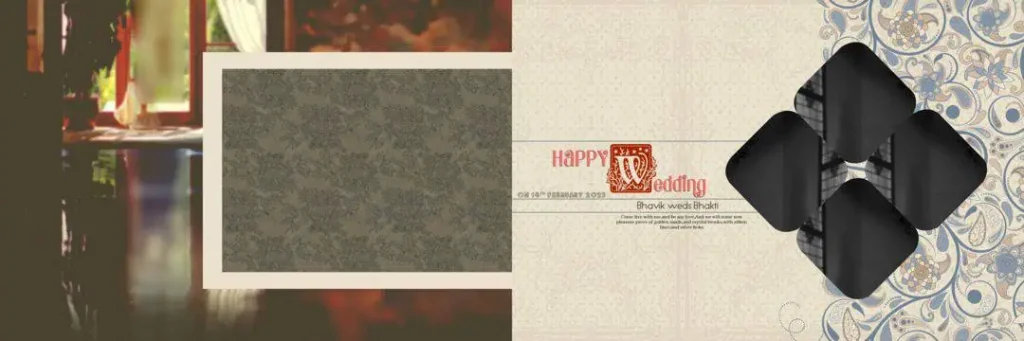
Karizma album design in 12×36 format refers to a wide wedding album layout designed around a 12-by-36-inch spread or a corresponding digital document size. It is intended for arranging wedding photographs across a panoramic album composition.
These layouts can help designers organize wedding portraits, couple photographs, family pictures, and ceremony moments in a visually balanced presentation. The actual document dimensions and editable features should always be checked in the individual PSD file.
A 12 * 36 Karizma album layout can be useful for photographers who want to present a collection of wedding memories across a wider composition. Designers can evaluate the arrangement, spacing, photograph placement, and decorative elements before deciding how to customize a template.
A PSD file may contain separate layers for photographs, backgrounds, text, and design elements. However, not every file has the same layer structure, so checking the document before editing is important.
#01
#02

#03

#04

#05
#06

#07
#08

#09
#10

Explore Karizma Album Design Resources on PSDPix.com
Designers searching for free download Karizma album PSD files generally want resources that can fit into their existing Photoshop workflow. Before selecting a design, consider the type of wedding photographs and the visual style required by the client.
The collection title, Latest 25 Karizma Album Design 12X36 Free Download, provides the intended subject for this resource page. Individual design availability and file details should be confirmed on the actual download page before publication.
When reviewing a Karizma PSD file, pay attention to these details:
- Document size: Check whether the canvas matches the intended 12×36-inch album spread.
- Image resolution: Confirm that the photographs and document settings are suitable for the intended output.
- Layer organization: Check which elements can be edited independently.
- Software compatibility: Confirm that your Photoshop version or compatible editing software can open the file.
- License conditions: Review the applicable usage terms before including a design in paid client projects.
A suitable design should support the visual requirements of the album rather than simply looking attractive in a preview.
#11
#12

#13
#14

#15
#16

#17

#18

#19
#20

How to Download and Customize Karizma Album PSD Files
Once you have identified a suitable resource page, follow these steps to work with the selected design.
- Open the resource page: Visit the relevant PSDPix.com page when its download destination is available. Read the resource information and follow the provided download instructions.
- Extract the downloaded archive: If the resource is supplied as a ZIP file, extract it using a suitable archive utility. Check the extracted folder for PSD files and any accompanying instructions.
- Open the PSD in Photoshop: Open the selected file and inspect its document properties. Check the canvas dimensions, resolution, color mode, and available layers before making changes.
- Replace the photographs: Add your client’s wedding photographs to the layout. If the PSD contains Smart Objects, use the available replacement workflow. Otherwise, follow the layer structure to insert and position images correctly.
- Customize the design: Adjust photo placement, text, backgrounds, and decorative elements according to the album theme. Keep the composition balanced and make sure important details are not hidden near the binding area.
- Prepare the final output: Review the document dimensions, image quality, color profile, and printer requirements. Save an editable PSD backup before exporting the final file in the format requested by the printing service.
Following these steps can help reduce editing mistakes and make the album preparation process more organized.
#21
#22
#23

#24

#25
Improve Your Photoshop Skills by Studying Karizma PSD Layouts
Working with different Karizma album designs can also help designers understand how professional-looking wedding compositions are organized. Instead of focusing only on replacing photographs, take time to study the relationship between images, backgrounds, decorative elements, and empty space.
For example, a wedding spread containing several couple portraits may need a different composition from a spread featuring a Baraat or family ceremony. The placement of photographs should support the story of the occasion without making the page look crowded.
Studying editable PSD structures can also improve your understanding of Photoshop layers and image composition. You can learn how different elements work together, how text is positioned, and how backgrounds support the overall design.
For new album designers, this approach provides an opportunity to understand layout techniques while developing their own creative style.
Practical Tips for Better 12×36 Wedding Album Results
Before sending your completed design for printing, consider these practical points:
- Check the actual image resolution: A document set to 300 DPI does not automatically make low-resolution photographs suitable for large prints.
- Confirm color requirements: Ask your printing provider whether RGB or CMYK files are required and follow its recommended color profile.
- Allow for binding and bleed: Keep important faces, text, and design details away from the central binding area. Follow the printer’s specified bleed margins.
- Save an editable backup: Keep the original PSD and a separate final export so future corrections can be made without rebuilding the design.
These checks are useful for maintaining consistency across wedding album spreads and reducing avoidable production problems.
Frequently Asked Questions
1. Are Karizma album PSD files free to download?
Download conditions depend on the individual resource page. Check the available download information on PSDPix.com before assuming that a particular PSD file is available without payment.
2. Which software is needed to edit Karizma album PSD files?
Adobe Photoshop is commonly used for editing PSD files. Compatibility with other image-editing applications depends on their PSD support and the features used in the individual document.
3. Can I use Karizma album designs for paid client projects?
Commercial use depends on the applicable license. Always review the individual resource’s usage conditions before using a downloaded design for a paid wedding photography project.
4. Why is the 12×36 format useful for wedding albums?
The wide format provides space for panoramic photo arrangements, couple portraits, family photographs, and wedding ceremony moments across a connected album spread.
5. What should I check before printing a Karizma album PSD?
Check document dimensions, actual image resolution, color profile, bleed requirements, and binding margins. Also confirm the final export settings with your album printing provider.
Conclusion
Karizma Album Design 12X36 Free Download is a useful search topic for designers and photographers exploring wide wedding album layouts. Understanding PSD layers, photograph placement, document dimensions, and printing requirements can help you prepare more organized and visually balanced album projects.
Explore the relevant wedding album design resources on PSDPix.com and choose a suitable 12 * 36 Karizma album PSD free download when an appropriate file is available. Review its specifications and license conditions before editing or using it in client work.