Wedding album designers often handle several projects at the same time. Sorting photographs, arranging layouts, adjusting backgrounds, and preparing album sheets can take hours, especially when clients need revisions before printing. A well-organized design resource can make these tasks easier to manage.
Canvera Album Design PSD Files are useful for designers who work on wedding albums, pre-wedding photography, engagement shoots, and traditional Indian wedding events. Editable PSD resources can help designers begin with an existing layout instead of building every page from scratch.
At PSDPix.com, designers and Photoshop users can explore wedding album design resources for their creative workflow. Whether you are preparing a couple’s wedding album or working on a studio project, the right layout can help you maintain a consistent visual style while focusing on the photographs and storytelling.
Canvera Album Design PSD Files
Table of Contents
Canvera Album Design PSD Files and Their Purpose
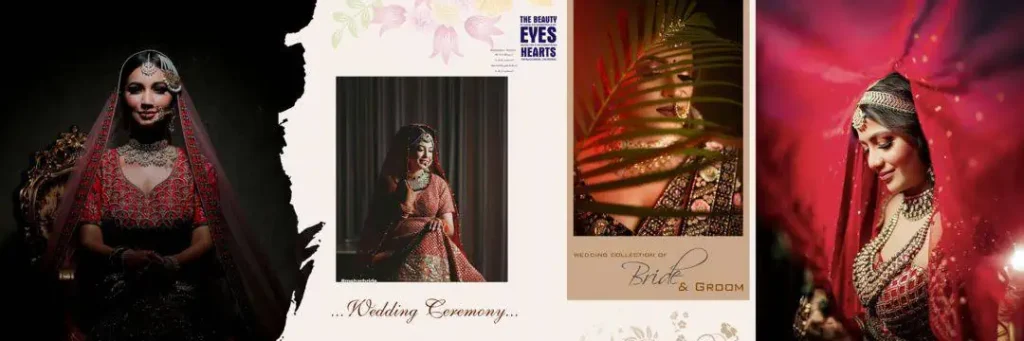
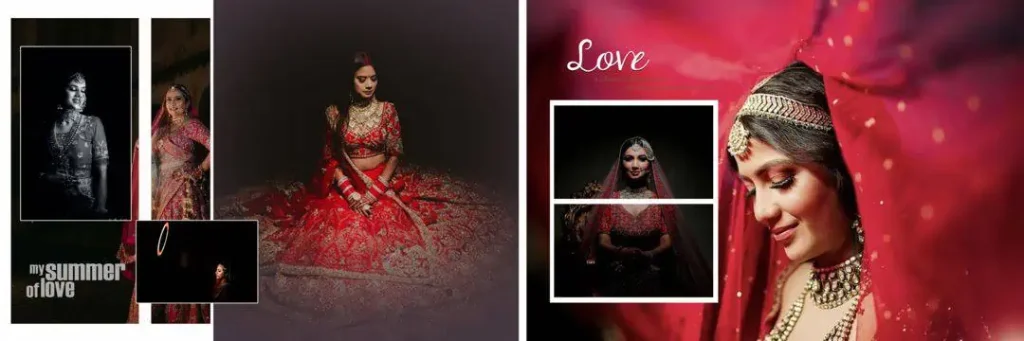
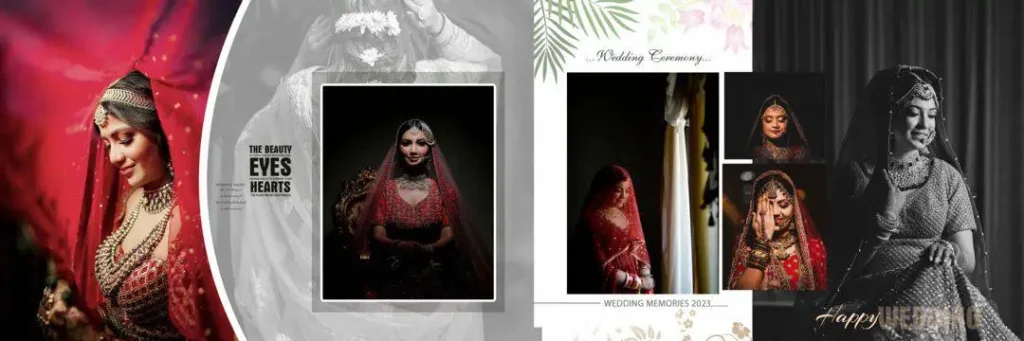
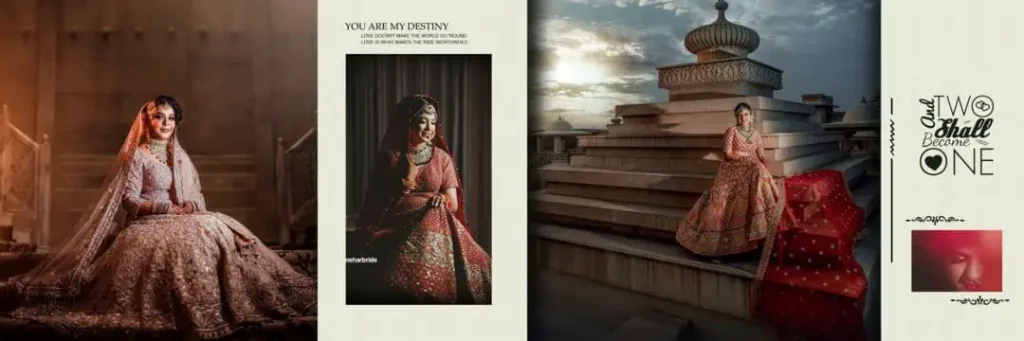
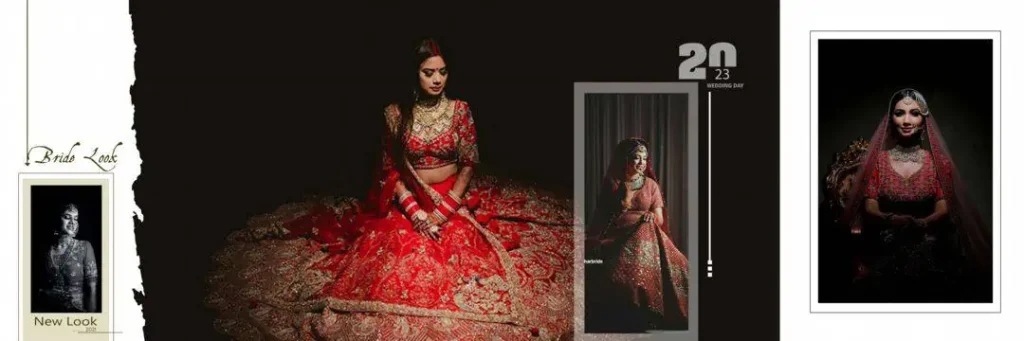
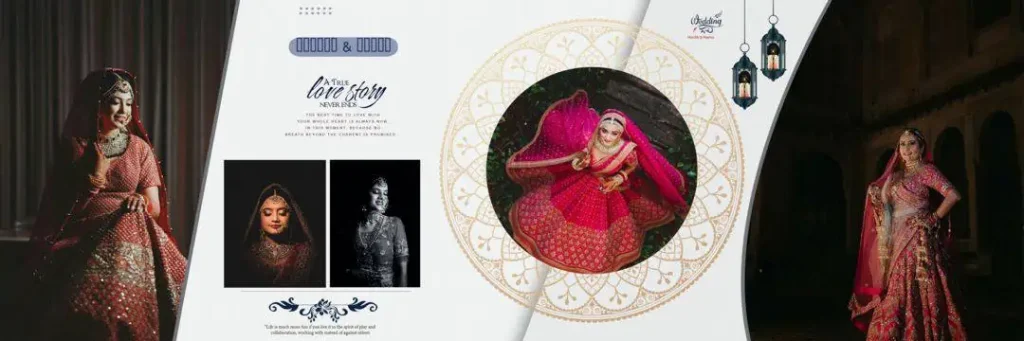
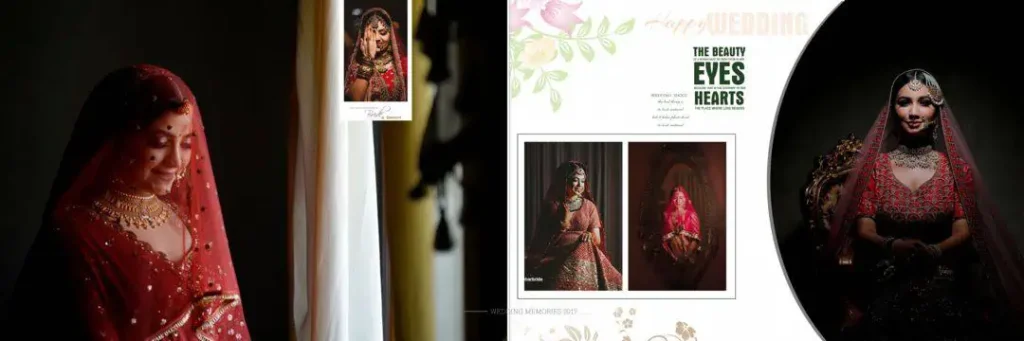
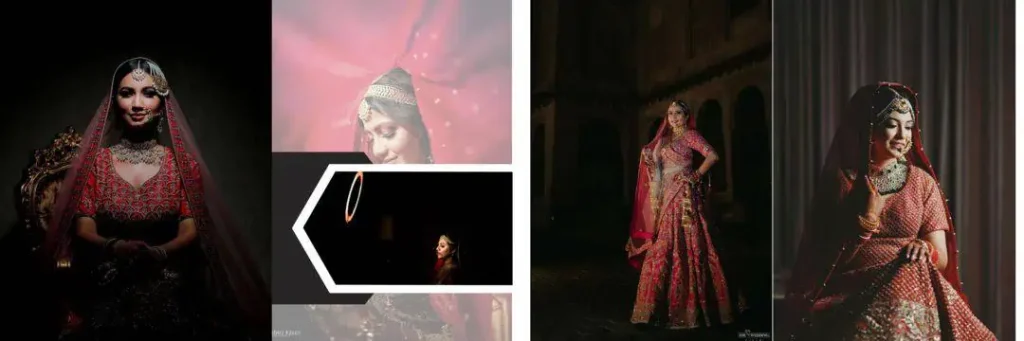
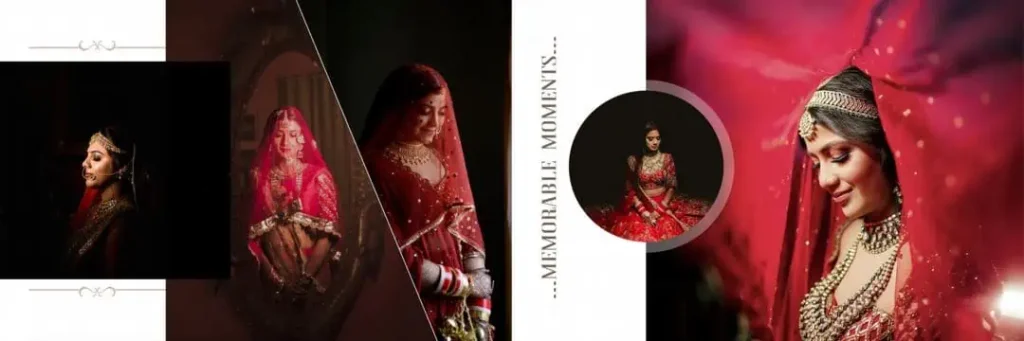
Canvera album design PSD files are Photoshop-based album layout resources intended to help designers arrange photographs, decorative elements, backgrounds, and other visual content for album pages. Depending on the actual file structure, PSD resources may allow users to customize different elements of a design.
These layouts are particularly useful for wedding photographers and album designers who regularly prepare albums for clients. Instead of starting with an empty canvas for every spread, designers can work with a layout reference and adjust it according to the photographs, wedding theme, and client requirements.
A wedding album should do more than display pictures. It should create a visual story. Photos from Mehendi, Haldi, wedding ceremonies, couple portraits, and reception celebrations can be arranged in a way that gives the album a natural flow from one moment to another.
#01
#02
#03
#04
#05
#06

#07
#08

#09
#10

Explore Wedding Album Design Resources on PSDPix.com
The Canvera album design collection topic is relevant for designers looking for wedding album layouts and Photoshop-based creative resources. Before downloading or editing any particular file, check its resource page for available formats, document dimensions, resolution, layer structure, and download instructions.
Canvera album design PSD files free download searches are often made by designers who want to save time during album production. However, the actual features of a file depend on the individual resource. Some PSDs may contain editable elements, while others may have a different layer structure or workflow.
If you are working on a new Canvera album design, choose a layout that suits the photographs rather than forcing every picture into the same arrangement. A balanced design with appropriate spacing, decorative elements, and photo sizes can make the finished album more attractive.
#11

#12

#13

#14
#15
How to Download and Customize Canvera Album PSD Files
Follow these steps to work with album design resources in Photoshop.
1. Find the relevant resource: Visit the available PSDPix.com resource page and follow its download instructions. Confirm that you have selected the correct album design file.
2. Extract the downloaded archive: If the file is provided in ZIP format, extract it using a compatible archive utility. Check the extracted folder for PSD files and any included instructions.
3. Open the PSD in Photoshop: Open the file in Adobe Photoshop or compatible software. Review the document dimensions, resolution, layers, and overall layout before making changes.
4. Replace photographs: Add your client’s wedding photographs to the layout. If the PSD contains Smart Objects or organized image layers, use the available structure to replace images without unnecessarily disturbing the design.
5. Customize the album: Adjust photo placement, backgrounds, colors, decorative elements, and text according to the wedding theme. Keep the design balanced and avoid overcrowding the page.
6. Prepare the final output: Check the album size, image resolution, color settings, bleed, and binding margins according to the printer’s specifications. Save an editable PSD backup before exporting the final file.
Managing Album Projects Under Tight Studio Deadlines
Wedding photography studios often have multiple album orders waiting for editing, client approval, and printing. When deadlines overlap, repetitive design tasks can consume valuable time. Reusable design resources can provide a starting point and help organize the production process.
A practical workflow begins with sorting photographs before opening the album layout. Select the strongest images from each event, such as the ceremony, couple portraits, family photographs, and reception. This reduces unnecessary image replacement and helps you maintain the story throughout the album.
Using new Canvera album design layouts for different projects can also help maintain variety. However, the photographs should remain the main focus. Avoid filling every available space with images or decorative effects. A clean layout with a clear visual hierarchy often works better than an overly crowded page.
For photo studio owners, maintaining organized project folders is equally important. Keep the original photographs, edited images, PSD working files, client-approved previews, and final print exports in separate folders. This makes revisions easier to manage and reduces the risk of accidentally overwriting important files.
Practical Tips for Better Wedding Album Results
- Check image resolution before placing photographs. Use images with enough pixel detail for the intended print size to avoid blurry album pages.
- Maintain consistent photo spacing. Alignment, margins, and balanced composition help the album look professionally organized.
- Confirm the printer’s requirements. Check color mode, bleed, binding space, page dimensions, and export settings before final delivery.
- Keep an editable backup. Save the original PSD and your customized version separately so future changes can be made without rebuilding the design.
Frequently Asked Questions
Are Canvera album design PSD files free to download?
Download conditions depend on the individual resource page. Check the available download instructions to confirm whether a particular file is offered free of charge.
Which software is needed to edit Canvera album PSD files?
Adobe Photoshop is commonly used for PSD editing. Compatible software may also open PSD files, but some layers, effects, or features may not work exactly as they do in Photoshop.
Can I use these album designs for paid client projects?
Commercial use depends on the license associated with the resource. Always review its terms before using a downloaded design for a paid wedding album or client project.
What makes Canvera album design PSD files useful for wedding photographers?
They can provide an existing layout structure for arranging wedding photographs. This may help photographers and album designers organize images and customize pages for different wedding events.
How can I prepare a Canvera album design for printing?
Check the document dimensions, image resolution, color profile, bleed, and binding margins. Follow the album printer’s requirements and inspect the exported pages before submitting the final artwork.
Conclusion
Canvera Album Design PSD Files can be a useful starting point for wedding photographers, album designers, and Photoshop users who regularly create wedding albums. With careful photo selection, thoughtful customization, and a well-organized editing workflow, designers can prepare attractive album layouts while managing their studio workload more efficiently.
Explore relevant wedding album design resources on PSDPix.com and choose a layout that suits your project. Before using any Canvera album PSD files free download resource, confirm its file details, download conditions, and license so you can use it appropriately.