Creating a beautiful wedding album is not just about selecting good photographs. The cover is the first thing a client notices when opening or displaying their wedding album. A well-designed cover helps capture the mood of the wedding and gives the album a polished, memorable appearance.
For new graphic designers and photo studio owners, creating a cover layout from scratch can take time. Choosing the right photographs, arranging the couple’s portraits, selecting typography, and balancing decorative elements require careful planning. A ready-made marriage album cover design can make this process easier while still allowing creative customization.
At PSDPix.com, designers can explore wedding design resources and use suitable references to develop their own album covers. Whether you are working on a traditional Indian wedding, a modern couple’s photoshoot, or a premium wedding album, choosing the right 12×18 layout can help you create an attractive cover presentation.
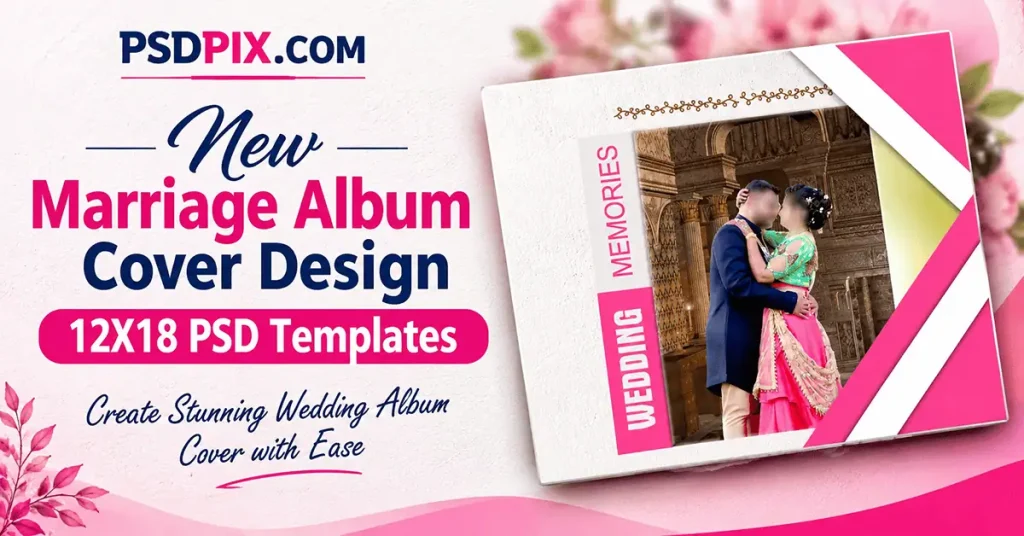
Marriage Album Cover Design
Table of Contents
Marriage Album Cover Design and Its Purpose
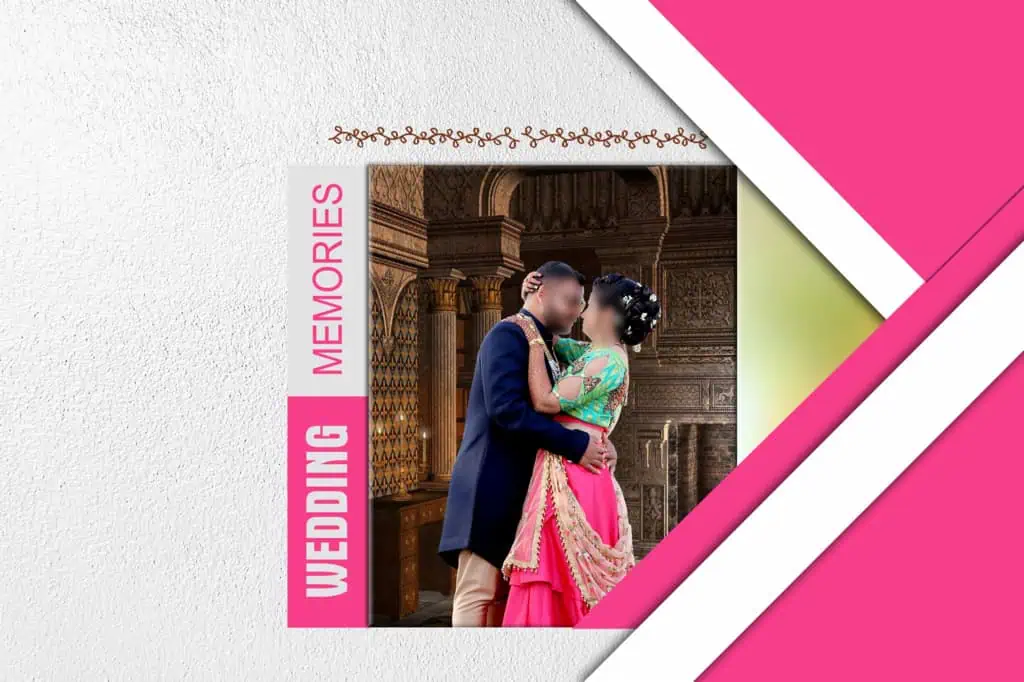
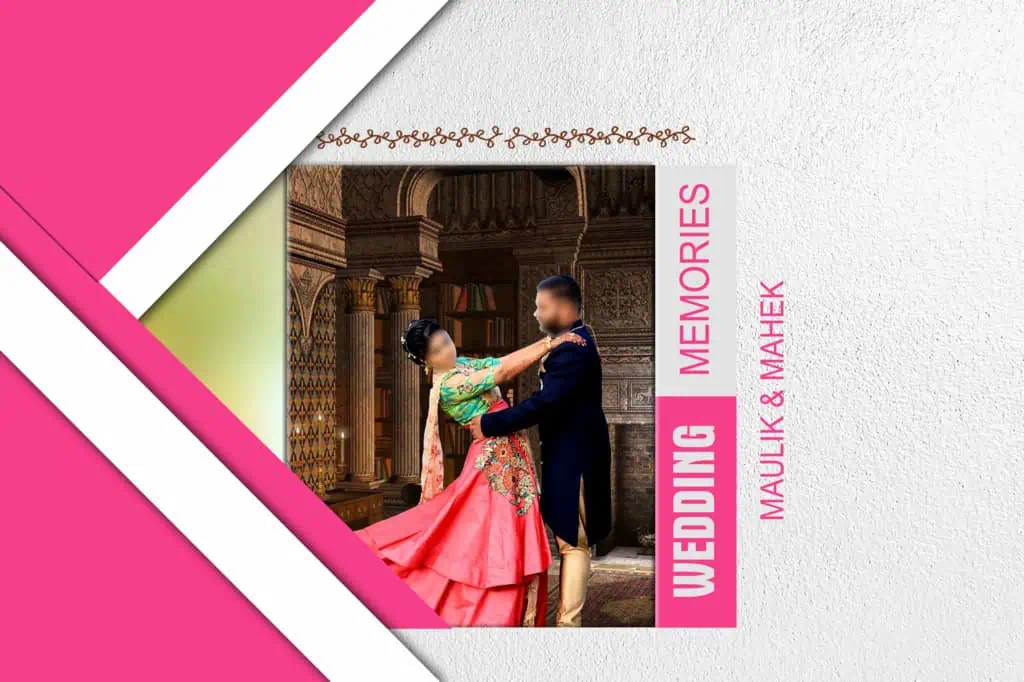
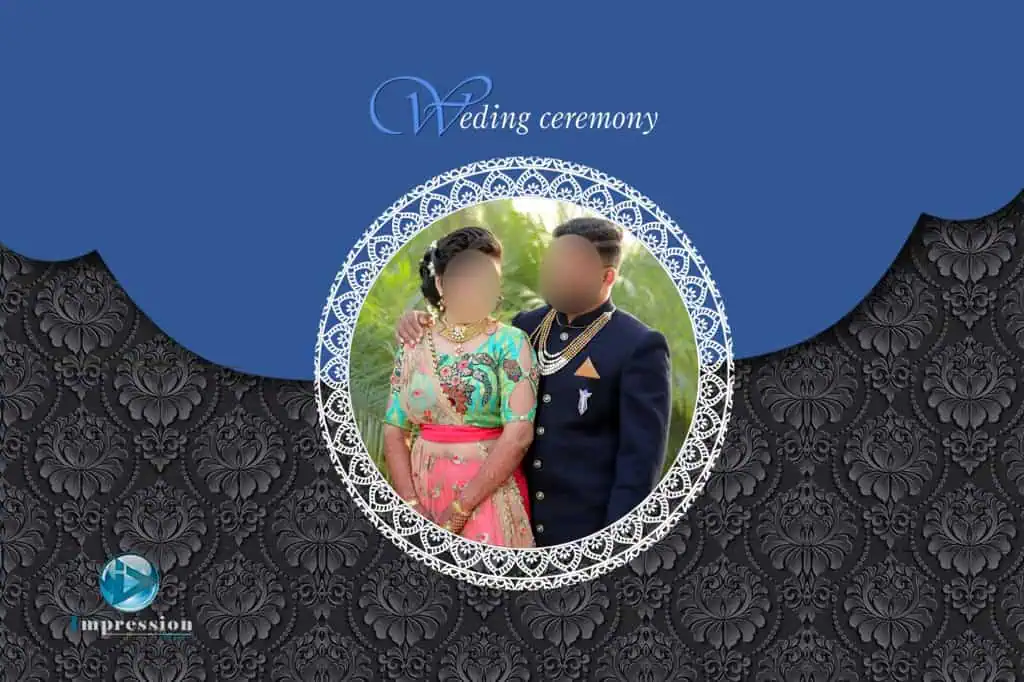
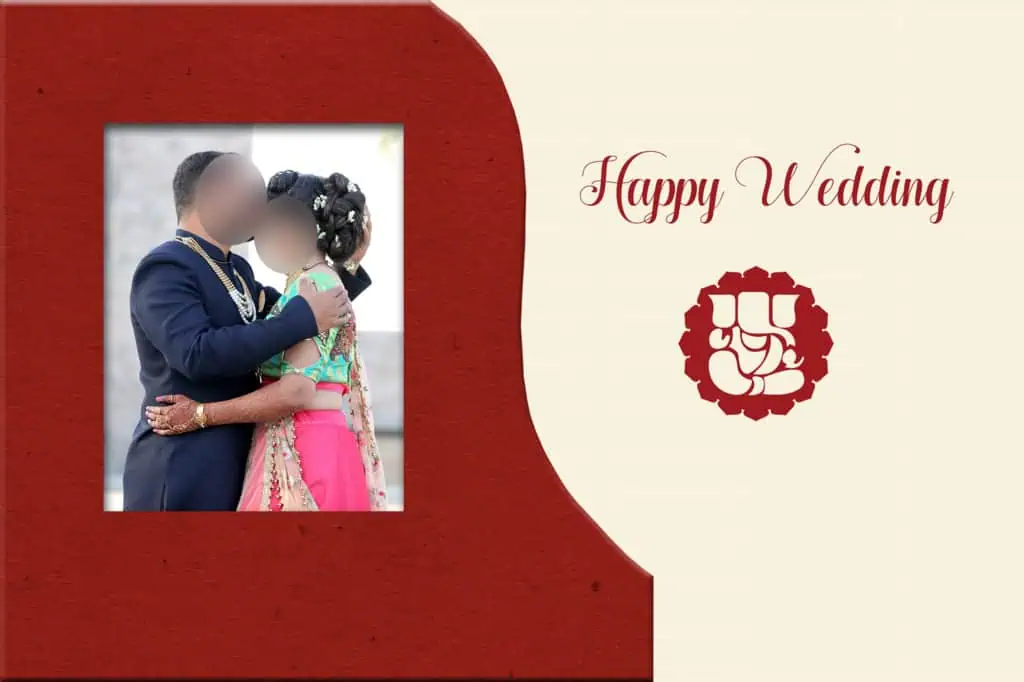
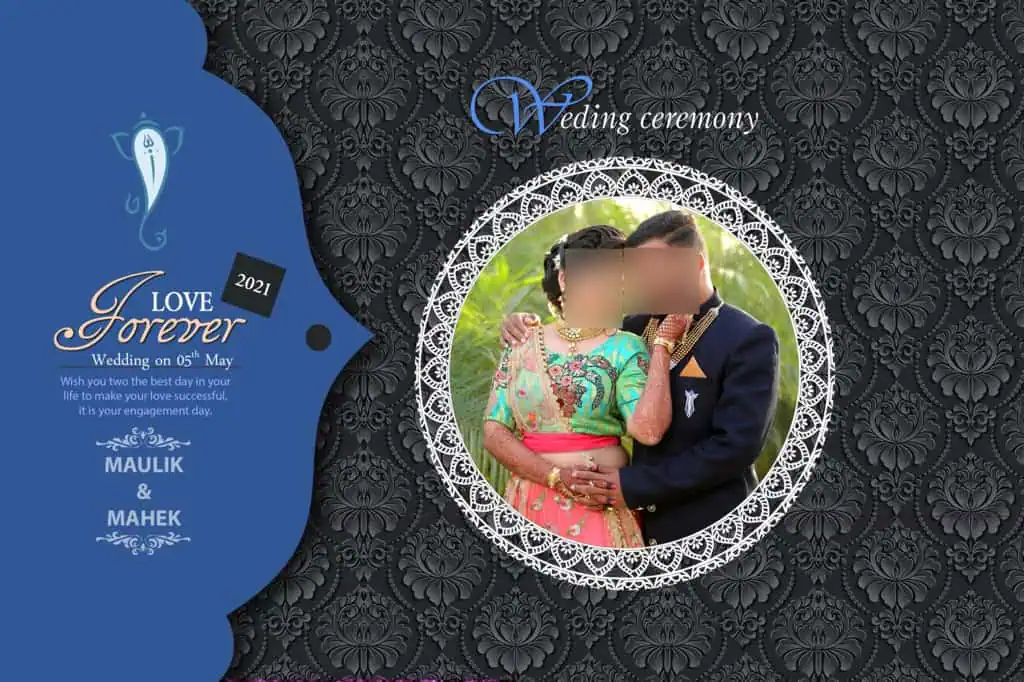
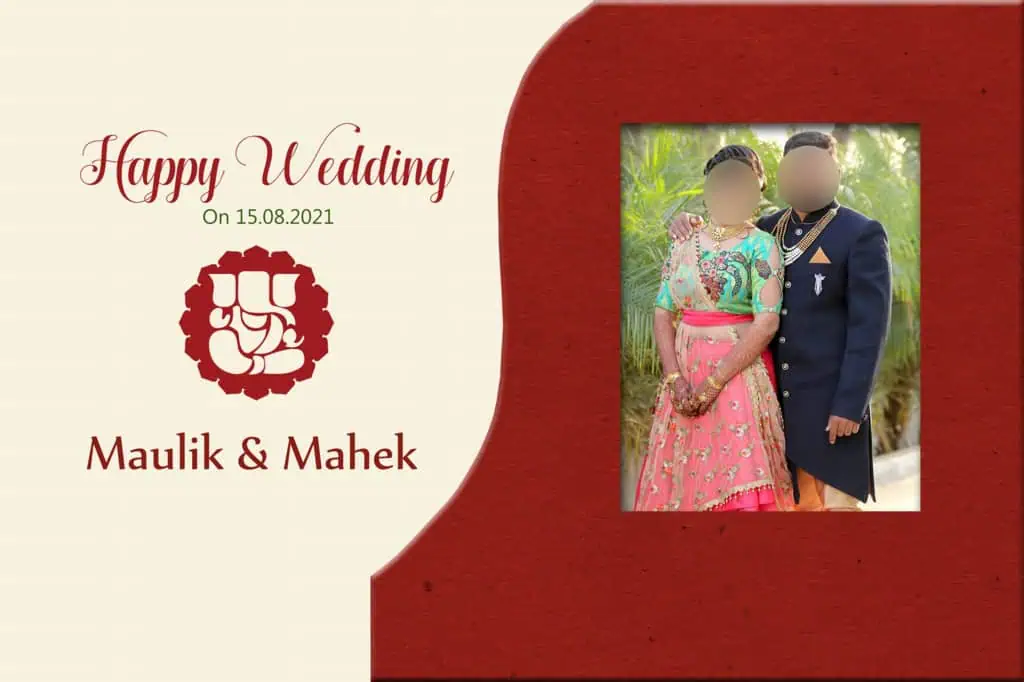
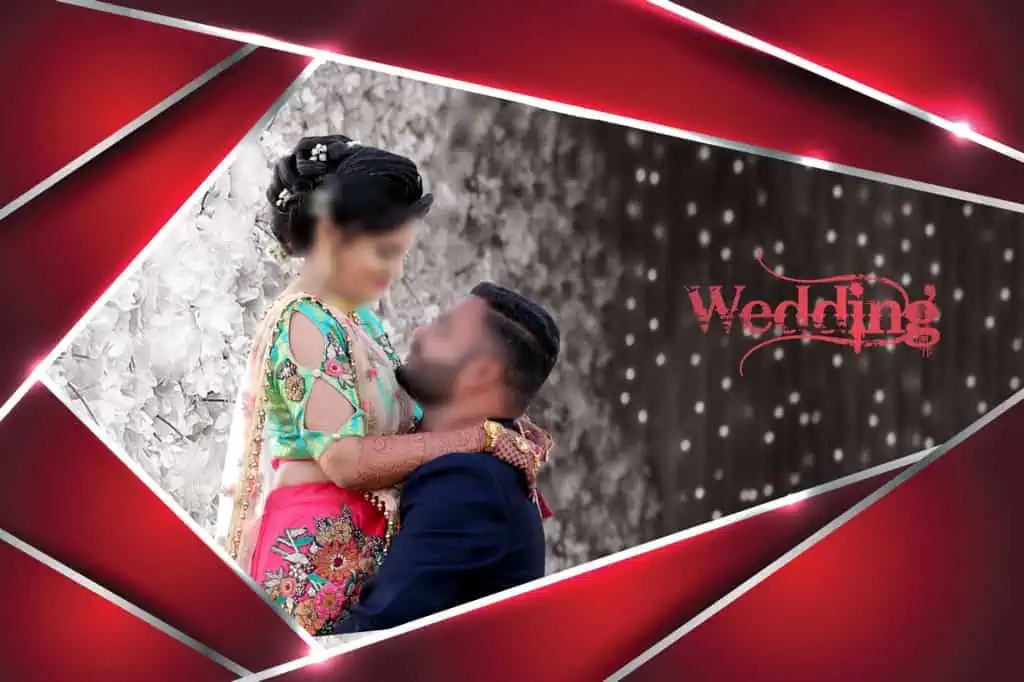
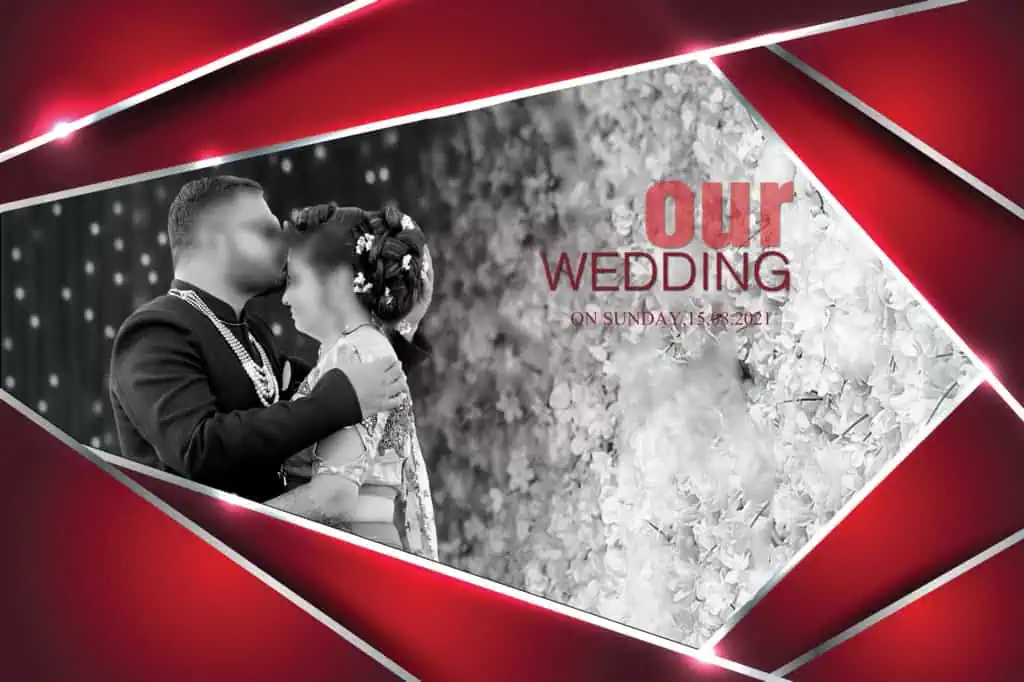
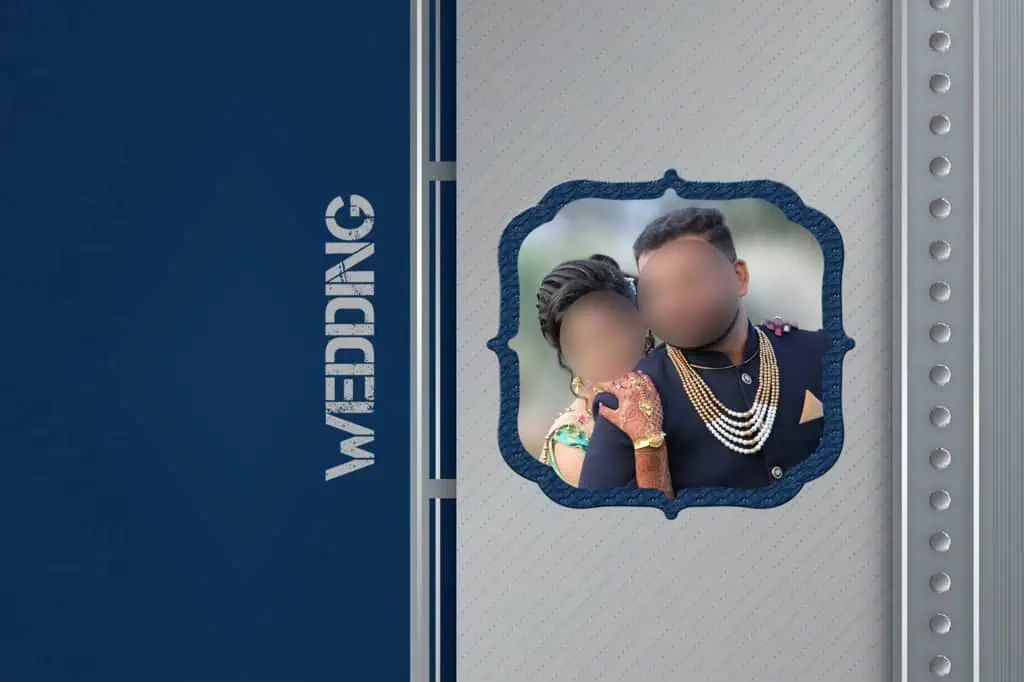
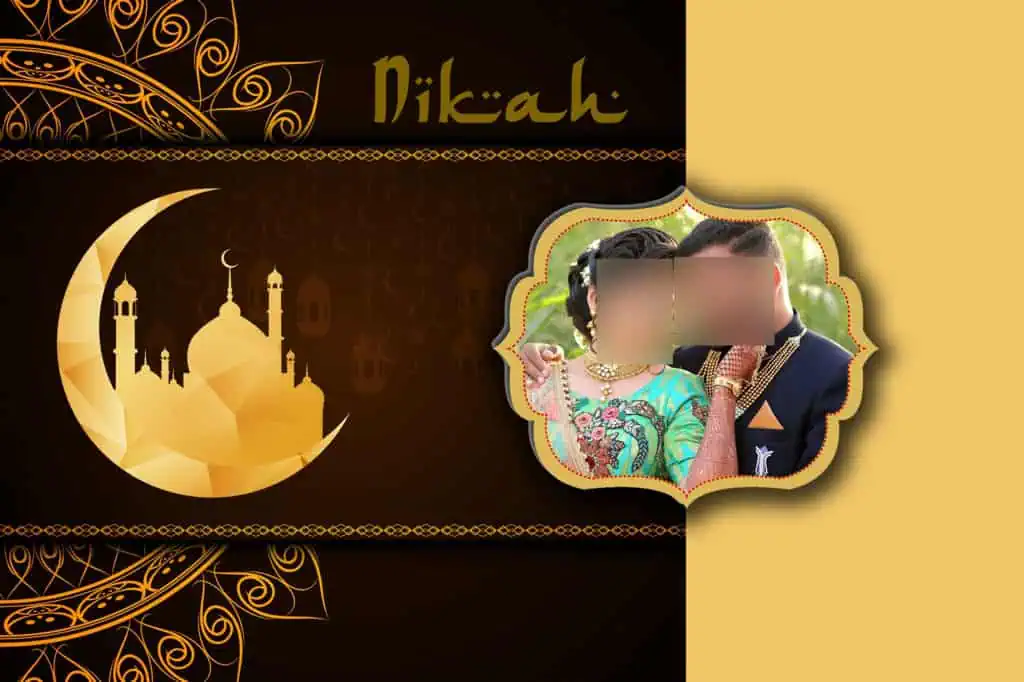
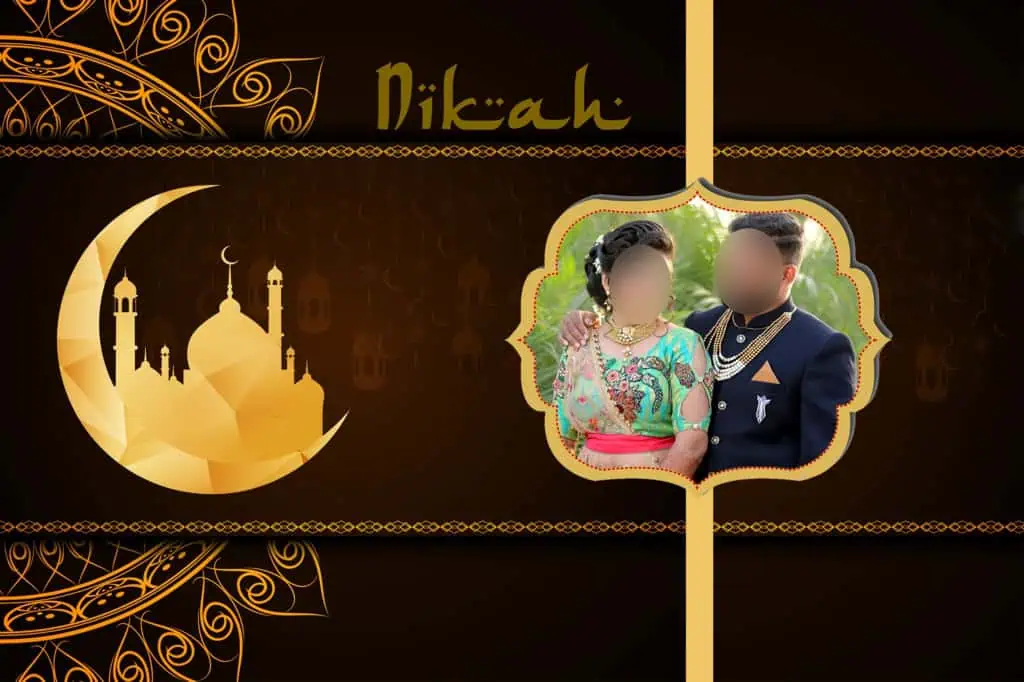
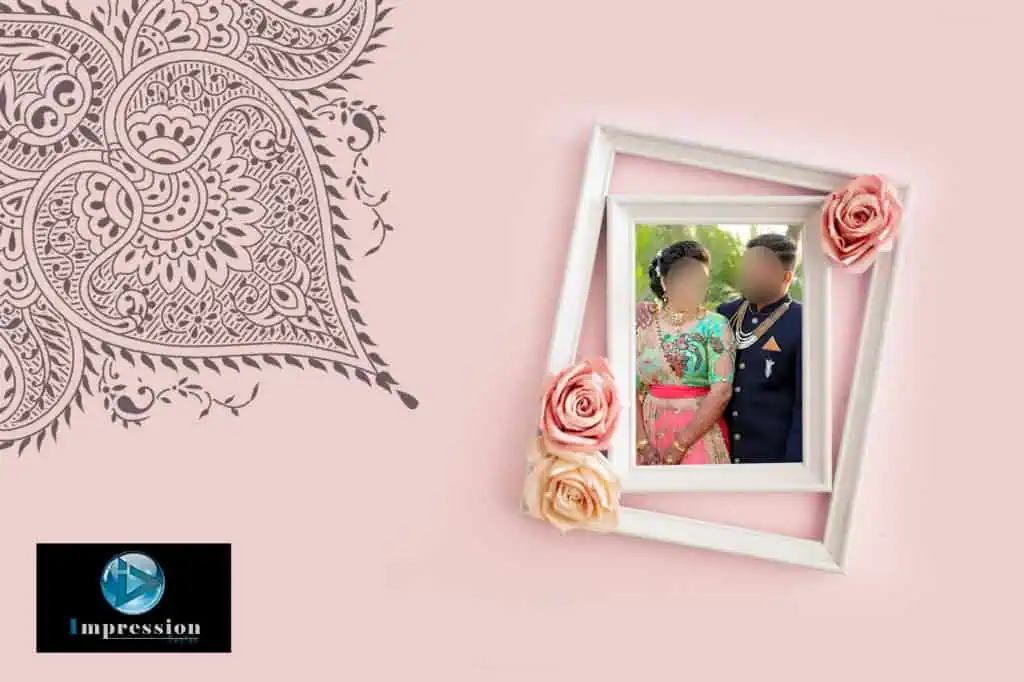
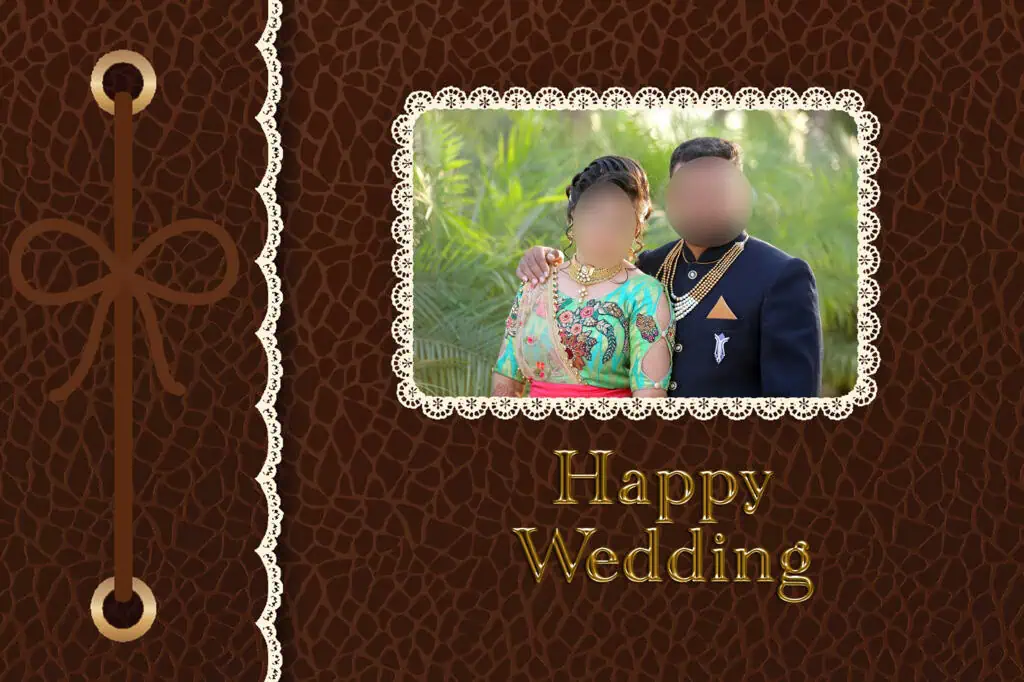
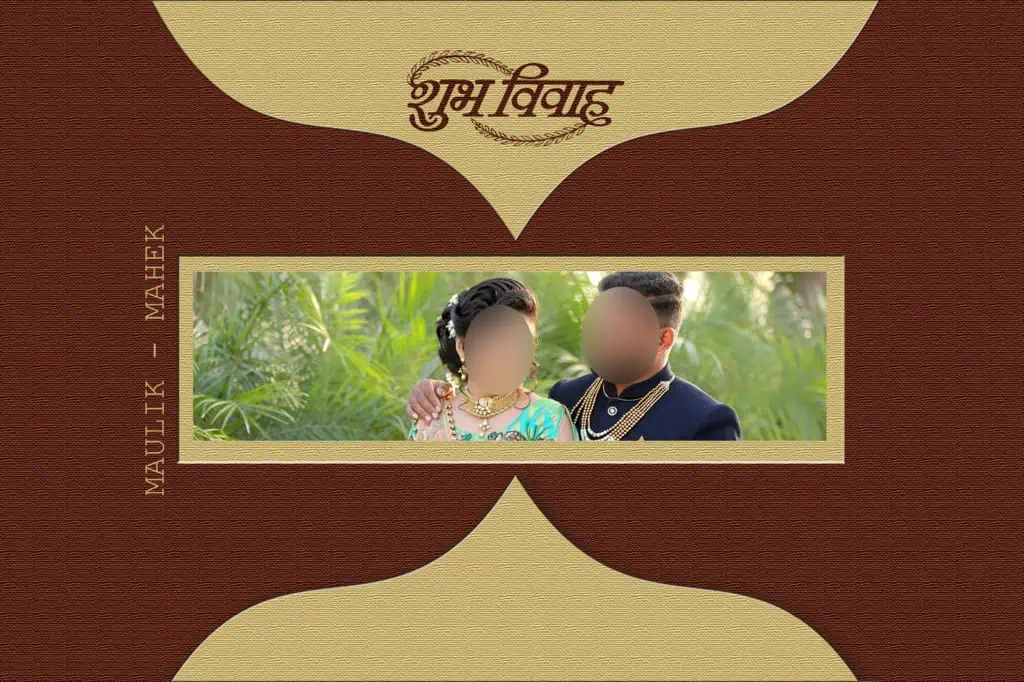
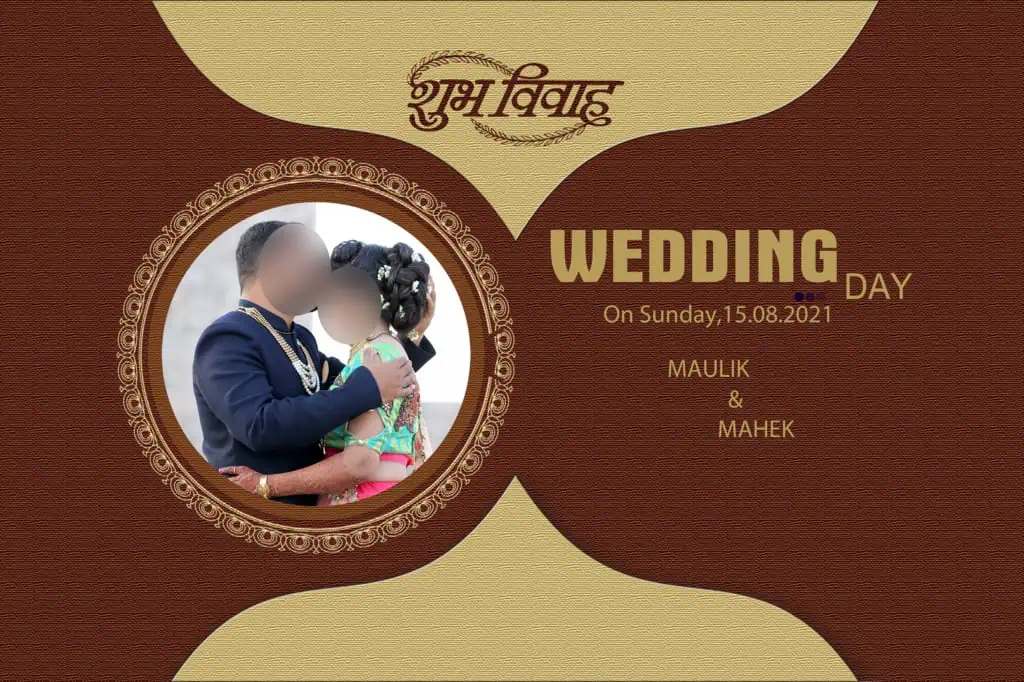
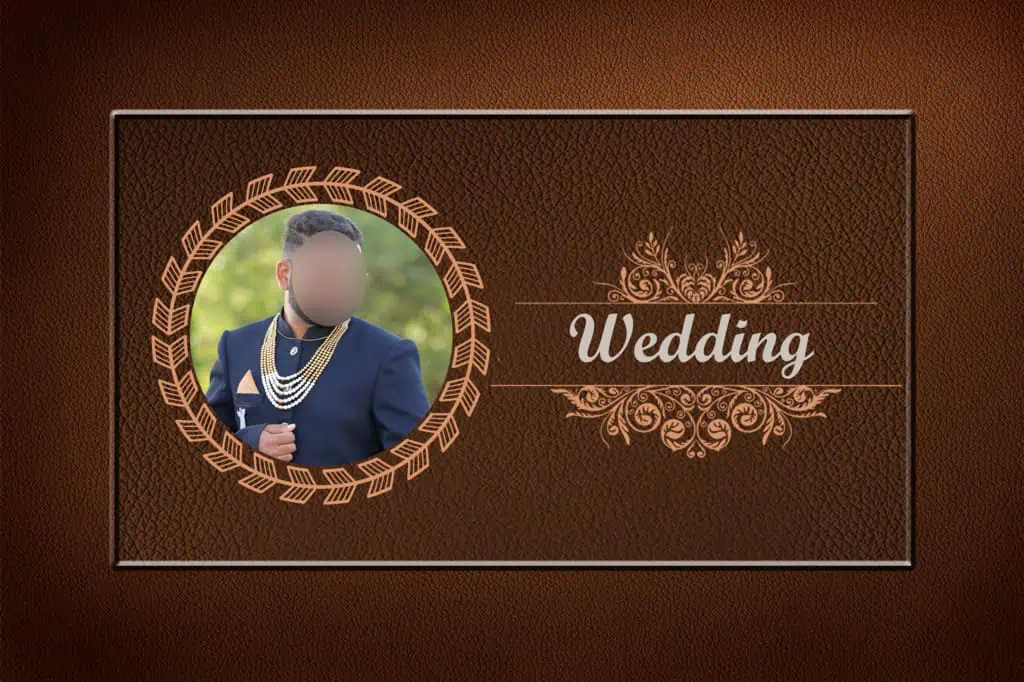
A marriage album cover design is the visual layout used on the front of a wedding photo album to present the couple’s photographs, names, wedding details, and decorative elements. It combines photo composition, typography, colors, and graphics to create a meaningful first impression.
A 12×18 album cover is commonly associated with portrait-oriented album layouts, but the actual document dimensions and orientation should always be checked before editing or printing. The design may include a couple’s portrait, decorative backgrounds, floral elements, elegant text, or traditional wedding artwork.
The main purpose of a wedding cover is to highlight the couple without making the layout look overcrowded. A good design keeps the photographs as the main focus while using decorative elements to support the overall theme. This balance is especially important for Indian weddings, where the album may include colorful ceremonies such as Mehendi, Sangeet, wedding rituals, and reception celebrations.
#01
#02
#03
#04
#05
#06
#07
#08
#09
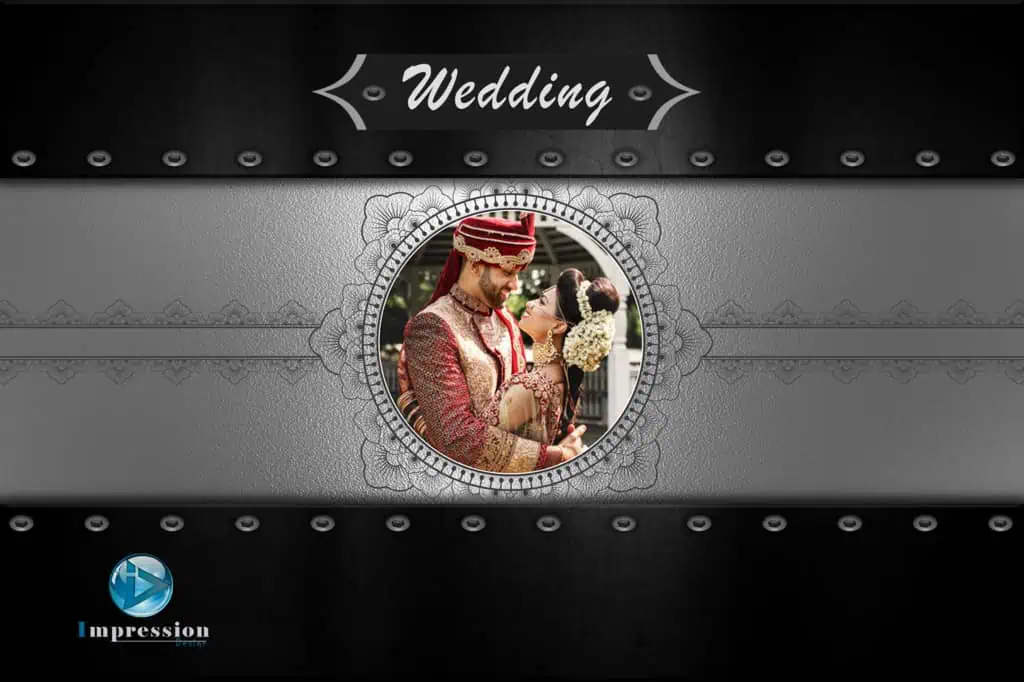
#10
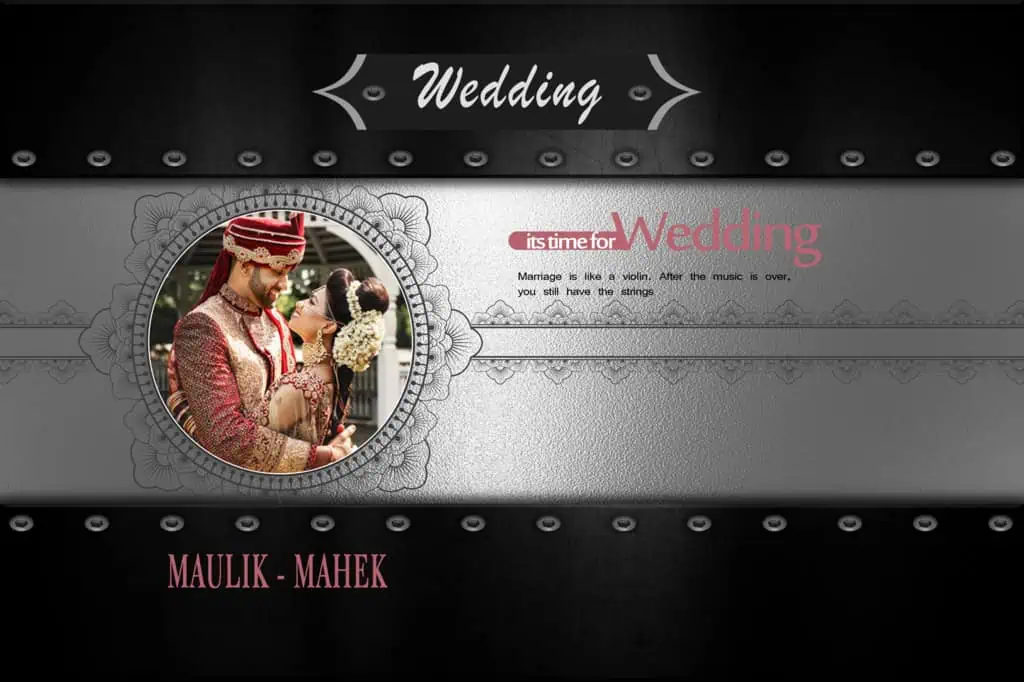
Explore Wedding Cover Layout Ideas on PSDPix.com
Finding the right cover layout becomes easier when you have a visual reference to work with. PSDPix.com is the website for this resource article, where designers can explore wedding album design ideas and related graphic design materials.
When looking for a marriage album cover design 12×18, consider the visual style that suits your client’s photographs. Some covers work better with a single large portrait, while others use two or more images to show different moments from the wedding. Minimal designs may focus on the couple and elegant typography, whereas traditional layouts may include ornamental borders and wedding-inspired decorative elements.
Before selecting a design resource, check the individual download page for file format, dimensions, resolution, available layers, editing compatibility, and usage terms. These details are important because not every design file has the same editing structure or printing requirements.
If you are searching for a 12×18 album cover design, choose a layout that can be adjusted to your photographs rather than selecting one based only on its preview. The final design should suit the client’s expectations, the album theme, and the photographs available.
#11
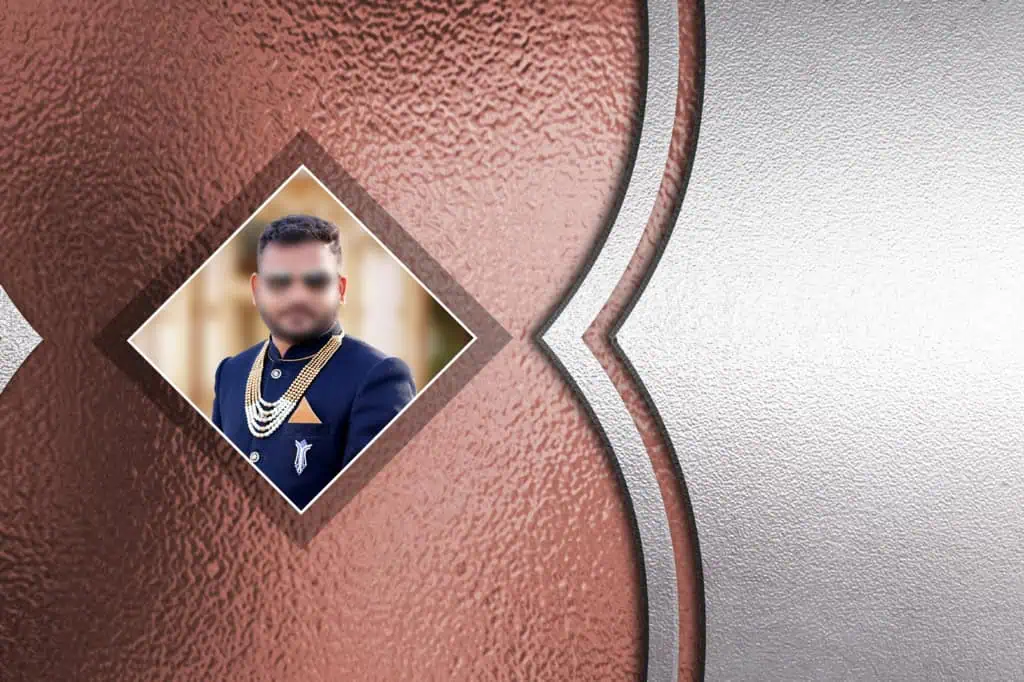
#12
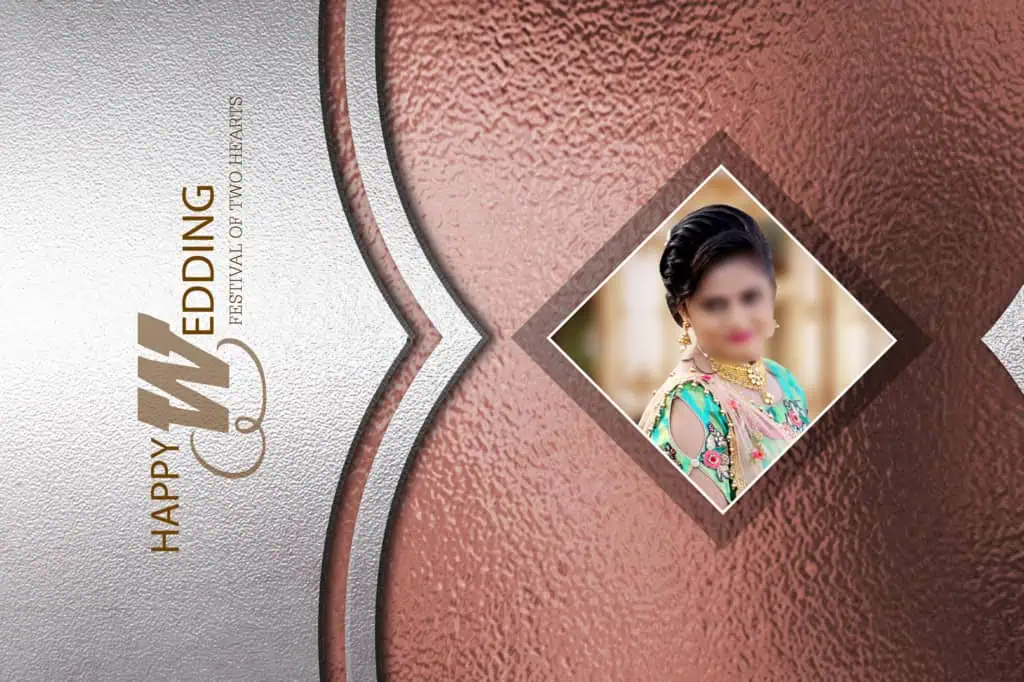
#13
#14
#15
#16
#17
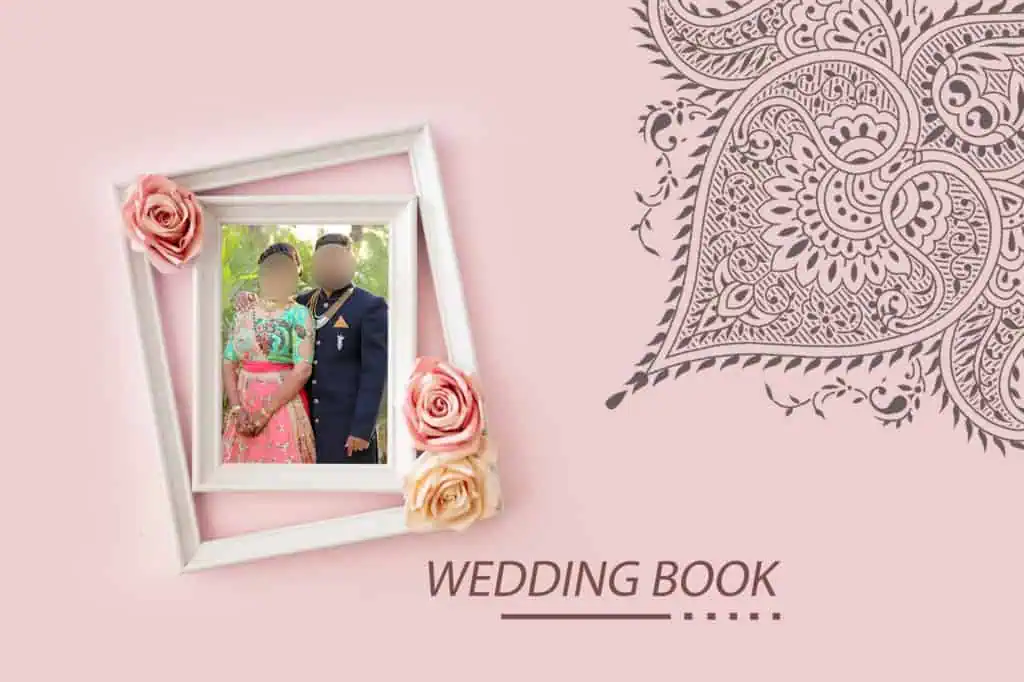
#18
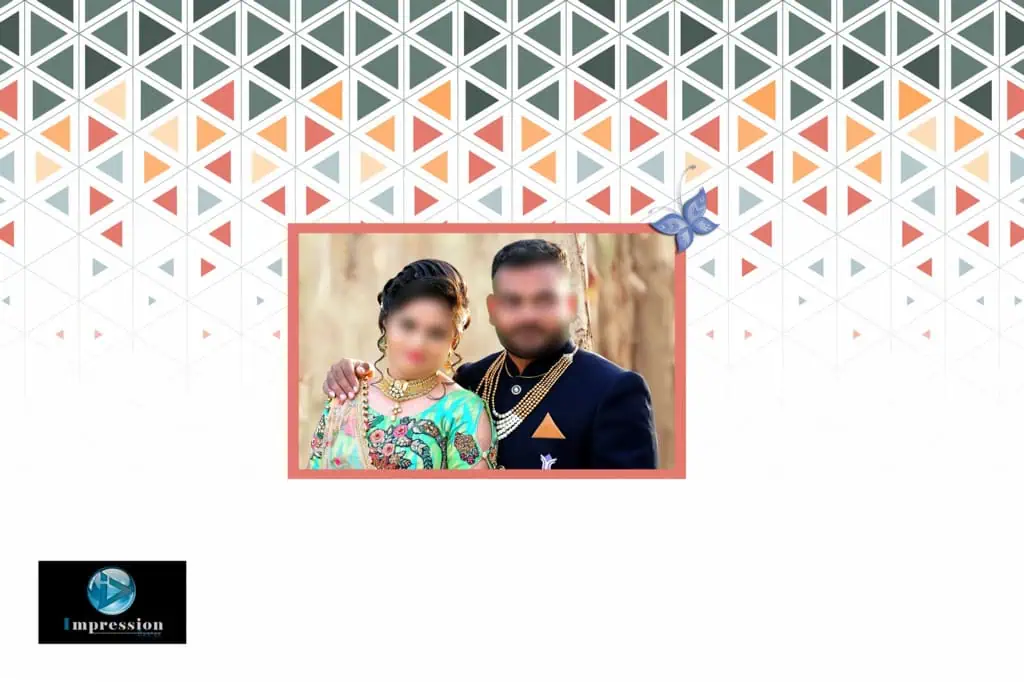
#19
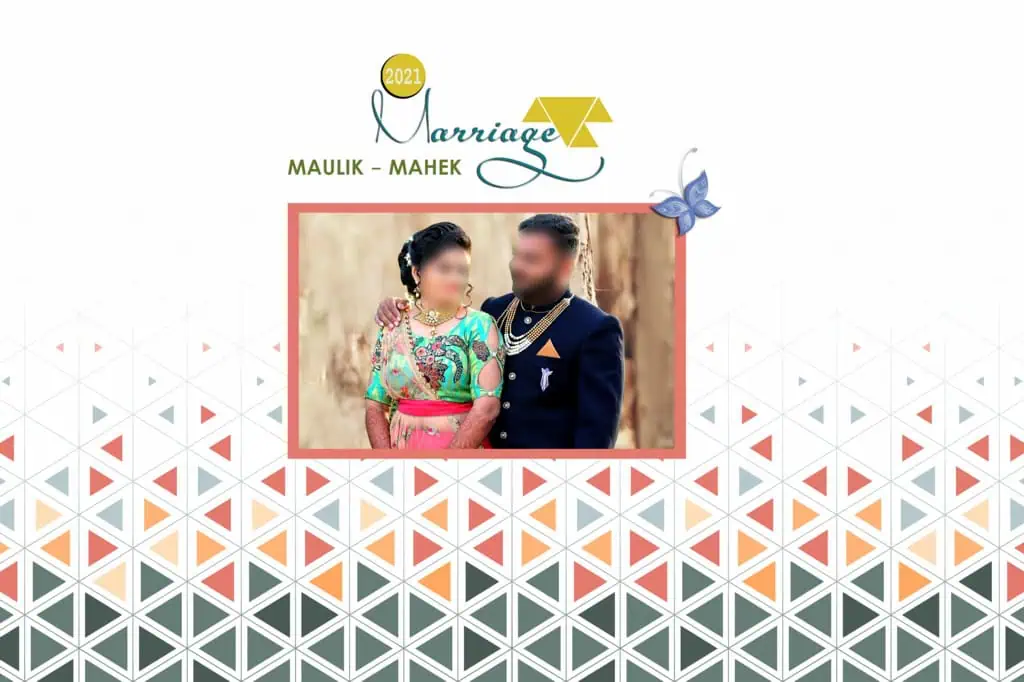
#20
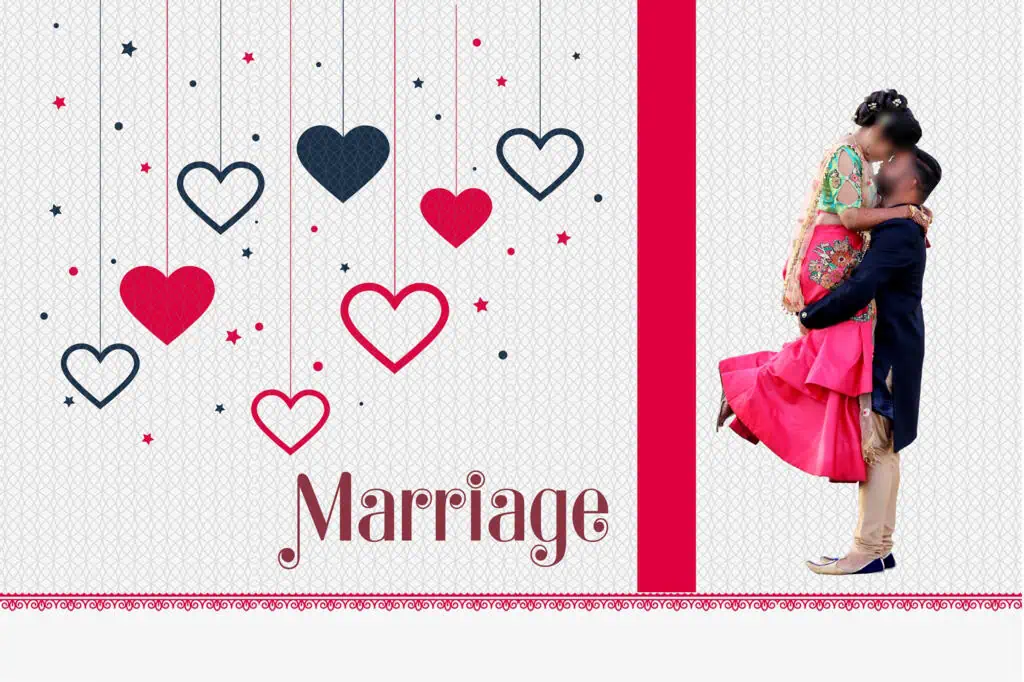
How to Edit and Customize a 12×18 Wedding Album Cover
Once you have selected a suitable design resource, follow these steps to customize it for your project.
1. Download the design resource: Visit the relevant resource page on PSDPix.com, if available, and follow the instructions provided there. Confirm the file format and download conditions before proceeding.
2. Extract the ZIP file: If the download is provided as a ZIP archive, extract it using a compatible archive utility. Organize the extracted files in a project folder to keep the original resource safe.
3. Open the design in Photoshop: Open the PSD file in Adobe Photoshop or compatible software. Check the document dimensions, resolution, color mode, and available layers before making changes.
4. Replace the wedding photographs: Add the selected couple portraits or wedding images to the layout. If the file contains Smart Objects or image placeholders, use the available editing method. Crop each image carefully to avoid cutting off important facial details.
5. Customize text and decorations: Edit names, dates, colors, background elements, and decorative graphics according to the client’s preferences. Maintain a consistent visual style instead of adding too many effects.
6. Prepare the final cover: Check the layout, document size, image quality, margins, and binding area. Confirm the printer’s requirements before exporting the final file for album production.
#21
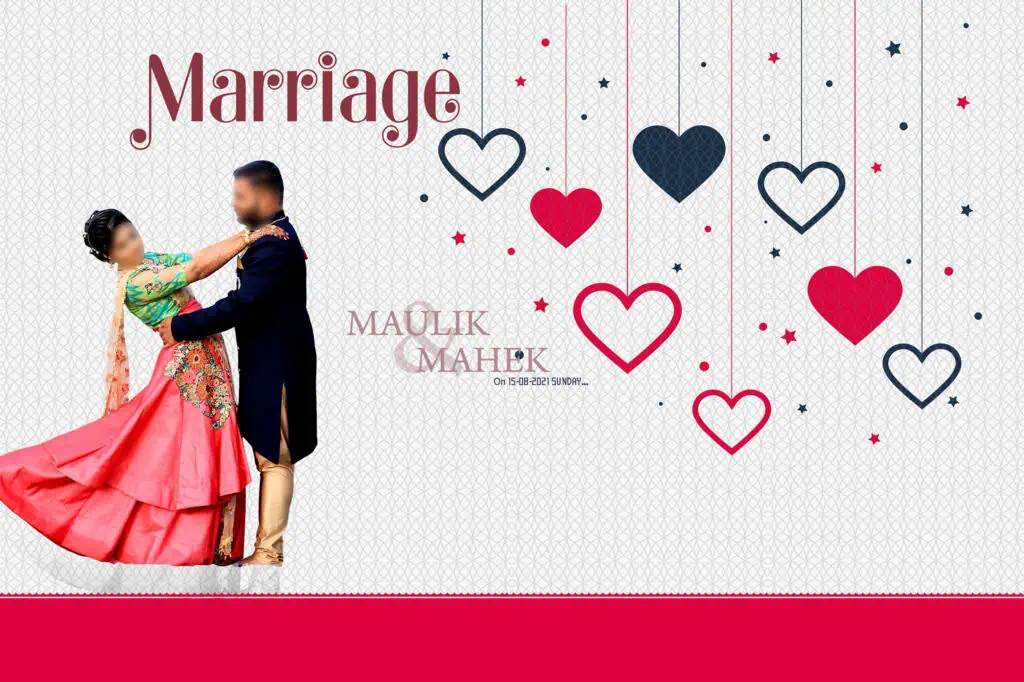
#22
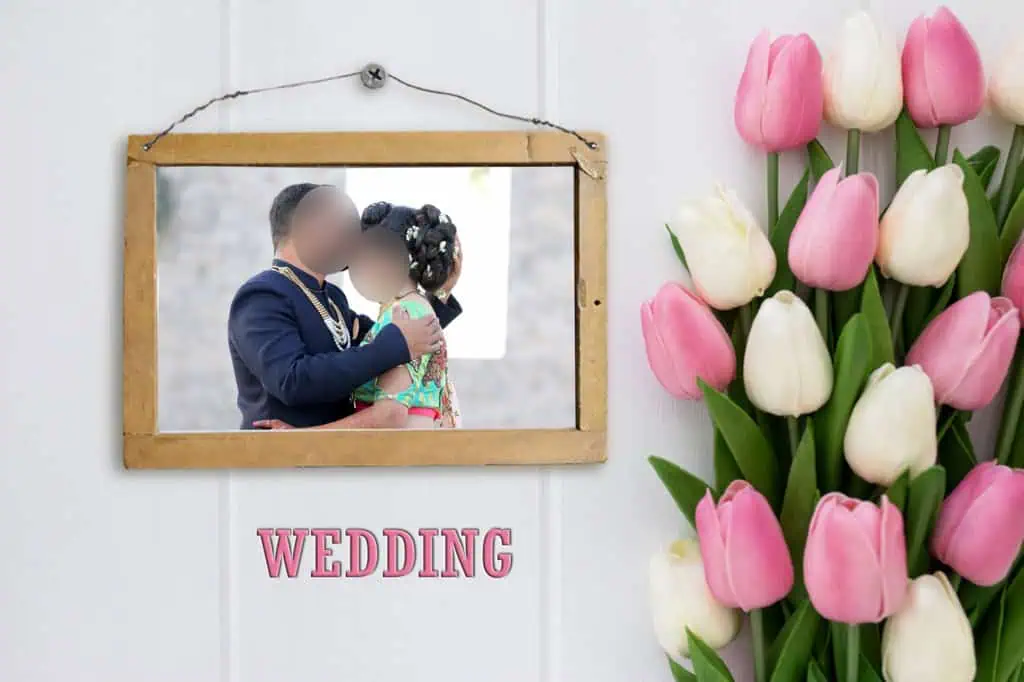
#23
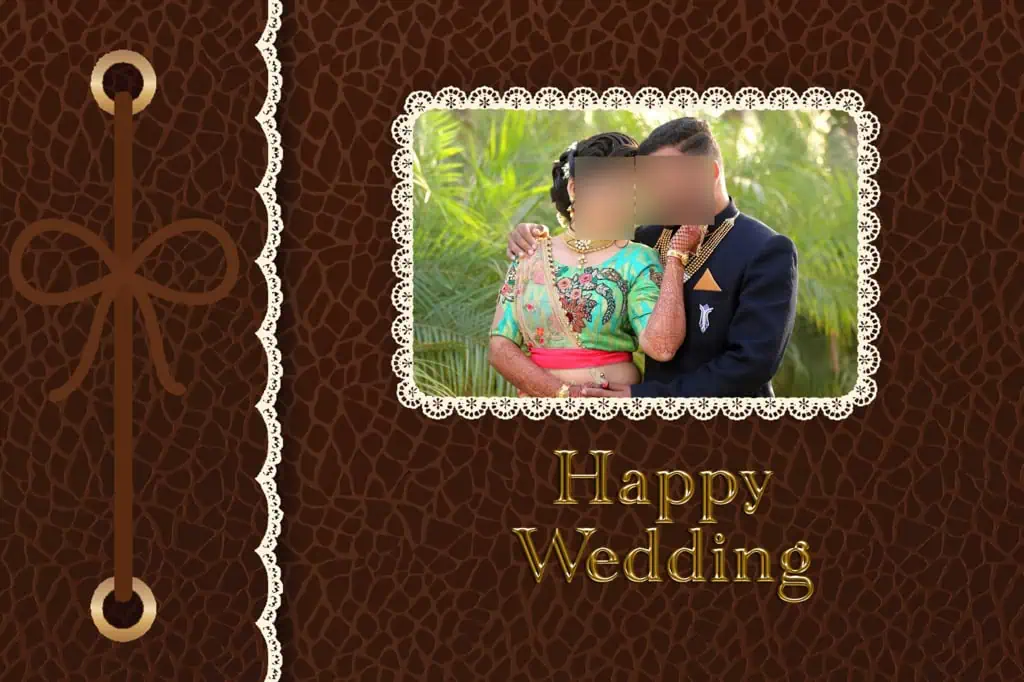
#24
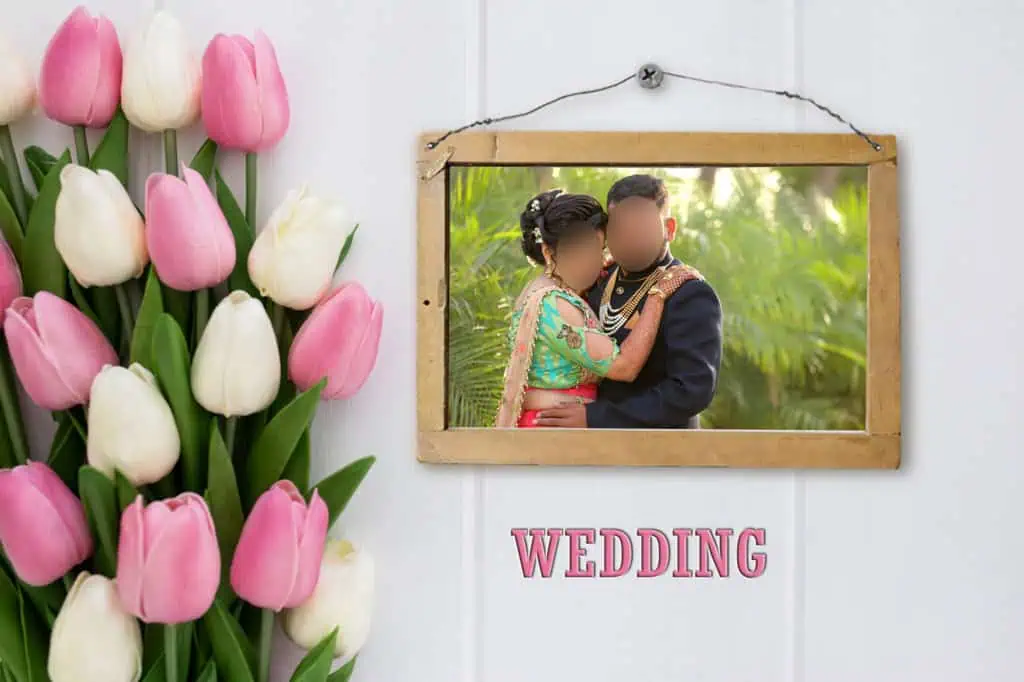
#25
#26
#27
#28
#29
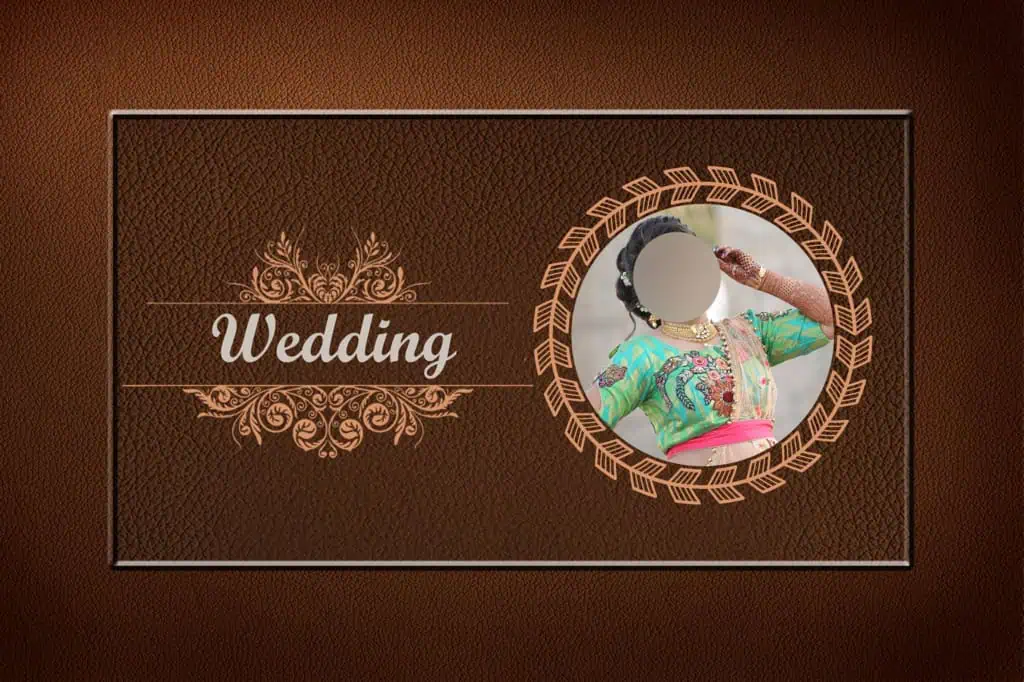
#30
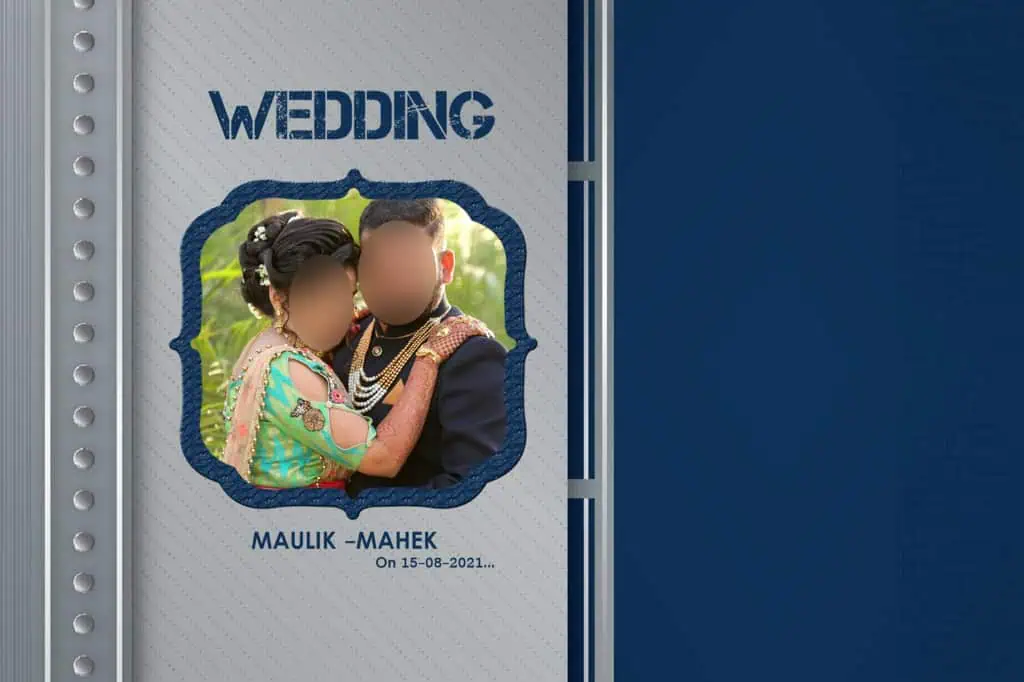
Learning Better Cover Composition Through PSD Editing
Working with editable design resources can be a useful way to develop Photoshop skills. A cover layout gives beginners a chance to understand how designers combine photographs, backgrounds, text, and decorative elements into a single composition.
When studying a creative wedding album cover design, pay attention to how the designer uses empty space. A photograph should have enough breathing room, and text should not compete with the couple’s faces. Even a decorative design with several elements can look clean when the visual hierarchy is properly maintained.
Typography is another important skill to study. Wedding names often serve as the main text element, so the font should be readable and match the mood of the album. Script fonts can add a romantic feel, while serif fonts can create a classic appearance. Avoid using too many different font styles in the same cover.
You can also experiment with color combinations. Soft beige, ivory, pastel pink, maroon, gold, and muted green are often suitable choices for wedding-themed artwork, depending on the photographs. The aim is to support the image rather than overpower it.
Practical Tips for Better Marriage Album Covers
- Choose high-quality photographs: Use original images with enough pixel detail for the intended cover size. Increasing DPI alone cannot restore missing image detail.
- Maintain a balanced layout: Keep important faces, names, and visual elements away from edges and binding areas where trimming or folding may affect them.
- Check colors before printing: Ask the printing service about the required color profile and whether the artwork should be supplied in RGB or CMYK.
- Save an editable backup: Keep the original PSD file and a separate final export so future client changes can be made without rebuilding the cover.
Frequently Asked Questions
Are marriage album cover design PSD templates free to download?
Download availability and pricing depend on the individual resource. Check the specific PSDPix.com resource page for download conditions before assuming a file is free.
Which software is required to edit a 12×18 album cover?
Adobe Photoshop is commonly used for PSD files. Compatible software may also open some PSD documents, but layers, effects, fonts, and other features may not work identically.
Can I use a wedding album cover design for paid client projects?
Commercial use depends on the resource’s license. Review the license terms before using downloaded artwork in albums created for paying clients or distributing finished designs.
Why is a 12×18 cover layout useful for wedding albums?
A 12×18 layout provides a defined canvas for arranging wedding portraits, names, and decorative elements. It helps designers plan the cover composition, but the final dimensions must match the album and printer’s specifications.
How can I make my marriage album cover design look professional?
Use clear photographs, balanced spacing, readable typography, and a consistent color palette. Keep important content away from trim and binding areas, and review the artwork at its final print dimensions before exporting.
Conclusion
A thoughtfully designed marriage album cover design can give a wedding album a distinctive identity before the photographs inside are even viewed. Selecting the right layout, arranging portraits carefully, and using suitable colors and typography can help designers create covers that feel personal and visually balanced.
If you are planning your next wedding album project, explore relevant design resources on PSDPix.com for creative inspiration. Choose a suitable 12×18 layout, customize it according to the wedding theme, and verify the file specifications and license before preparing the final album cover.