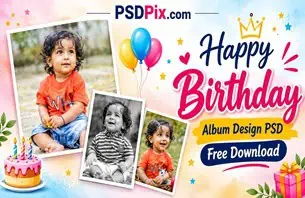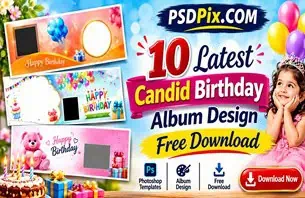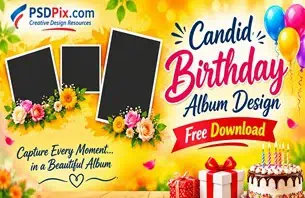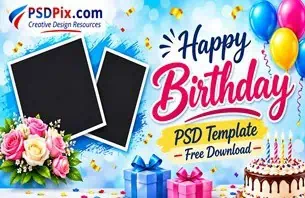
A baby’s first birthday is a special milestone for every family. From cake-smashing moments and tiny outfits to family portraits and playful expressions, the photographs from this celebration deserve a beautiful presentation. However, arranging all these memories into an attractive album can be challenging when you have many pictures and limited design time.
A Creative 1st Birthday Album Design helps bring these photographs together with a thoughtful combination of colors, backgrounds, decorative elements, and picture arrangements. It can make the album feel more personal while keeping the design consistent across multiple pages.
For photo studios, album designers, and Photoshop users, birthday album PSD resources can simplify the creative process. PSDPix.com is a resource destination for graphic design inspiration, and this article explores how to approach a first birthday album design and customize it for your photography project.
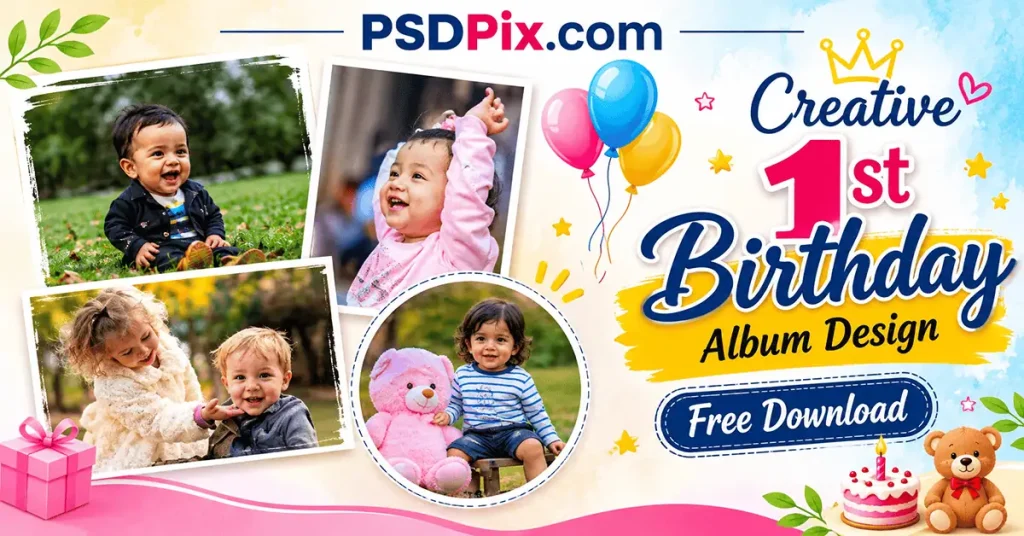
Creative 1st Birthday Album Design
Table of Contents
Creative 1st Birthday Album Design — A Meaningful Way to Preserve Memories
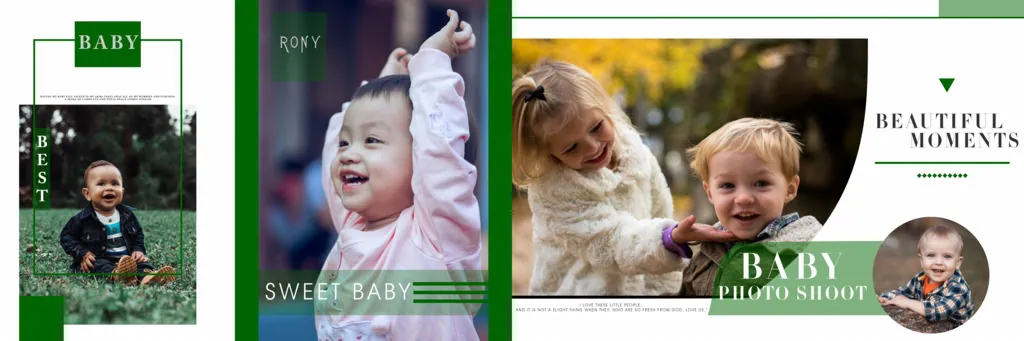
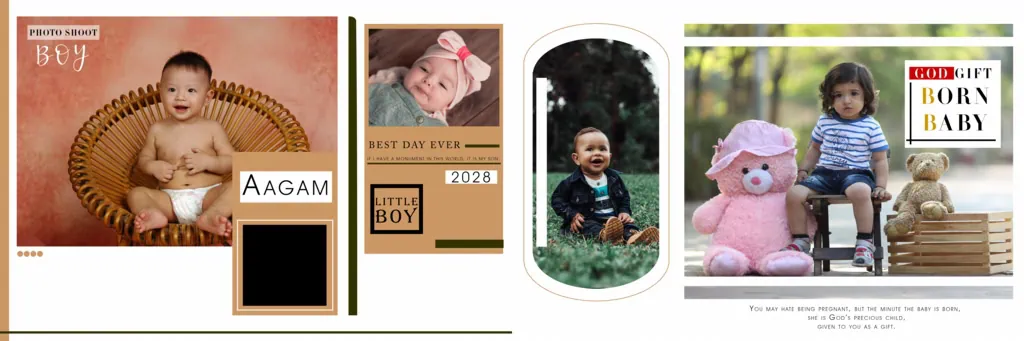
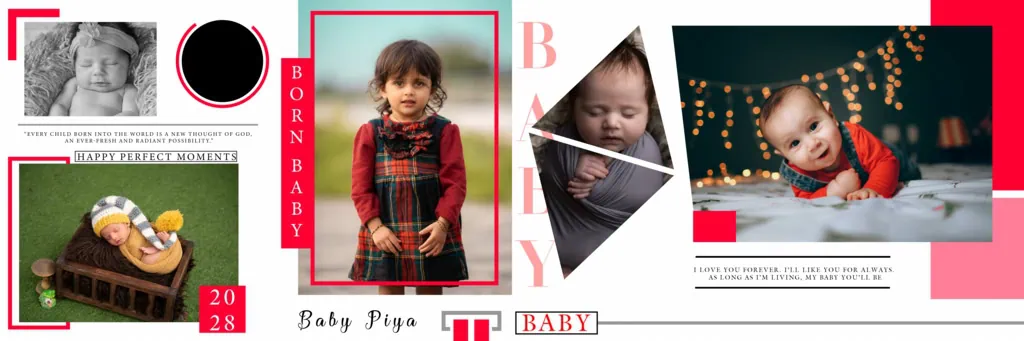
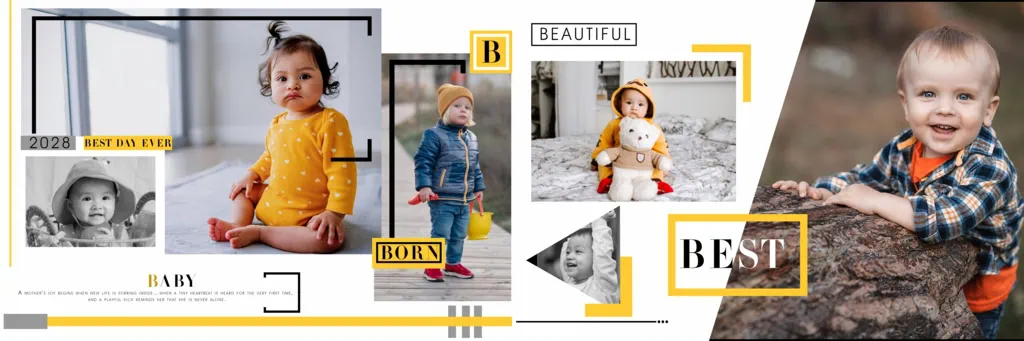
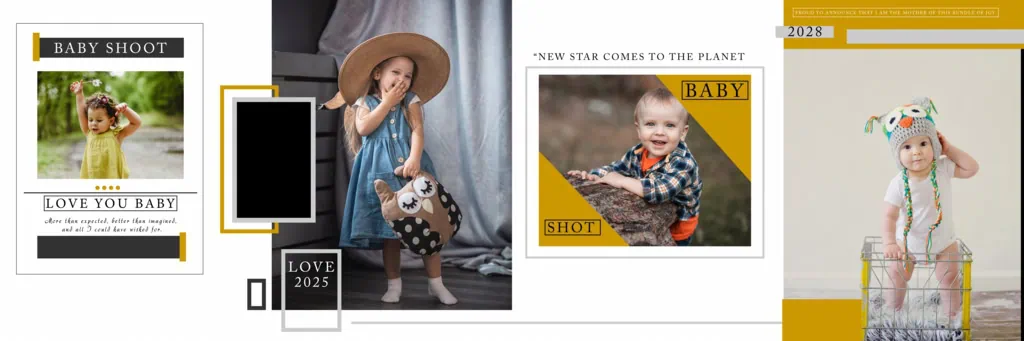
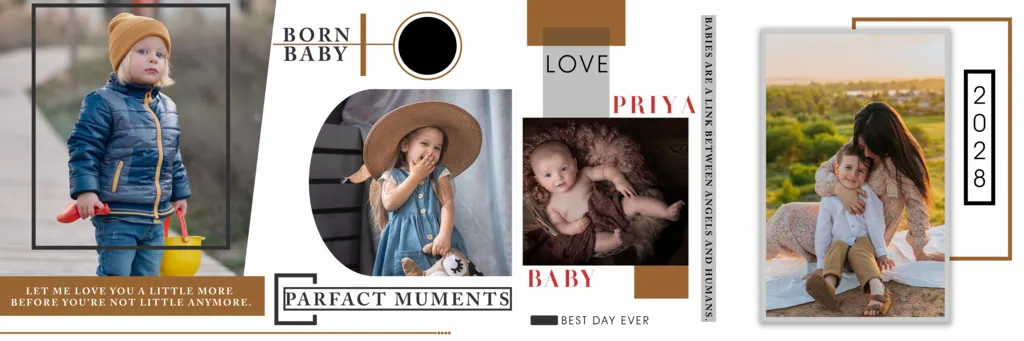
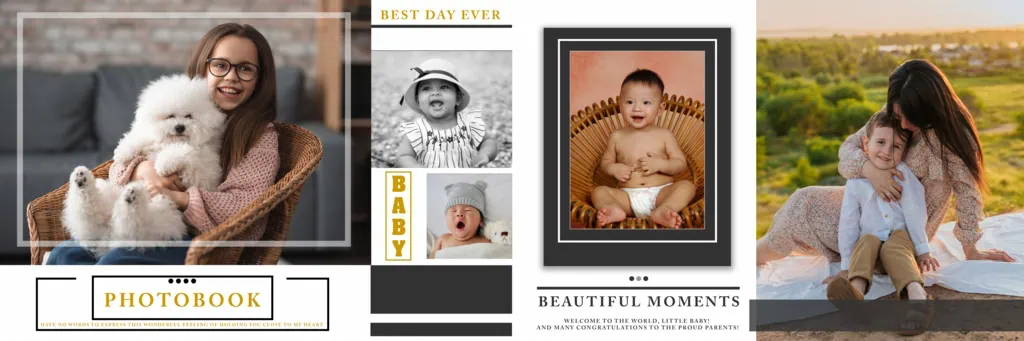
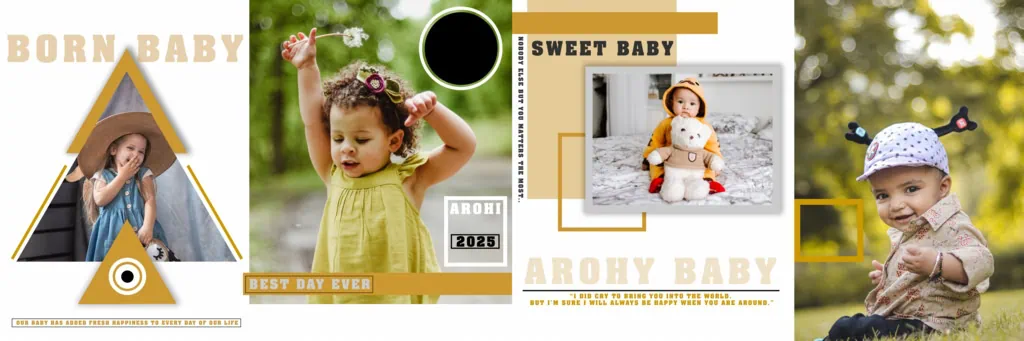
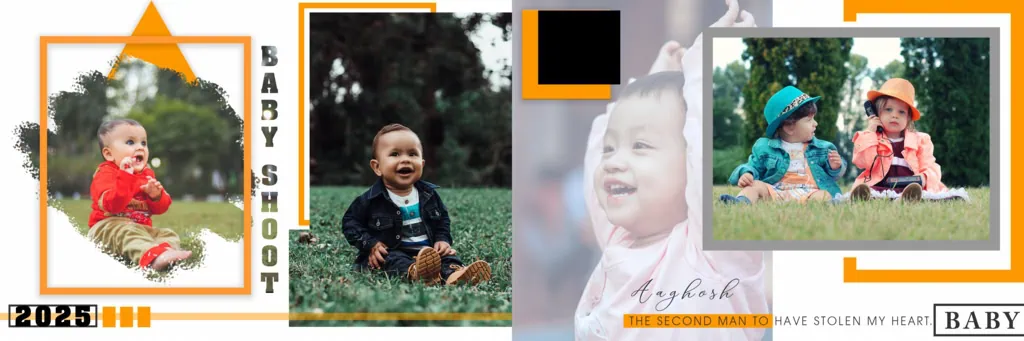
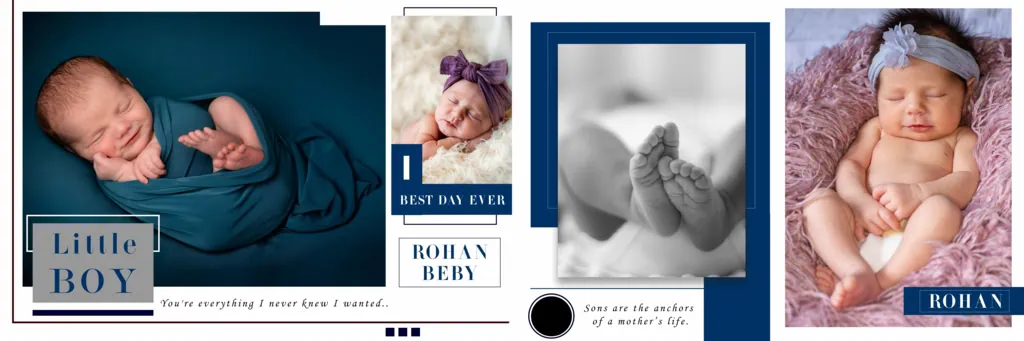
A Creative 1st Birthday Album Design is a photo album layout made to showcase a child’s first birthday photographs using themed graphics, colorful compositions, decorative backgrounds, and personalized text. It helps transform individual birthday pictures into a visual story that families can revisit for years.
First birthday albums often feature cake-cutting photos, baby portraits, family moments, playful expressions, balloons, toys, and party decorations. The design may use soft pastel shades, bright colors, playful typography, or a minimal photo-focused arrangement.
The main purpose is to highlight the child’s photographs without making the page feel overcrowded. A good album layout balances large images with smaller supporting photos and decorative elements. This allows every page to feel connected while giving important moments enough space.
#01
#02
#03
#04
#05
#06
#07
#08
#09
#10
Explore First Birthday Album Design Inspiration on PSDPix.com
Creating multiple album sheets under a tight studio deadline can become repetitive. A suitable birthday album design gives you a starting point for photo placement, color selection, and page composition.
On PSDPix.com, readers can explore design resources related to birthday album projects and Photoshop editing. Before using a particular resource, review its page for actual file format, download details, compatibility, dimensions, and licensing conditions. These details should not be assumed unless they are provided.
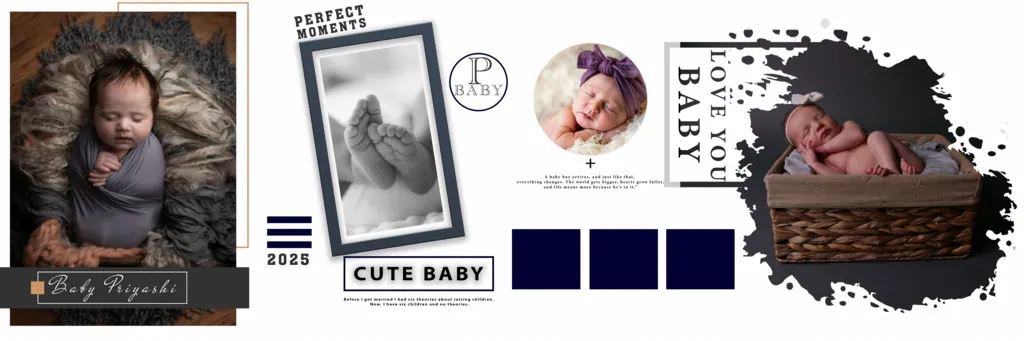
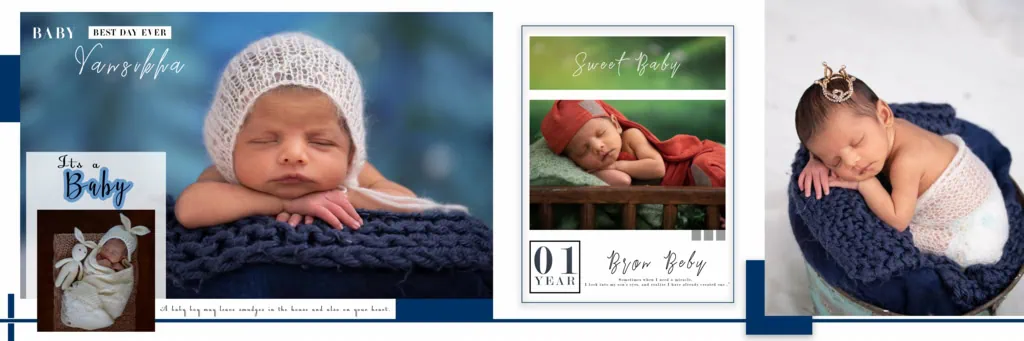
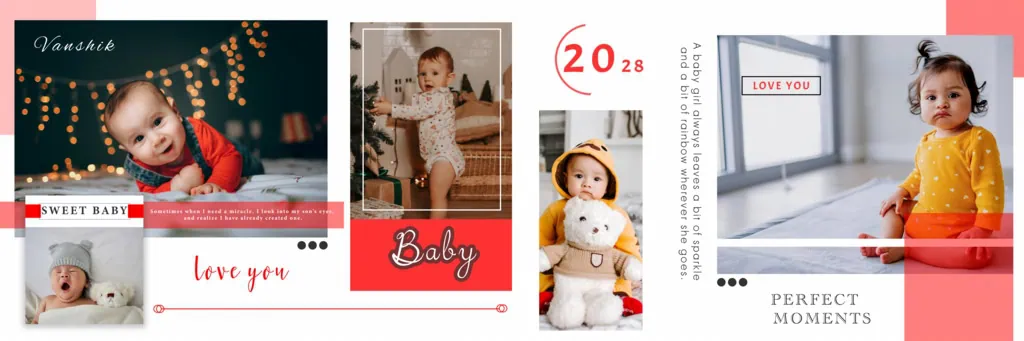
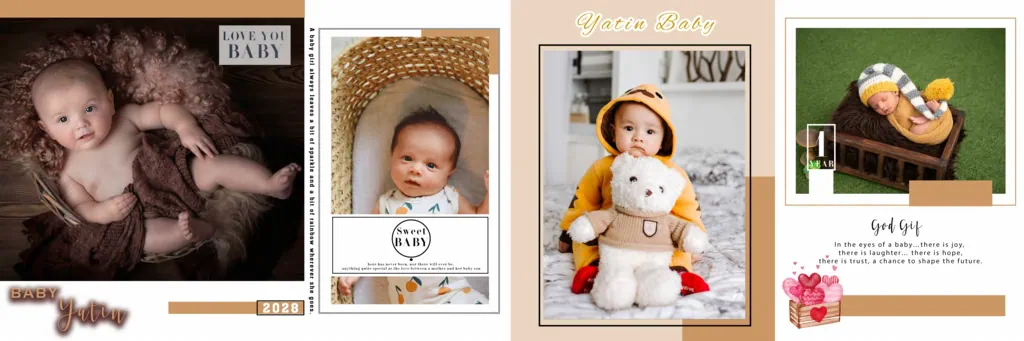
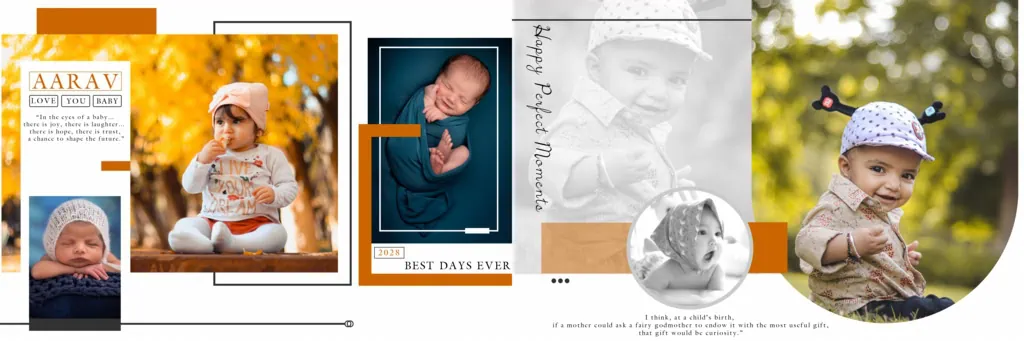
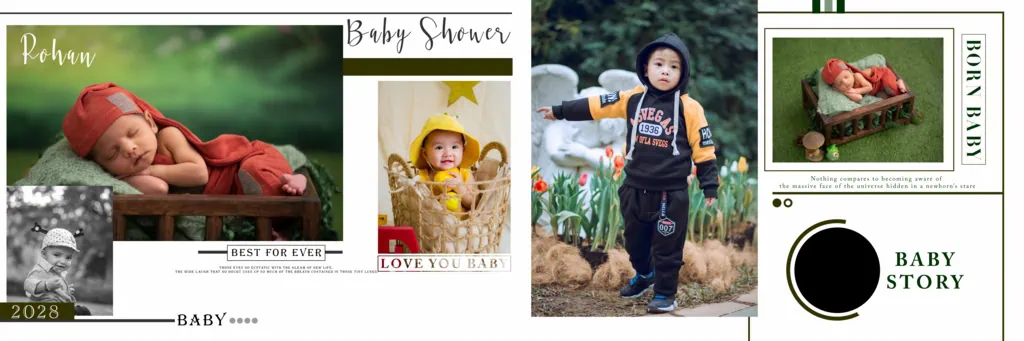
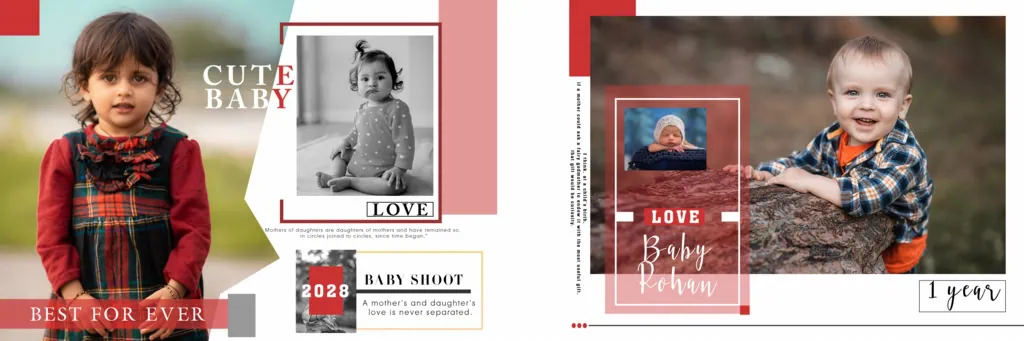
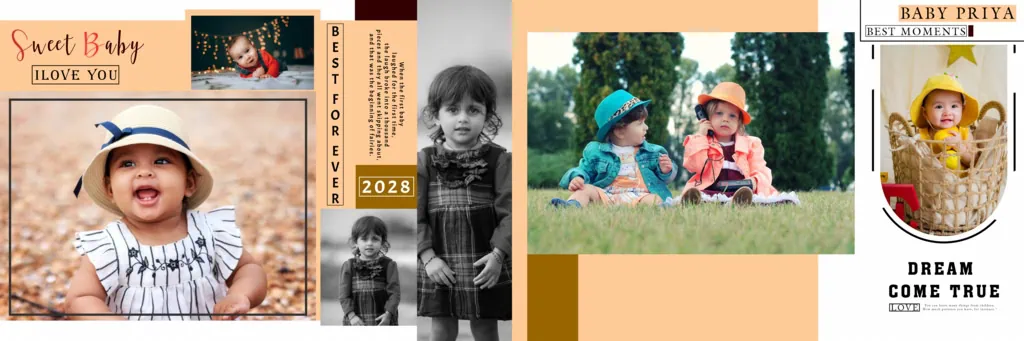
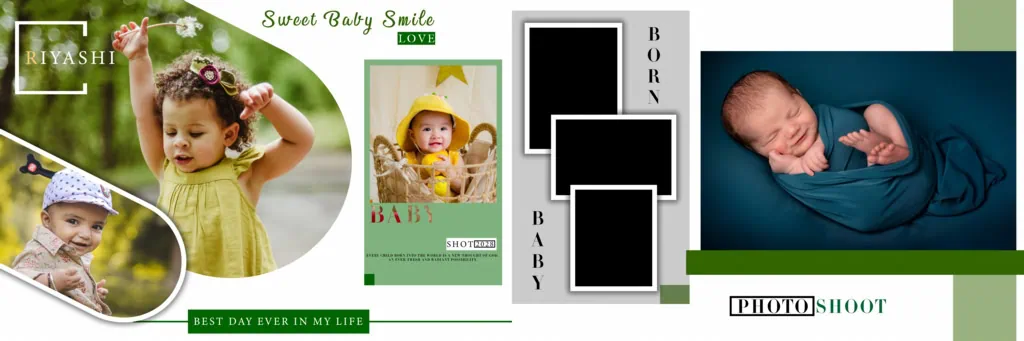
A 12 x 36 birthday album PSD layout is commonly associated with panoramic album spreads, but always check the exact document dimensions of the file you are using. Select photographs that match the composition and customize the design according to the child’s birthday theme.
The goal is to make each album unique. You can adjust the background colors, change captions, rearrange images, and add the child’s name or birthday date to create a personalized result.
#11
#12
#13
#14
#15
#16
#17
#18
#19
#20
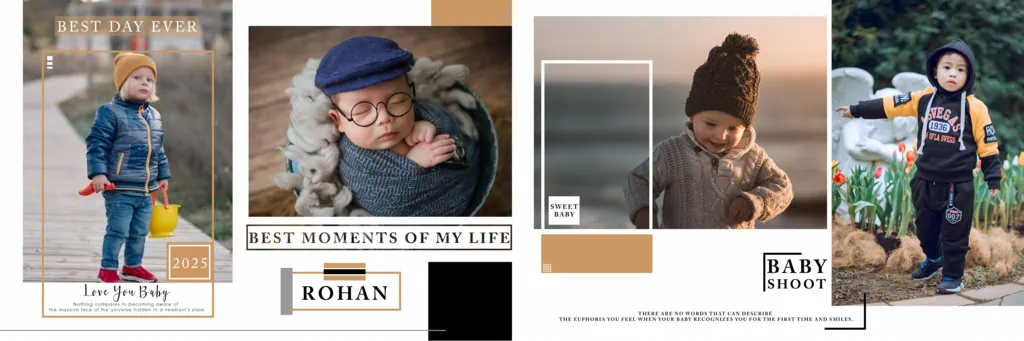
How to Customize a 1st Birthday Album Design in Photoshop
Follow this workflow to create a personalized birthday album using a Photoshop design resource.
1. Download the birthday resource. Visit the relevant PSDPix.com page and follow the available download instructions. Check the resource description before downloading to confirm the file type and details.
2. Extract the downloaded file. If the resource comes in ZIP format, extract it into a dedicated project folder. Keep the original download as a backup in case you need to start again.
3. Open the PSD in Photoshop. Open the file in compatible software and check the canvas size, image resolution, layer organization, and document settings. Confirm whether the layout is suitable for your album size.
4. Replace the photographs. Choose the best images from the birthday photoshoot. Use the available photo layers or Smart Objects if the template supports them. Position each photograph carefully and avoid stretching images unnaturally.
5. Personalize the layout. Add the child’s name, birthday date, age, or short captions. Adjust colors, backgrounds, and decorative elements to match the party theme. A birthday PSD file download can be a starting point, but thoughtful customization makes the final album special.
6. Prepare the final album. Check all images, text, alignment, resolution, color settings, bleed, and binding margins. Save an editable PSD copy before exporting the final file according to your album printer’s requirements.
How to Save Time During Birthday Album Projects
Photo studios often receive large sets of birthday pictures that need to be selected, edited, and arranged within a limited time. A reusable album design can help reduce repetitive layout work, especially when the project includes several pages with a similar visual style.
Begin by sorting photographs into groups such as portraits, cake cutting, family photos, candid expressions, decorations, and outdoor pictures. This makes it easier to select images that work together instead of placing photographs randomly.
Use the same font style, color palette, and decorative approach across the album. Consistency helps the pages feel connected, while occasional changes in layout keep the album from looking repetitive. A strong 1st birthday album design should give the child’s pictures the most attention.
Preparing photographs before opening Photoshop can also make your workflow faster. Select the best images, crop them if needed, and keep them organized in folders. This reduces editing interruptions and helps you complete the album with fewer revisions.
Practical Tips for Better First Birthday Album Designs
- Use the best expressions. Select photos showing natural smiles, curiosity, playful moments, and emotional family interactions.
- Keep the design child-friendly. Soft colors, playful shapes, balloons, stars, toys, and birthday-themed graphics can add character without distracting from the pictures.
- Maintain image quality. Use original photographs whenever possible and avoid enlarging small images beyond their usable detail.
- Check print margins. Keep faces, birthday messages, and important details away from trimming and binding areas according to the printer’s guidelines.
Frequently Asked Questions
1. What is a Creative 1st Birthday Album Design?
It is a themed photo album layout created to present first birthday pictures with creative compositions, backgrounds, decorations, and personalized text.
2. Which photographs are best for a first birthday album?
Include baby portraits, cake-smashing pictures, family photographs, candid moments, party decorations, and photos showing the child’s expressions and activities.
3. Can I use a 12 x 36 birthday album PSD for printing?
Yes, if the document dimensions, image quality, resolution, and layout are suitable for your printer’s requirements. Always verify the PSD specifications before preparing the final print.
4. Can I edit a birthday PSD file in Photoshop?
PSD files are intended for Photoshop editing, but the available editing options depend on their layer structure. Check whether photographs, text, backgrounds, and other elements are separately editable.
5. Can I use a birthday album template for commercial work?
That depends on the resource’s license. Check the usage terms before using the template for paid client projects, redistribution, or commercial purposes.
Conclusion
A Creative 1st Birthday Album Design is a useful way to turn a baby’s first birthday photographs into a colorful, memorable photo album. With carefully selected images, balanced compositions, playful decorations, and personalized details, you can create a layout that captures the joy of this special milestone.
Explore first birthday album design resources on PSDPix.com to find creative inspiration for your next album project. Whether you are a beginner learning Photoshop or a professional album designer working with studio clients, thoughtful photo placement and customization can help make every birthday album more meaningful.