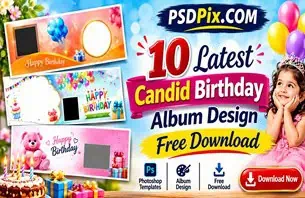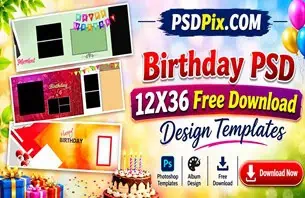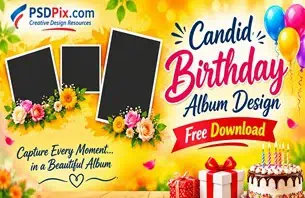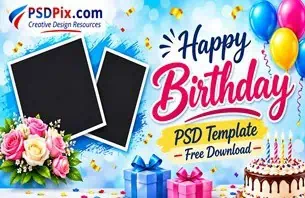
Birthday celebrations create memories that families love to preserve through photographs. Whether you are designing an album for a child’s birthday, a grand birthday celebration, or a themed party photoshoot, arranging pictures in a beautiful layout can make those memories more meaningful.
For new Photoshop users, creating every album page from scratch can be challenging. Choosing the right photographs, matching colors, adding decorations, and balancing text takes time. A Happy Birthday Album Design PSD can help designers understand the layout process and build attractive birthday album pages more efficiently.
At PSDPix.com, birthday album design resources are relevant for photo editors, album designers, studio owners, and creative users looking for inspiration. With a suitable design and thoughtful editing, you can turn ordinary birthday pictures into a memorable photo album.
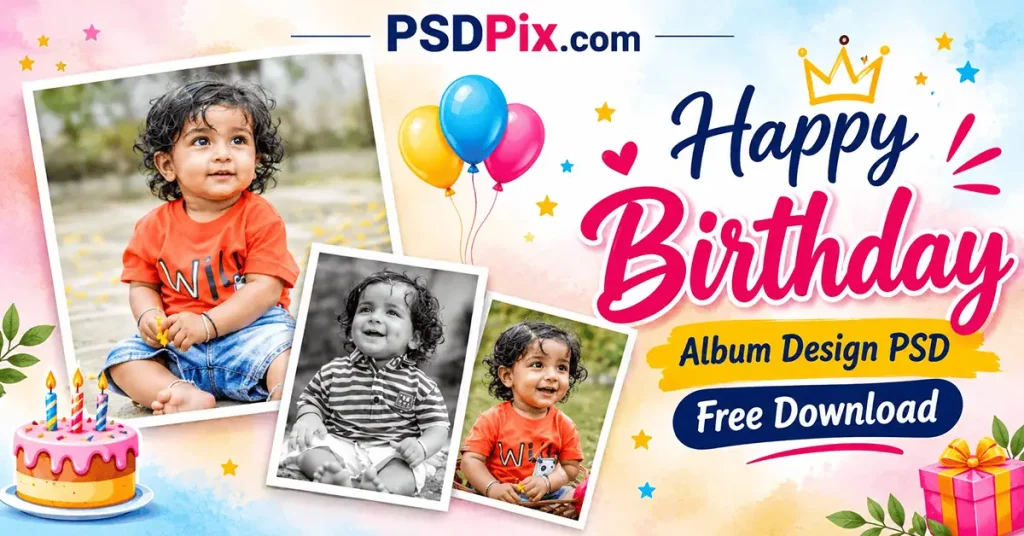
Happy Birthday Album Design
Table of Contents
Happy Birthday Album Design PSD — A Creative Photo Album Layout
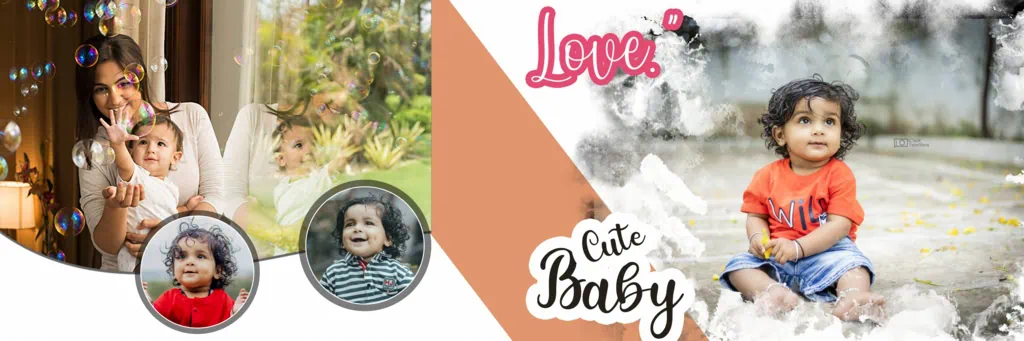
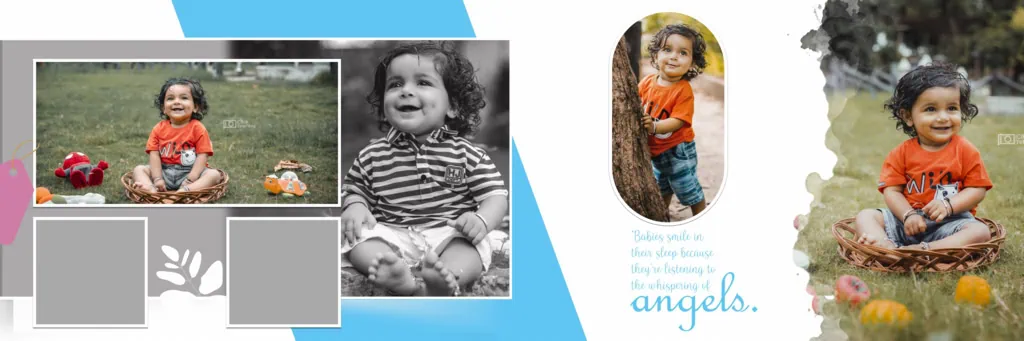
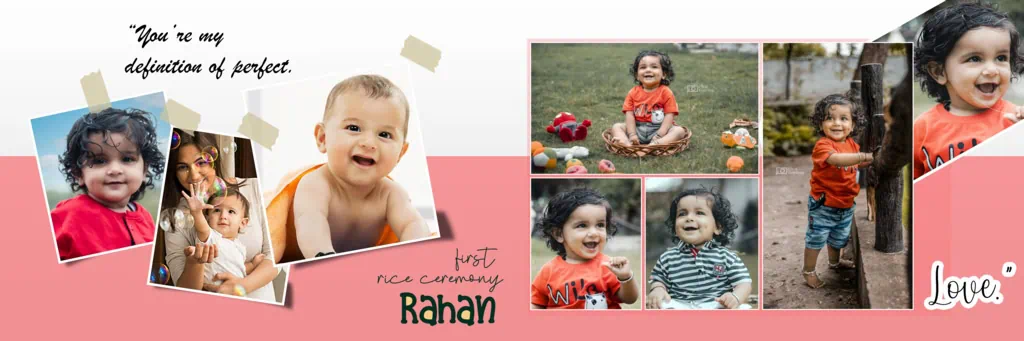
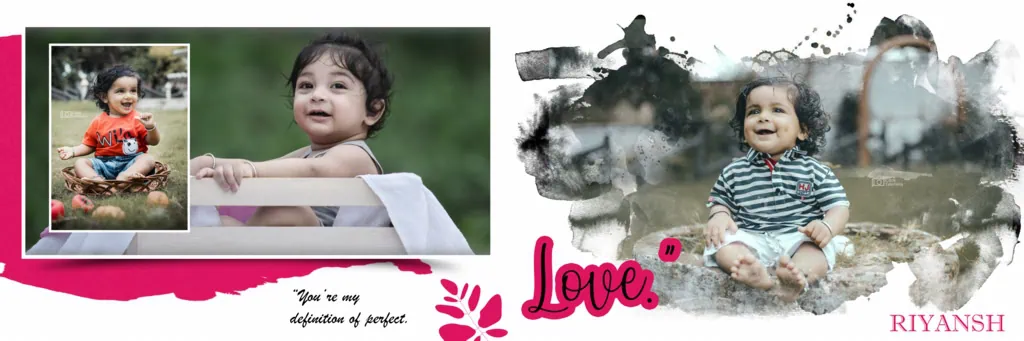
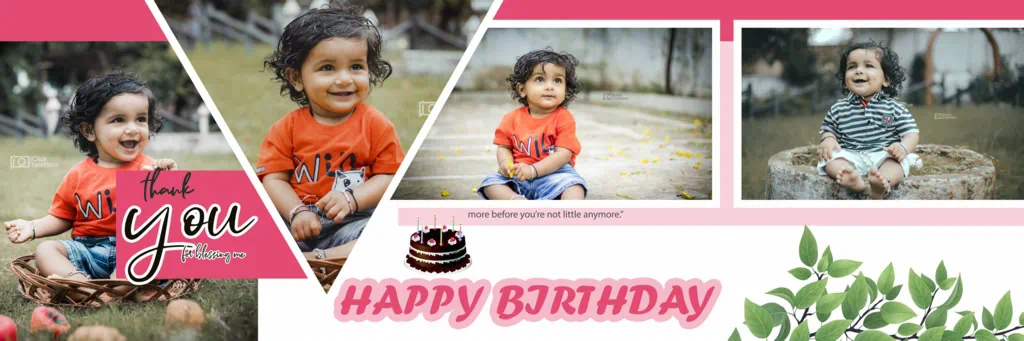
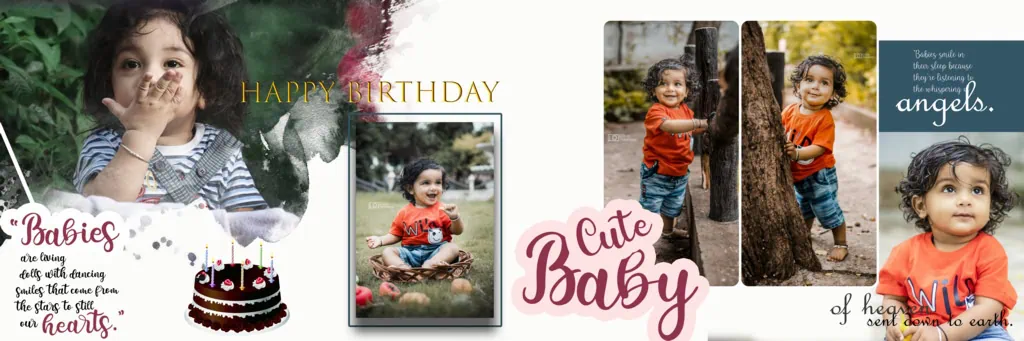
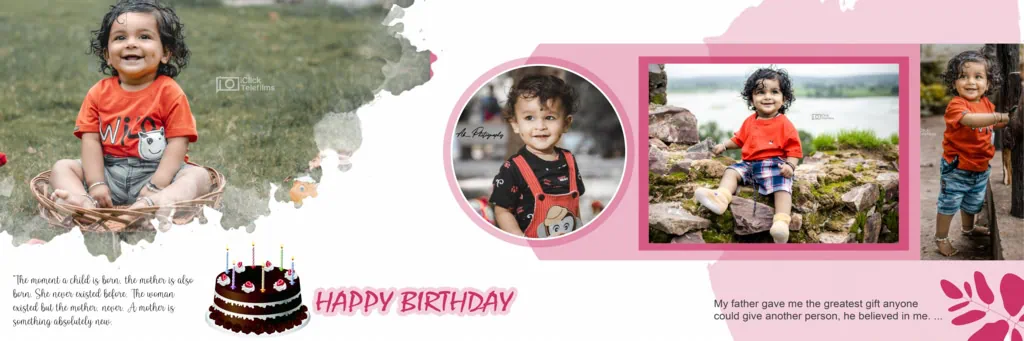
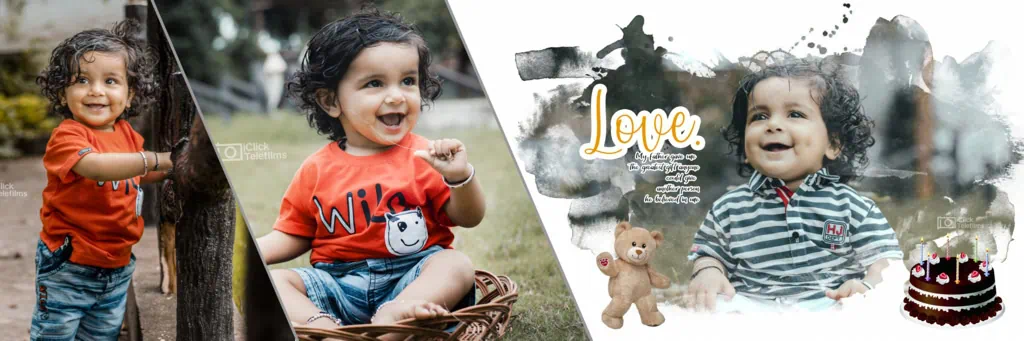
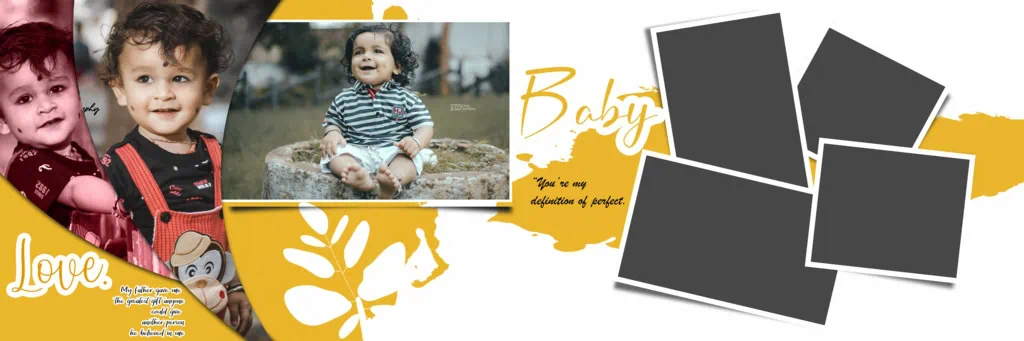
A Happy Birthday Album Design PSD is a Photoshop-based album layout concept created for arranging birthday photographs with decorative elements, colorful backgrounds, typography, and themed artwork. It can help organize birthday memories into a visually appealing album page or spread.
Birthday album layouts often include portrait photographs, celebration details, balloons, cakes, confetti, colorful shapes, and personalized birthday messages. The style can be adjusted according to the birthday person’s age, theme, favorite colors, and the type of celebration.
A birthday album is not simply a collection of photographs. It tells the story of the celebration, from preparation and decoration to cake cutting, family moments, group photographs, and candid memories. A well-planned layout helps every picture feel connected.
#01
#02
#03
#04
#05
#06
#07
Explore Birthday Album Design Resources on PSDPix.com
Birthday album projects can have different visual styles. Some clients prefer bright colors, playful decorations, and bold birthday typography, while others may want a simple layout with elegant backgrounds and larger photographs.
When exploring birthday design resources on PSDPix.com, choose a layout that suits the photographs and the album’s overall theme. Before downloading or using a resource, check the individual page for available file details, download instructions, software compatibility, and license information.
The right birthday PSD file download can be a useful starting point for your project, but the final layout should still reflect the client’s requirements. Adjust the background, photo arrangement, text, and decorative elements to create a personalized design rather than relying on a generic appearance.
#08
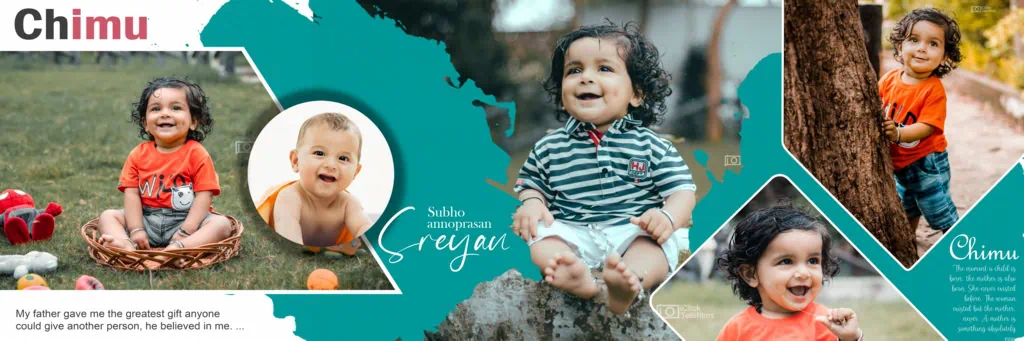
#09
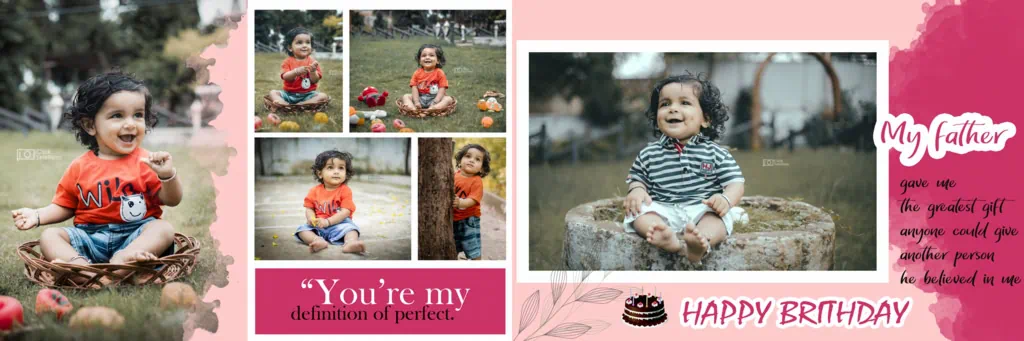
#10
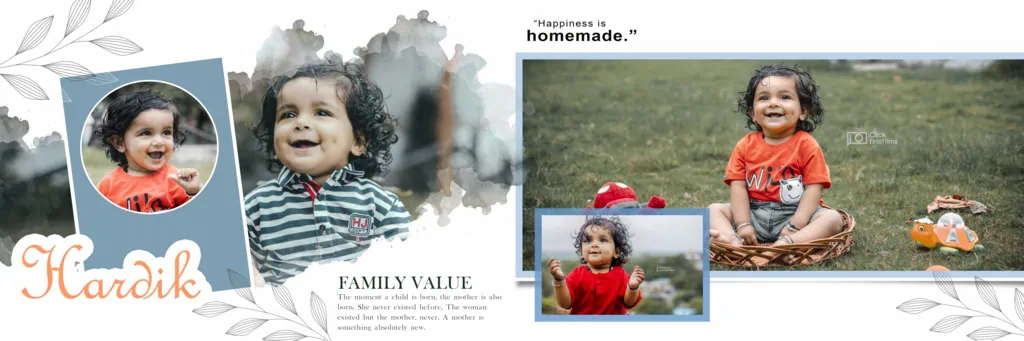
#11
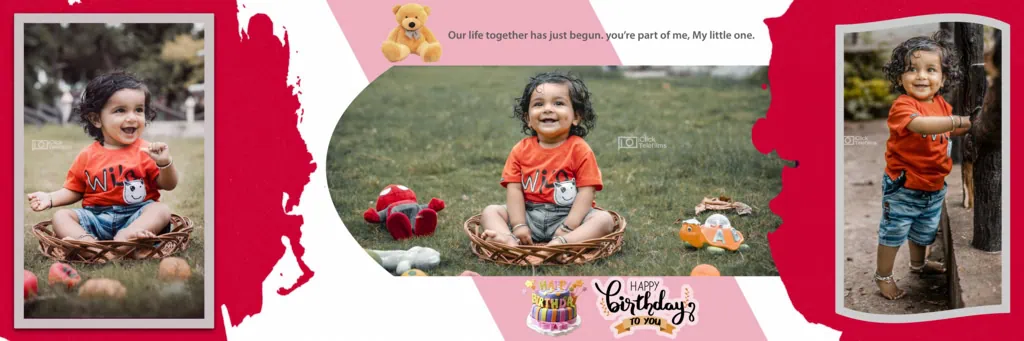
#12
#13
How to Use a Happy Birthday PSD Template in Photoshop
Follow these steps to create or customize a birthday album layout using a Photoshop template.
1. Download the design resource. Visit the relevant resource page and follow its download instructions. Check the file description before downloading to confirm what is included.
2. Extract the downloaded archive. If the file comes in ZIP format, extract it using a compatible archive utility. Keep the extracted files organized in a dedicated project folder.
3. Open the PSD in Photoshop. Open the design file in Adobe Photoshop or compatible software. Check the canvas size, resolution, layers, and document properties before starting your edits.
4. Replace the photographs. Add your selected birthday pictures to the layout. If the file contains Smart Objects or organized photo layers, use the available structure to replace images. Otherwise, carefully adjust the pictures manually.
5. Customize the design. Edit birthday names, age, captions, colors, background decorations, and other elements according to the celebration. Use consistent typography and avoid overcrowding the layout.
6. Prepare the final album output. Review image quality, document dimensions, color settings, safe areas, and bleed requirements if the album is being printed. Save an editable backup and export the final file according to the printer’s specifications.
Learn Better Album Composition Through Birthday Designs
Birthday album projects are a good way for beginners to improve their Photoshop skills. They provide opportunities to practice image arrangement, color matching, visual hierarchy, typography, and decorative composition.
Start by observing how the photographs are arranged in the template. Notice which image receives the most attention, how smaller pictures support the main image, and how the background complements the subject. These design choices help create a balanced album page.
You can also study the use of spacing and visual contrast. A photograph with a busy background may need a cleaner surrounding area, while a simple portrait can work well with decorative elements. Try different arrangements while keeping the most important birthday moments easy to see.
Working with a happy birthday template Photoshop file can also teach you how different elements work together. Over time, these observations can help you develop your own layouts instead of depending entirely on ready-made designs.
Practical Tips for Better Birthday Album Designs
- Choose photographs carefully. Use clear pictures that capture meaningful moments, such as cake cutting, family portraits, friends enjoying the party, and candid expressions.
- Maintain a consistent color palette. Match background colors and decorative elements with the birthday theme, clothing, party decorations, or photographs.
- Keep text readable. Use suitable font sizes, avoid placing text over busy photographs, and make birthday names or messages easy to notice.
- Check the album layout before printing. Review image resolution, page dimensions, color settings, bleed, and binding margins to avoid problems during production.
Frequently Asked Questions
1. What is a Happy Birthday Album Design PSD?
It is a Photoshop album layout used to arrange birthday photographs, text, backgrounds, and decorative elements into a creative birthday photo album.
2. Can beginners edit birthday album PSD files?
Yes. Beginners can use Photoshop to replace pictures, edit text, adjust colors, and customize layouts. Basic knowledge of layers makes the process easier.
3. Which photographs should I include in a birthday album?
Include portraits, family pictures, cake-cutting moments, friends, decorations, candid expressions, and other memorable highlights from the celebration.
4. Can I use a birthday album design for a client project?
Commercial use depends on the resource’s license. Always review the individual file’s usage terms before using a design for paid client work.
5. How can I prepare a birthday album for printing?
Check the album dimensions, photograph resolution, color profile, bleed, binding area, and printer requirements. Export using the specifications provided by your album printing service.
Conclusion
A Happy Birthday Album Design PSD can help make birthday photographs more organized, creative, and memorable. By selecting suitable pictures, using balanced layouts, and customizing the design with thoughtful colors and typography, you can create birthday albums that preserve special moments beautifully.
Explore birthday album design resources on PSDPix.com, choose a layout that matches your project, and use your Photoshop editing skills to personalize it. Whether you are designing for family memories or a photo studio client, careful editing and good composition will help you create a more meaningful album.