A wedding album project often begins with a challenge: finding the right cover design that matches the couple’s photographs, wedding theme, and personal style. When multiple albums are waiting for completion, creating every cover from scratch can also take valuable studio time. Choosing a suitable wedding photo album cover layout can make the design process more organized and creative.
Wedding covers can feature romantic couple portraits, elegant typography, decorative frames, traditional patterns, modern geometric shapes, or minimal layouts. The right composition depends on the photographs and the client’s preferences. A cover that looks attractive in a preview may need adjustments to achieve the best balance between images, text, and decoration.
At PSDPix.com, this article is intended to help wedding photographers, Photoshop designers, and photo studio owners explore wedding album cover ideas and find inspiration for their next project. Whether you are designing an Indian wedding album, a couple’s pre-wedding album, or a traditional marriage album, selecting the right cover style is an important step in the creative process.
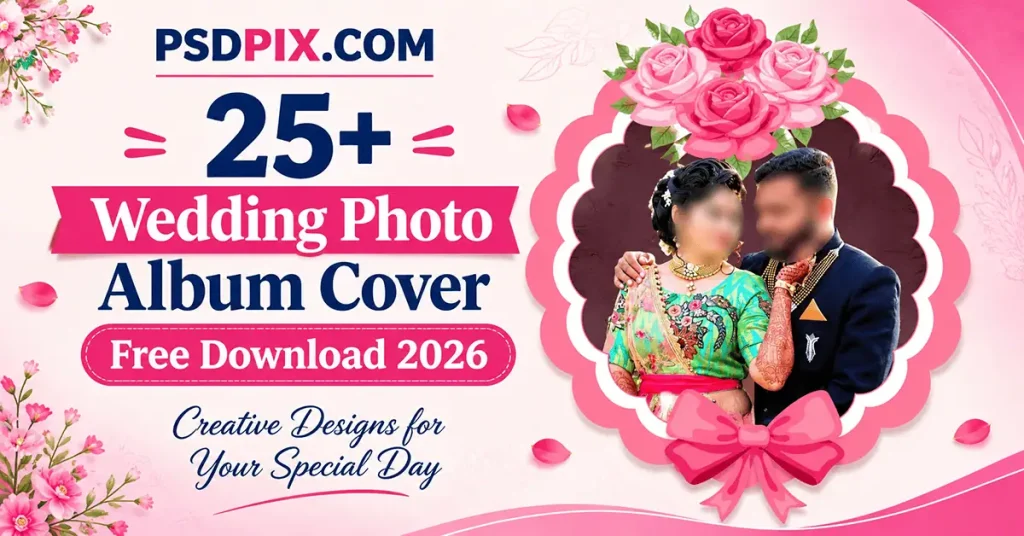
Wedding Photo Album Cover
Table of Contents
Wedding Photo Album Cover Designs for Wedding Photography
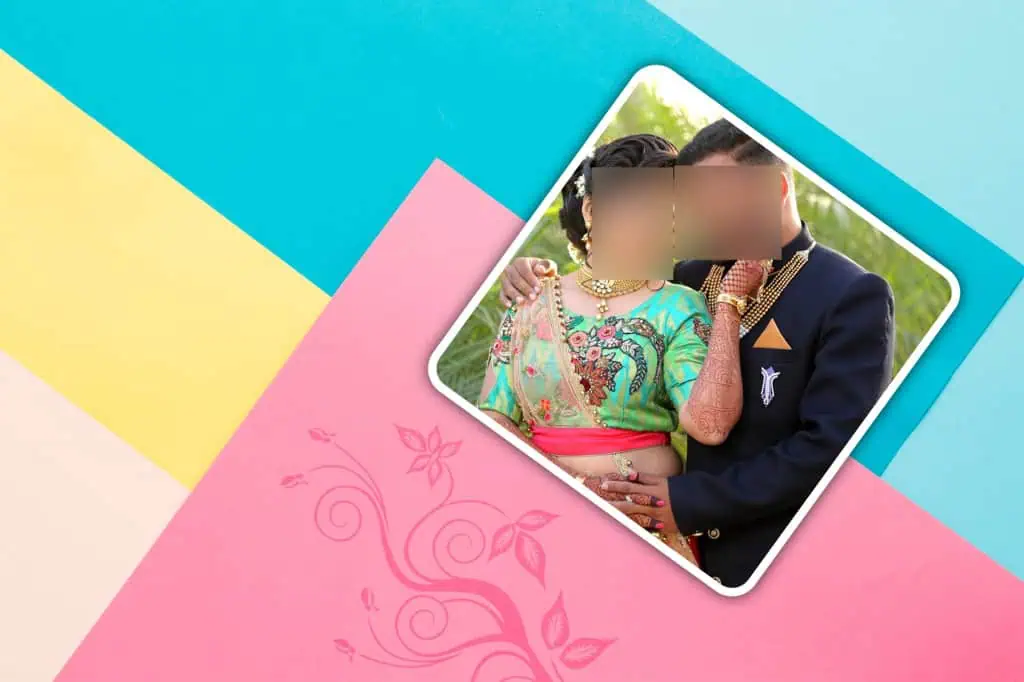
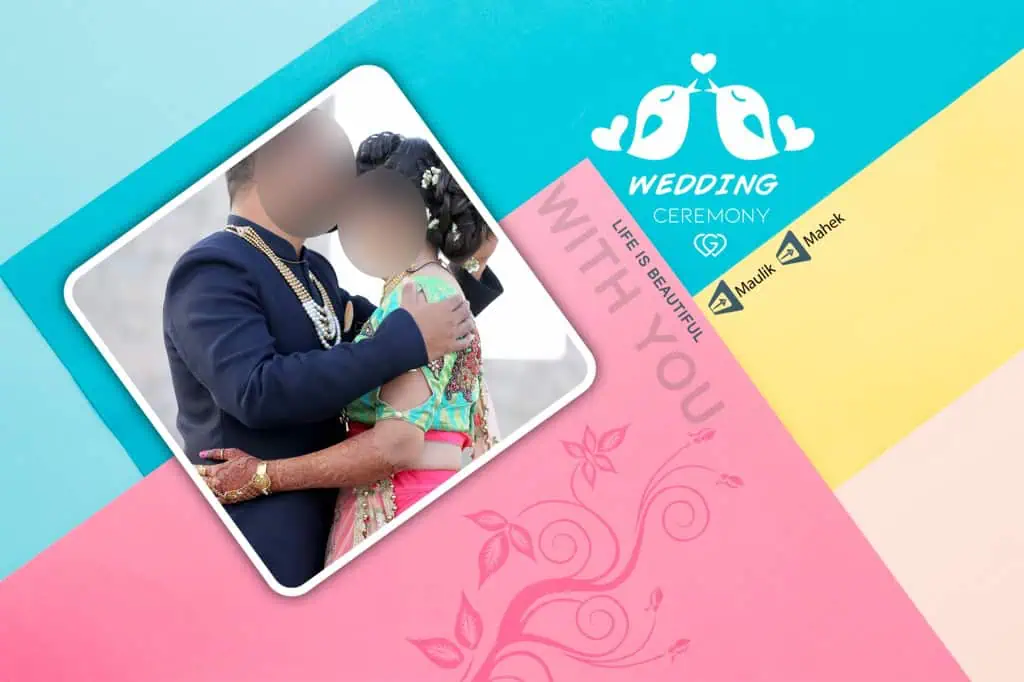
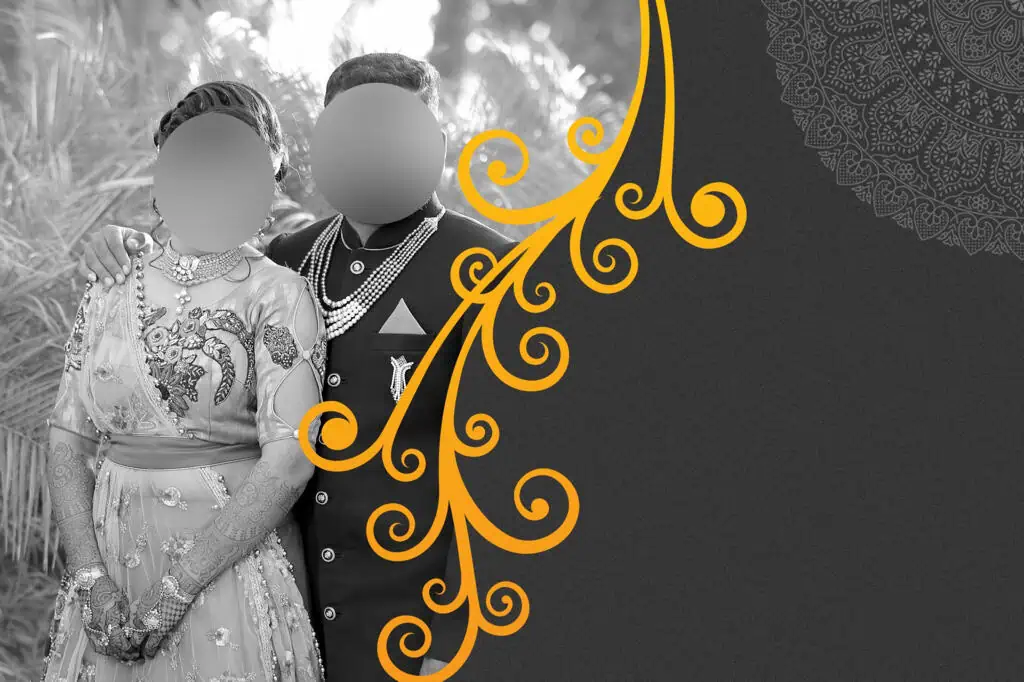
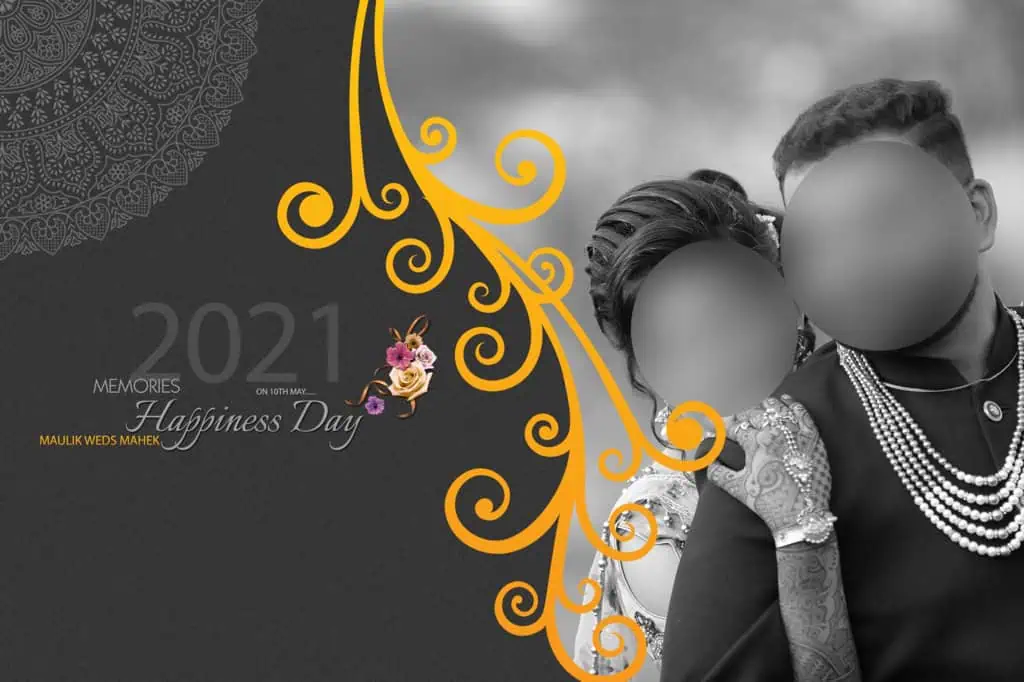
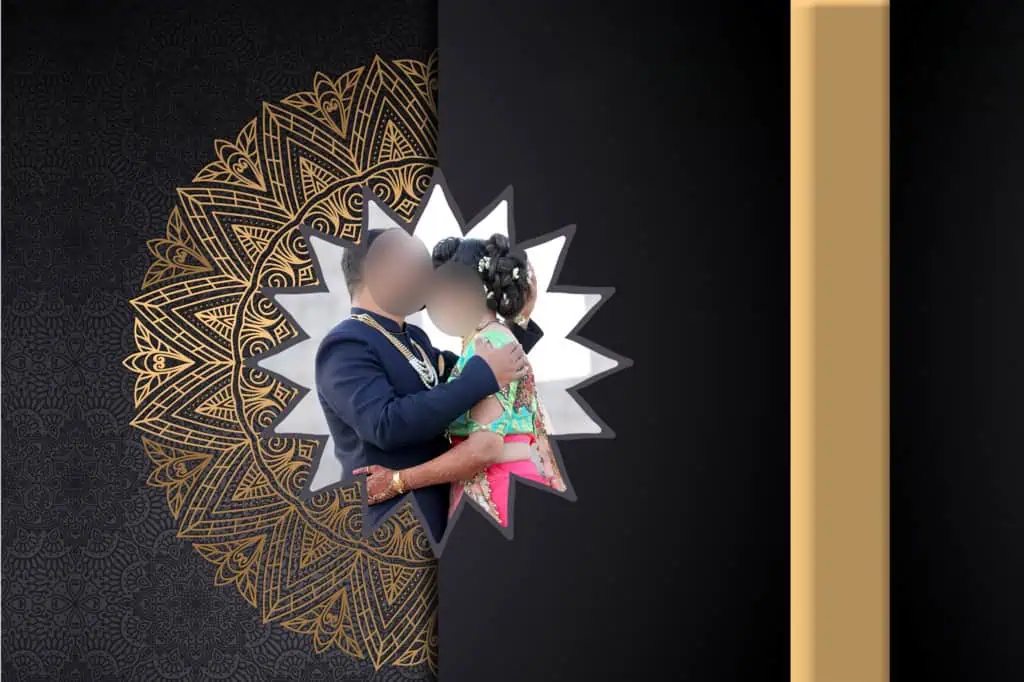
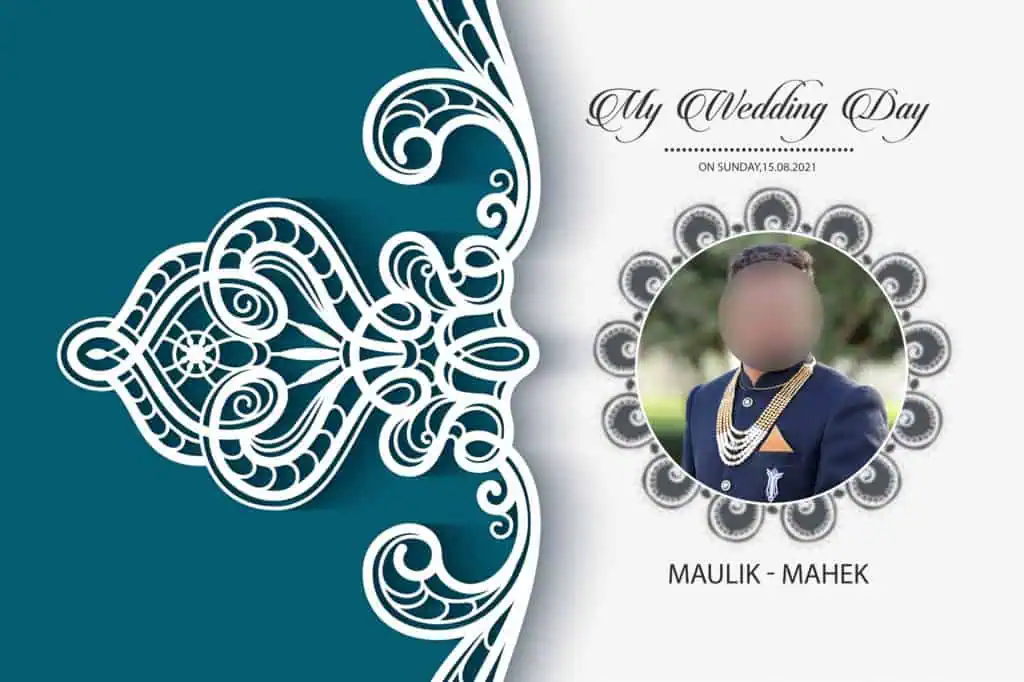
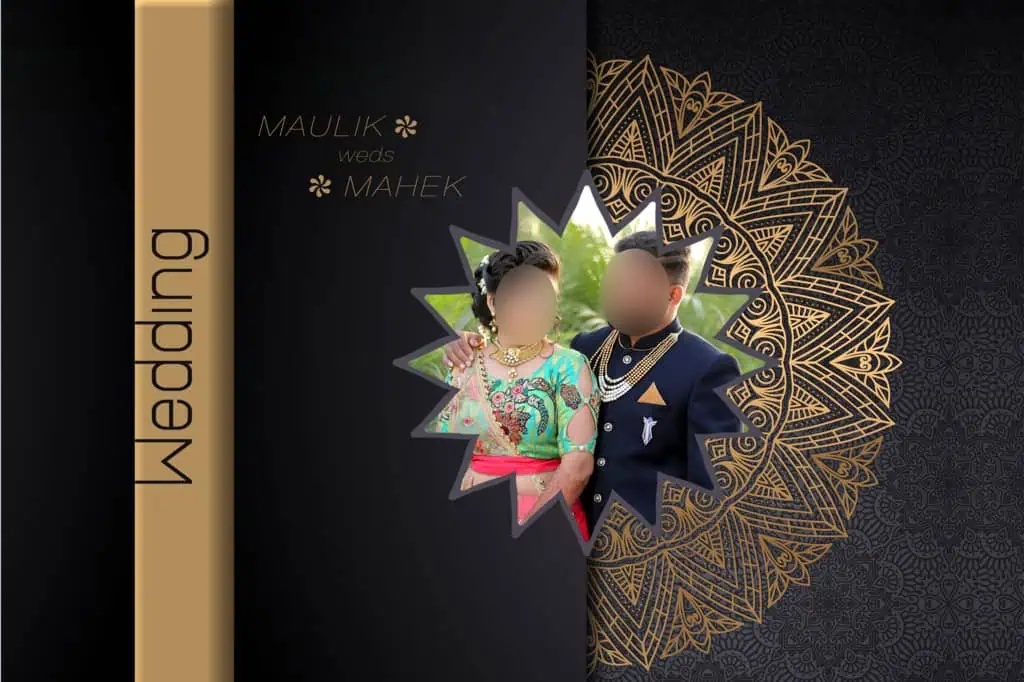
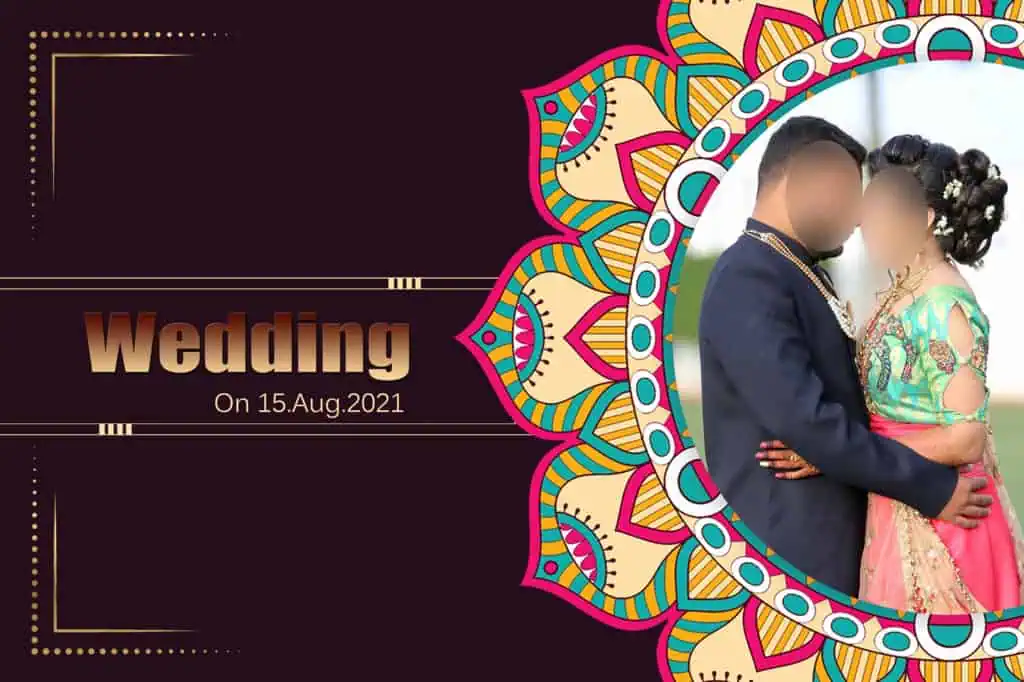
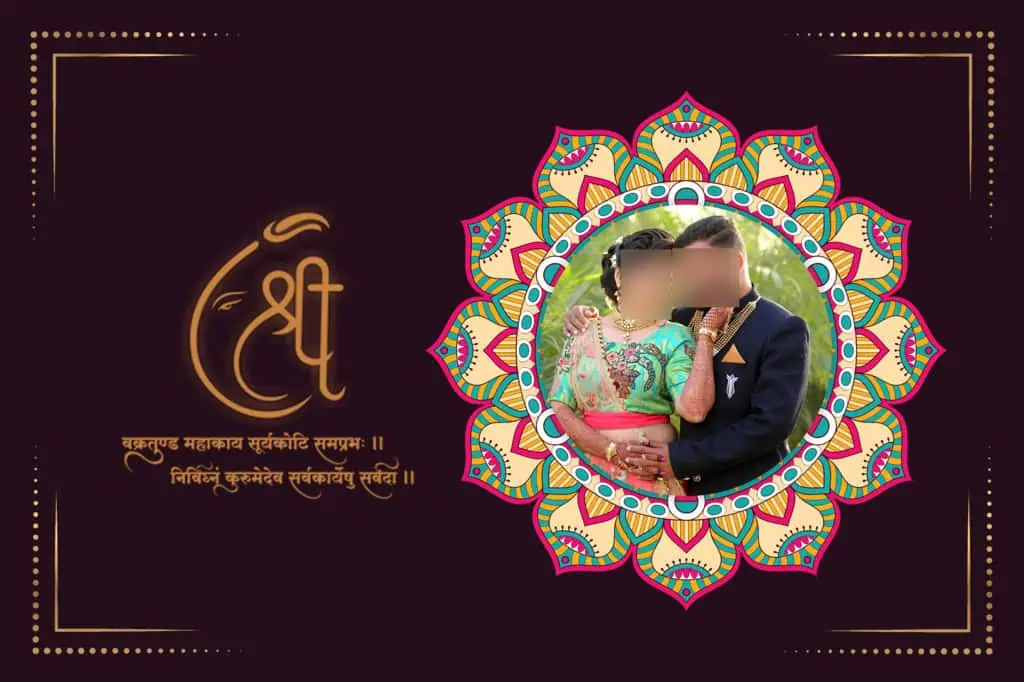
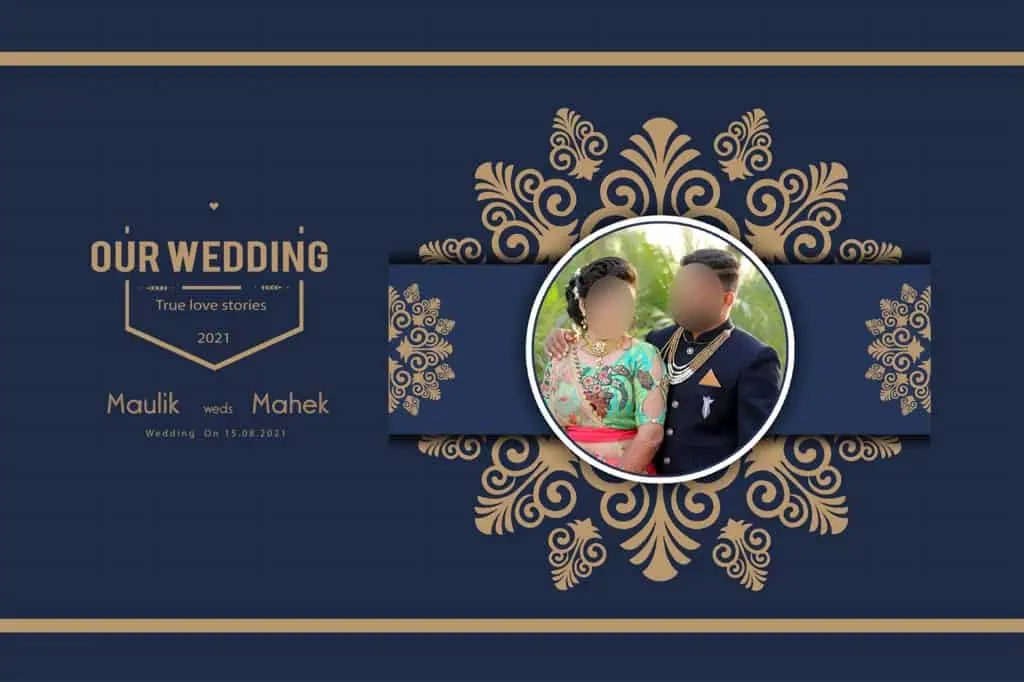
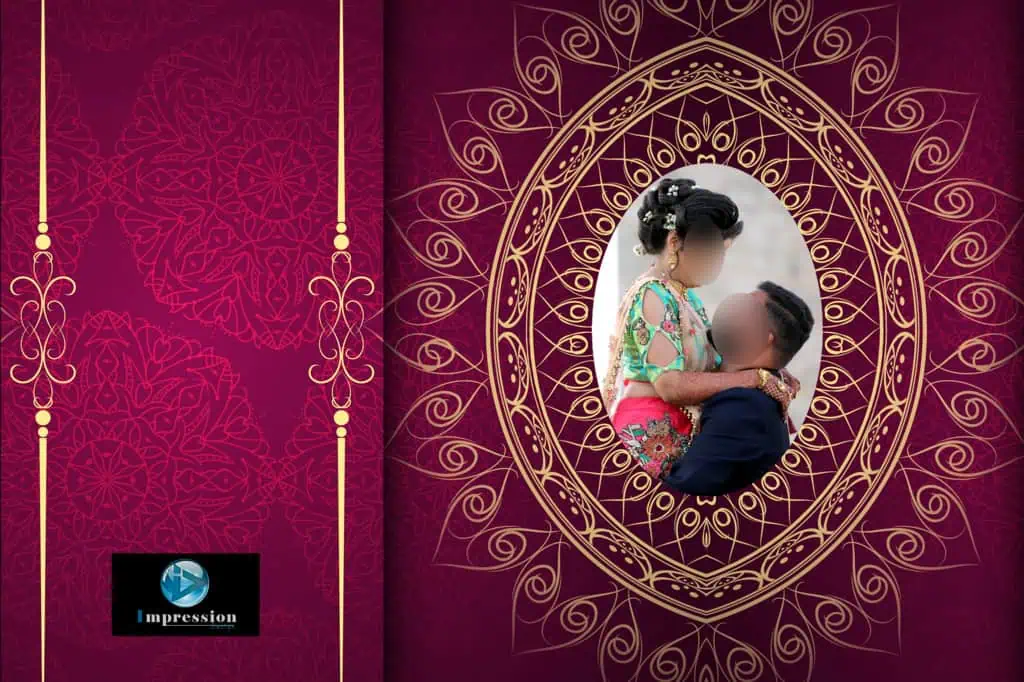
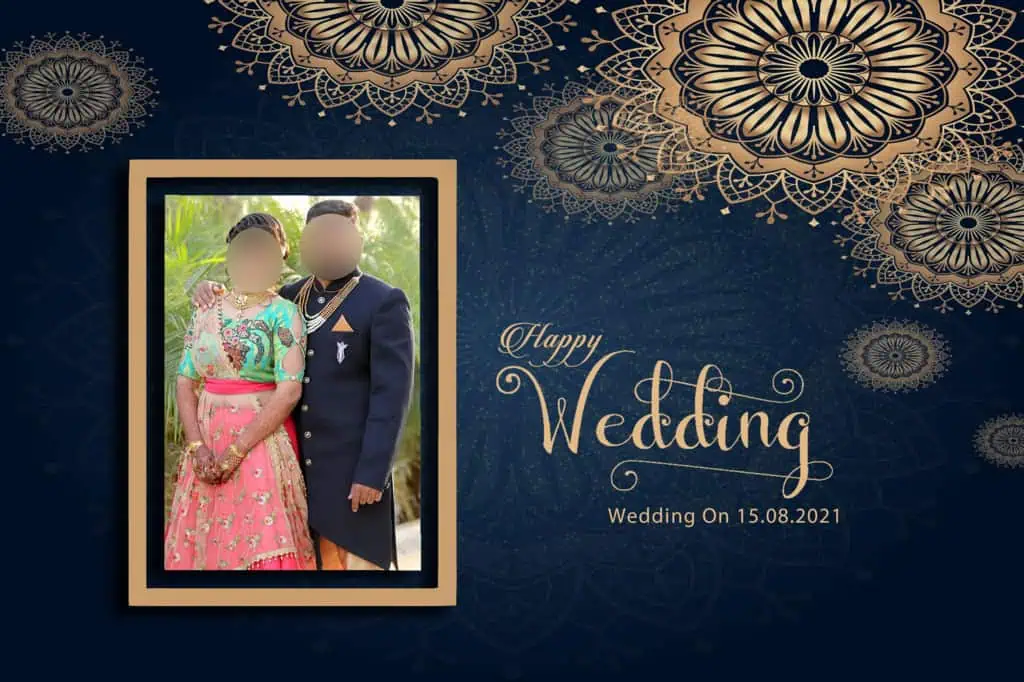
A wedding photo album cover is the front layout of a photo book that introduces the couple’s wedding memories through photographs, typography, colors, and decorative artwork. It is designed to create a visual connection with the wedding story before the viewer opens the album.
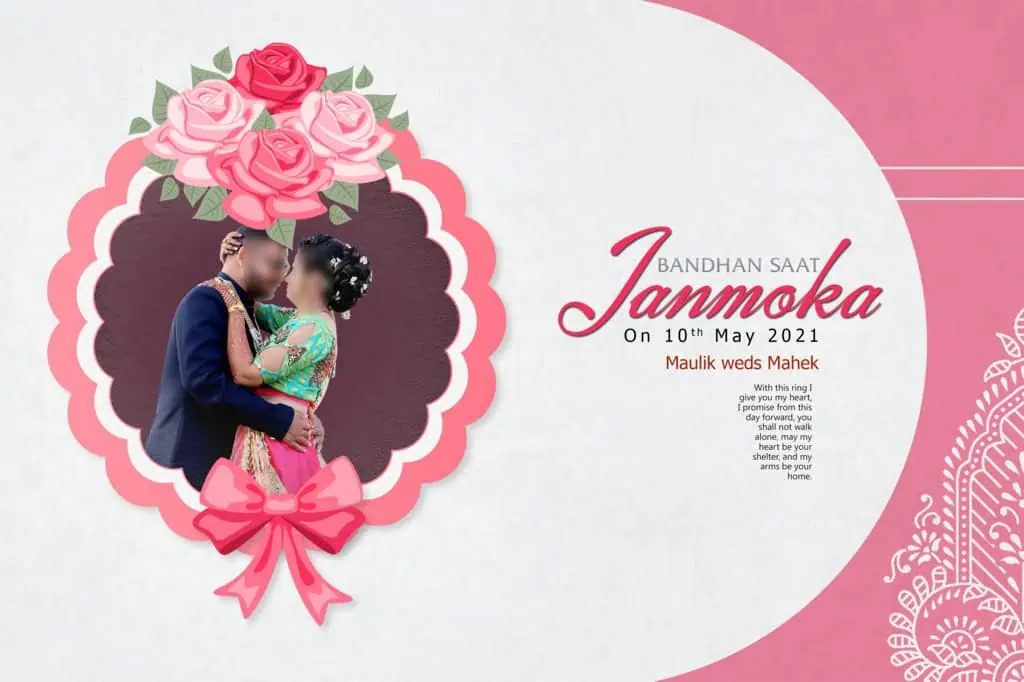
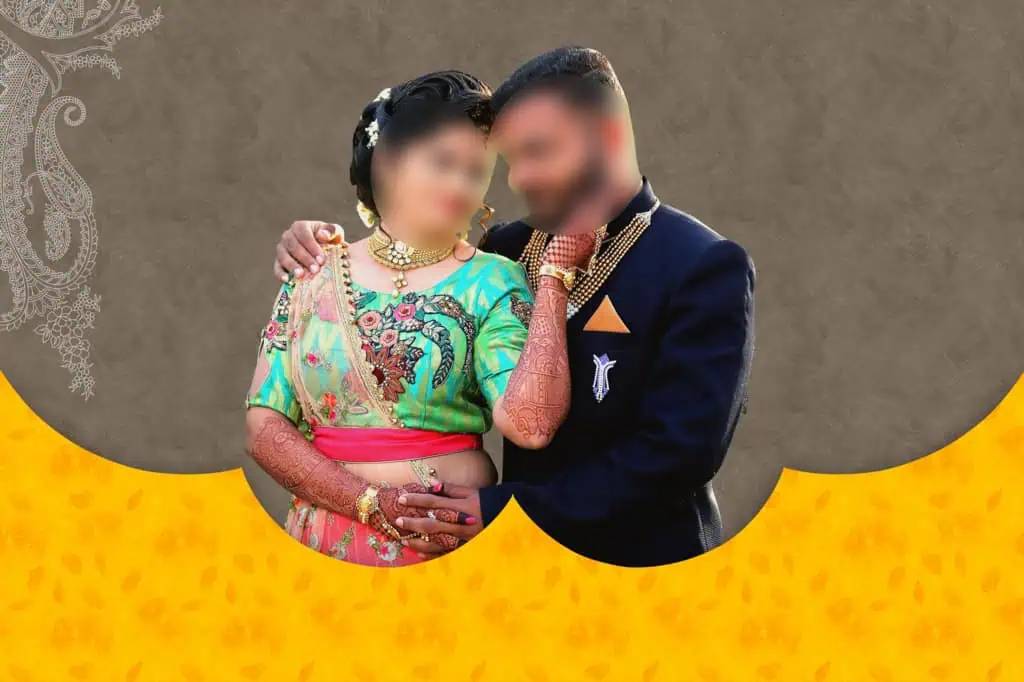
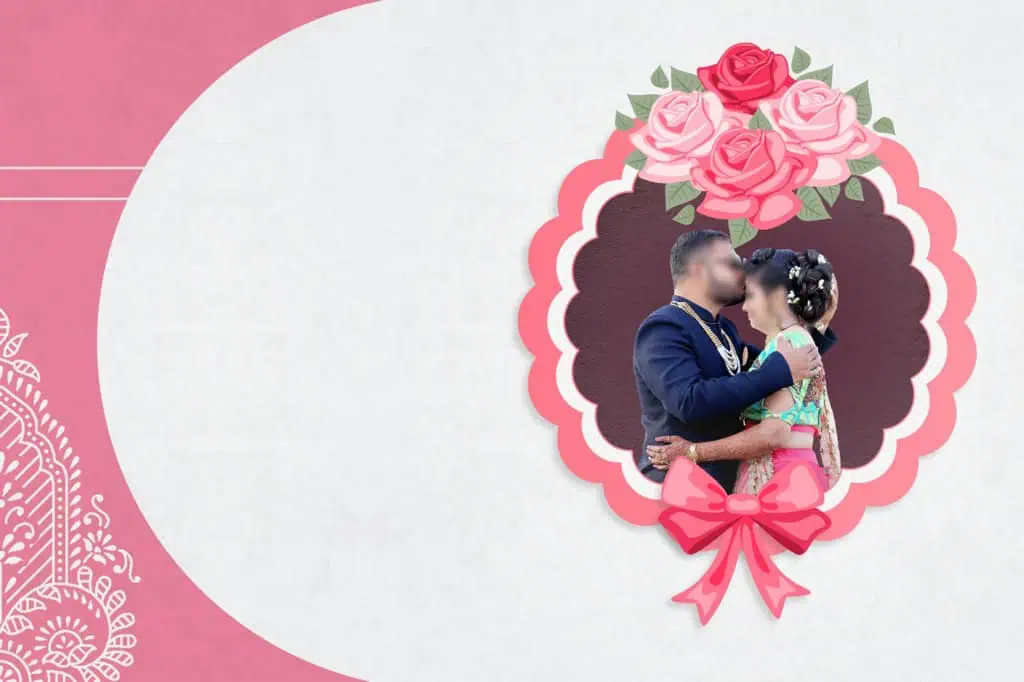
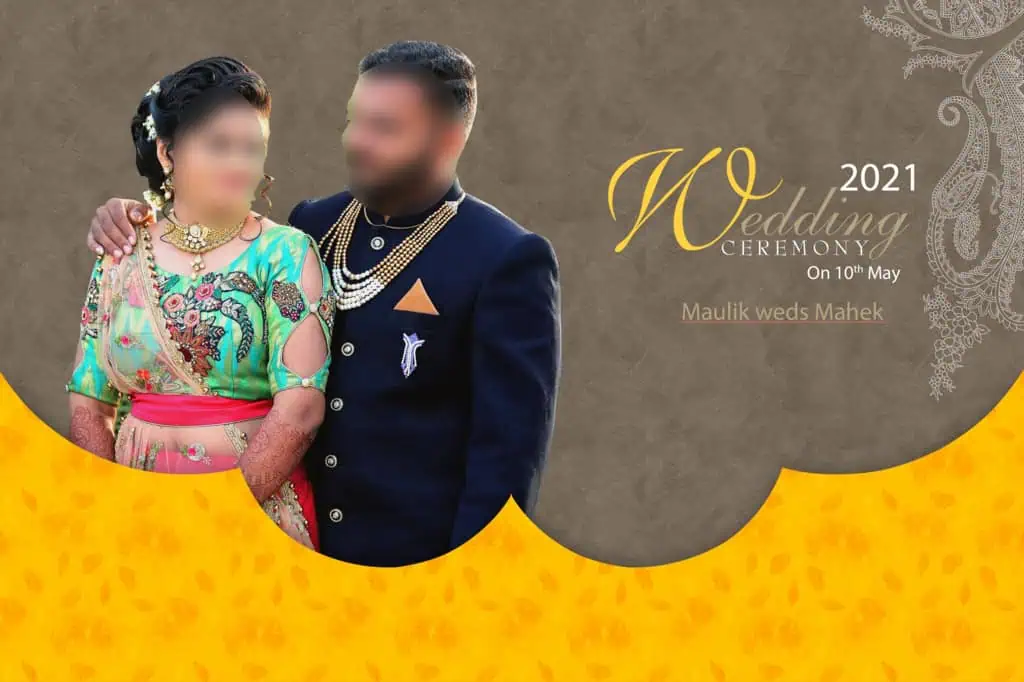
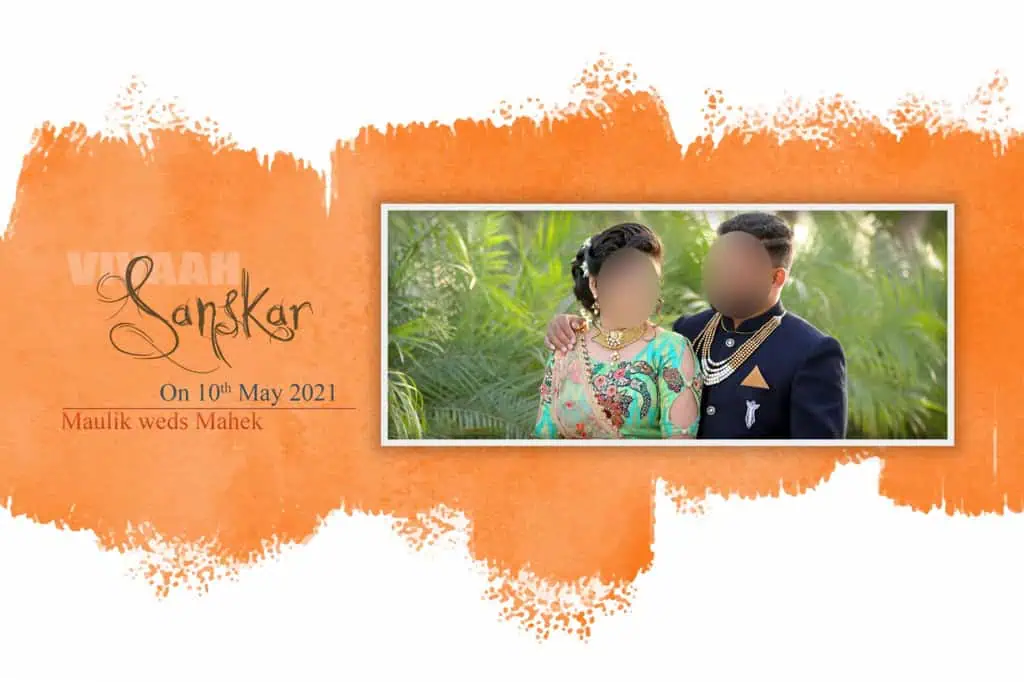
The cover photo wedding style can vary from simple portrait layouts to elaborate compositions with multiple images and ornamental backgrounds. Some designs focus on the couple’s main wedding portrait, while others include smaller photographs capturing special moments from the ceremony.
For Indian weddings, a cover may feature traditional colors such as red, maroon, gold, cream, or pastel shades. Modern wedding albums may instead use minimal typography, soft backgrounds, clean photo arrangements, and subtle decorative accents. Selecting a suitable style helps create a consistent appearance between the album cover and the pages inside.
#01
#02
#03
#04
#05
#06
#07
#08
#09
#10

Explore Wedding Cover Design Inspiration on PSDPix.com
A wedding album cover design should match the mood and photography of the album. A traditional wedding with colorful attire and detailed ceremonies may suit a decorative layout, while a contemporary wedding photoshoot may look better with a clean, minimal design.
On PSDPix.com, readers can explore wedding design resources and use relevant artwork as inspiration for their Photoshop projects. When browsing a wedding photo album cover collection, look for compositions that offer suitable photo placement, balanced text, and a design style that can work with your client’s photographs.
The collection topic 25+ Wedding Photo Album Cover Free Download 2026 is intended for designers searching for wedding cover inspiration and related resources. Before downloading any individual file, confirm its availability, format, document dimensions, resolution, editing features, and licensing information on the actual resource page.
A suitable cover layout can help reduce repetitive work in the studio, but customization remains important. Adjust the photo positions, colors, text, and decorative elements so the finished album feels connected to the couple rather than looking like a generic template.
#11
#12
#13
#14
#15
#16

#17
#18

#19

#20
How to Download and Customize Wedding Album Covers
Follow these steps when working with an available wedding cover design resource.
1. Find the design resource: Visit the relevant PSDPix.com resource page, when available, and follow its download instructions. Confirm that the resource matches the cover size and style you need.
2. Extract the downloaded file: If the resource is delivered in ZIP format, extract it using a suitable utility. Keep the original downloaded archive as a backup.
3. Open the file in Photoshop: Open the PSD in compatible editing software and check its document dimensions, resolution, color mode, and layer structure before editing.
4. Replace the photographs: Insert the selected couple’s portraits or wedding photographs into the layout. Use the available image placeholders or layers if the file supports them, and crop images without cutting off important details.
5. Customize the cover design: Change the couple’s names, wedding date, background colors, text styles, and decorative elements as needed. Keep the composition balanced and avoid unnecessary effects.
6. Prepare the final artwork: Review image quality, margins, binding space, document size, and color settings. Follow your album printer’s specifications before exporting the final design.
#21
#22
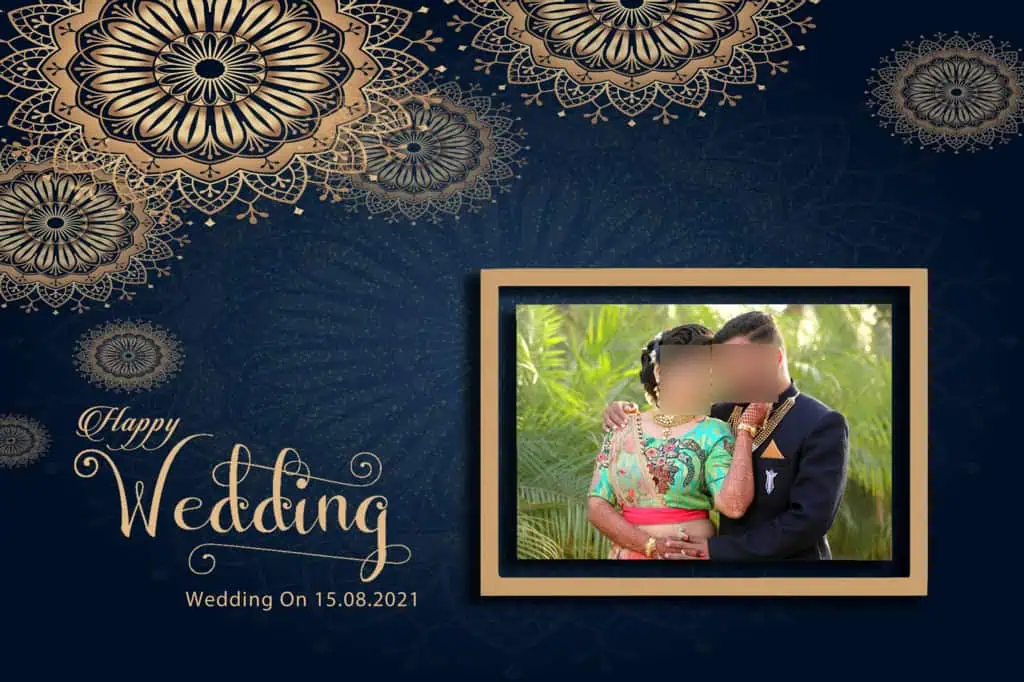
#23
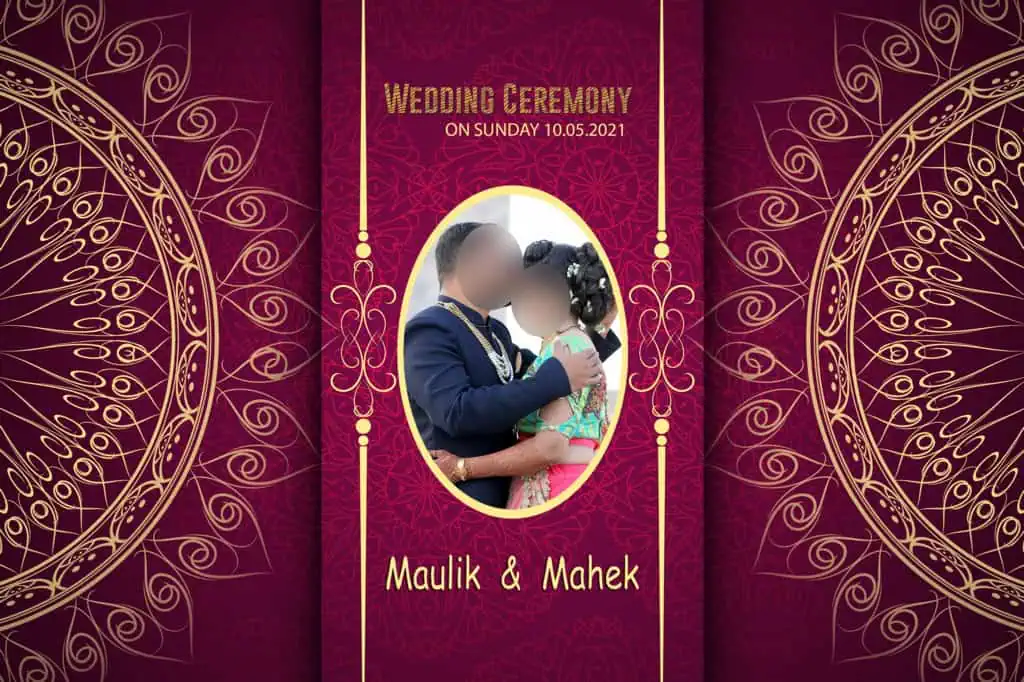
#24
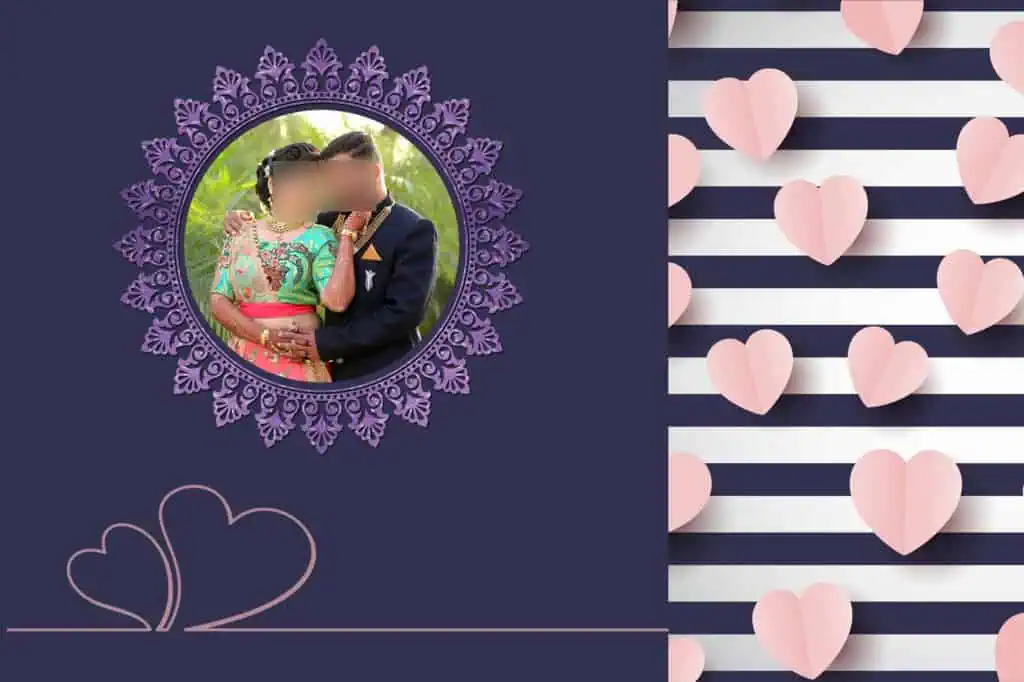
#25
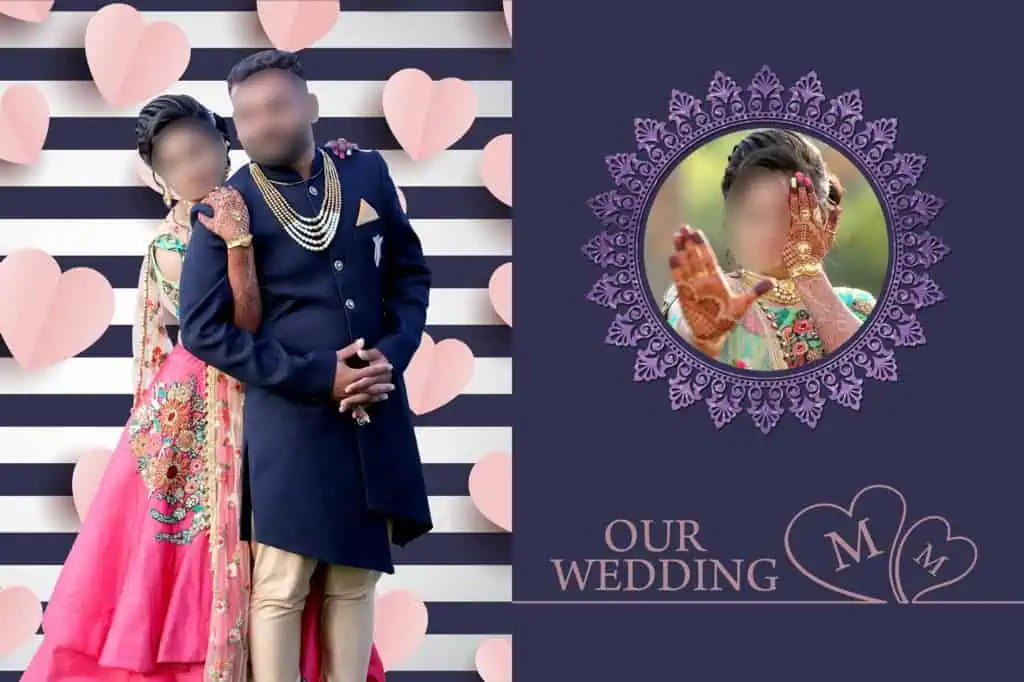
#26
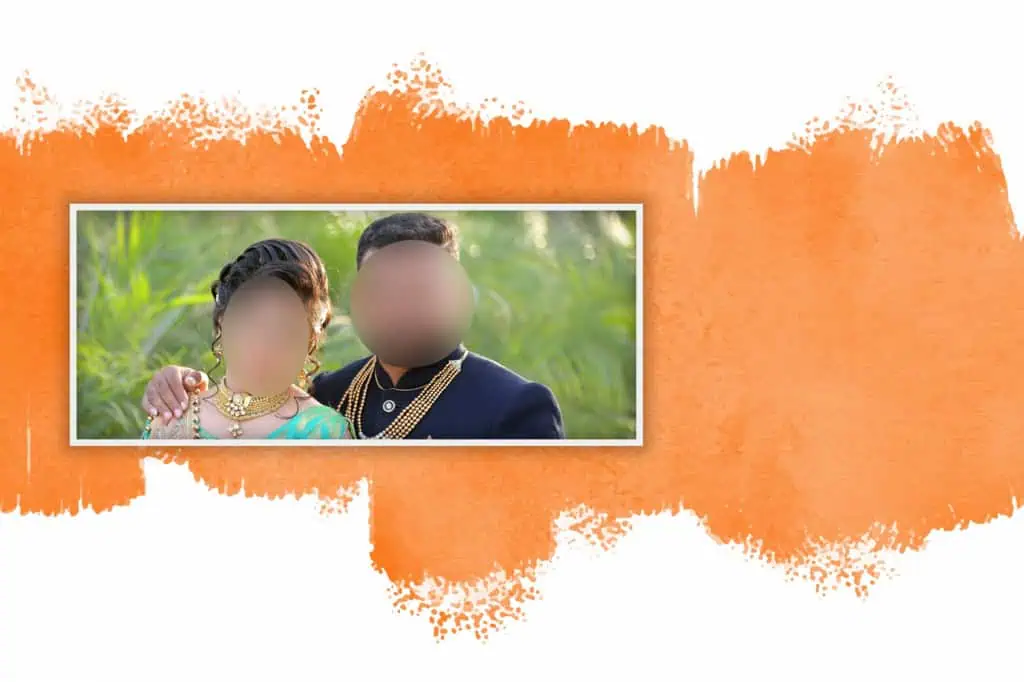
Save Time During Wedding Album Design Projects
Wedding photography studios often manage several albums at the same time. A reusable cover layout can help designers start projects faster, particularly when deadlines are close or clients request multiple revisions.
A practical approach is to organize cover resources into folders based on design styles, such as traditional, minimal, floral, portrait-focused, and modern. This makes it easier to locate suitable references when a client shares their preferred theme.
Reusable layouts also help maintain consistency across a studio’s work. Designers can create a recognizable visual style while still making each album different through photography, typography, color combinations, and layout adjustments.
However, saving time should not mean skipping the creative review. Always check whether the cover suits the client’s photographs and whether the text and design elements remain readable at the final album size. Small adjustments to spacing, cropping, or alignment can make a noticeable difference in the finished presentation.
Practical Tips for Better Wedding Photo Album Covers
- Select the strongest photograph: Choose a clear couple portrait that expresses the mood of the wedding and works well with the cover composition.
- Keep typography readable: Names and wedding details should remain easy to read. Avoid placing text over busy image areas.
- Check printing requirements: Confirm the document dimensions, image resolution, color profile, bleed, and binding margins with the album printer.
- Maintain editable backups: Save the working PSD separately from the final export so future changes can be made without rebuilding the artwork.
Frequently Asked Questions
Where can I find wedding photo album cover designs?
You can explore wedding album design resources and cover inspiration on PSDPix.com. Check the individual resource page for confirmed download availability and file details.
Are wedding album cover PSD files free to download?
Download conditions depend on the individual resource. Check the relevant download page to confirm whether the file is free and whether any conditions apply.
Can I edit wedding album covers in Photoshop?
PSD files can be opened in Photoshop, but editing options depend on the file’s structure. Check whether photographs, text, backgrounds, and decorative elements are available as editable layers.
Which photos are best for a wedding album cover?
Use a sharp, well-composed photograph of the couple with suitable lighting and enough space for the cover layout. Select an image that reflects the wedding’s style and looks good at the intended print size.
Can I use downloaded wedding covers for commercial album projects?
Commercial use depends on the individual resource’s license. Review the usage terms before using downloaded artwork for paid photography clients or redistributing modified designs.
Conclusion
Choosing the right wedding photo album cover helps create an attractive first impression and gives the entire album a visual identity. A balanced composition, suitable photographs, readable typography, and coordinated colors can help designers produce a cover that reflects the couple’s wedding memories.
Explore wedding cover design resources on PSDPix.com for inspiration for your next album project. Select a suitable layout, customize it according to your client’s requirements, and check all file specifications and licensing terms before preparing the final wedding album cover.