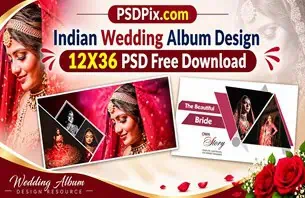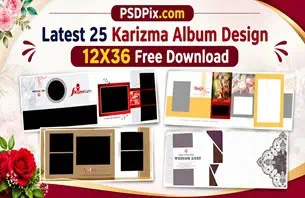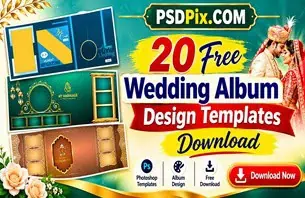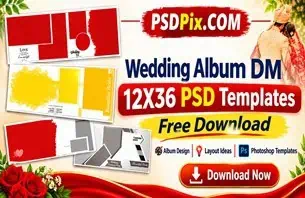
Creating a wedding album in Photoshop can be challenging for beginners and busy designers. Arranging photographs, choosing backgrounds, maintaining alignment, and balancing decorative elements requires time and attention. A good layout makes these tasks easier and gives the album a consistent visual appearance.
Free PSD Templates for Wedding Album can help designers get started with an existing composition instead of creating every page from a blank canvas. These resources can be useful for wedding photographers, album designers, photo studios, and Photoshop users who want a practical starting point for album projects.
At PSDPix.com, wedding album design resources are intended for designers looking for creative inspiration and useful design materials. Whether you are creating an album for a traditional Indian wedding, reception, engagement, or pre-wedding shoot, a suitable layout can help you arrange photographs in a clean and meaningful way.
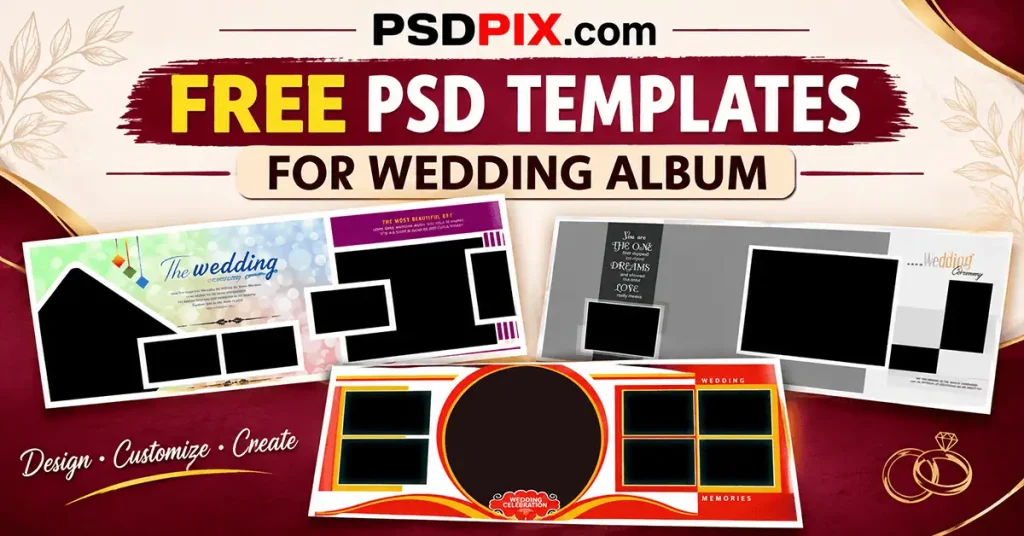
Free PSD Templates for Wedding Album
Table of Contents
Free PSD Templates for Wedding Album and Their Benefits
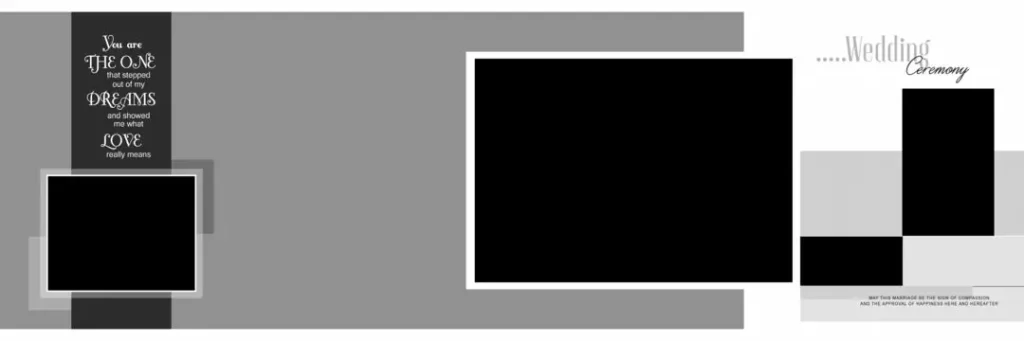
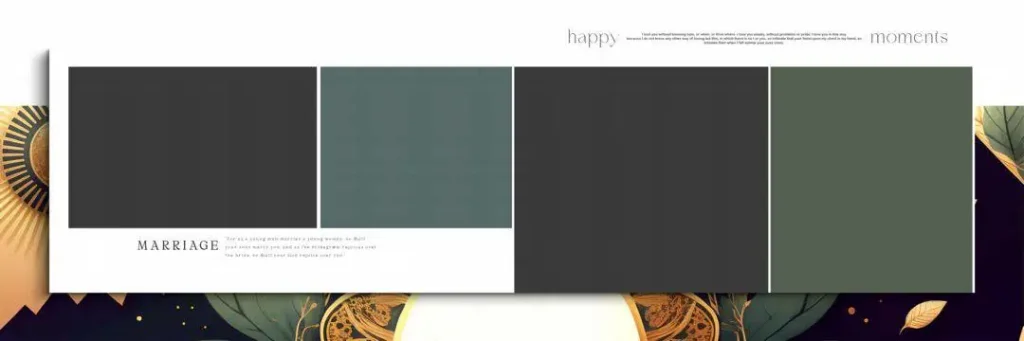
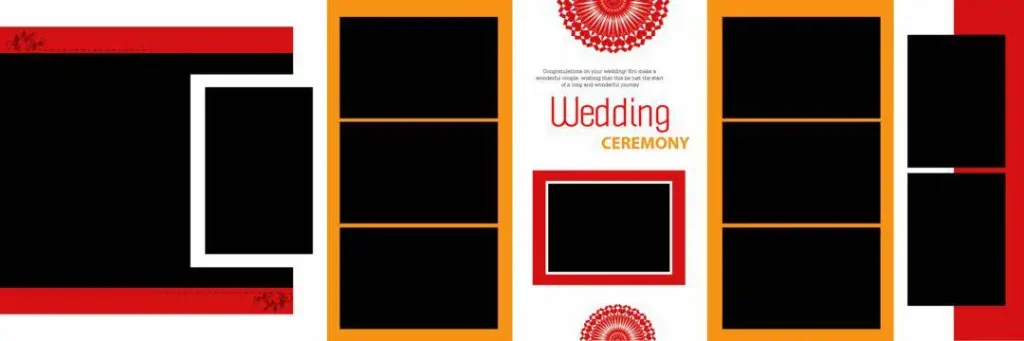
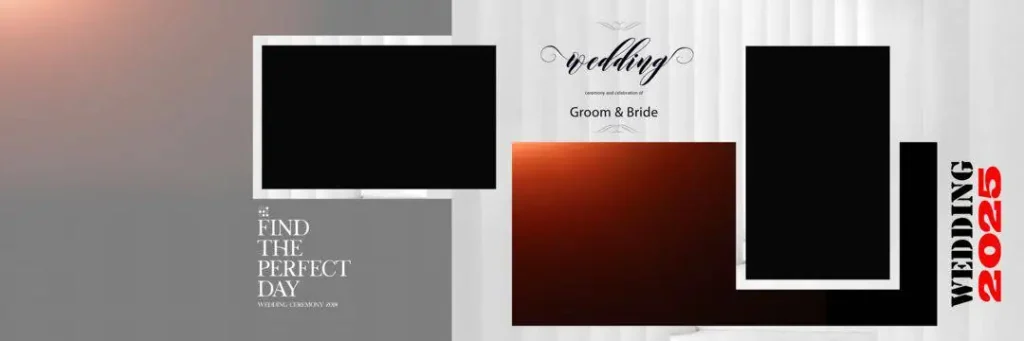
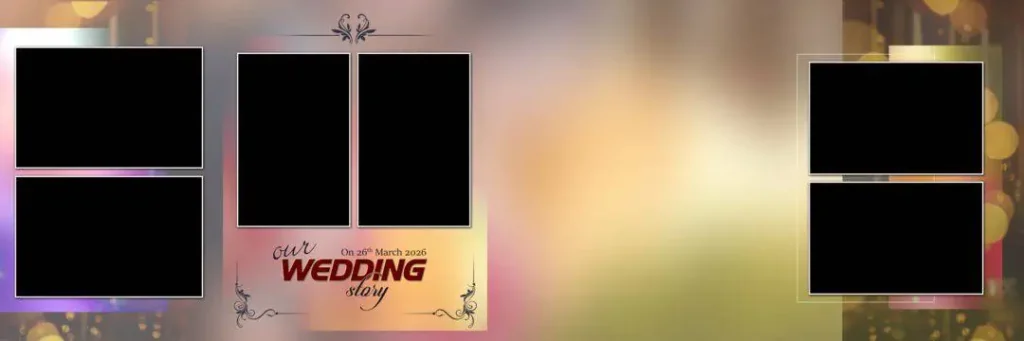
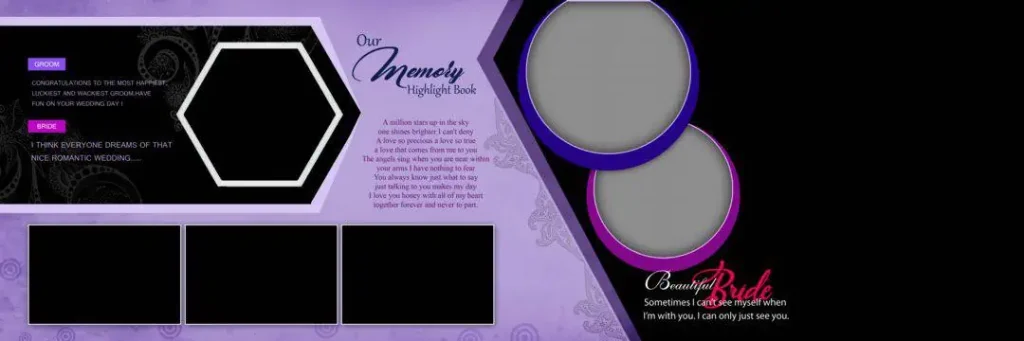
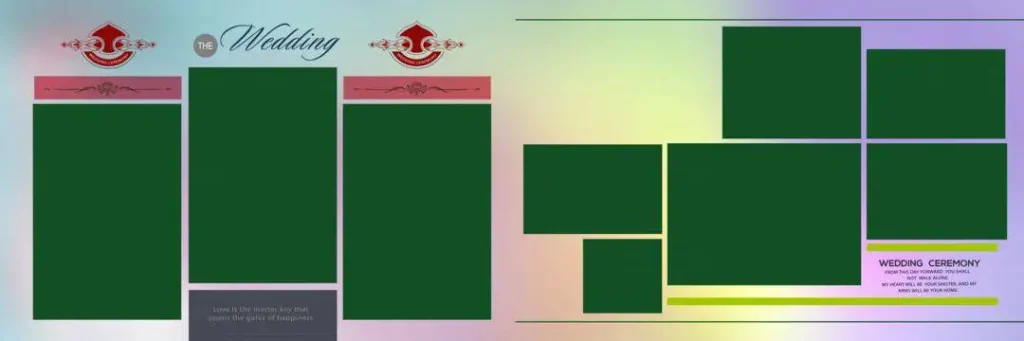
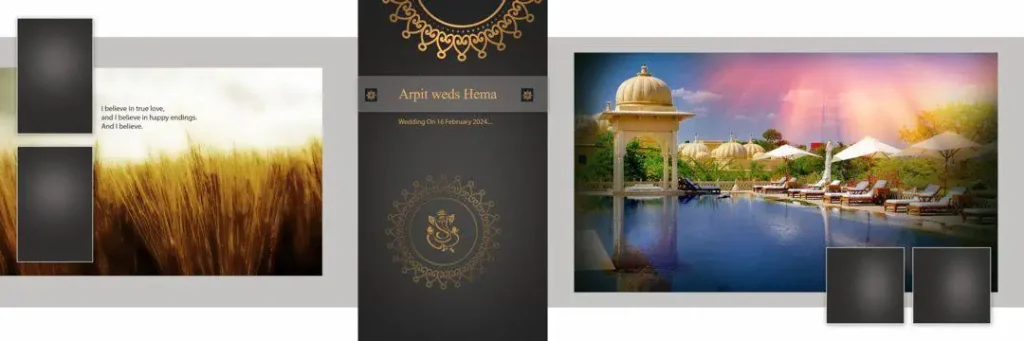
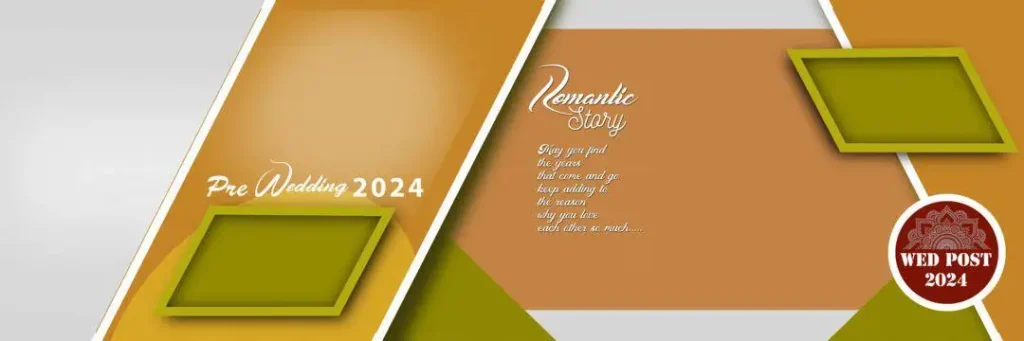
Free PSD templates for wedding album are pre-designed Photoshop layouts used to arrange wedding photographs, backgrounds, text, and decorative elements into album pages. They provide a starting structure for album creation and can be customized according to the photographs, wedding theme, and printing requirements.
A wedding album design PSD can help designers maintain balanced photo placement, consistent spacing, and attractive compositions. Depending on the file structure, designers may be able to modify backgrounds, text, image frames, and other elements to suit their project.
These templates are especially useful for Indian wedding albums, where photographs from Mehendi, Haldi, Sangeet, Baraat, wedding rituals, and reception celebrations need to be arranged into a memorable story.
#01

#02

#03
#04
#05

#06
#07
#08
#09
#10

Explore Wedding Album Templates for Your Next Project
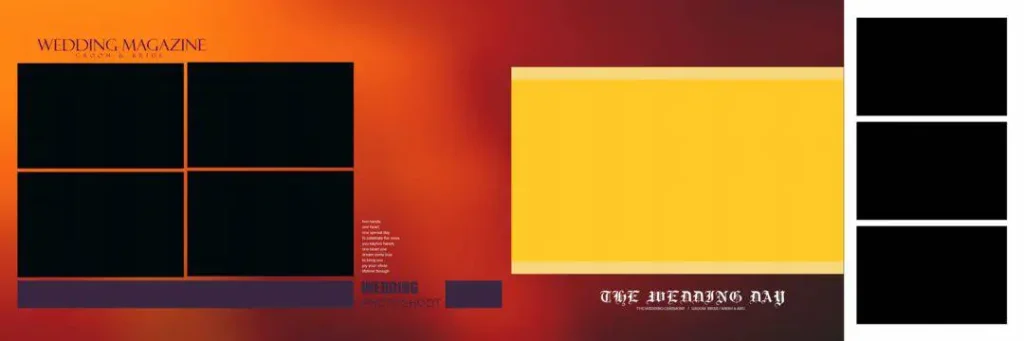
Wedding album layouts come in different styles, from minimal designs with simple photo frames to decorative compositions with floral backgrounds, textures, and creative effects. Choosing the right design depends on the type of photographs you have and the album style requested by your client.
A clean layout is often suitable for couple portraits, while a multi-photo composition can work well for wedding ceremonies and family moments. Designers searching for 12 * 36 album templates free download resources should pay attention to the layout balance and whether the template fits the album dimensions they intend to use.
At PSDPix.com, you can explore wedding album design ideas and related PSD resources for your creative projects. Before downloading a specific resource, review its available format, file details, download instructions, and license terms. These details can vary between individual files.
#11

#12
#13
#14
#15
How to Use Wedding Album PSD Templates in Photoshop
Follow these steps to customize an album template for your photography project.
1. Download the required template: Find the wedding album PSD resource you want to use and follow the download instructions provided on its page. Choose a design that matches your photographs and album format.
2. Extract the downloaded file: If the resource comes in a ZIP archive, extract it to a folder on your computer. Keep the original downloaded file as a backup.
3. Open the PSD in Photoshop: Open the design and check the canvas size, image resolution, layer arrangement, and other document settings before editing.
4. Replace the sample photographs: Add your selected wedding images to the template. If the file includes Smart Objects or organized photo layers, use the available structure to replace images while maintaining the composition.
5. Customize the layout: Adjust photo sizes, backgrounds, colors, text, and decorative elements. Make the design suitable for the wedding theme and avoid overcrowding the page.
6. Prepare the album for printing: Check the document dimensions, image quality, color profile, bleed, and binding space. Save the editable PSD and export the final artwork according to the printer’s requirements.
Learning Album Design Through Editable PSD Templates
Free wedding album design resources can also help new designers improve their Photoshop skills. Studying an existing composition provides a practical way to understand how photographs, backgrounds, frames, typography, and decorative elements work together.
When opening a PSD, examine the layer arrangement and identify how different parts of the design are organized. Notice how the designer uses contrast, spacing, image sizes, and visual hierarchy to guide attention. These details can help you understand why some album pages look balanced while others feel crowded.
You can also use templates as creative references instead of copying every element exactly. Try changing the photo arrangement, adjusting background shades, or simplifying decorative effects. Over time, these small experiments can help you develop your own wedding album design style and create more original compositions.
Practical Tips for Better Wedding Album Designs
- Choose photographs carefully. Select images with good lighting, sharp details, and suitable expressions before placing them into the layout.
- Maintain consistent spacing. Keep photo frames, margins, and alignment balanced across album spreads for a professional appearance.
- Check the printing requirements. Confirm the album size, resolution, color profile, bleed, and binding margins with your printer.
- Keep the PSD editable. Save a separate working copy and preserve the original template in case you need to make revisions later.
Frequently Asked Questions
1. Where can I find free PSD templates for wedding album designs?
You can explore wedding album design resources on PSDPix.com and other design-resource websites. Always check the individual resource page for download availability and details.
2. Can I edit wedding album PSD templates in Photoshop?
Yes, PSD files are designed for Photoshop editing. However, the extent of customization depends on the file’s layers, effects, and structure.
3. Are 12×36 album design PSD files suitable for printing?
They can be used for 12×36 album projects if the document dimensions and layout are appropriate. Always verify the actual file size and printer requirements before printing.
4. Can I use wedding album templates for client projects?
Usage depends on the resource license. Check the terms for commercial use before using any template in a paid wedding album or client project.
5. How can I customize a 12×36 album template?
Open the PSD in Photoshop, replace the photographs, adjust the backgrounds and design elements, and check the page dimensions, resolution, bleed, and binding space before exporting.
Conclusion
Free PSD Templates for Wedding Album are helpful resources for wedding photographers, graphic designers, album makers, and photo studio owners who want a starting point for creative album layouts. They can make photo arrangement easier while also offering opportunities to learn Photoshop composition and design techniques.
Explore wedding album design PSD resources on PSDPix.com to find inspiration for your next project. Whether you are creating a traditional wedding album or a modern photo book, select an appropriate layout, customize it thoughtfully, and prepare the final pages according to printing specifications.