Pre wedding album projects often require a different creative approach from traditional wedding albums. Photographers want to highlight the couple’s chemistry, outdoor locations, outfit changes, candid moments, and romantic poses without making every page look the same. Creating these layouts from scratch can take considerable time, especially when several album projects are waiting for completion.
A Pre Wedding Album PSD can provide a useful starting point for designers who need to arrange couple photographs into attractive album pages. Instead of beginning with a blank canvas, designers can work with a reference layout and adjust the composition according to the selected photographs and client’s preferences.
At PSDPix.com, designers and photo studio owners can explore pre wedding album design resources for creative inspiration and their Photoshop workflow. The right layout can help organize images, maintain visual balance, and create a consistent presentation throughout a couple’s pre wedding album.
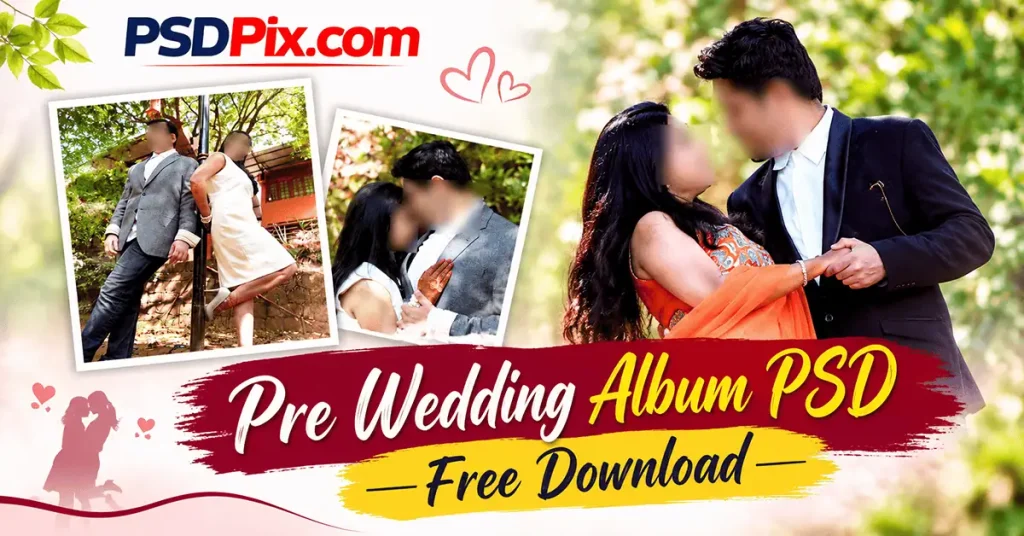
Pre Wedding Album PSD
Table of Contents
What Is a Pre Wedding Album PSD?
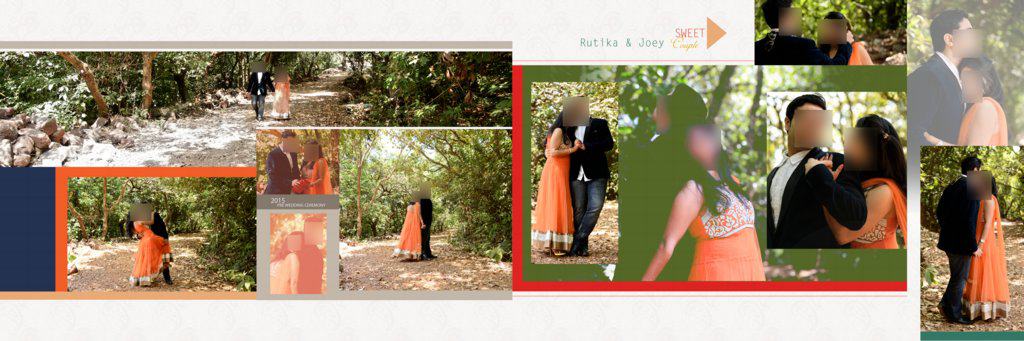
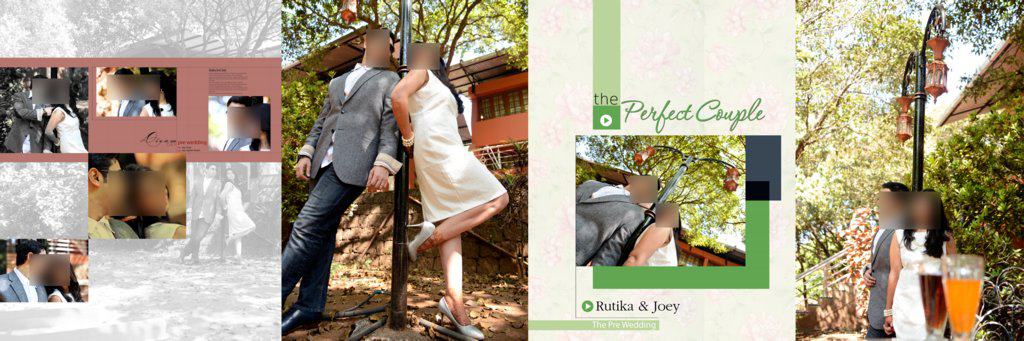
A Pre Wedding Album PSD is a Photoshop design file intended for arranging pre wedding photographs into album layouts. It can help designers create pages featuring romantic couple portraits, scenic backgrounds, candid moments, and coordinated photo compositions.
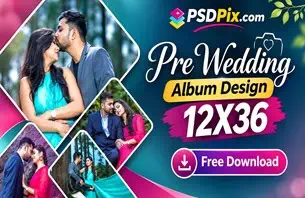
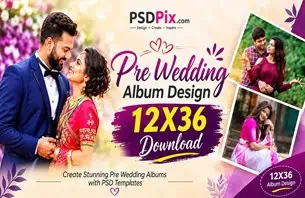
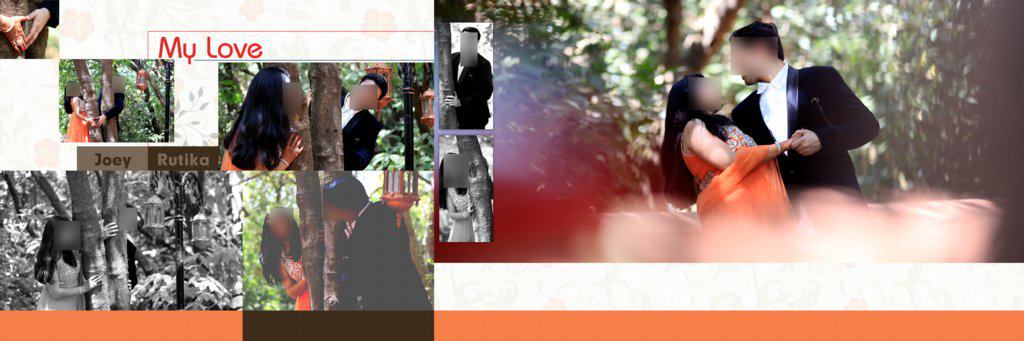
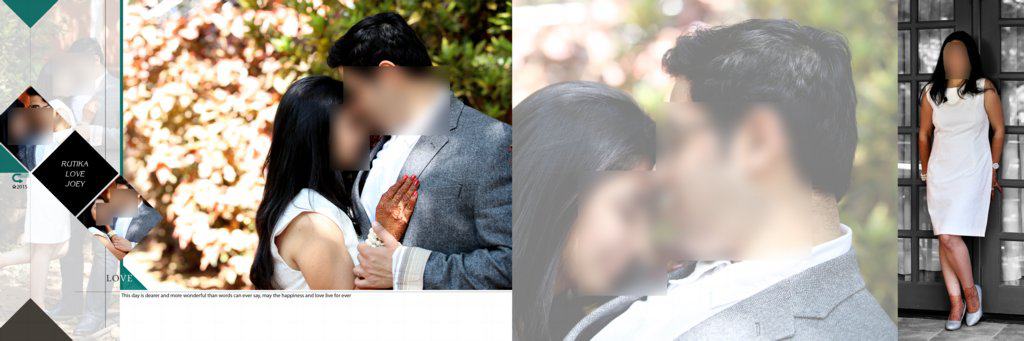
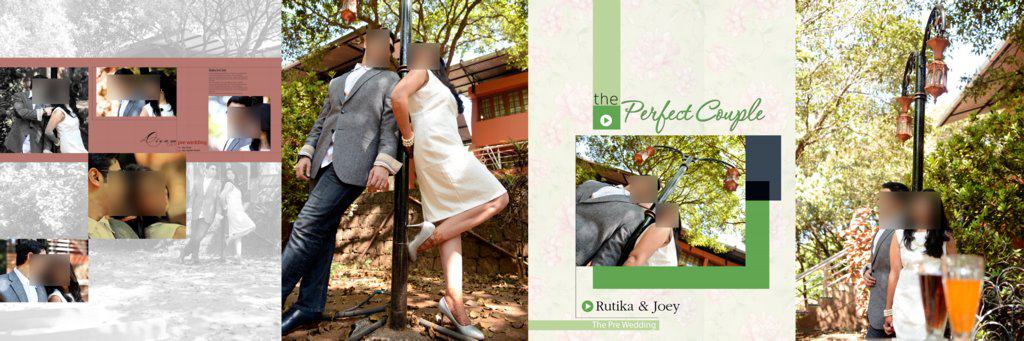
These layouts are commonly used for pre wedding photography albums in formats such as 12×36 inches, depending on the document specifications of the selected template. A PSD file may allow designers to modify photo placement, background elements, colors, decorative graphics, and text, depending on its layer structure.
For wedding photographers and album designers, pre wedding album design PSD resources can make the creative process more organized. They also provide opportunities to study photo placement, spacing, composition, and the relationship between different images on an album spread.
#01
#02
#03
#04
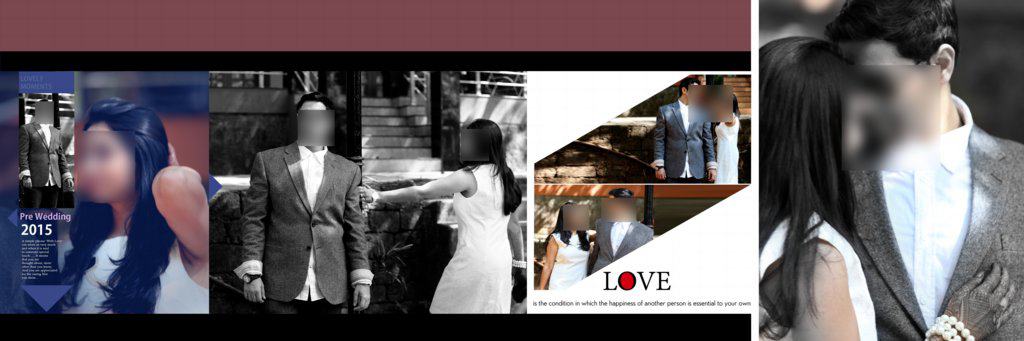
#05
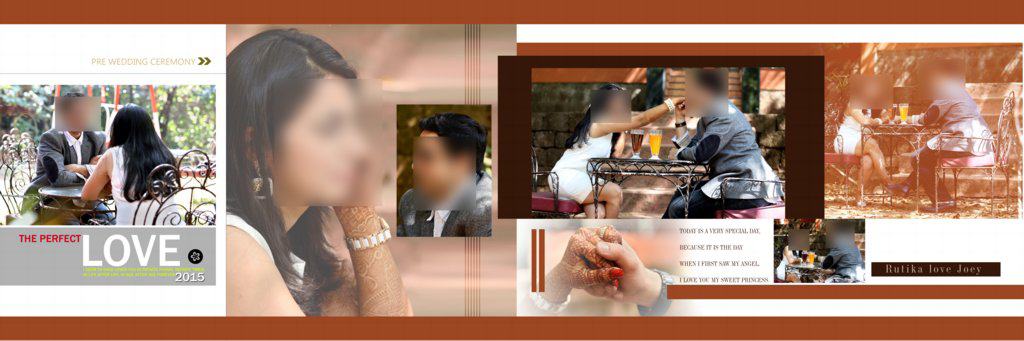
#06
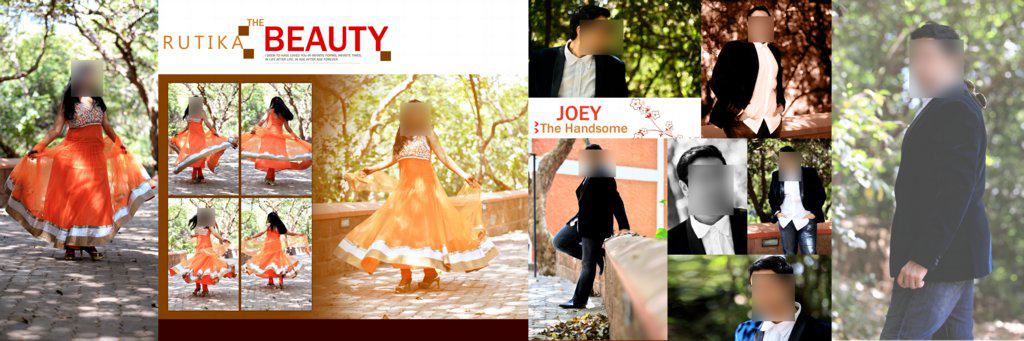
#07
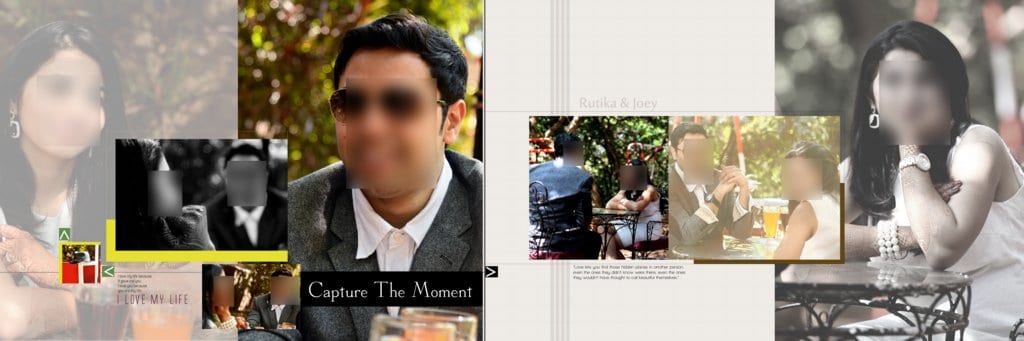
#08

#09
#10
Explore Pre Wedding Album Designs on PSDPix.com
Pre wedding photography usually includes a variety of scenes, from close-up portraits to wide outdoor photographs. A good album layout should present these images naturally instead of overcrowding the page with too many photographs or decorative elements.
PSDPix.com is the website featured for this resource topic, where readers can find relevant design inspiration and explore available pre wedding album resources. Before downloading or editing any file, check the actual resource page for its format, dimensions, resolution, available layers, and download conditions.
A 12×36 pre wedding album PSD is often considered for panoramic album spreads. However, the final layout should always match the album size selected by the photographer or printing studio. Using the correct document dimensions from the beginning can reduce unnecessary resizing and help maintain a better workflow.
How to Use a Pre Wedding Album PSD
Follow these steps to customize a pre wedding album design for your photography project.
1. Download the design file: Visit the relevant resource page on PSDPix.com and follow the download instructions provided there. Confirm the file format before proceeding.
2. Extract the ZIP file: If the resource is delivered in a ZIP archive, extract it using your preferred file extraction software to access the design files.
3. Open the PSD in Photoshop: Open the file in Adobe Photoshop or compatible editing software. Check the document dimensions, resolution, color mode, and layer organization before editing.
4. Replace the couple photographs: Add your selected pre wedding images to the layout. If the PSD contains Smart Objects or image layers, use the available structure to replace photos without disturbing the overall composition.
5. Customize the layout: Adjust photo sizes, backgrounds, colors, decorative elements, and text to suit the couple’s photography style. Avoid using too many effects that distract from the main photographs.
6. Prepare the final album pages: Review the spread at full size, check image quality, confirm the printer’s color settings and bleed requirements, and save an editable copy before exporting the final artwork.
Managing Pre Wedding Album Projects Under Tight Deadlines
Photo studios often handle multiple albums at the same time, particularly during the wedding season. Pre wedding photographs may also arrive in large batches, making image selection and page arrangement an important part of the workflow. Reusable layouts can help designers start faster while leaving room for creative changes.
A practical approach is to organize photographs before opening the PSD. Separate images into categories such as portraits, location shots, candid expressions, outfit changes, and wide compositions. This makes it easier to select suitable photographs for each page.
When working with a pre wedding album design 12×36 layout, keep the visual flow across the full spread in mind. A photograph placed on one side should feel connected to the other side. Avoid placing important faces, hands, or details near the central binding area.
Using a pre wedding album design PSD as a base does not mean every page needs to look identical. Changing image combinations, spacing, background tones, and focal points can give each spread its own character while maintaining a consistent album style.
Practical Tips for Better Pre Wedding Album Design
- Choose photographs carefully: Use images with complementary lighting, colors, poses, and backgrounds to make each spread feel connected.
- Check image resolution: Avoid enlarging small photographs excessively, as this may reduce detail in the printed album.
- Keep the binding area clear: Avoid placing faces and important subjects near the center fold where they may be affected during album binding.
- Maintain an editable backup: Save the original PSD and create a separate working copy before making major changes to the design.
Frequently Asked Questions
1. Are pre wedding album PSD files free to download?
Download conditions depend on the individual resource. Check the relevant download page to confirm whether the file is free and whether any restrictions apply.
2. Which software is needed to edit a pre wedding PSD?
Adobe Photoshop is commonly used for PSD editing. Other compatible software may open PSD files, but some layers, effects, or features may not work exactly as expected.
3. Can I use a pre wedding album PSD for client projects?
Commercial usage depends on the resource’s license. Review the applicable terms before using the template in paid photography or album design projects.
4. Why use a 12×36 pre wedding album PSD?
The 12×36 format can accommodate panoramic album spreads, allowing designers to combine multiple photographs and create a wider visual composition, depending on the album’s actual specifications.
5. How can I prepare pre wedding PSD files for printing?
Check the final dimensions, image resolution, color profile, bleed, and binding requirements provided by your album printer before exporting the artwork.
Conclusion
A well-planned pre wedding album can turn a collection of couple photographs into a memorable visual story. Using a Pre Wedding Album PSD can provide a practical starting point for photo arrangement, composition, and customization while helping designers manage their album workflow.
Explore the relevant pre wedding resources on PSDPix.com and choose a layout that suits your photographs and project requirements. With thoughtful image selection, balanced composition, and careful print preparation, you can create attractive pre wedding album design PSD pages for your clients.