
Pre-wedding photography is all about capturing the chemistry, emotions, and excitement of a couple before their wedding day. A beautiful location can make a photograph memorable, but the right background also plays an important role when creating a polished photo composition in Photoshop. Designers often need creative scenery to make couple portraits look romantic and visually appealing.
A Pre Wedding Photo Background can help photographers and album designers create beautiful compositions when the original photographs have plain backgrounds, distracting objects, or limited shooting locations. With the right background image, a designer can build a dreamy scene, improve the atmosphere, and create a more cohesive look for a pre-wedding album.
At PSDPix.com, graphic designers, photo studio owners, and Photoshop users can explore creative design resources for their photo editing projects. Pre-wedding background images can be useful for album layouts, photo manipulation, digital invitations, and customized couple portraits when the background suits the photographs and the desired visual style.
Pre Wedding Photo Background
Table of Contents
Pre Wedding Photo Background and Its Creative Uses
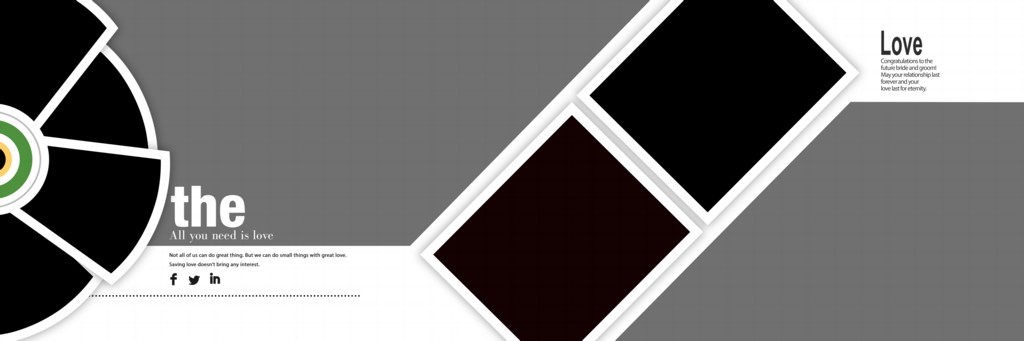
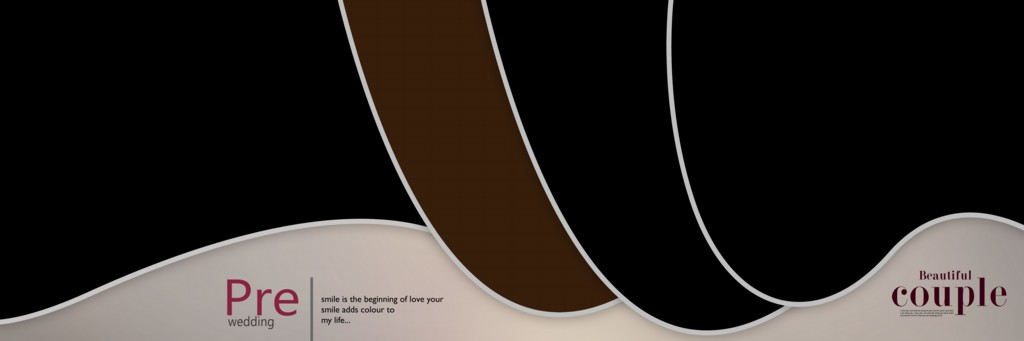
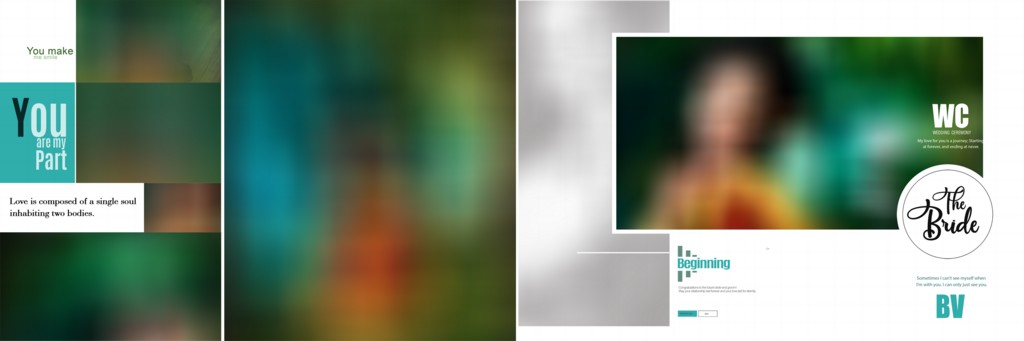
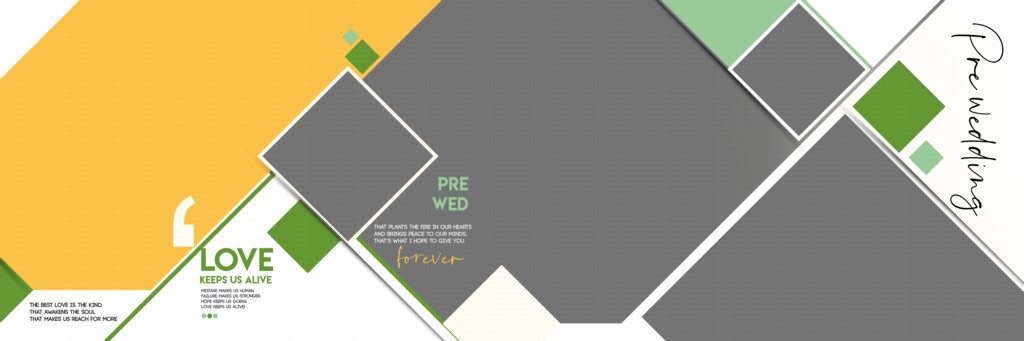
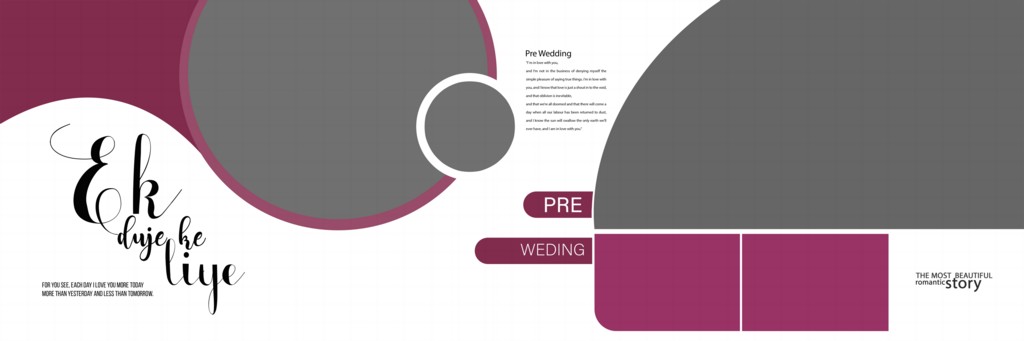
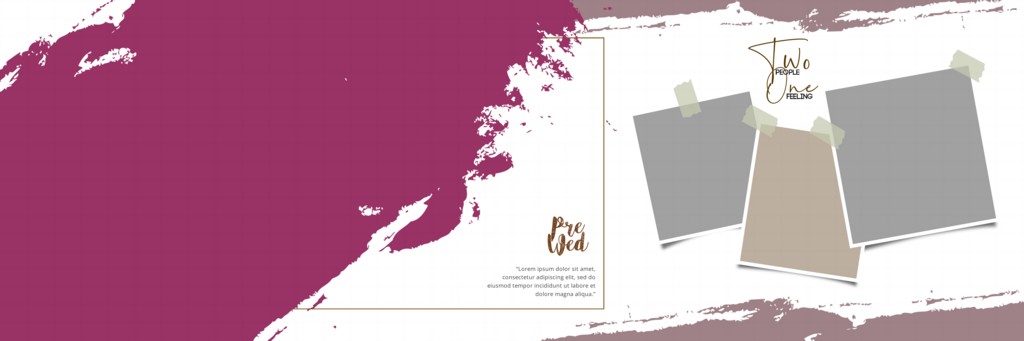
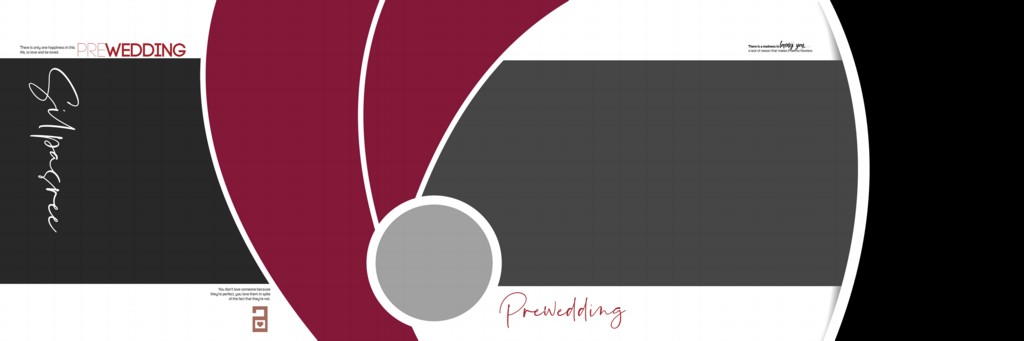
A pre-wedding photo background is a digital image used behind a couple’s photograph to create a particular setting, mood, or visual theme. It can represent an outdoor landscape, romantic garden, sunset, architectural location, or artistic environment. Designers use these images in Photoshop to create compositions that look more interesting than a simple portrait with a plain backdrop.
These backgrounds are particularly useful when a couple wants a location-based photo effect without having to photograph at that exact place. A designer can combine the couple’s image with a suitable background for a romantic album page, poster, or digital artwork.
The choice of background should match the lighting, camera angle, clothing, and expressions in the original photograph. A realistic composition depends on how well the subjects fit into the scene, rather than simply placing them over an attractive image.
#01
#02
#03

#04
#05
#06

#07
#08
#09
#10

Explore Pre-Wedding Background Ideas on PSDPix.com
Choosing a suitable background is an important part of photo manipulation. The visual style of the scenery can change the entire mood of a couple’s portrait. Soft natural landscapes, romantic architecture, sunset views, and elegant outdoor settings can all work well depending on the photographs being edited.
When exploring a pre wedding photo background collection, look for images that provide enough space for the couple and allow the subjects to remain the main focus. A background with too many bright objects or strong patterns may distract from the people in the photograph.
PSDPix.com is a resource destination for designers looking for creative Photoshop-related materials. Readers can explore the website for relevant resources and select backgrounds that suit their editing requirements. Since specific file formats, dimensions, resolutions, and licensing details have not been provided here, check the individual resource information before downloading or using any file in a client project.
#11
#12
#13

#14
#15
How to Use a Pre-Wedding Background in Photoshop
A background image can be used in a few simple steps to create a romantic composition. Follow this workflow when editing couple photographs.
1. Download the background image: Visit the relevant resource page on PSDPix.com, select a background that matches your project, and follow the available download instructions.
2. Extract the downloaded file: If the resource is provided in ZIP format, extract it using a suitable utility. Keep the original archive saved so you can access the source file again if needed.
3. Open the photograph and background: Open both images in Adobe Photoshop or compatible software. Check the image dimensions, resolution, and available workspace before starting the composition.
4. Remove the original background: Use Photoshop’s Select Subject, Object Selection, layer masks, or other suitable selection methods to separate the couple from their original background. Refine hair, clothing edges, and transparent areas for a cleaner result.
5. Place and customize the background: Position the background layer behind the couple. Adjust scale, perspective, brightness, color temperature, contrast, and shadows to make both images look visually connected.
6. Prepare the final image: Review the composition at full size, check for rough edges, and confirm the required dimensions. Export the image in the appropriate format for album printing, client delivery, or digital sharing.
Learn Better Photo Manipulation Through Background Editing
Working with pre wedding background images HD can also help new designers understand how professional photo compositions are created. Instead of only placing photographs into a ready-made layout, they can practice selecting subjects, refining masks, balancing colors, and controlling the visual depth of an image.
For example, a couple photographed under bright daylight may look unnatural against a dark evening landscape. Adjusting highlights, shadows, and color temperature can help the subjects blend with the new setting. Adding subtle contact shadows can also make the couple appear more naturally positioned within the scene.
Studying different background for pre wedding photos can help designers understand why certain compositions work better than others. A wide landscape may be ideal for a full-length portrait, while a softly blurred garden scene may work better for a close-up photograph. These small decisions can improve the overall appearance of wedding album design and strengthen Photoshop editing skills.
Practical Tips for Better Pre-Wedding Photo Compositions
– Match the lighting direction: Check where the light falls on the couple and try to match it with the background. Inconsistent lighting can make the subjects look pasted onto the scene.
– Choose backgrounds carefully: Select pre wedding background images that complement the clothing, pose, and mood of the photograph instead of competing with the couple.
– Maintain realistic proportions: Avoid stretching the couple or scenery excessively. Use proper scaling and perspective so the subjects appear naturally positioned.
– Keep an editable backup: Save your working Photoshop document separately before exporting the final image. Editable layers and masks make future revisions much easier.
Frequently Asked Questions
Are pre-wedding photo backgrounds free to download?
Download availability and conditions depend on the individual resource. Check the relevant PSDPix.com page for download details, restrictions, and any applicable licensing information before using the background.
Which software is needed to edit pre-wedding backgrounds?
Adobe Photoshop is commonly used for background replacement and photo manipulation. Other compatible image editors may also work, depending on the image format and editing features required.
Can I use pre-wedding backgrounds for paid client projects?
Commercial usage depends on the license associated with the specific background. Always review the licensing terms before using an image in paid wedding photography, album design, or promotional work.
What type of background works best for couple photographs?
Choose a scene that complements the couple’s pose, clothing, lighting, and photo perspective. Romantic gardens, sunset landscapes, architectural scenes, and soft natural environments are popular creative choices.
How can I make the couple look natural on a new background?
Match the lighting, color temperature, contrast, perspective, and shadows. Carefully refine the selection edges around hair and clothing to avoid visible cutout effects.
Conclusion
A suitable Pre Wedding Photo Background can help transform an ordinary couple portrait into a beautiful romantic composition. Whether you are creating a wedding album page, a creative photo manipulation, or a personalized couple image, the right background can add depth, atmosphere, and visual interest to your design.
Explore the relevant resources on PSDPix.com to find background ideas for your next project. Experiment with different pre wedding background images, practice Photoshop blending techniques, and choose scenery that complements the couple’s photographs for a balanced and appealing result.